



3DMark — The Gamer's Benchmark
5+
unduhan5.0+
versi Android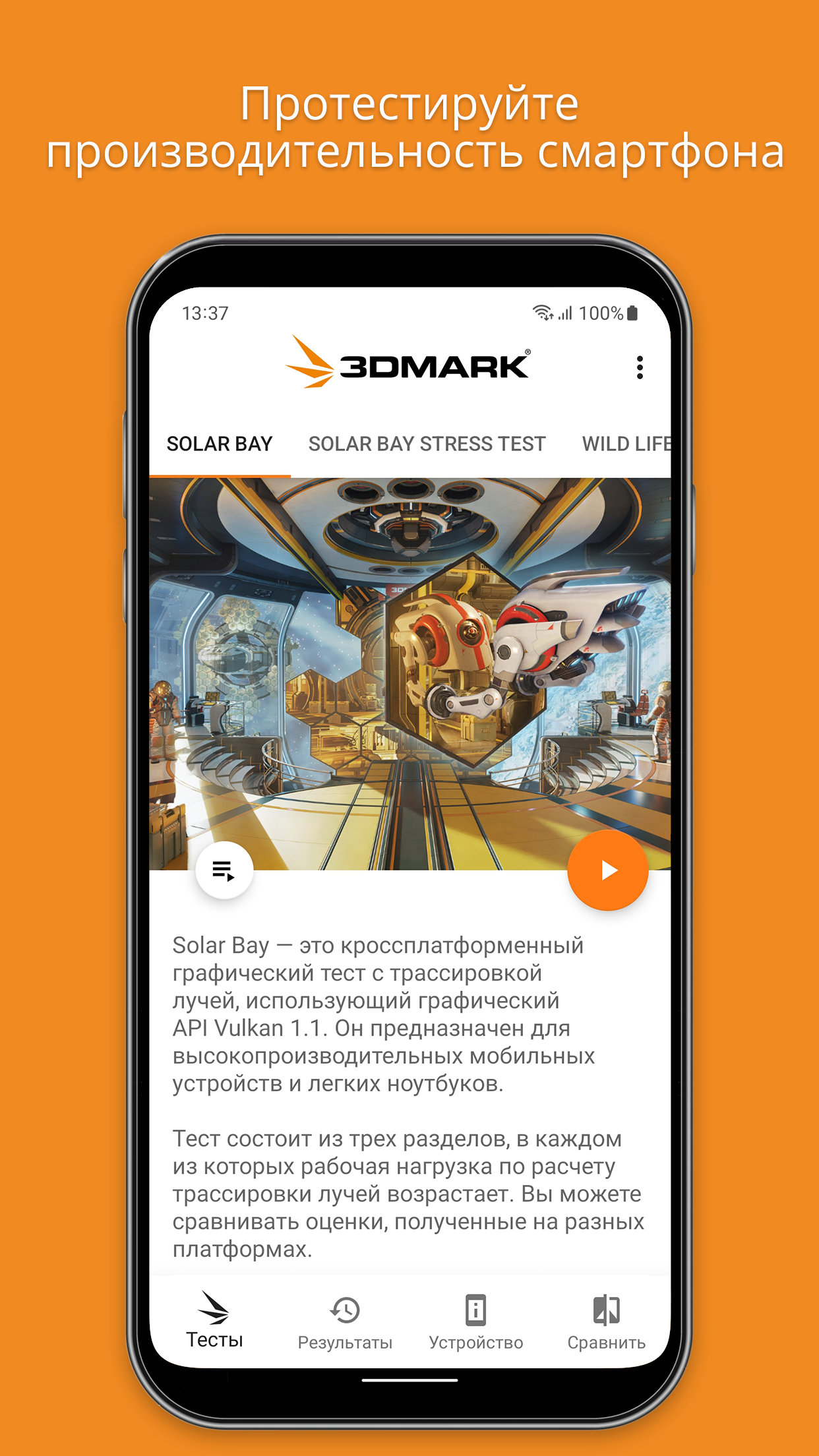
Ditambahkan: Denis Rubinov
Versi: 2.5.4969
Ukuran: 93.7 MB
Diperbarui: 20.05.2025
Developer: UL LLC
Batasan Usia: Everyone
Otorisasi: 7
Diunduh di Google Play: 5374463
Kategori: Alat
Deskripsi
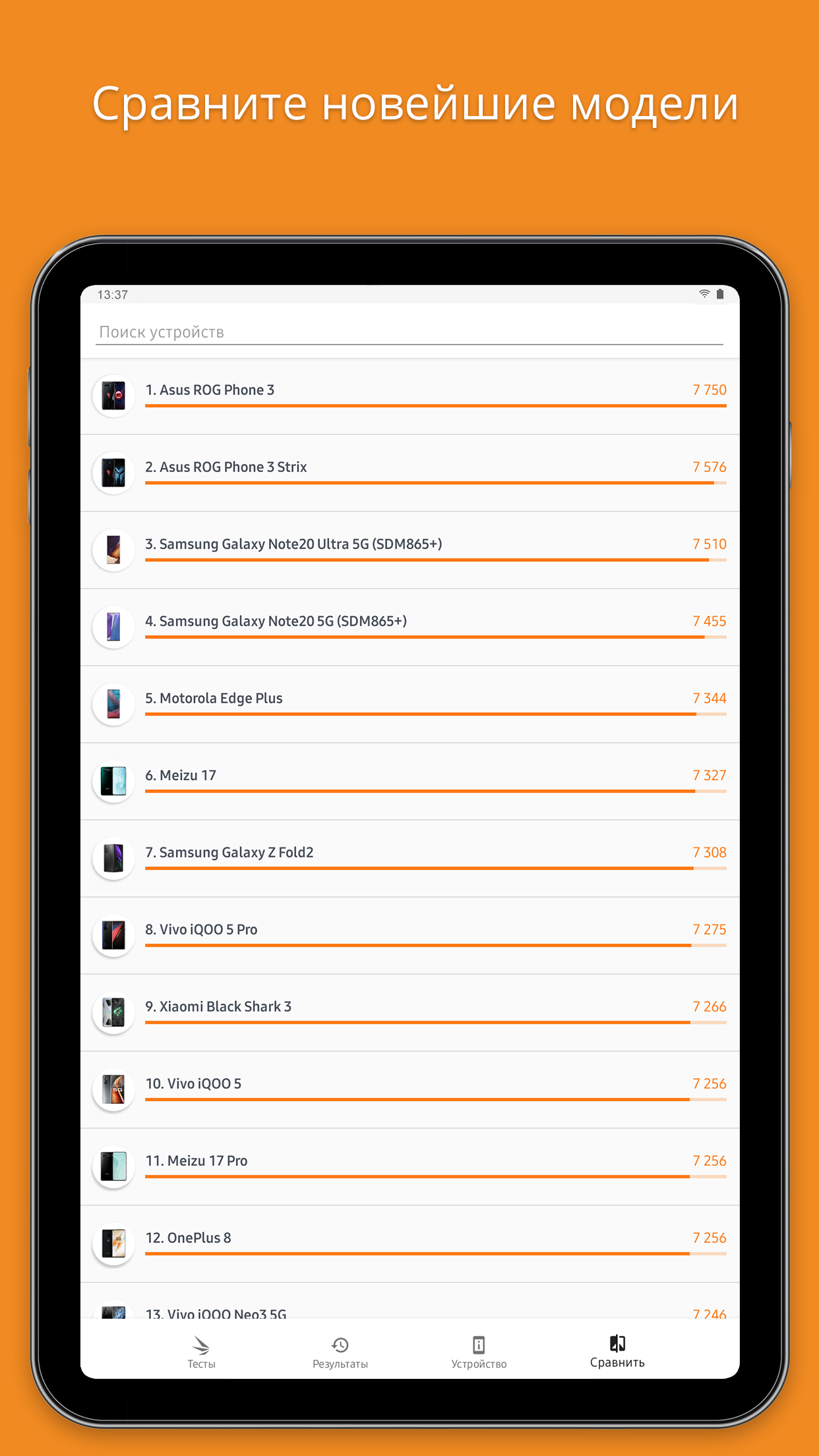
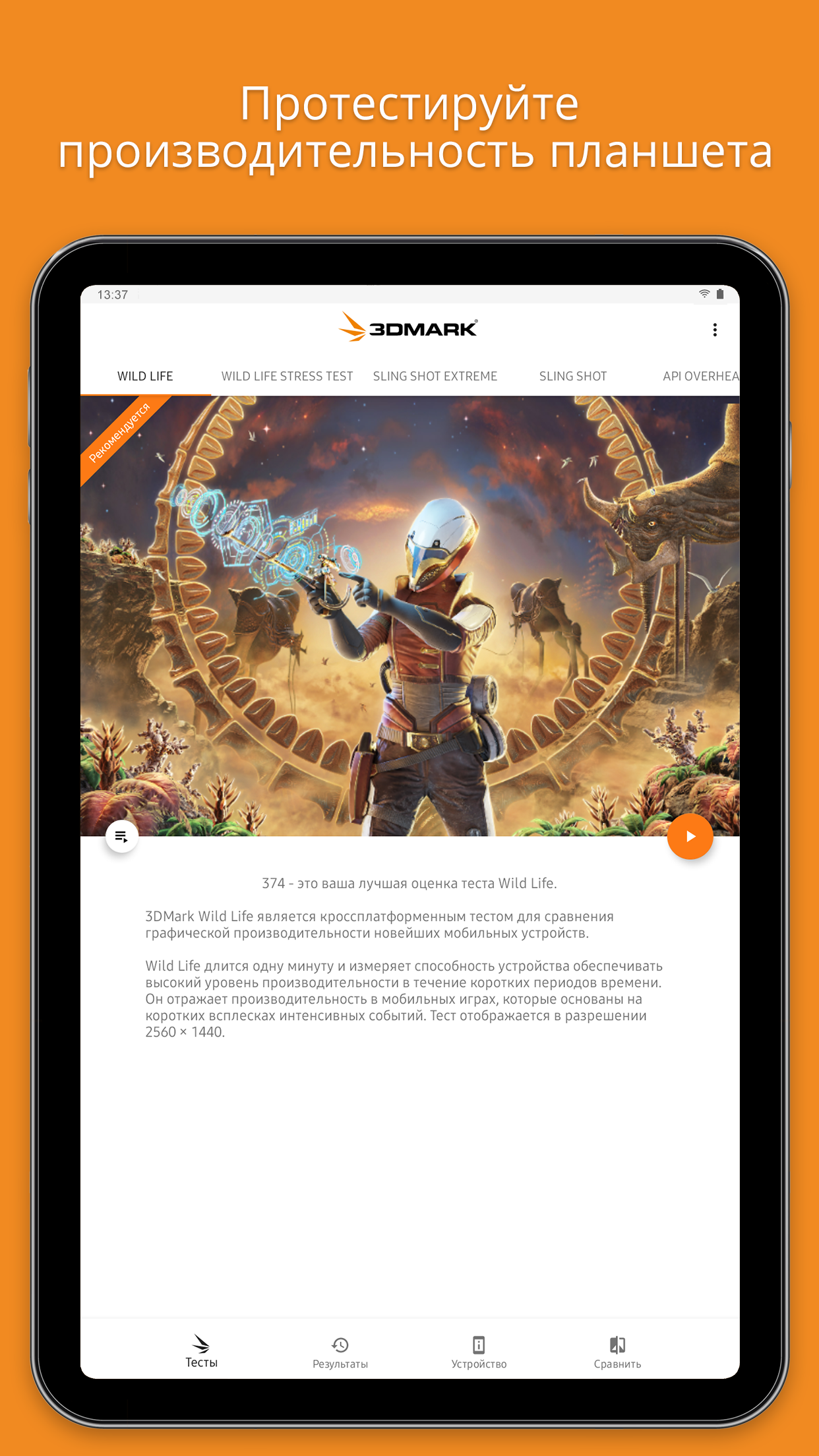
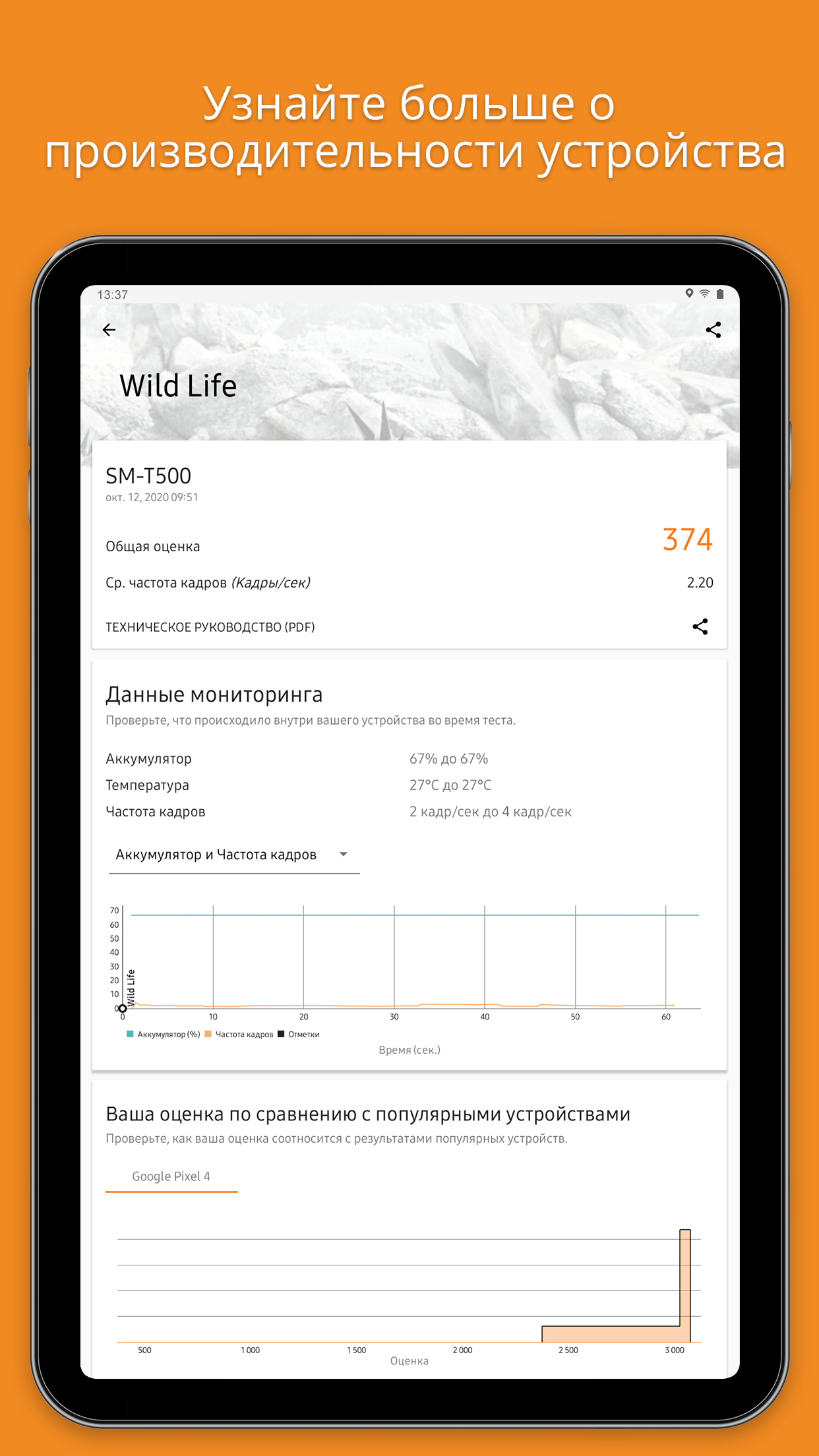
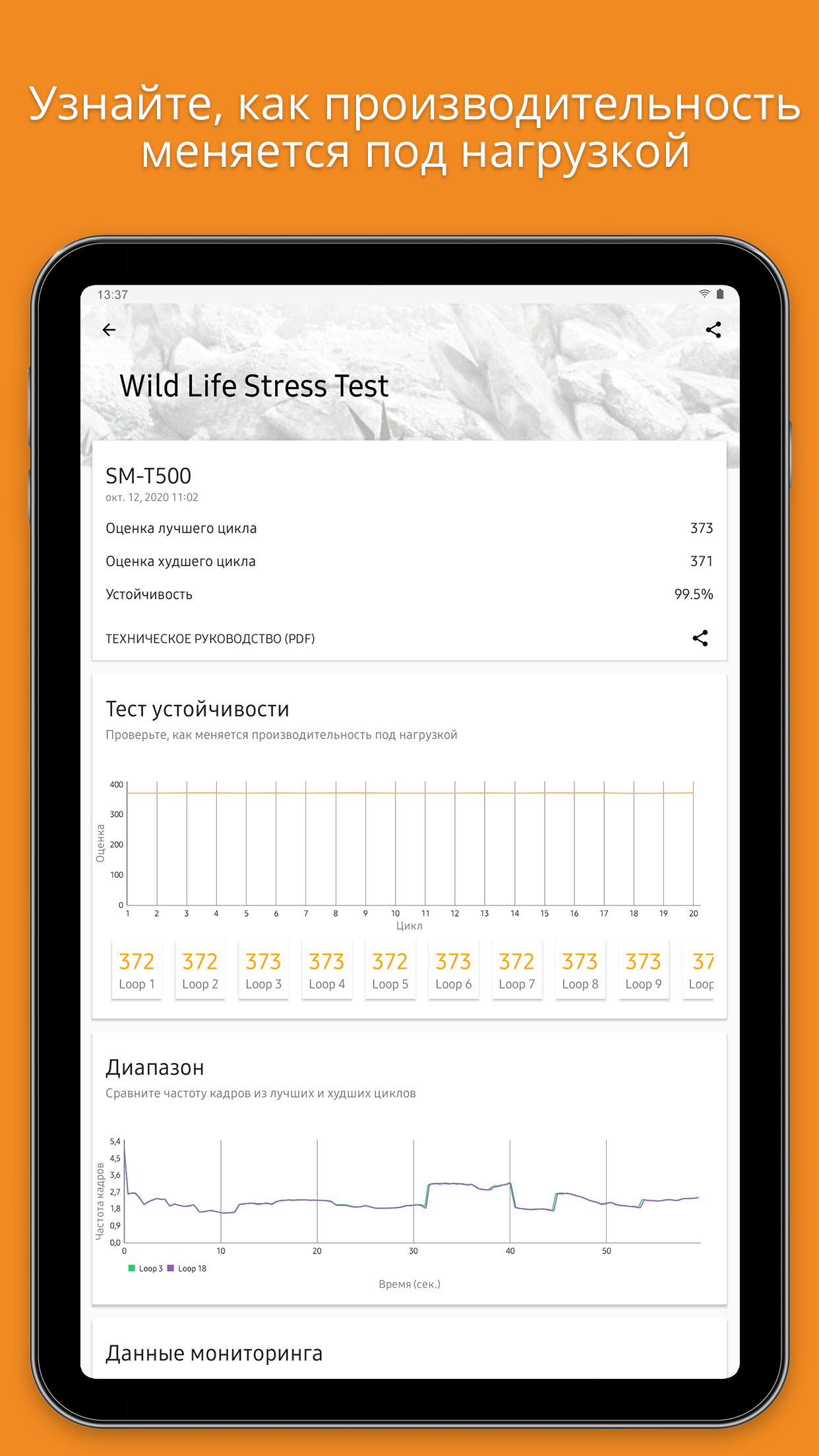
Aplikasi 3DMark — The Gamer's Benchmark diperiksa oleh antivirus VirusTotal. Sebagai hasil pemindaian, tidak ada infeksi file yang terdeteksi oleh semua tanda tangan terbaru.
Cara memasang 3DMark — The Gamer's Benchmark
- Unduh file APK aplikasi dari apkshki.com.
- Temukan file yang diunduh. Anda dapat menemukannya di baki sistem atau di folder 'Download' menggunakan manajer file apa pun.
- Jika file yang diunduh berekstensi .bin (bug WebView di Android 11), ubah namanya menjadi .apk menggunakan pengelola file apa pun atau coba unduh file dengan browser lain seperti Chrome.
- Mulai penginstalan. Klik pada file yang diunduh untuk memulai penginstalan
- Izinkan penginstalan dari sumber yang tidak dikenal. Jika Anda menginstal untuk pertama kalinya 3DMark — The Gamer's Benchmark bukan dari Google Play, buka pengaturan keamanan perangkat Anda dan izinkan penginstalan dari sumber yang tidak dikenal.
- Lewati perlindungan Google Play. Jika proteksi Google Play memblokir penginstalan file, ketuk 'Info Lebih Lanjut' → 'Tetap instal' → 'OK' untuk melanjutkan..
- Selesaikan penginstalan: Ikuti petunjuk penginstal untuk menyelesaikan proses penginstalan.
Cara memperbarui 3DMark — The Gamer's Benchmark
- Unduh versi baru aplikasi dari apkshki.com.
- Cari file yang diunduh dan klik file tersebut untuk memulai penginstalan.
- Instal di atas versi lama. Tidak perlu menghapus instalasi versi sebelumnya.
- Hindari konflik tanda tangan. Jika versi sebelumnya tidak diunduh dari apkshki.com, pesan 'Aplikasi tidak terinstal' mungkin muncul. Dalam kasus ini, hapus instalan versi lama dan instal versi baru.
- Mulai ulang lampiran 3DMark — The Gamer's Benchmark setelah pembaruan.






Meminta pembaruan aplikasi
Ditambahkan Denis Rubinov
Versi: 2.5.4969
Ukuran: 93.7 MB
Diperbarui: 20.05.2025
Developer: UL LLC
Batasan Usia: Everyone
Otorisasi:
Diunduh di Google Play: 5374463
Kategori: Alat















Ulasan untuk 3DMark — The Gamer's Benchmark
Needs more powerful tests that will run on the S25 ultra. some are broken
Says device not supported on S25 Ultra SM-938B
phone test uchun yaxshi
full database, useful benchmark
Works just as you expect a benchmark would, also not ads spam
Not working
good for knows
pretty great benchmark,my redmi a3 gets 17fps max on the low graphics
no just no it makes my phone hot
my potatoe phone's not even mid what the flip.
I haven't found a better way to measure & compare mobile device performance. If I were to do one thing, I would state the difference between Extreme and Extreme Unlimited with the Slingshot tests.
I bought this phone Xiaomi Redmi Note 9S last year August and downloaded the app, worked fine and can run all tests with accurate results but this time when I reinstalled it, it just says "unable to connect to UL servers." My wifi connection is even stable and runs on 110mb/s so I don't know why this app won't "connect." Tried uninstalling and reinstalling a lot of times but to no avail. I don't know why this app worked for my phone last year but this year it can't even start nor download tests
Get hardwere info. from firmwere only. Can not check a fake phone. Other app such as PC Mark can do it.
Worked perfect for me, I dont understand why so many people give 1 star. I think a lot of people dont understand what a benchmark is and shouldnt have downloaded this in the first place. This doesnt help your device run faster, it simply shows your systems current performance. And to the people who said its inaccurate because it changes when you use it over and over, this is known to happen with pretty much all phones. When you use your phone longer, the performance goes down until cooled down.
Updated review: Turns out it's device model specific issue and very little that they can do. But are still helping me side load it. Giving them 5 stars because of the support and otherwise the app works flawlessly on other devices. Old review: Says Connection Error on Poco X2. They asked me to email support but they never replied, wasting my time further.
Kirimkan komentar
Untuk memberikan komentar, masuklah dengan jejaring sosial Anda:
Atau tinggalkan komentar anonim. Komentar Anda akan dikirim untuk dimoderasi.
Kirimkan komentar
Untuk memberikan komentar, masuklah dengan jejaring sosial Anda:
Atau tinggalkan komentar anonim. Komentar Anda akan dikirim untuk dimoderasi.