


AdGuard VPN — private proxy
24+
unduhan5.0+
versi Android



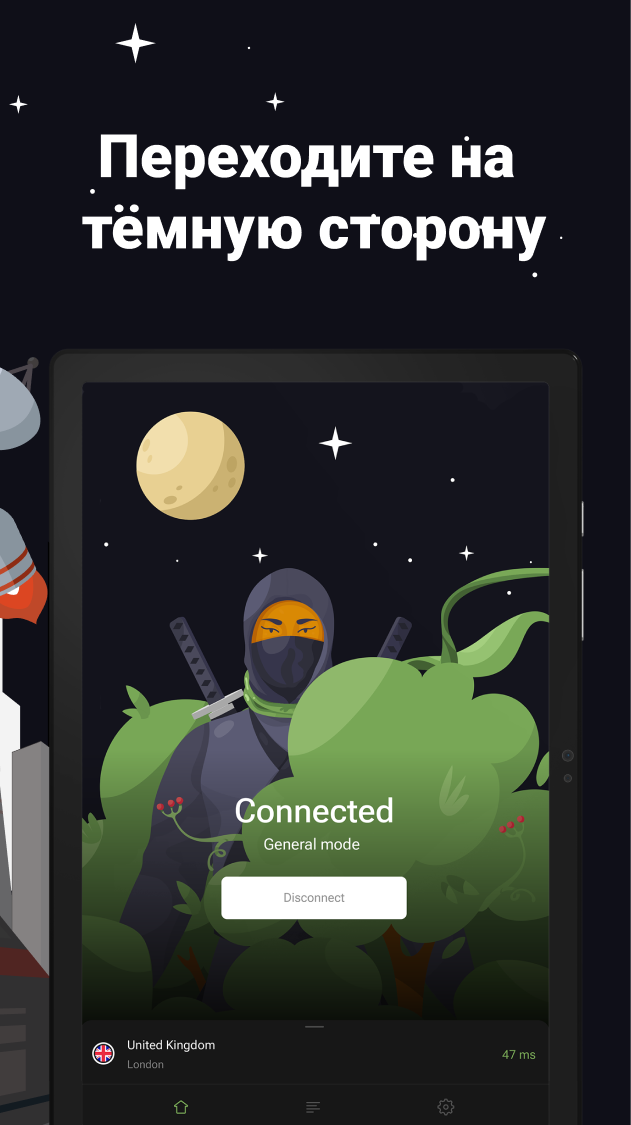

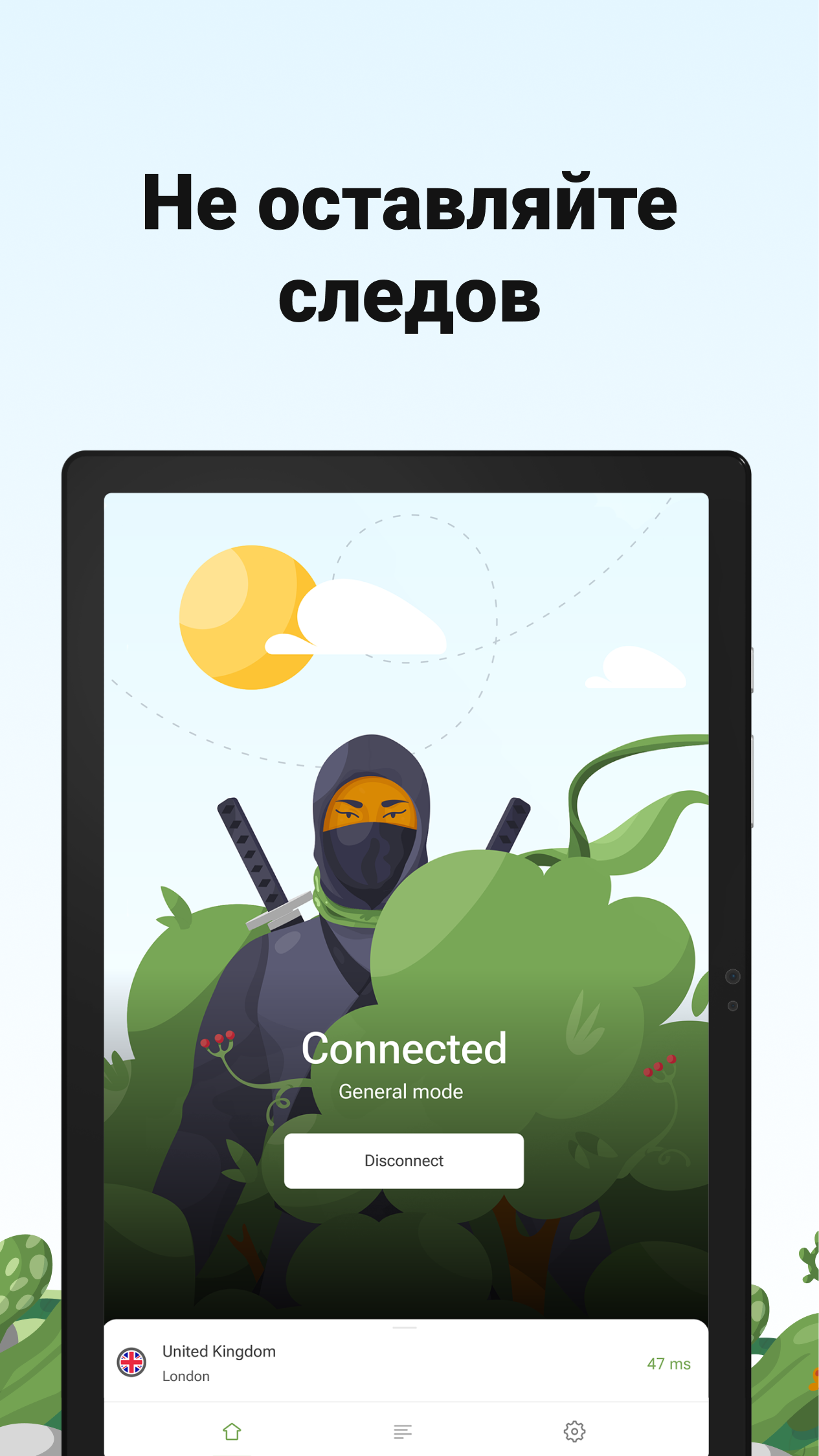
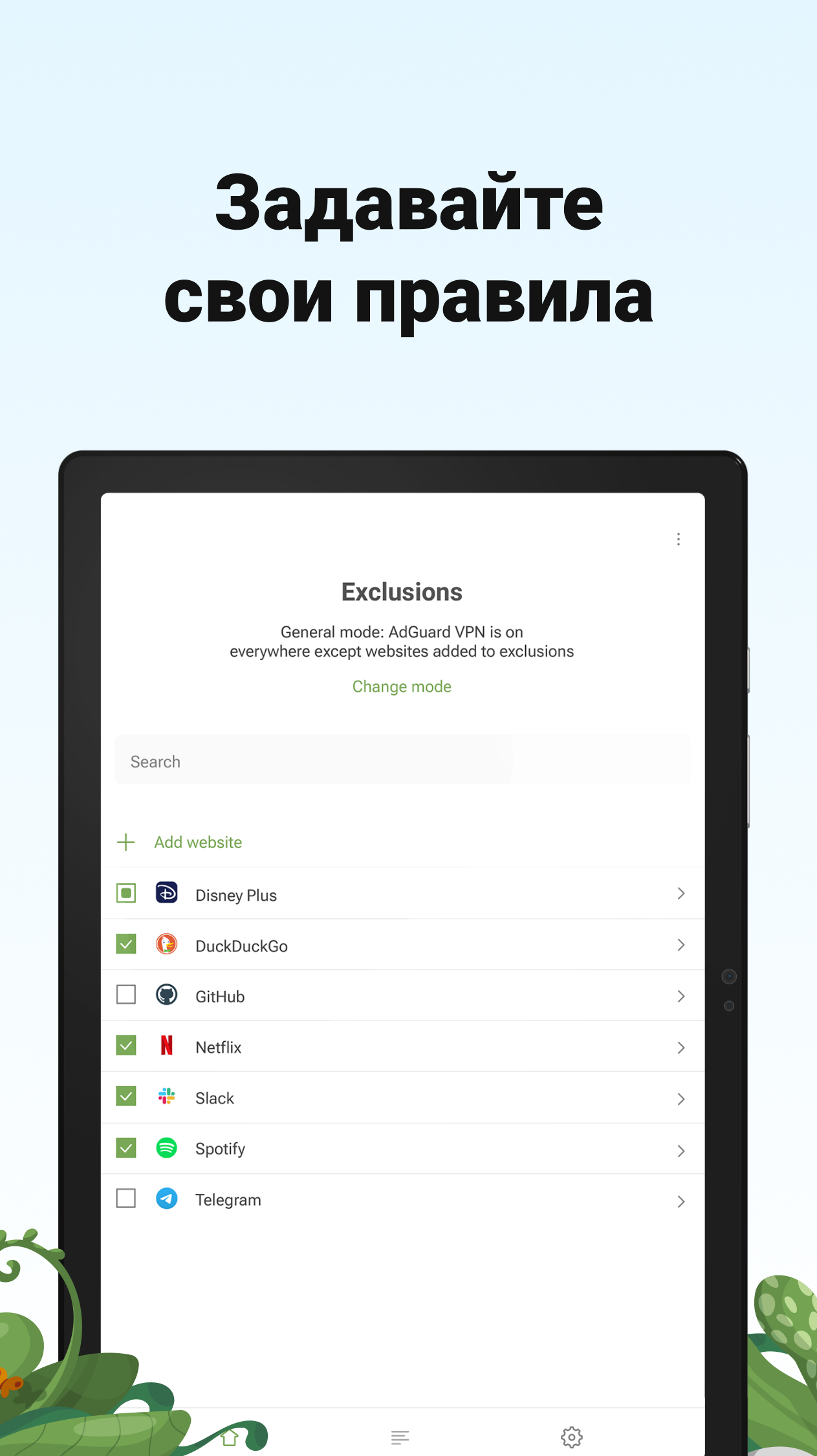
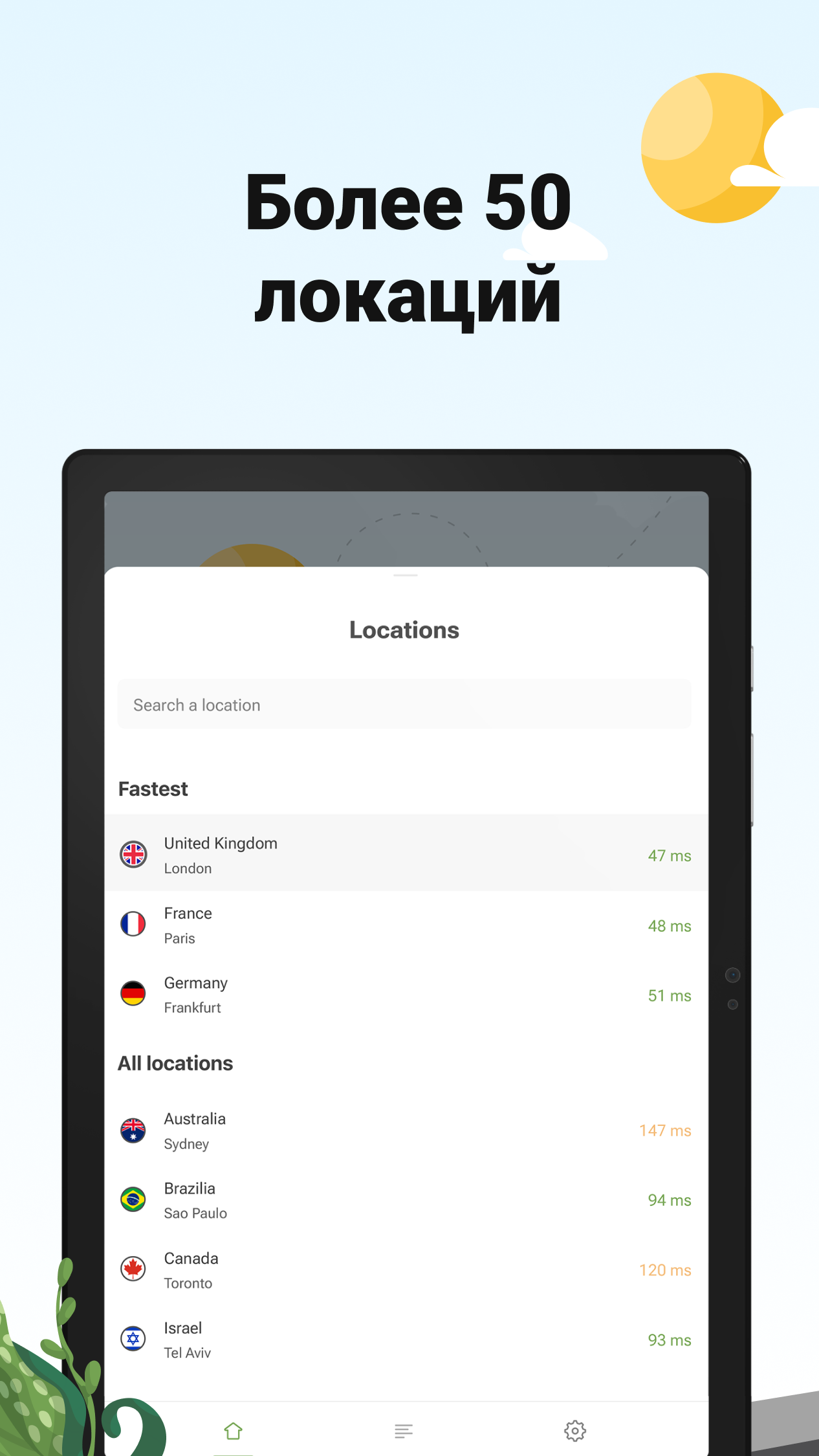




Ditambahkan: Denis Rubinov
Versi: 2.12.37
Ukuran: 42.7 MB
Diperbarui: 19.05.2025
Developer: ADGUARD SOFTWARE LIMITED
Batasan Usia: Everyone
Otorisasi: 9
Diunduh di Google Play: 6218123
Kategori: Alat
Deskripsi
Aplikasi AdGuard VPN — private proxy diperiksa oleh antivirus VirusTotal. Sebagai hasil pemindaian, tidak ada infeksi file yang terdeteksi oleh semua tanda tangan terbaru.
Cara memasang AdGuard VPN — private proxy
- Unduh file APK aplikasi dari apkshki.com.
- Temukan file yang diunduh. Anda dapat menemukannya di baki sistem atau di folder 'Download' menggunakan manajer file apa pun.
- Jika file yang diunduh berekstensi .bin (bug WebView di Android 11), ubah namanya menjadi .apk menggunakan pengelola file apa pun atau coba unduh file dengan browser lain seperti Chrome.
- Mulai penginstalan. Klik pada file yang diunduh untuk memulai penginstalan
- Izinkan penginstalan dari sumber yang tidak dikenal. Jika Anda menginstal untuk pertama kalinya AdGuard VPN — private proxy bukan dari Google Play, buka pengaturan keamanan perangkat Anda dan izinkan penginstalan dari sumber yang tidak dikenal.
- Lewati perlindungan Google Play. Jika proteksi Google Play memblokir penginstalan file, ketuk 'Info Lebih Lanjut' → 'Tetap instal' → 'OK' untuk melanjutkan..
- Selesaikan penginstalan: Ikuti petunjuk penginstal untuk menyelesaikan proses penginstalan.
Cara memperbarui AdGuard VPN — private proxy
- Unduh versi baru aplikasi dari apkshki.com.
- Cari file yang diunduh dan klik file tersebut untuk memulai penginstalan.
- Instal di atas versi lama. Tidak perlu menghapus instalasi versi sebelumnya.
- Hindari konflik tanda tangan. Jika versi sebelumnya tidak diunduh dari apkshki.com, pesan 'Aplikasi tidak terinstal' mungkin muncul. Dalam kasus ini, hapus instalan versi lama dan instal versi baru.
- Mulai ulang lampiran AdGuard VPN — private proxy setelah pembaruan.









Meminta pembaruan aplikasi
Ditambahkan Denis Rubinov
Versi: 2.12.37
Ukuran: 42.7 MB
Diperbarui: 19.05.2025
Developer: ADGUARD SOFTWARE LIMITED
Batasan Usia: Everyone
Otorisasi:
Diunduh di Google Play: 6218123
Kategori: Alat
















Ulasan untuk AdGuard VPN — private proxy
App works well on phone as does the browser extension on Chromebook but the app on my Chromebook Plus seems to do absolutely nothing. After connecting my IP, ISP etc are all still visible to the internet
pretty
Helpful app
Good VPN for price. Plenty fast enough for general day to day internet use. Has many servers in lots countries to choose from.
Awesome!
💯💪 Bast sa bi Bast ha ya...
nice
Got very annoying recently, the app opens automatically with "welcome on board" message/window, which mentions that they collect "as little as possible" data to run the websites and the app. If a user needs to connect then he can, why would app run every now and then. Which VPN app does that? Why would they want to run the app again unless their desire is to make sure users know that they do collect just a "little bit" of user's data.
Good choice
Disappointing. It's hard to believe that adguard VPN is from the same company that makes adguard ad blocker, IT DOESN'T WORK! Most of the time shows "can't connect to server" despite having a good internet connection, this is the only VPN I had considered paying a subscription for but if it can't work in it's current state how much less if I paid for it? Disappointing. Uninstalling with extreme prejudice.
I really want to like this, but the VPN connection drops nearly daily with no warning and no notification that it's been disconnected. I'm using Adguard ad-blocker as well (in compatibility mode, which is a great feature). But with Adguard VPN, I've tried the kill switch function ("always on") to combat the random disconnects, but Adguard ad-blocker won't operate in that mode. Frustrating. Otherwise, speeds are great and UI is solid.
The very newest version of this app does not allow me to go to the Internet on any browser! I never have this problem. Went to Settings to disable run with Adguard, and anything else that could affect my connections. Since I never get help from Support with any issue anymore, and I was last told I have to wait months for help, I uninstalled it! Won't purchase anything anymore from them, because there is NO support for me!
Still a terrible product after the recent update. Constant disconnects, abysmal speeds and uses a large part of my battery even when it's disconnected and not in use. Adguard, your core product is good... But this is a sham. Both on Android and Windows.
I randomly find it disconnected,although i have "no restrictions" in phone settings for battery the app, locked it in recent apps, and allowed it to autostart... I have it in compatibility mode cause i have adguard blocker too installed... So my solution if possible is this: either make an 'auto-connect' setting available in adguard VPN in case it disconnects to automatically keep connecting by itself, or make an "always on" option available, or at least integrate it into the adguard adblocker!
I have to disconnect and reconnect multiple times a day regardless of which server I'm connected to. The PC app is equally buggy. They're too busy answering billing questions to provide tech support and they will tell you this. It's also annoying how you can't turn off the VPN for an app without turning off adblocking as well.
Kirimkan komentar
Untuk memberikan komentar, masuklah dengan jejaring sosial Anda:
Atau tinggalkan komentar anonim. Komentar Anda akan dikirim untuk dimoderasi.
Kirimkan komentar
Untuk memberikan komentar, masuklah dengan jejaring sosial Anda:
Atau tinggalkan komentar anonim. Komentar Anda akan dikirim untuk dimoderasi.