



Aloha Private Browser - VPN
747+
unduhan5.0+
versi Android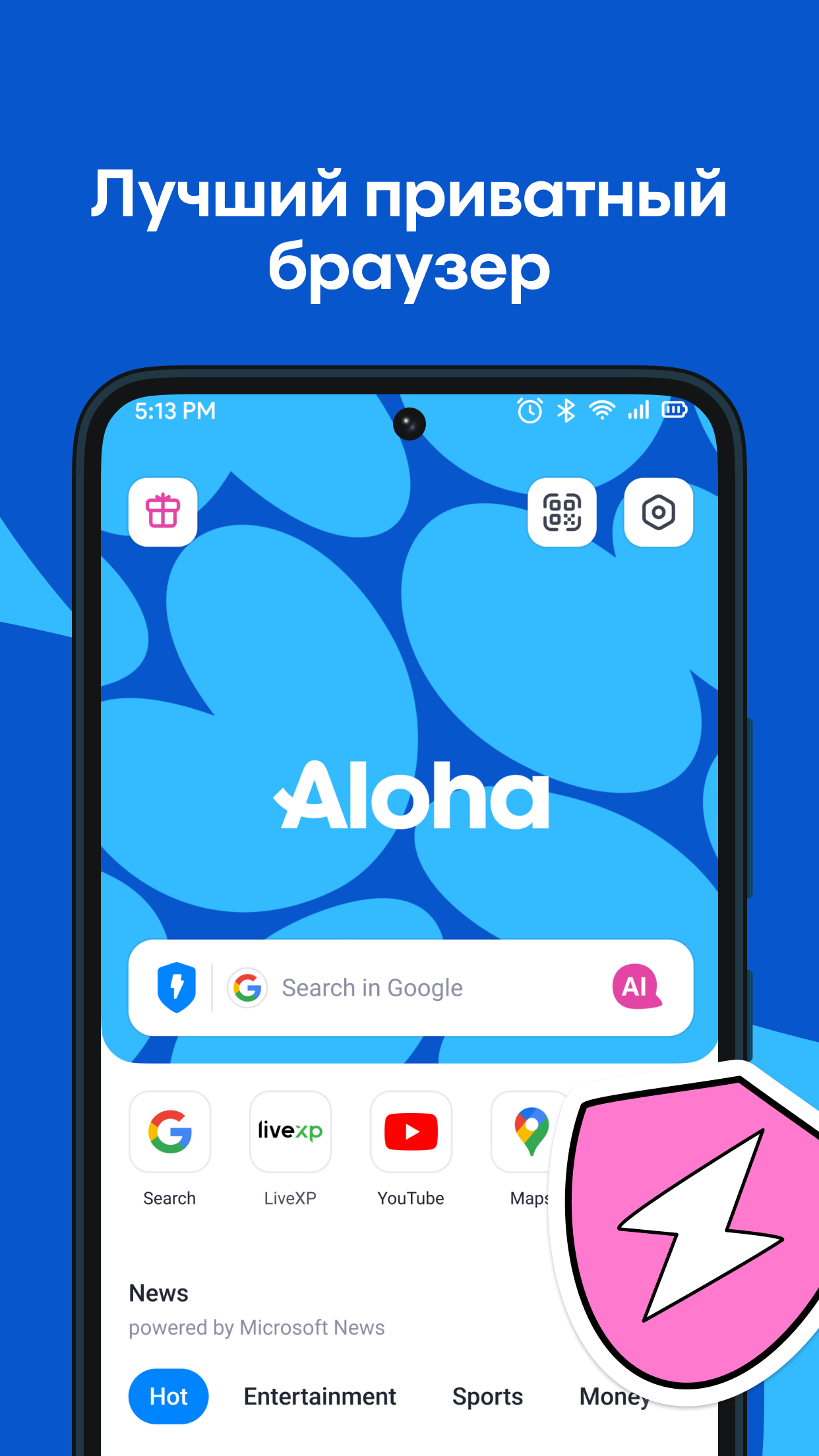
Ditambahkan: Denis Rubinov
Versi: 7.2.0
Ukuran: 183.6 MB
Diperbarui: 20.05.2025
Developer: Aloha Mobile
Batasan Usia: Everyone
Otorisasi: 17
Diunduh di Google Play: 11768730
Kategori: Kerja
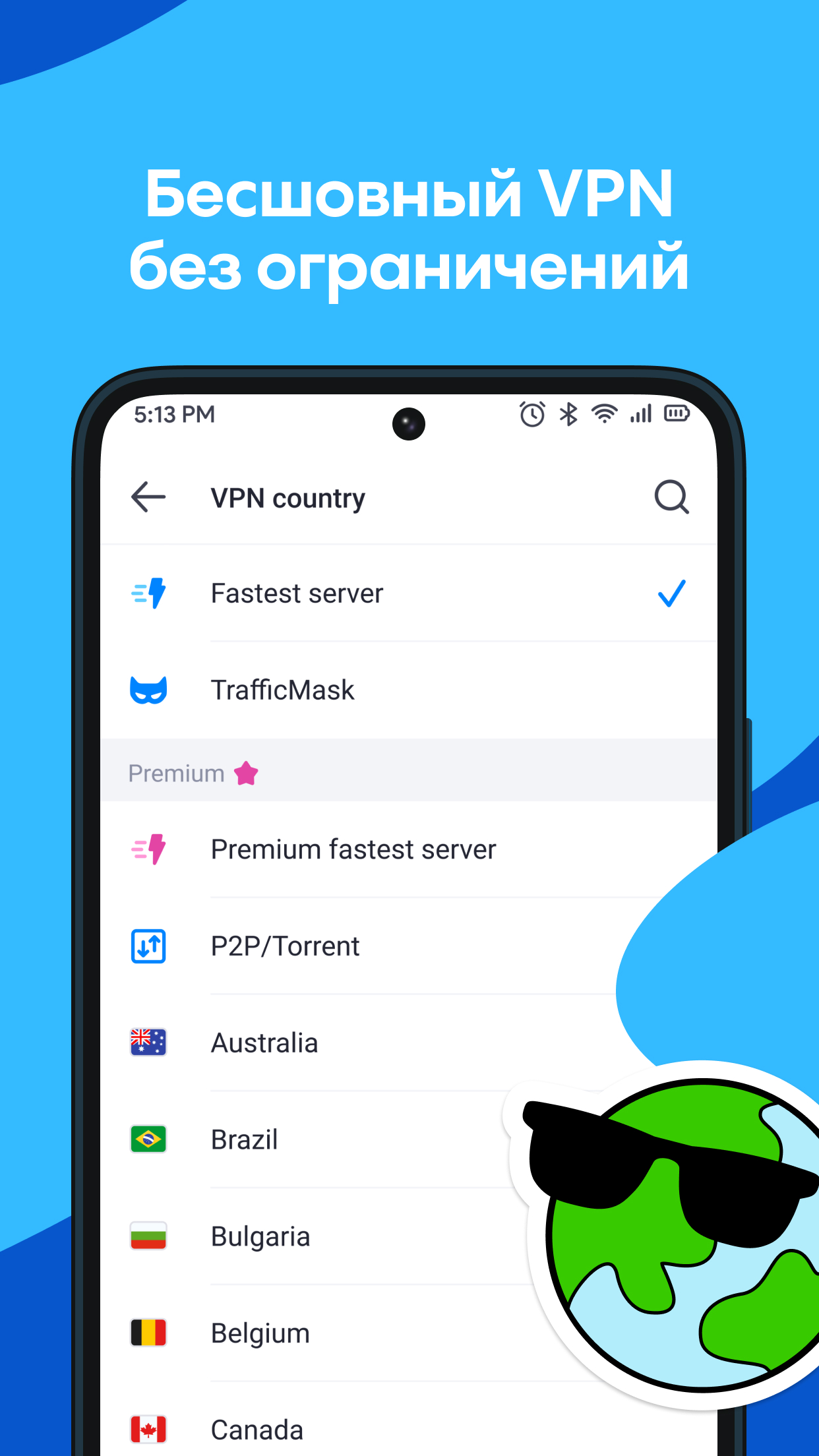
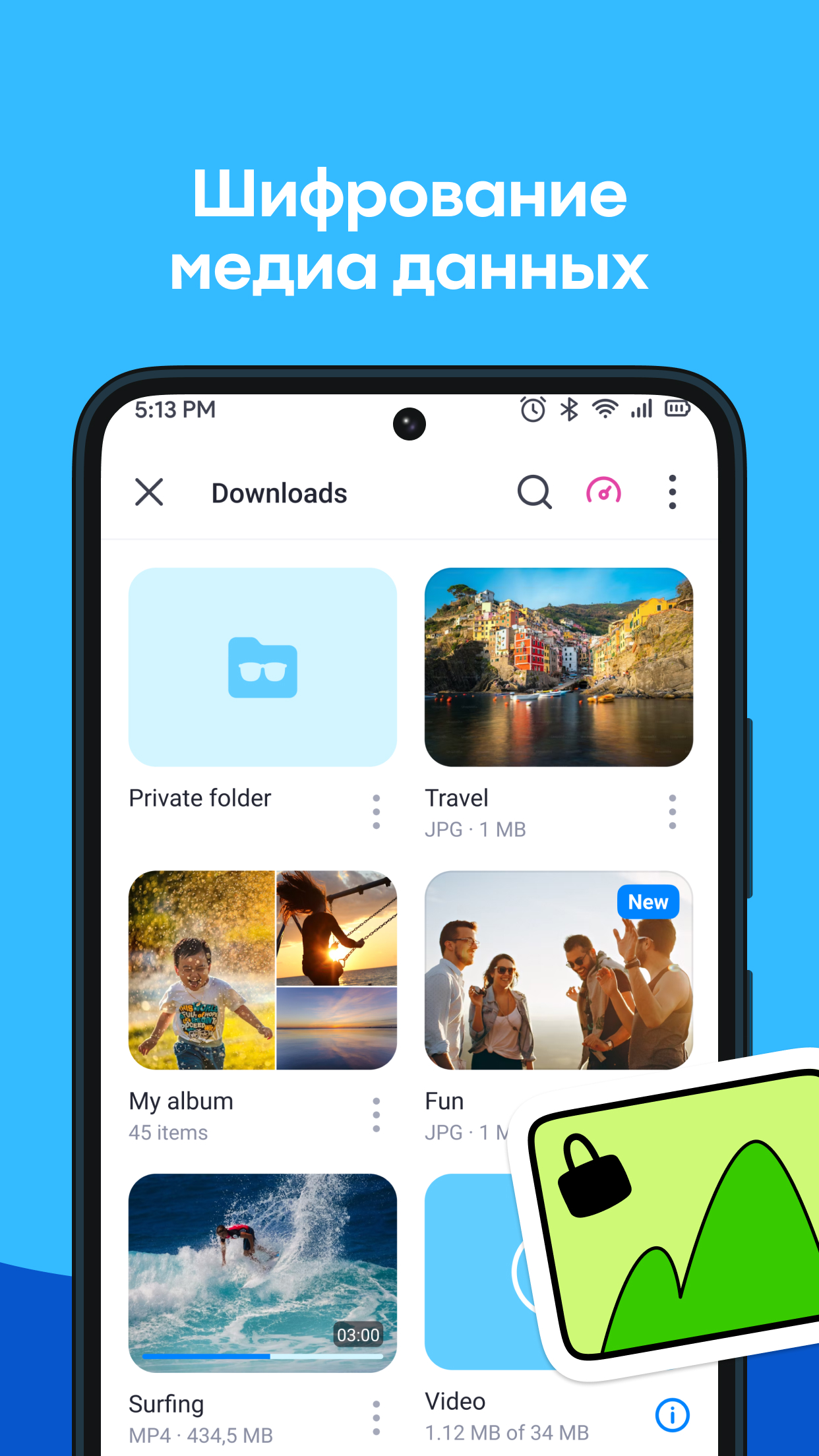
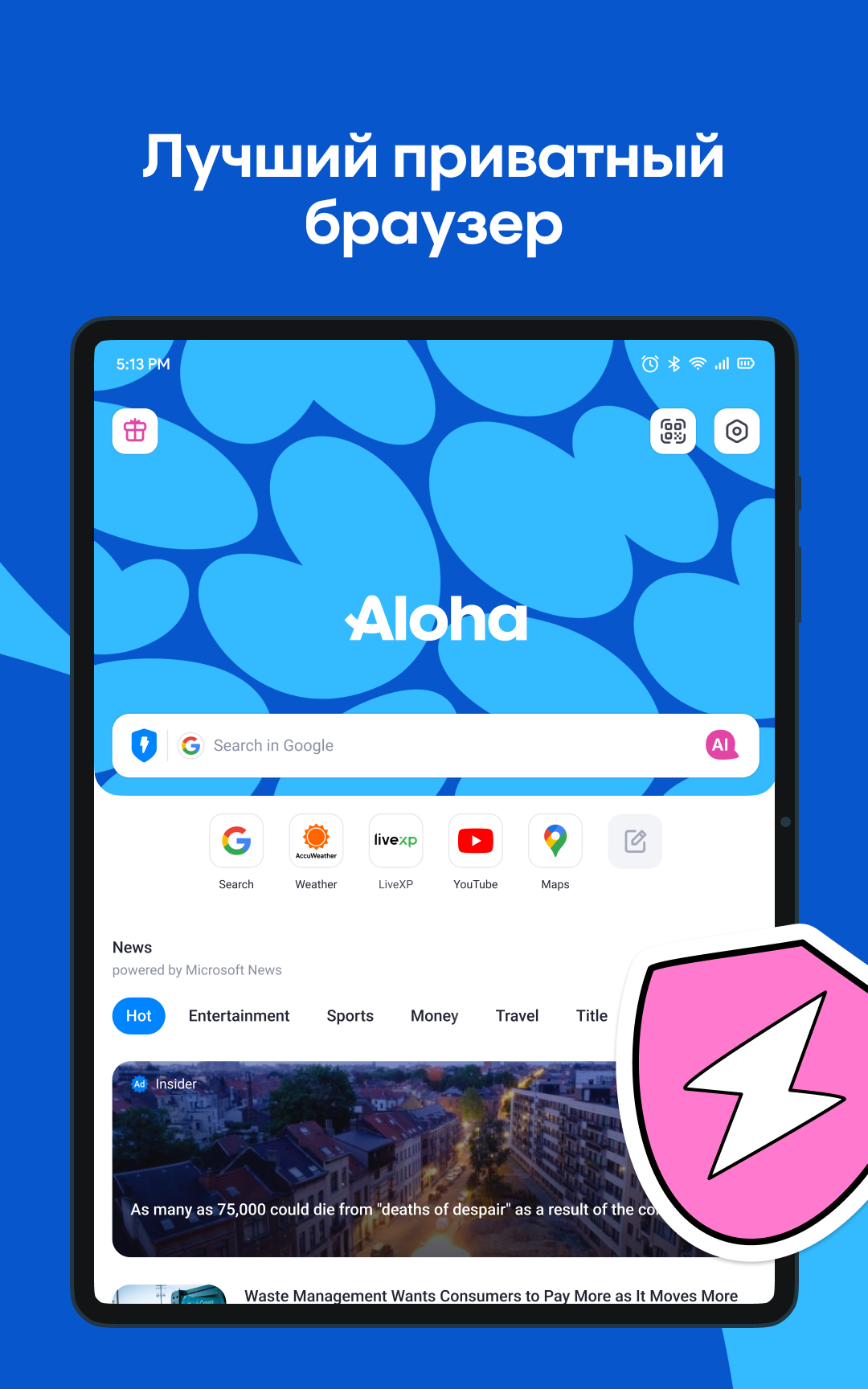
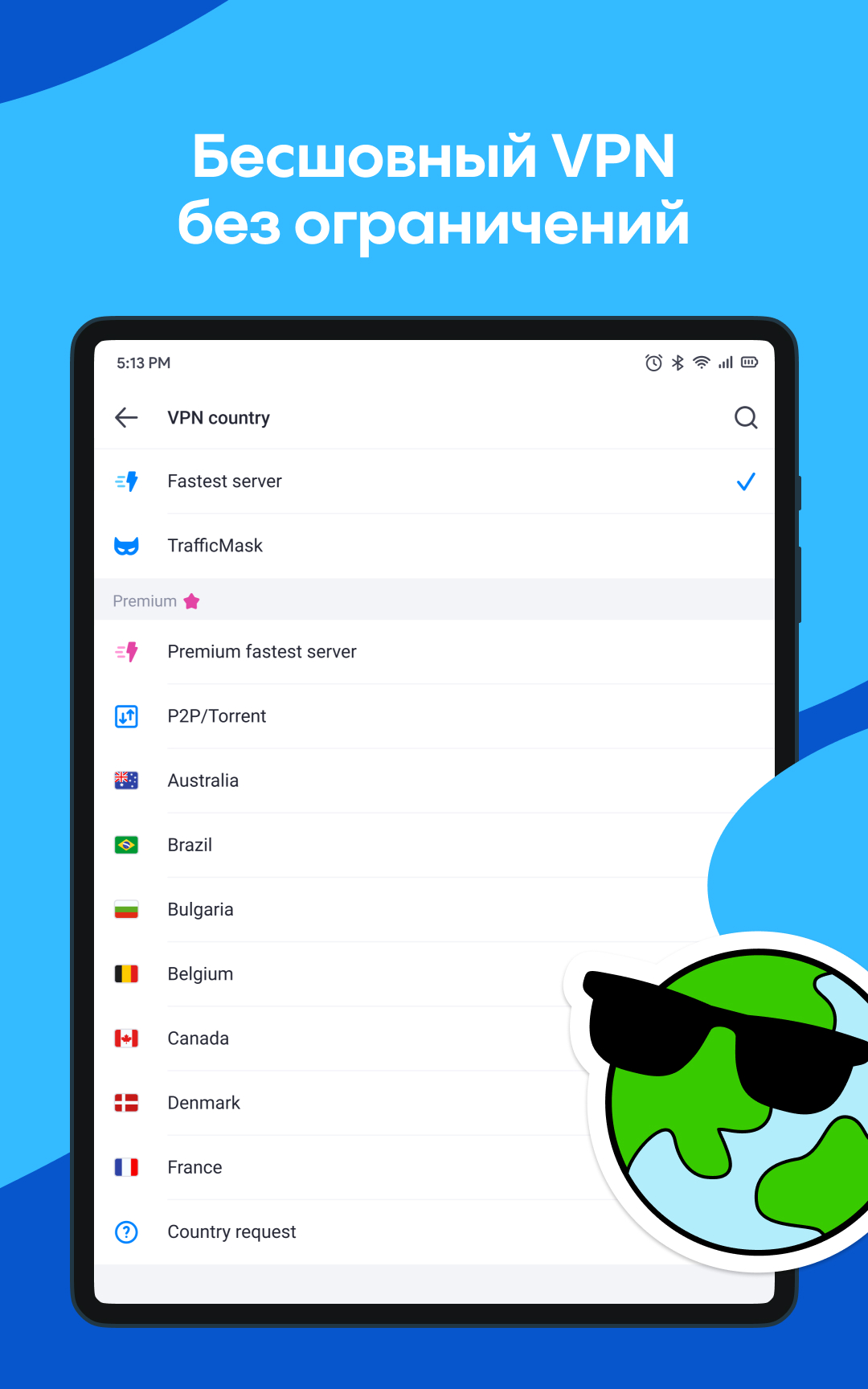
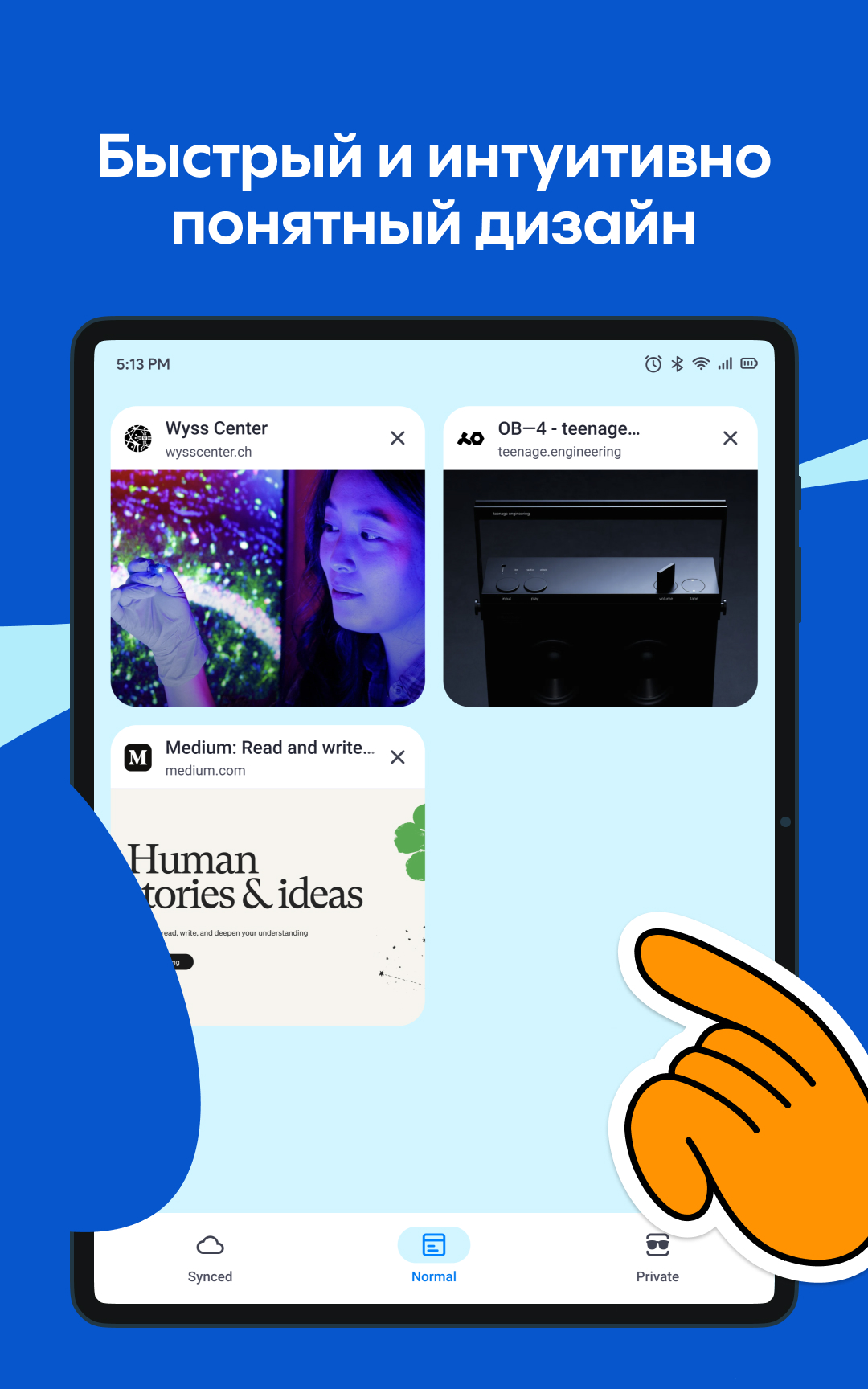
- VPN bawaan dan tidak terbatas.
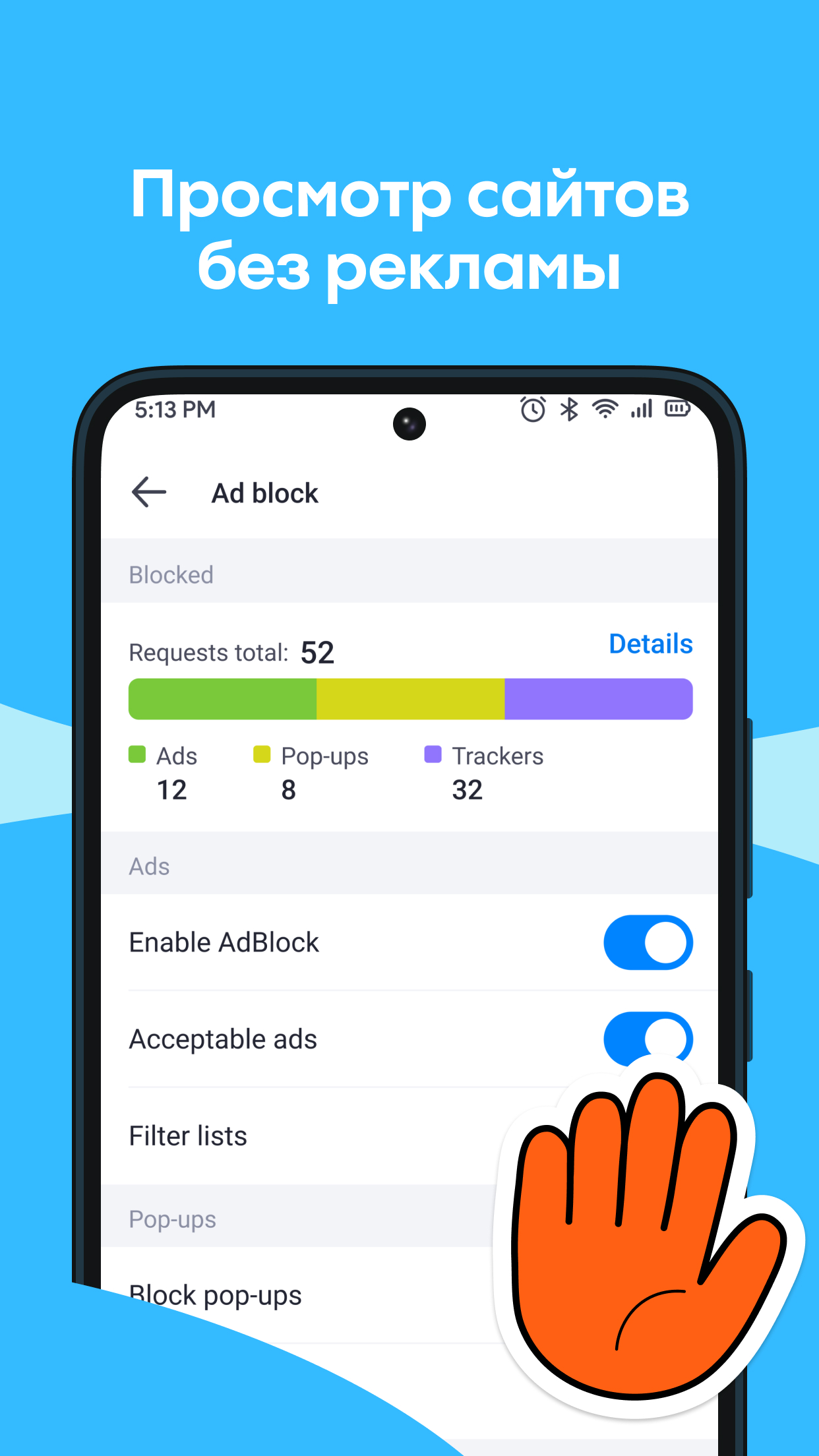
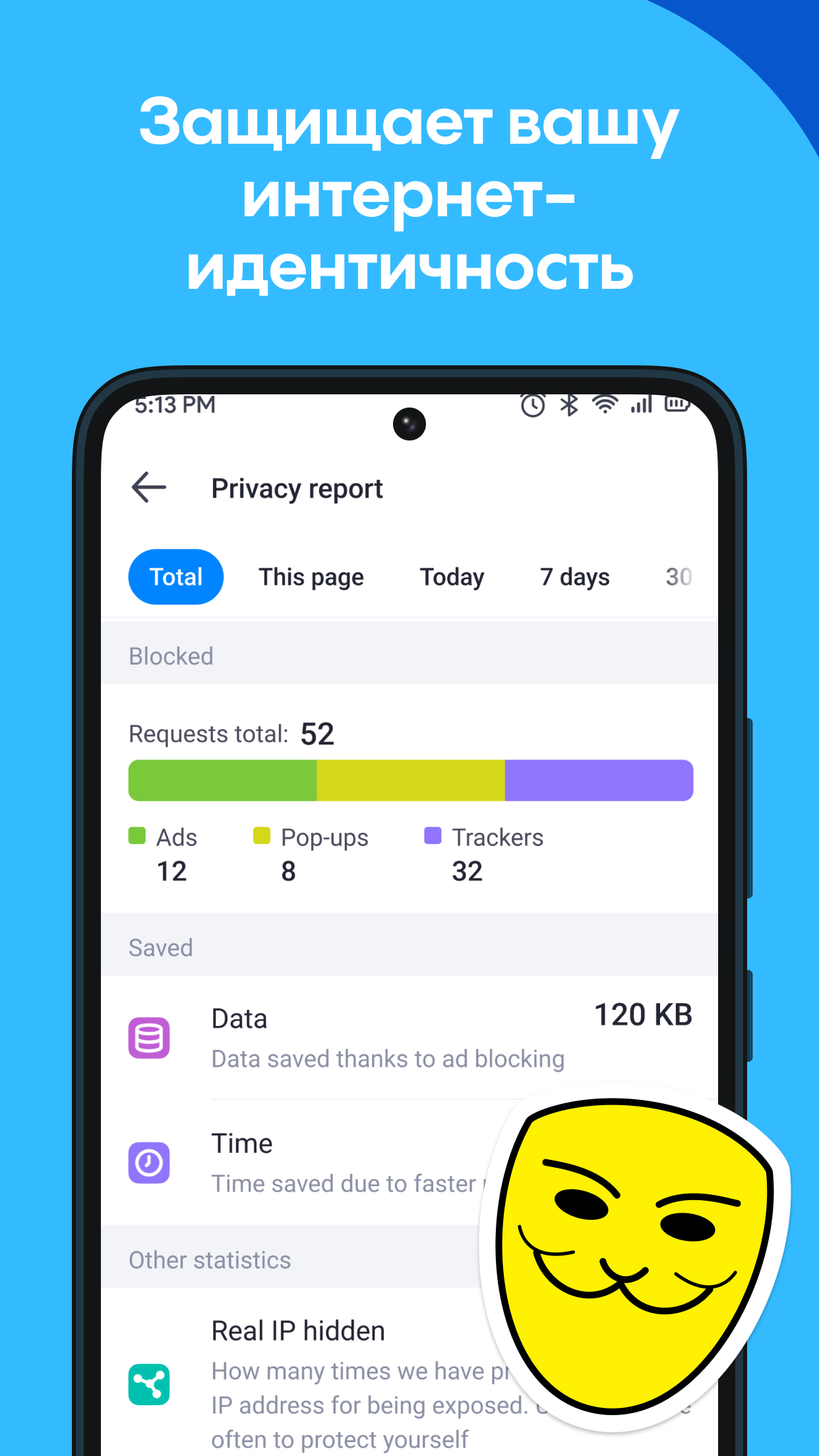
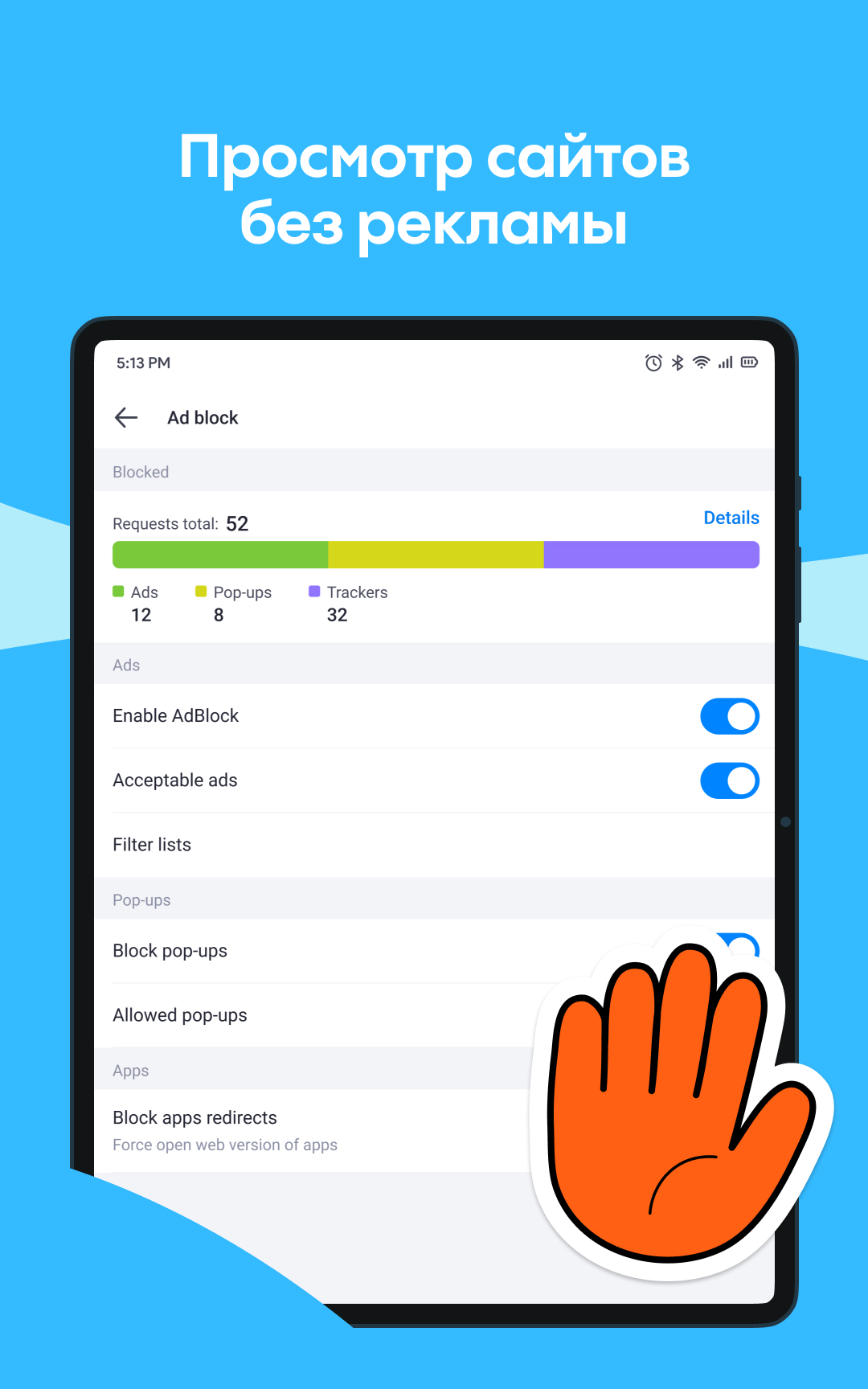
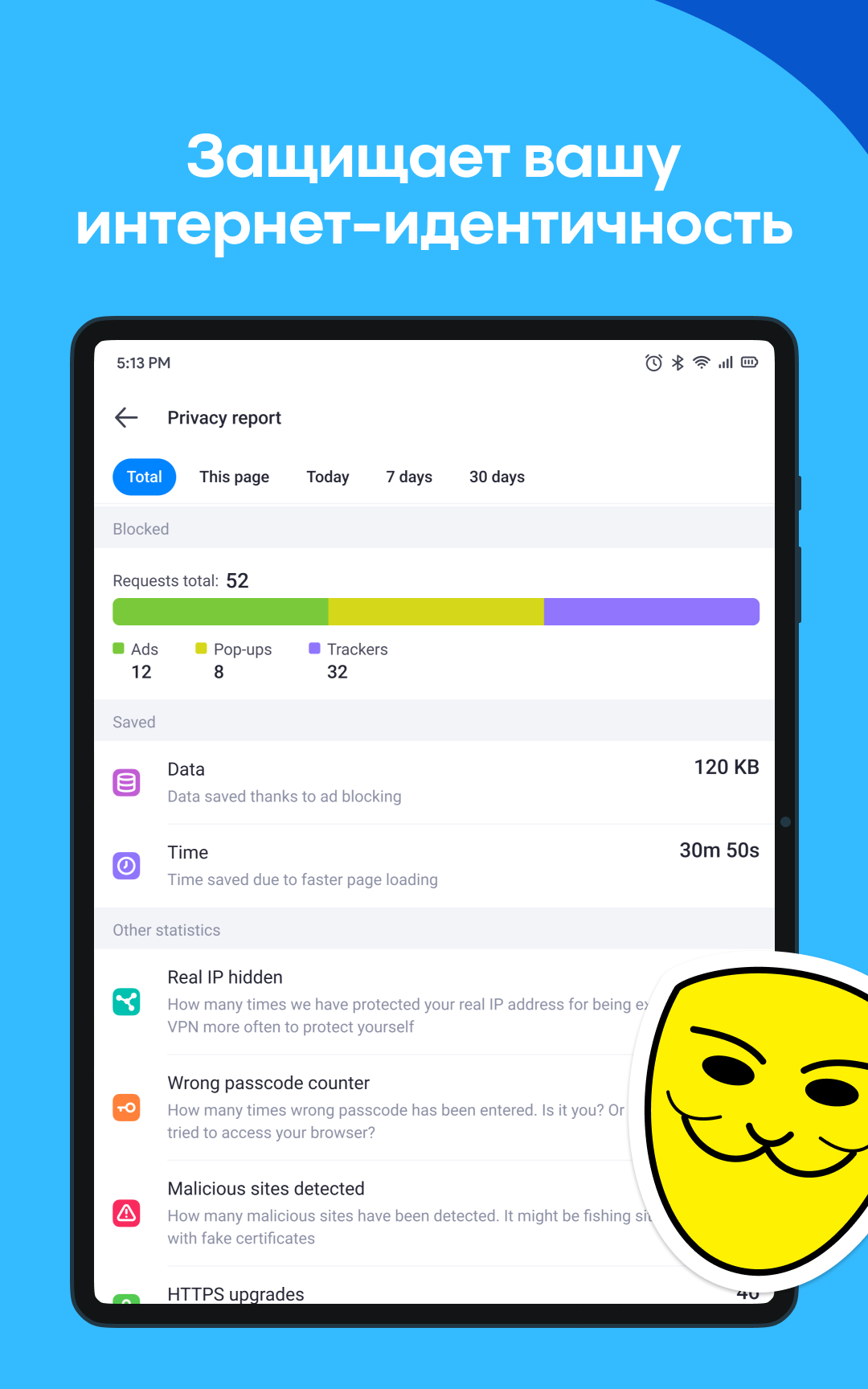
- Blokir iklan.
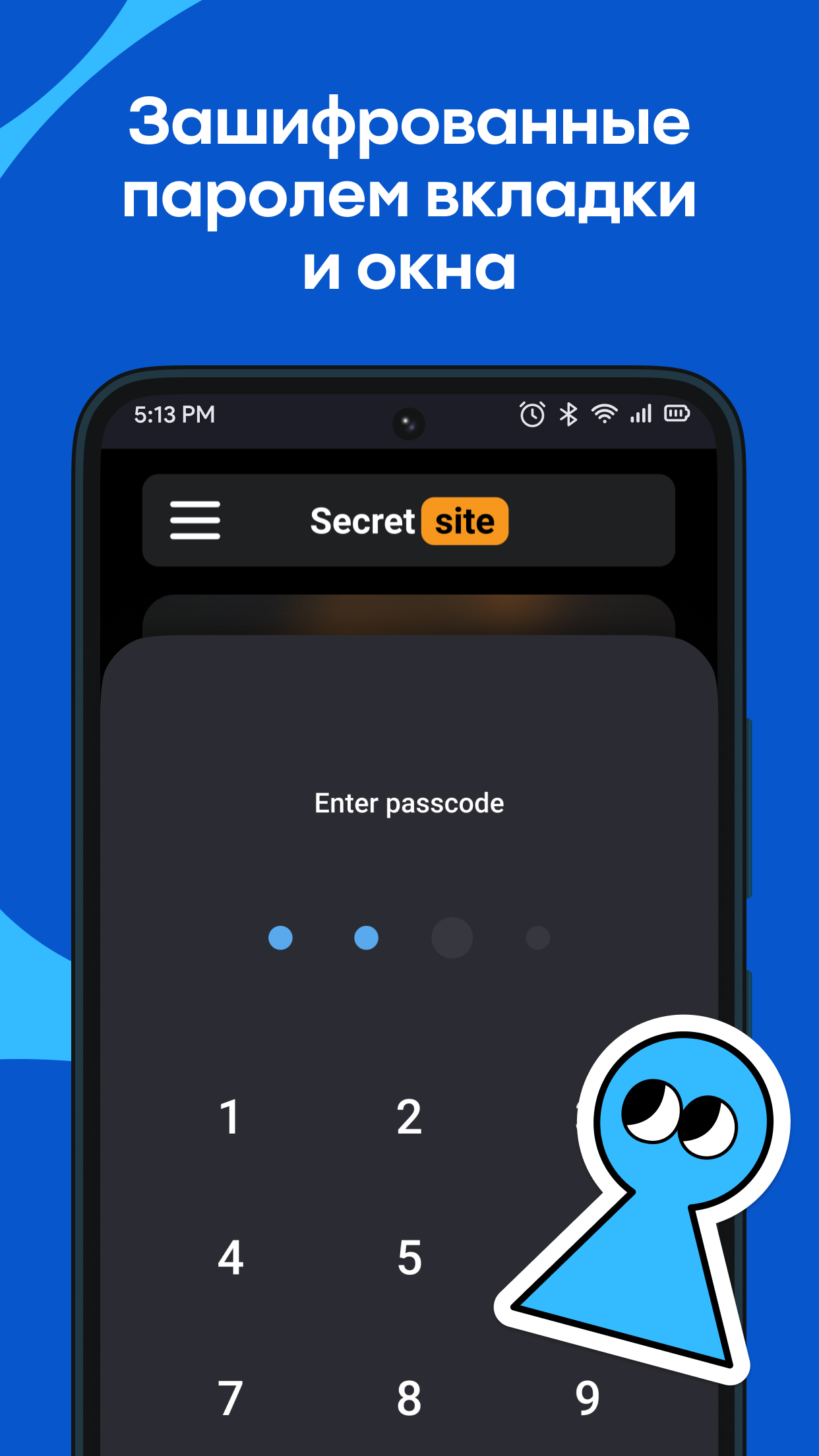
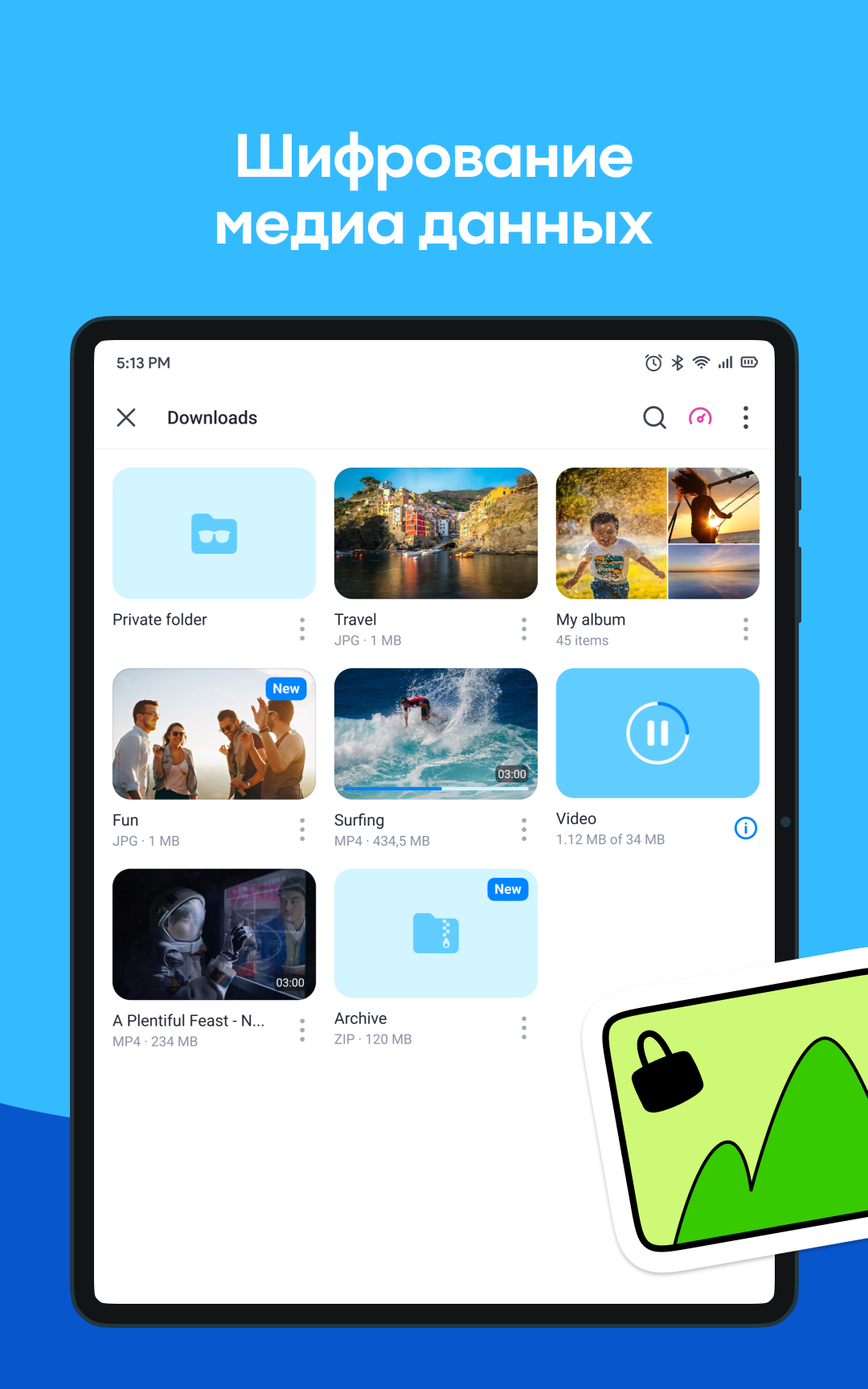
- Perlindungan privasi yang kuat.
- Miliki pemutar berkemampuan Chromecast.
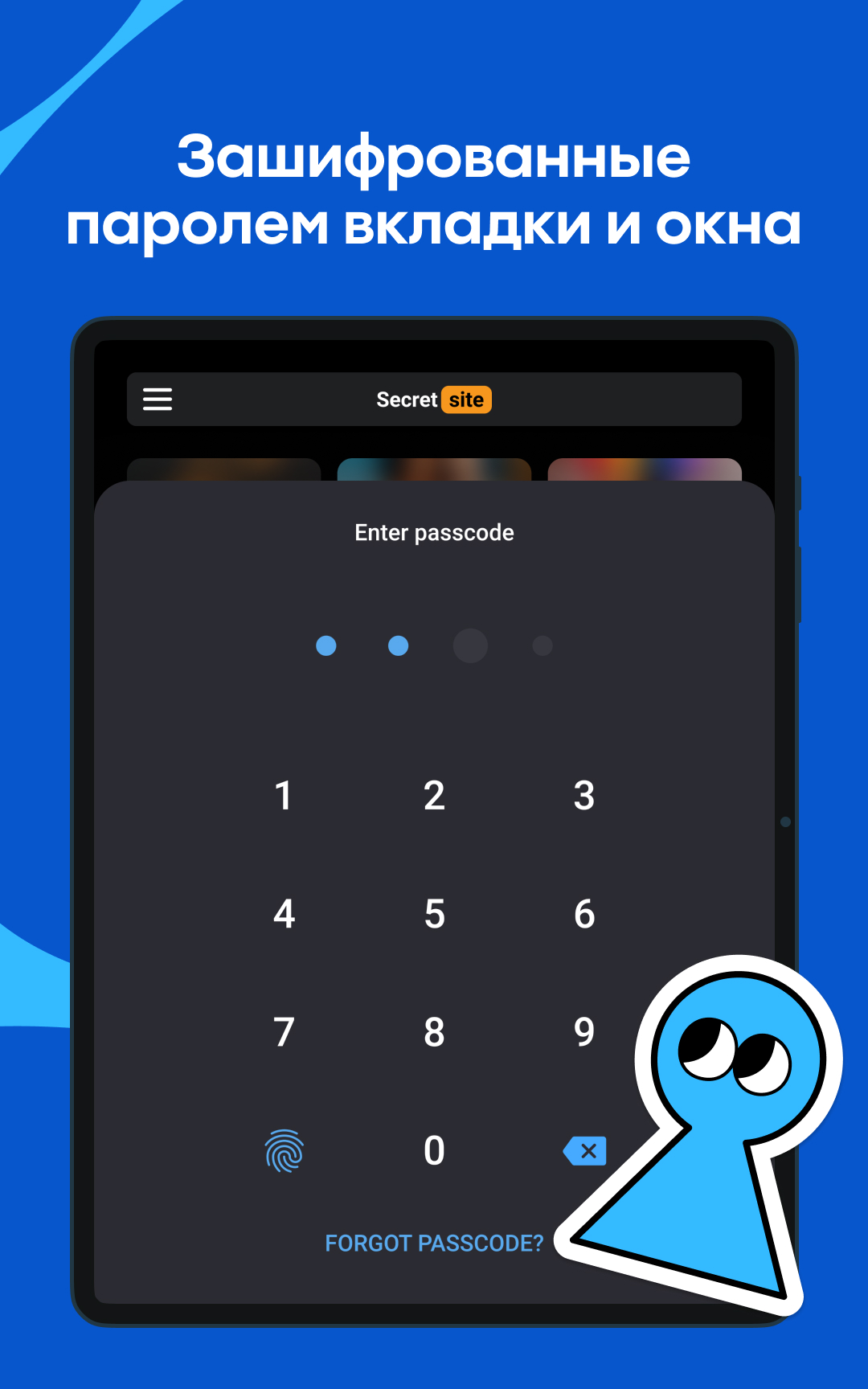
- Anda dapat mengatur login sidik jari ke aplikasi.
Deskripsi
Aplikasi Aloha Private Browser - VPN diperiksa oleh antivirus VirusTotal. Sebagai hasil pemindaian, tidak ada infeksi file yang terdeteksi oleh semua tanda tangan terbaru.
Cara memasang Aloha Private Browser - VPN
- Unduh file APK aplikasi dari apkshki.com.
- Temukan file yang diunduh. Anda dapat menemukannya di baki sistem atau di folder 'Download' menggunakan manajer file apa pun.
- Jika file yang diunduh berekstensi .bin (bug WebView di Android 11), ubah namanya menjadi .apk menggunakan pengelola file apa pun atau coba unduh file dengan browser lain seperti Chrome.
- Mulai penginstalan. Klik pada file yang diunduh untuk memulai penginstalan
- Izinkan penginstalan dari sumber yang tidak dikenal. Jika Anda menginstal untuk pertama kalinya Aloha Private Browser - VPN bukan dari Google Play, buka pengaturan keamanan perangkat Anda dan izinkan penginstalan dari sumber yang tidak dikenal.
- Lewati perlindungan Google Play. Jika proteksi Google Play memblokir penginstalan file, ketuk 'Info Lebih Lanjut' → 'Tetap instal' → 'OK' untuk melanjutkan..
- Selesaikan penginstalan: Ikuti petunjuk penginstal untuk menyelesaikan proses penginstalan.
Cara memperbarui Aloha Private Browser - VPN
- Unduh versi baru aplikasi dari apkshki.com.
- Cari file yang diunduh dan klik file tersebut untuk memulai penginstalan.
- Instal di atas versi lama. Tidak perlu menghapus instalasi versi sebelumnya.
- Hindari konflik tanda tangan. Jika versi sebelumnya tidak diunduh dari apkshki.com, pesan 'Aplikasi tidak terinstal' mungkin muncul. Dalam kasus ini, hapus instalan versi lama dan instal versi baru.
- Mulai ulang lampiran Aloha Private Browser - VPN setelah pembaruan.

Opera browser with AI
Komunikasi

Firefox Focus: No Fuss Browser
Komunikasi

Adblock Browser: Fast & Secure
Komunikasi

VPN Browser for VK.com Lite
Alat

VPN Browser для Одноклассников Lite
Alat

FAB Adblocker Browser:Adblock
Komunikasi

Vivaldi Browser - Fast & Safe
Komunikasi

Phantom.me: mobile privacy
Alat
Meminta pembaruan aplikasi
Ditambahkan Denis Rubinov
Versi: 7.2.0
Ukuran: 183.6 MB
Diperbarui: 20.05.2025
Developer: Aloha Mobile
Batasan Usia: Everyone
Otorisasi:
Diunduh di Google Play: 11768730
Kategori: Kerja
















Ulasan untuk Aloha Private Browser - VPN
The Best Browser and VPN APK
I recommend this application
excilant
I love this app aloha . this is amazing 😍
Great app
it's one of the best browsers out there it has adblock and VPN
not a saved video saved video only aap aloha this big problem 😭😭😭 VPN very slowly
awesome 👍
been a decent experience but still.. There are a lot of fields in which this respective app can improve—but hey, I love this app and want it to be better; that's why I am doing so 1. Downloads: Save them to system 2. Make your Ai for free, totally 3. Work on browsing speed
Good
Update May 20, 2020: I have already solved the issue. I uninstalled the app..May 19, 2020 I initially rated this app 5* just so they would quit bugging me. Now that I actually started using it I noticed that the app, for lack of a better word, SUCKS! It is slow. It gives me pop up ads while I'm surfing the net. Even my spyware detector told me to delete it because it is malware. Goodbye forever.
Easy to use. It does lag sometimes, but overall, is easy to use.Very satisfied overall, is very easy to use and gets job done. Wish it would remember the tabs I had open when I leave app for a little while and then return. If the number of tabs you can have open or marked was higher, that'd be cool to! Was nice getting a response when I whined. Thank you folks! This app is Awesome!!
Best Browser I've come across does exactly what it say it can do. Had it the free version for almost 6month. When 1st week of 2021 you guys offered a deal for your premium version for an entire year at a ridiculous low price that I been fool to past it up. Over all had never had any problems at all with either free or premium version. As I've read in other members reviews of this browser. Keep up the good work I give you 6star.
Decent web browser, my only complaint is that there is no way to download pictures. Documents can be downloaded (& even videos), which is great because my old go to web browser, Chrome, no longer downloads documents. But I still have to keep a copy of that outdated browser because this one won't allow me to download pictures. If this is changed I will rate 5 stars. UPDATE AND CORRECTION, it DOES download pictures also, so 5 stars all the way!
I really like that you can use a VPN with the browser. There was no lag. I will be back to make the purchase for the year if I don't find anything better. I like that you can enable VPN on the whole phone, but would love it if you could control the apps with a firewall. At the very least to work side by side with one like Data guard. I love the app though and all the security/privacy settings it has and that's why it gets 4 stars. Can be buggy at times but only if you have another VPN on.
Kirimkan komentar
Untuk memberikan komentar, masuklah dengan jejaring sosial Anda:
Atau tinggalkan komentar anonim. Komentar Anda akan dikirim untuk dimoderasi.
Kirimkan komentar
Untuk memberikan komentar, masuklah dengan jejaring sosial Anda:
Atau tinggalkan komentar anonim. Komentar Anda akan dikirim untuk dimoderasi.