


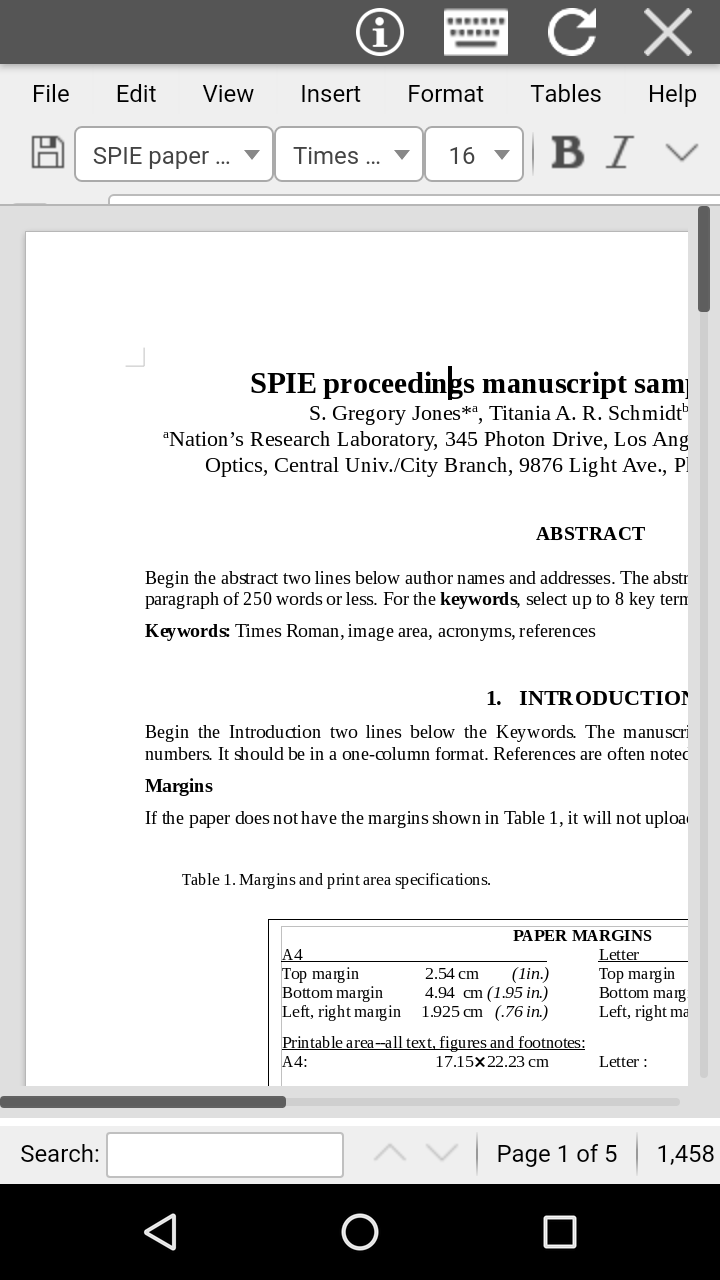
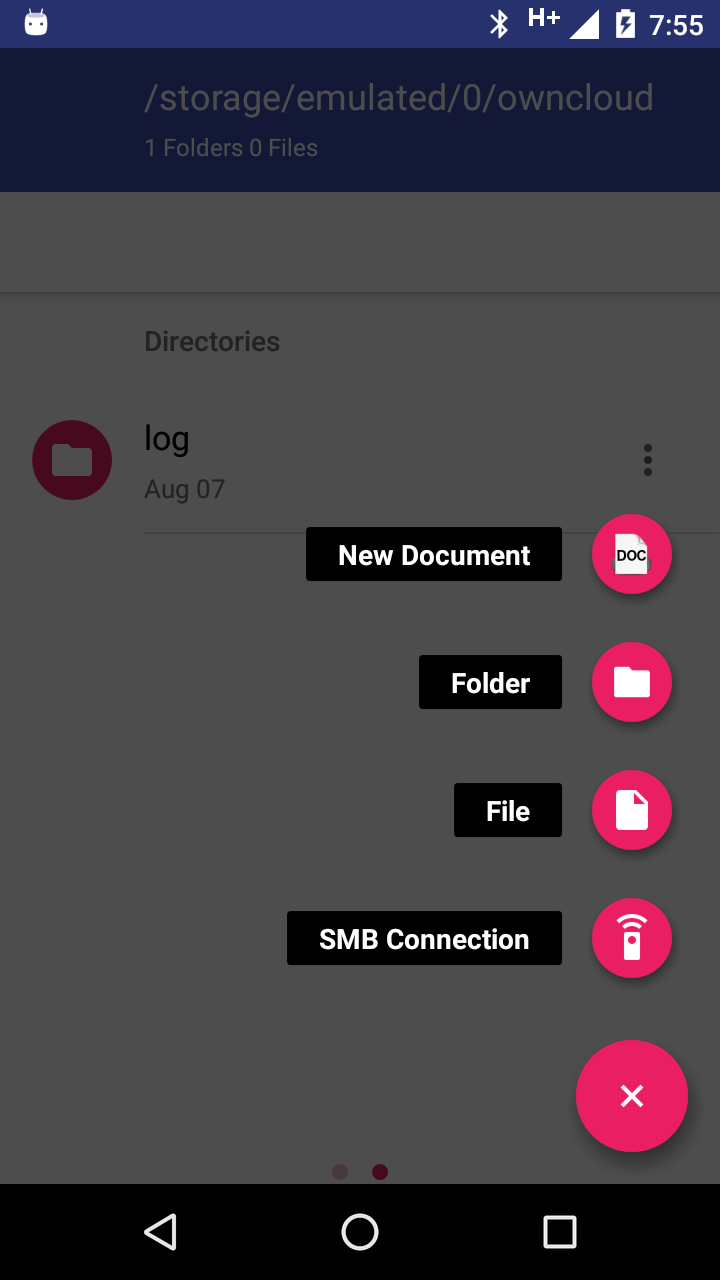
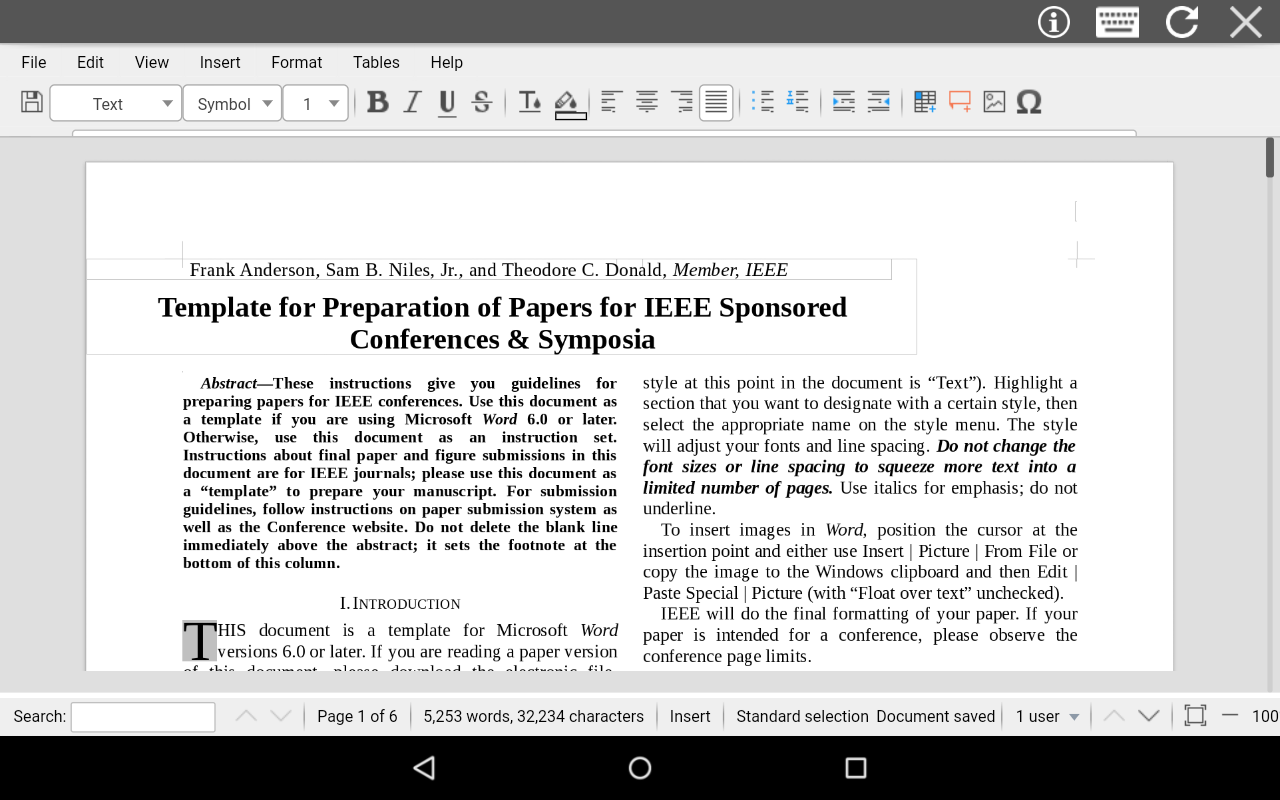
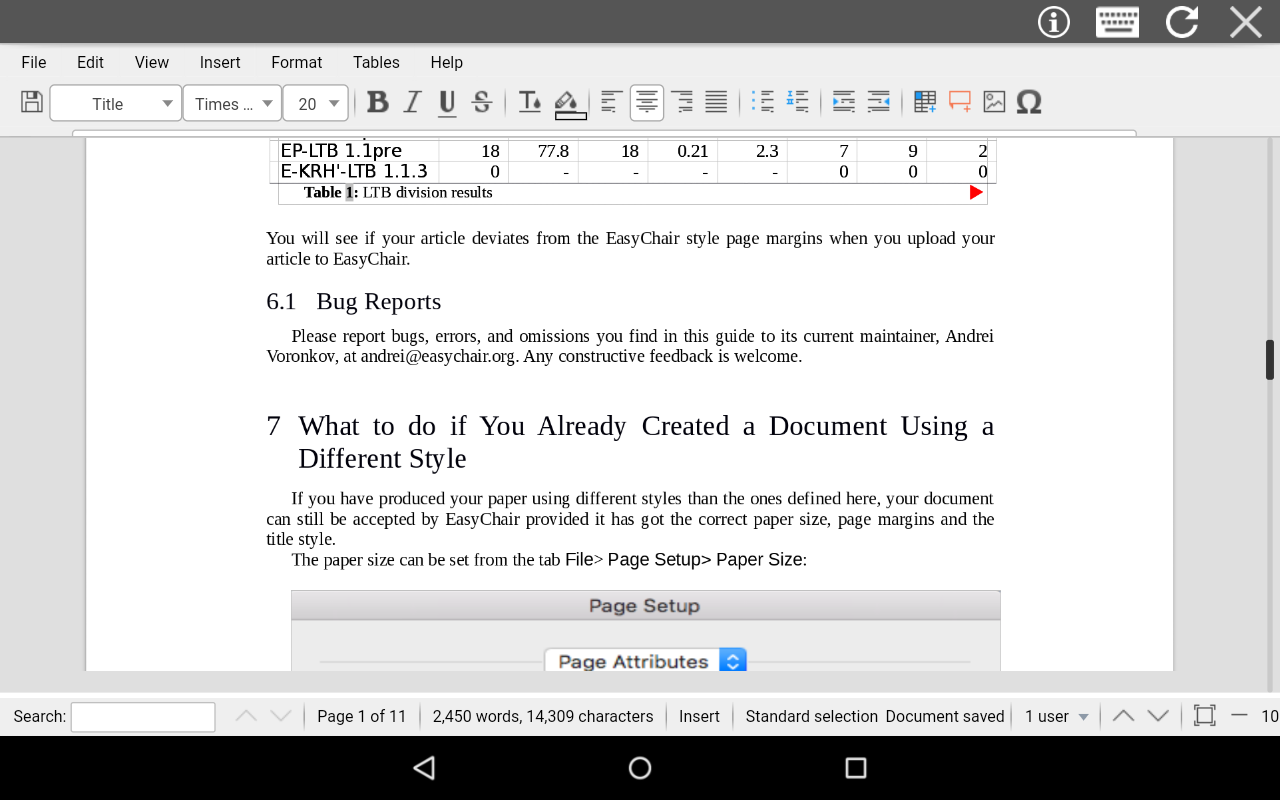
AndroDOC editor for Doc & Word
2+
unduhan4.1+
versi Android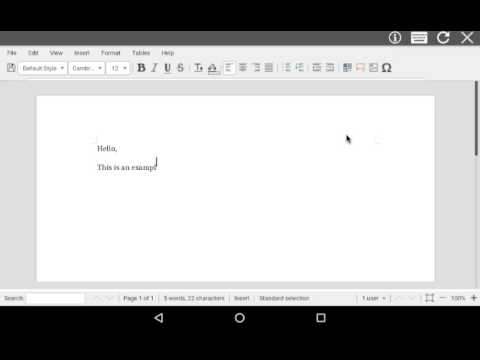
Ditambahkan: Denis Rubinov
Versi: 447
Ukuran: 3.5 MB
Diperbarui: 24.06.2025
Developer: OffiDocs Mobile Apps
Batasan Usia: Everyone
Otorisasi: 2
Diunduh di Google Play: 3473424
Kategori: Kerja
Deskripsi
Aplikasi AndroDOC editor for Doc & Word diperiksa oleh antivirus VirusTotal. Sebagai hasil pemindaian, tidak ada infeksi file yang terdeteksi oleh semua tanda tangan terbaru.
Cara memasang AndroDOC editor for Doc & Word
- Unduh file APK aplikasi dari apkshki.com.
- Temukan file yang diunduh. Anda dapat menemukannya di baki sistem atau di folder 'Download' menggunakan manajer file apa pun.
- Jika file yang diunduh berekstensi .bin (bug WebView di Android 11), ubah namanya menjadi .apk menggunakan pengelola file apa pun atau coba unduh file dengan browser lain seperti Chrome.
- Mulai penginstalan. Klik pada file yang diunduh untuk memulai penginstalan
- Izinkan penginstalan dari sumber yang tidak dikenal. Jika Anda menginstal untuk pertama kalinya AndroDOC editor for Doc & Word bukan dari Google Play, buka pengaturan keamanan perangkat Anda dan izinkan penginstalan dari sumber yang tidak dikenal.
- Lewati perlindungan Google Play. Jika proteksi Google Play memblokir penginstalan file, ketuk 'Info Lebih Lanjut' → 'Tetap instal' → 'OK' untuk melanjutkan..
- Selesaikan penginstalan: Ikuti petunjuk penginstal untuk menyelesaikan proses penginstalan.
Cara memperbarui AndroDOC editor for Doc & Word
- Unduh versi baru aplikasi dari apkshki.com.
- Cari file yang diunduh dan klik file tersebut untuk memulai penginstalan.
- Instal di atas versi lama. Tidak perlu menghapus instalasi versi sebelumnya.
- Hindari konflik tanda tangan. Jika versi sebelumnya tidak diunduh dari apkshki.com, pesan 'Aplikasi tidak terinstal' mungkin muncul. Dalam kasus ini, hapus instalan versi lama dan instal versi baru.
- Mulai ulang lampiran AndroDOC editor for Doc & Word setelah pembaruan.



Meminta pembaruan aplikasi
Ditambahkan Denis Rubinov
Versi: 447
Ukuran: 3.5 MB
Diperbarui: 24.06.2025
Developer: OffiDocs Mobile Apps
Batasan Usia: Everyone
Otorisasi:
Diunduh di Google Play: 3473424
Kategori: Kerja















Ulasan untuk AndroDOC editor for Doc & Word
App cant edit anything
Faltu & fake app
Doesn't worth it
Nice and good
If this program what I think it is -- you're better off using this from GMX in laptop mode easier to navigate there are programs on Android-OS if needing to save as .odt or .rft out there though this one if on Chromebook would be better designated. Not a bad app if you know the origins of the program in & out -- I collect word processors on Windows OS then tested counterparts on iOS and Android OS for my cousin working on an anthology.
Bad
Good
What a rubbish app no need star for you
Not great
Very very bad 👎 don't install it
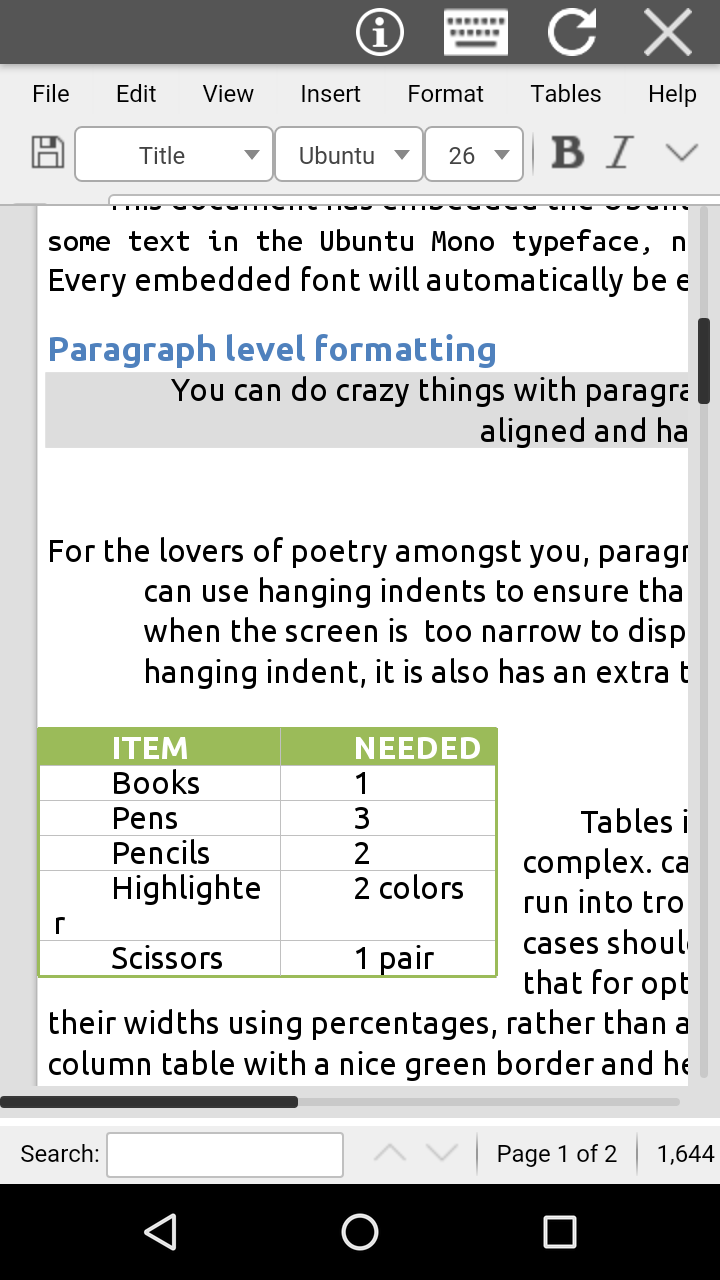
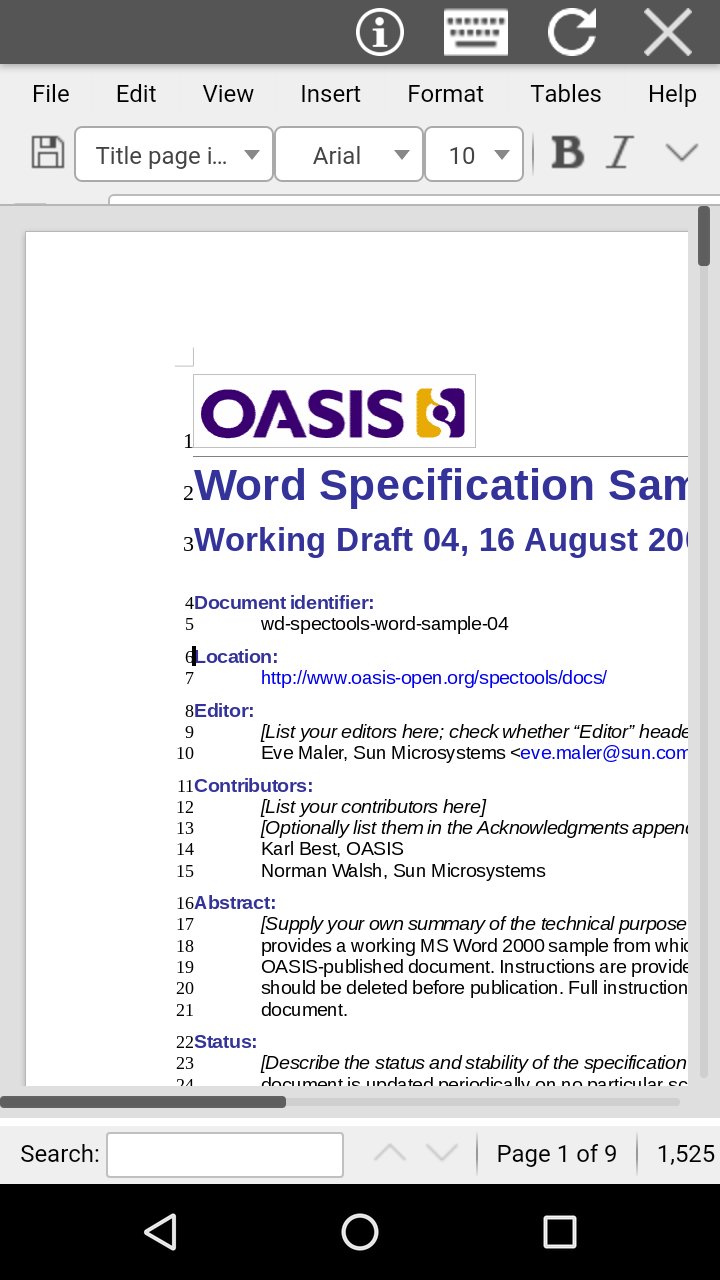
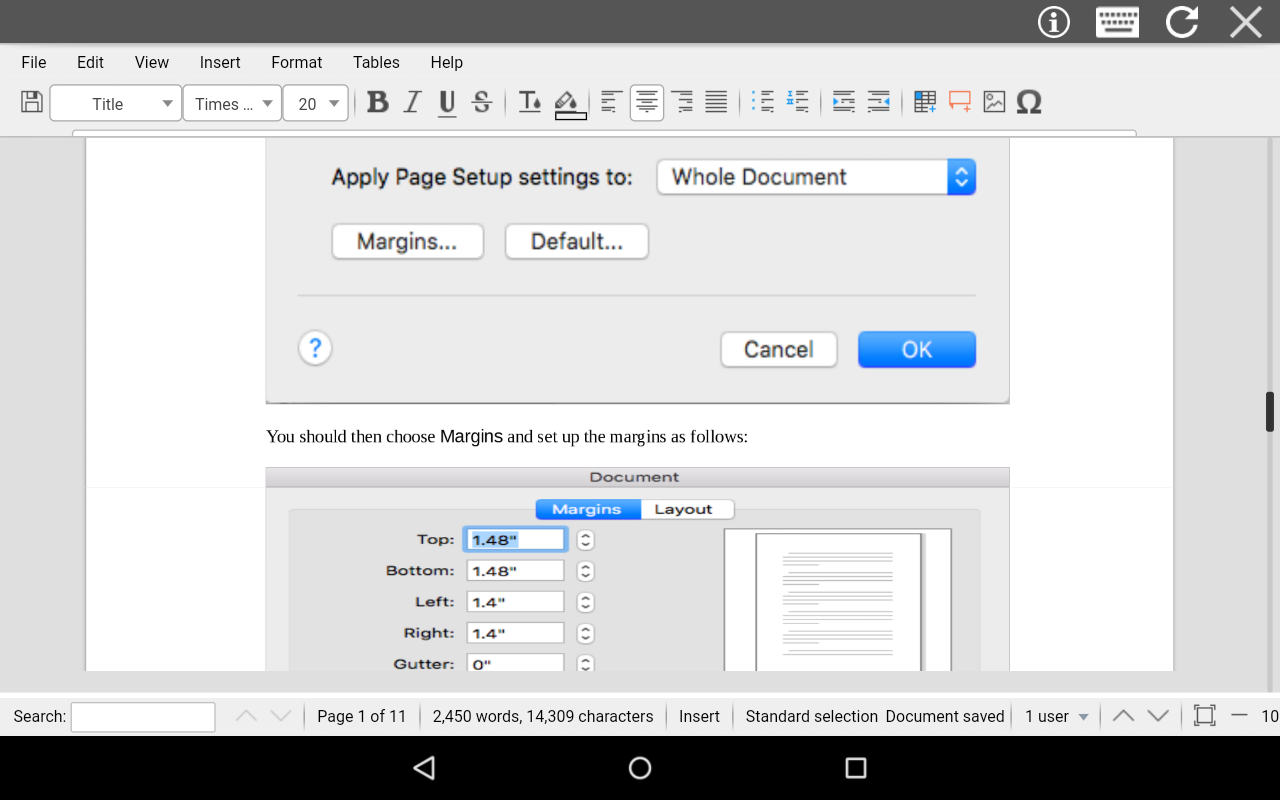
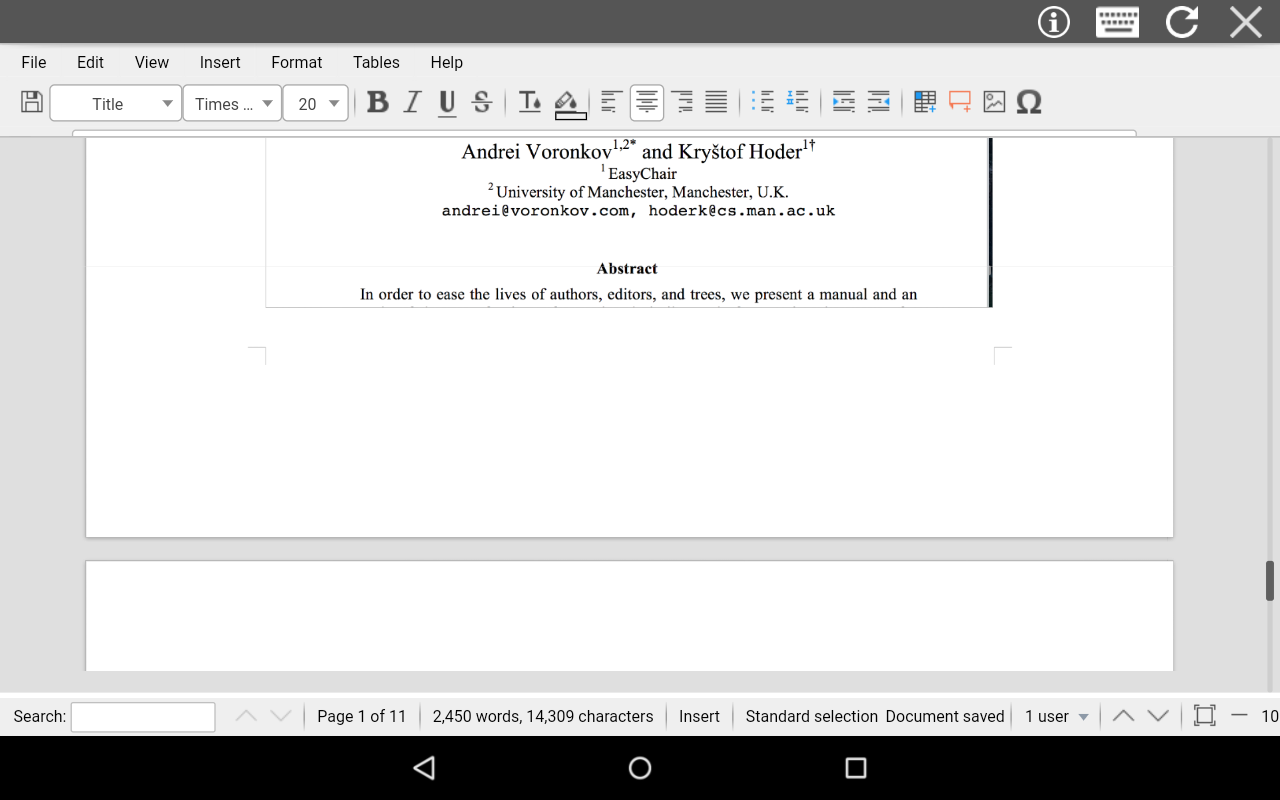
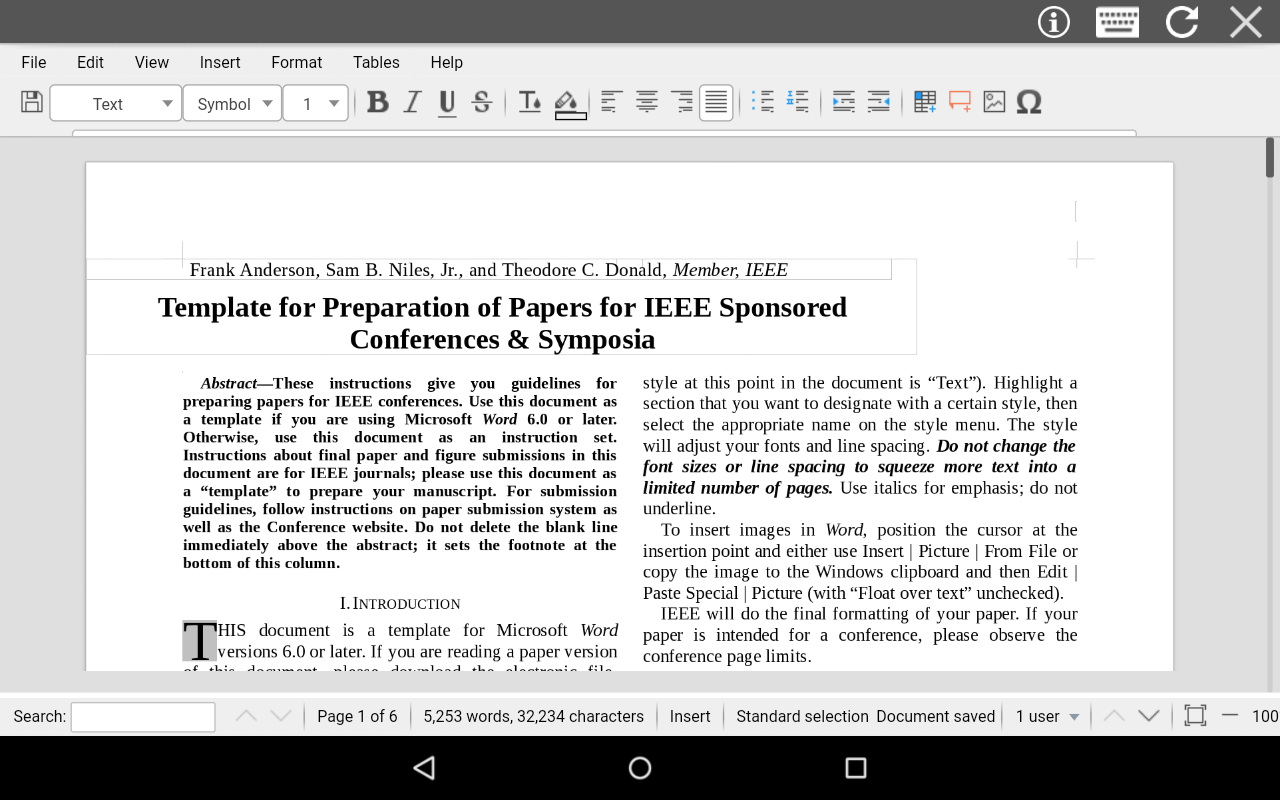
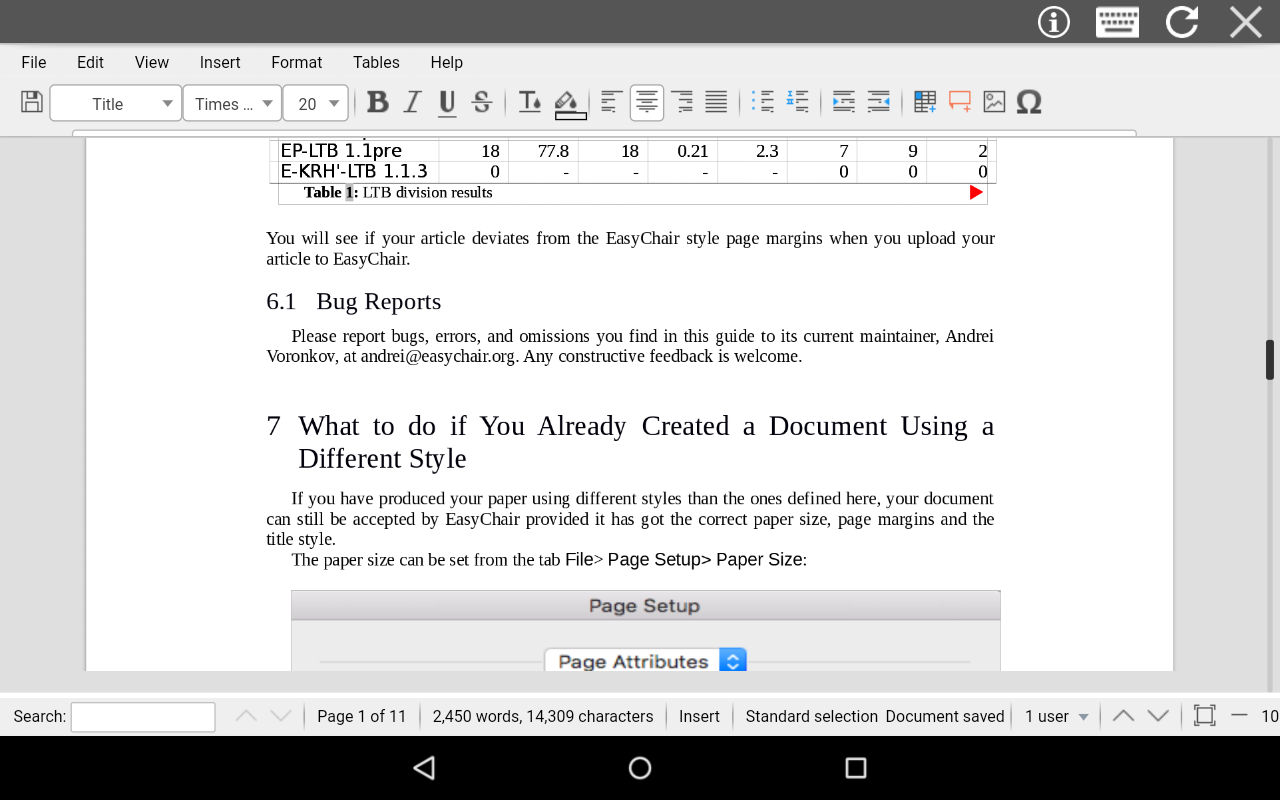
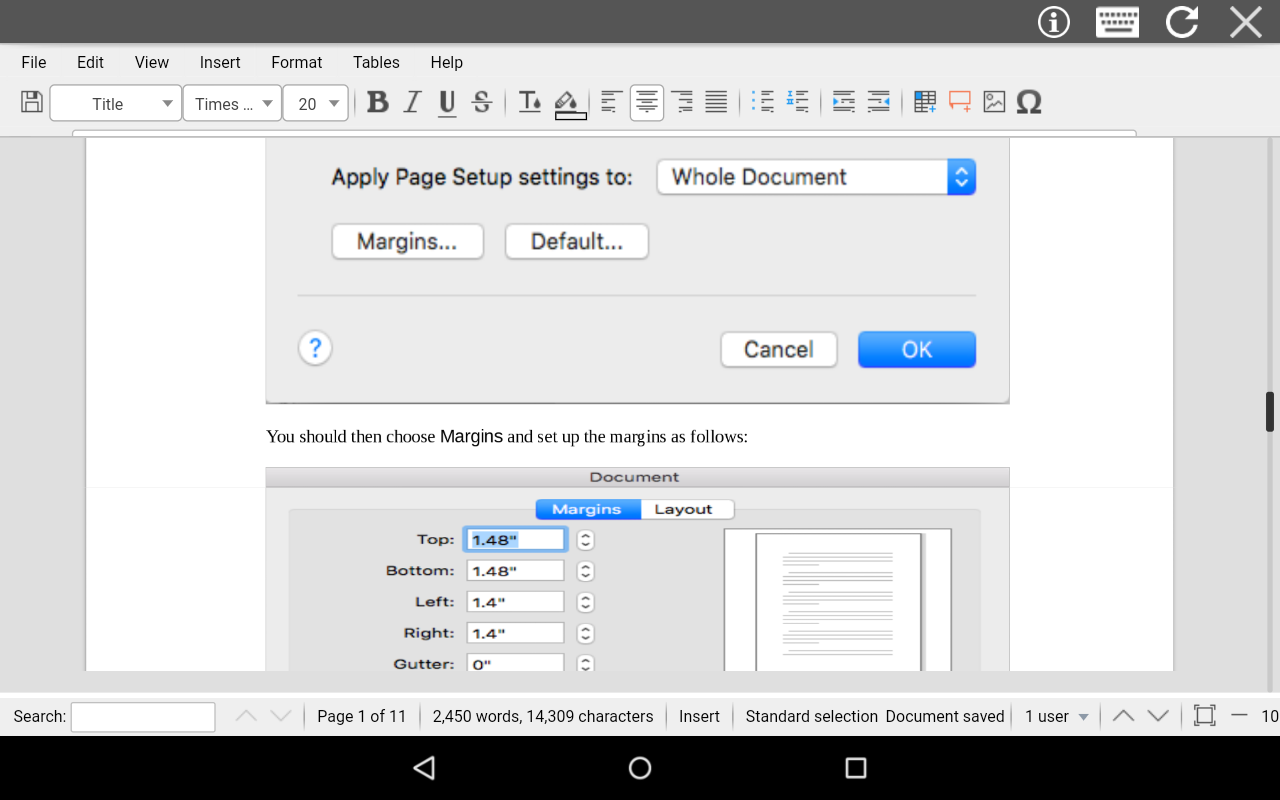
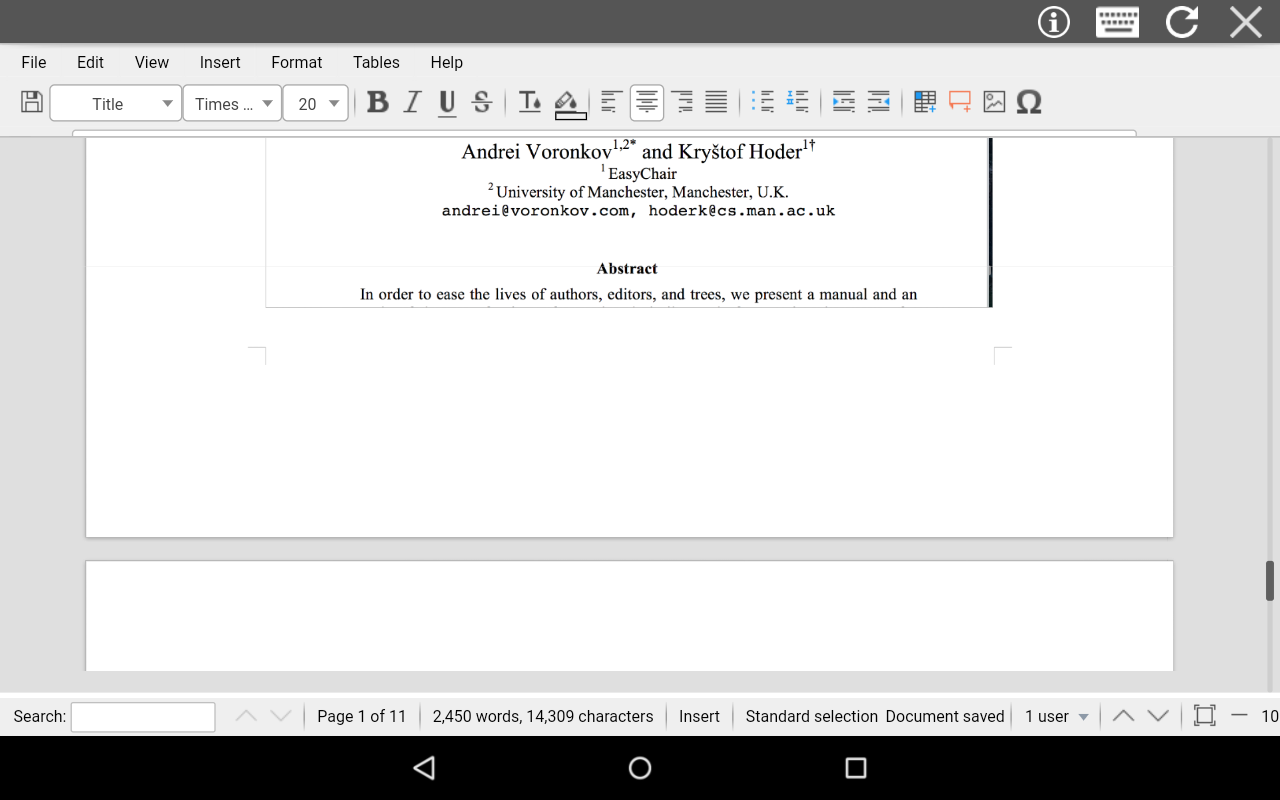
Maybe this app will do great if I have a bigger smartphone, but that isn't happening right now. The editing options and all are just like those in Microsoft Word, but the fact I can't see my document on full screen frustrates me. The loading is super slow, and this app needs internet connection to work. I personally like this app, so I hope you can do something about all the comments and feedbacks I've mentioned. I am looking further for more improvements!
This app sucks. It doesn't even show the the document it just shows a blank space where you can do literally nothing.Don't download this app. It is a complete waste of time and your phone storage.
Broken app, always showing "error" message. I close the app amd when I open it again to try opening a new file it says "error". Can't type even a single word, "help" icon really doesn't help. Useless app don't bother downloading it.
A key logger? I don't know. Very slow, not recommended to any one, even to a novice, don't waste your time..., if by accident you turned you turned your phone, u should start over again...rubbish! No stars at all.
When I tried to open a document directly from WhatsApp it didnt open.It was showing me all the folders. If you are not connected to internet this app doesn't allow you to open a document. App is too slow to edit any document.
Kirimkan komentar
Untuk memberikan komentar, masuklah dengan jejaring sosial Anda:
Atau tinggalkan komentar anonim. Komentar Anda akan dikirim untuk dimoderasi.
Kirimkan komentar
Untuk memberikan komentar, masuklah dengan jejaring sosial Anda:
Atau tinggalkan komentar anonim. Komentar Anda akan dikirim untuk dimoderasi.