



Android TV Launcher
24+
unduhan5.0+
versi Android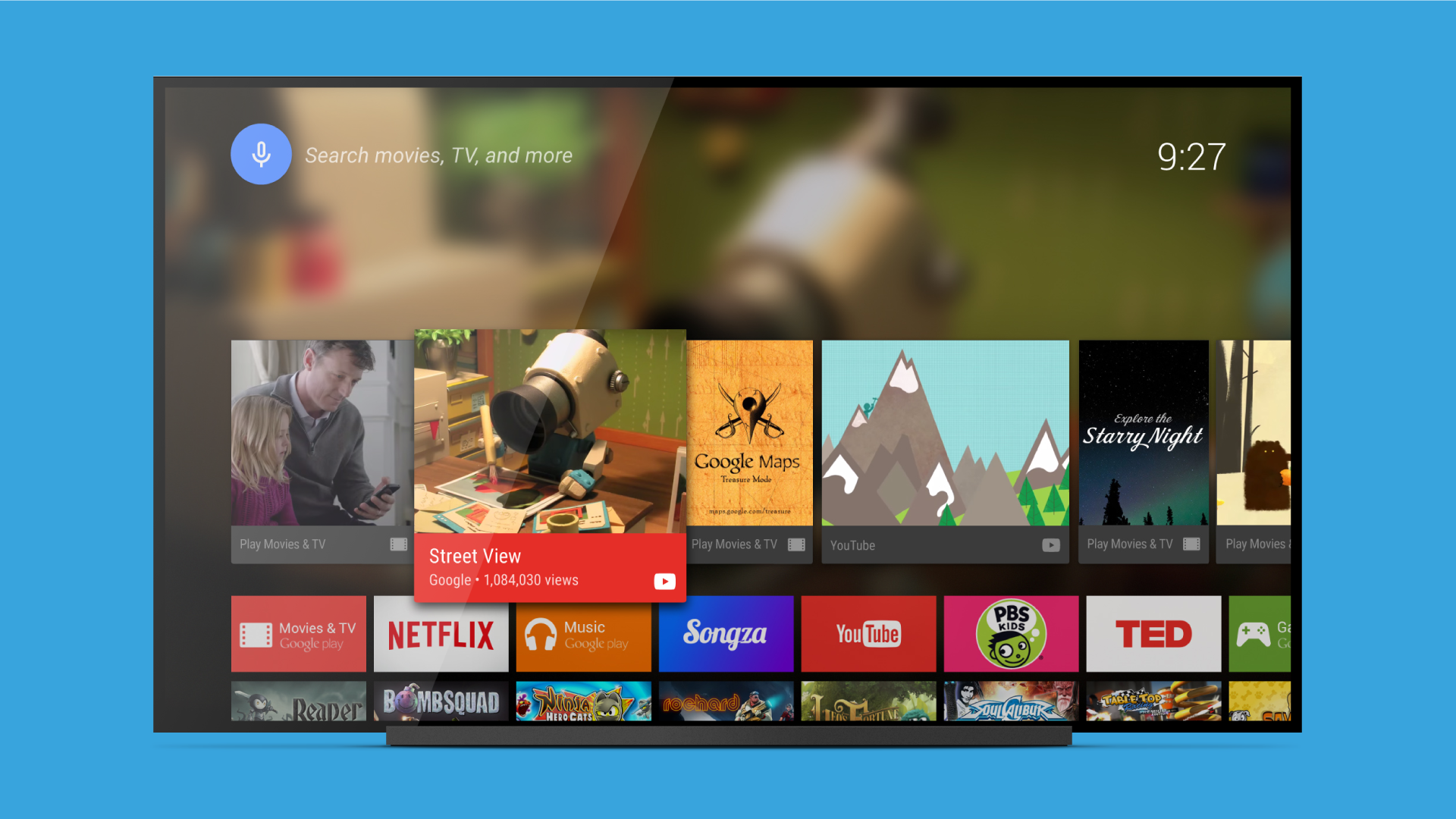
Ditambahkan: Denis Rubinov
Versi: 90.11.5-100-4440948
Ukuran: 0.6 MB
Diperbarui: 11.08.2022
Developer: Google LLC
Batasan Usia: Everyone
Otorisasi: 15
Diunduh di Google Play: 144102165
Kategori: Alat
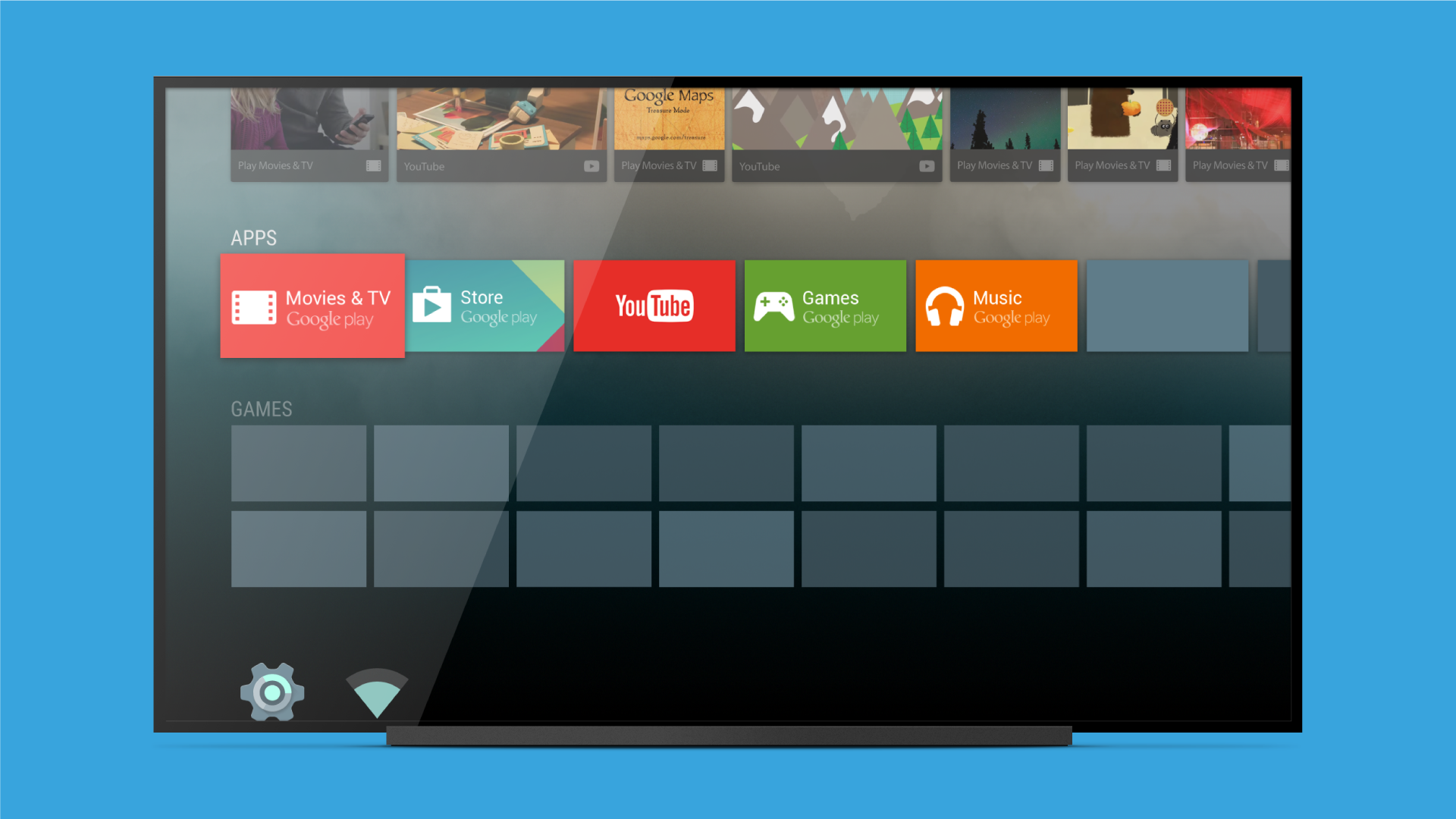
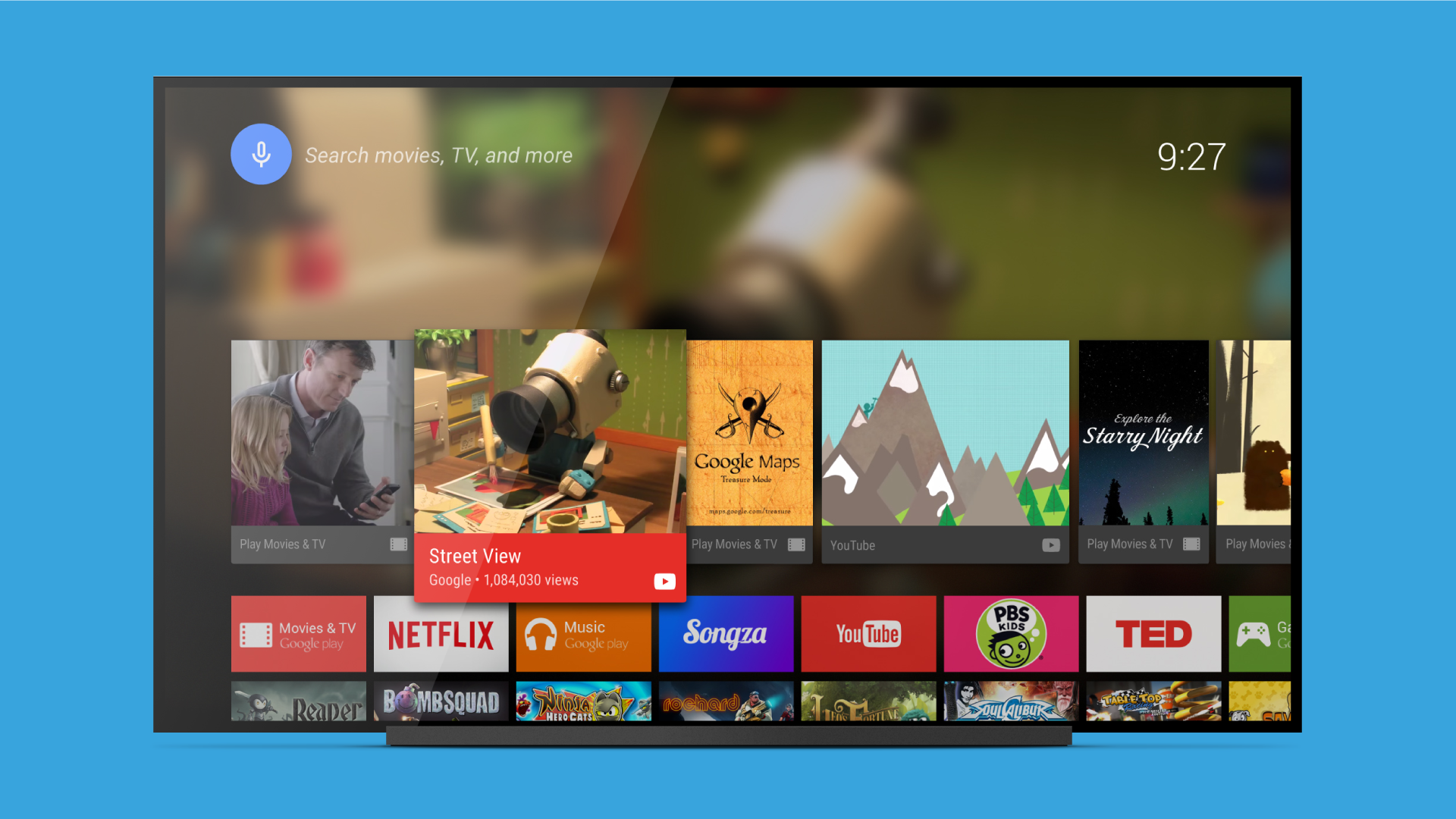
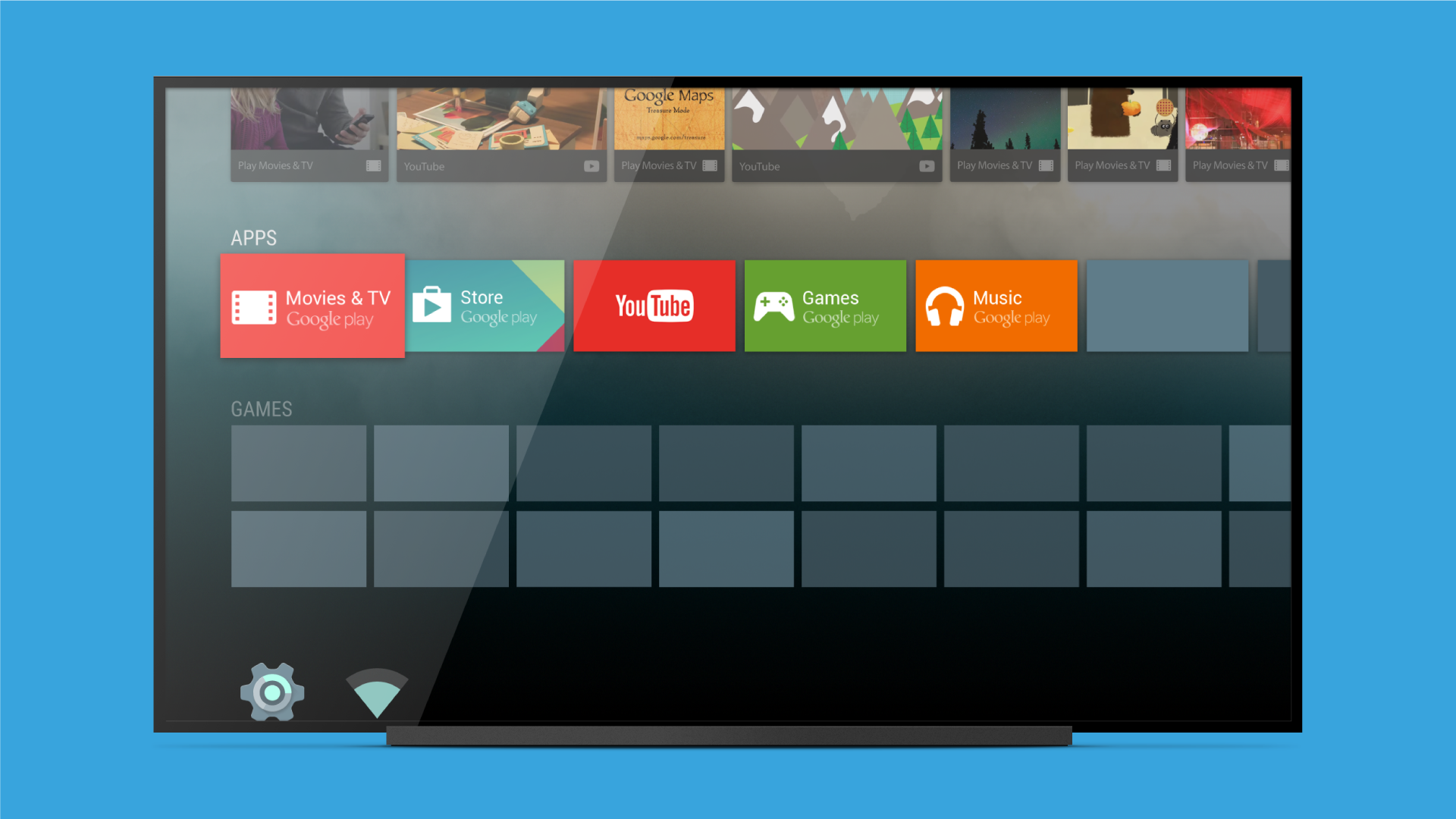
- Program ini dioptimalkan untuk digunakan di Android TV.
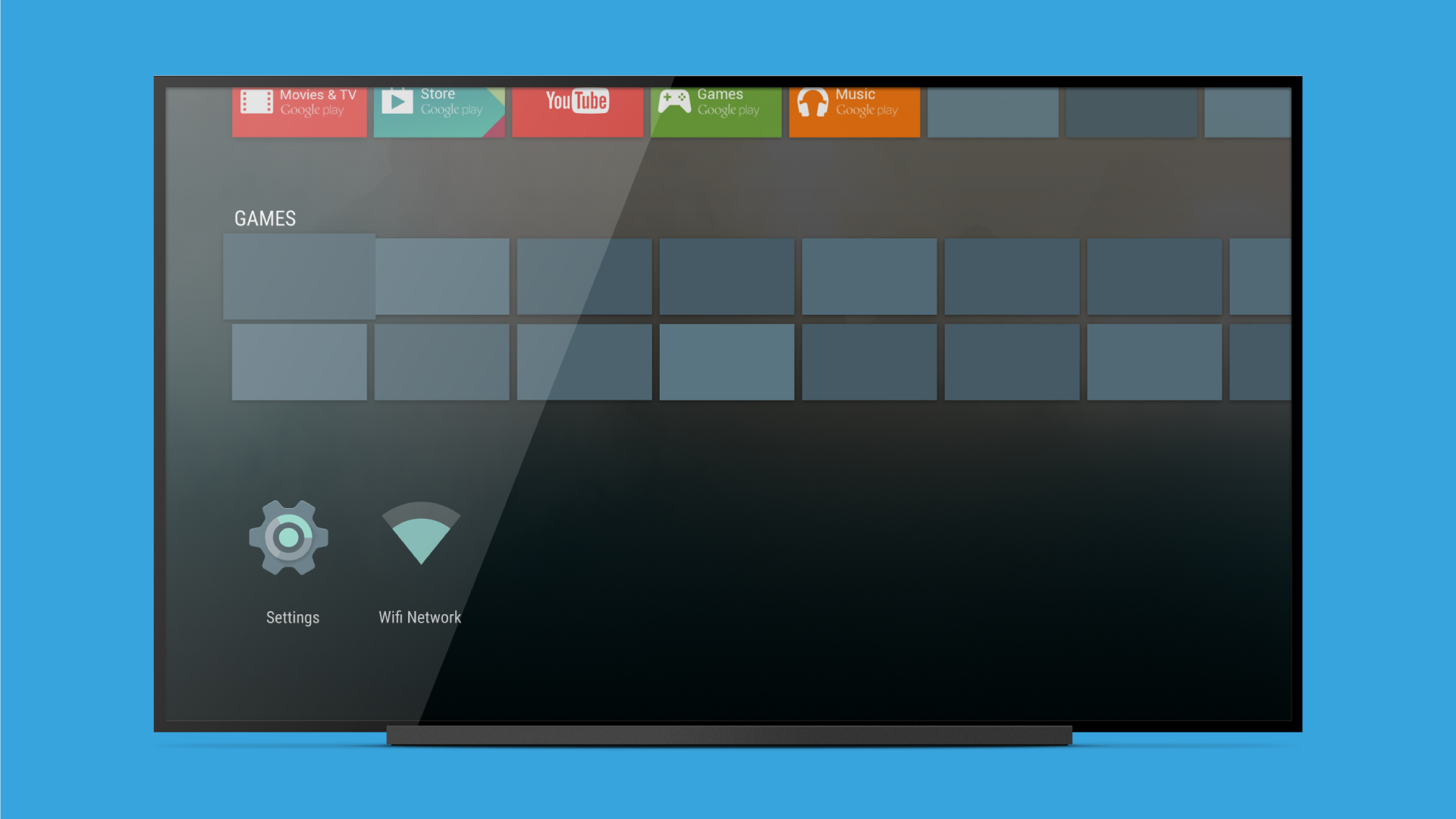
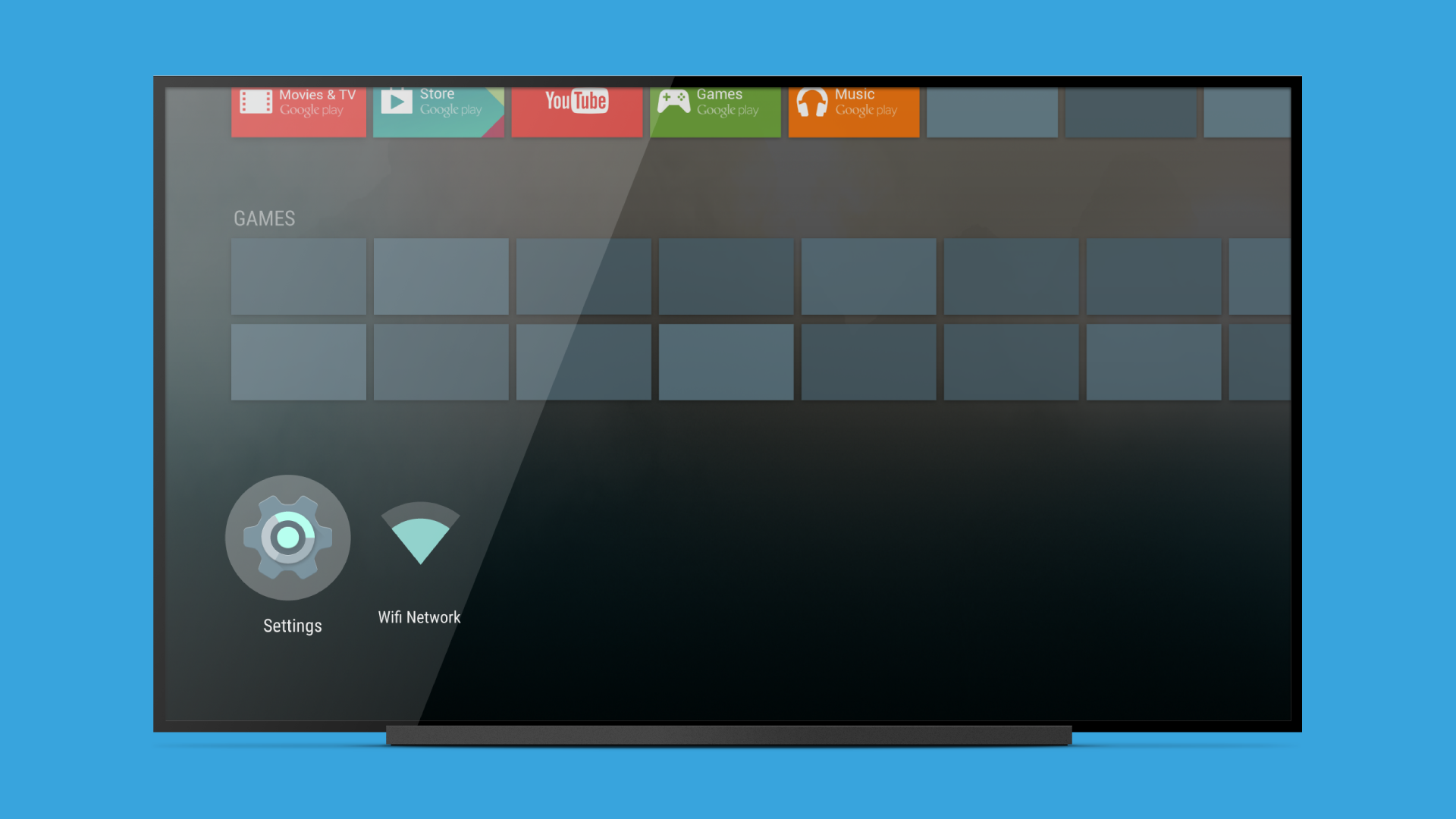
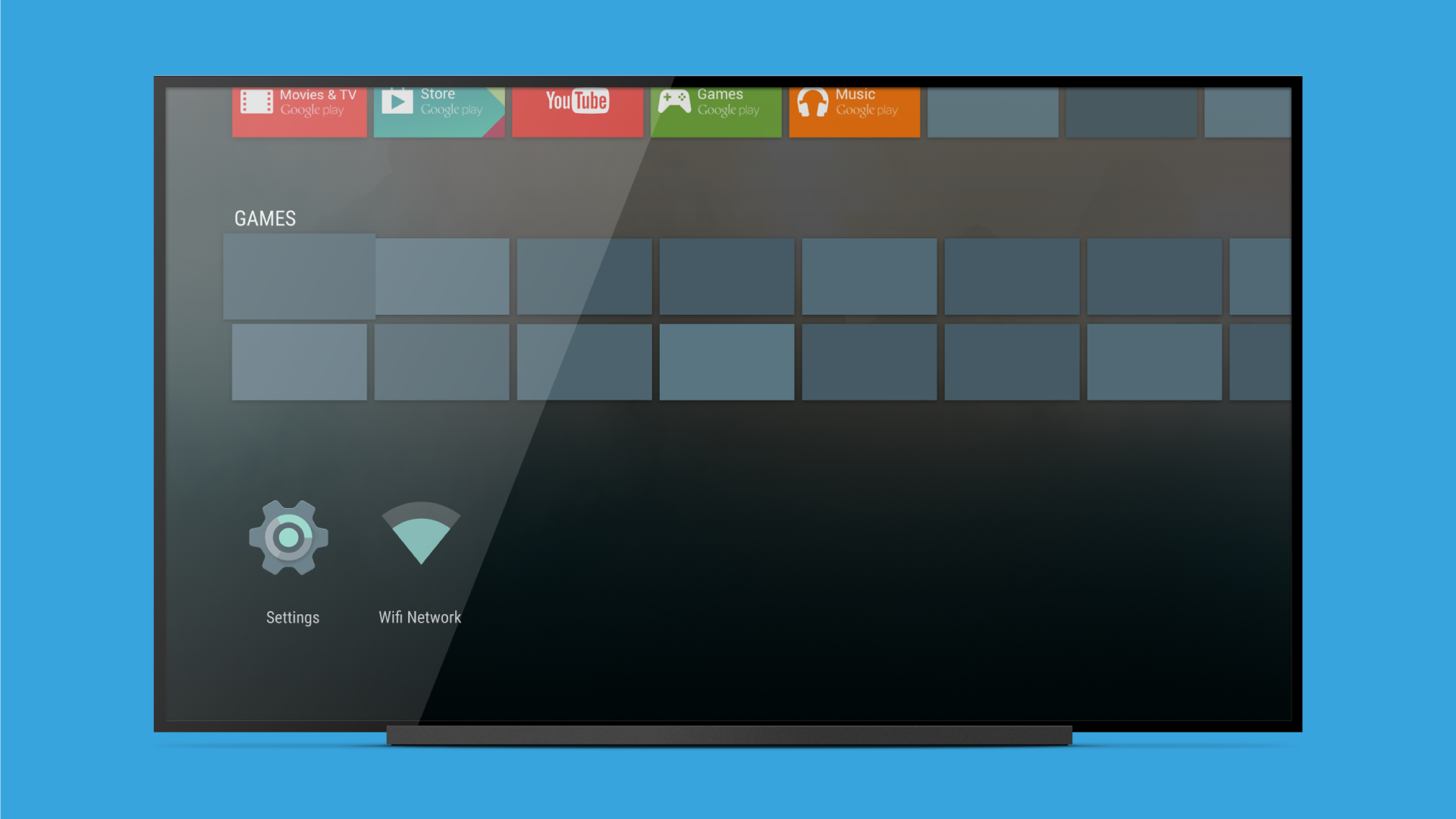
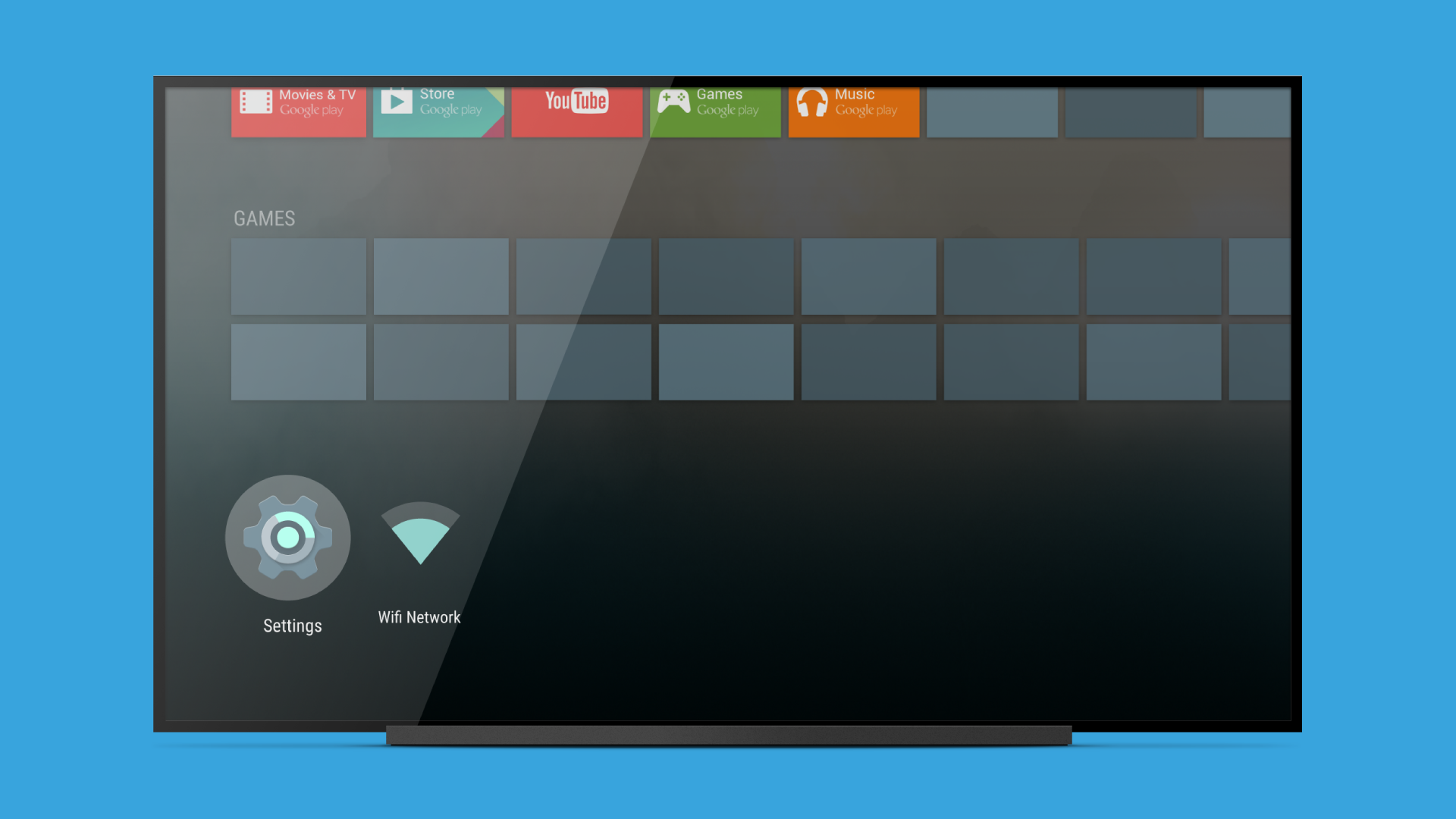
- Memudahkan Anda mengontrol TV dan perangkat lunak yang diinstal.
- Mesin telusur bawaan.
- Hubungkan ke layanan streaming populer.
Deskripsi
Aplikasi Android TV Launcher diperiksa oleh antivirus VirusTotal. Sebagai hasil pemindaian, tidak ada infeksi file yang terdeteksi oleh semua tanda tangan terbaru.
Cara memasang Android TV Launcher
- Unduh file APK aplikasi dari apkshki.com.
- Temukan file yang diunduh. Anda dapat menemukannya di baki sistem atau di folder 'Download' menggunakan manajer file apa pun.
- Jika file yang diunduh berekstensi .bin (bug WebView di Android 11), ubah namanya menjadi .apk menggunakan pengelola file apa pun atau coba unduh file dengan browser lain seperti Chrome.
- Mulai penginstalan. Klik pada file yang diunduh untuk memulai penginstalan
- Izinkan penginstalan dari sumber yang tidak dikenal. Jika Anda menginstal untuk pertama kalinya Android TV Launcher bukan dari Google Play, buka pengaturan keamanan perangkat Anda dan izinkan penginstalan dari sumber yang tidak dikenal.
- Lewati perlindungan Google Play. Jika proteksi Google Play memblokir penginstalan file, ketuk 'Info Lebih Lanjut' → 'Tetap instal' → 'OK' untuk melanjutkan..
- Selesaikan penginstalan: Ikuti petunjuk penginstal untuk menyelesaikan proses penginstalan.
Cara memperbarui Android TV Launcher
- Unduh versi baru aplikasi dari apkshki.com.
- Cari file yang diunduh dan klik file tersebut untuk memulai penginstalan.
- Instal di atas versi lama. Tidak perlu menghapus instalasi versi sebelumnya.
- Hindari konflik tanda tangan. Jika versi sebelumnya tidak diunduh dari apkshki.com, pesan 'Aplikasi tidak terinstal' mungkin muncul. Dalam kasus ini, hapus instalan versi lama dan instal versi baru.
- Mulai ulang lampiran Android TV Launcher setelah pembaruan.













Meminta pembaruan aplikasi
Ditambahkan Denis Rubinov
Versi: 90.11.5-100-4440948
Ukuran: 0.6 MB
Diperbarui: 11.08.2022
Developer: Google LLC
Batasan Usia: Everyone
Otorisasi:
Diunduh di Google Play: 144102165
Kategori: Alat















Ulasan untuk Android TV Launcher
O*
This launcher is super great, i loved it so much
Great
please upgrade my tcl software
l dropped Android launcher for Flauncher six months ago and I will never go back. Flauncher is clean. It has no bloat, no ads, and no annoying suggested watching. You control the Apps you want to see. Be more like Flauncher.
forced to use
very good idea
टीवी पर अपने अनुभव का वर्णन करें very good (वैकल्पिक)
GREAT PER1IN-T_W_IR......
last update 2017.... & yet I see 5 star reviews get with it
I would not currently recommend this particular "app" in its current state (as of 30 June 2021). The newly pushed update includes an intrusive advertising scheme which is affecting many people who rely on the android system for streaming shows to a TV (For example the Nvidia Shield streamer). As of this writing, the advertising banner occupies approximately 33% of the home screen real estate, and users are unable to fully opt-out without impacting other google services.
I paid a premium for two Shield TVs. I had been super happy with them for years, including the Android TV interface. This week, Google deployed a change to the home screen that introduced these huge obnoxious ads that cannot be disabled. The ads are for content in services that aren't even installed or subscribed. They're totally irrelevant, dominating the screen and incredibly annoying. The entire experience has gone from great to awful in an instant. This is a blatant bait-and-switch, and whatever trust I had in Google is gone. "Don't be evil"? What a sham.
3.0 launcher update on atv's version 8+ (other than the shield?) means getting the ccwgtv-like interface (with even more ads/'content discovery'), reduced utility on the main home screen - requires way more clicks to get to the apps. will see how it grows on me, but impression is the ATV launcher has been mostly regressing since the original leanback design.
The more I use this the worse the upgrade is. It turns out you CAN disable all the "channels" which is something but the apps bar doesn't expand to more than one row. The old app was 2 rows of apps, and a load of stuff I ignored the new one has increased the stuff I don't want massively and relegated app launching to one strip of "favourites". I don't know how to launch apps in the favourites. I am not usually one to do this in reviews, but gah I really don't like this, bring back the old one !
Adverts on my TV home screen, no thanks Google. I go out of my way to avoid as much advertising as possible. Forcing adverts upon people on a purchased piece of hardware that you provide a software interface for is beyond the pale. I've put up with you overarching, intrusive probing due to the quality and usefulness of the products you offer and thought of it as a fair trade. I don't think this is a fair trade at all. Considering you have such a thorough profile of me you don't seem to be doing a good job of promoting event things I may like. Adverts for boxing, Disney+ and other things so far, none of which I have an interest in. At least give us the option to disable these.
Kirimkan komentar
Untuk memberikan komentar, masuklah dengan jejaring sosial Anda:
Atau tinggalkan komentar anonim. Komentar Anda akan dikirim untuk dimoderasi.
Kirimkan komentar
Untuk memberikan komentar, masuklah dengan jejaring sosial Anda:
Atau tinggalkan komentar anonim. Komentar Anda akan dikirim untuk dimoderasi.