



Cisco Secure Client-AnyConnect
17+
unduhan4.0+
versi Android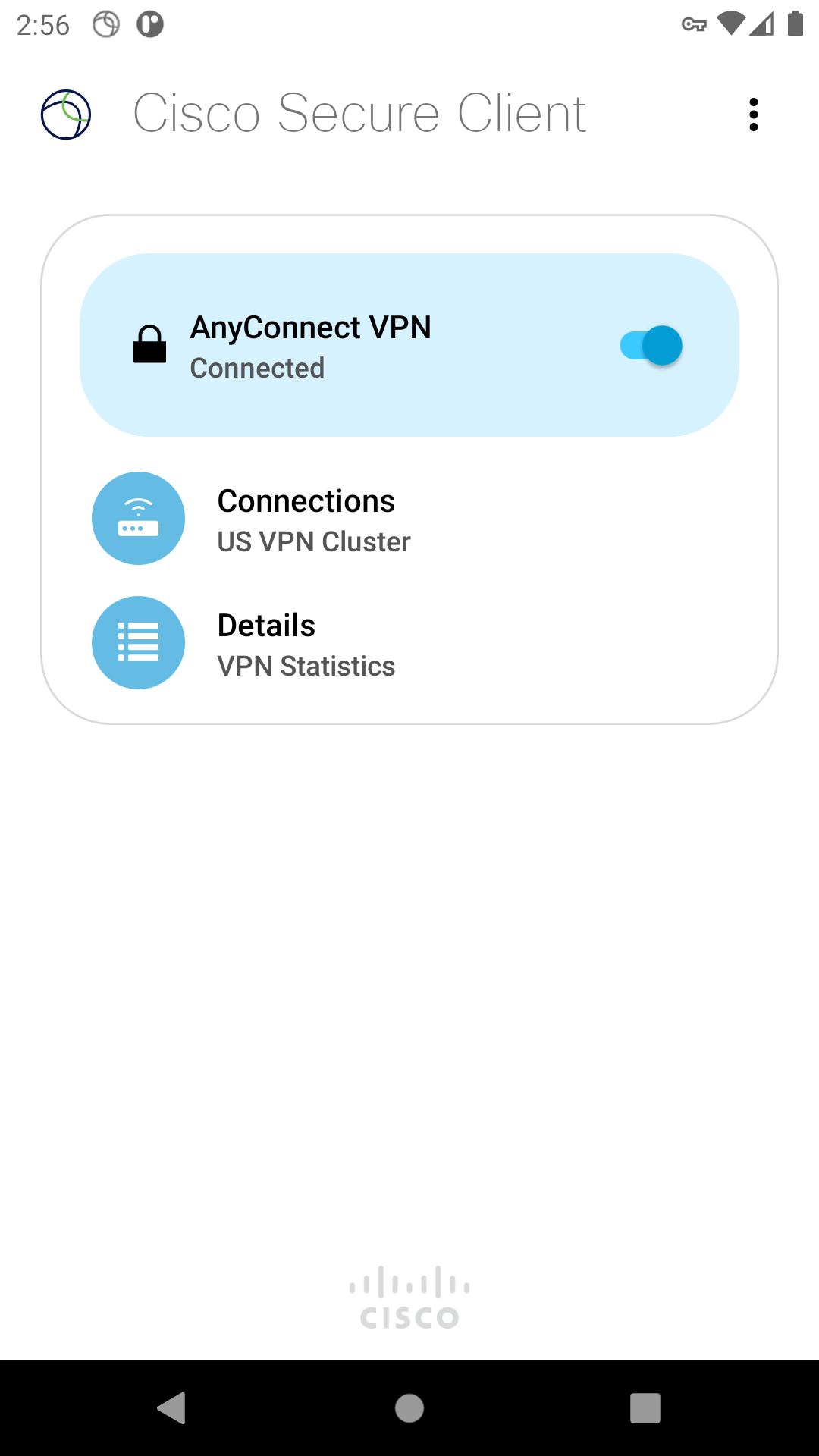
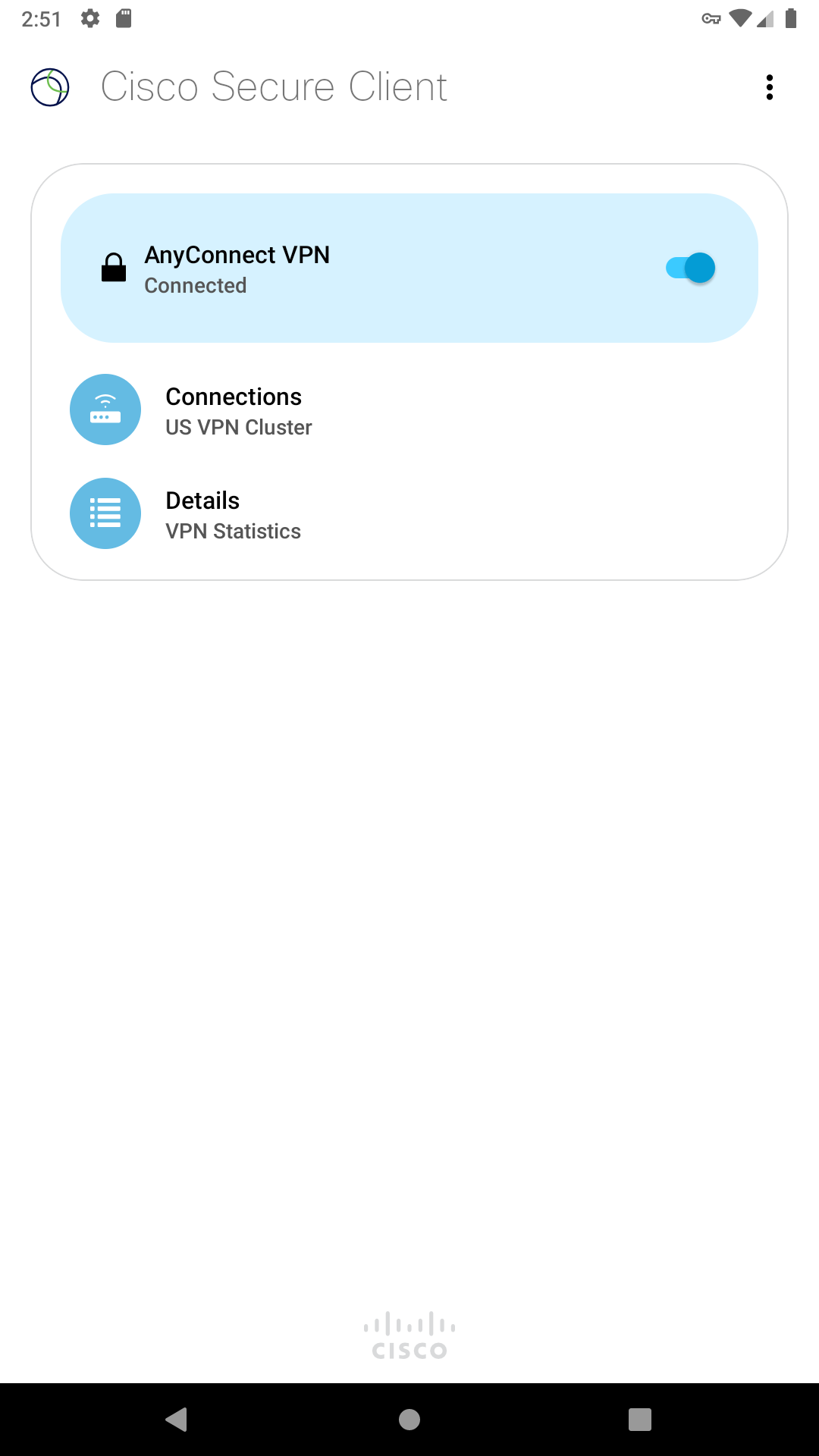
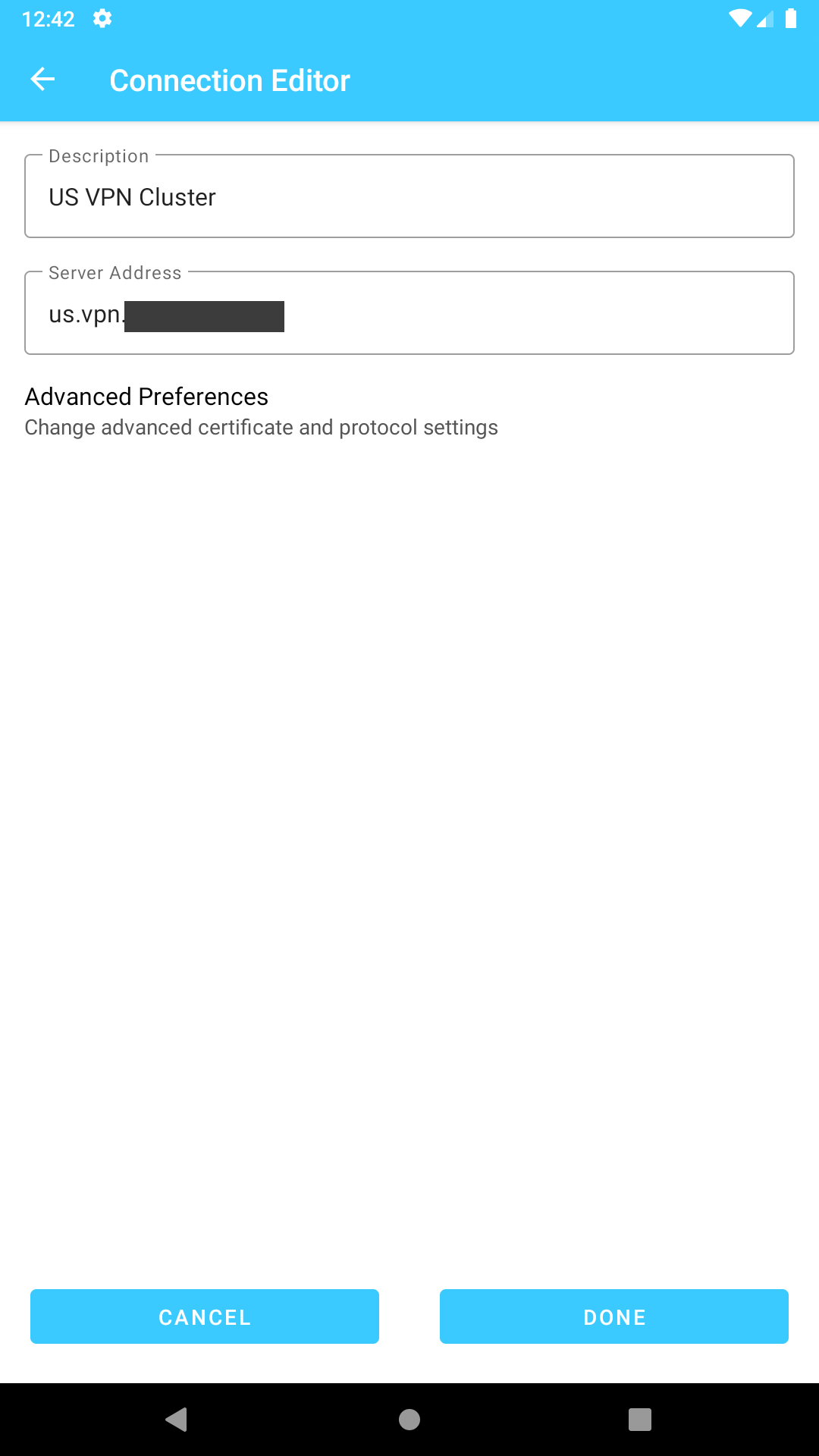
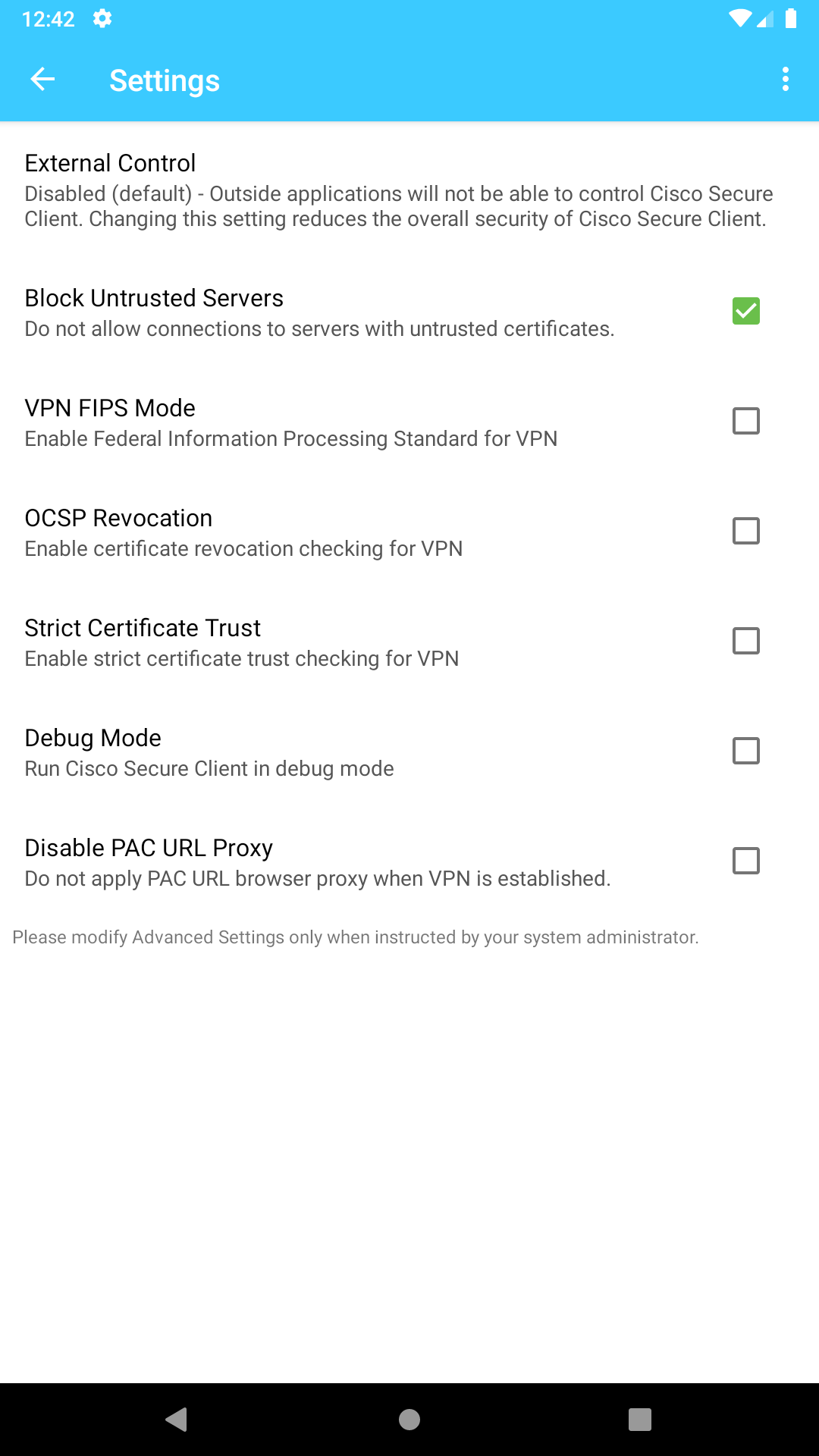
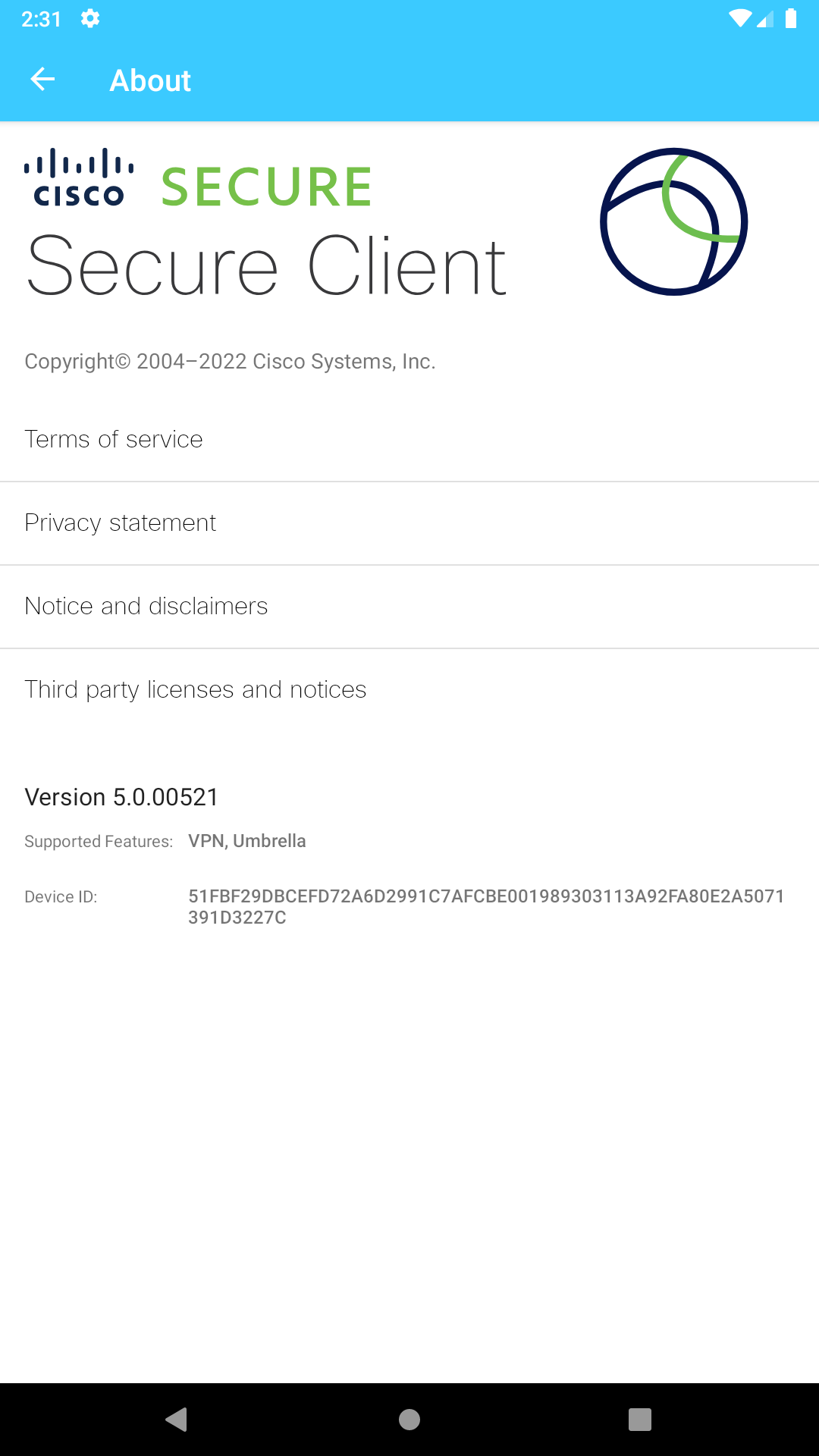
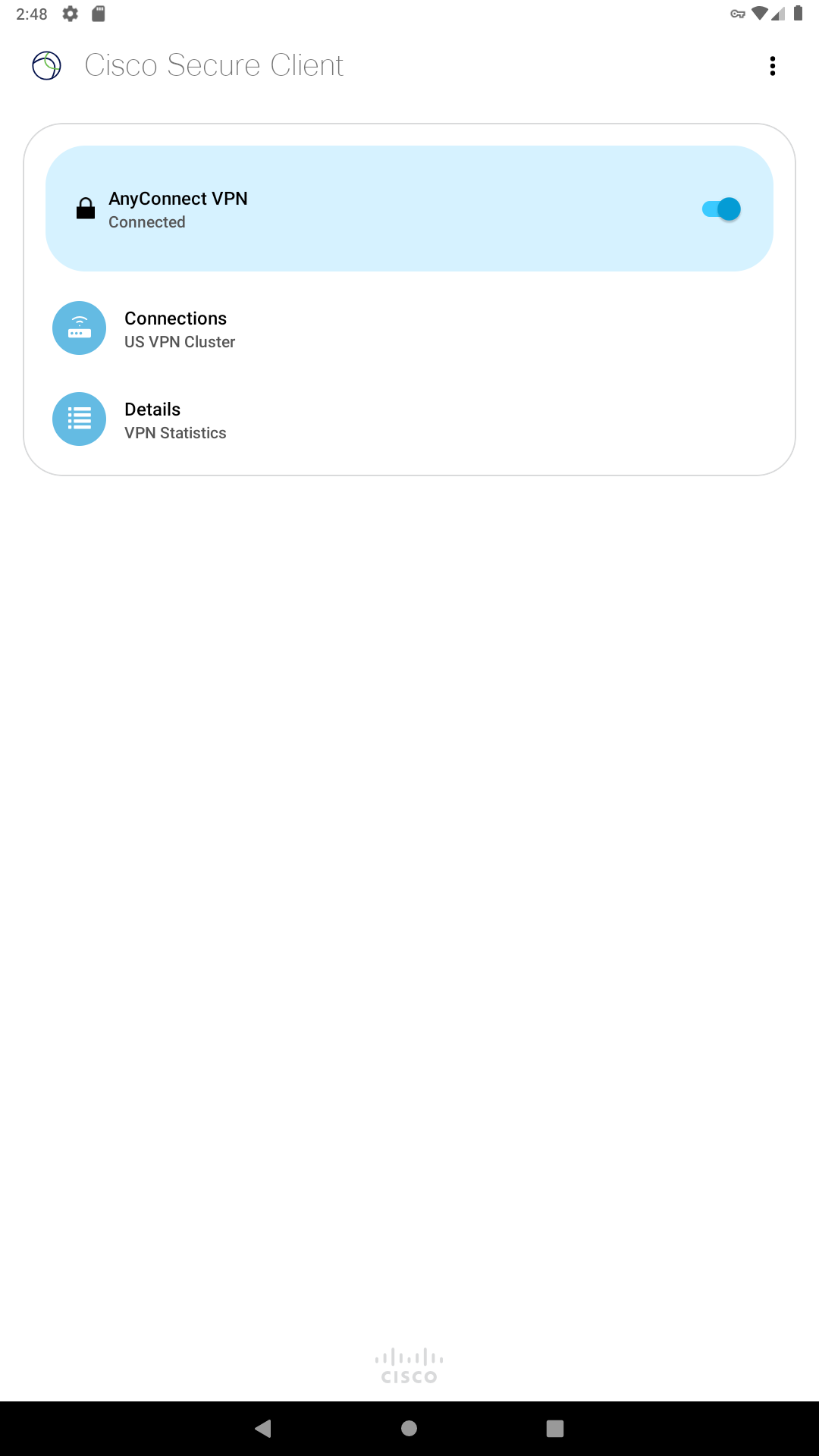
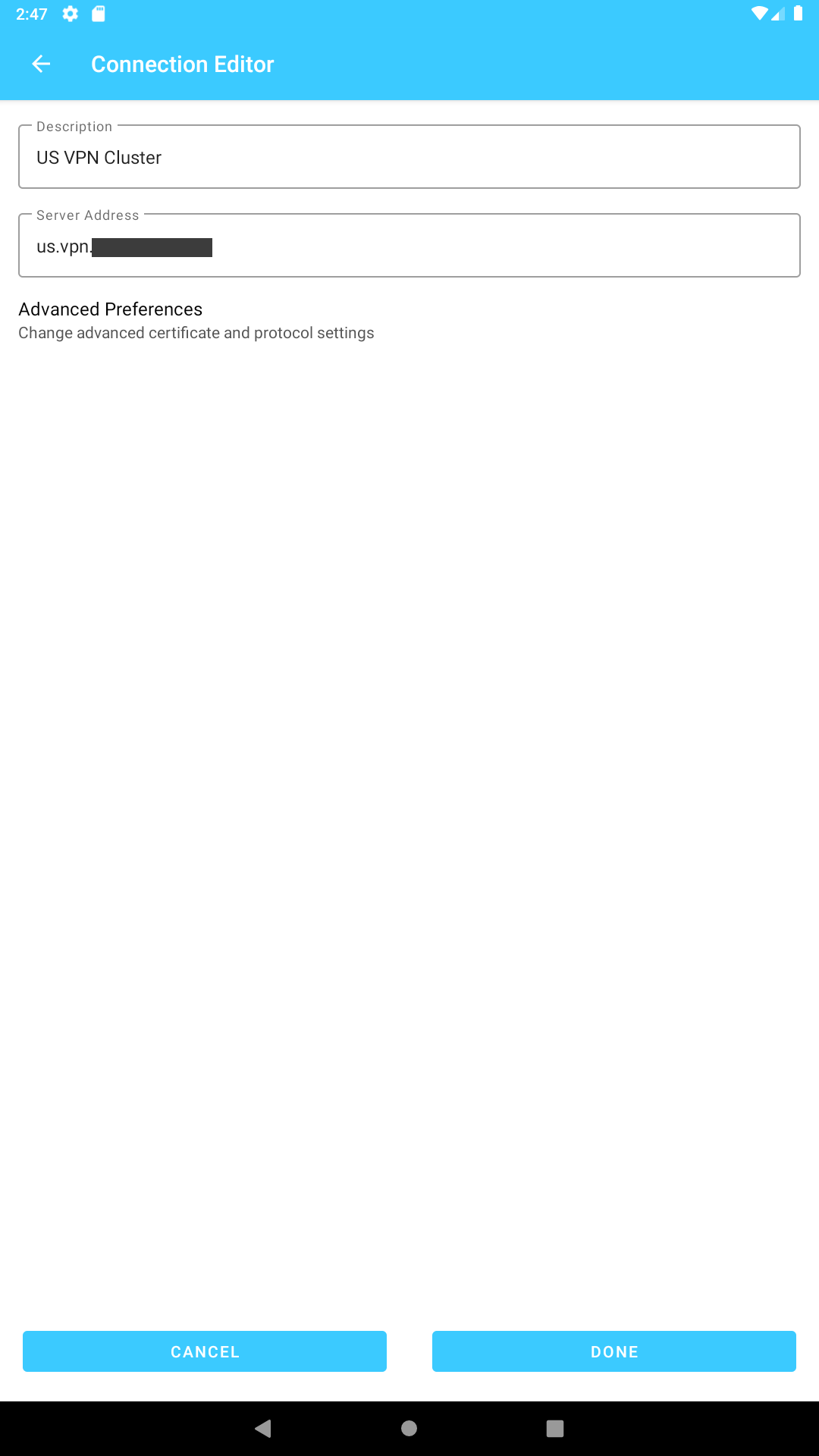
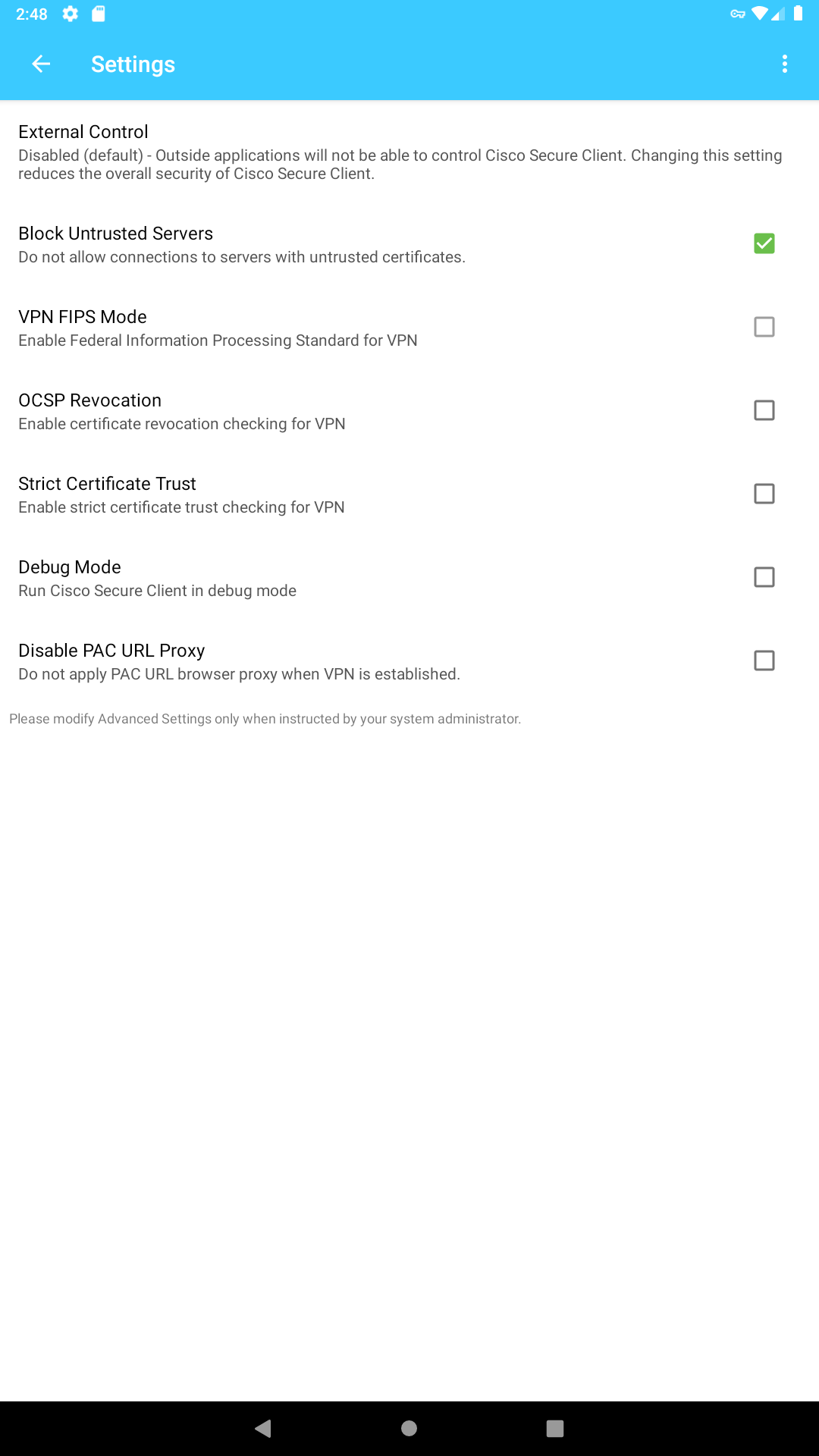
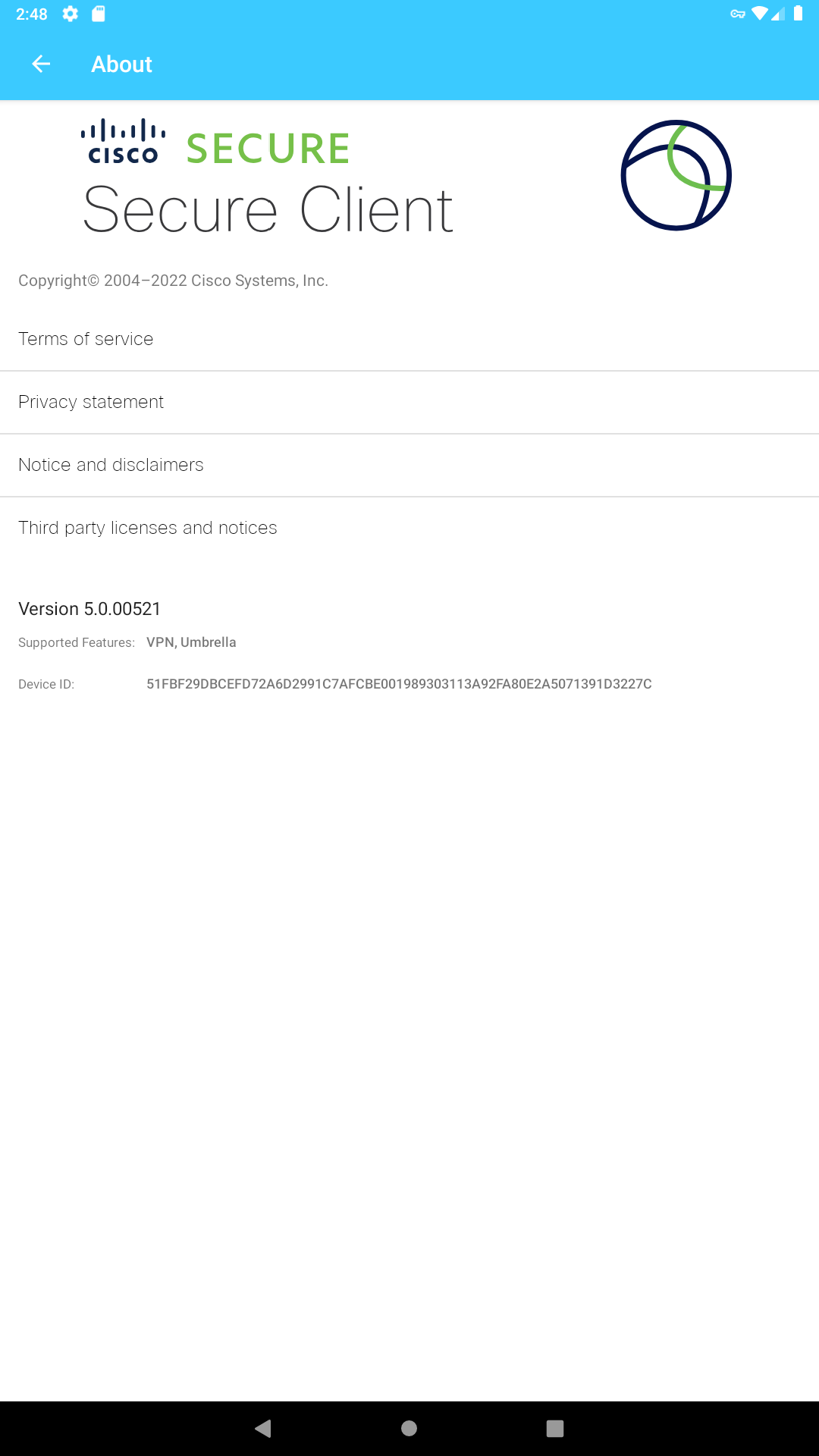
Ditambahkan: Denis Rubinov
Versi: 5.1.9.115
Ukuran: 54.4 MB
Diperbarui: 20.05.2025
Developer: Cisco Systems, Inc.
Batasan Usia: Everyone
Otorisasi: 14
Diunduh di Google Play: 6075074
Kategori: Bisnis
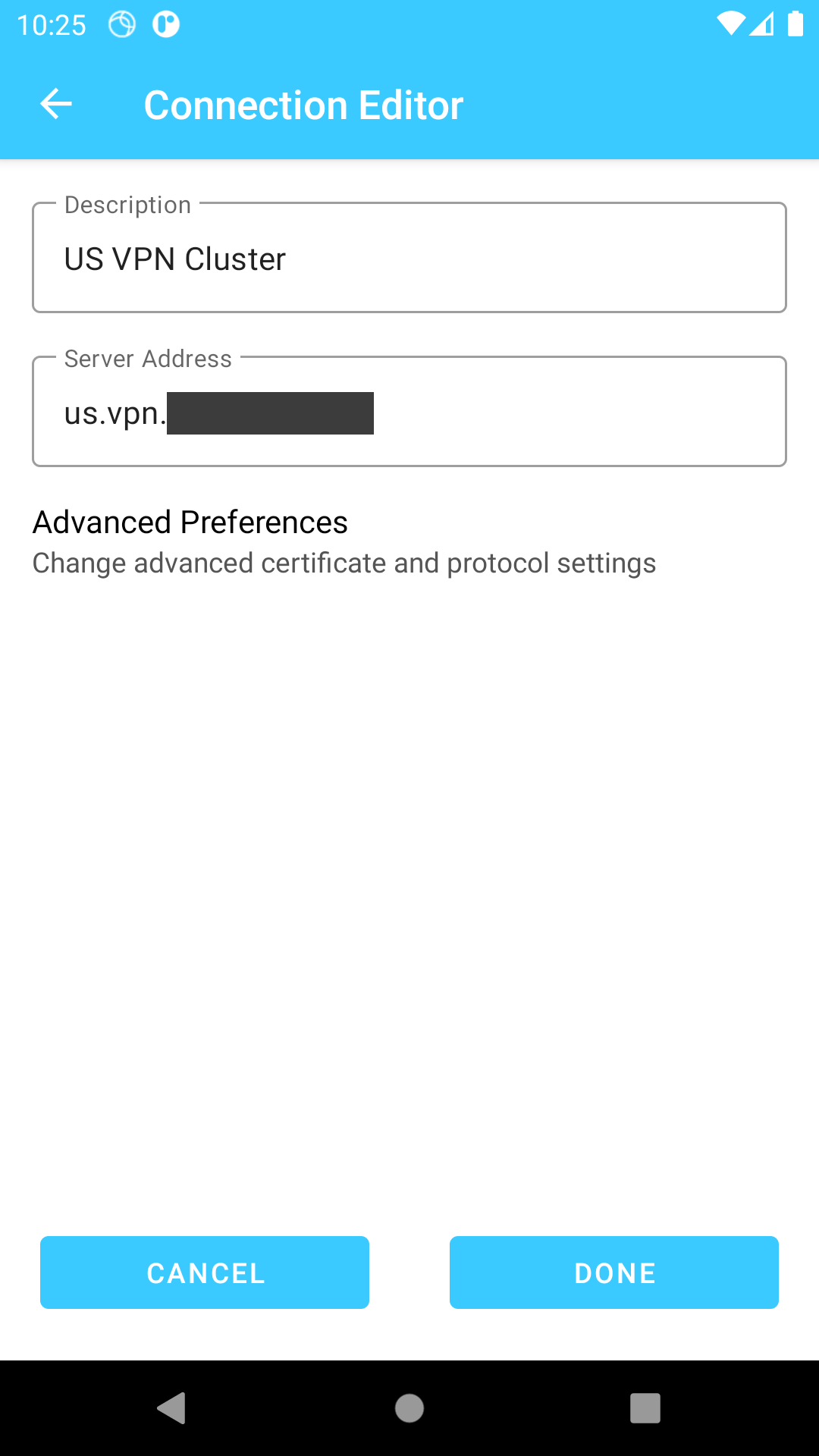
- Penyiapan yang mudah dan cepat.
- Keamanan koneksi tingkat tinggi.
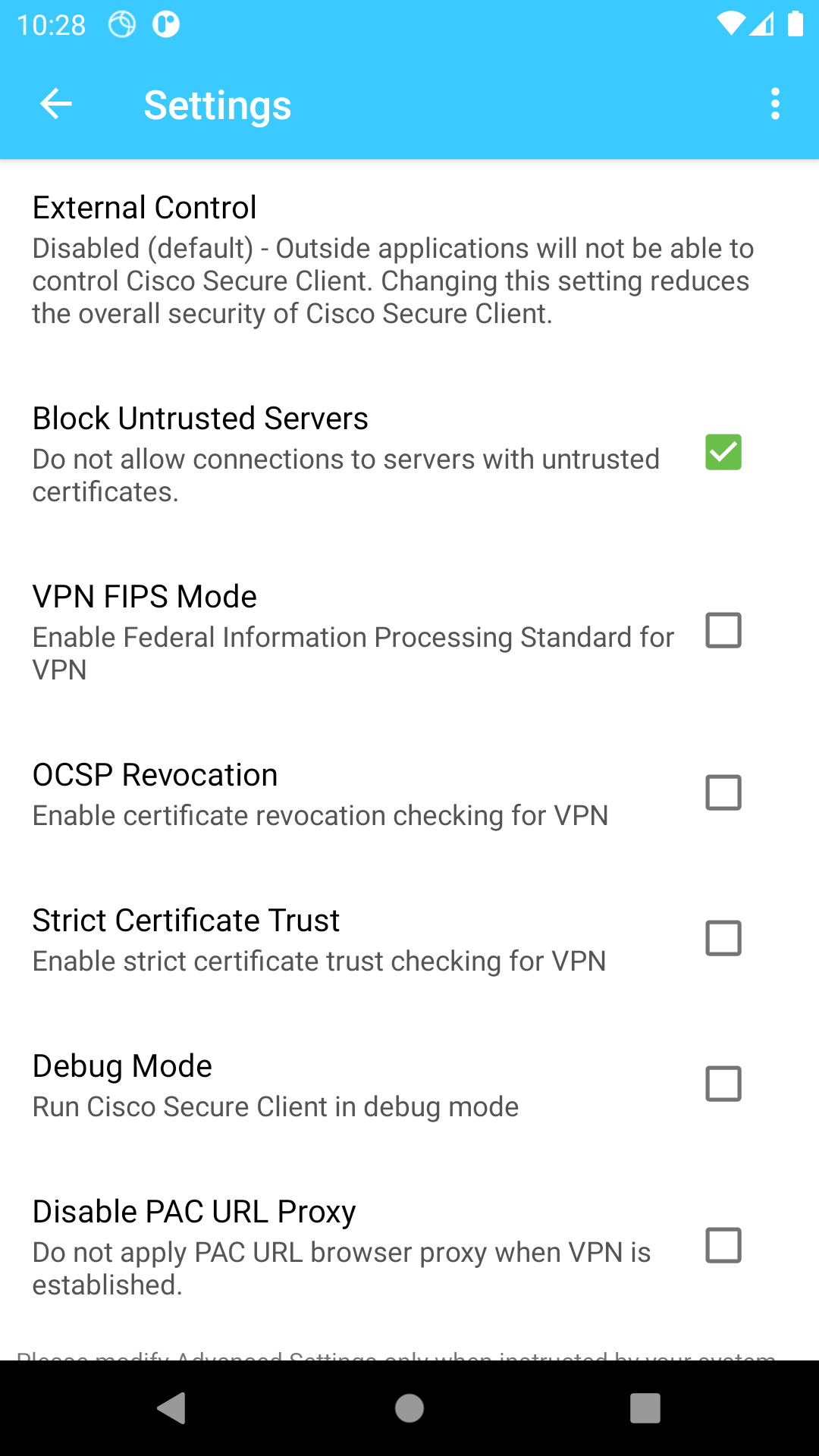
- Blokir server yang tidak tepercaya.
- Dukungan 24/7.
- Beragam pilihan otentikasi.
Deskripsi
Aplikasi Cisco Secure Client-AnyConnect diperiksa oleh antivirus VirusTotal. Sebagai hasil pemindaian, tidak ada infeksi file yang terdeteksi oleh semua tanda tangan terbaru.
Cara memasang Cisco Secure Client-AnyConnect
- Unduh file APK aplikasi dari apkshki.com.
- Temukan file yang diunduh. Anda dapat menemukannya di baki sistem atau di folder 'Download' menggunakan manajer file apa pun.
- Jika file yang diunduh berekstensi .bin (bug WebView di Android 11), ubah namanya menjadi .apk menggunakan pengelola file apa pun atau coba unduh file dengan browser lain seperti Chrome.
- Mulai penginstalan. Klik pada file yang diunduh untuk memulai penginstalan
- Izinkan penginstalan dari sumber yang tidak dikenal. Jika Anda menginstal untuk pertama kalinya Cisco Secure Client-AnyConnect bukan dari Google Play, buka pengaturan keamanan perangkat Anda dan izinkan penginstalan dari sumber yang tidak dikenal.
- Lewati perlindungan Google Play. Jika proteksi Google Play memblokir penginstalan file, ketuk 'Info Lebih Lanjut' → 'Tetap instal' → 'OK' untuk melanjutkan..
- Selesaikan penginstalan: Ikuti petunjuk penginstal untuk menyelesaikan proses penginstalan.
Cara memperbarui Cisco Secure Client-AnyConnect
- Unduh versi baru aplikasi dari apkshki.com.
- Cari file yang diunduh dan klik file tersebut untuk memulai penginstalan.
- Instal di atas versi lama. Tidak perlu menghapus instalasi versi sebelumnya.
- Hindari konflik tanda tangan. Jika versi sebelumnya tidak diunduh dari apkshki.com, pesan 'Aplikasi tidak terinstal' mungkin muncul. Dalam kasus ini, hapus instalan versi lama dan instal versi baru.
- Mulai ulang lampiran Cisco Secure Client-AnyConnect setelah pembaruan.










Meminta pembaruan aplikasi
Ditambahkan Denis Rubinov
Versi: 5.1.9.115
Ukuran: 54.4 MB
Diperbarui: 20.05.2025
Developer: Cisco Systems, Inc.
Batasan Usia: Everyone
Otorisasi:
Diunduh di Google Play: 6075074
Kategori: Bisnis















Ulasan untuk Cisco Secure Client-AnyConnect
Local host error on Android 15
Excellent
Not allowing for saving your password is an extremely annoying design choice.
خوبه
Can't use only for some apps
This app it doesn't want to connect when i put my credentials.. it's been 3 months now
doesn't work 😕
Ok
when connected with iphone hotspot and trying to connect with cisco vpn application is crashing and not connecting to vpn.
TOP
No longer connects to my work VPN on TMobile network due to some IP V6 vs IP V4 issue. Works perfectly on WiFi. The VPN connection to the selected secure gateway requires a routable IPv4 physical adapter address. Please move to an IPv4 network and retry the connection or select a different secure gateway." Pixel 6 Pro on TMobile network.. tried to switch the option to IP V4 on the APN settings.. no success. Please help
Not the worst vpn I ever used... But gosh it is bad. Only has 35 servers with most of them not working or terrible when they do. For the price I pay (similar to other vpns) I'm limited to 50 gb per month. What's the deal with that?
Used for work, reliable and easy to use, both over Wi-Fi and mobile data; have never had any issues.
The functionality is good overall. I have two issues though: 1. why can't credentials be saved? 2. for a while now, I think since the latest update, the cisco symbol keeps popping up in my notification bar and then disappearing a second later, while I am not connected or using the app. This should be fixed in order to prevent battery drainage.
A great tool to get around website blocking on my workplace wi-fi. I would give it five stars if it would remember my login credentials instead of me having to type them in every single time.
Kirimkan komentar
Untuk memberikan komentar, masuklah dengan jejaring sosial Anda:
Atau tinggalkan komentar anonim. Komentar Anda akan dikirim untuk dimoderasi.
Kirimkan komentar
Untuk memberikan komentar, masuklah dengan jejaring sosial Anda:
Atau tinggalkan komentar anonim. Komentar Anda akan dikirim untuk dimoderasi.