



Ditambahkan: Denis Rubinov
Versi: 4.9.7
Ukuran: 36.3 MB
Diperbarui: 21.05.2025
Developer: Apple Inc.
Batasan Usia: Teen
Otorisasi: 16
Diunduh di Google Play: 119356686
Kategori: Musik dan audio
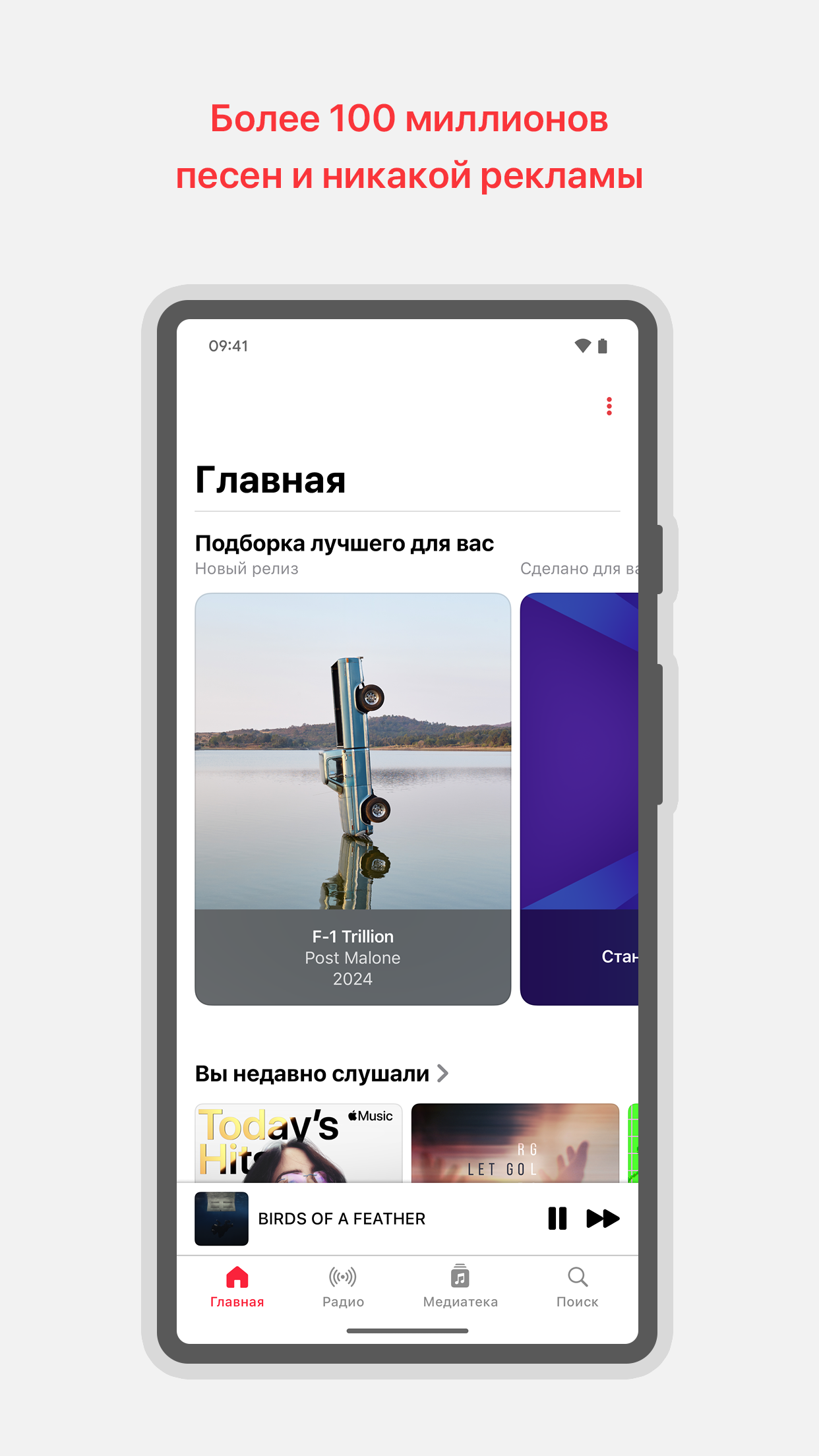
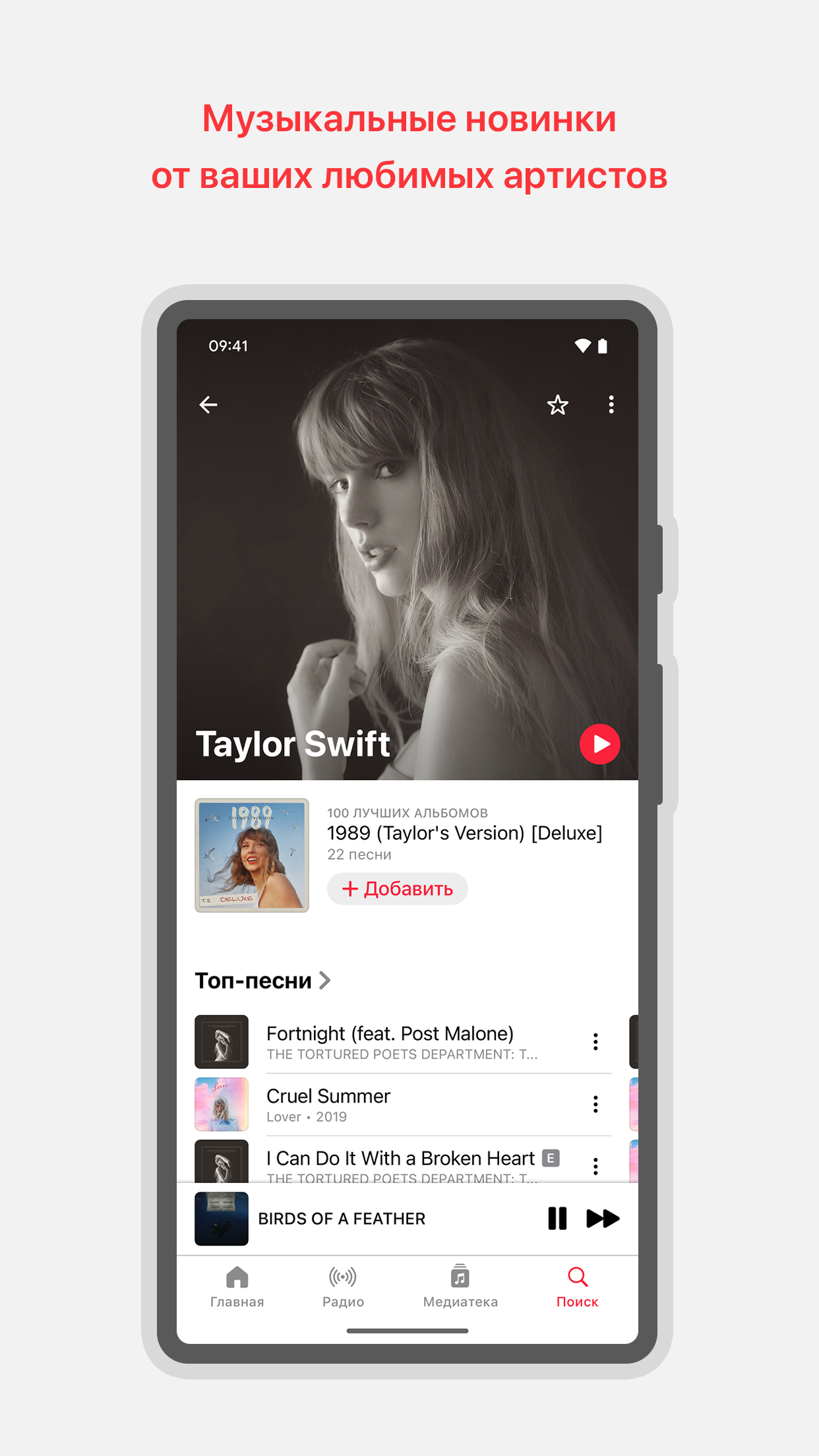
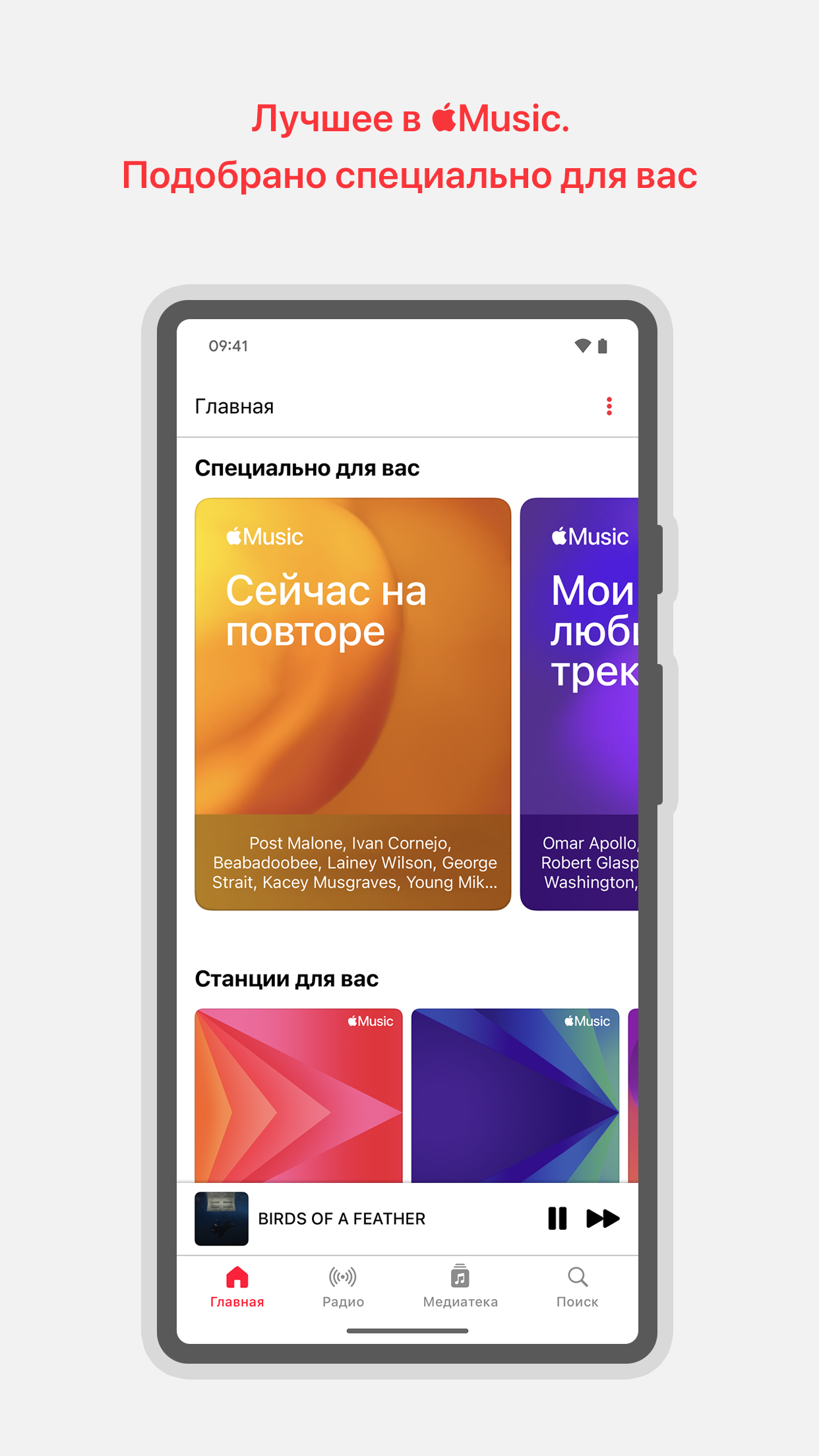
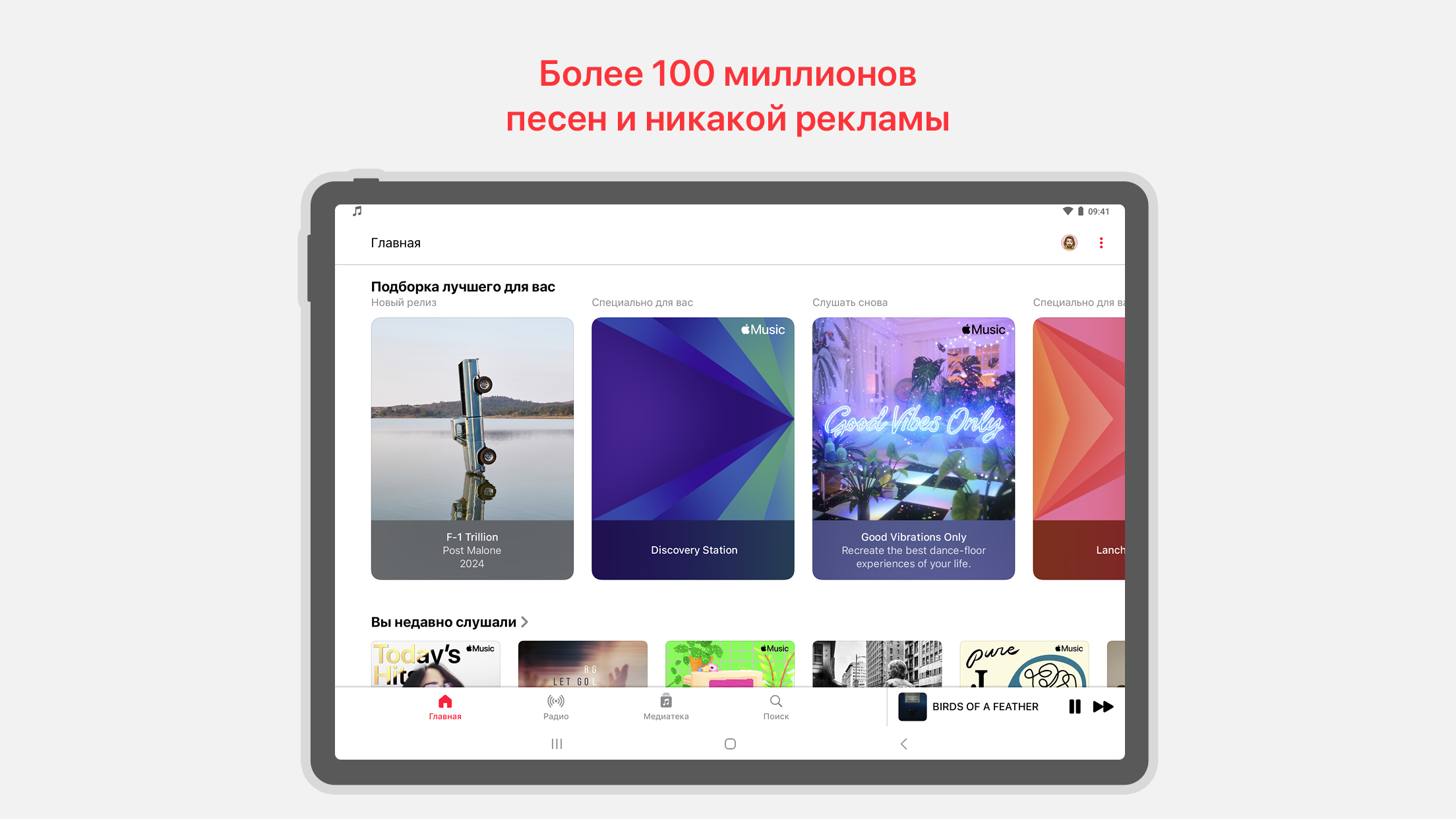
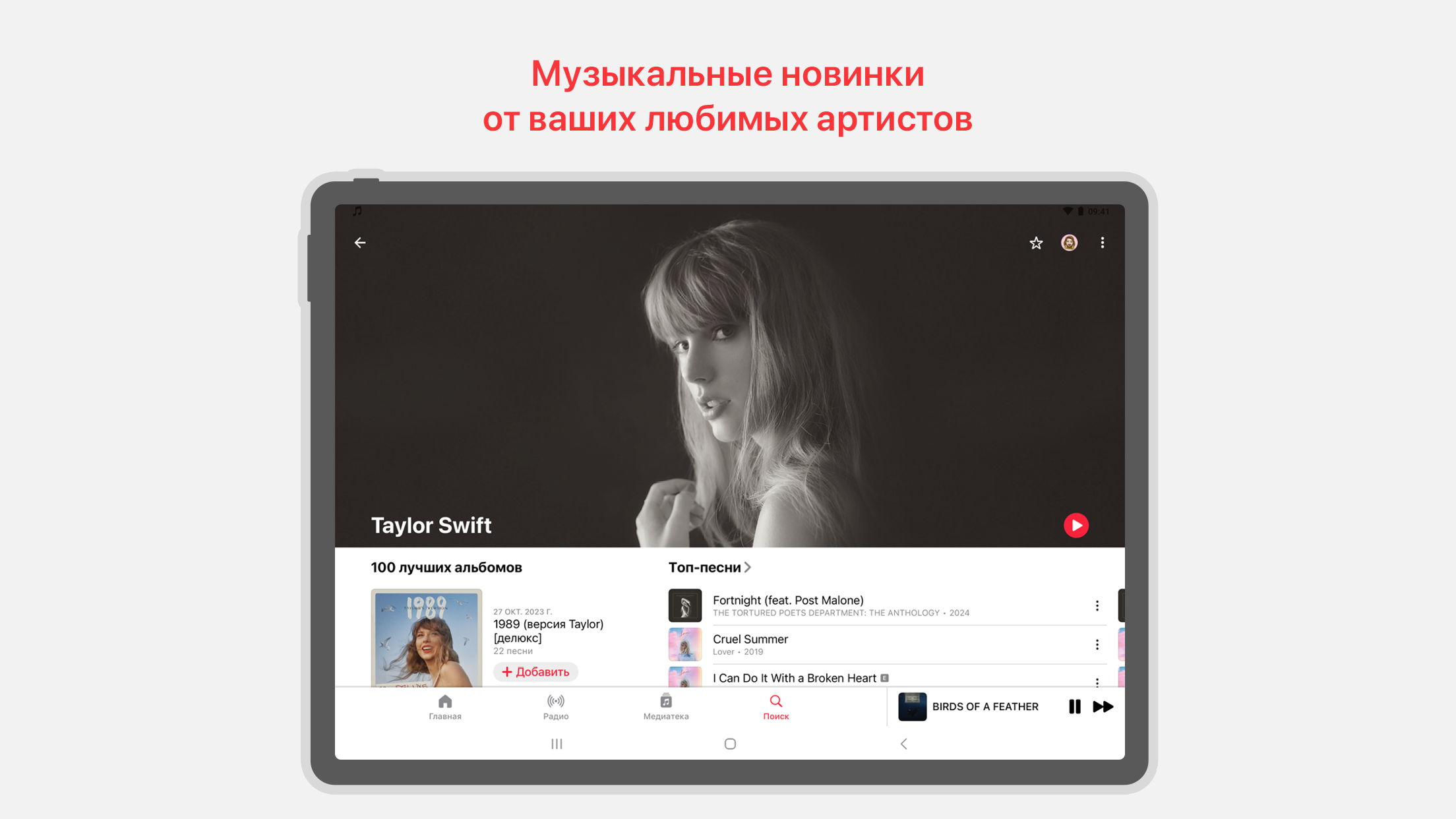
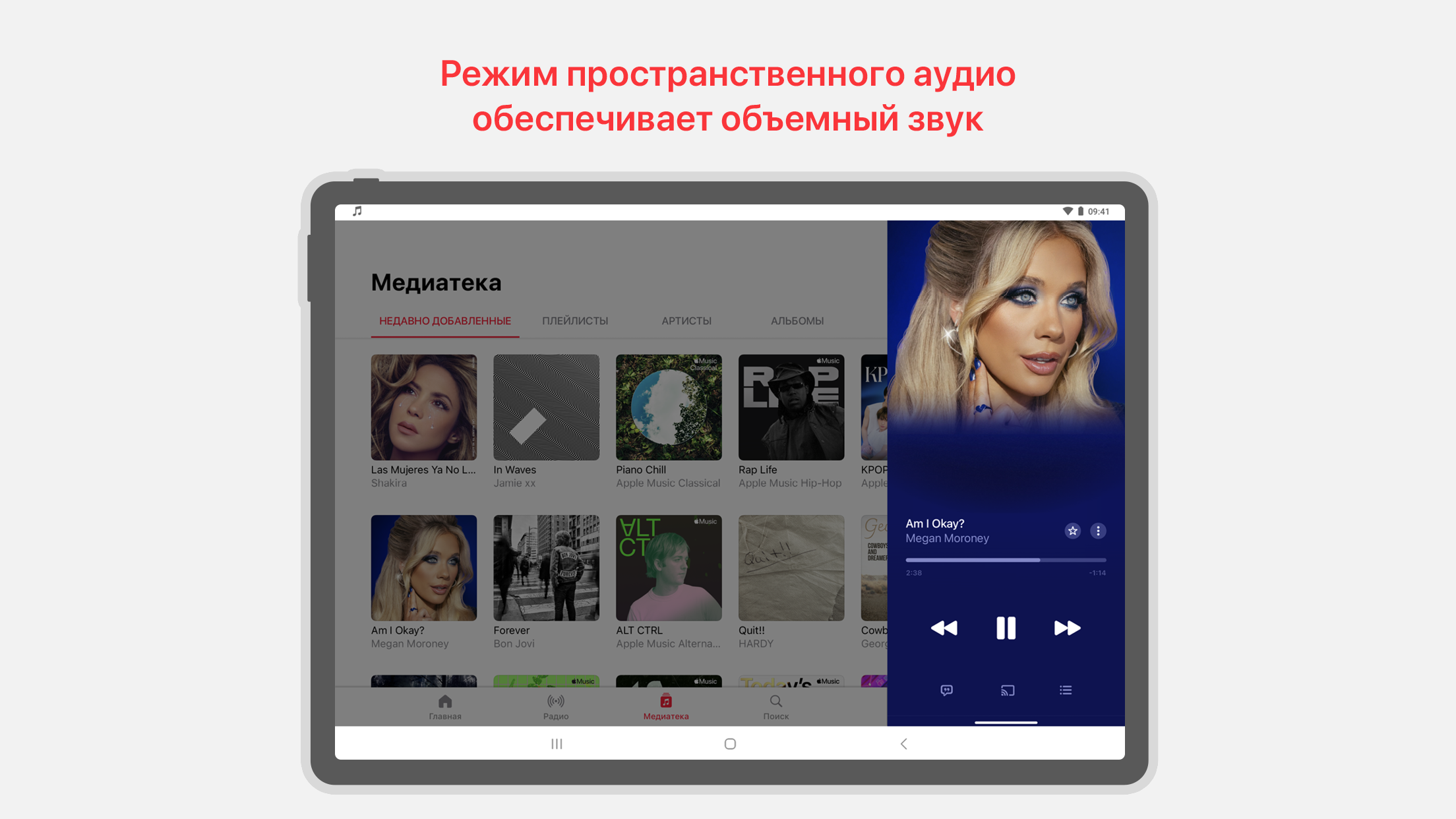
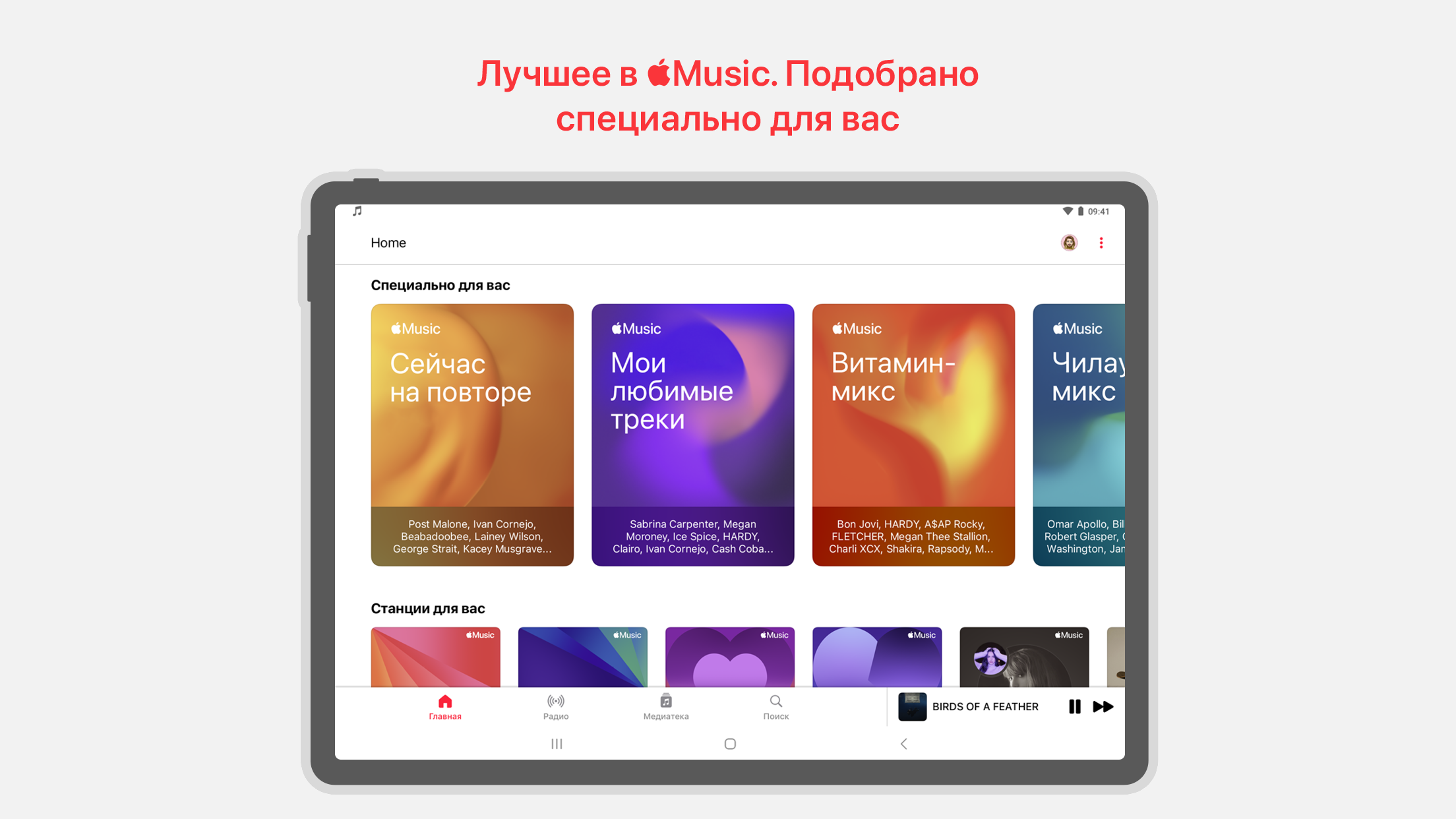
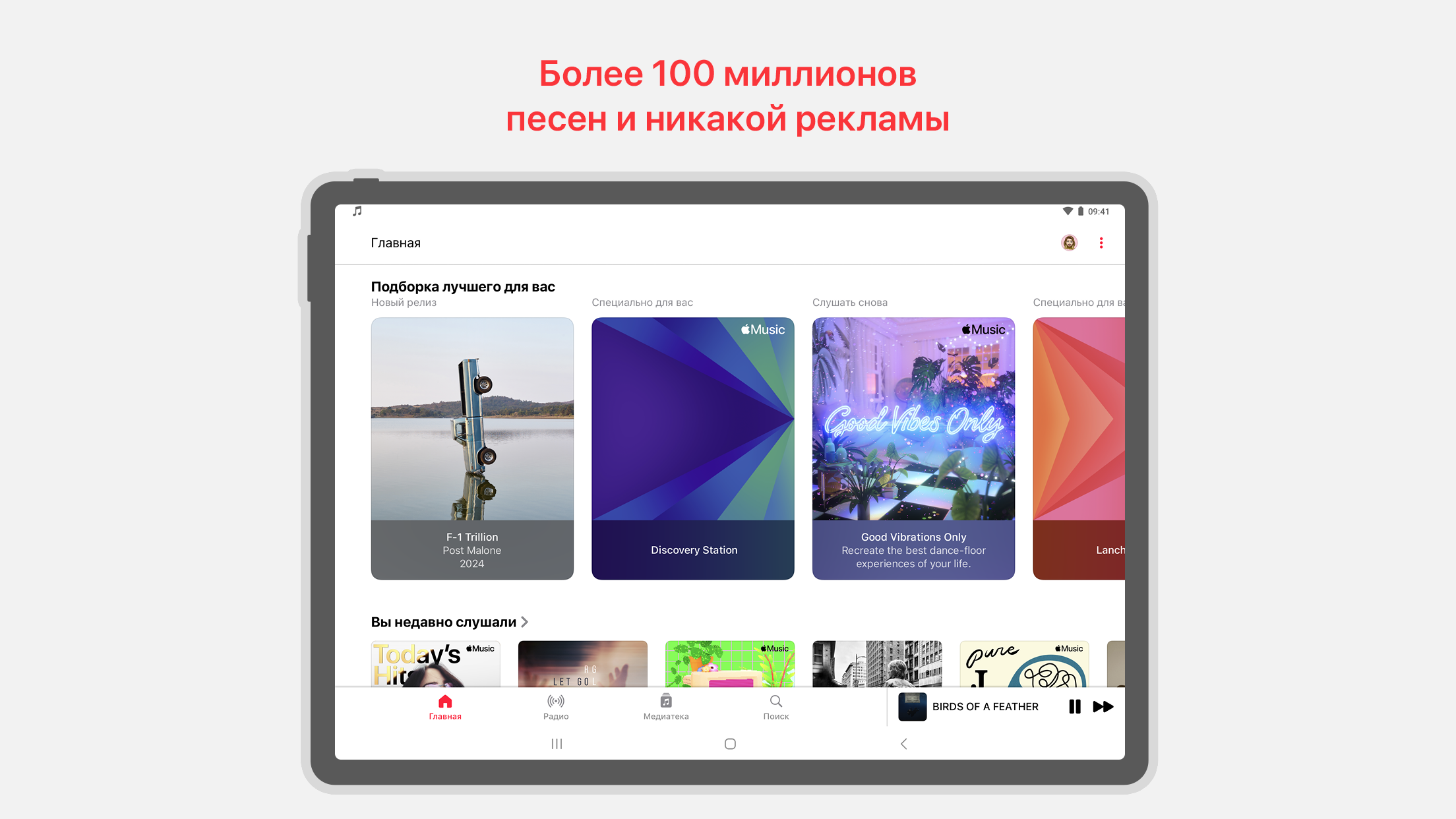
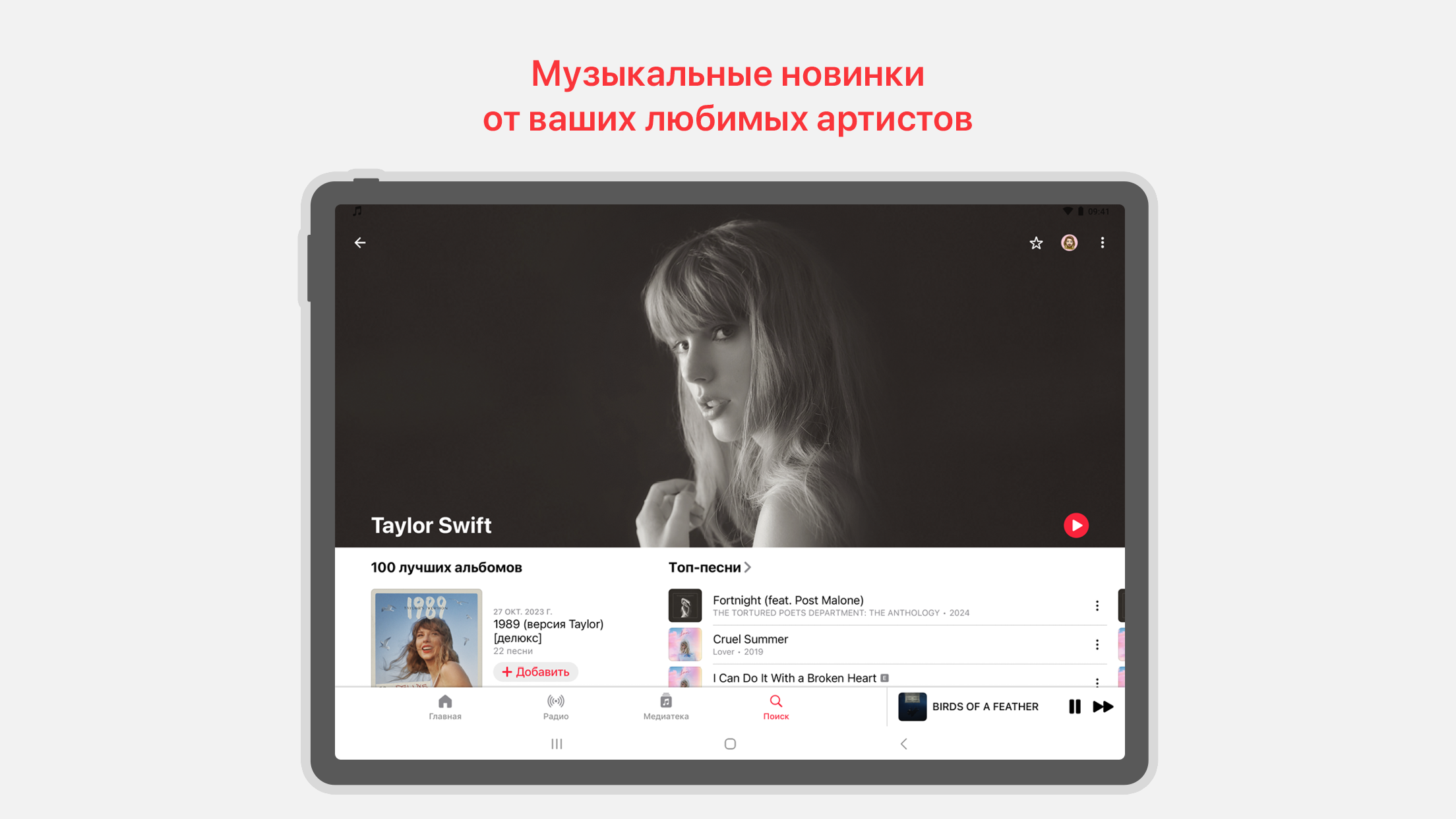
- Katalog besar musik dari seluruh dunia.
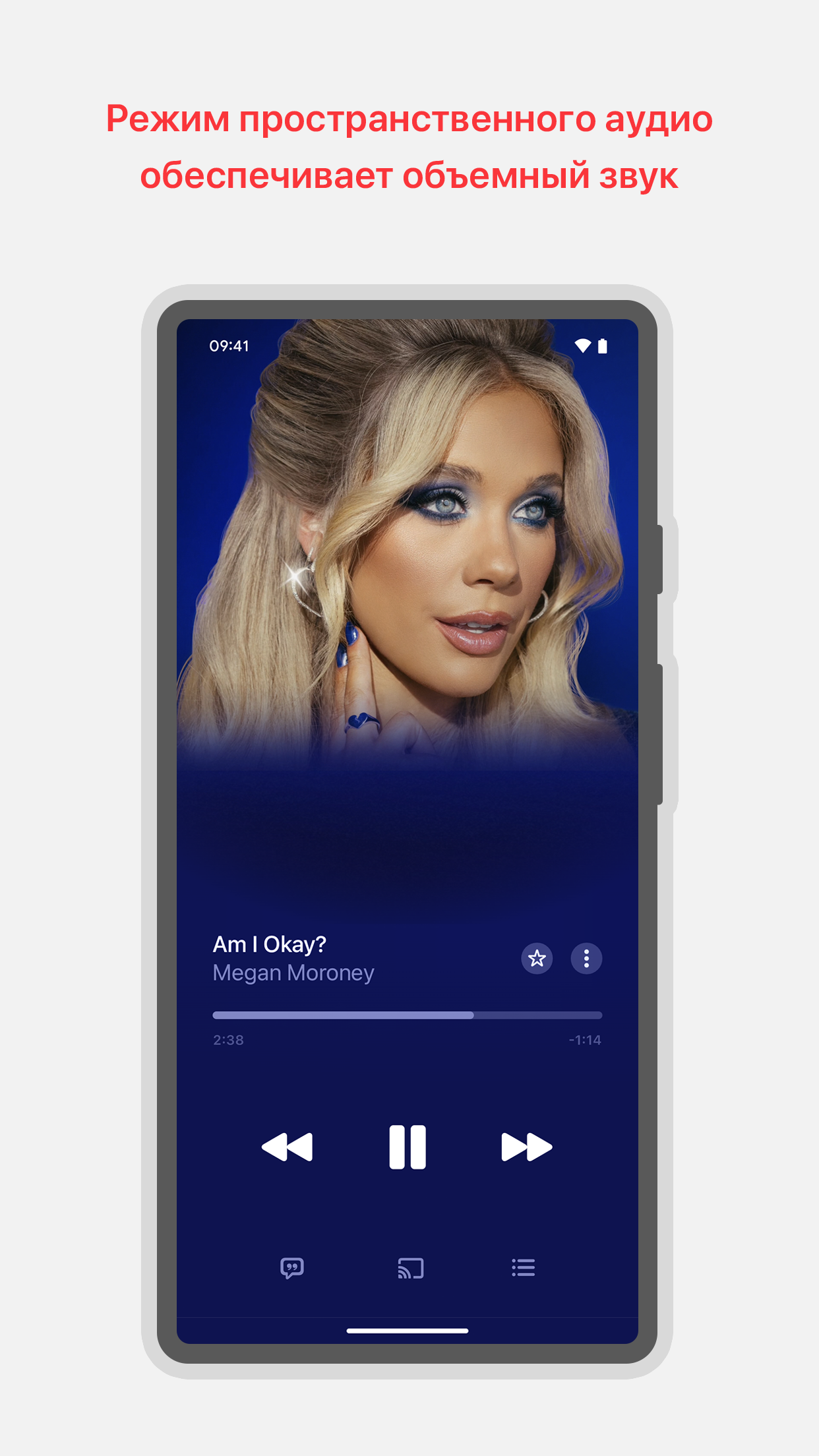
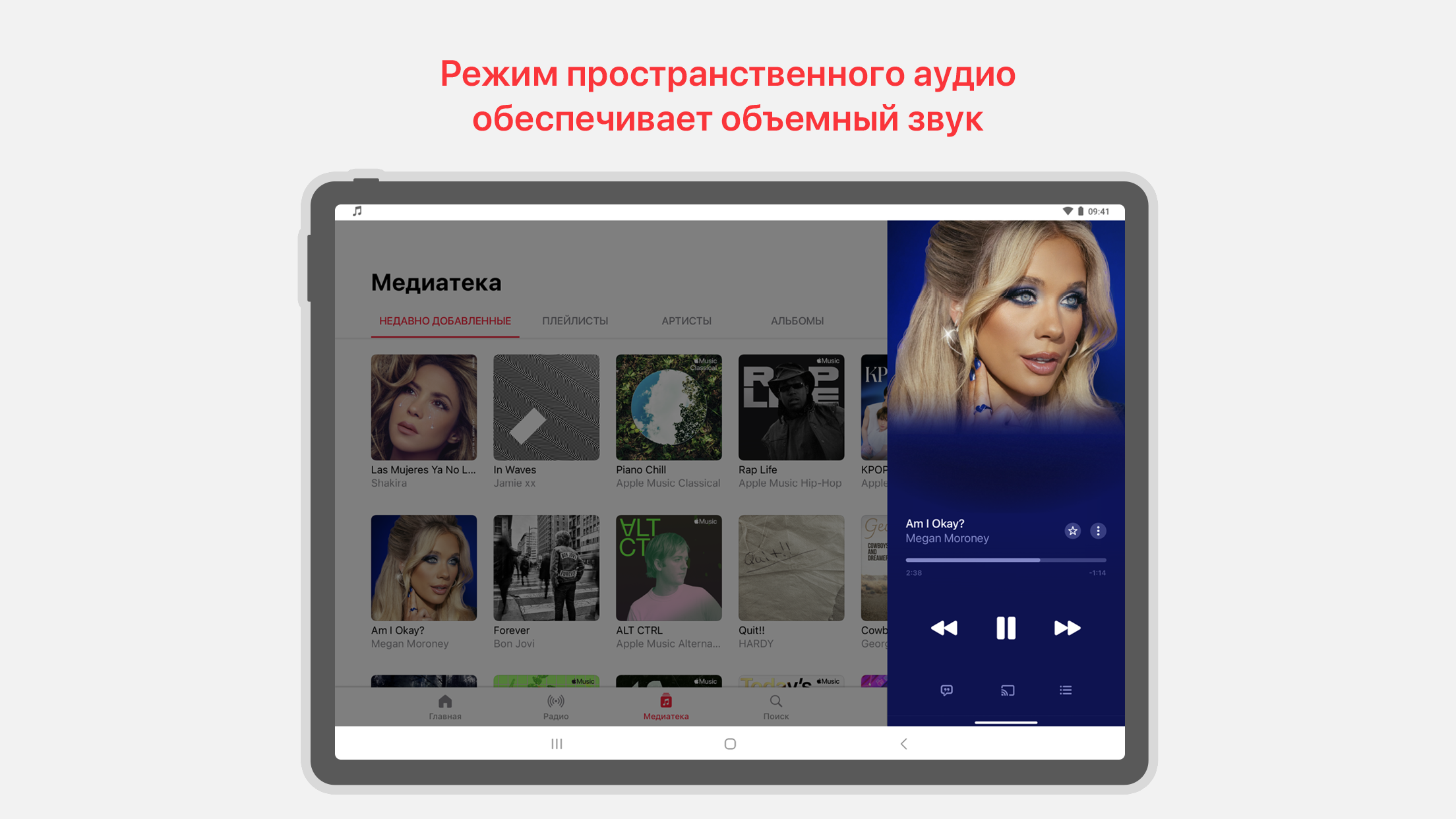
- Kualitas suara bagus.
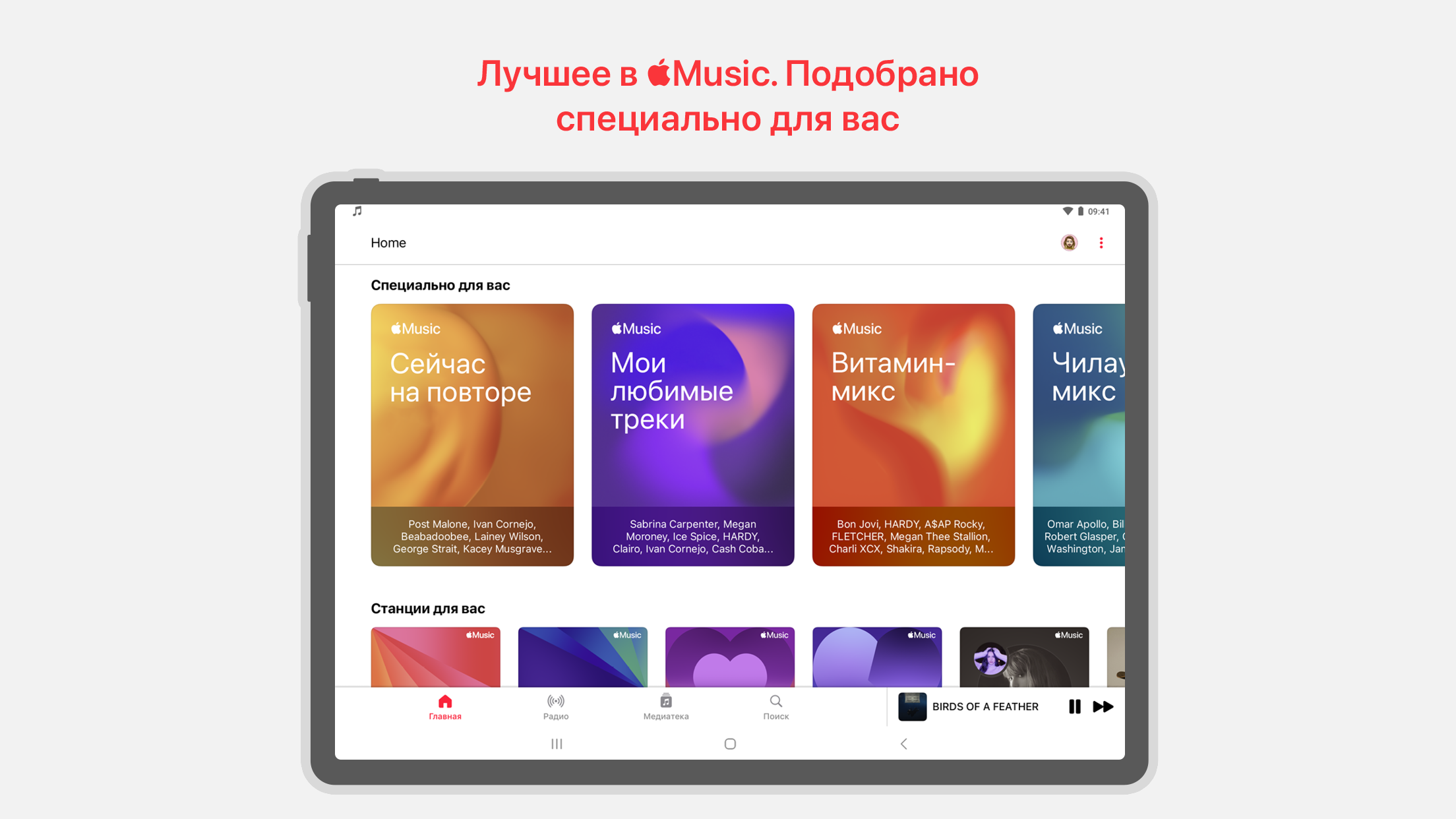
- Pilihan tema.
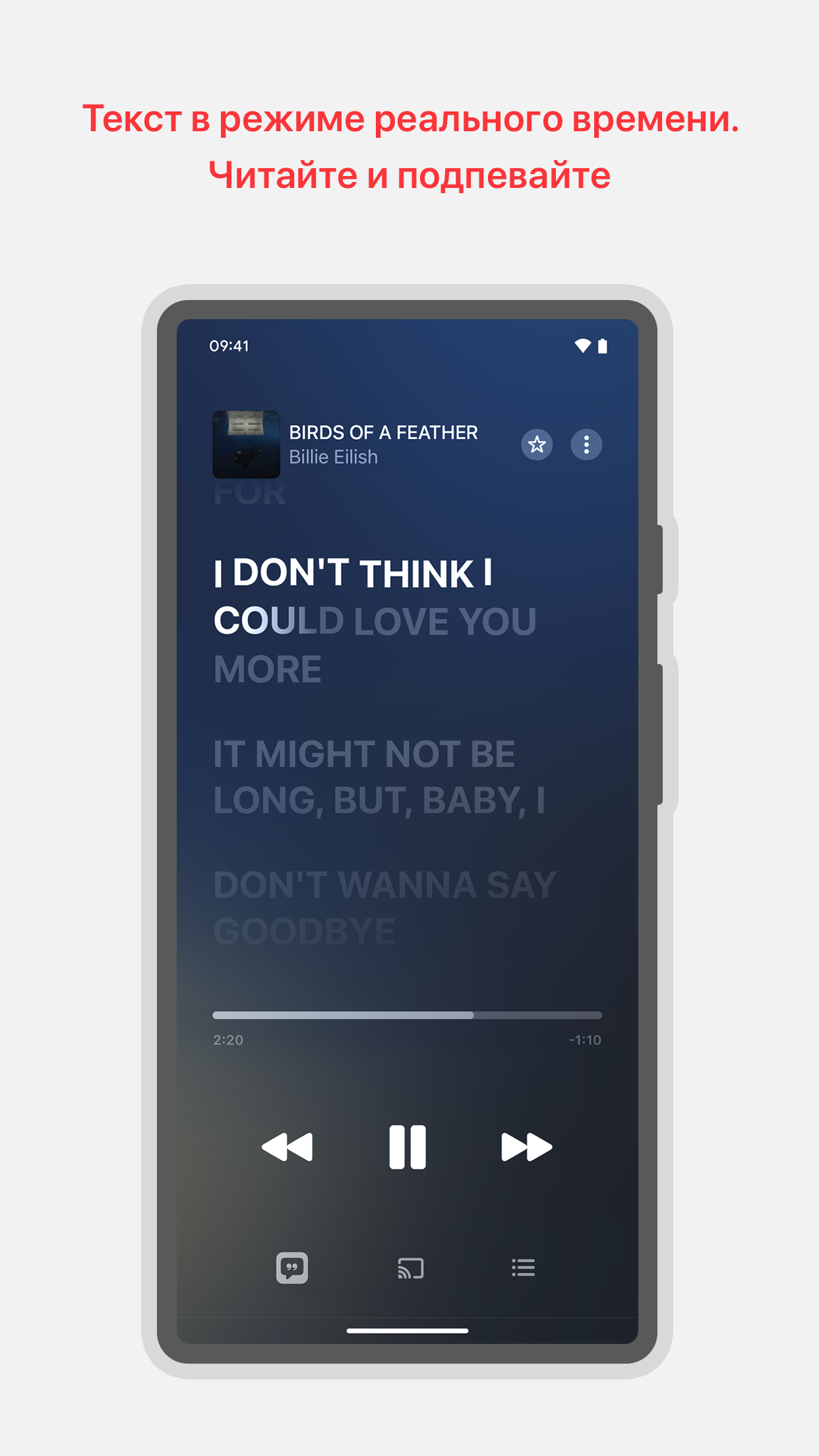
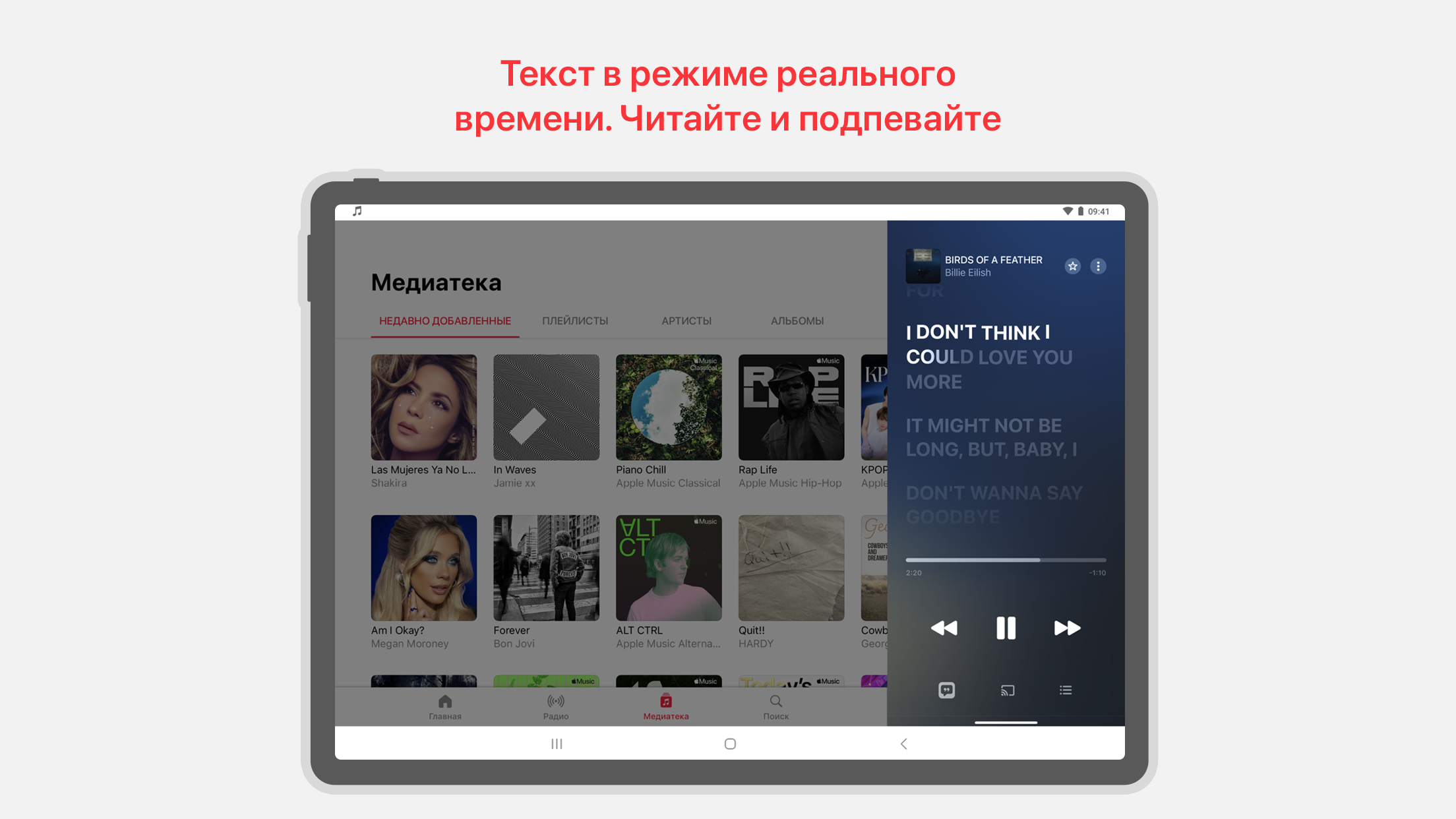
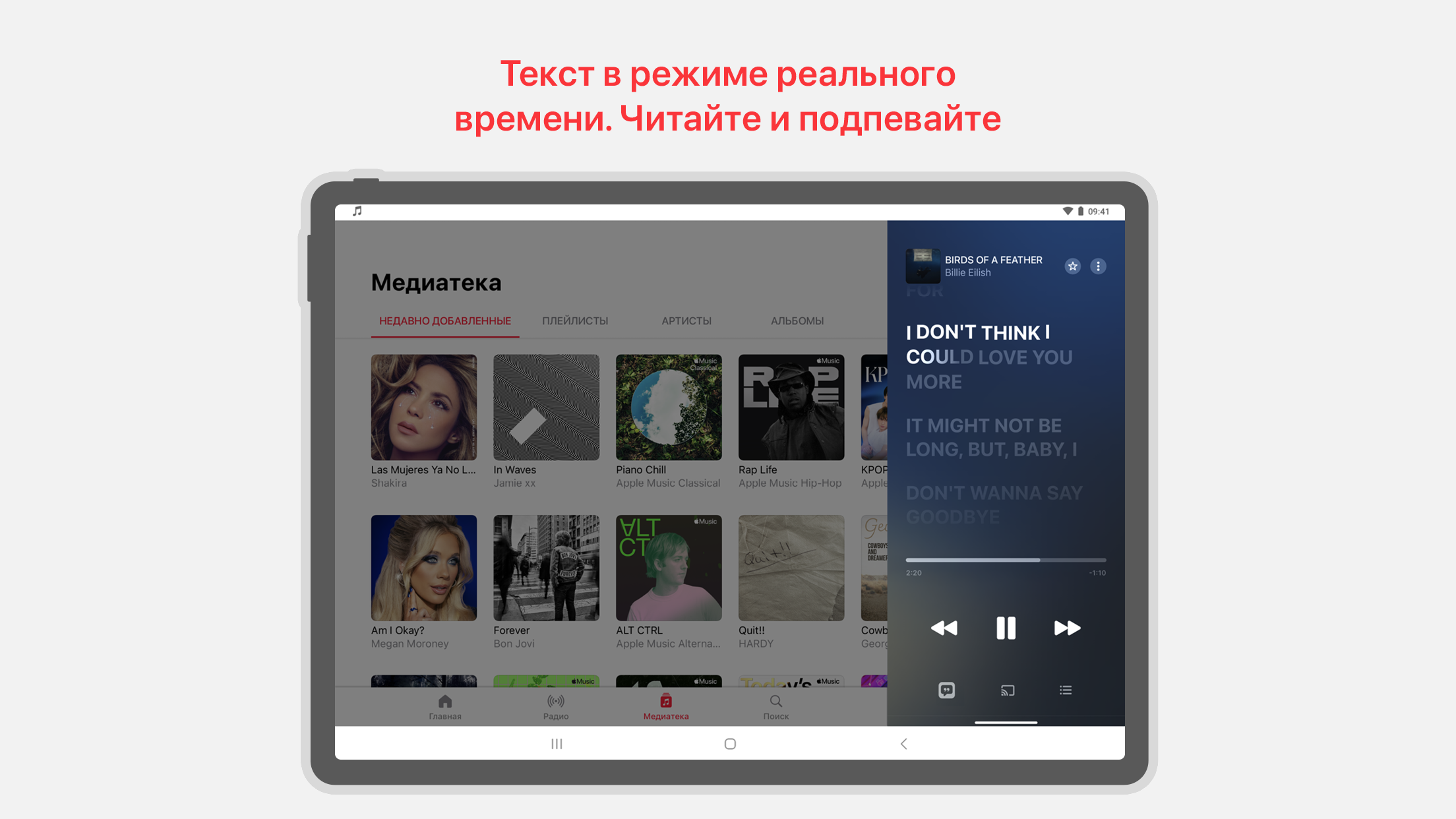
- Memuat lirik.
- Simpan musik ke ponsel cerdas Anda untuk akses offline.
- Uji coba gratis selama 3 bulan.
Deskripsi
Aplikasi Apple Music diperiksa oleh antivirus VirusTotal. Sebagai hasil pemindaian, tidak ada infeksi file yang terdeteksi oleh semua tanda tangan terbaru.
Cara memasang Apple Music
- Unduh file APK aplikasi dari apkshki.com.
- Temukan file yang diunduh. Anda dapat menemukannya di baki sistem atau di folder 'Download' menggunakan manajer file apa pun.
- Jika file yang diunduh berekstensi .bin (bug WebView di Android 11), ubah namanya menjadi .apk menggunakan pengelola file apa pun atau coba unduh file dengan browser lain seperti Chrome.
- Mulai penginstalan. Klik pada file yang diunduh untuk memulai penginstalan
- Izinkan penginstalan dari sumber yang tidak dikenal. Jika Anda menginstal untuk pertama kalinya Apple Music bukan dari Google Play, buka pengaturan keamanan perangkat Anda dan izinkan penginstalan dari sumber yang tidak dikenal.
- Lewati perlindungan Google Play. Jika proteksi Google Play memblokir penginstalan file, ketuk 'Info Lebih Lanjut' → 'Tetap instal' → 'OK' untuk melanjutkan..
- Selesaikan penginstalan: Ikuti petunjuk penginstal untuk menyelesaikan proses penginstalan.
Cara memperbarui Apple Music
- Unduh versi baru aplikasi dari apkshki.com.
- Cari file yang diunduh dan klik file tersebut untuk memulai penginstalan.
- Instal di atas versi lama. Tidak perlu menghapus instalasi versi sebelumnya.
- Hindari konflik tanda tangan. Jika versi sebelumnya tidak diunduh dari apkshki.com, pesan 'Aplikasi tidak terinstal' mungkin muncul. Dalam kasus ini, hapus instalan versi lama dan instal versi baru.
- Mulai ulang lampiran Apple Music setelah pembaruan.



Yandex Music, Books & Podcasts
Musik dan audio

Zaycev.Net: music for everyone
Musik dan audio

Zvuk: HiFi music, podcasts
Musik dan audio

Video Music Player Downloader
Musik dan audio

Таджикские песни
Musik dan audio

Moozza
Musik dan audio

Музыка для ВКонтакте
Musik dan audio

VMP - ВК Музыка
Musik dan audio
Meminta pembaruan aplikasi
Ditambahkan Denis Rubinov
Versi: 4.9.7
Ukuran: 36.3 MB
Diperbarui: 21.05.2025
Developer: Apple Inc.
Batasan Usia: Teen
Otorisasi:
Diunduh di Google Play: 119356686
Kategori: Musik dan audio















Ulasan untuk Apple Music
App Gets Freezed Sometimes
Database is really small in case of Punjabi songs
The only reason why I had initially signed up for Apple Music was because Verizon was willing to include it in my plan for free. I'll admit I was curious about it but wasn't planning on using it as my main music provider. For 7 years, Spotify was my go-to & yes, I had Spotify Premium. The more I used Apple Music, the more I realized how much I liked it. It's so much more organized than other apps I've tried. The Playlists, the suggestions, the transitions, the quality of the sounds 🔥🔥
I'm coming from an iPhone and it's missing quite a few features. but overall it's ok.
honestly runs beautifully
the best music app and has all the songs I need
New Version Update
Why pay?
add more telugu music
please fix issues with google cast/cast in general, it is very buggy
It's garbage. 🍎 = 🗑
The WORST app for Android/ Google Home pairing. Often loses ability to connect to Google home. Apple artificially inflates their download numbers by forcing you to uninstall and reinstall every couple of weeks to get it working again.
Very good Very good
Takes so long time to load
Excellent 👌
Kirimkan komentar
Untuk memberikan komentar, masuklah dengan jejaring sosial Anda:
Atau tinggalkan komentar anonim. Komentar Anda akan dikirim untuk dimoderasi.
Kirimkan komentar
Untuk memberikan komentar, masuklah dengan jejaring sosial Anda:
Atau tinggalkan komentar anonim. Komentar Anda akan dikirim untuk dimoderasi.