


Ditambahkan: Denis Rubinov
Versi: 5.9.1
Ukuran: 31.2 MB
Diperbarui: 24.06.2025
Developer: DoMobile Lab
Batasan Usia: Everyone
Otorisasi: 26
Diunduh di Google Play: 15520311
Kategori: Alat
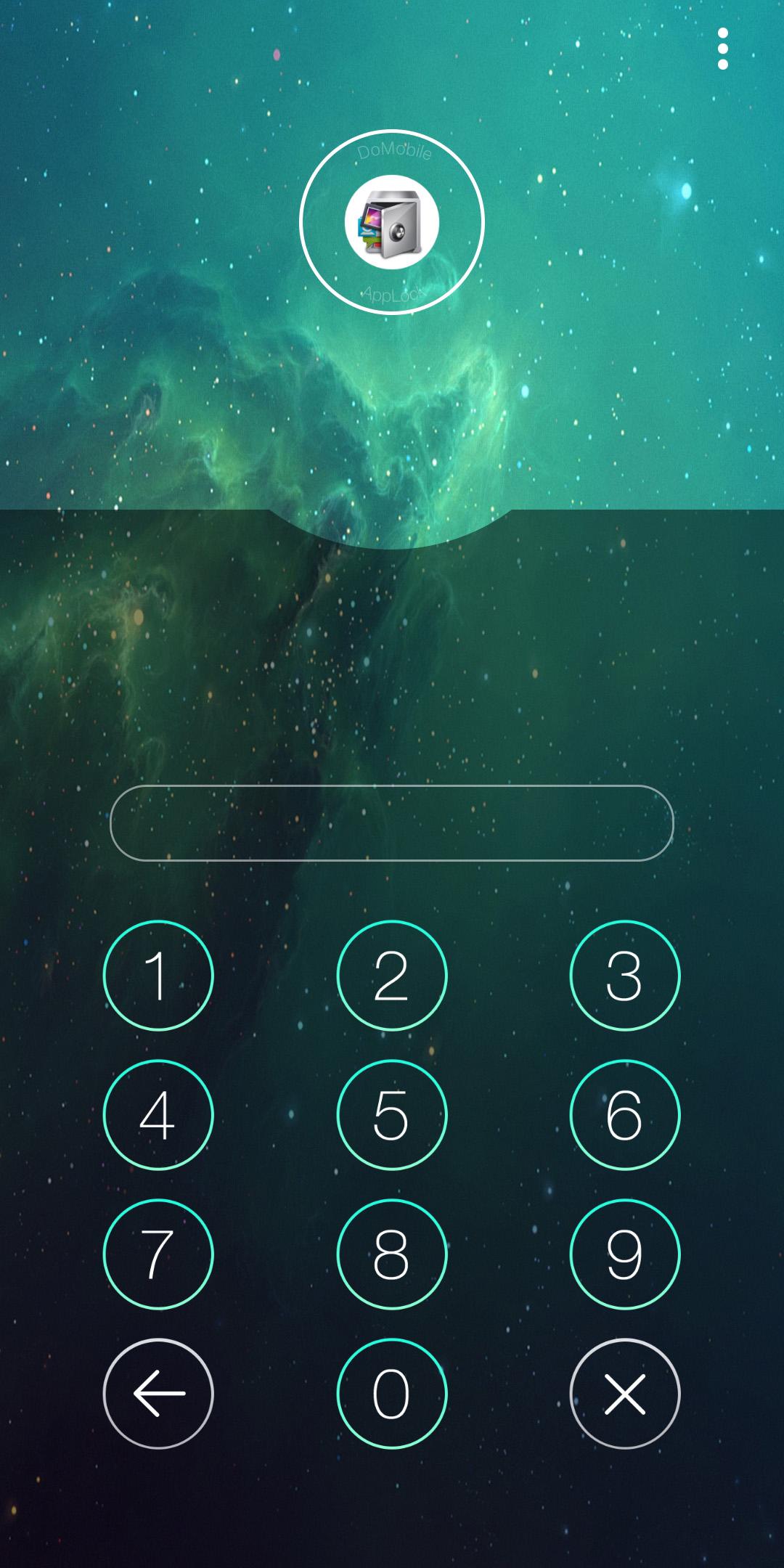
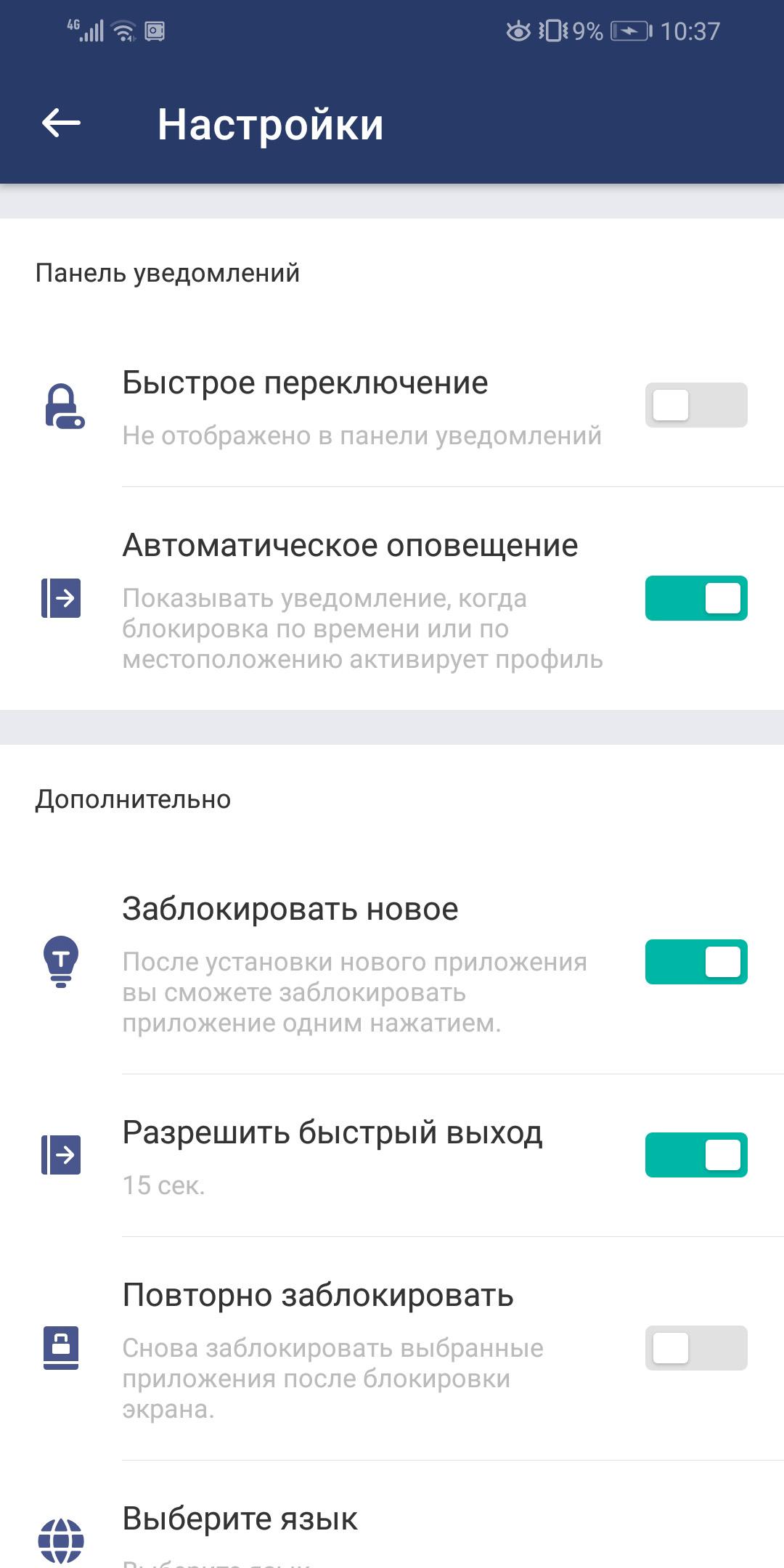
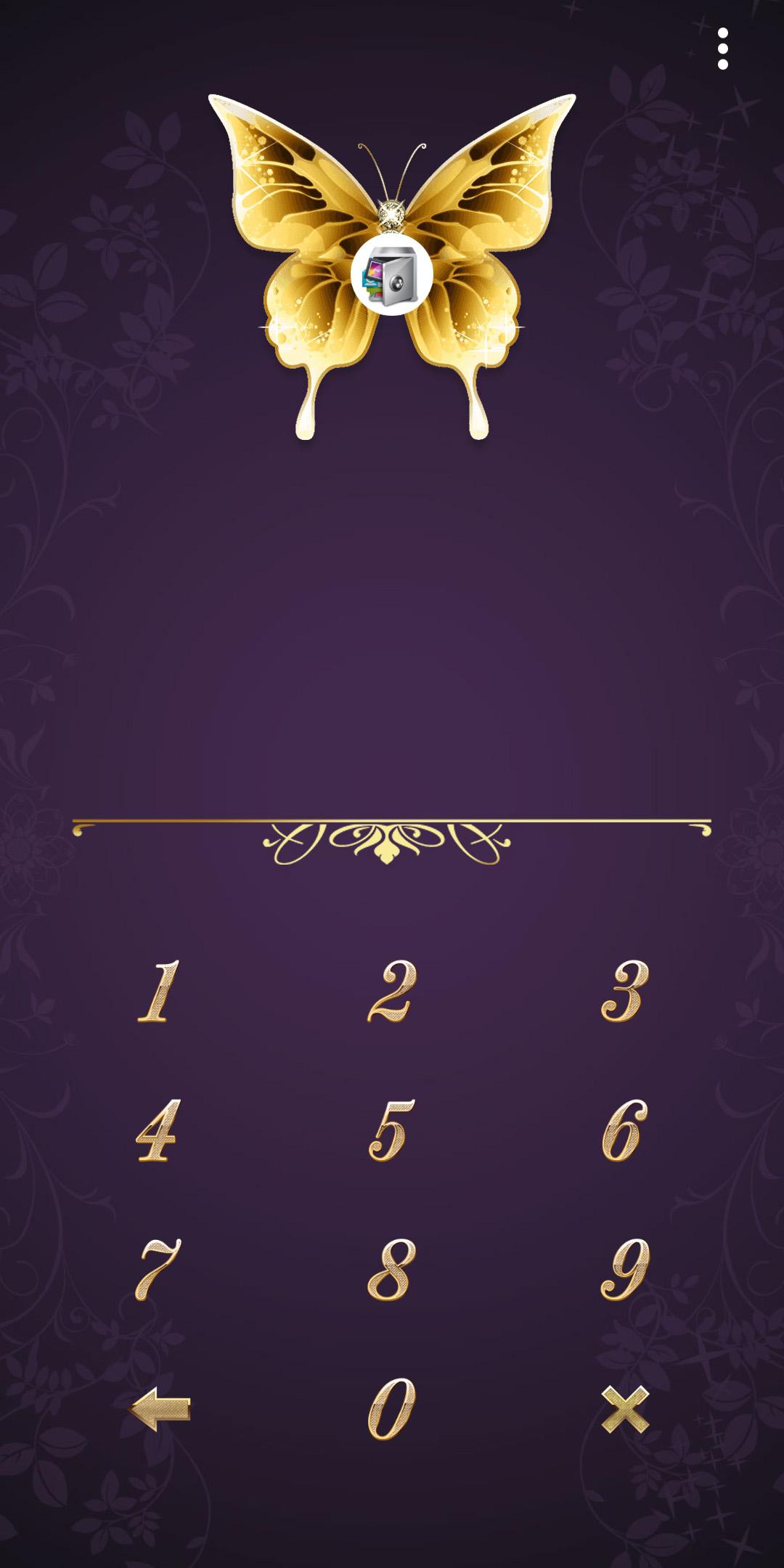
- Kunci dengan PIN, sidik jari, atau pola.
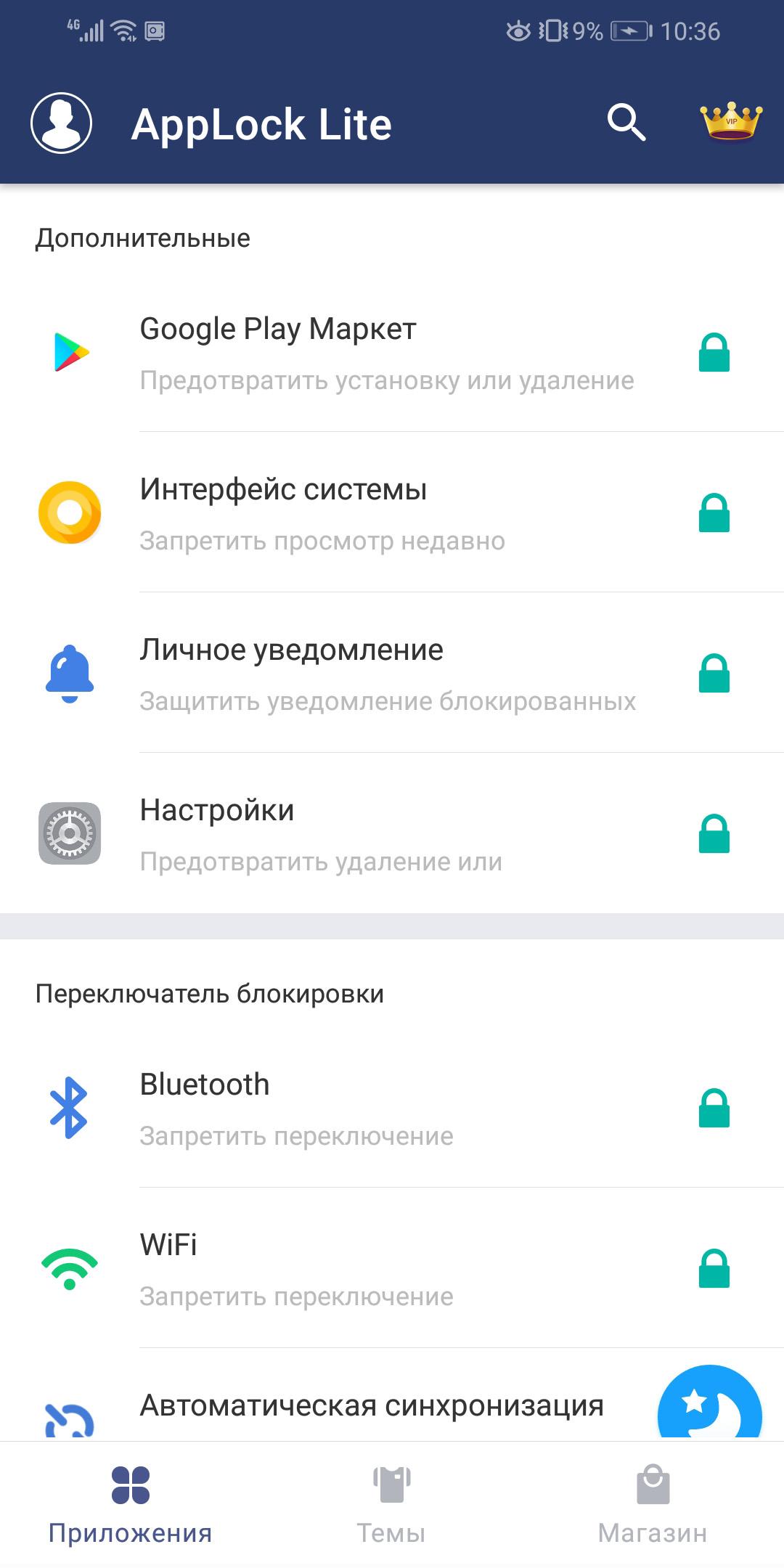
- Lindungi akses ke aplikasi apa pun.
- Buat beberapa profil.
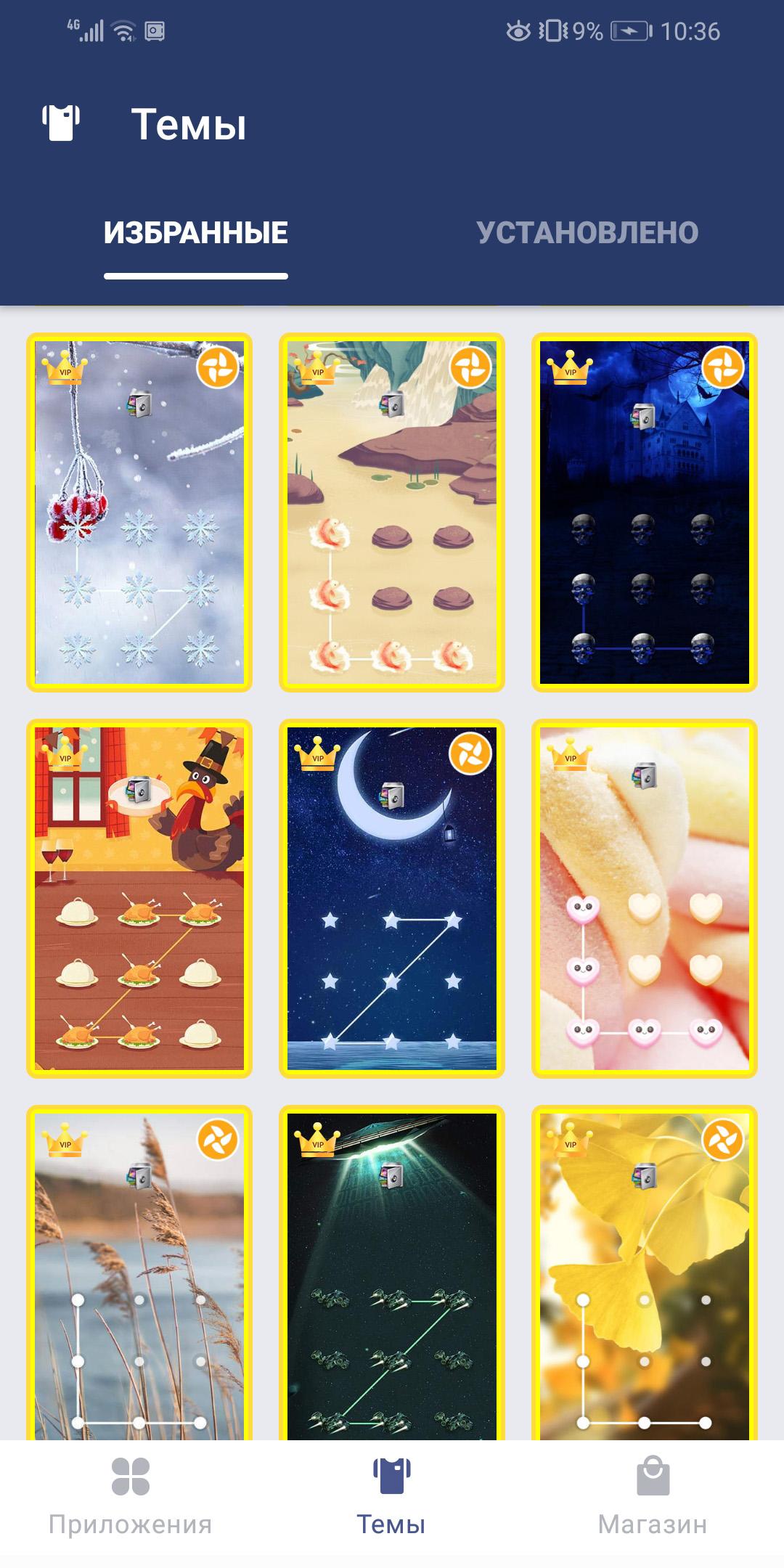
- Banyak skin.
- Terjemahan bahasa Rusia.
- Bekerja secara gratis dan tidak mengandung iklan.
Deskripsi
Aplikasi AppLock Lite diperiksa oleh antivirus VirusTotal. Sebagai hasil pemindaian, tidak ada infeksi file yang terdeteksi oleh semua tanda tangan terbaru.
Cara memasang AppLock Lite
- Unduh file APK aplikasi dari apkshki.com.
- Temukan file yang diunduh. Anda dapat menemukannya di baki sistem atau di folder 'Download' menggunakan manajer file apa pun.
- Jika file yang diunduh berekstensi .bin (bug WebView di Android 11), ubah namanya menjadi .apk menggunakan pengelola file apa pun atau coba unduh file dengan browser lain seperti Chrome.
- Mulai penginstalan. Klik pada file yang diunduh untuk memulai penginstalan
- Izinkan penginstalan dari sumber yang tidak dikenal. Jika Anda menginstal untuk pertama kalinya AppLock Lite bukan dari Google Play, buka pengaturan keamanan perangkat Anda dan izinkan penginstalan dari sumber yang tidak dikenal.
- Lewati perlindungan Google Play. Jika proteksi Google Play memblokir penginstalan file, ketuk 'Info Lebih Lanjut' → 'Tetap instal' → 'OK' untuk melanjutkan..
- Selesaikan penginstalan: Ikuti petunjuk penginstal untuk menyelesaikan proses penginstalan.
Cara memperbarui AppLock Lite
- Unduh versi baru aplikasi dari apkshki.com.
- Cari file yang diunduh dan klik file tersebut untuk memulai penginstalan.
- Instal di atas versi lama. Tidak perlu menghapus instalasi versi sebelumnya.
- Hindari konflik tanda tangan. Jika versi sebelumnya tidak diunduh dari apkshki.com, pesan 'Aplikasi tidak terinstal' mungkin muncul. Dalam kasus ini, hapus instalan versi lama dan instal versi baru.
- Mulai ulang lampiran AppLock Lite setelah pembaruan.








Meminta pembaruan aplikasi
Ditambahkan Denis Rubinov
Versi: 5.9.1
Ukuran: 31.2 MB
Diperbarui: 24.06.2025
Developer: DoMobile Lab
Batasan Usia: Everyone
Otorisasi:
Diunduh di Google Play: 15520311
Kategori: Alat















Ulasan untuk AppLock Lite
Good performance of this applock
Thanks again,
The app is not showing all the apps lock
It seems to be working fine now.
Photo kaise Bahar nikale
I am struggling to Uninstall applock lite as I mistakenly downloaded it instead of applock. worse part it has unauthorized adds
ok
this is very best app
nice
vari good
Used to be good with minimal and no ads
My files are crashing because of this app
Totally waste worst, app. I download it so that my apps keep safe and locked. But this hell does not lock any my game or app. Once twice it show locked but when you open same app thrice time it open in no time. I dont wanna give you 1 star. But i left with no choice, as playstore does not have zero star rating!
Almost prefect. Problem = When opening applock, the locked screen has 3 dots in the right corner of the screen, this menu gives some options, 1 being "VIP". This presents the option to upgrade, BUT, also has a link to the the "domobile" website within the text. Click this , then find the twitter or facebook link in the website, then look up whatever search engine you want on these websites. You have access to the applock inbuilt browser, which you may have wanted blocked like other browser apps.
Just installed it and works way much better than the original failed applock. I was succesfully able to lock playstore, settings and other applications. But I don't know how to change the unlock pattern or to set up a password! Can anyone explain me this? Overall app is pretty good.
Kirimkan komentar
Untuk memberikan komentar, masuklah dengan jejaring sosial Anda:
Atau tinggalkan komentar anonim. Komentar Anda akan dikirim untuk dimoderasi.
Kirimkan komentar
Untuk memberikan komentar, masuklah dengan jejaring sosial Anda:
Atau tinggalkan komentar anonim. Komentar Anda akan dikirim untuk dimoderasi.