



Astonishing Comic Reader
0+
unduhan4.1+
versi Android
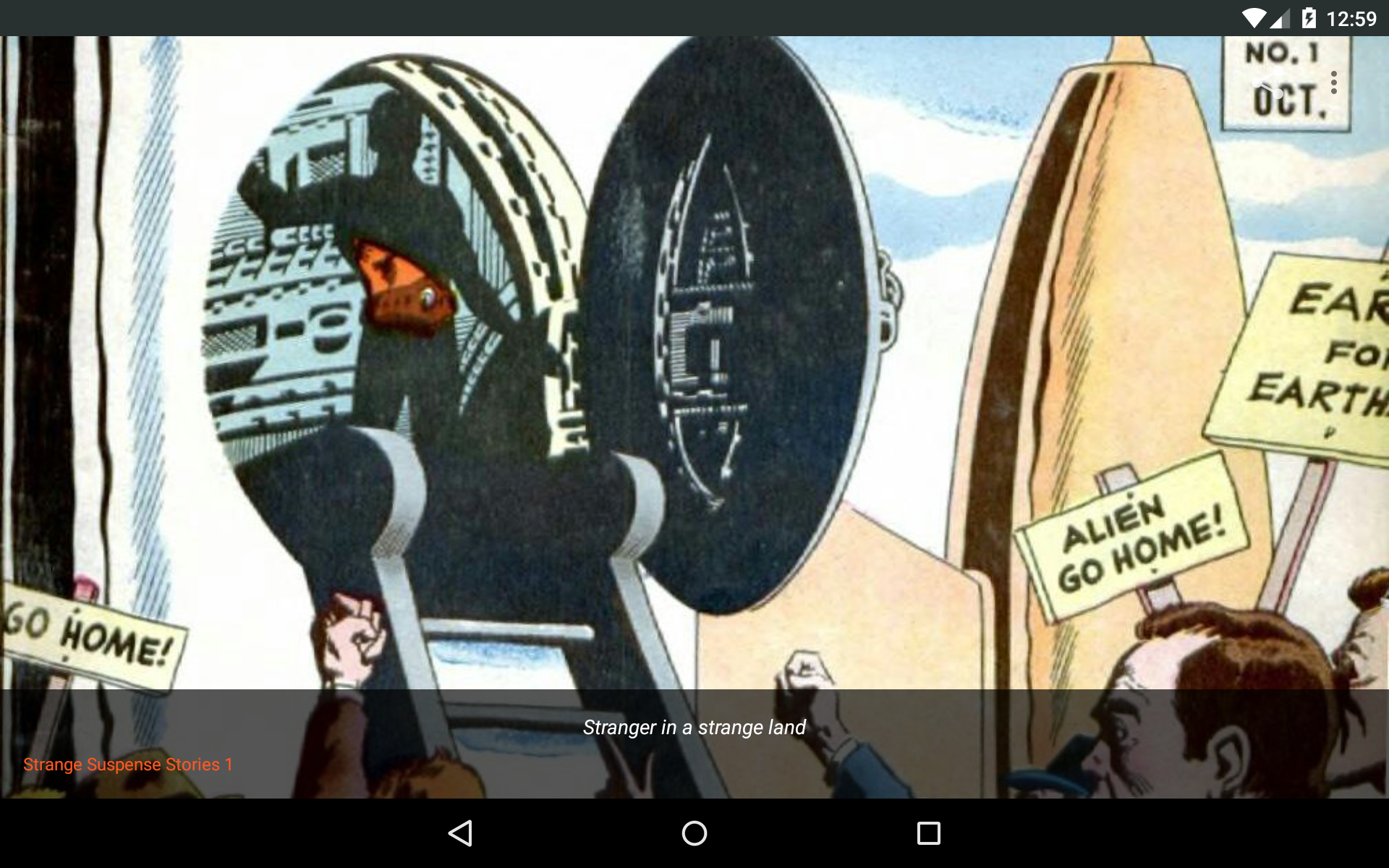
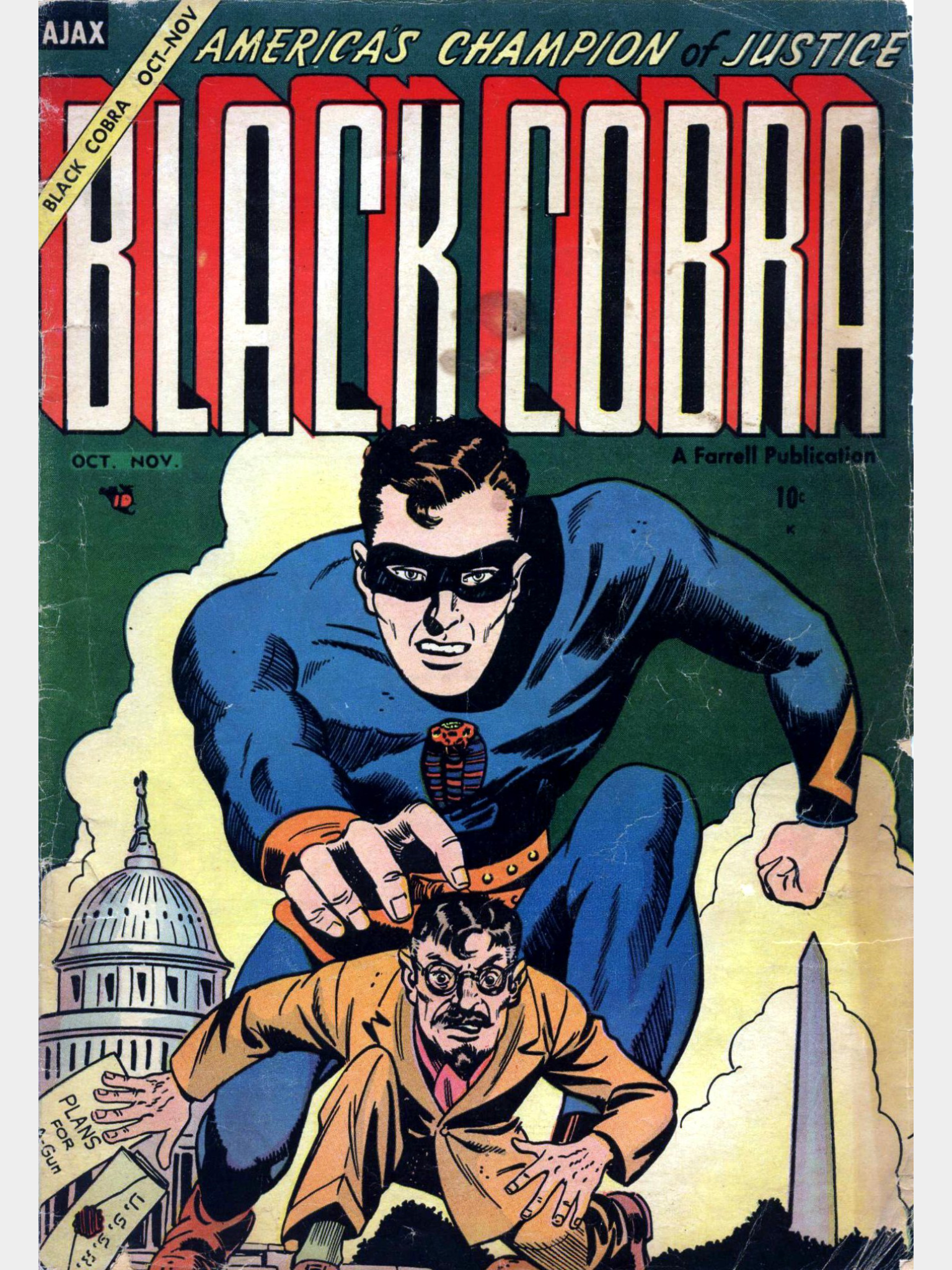
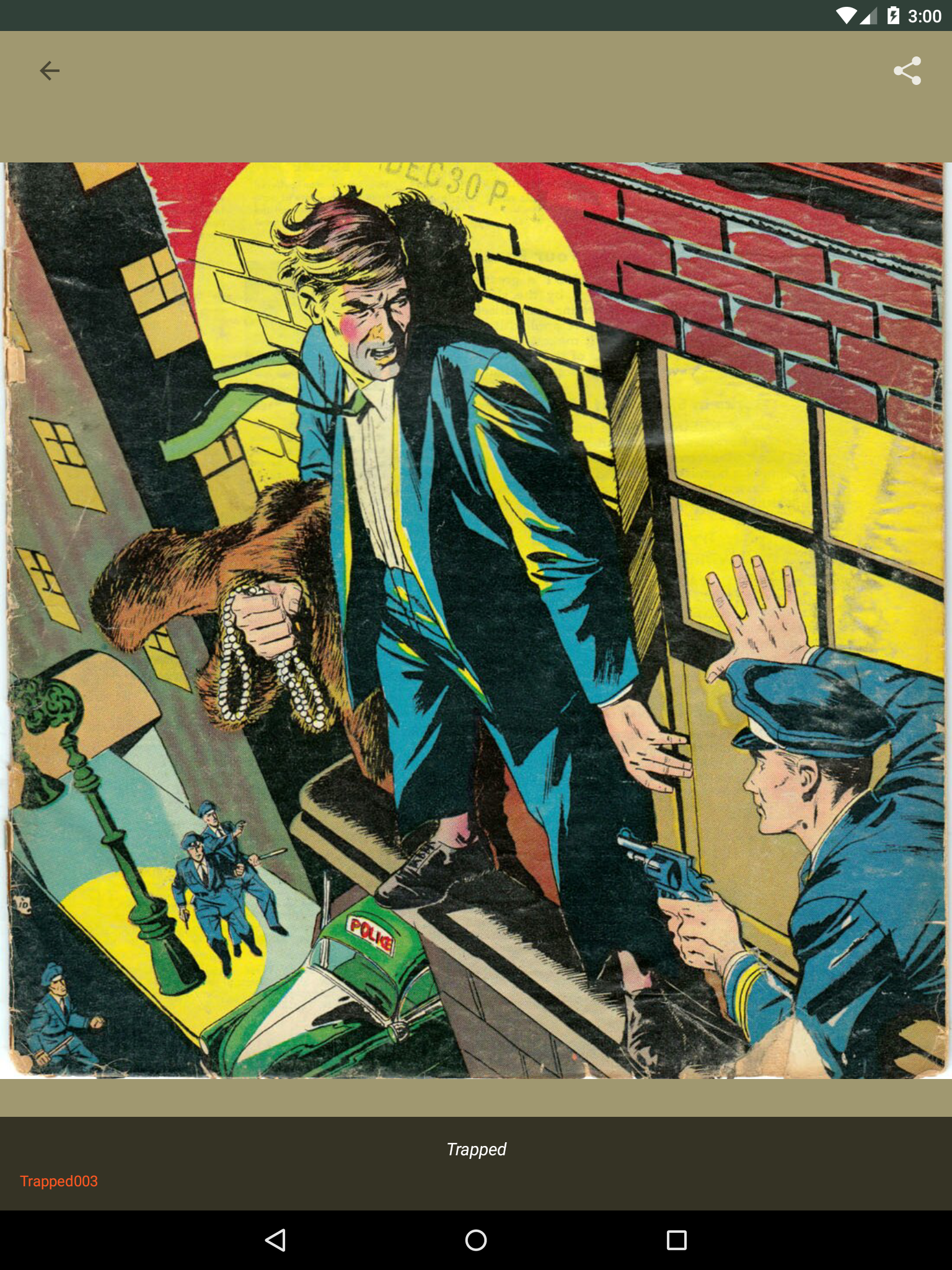
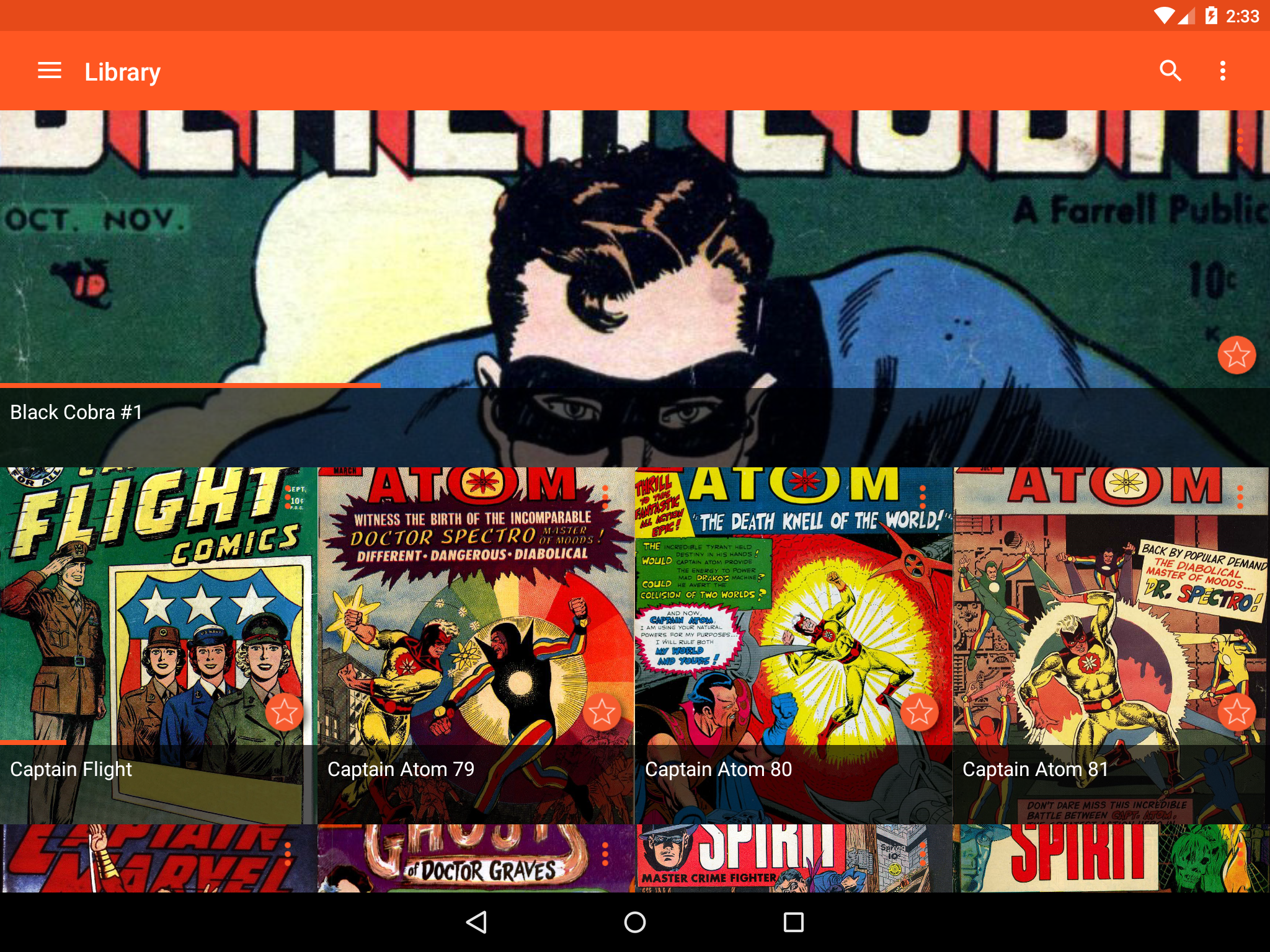
Ditambahkan: Denis Rubinov
Versi: 3.33
Ukuran: 31.2 MB
Diperbarui: 13.08.2022
Developer: Aerilys
Batasan Usia: Everyone
Diunduh di Google Play: 1159636
Kategori: Komik
Deskripsi
Aplikasi Astonishing Comic Reader diperiksa oleh antivirus VirusTotal. Sebagai hasil pemindaian, tidak ada infeksi file yang terdeteksi oleh semua tanda tangan terbaru.
Cara memasang Astonishing Comic Reader
- Unduh file APK aplikasi dari apkshki.com.
- Temukan file yang diunduh. Anda dapat menemukannya di baki sistem atau di folder 'Download' menggunakan manajer file apa pun.
- Jika file yang diunduh berekstensi .bin (bug WebView di Android 11), ubah namanya menjadi .apk menggunakan pengelola file apa pun atau coba unduh file dengan browser lain seperti Chrome.
- Mulai penginstalan. Klik pada file yang diunduh untuk memulai penginstalan
- Izinkan penginstalan dari sumber yang tidak dikenal. Jika Anda menginstal untuk pertama kalinya Astonishing Comic Reader bukan dari Google Play, buka pengaturan keamanan perangkat Anda dan izinkan penginstalan dari sumber yang tidak dikenal.
- Lewati perlindungan Google Play. Jika proteksi Google Play memblokir penginstalan file, ketuk 'Info Lebih Lanjut' → 'Tetap instal' → 'OK' untuk melanjutkan..
- Selesaikan penginstalan: Ikuti petunjuk penginstal untuk menyelesaikan proses penginstalan.
Cara memperbarui Astonishing Comic Reader
- Unduh versi baru aplikasi dari apkshki.com.
- Cari file yang diunduh dan klik file tersebut untuk memulai penginstalan.
- Instal di atas versi lama. Tidak perlu menghapus instalasi versi sebelumnya.
- Hindari konflik tanda tangan. Jika versi sebelumnya tidak diunduh dari apkshki.com, pesan 'Aplikasi tidak terinstal' mungkin muncul. Dalam kasus ini, hapus instalan versi lama dan instal versi baru.
- Mulai ulang lampiran Astonishing Comic Reader setelah pembaruan.







Meminta pembaruan aplikasi
Ditambahkan Denis Rubinov
Versi: 3.33
Ukuran: 31.2 MB
Diperbarui: 13.08.2022
Developer: Aerilys
Batasan Usia: Everyone
Diunduh di Google Play: 1159636
Kategori: Komik















Ulasan untuk Astonishing Comic Reader
Amazing, I really loved 😍
Great love it
The interface is kind of frustrating but otherwise a good reader
Great reader, terrible UI. It really shouldn't be so difficult to just add a folder to the library.
never has caused any issues.
Exceptional and best comic reader for Android. I don't normally review apps, but this one is amazing. Thank you for making an app so intuitive and responsive.
I like it😁😁😁😁
Nice app...
I have not read it yet but if ir is good I will rate and if it's bad I will swear for your industry
Do exactly what I want
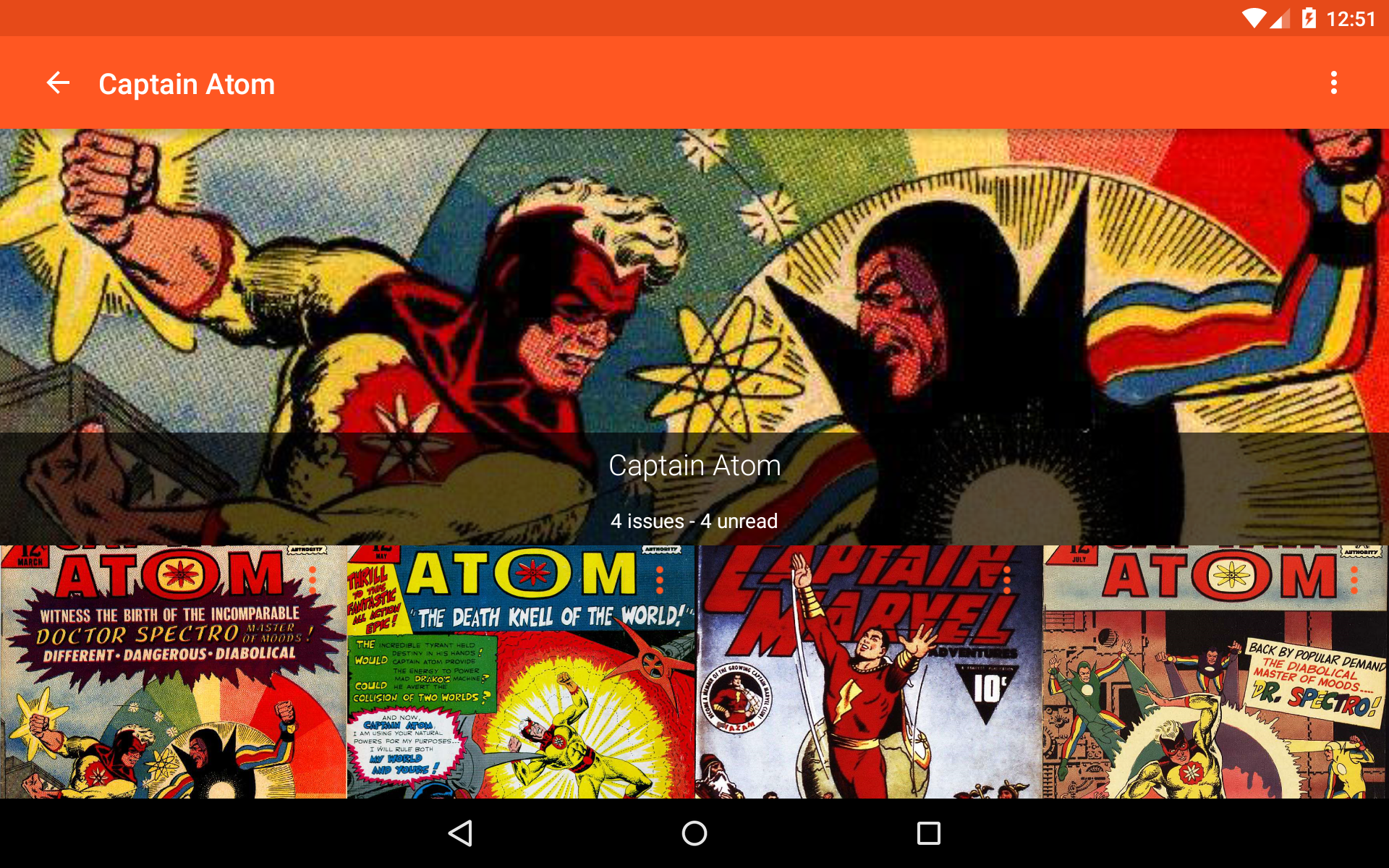
FOLDERS: A few _actually_ do _not_ spill their contents all over Library. I have no idea how they do it. ALL OTHER FOLDERS ARE _IGNORED_ and all contents _individually_ fill the Library a - z. maybe there is a work around for something that should have been easily done in the first place. FOLDERS HAVE A PLACE IN "LIBRARIES" If there is an easy way to return a finished comic back to page one when done I have not find it. Reverse swipe- repeat over and over and ...... To delete a comic file go directly to PC . Anything tried in the device will take 5 or 10 times longer and aggravate you to extreme..
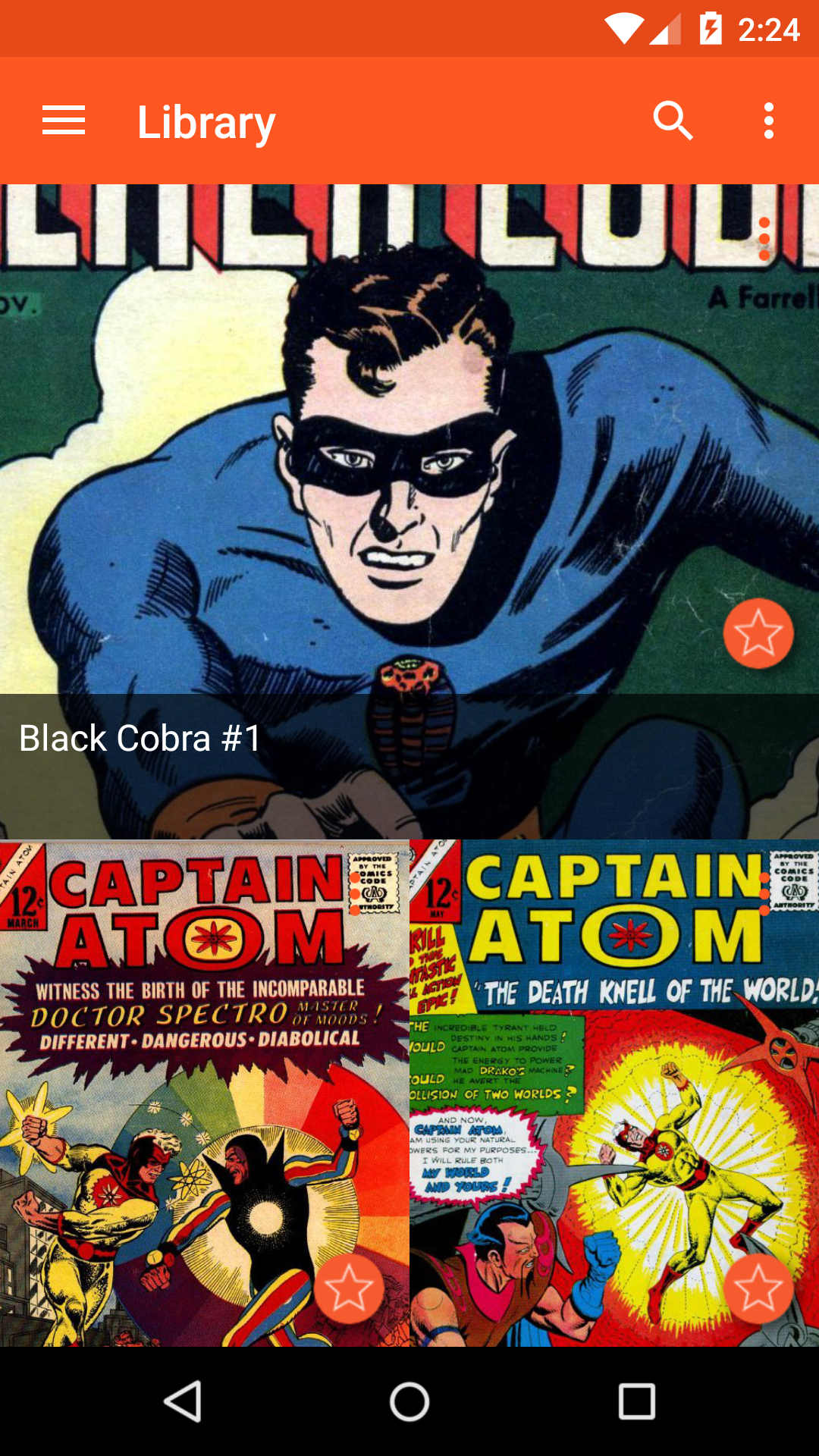
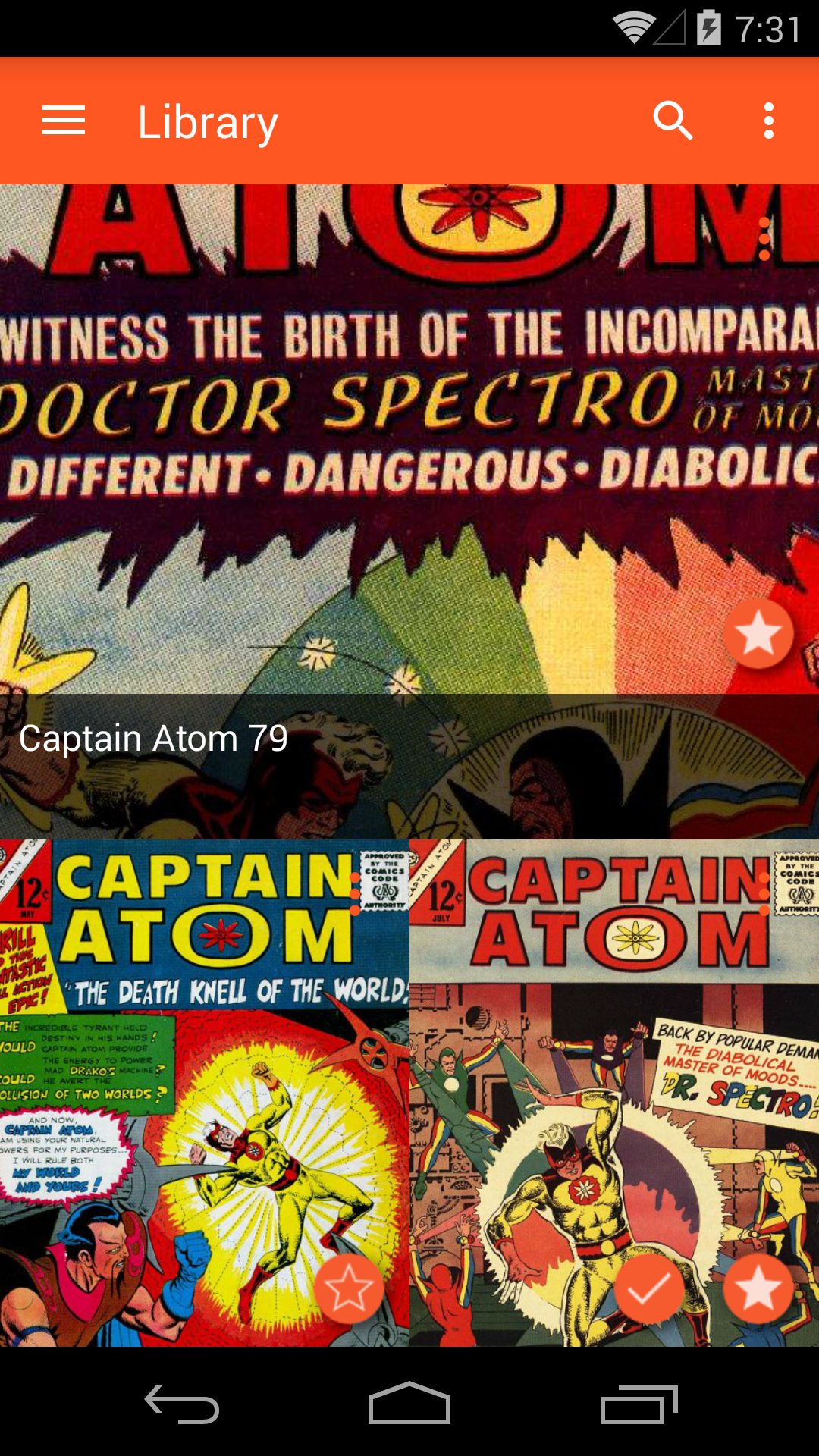
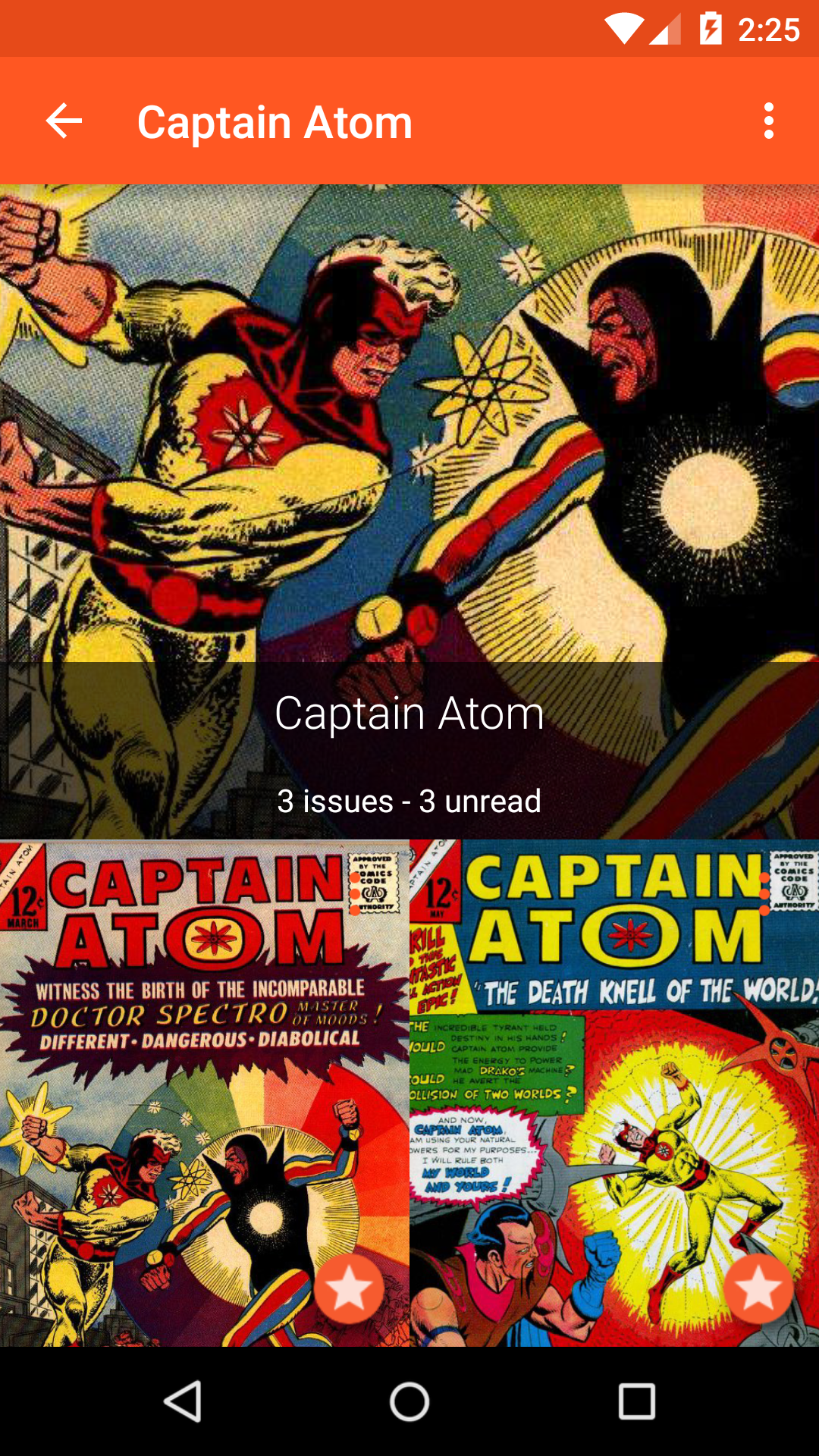
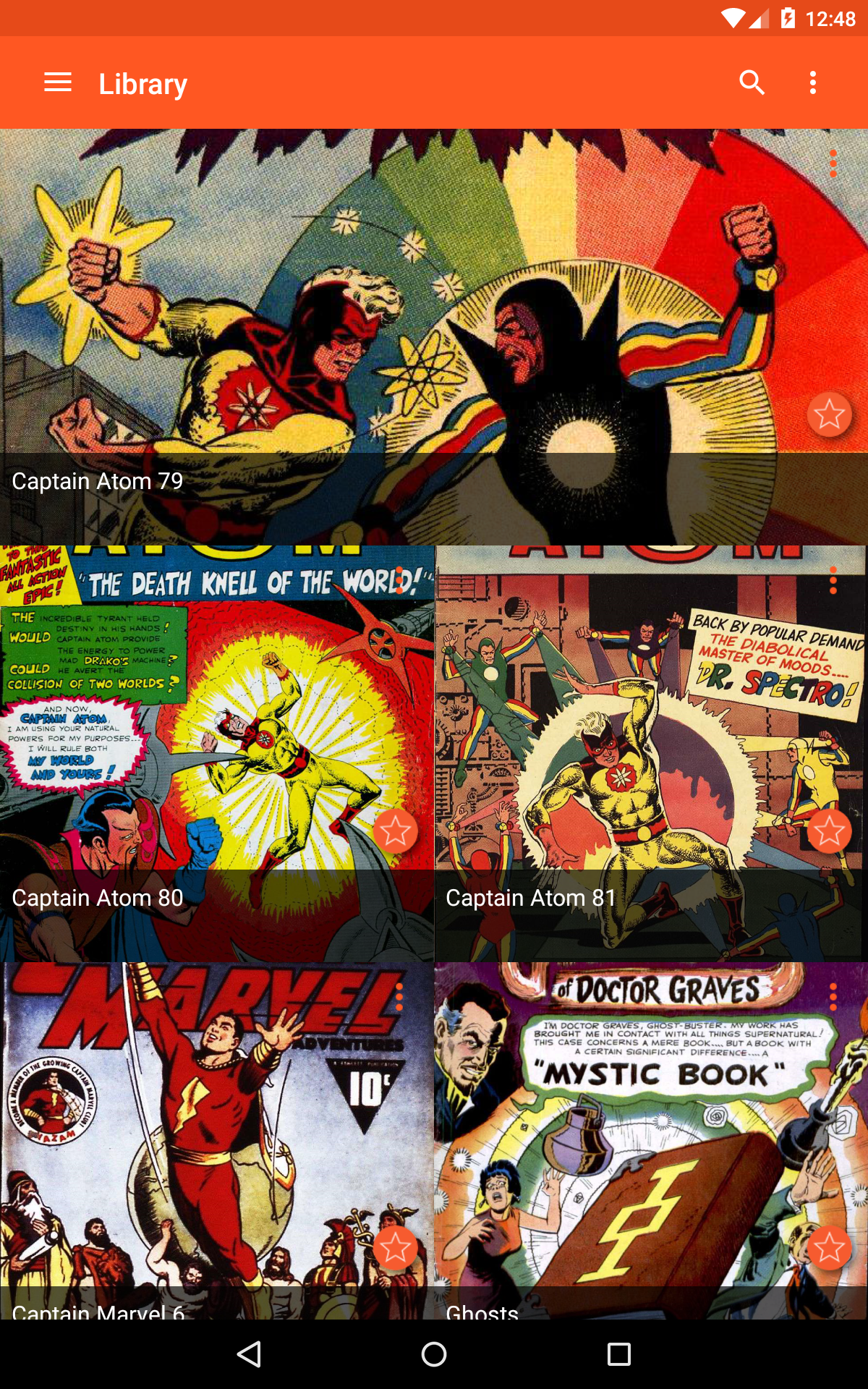
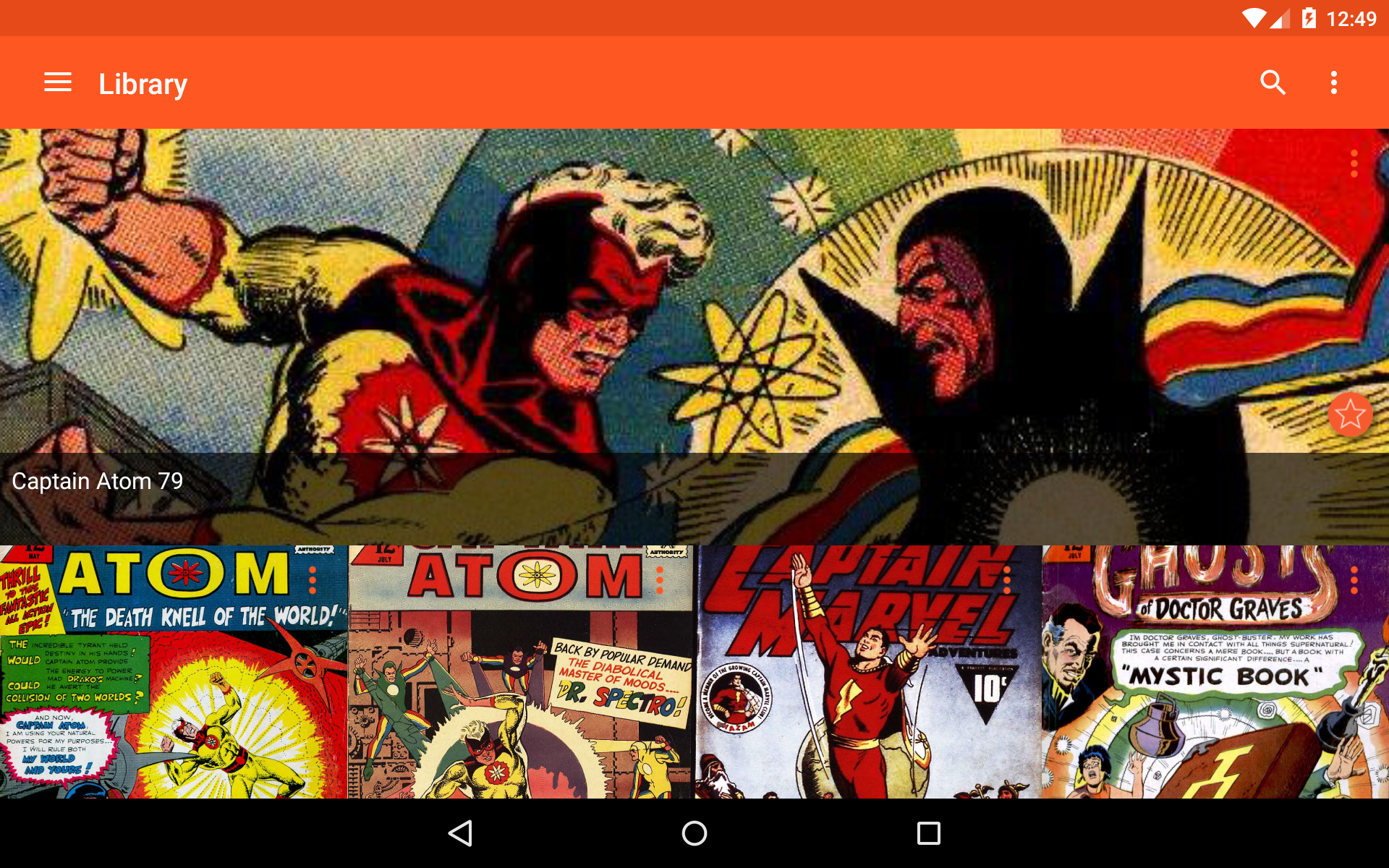
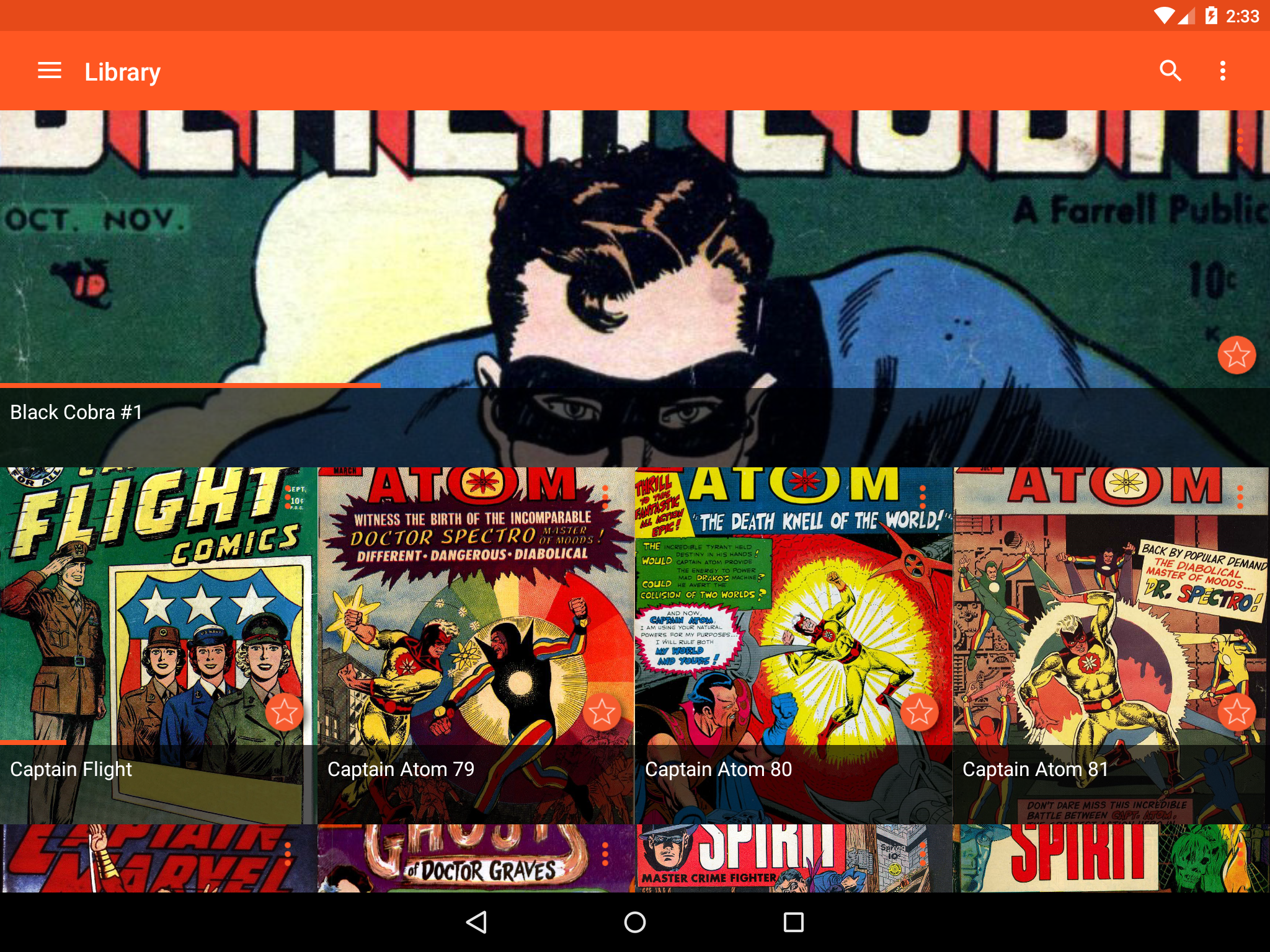
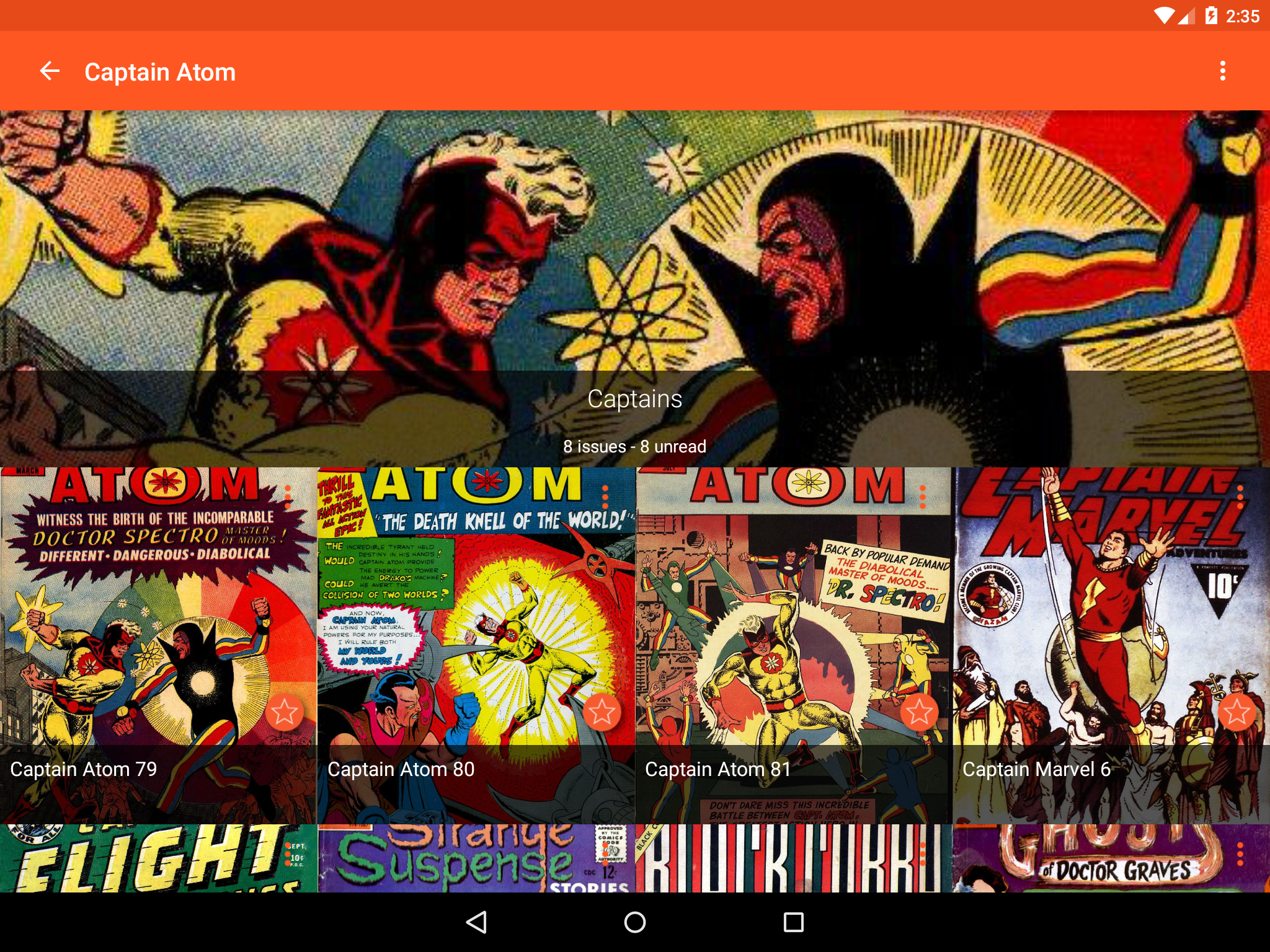
By far, the best, most easy to use, easy to view digital image reader out there to date! Simple, easy and clear mobility and functionality when viewing digital visual files. I love the instant cover previews offered by this app when browsing through my library on what to read next. It affords me to select through large icons, so that I don't need to maticulously search through my vast library of books for what perks my interest next. Incredible app.
Syncing comics is a horrible experience. It's tedious as I can only import a comic one by one not in a batch. It also never lets me know when it's done syncing the one comic unless I close and reopen the app. Otherwise it just spins forever pretending it's still syncing with a message that literally says "We're synchronizing your collections. It'll be super fast!" You can't synchronize collections plural and is it fast? You don't tell me when it's done.
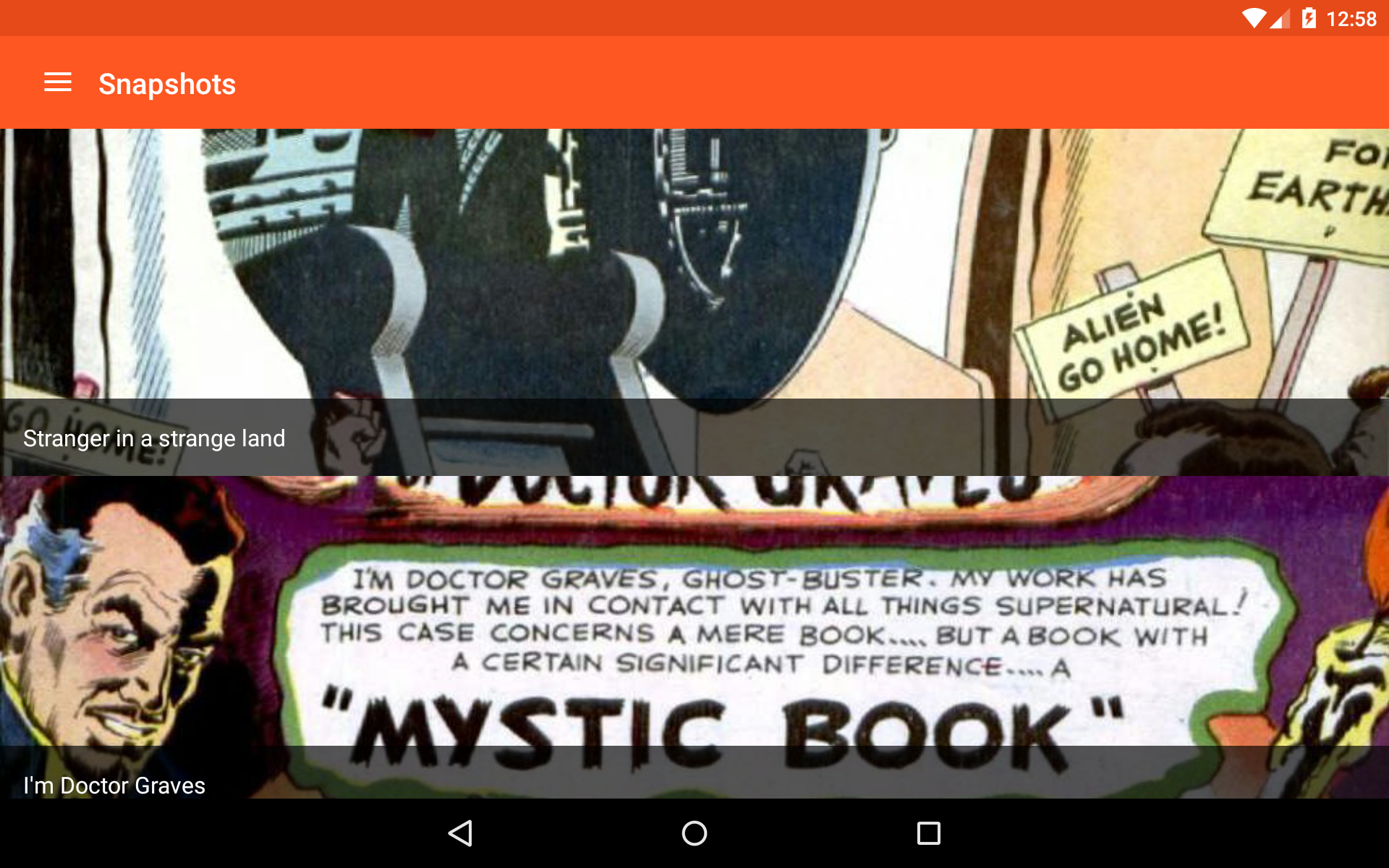
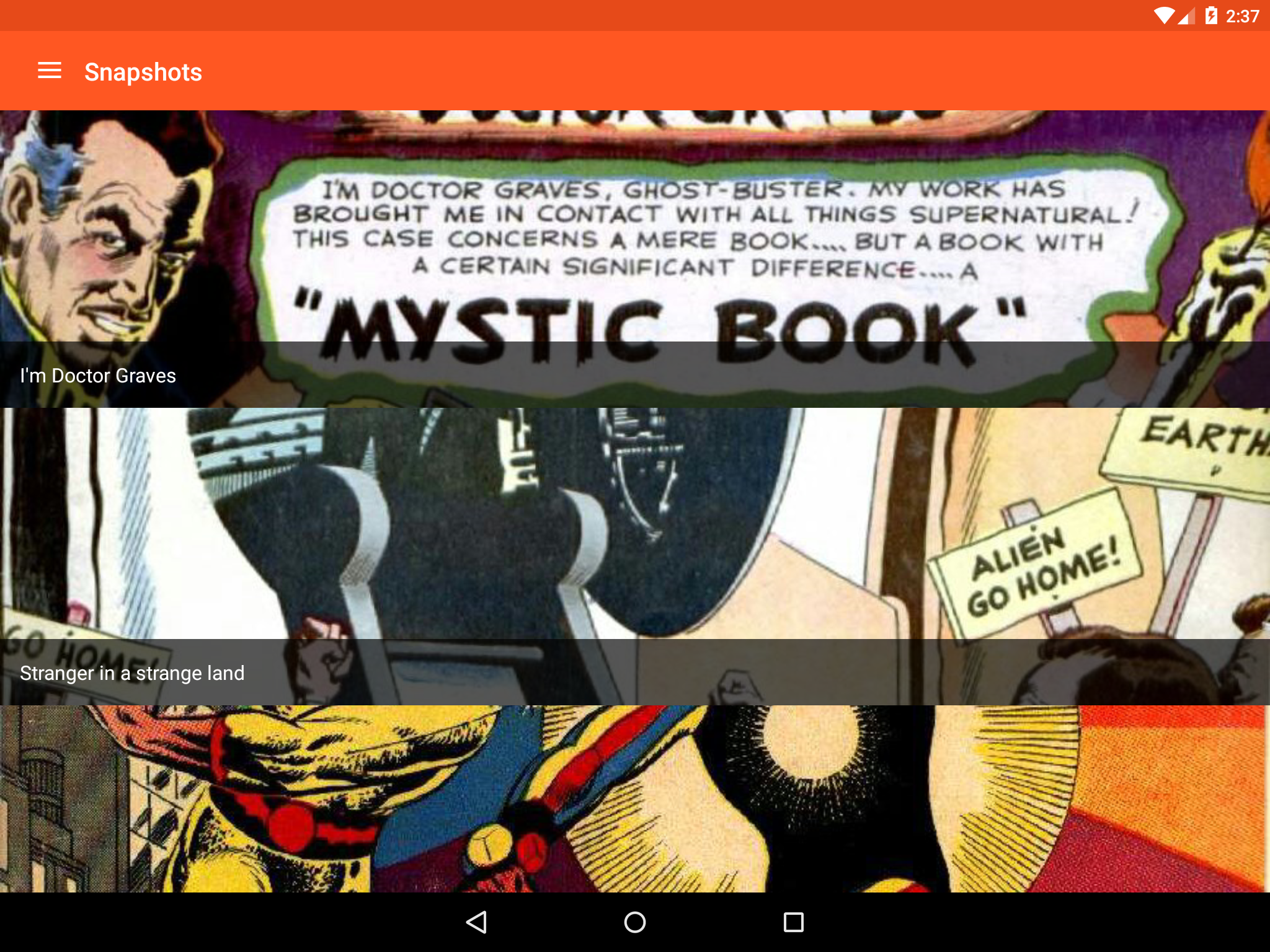
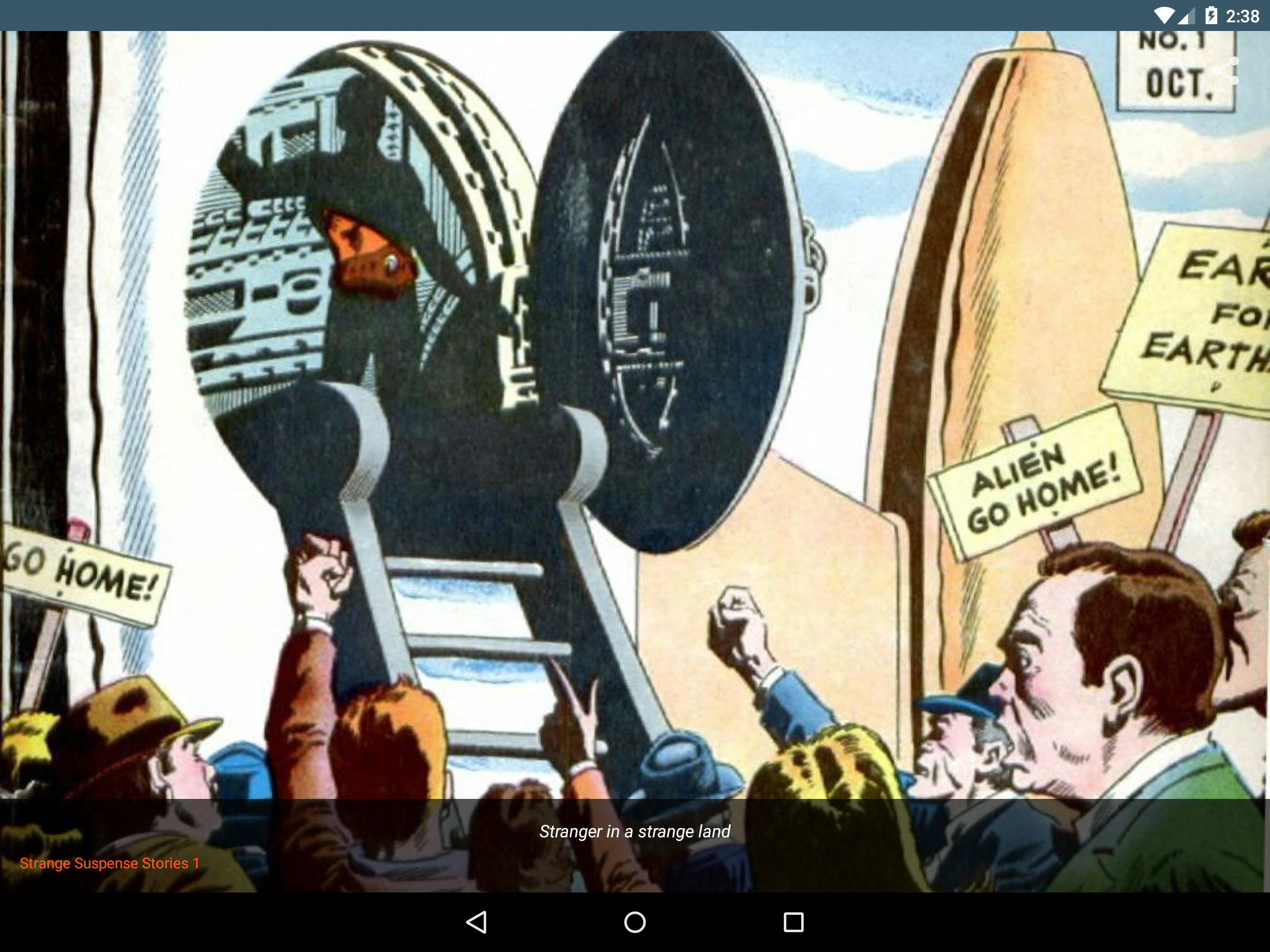
The app pretty much works as intended. The only issue I have is sometimes the snapshot feature doesn't add the picture to my camera roll. Pretty much better to just screenshot instead. The other issue is sometimes when adding comics, they won't show up for like 5-7 mins. Aside from that, it's great for people who want to read comics but don't wanna buy them.
Best I've seen so far, very clean features and interface but a few things can be slightly confusing at first (like renaming a comic in the app doesn't affect the sort order because it doesn't rename the file) and occasionally the cover art can be a bit glitch, but these are really minor problems. Overall it's fantastic.
Kirimkan komentar
Untuk memberikan komentar, masuklah dengan jejaring sosial Anda:
Atau tinggalkan komentar anonim. Komentar Anda akan dikirim untuk dimoderasi.
Kirimkan komentar
Untuk memberikan komentar, masuklah dengan jejaring sosial Anda:
Atau tinggalkan komentar anonim. Komentar Anda akan dikirim untuk dimoderasi.