



Ditambahkan: Denis Rubinov
Versi: 31.1.1.37_210222
Ukuran: 6.3 MB
Diperbarui: 11.12.2021
Developer: Mobile, ASUSTek Computer Inc.
Batasan Usia: Everyone
Otorisasi: 9
Diunduh di Google Play: 131948866
Kategori: Cuaca
- Pemilihan kota secara manual.
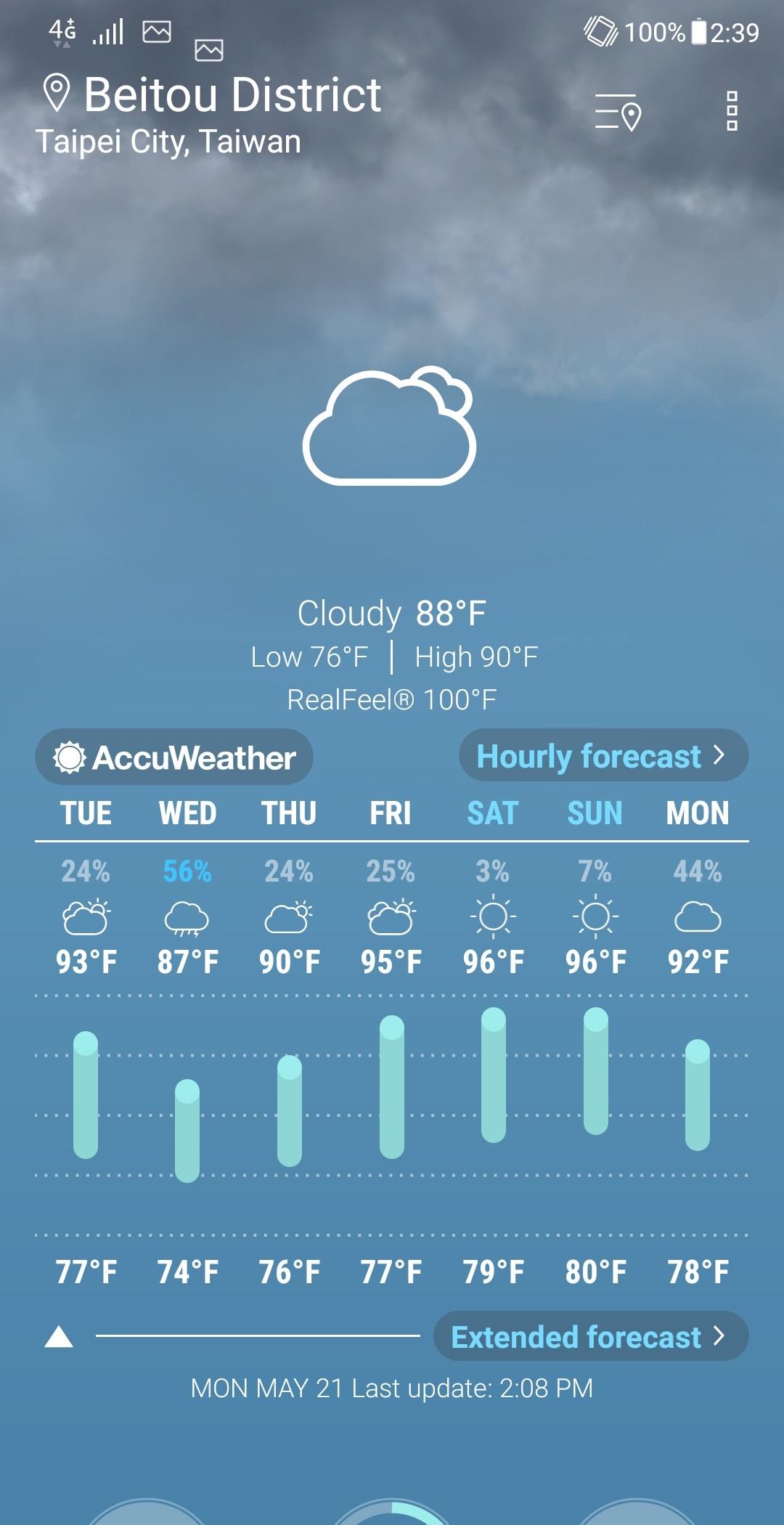
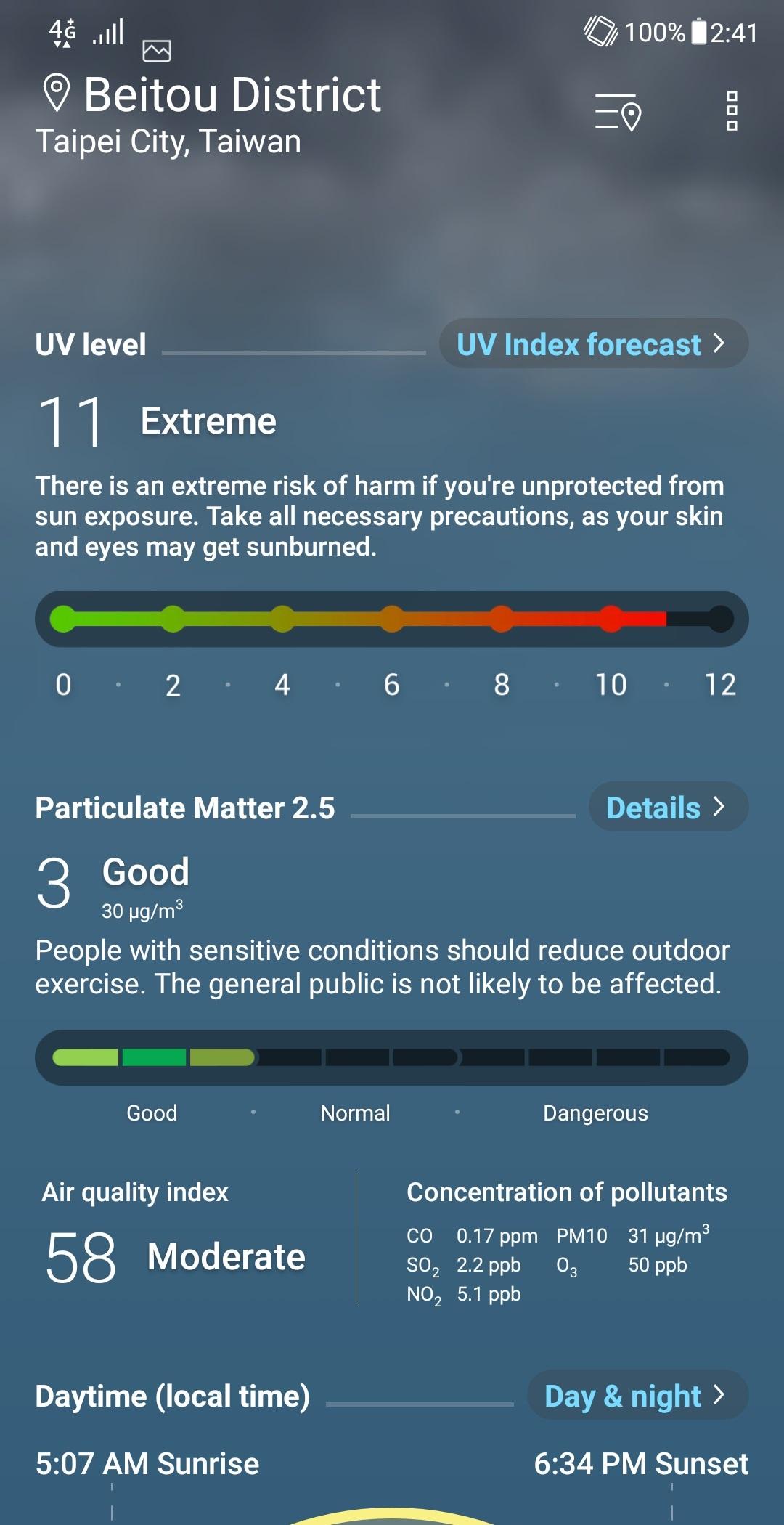
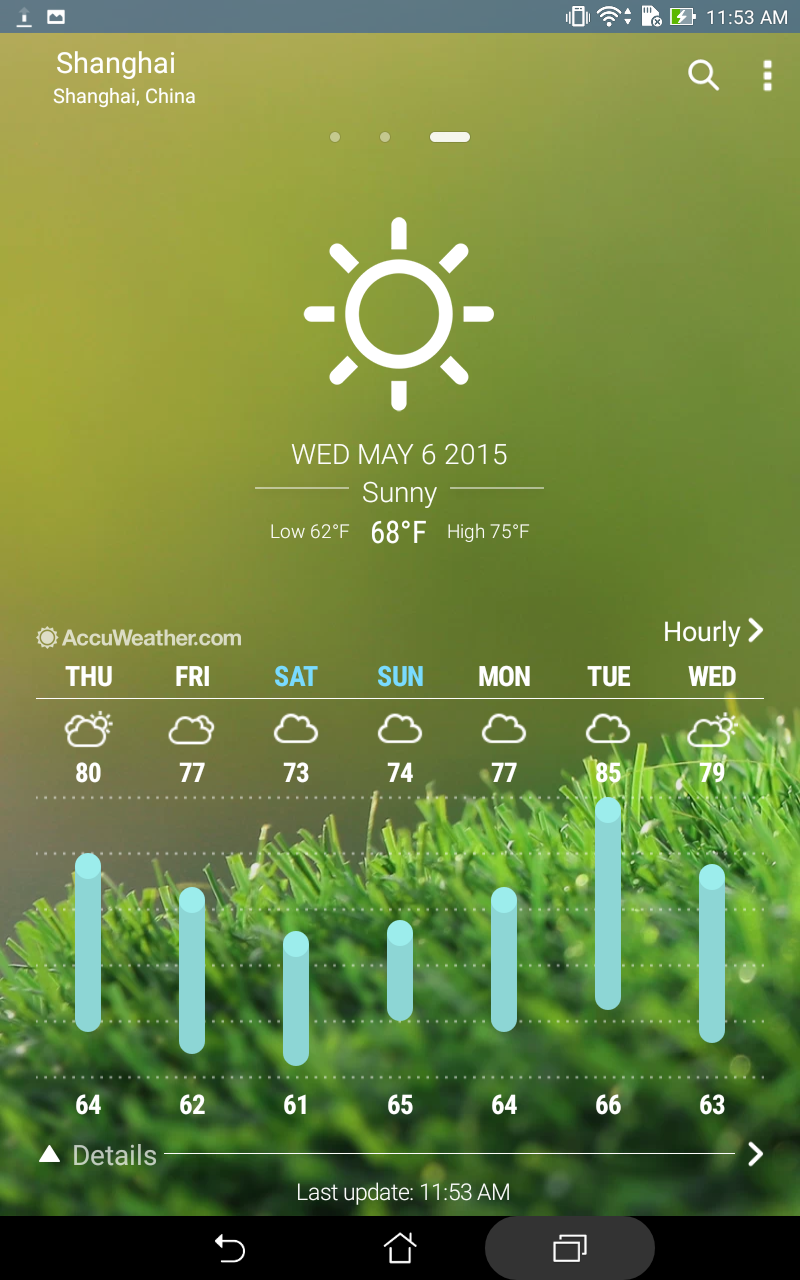
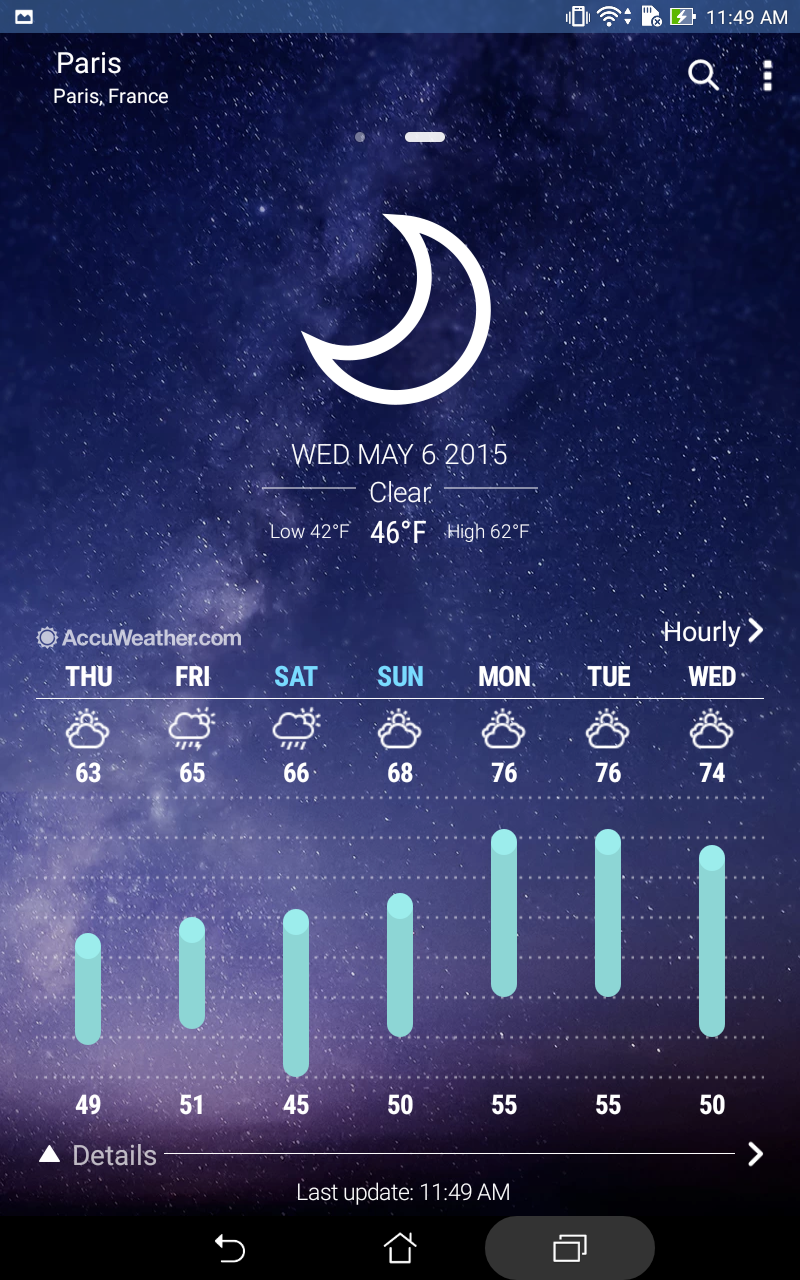
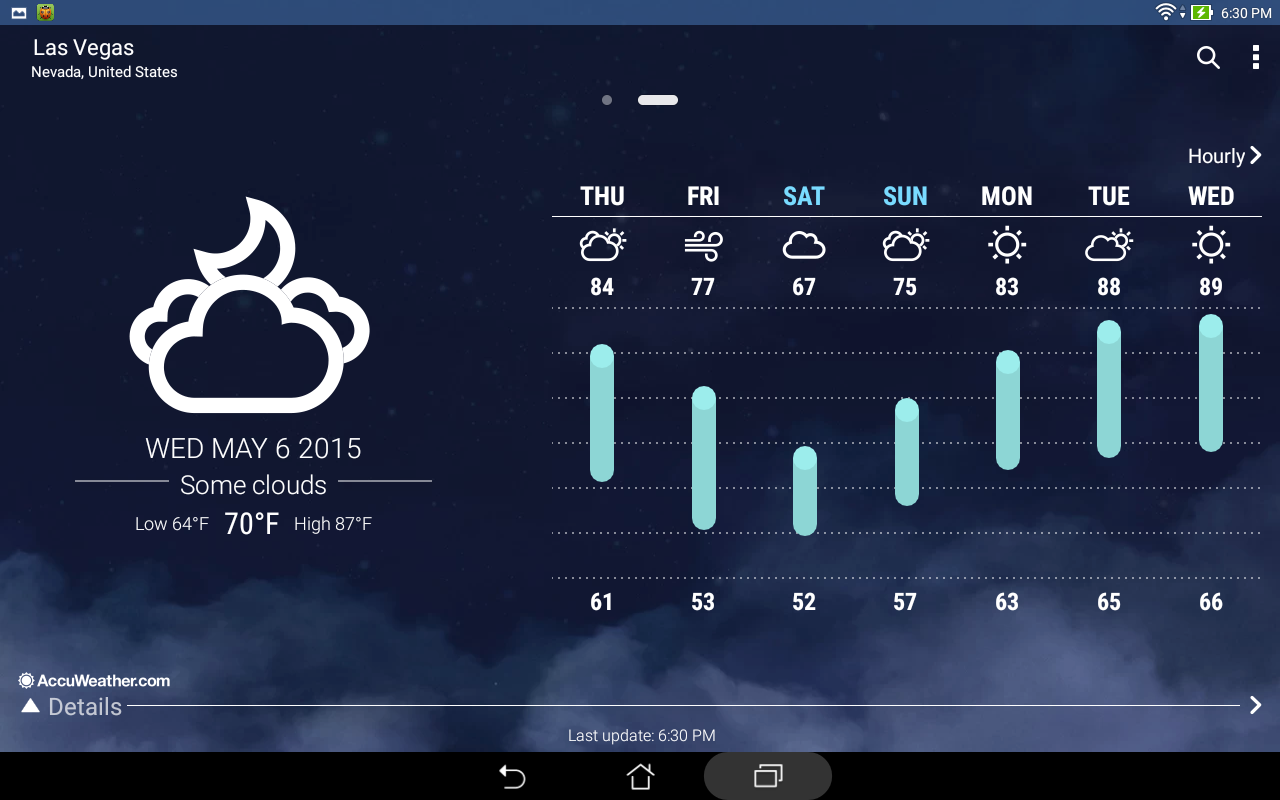
- Semua informasi yang Anda butuhkan tentang cuaca.
- Desain yang bagus.
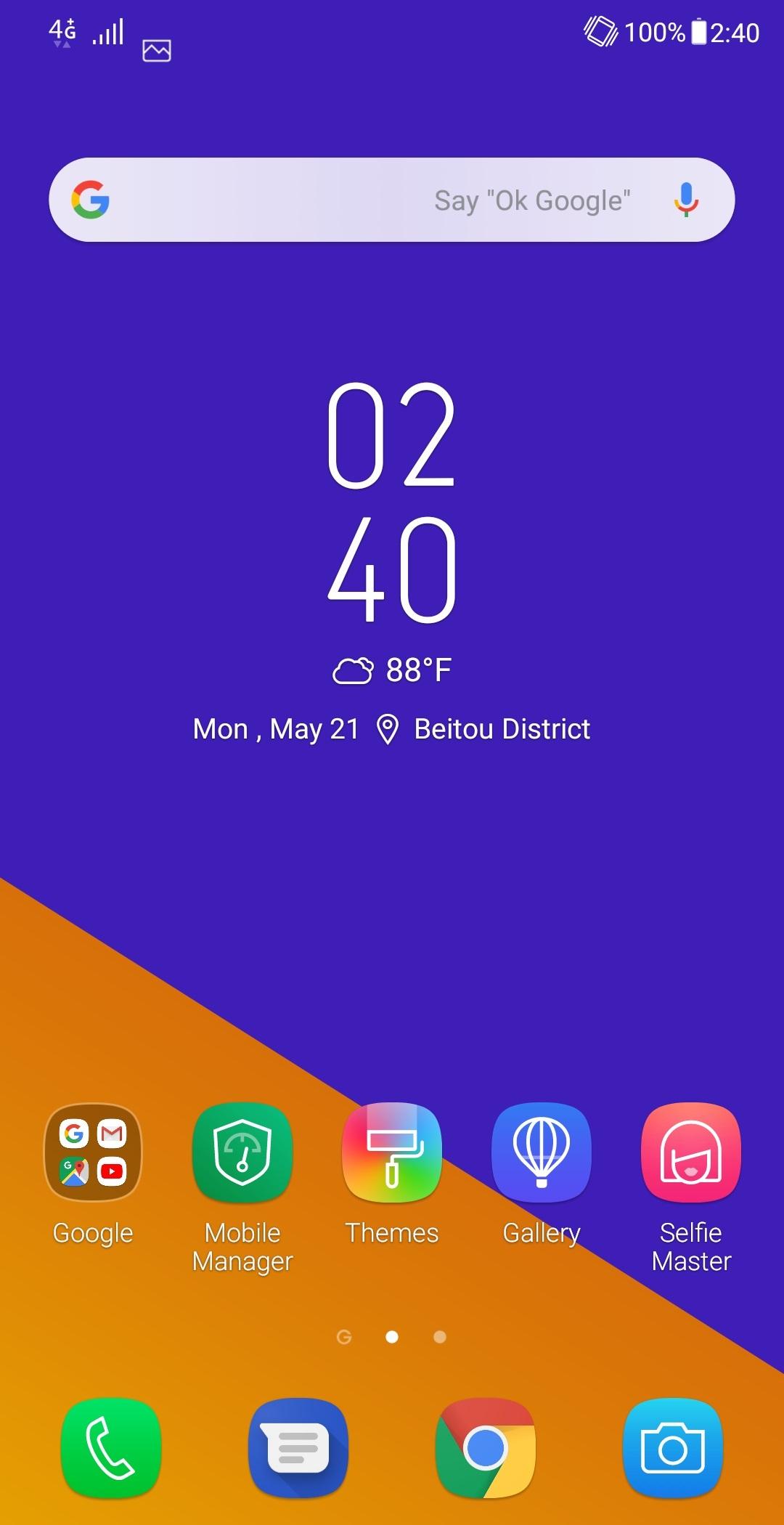
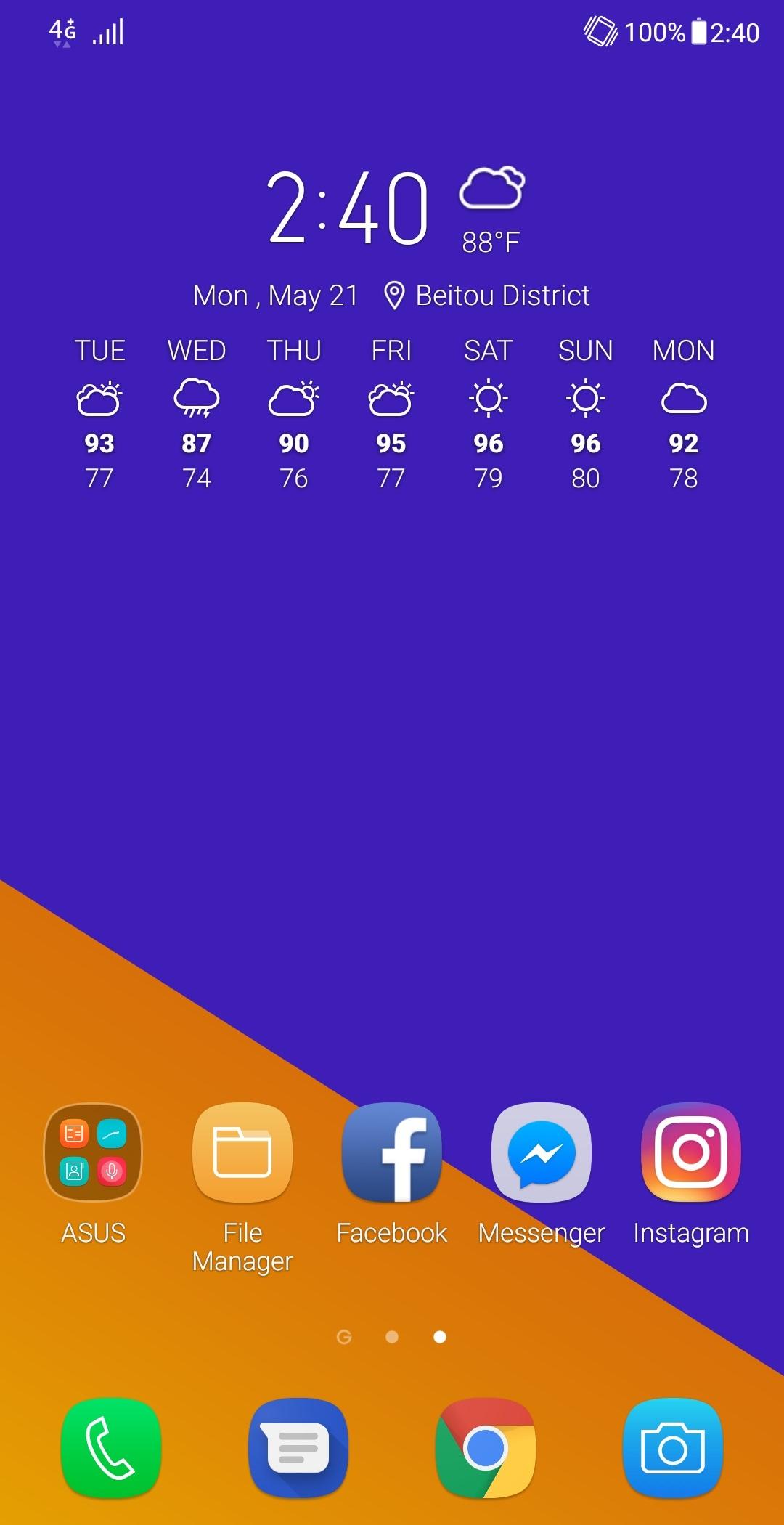
- Dukungan untuk widget.
- Distribusi gratis.
Deskripsi
Aplikasi ASUS Weather diperiksa oleh antivirus VirusTotal. Sebagai hasil pemindaian, tidak ada infeksi file yang terdeteksi oleh semua tanda tangan terbaru.
Cara memasang ASUS Weather
- Unduh file APK aplikasi dari apkshki.com.
- Temukan file yang diunduh. Anda dapat menemukannya di baki sistem atau di folder 'Download' menggunakan manajer file apa pun.
- Jika file yang diunduh berekstensi .bin (bug WebView di Android 11), ubah namanya menjadi .apk menggunakan pengelola file apa pun atau coba unduh file dengan browser lain seperti Chrome.
- Mulai penginstalan. Klik pada file yang diunduh untuk memulai penginstalan
- Izinkan penginstalan dari sumber yang tidak dikenal. Jika Anda menginstal untuk pertama kalinya ASUS Weather bukan dari Google Play, buka pengaturan keamanan perangkat Anda dan izinkan penginstalan dari sumber yang tidak dikenal.
- Lewati perlindungan Google Play. Jika proteksi Google Play memblokir penginstalan file, ketuk 'Info Lebih Lanjut' → 'Tetap instal' → 'OK' untuk melanjutkan..
- Selesaikan penginstalan: Ikuti petunjuk penginstal untuk menyelesaikan proses penginstalan.
Cara memperbarui ASUS Weather
- Unduh versi baru aplikasi dari apkshki.com.
- Cari file yang diunduh dan klik file tersebut untuk memulai penginstalan.
- Instal di atas versi lama. Tidak perlu menghapus instalasi versi sebelumnya.
- Hindari konflik tanda tangan. Jika versi sebelumnya tidak diunduh dari apkshki.com, pesan 'Aplikasi tidak terinstal' mungkin muncul. Dalam kasus ini, hapus instalan versi lama dan instal versi baru.
- Mulai ulang lampiran ASUS Weather setelah pembaruan.













Meminta pembaruan aplikasi
Ditambahkan Denis Rubinov
Versi: 31.1.1.37_210222
Ukuran: 6.3 MB
Diperbarui: 11.12.2021
Developer: Mobile, ASUSTek Computer Inc.
Batasan Usia: Everyone
Otorisasi:
Diunduh di Google Play: 131948866
Kategori: Cuaca















Ulasan untuk ASUS Weather
Good
Good but could be better. forced location
I like it app
Best app
Excellent app
Very good
Why would an app require location permission to work if you can just type in a specific city/state? It is stupidly locked asking me for location permissions even when I searched for a specific city. You don't need location from my device to look up thw weather for tue city I typed....
Best
بآسب
Sangat bagus
I have more complaints about this app then I can even list in this description. The temperature is always wrong, the wind direction is constantly wrong, it constantly hangs when you try to refresh, and I could go on and on. I've had so many problems I am forced to seek out a better app. If these issues are fixed I may reinstall and use.
Worst App ever... Doesn't auto update when connected to the internet and it's never accurate. Generally, not trustworthy since accueweather is the most unreliable site for weather prognosis. Edit: Forgot to mention that the App is full of Ads. Since when a large corporation like ASUS needs Ads???
For the last month, this app has been stuck on Partly Cloudy weather. like it just doesnt change whatever be the weather. When jts raining, it shows partly cloudy. When it is clear and sunny, it says partly Cloudy. Please fix this app, coz it is now of no use as it doesnt show the actual weather.
It maybe a different way of processing such a sms,notifications and contact which may include the problem of the right or wrong updates. I don't know how to use it! May you reach out my contains. Tnx
Great app but i have a little concerne. Why does the app load 2 different fragments that can have different states for each city? In the upper bar it is displayed the correct amount of dots but there is a duplicate for each city that is tried to be hidden by this.
Kirimkan komentar
Untuk memberikan komentar, masuklah dengan jejaring sosial Anda:
Atau tinggalkan komentar anonim. Komentar Anda akan dikirim untuk dimoderasi.
Kirimkan komentar
Untuk memberikan komentar, masuklah dengan jejaring sosial Anda:
Atau tinggalkan komentar anonim. Komentar Anda akan dikirim untuk dimoderasi.