



Lock Screen iOS 15
6+
unduhan5.0+
versi Android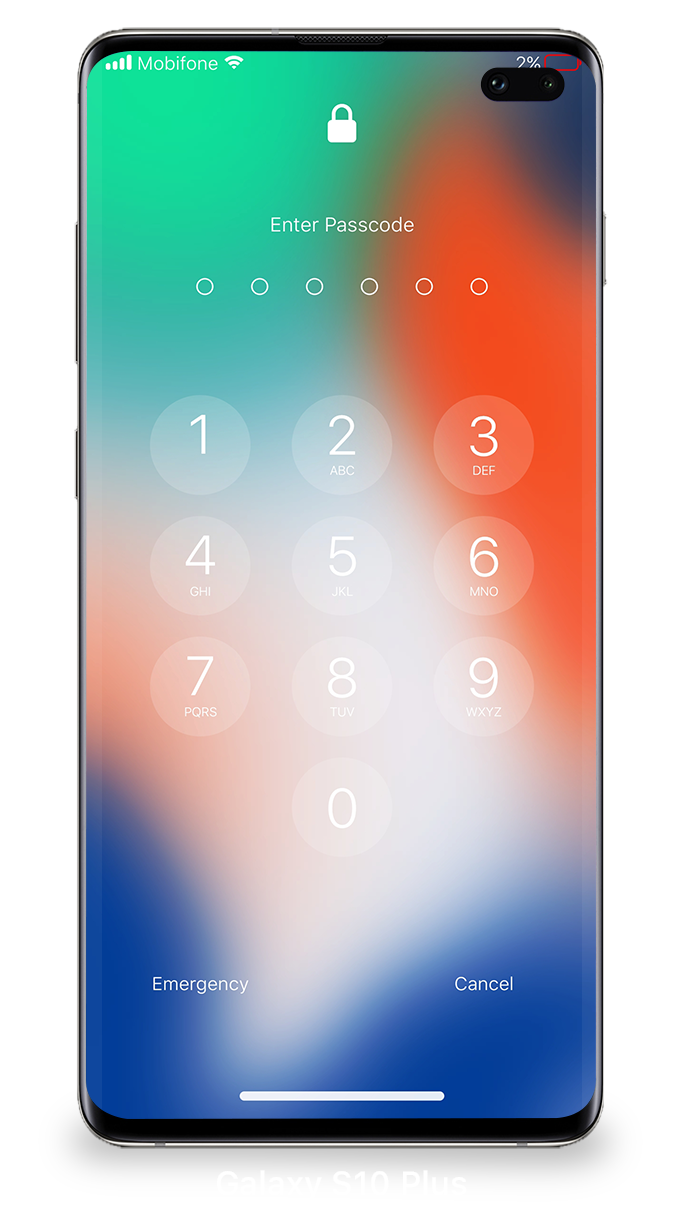
Ditambahkan: Denis Rubinov
Versi: 1.6.3
Ukuran: 4.8 MB
Diperbarui: 04.01.2023
Developer: LuuTinh Developer
Batasan Usia: Everyone
Otorisasi: 13
Diunduh di Google Play: 28101788
Kategori: Personalisasi
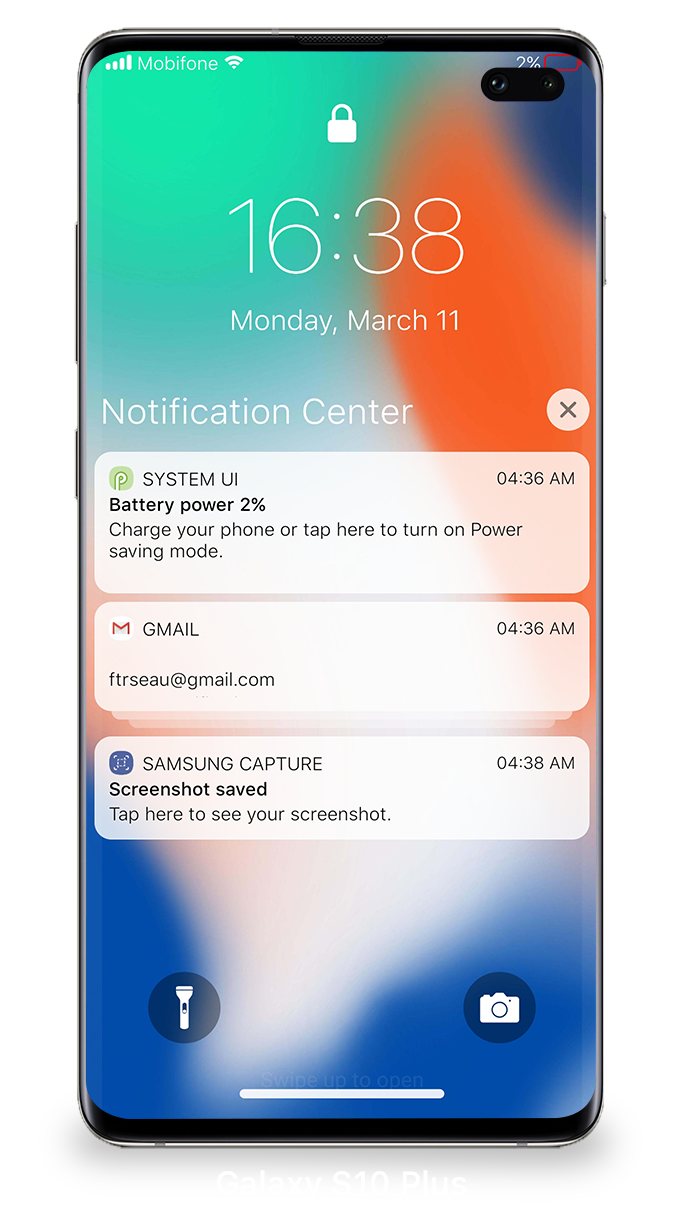
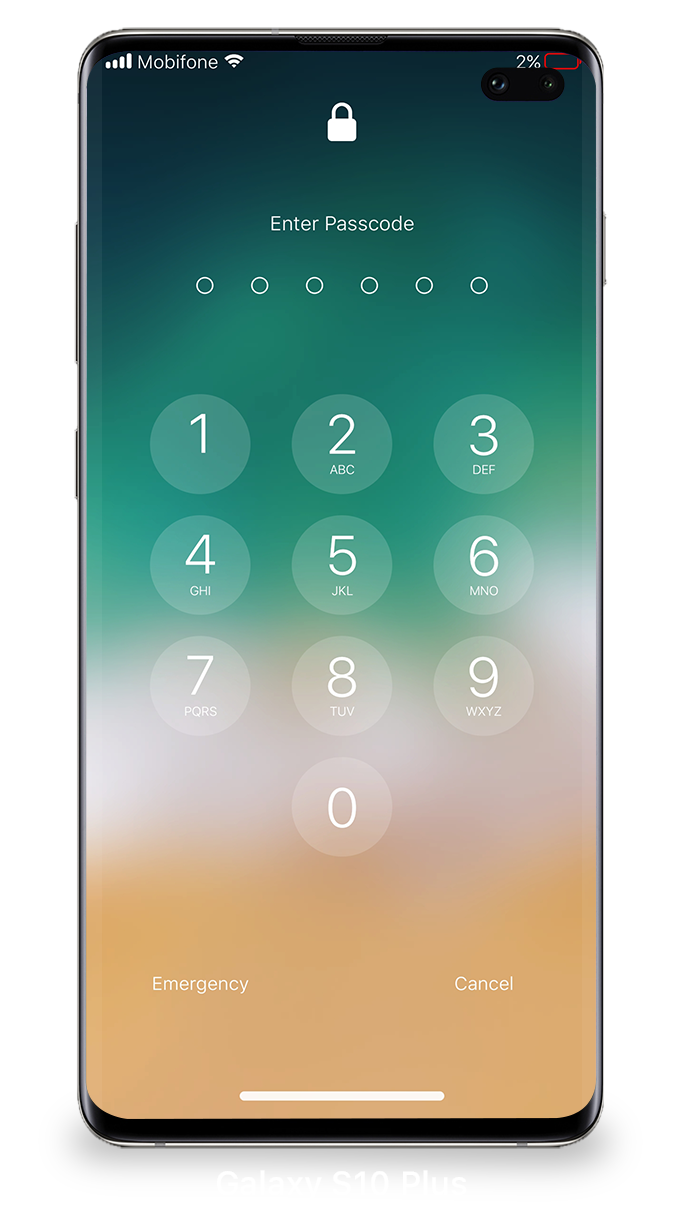
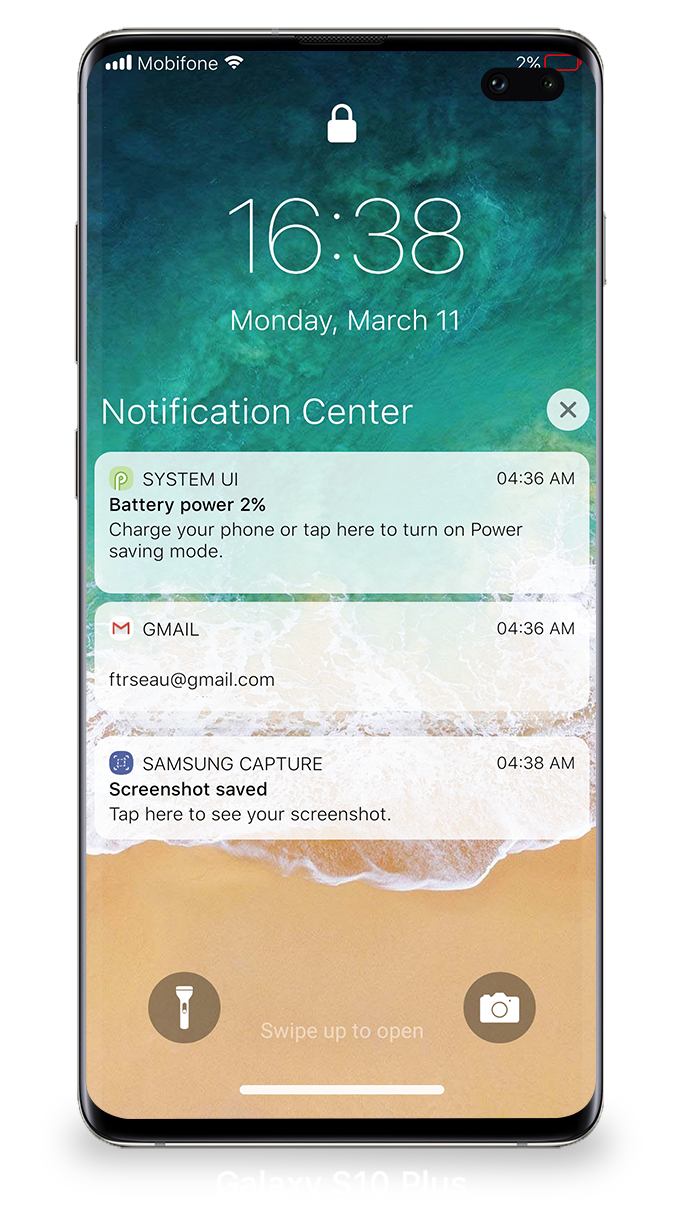
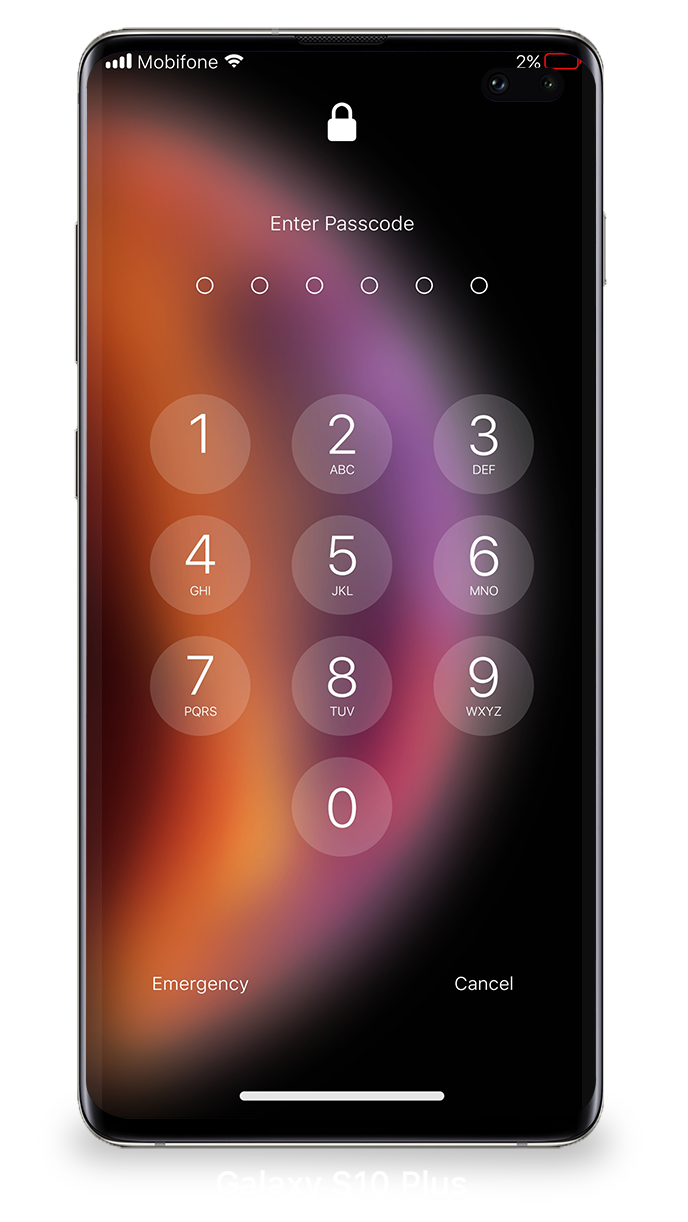
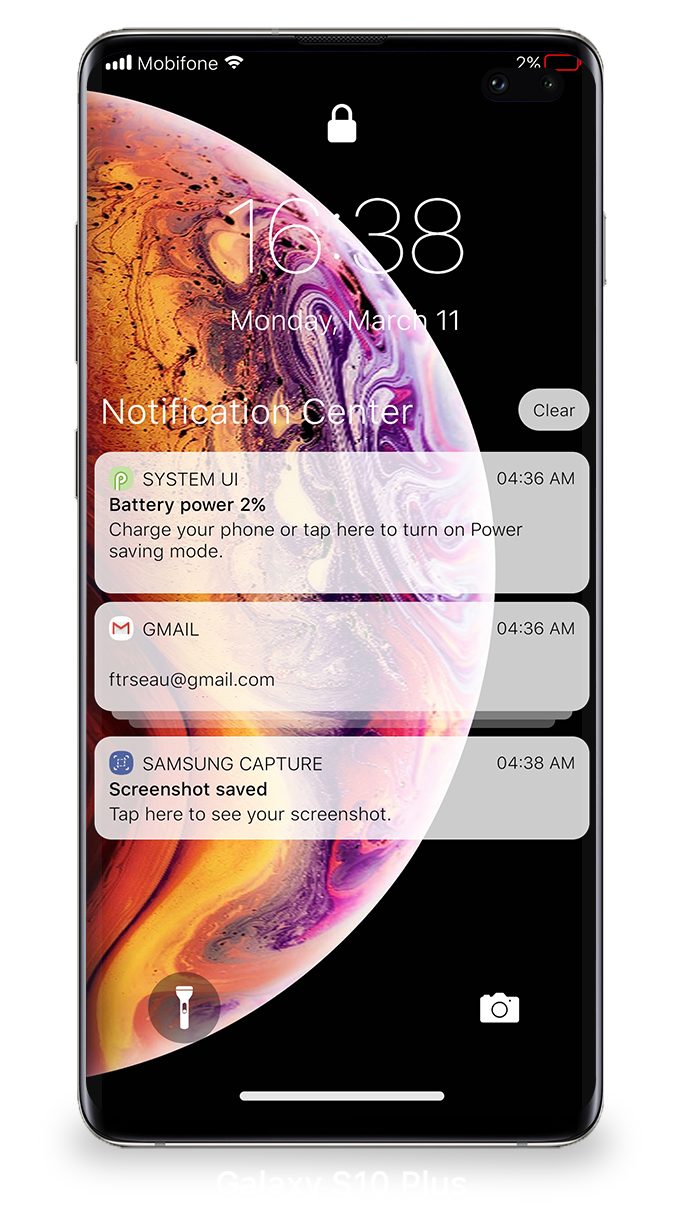
- Gaya yang tepat untuk iOS.
- Tidak ada iklan.
- Desain cantik.
- Ukuran program kecil.
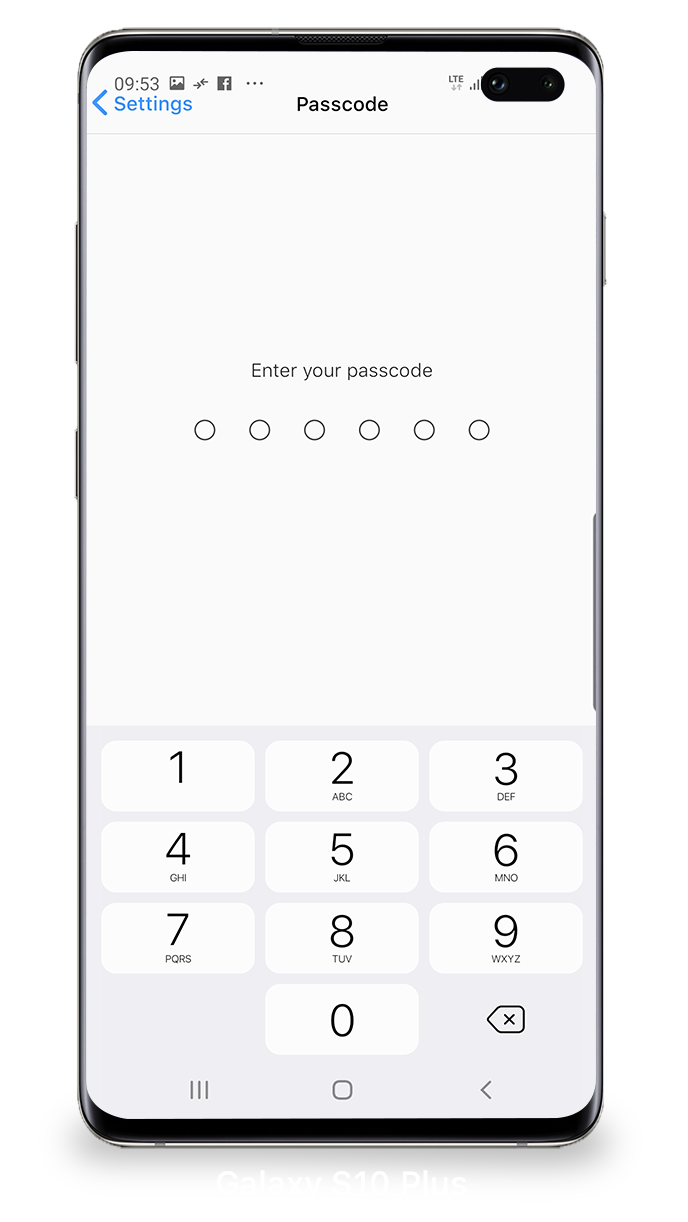
- Setel kata sandi buka kunci.
Deskripsi
Aplikasi Lock Screen iOS 15 diperiksa oleh antivirus VirusTotal. Sebagai hasil pemindaian, tidak ada infeksi file yang terdeteksi oleh semua tanda tangan terbaru.
Cara memasang Lock Screen iOS 15
- Unduh file APK aplikasi dari apkshki.com.
- Temukan file yang diunduh. Anda dapat menemukannya di baki sistem atau di folder 'Download' menggunakan manajer file apa pun.
- Jika file yang diunduh berekstensi .bin (bug WebView di Android 11), ubah namanya menjadi .apk menggunakan pengelola file apa pun atau coba unduh file dengan browser lain seperti Chrome.
- Mulai penginstalan. Klik pada file yang diunduh untuk memulai penginstalan
- Izinkan penginstalan dari sumber yang tidak dikenal. Jika Anda menginstal untuk pertama kalinya Lock Screen iOS 15 bukan dari Google Play, buka pengaturan keamanan perangkat Anda dan izinkan penginstalan dari sumber yang tidak dikenal.
- Lewati perlindungan Google Play. Jika proteksi Google Play memblokir penginstalan file, ketuk 'Info Lebih Lanjut' → 'Tetap instal' → 'OK' untuk melanjutkan..
- Selesaikan penginstalan: Ikuti petunjuk penginstal untuk menyelesaikan proses penginstalan.
Cara memperbarui Lock Screen iOS 15
- Unduh versi baru aplikasi dari apkshki.com.
- Cari file yang diunduh dan klik file tersebut untuk memulai penginstalan.
- Instal di atas versi lama. Tidak perlu menghapus instalasi versi sebelumnya.
- Hindari konflik tanda tangan. Jika versi sebelumnya tidak diunduh dari apkshki.com, pesan 'Aplikasi tidak terinstal' mungkin muncul. Dalam kasus ini, hapus instalan versi lama dan instal versi baru.
- Mulai ulang lampiran Lock Screen iOS 15 setelah pembaruan.


Hi Locker - Your Lock Screen
Personalisasi
LockScreen Phone-Notification
Personalisasi
Black Hole Lock Screen
Personalisasi

Black Hole - Lock screen
Personalisasi

Wave - Customizable Lock scree
Personalisasi
iNotify - iOS lock and notific
Personalisasi
iNotify - OS Lock Screen
Personalisasi
LockScreen Phone XS - Notification
Personalisasi
Meminta pembaruan aplikasi
Ditambahkan Denis Rubinov
Versi: 1.6.3
Ukuran: 4.8 MB
Diperbarui: 04.01.2023
Developer: LuuTinh Developer
Batasan Usia: Everyone
Otorisasi:
Diunduh di Google Play: 28101788
Kategori: Personalisasi















Ulasan untuk Lock Screen iOS 15
good app
This is the best Luncher you can ever find
wow
Sajjad
Good Lock Screen
don't even work
this is best of lock screen iOS 15 thank you very much hopping more to come
best lock screen app ever
nice app
Nice
Great app. I like it. The issue I have is that when your phone boots up, if, for whatever reason, your phone is in landscape mode before the app starts up, your phone becomes unusable until you restart the phone. Essentially, the app tries to go to landscape, realizes it can't, goes to portrait, but keeps the dimensions of landscape. Top half of the screen is the lock screen, bottom half is your launcher... It bugs me that I have to be a little careful about my phone's orientation when I boot up.
Let me start by saying Great job. The look is amazing, the functionality is great. But I have a Samsung Galaxy s8 with 4k resolution, and the lock doesn't fit. I don't mind bringing my resolution down, but it is a slight inconvenience. Also, Telegram and Duo calls don't come through the lock, and camera button doesn't work.
Very good, works just as intended, but there is one issue: when repeatedly turning off and on the phone, or in some cases, just turning it on when the phone was off, the Samsung wallpaper would play and/or it would blink black before going to the intended screen, indicating that the app is switching from the normal Samsung wallpaper to the iPhone lockscreen, which bothers me a bit. if you can make this smoother and get rid of the transitions, that would be perfect. Nothing much to fret over, 5*!
Not bad. Definitely not a perfected science yet, but it's the best version of an iOS launcher I've ever seen. Works fast (on a Samsung works even faster than an iPhone), very interested implementation of tools and themes that look almost identical to an iPhone. The only reason I'm not keeping it, is because even if it were a perfected iOS launcher it wouldn't be better than OneUI. No complaints, keep working on it, great job so far.
Very good and looks like the real thing. My only issue is that you have to swipe from the very bottom to unlock which is a bit annoying. Would you consider adding an Always On Display setting? I use another app but I think they are incompatible since then the lock screen turns on and says on. I would even pay like a dollar for that
Kirimkan komentar
Untuk memberikan komentar, masuklah dengan jejaring sosial Anda:
Atau tinggalkan komentar anonim. Komentar Anda akan dikirim untuk dimoderasi.
Kirimkan komentar
Untuk memberikan komentar, masuklah dengan jejaring sosial Anda:
Atau tinggalkan komentar anonim. Komentar Anda akan dikirim untuk dimoderasi.