


eBook Reader: PDF, EPUB, HTML
8+
unduhan4.0+
versi Android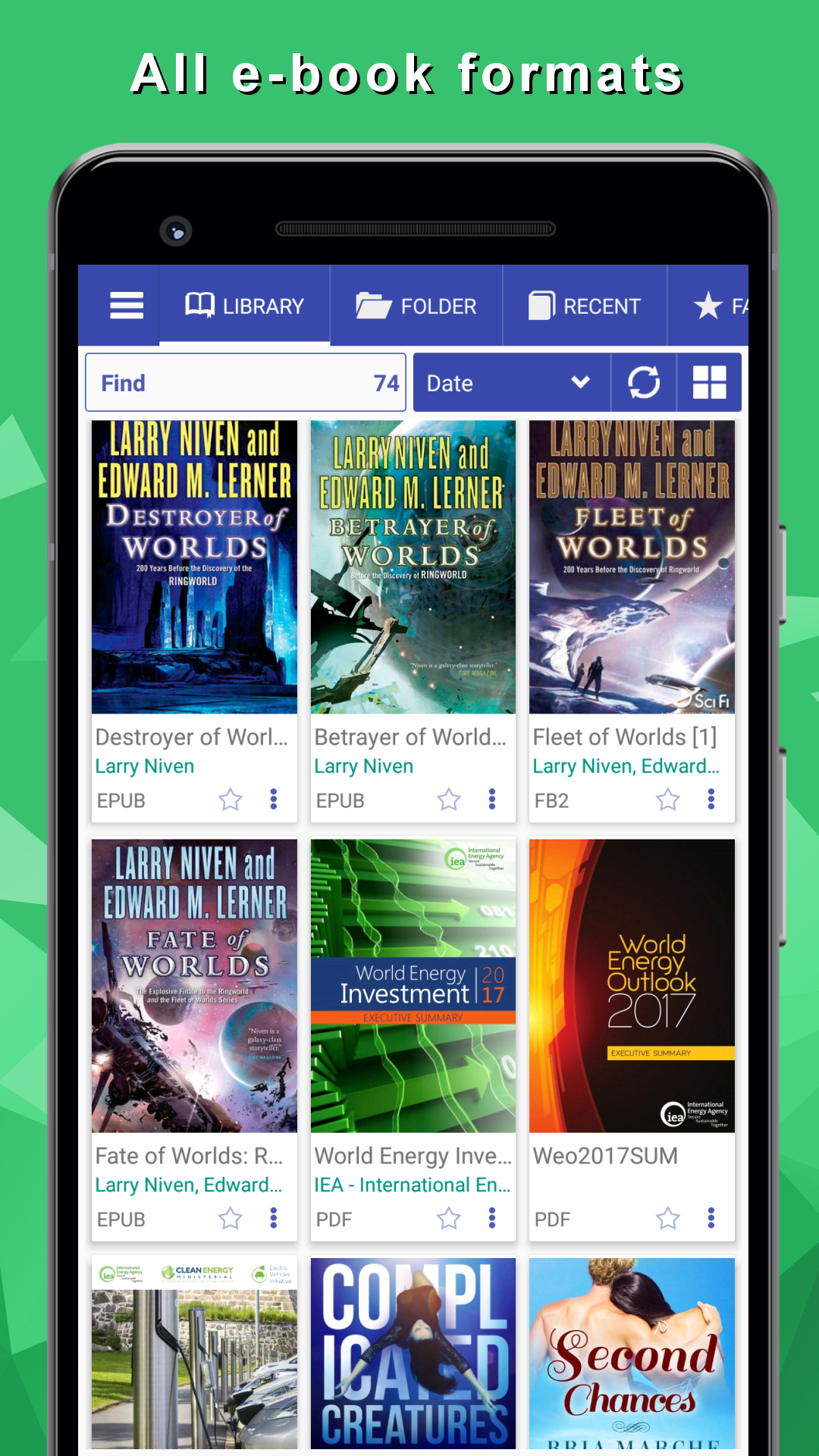
Ditambahkan: Denis Rubinov
Versi: 8.9.183
Ukuran: 23.3 MB
Diperbarui: 24.06.2025
Developer: Librera
Batasan Usia: Everyone
Otorisasi: 6
Diunduh di Google Play: 1347414
Kategori: Buku dan Referensi
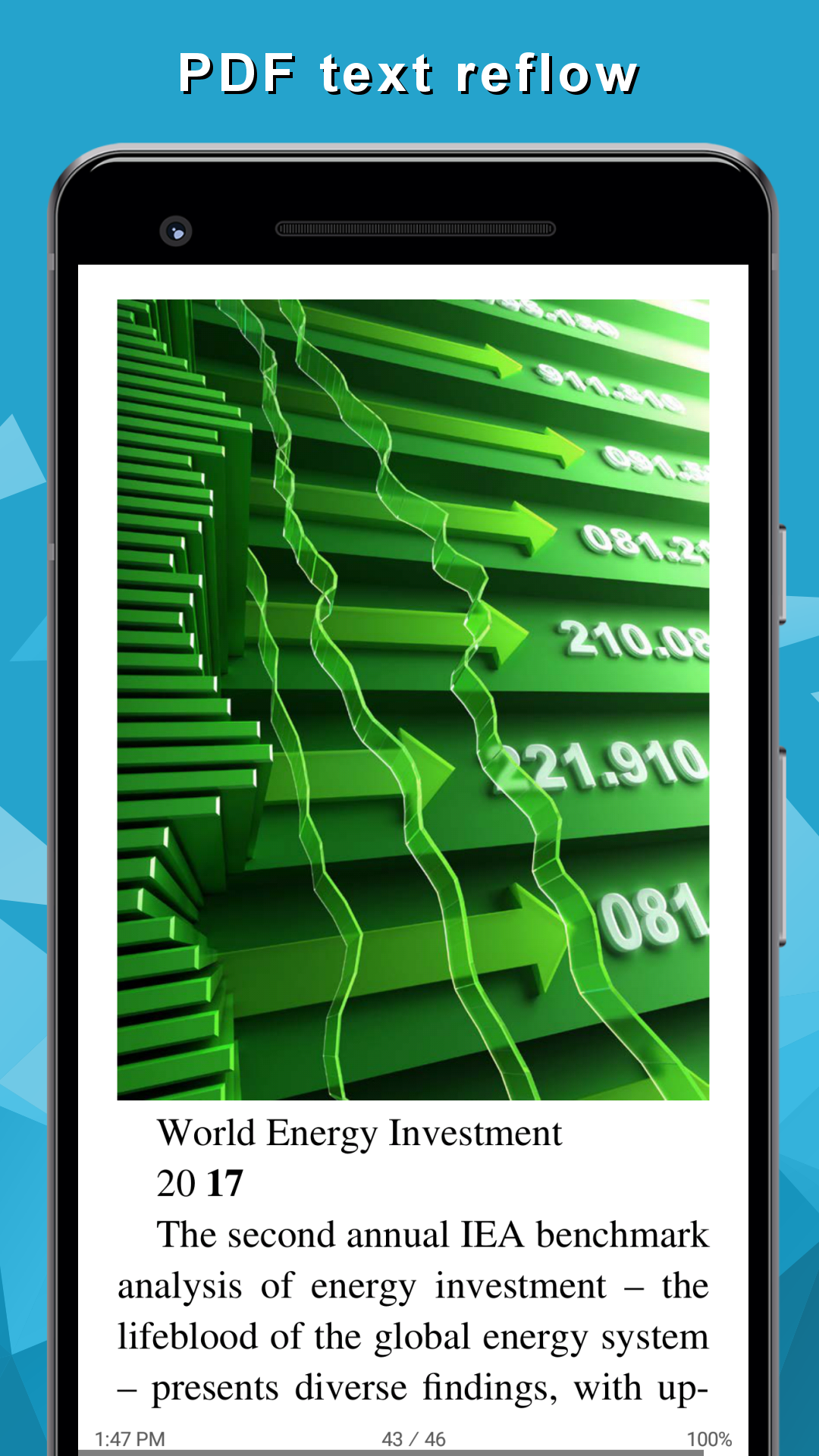
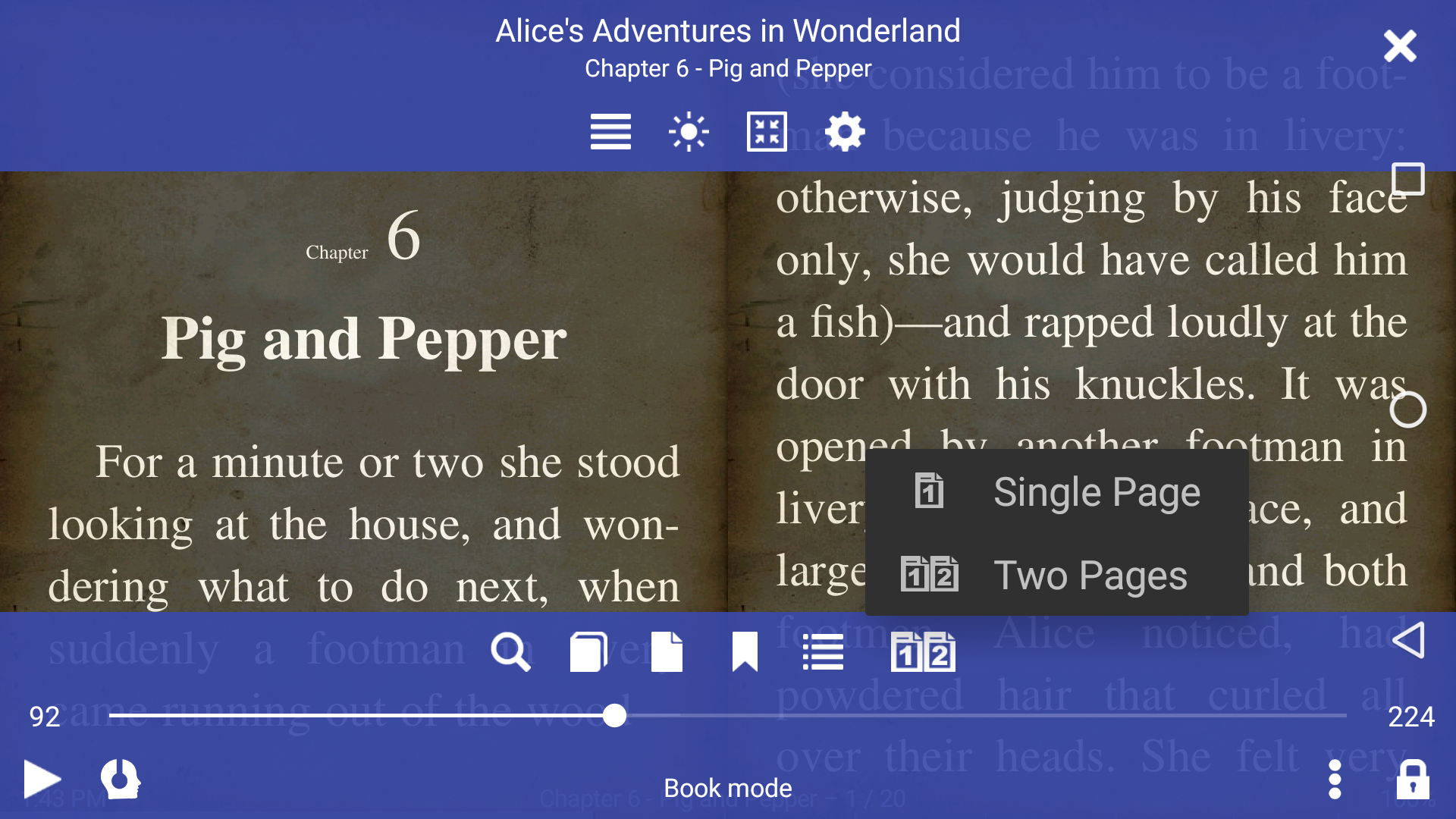
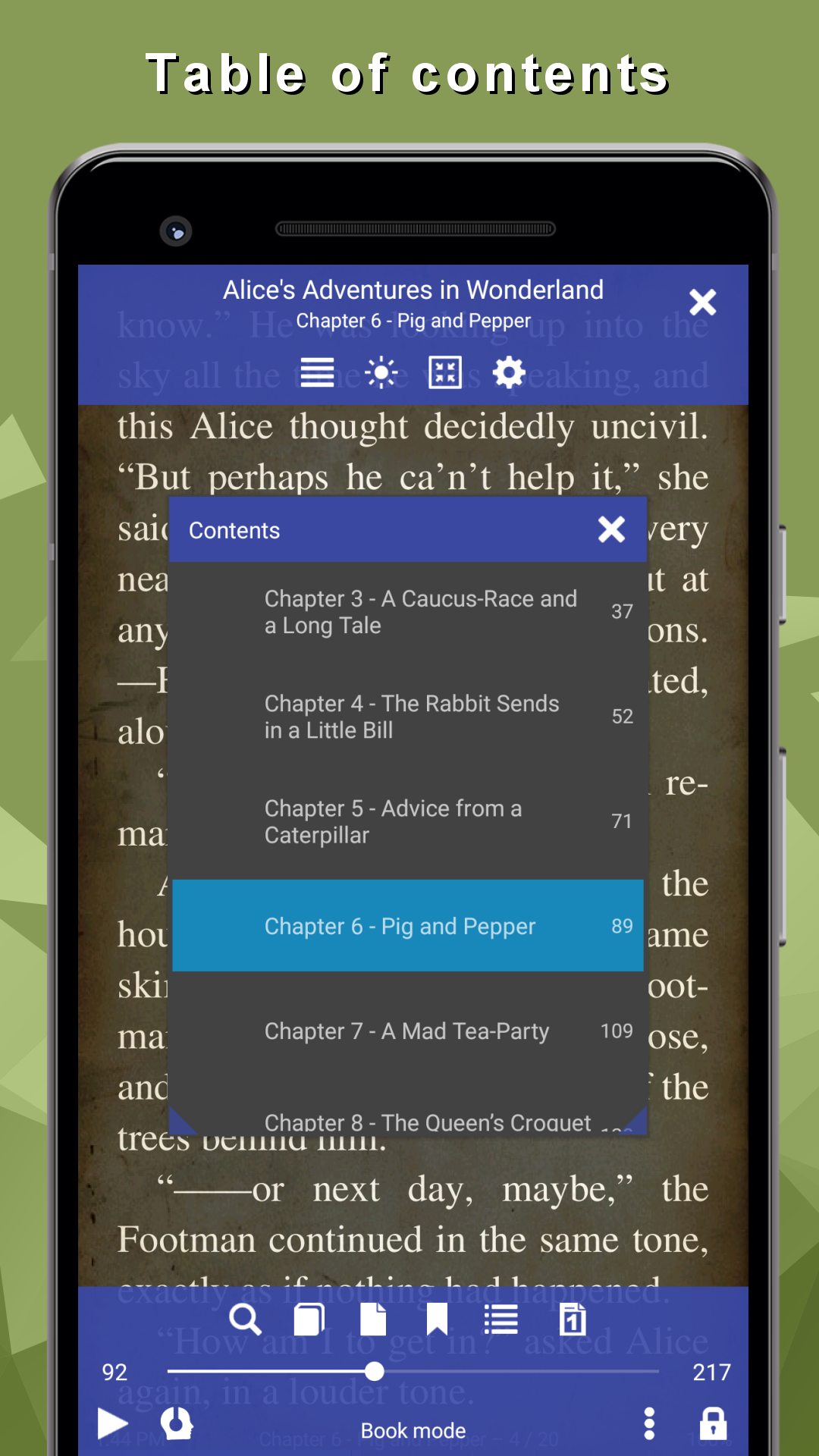
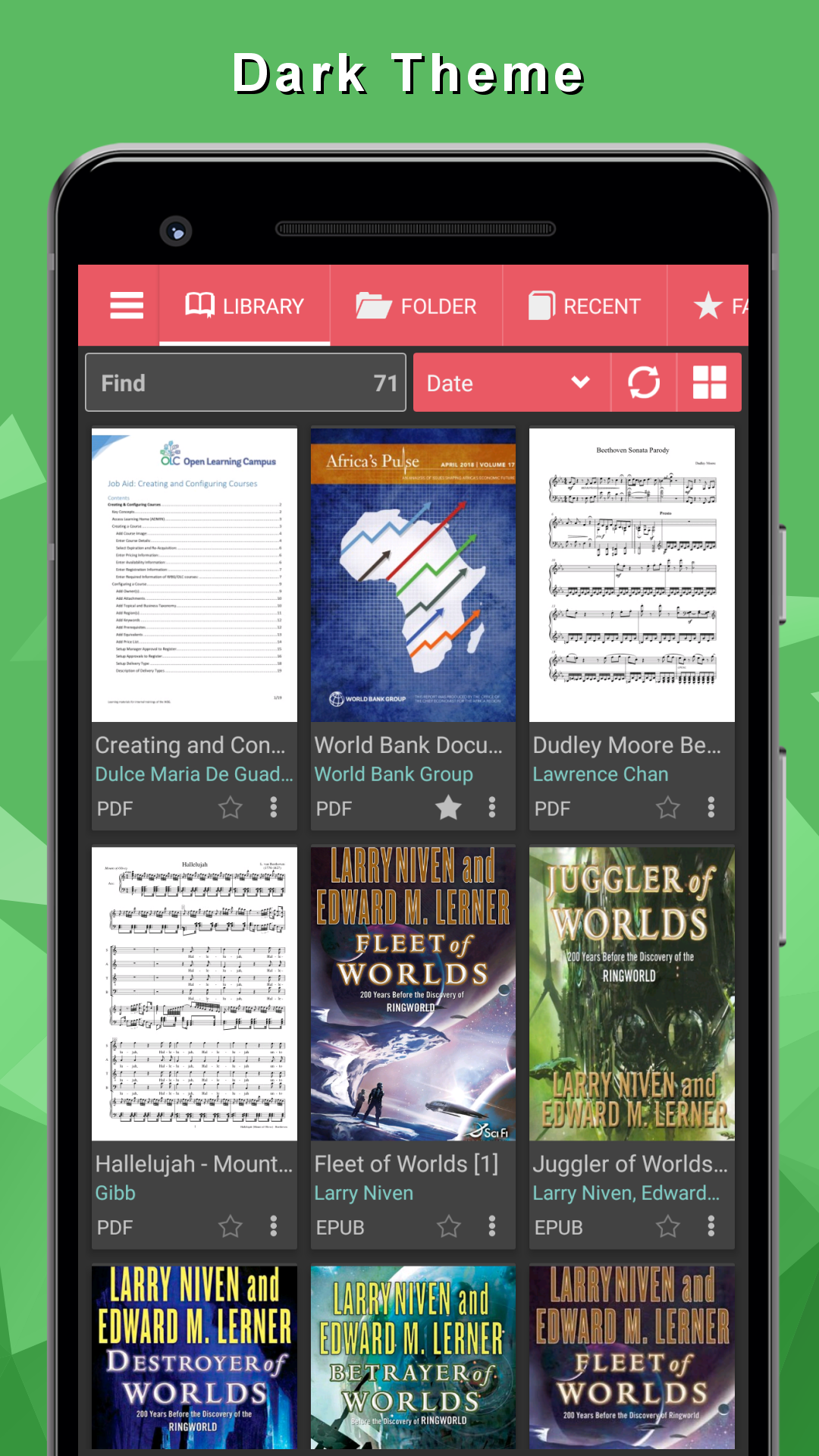
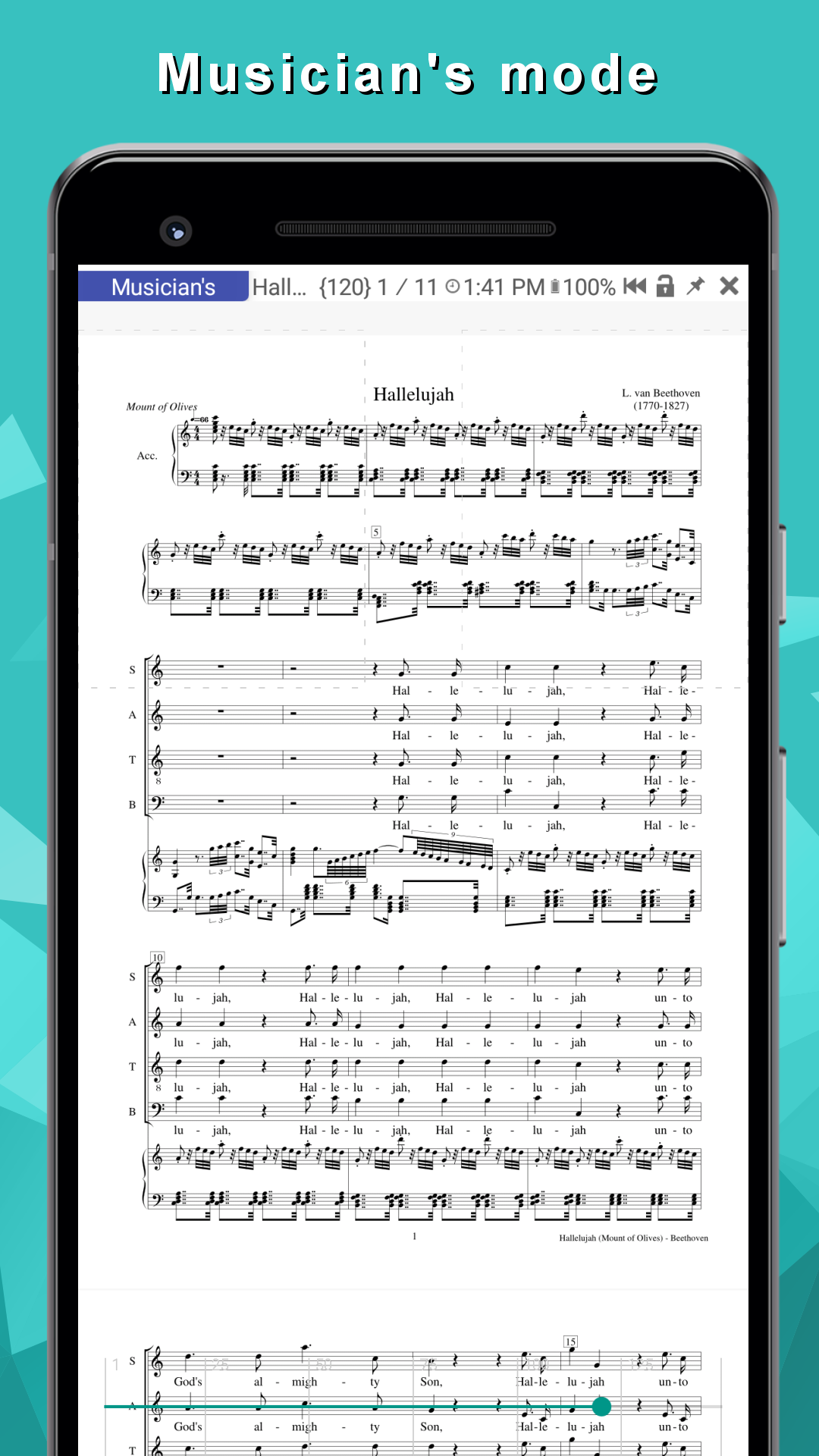
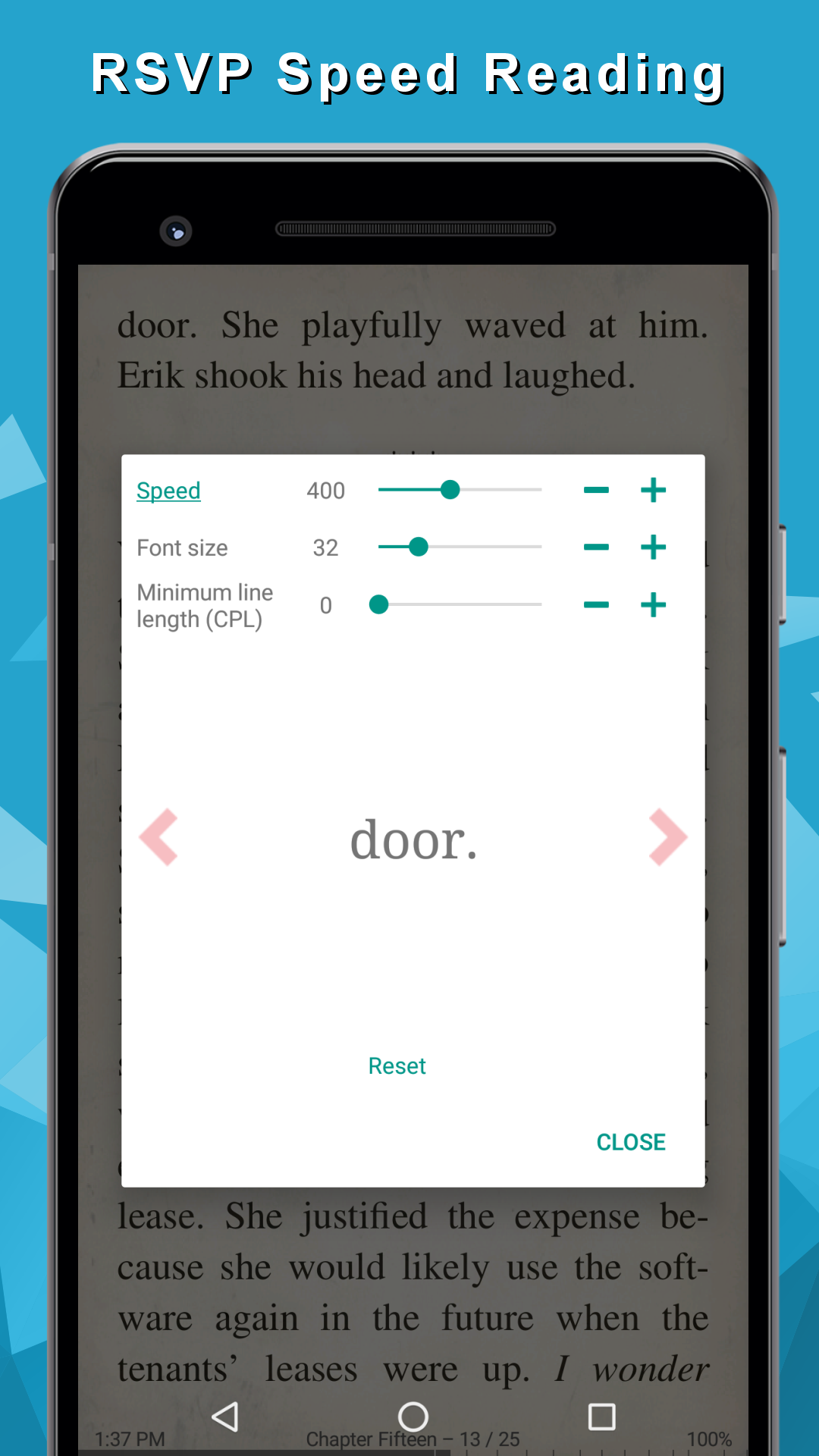
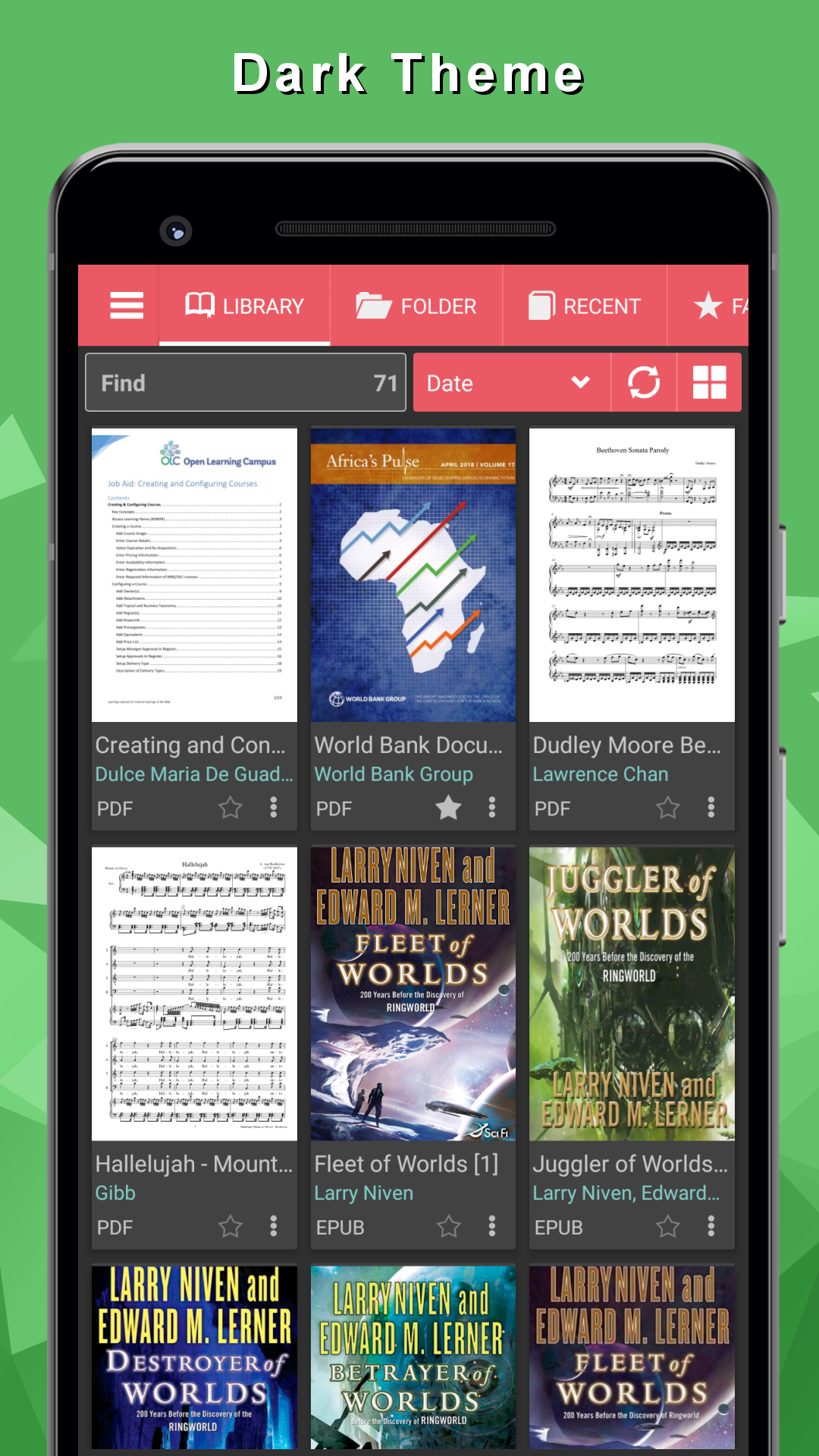
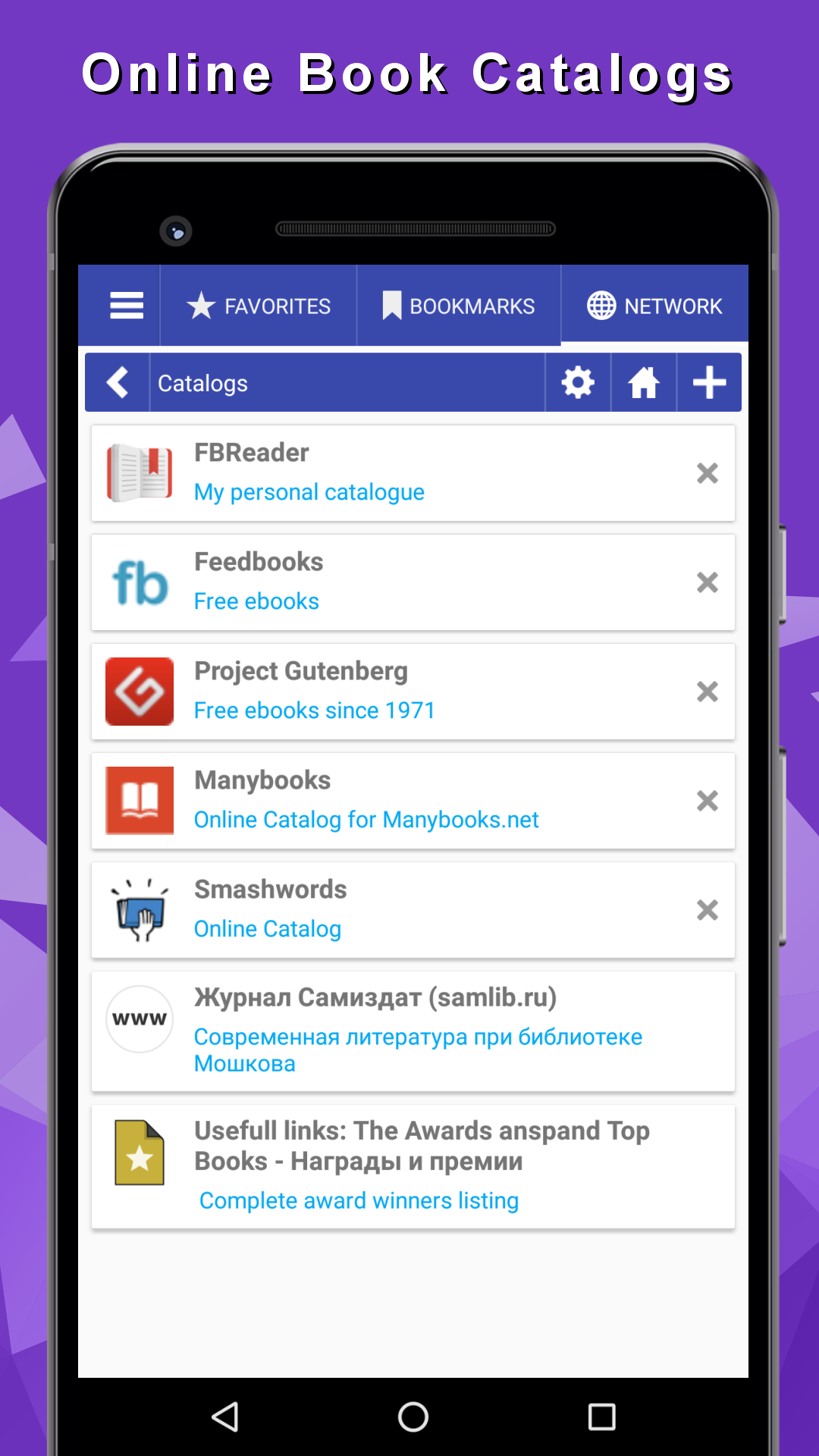
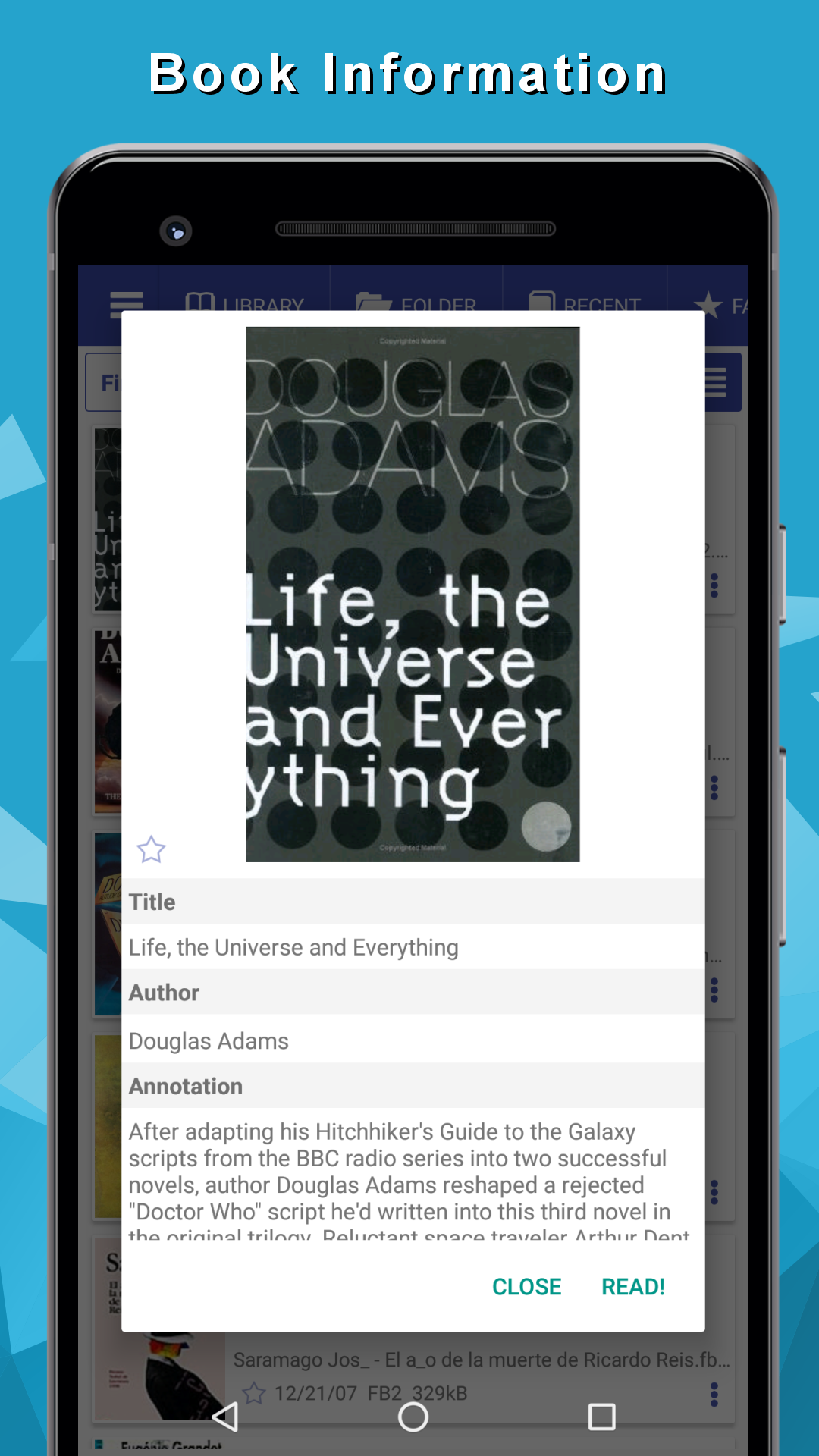
- Dukungan untuk sebagian besar format buku.
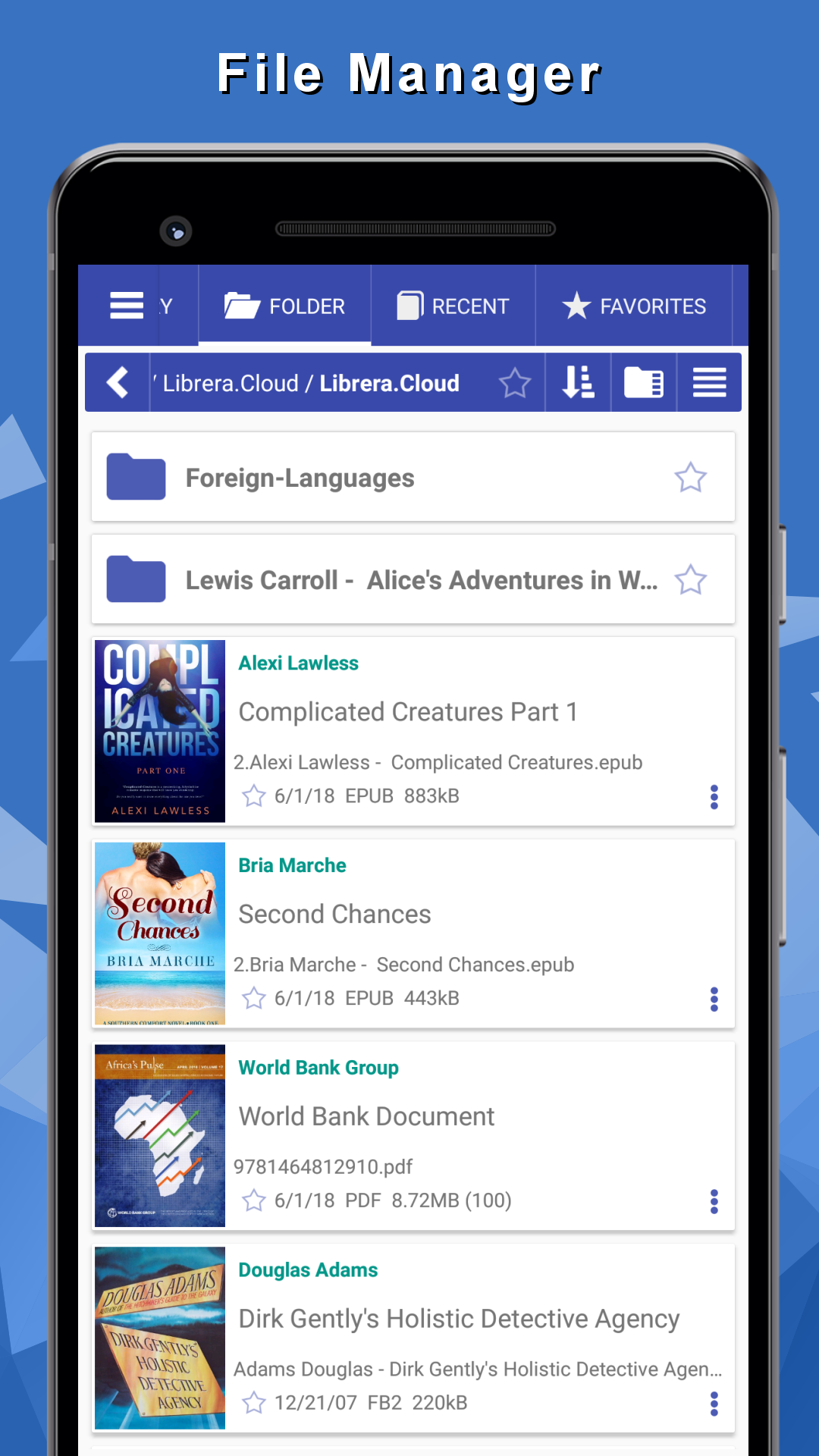
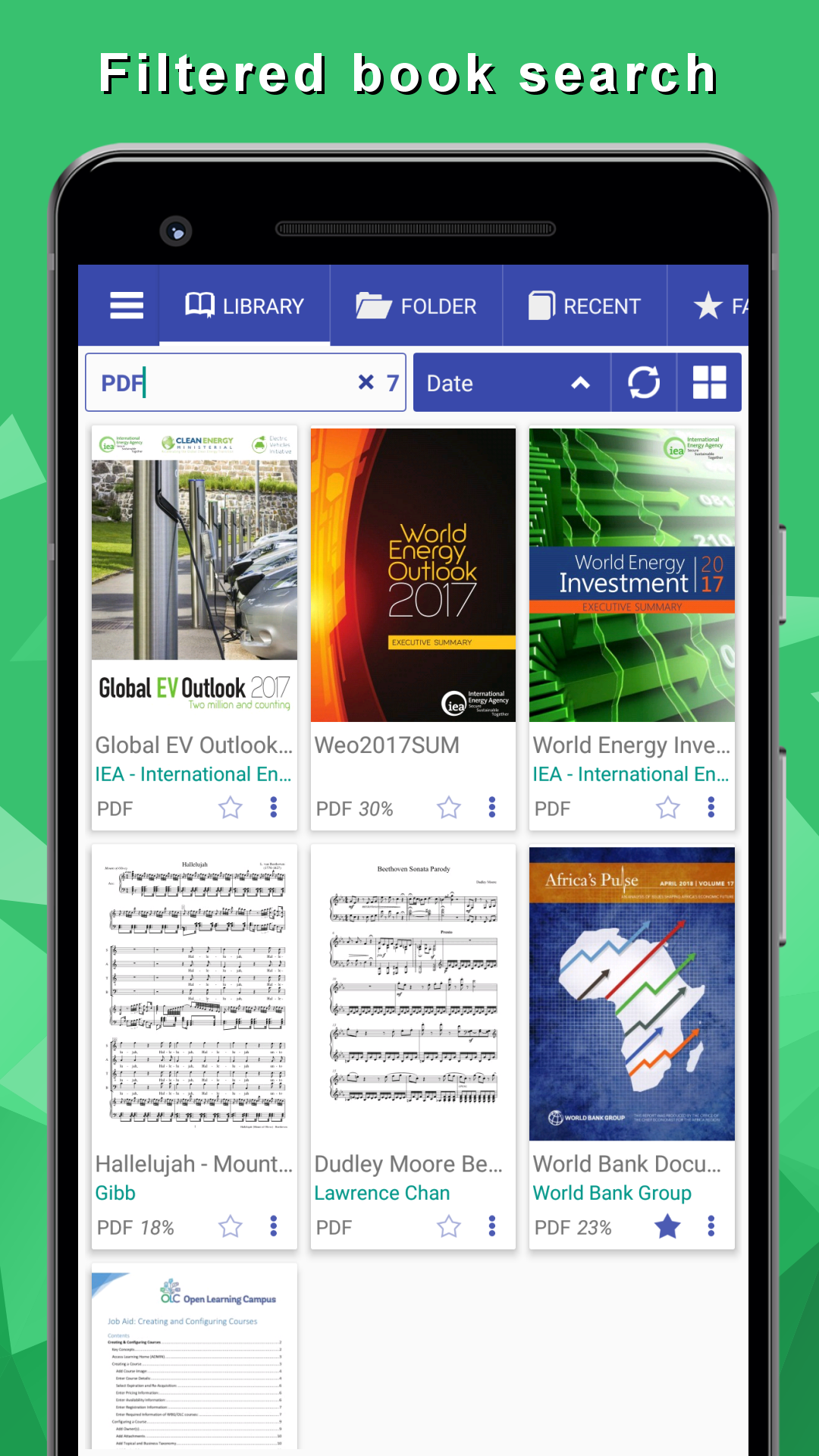
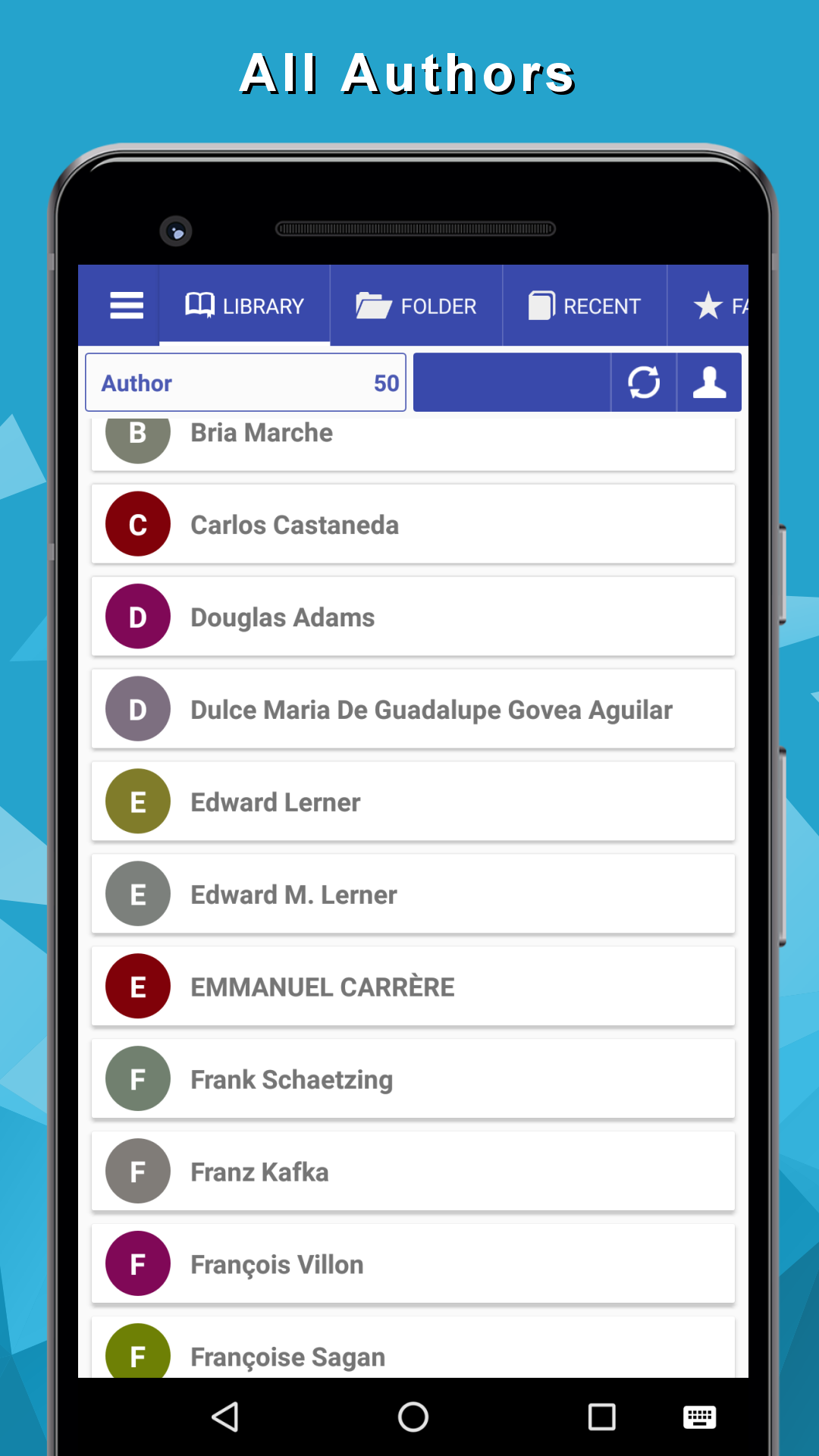
- Pencarian mudah dengan dukungan filter.
- Pemutar buku audio internal
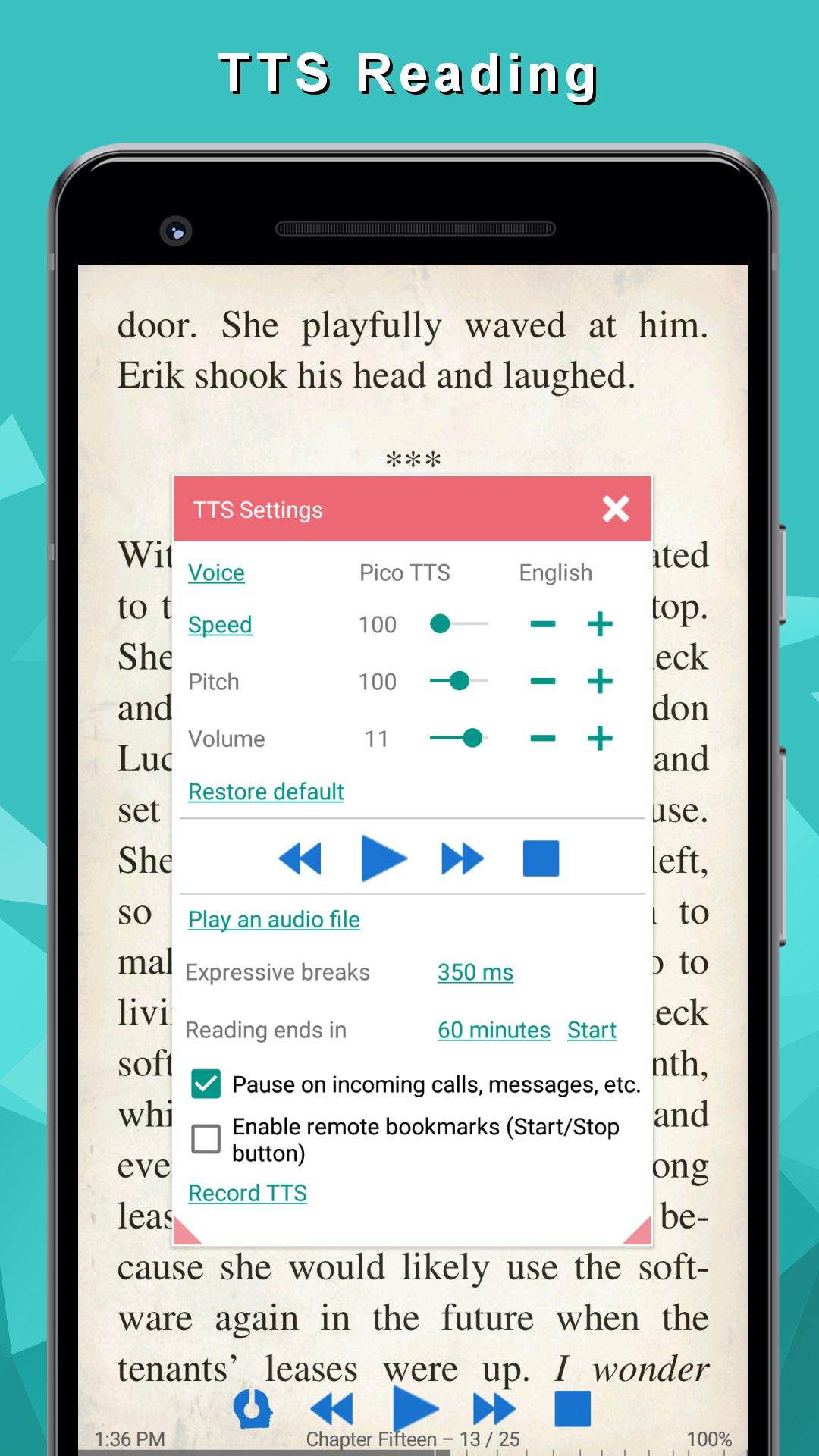
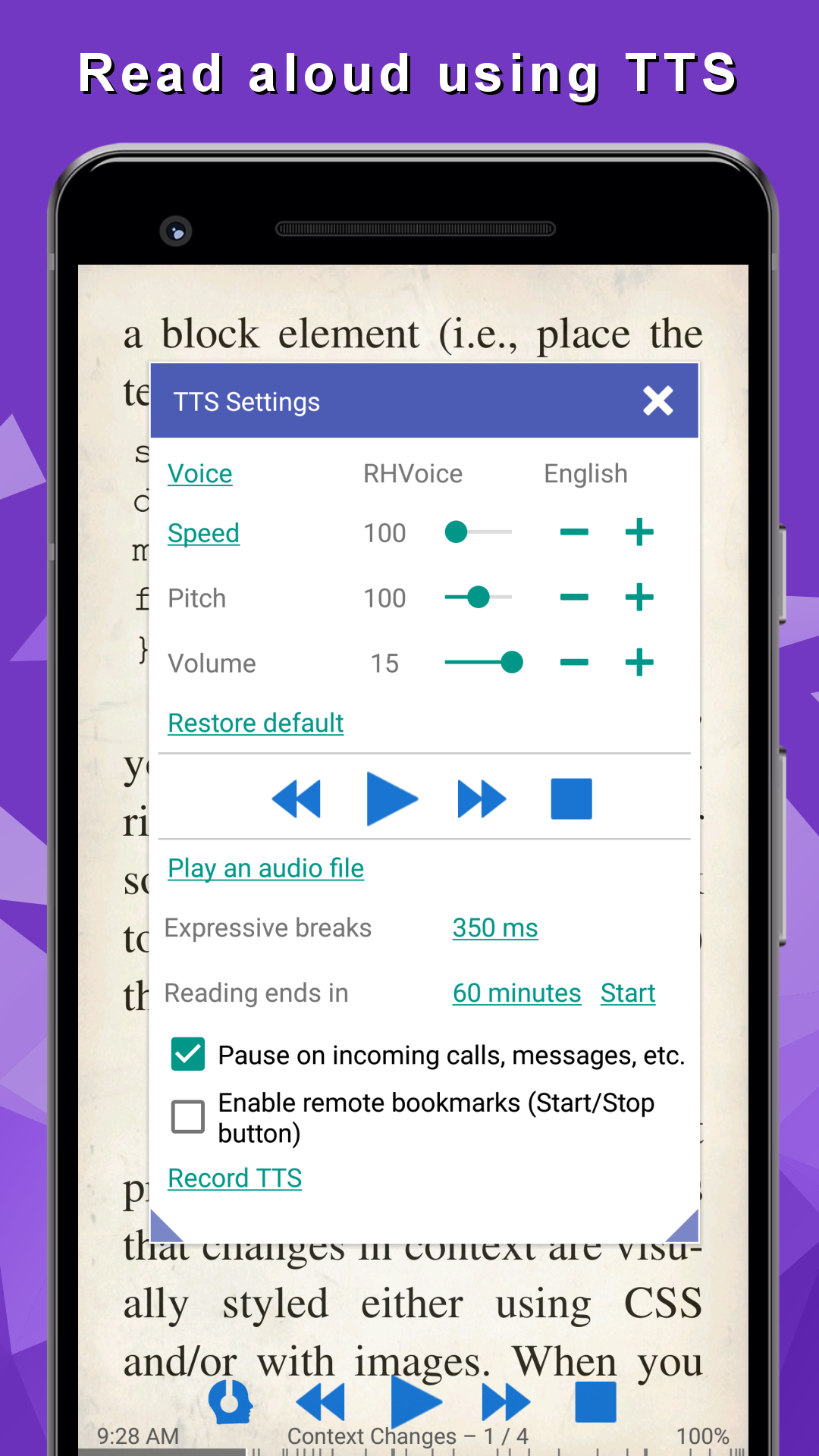
- Fungsi membaca dengan keras.
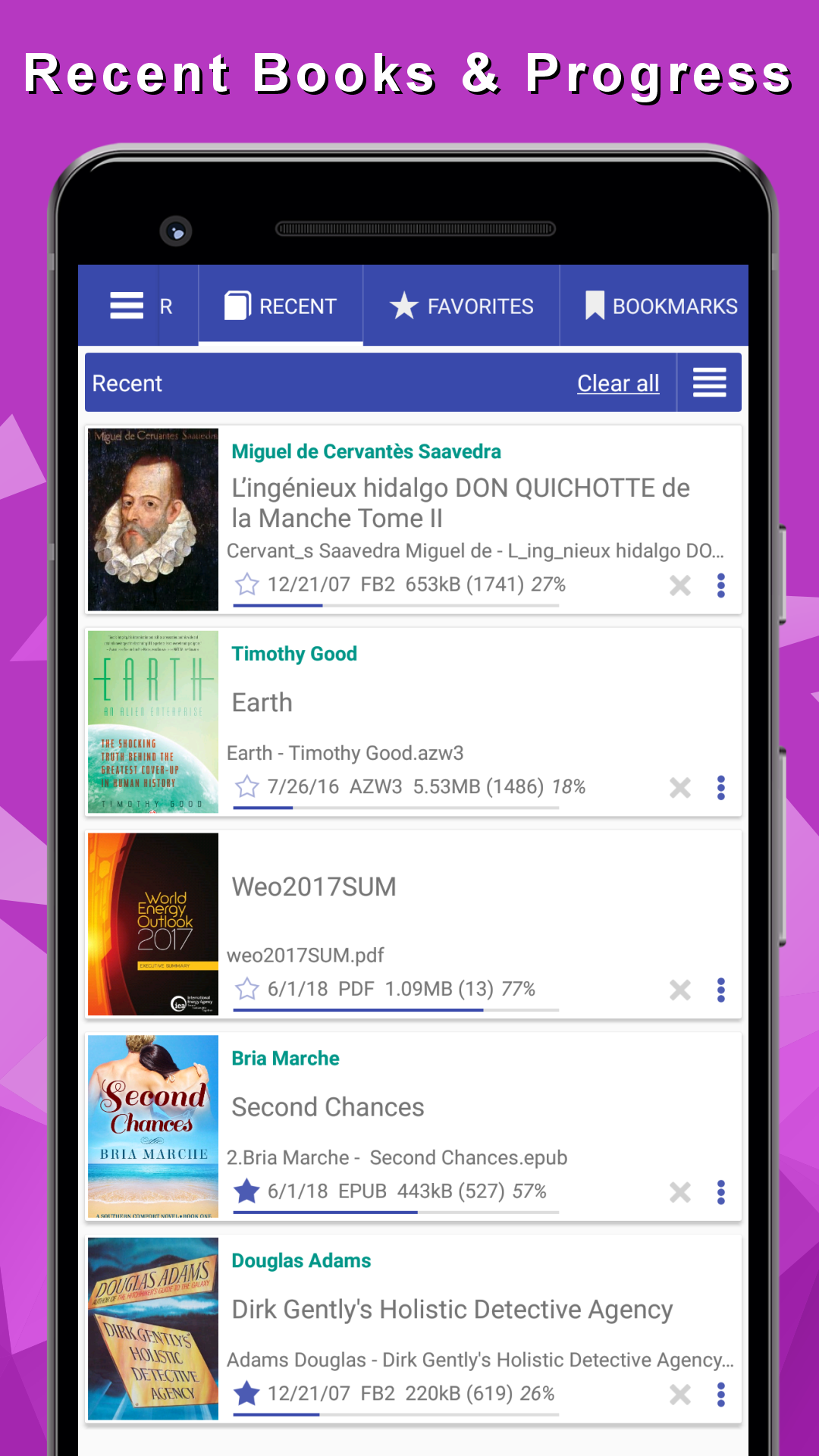
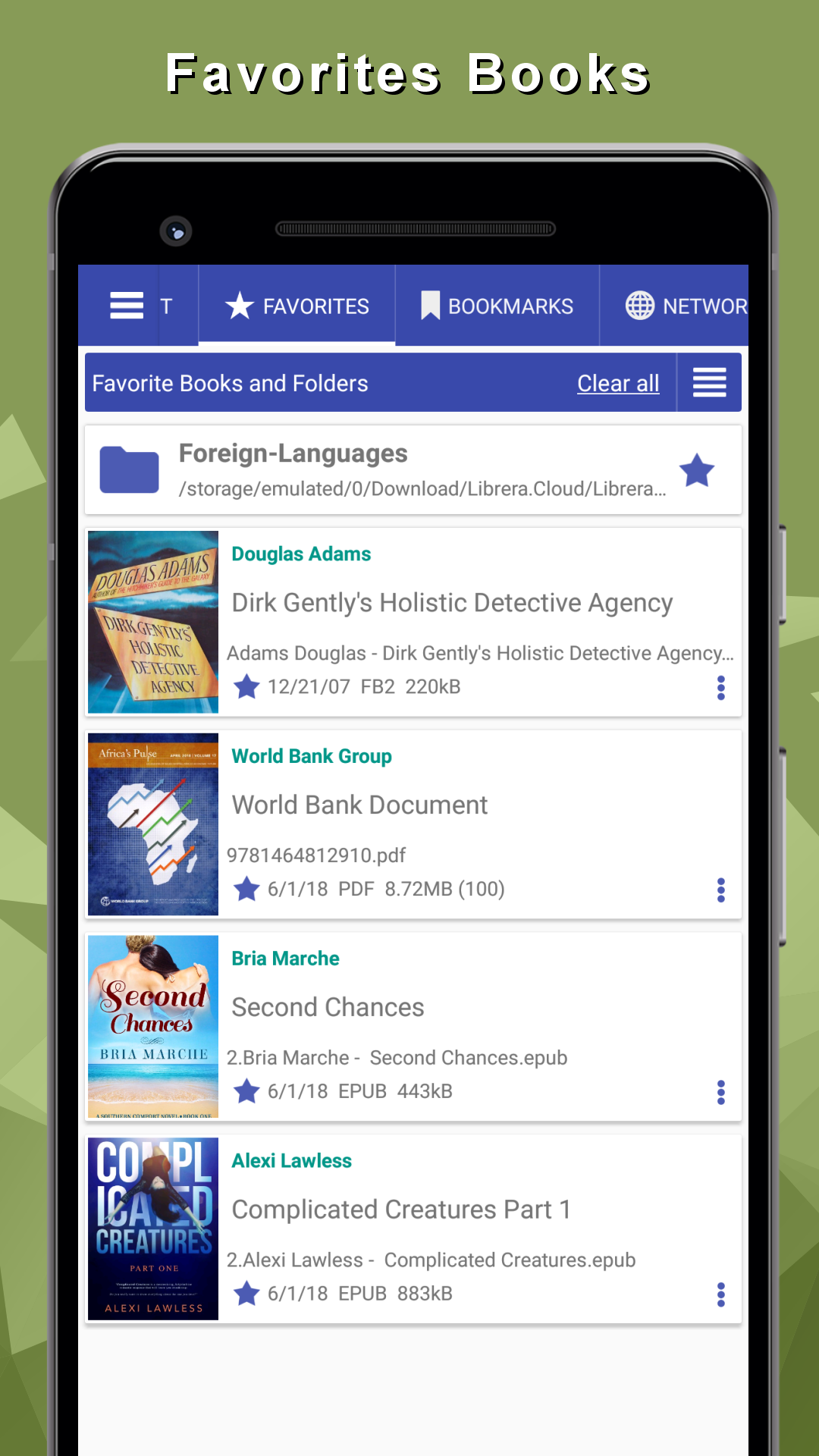
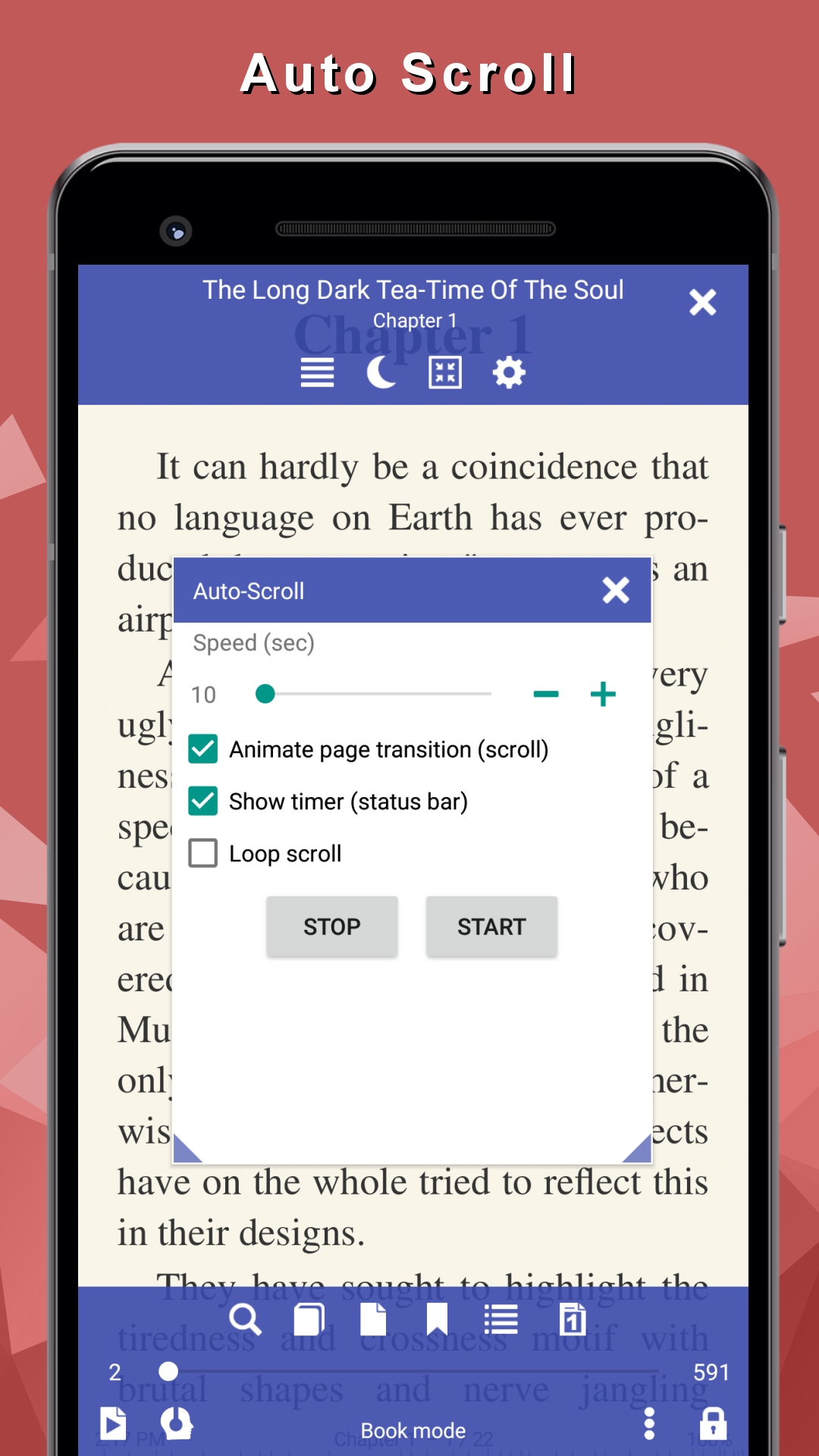
- Simpan kemajuan membaca.
- Cari kamus bawaan dan online.
- Bekerja secara gratis.
Deskripsi
Aplikasi eBook Reader: PDF, EPUB, HTML diperiksa oleh antivirus VirusTotal. Sebagai hasil pemindaian, tidak ada infeksi file yang terdeteksi oleh semua tanda tangan terbaru.
Cara memasang eBook Reader: PDF, EPUB, HTML
- Unduh file APK aplikasi dari apkshki.com.
- Temukan file yang diunduh. Anda dapat menemukannya di baki sistem atau di folder 'Download' menggunakan manajer file apa pun.
- Jika file yang diunduh berekstensi .bin (bug WebView di Android 11), ubah namanya menjadi .apk menggunakan pengelola file apa pun atau coba unduh file dengan browser lain seperti Chrome.
- Mulai penginstalan. Klik pada file yang diunduh untuk memulai penginstalan
- Izinkan penginstalan dari sumber yang tidak dikenal. Jika Anda menginstal untuk pertama kalinya eBook Reader: PDF, EPUB, HTML bukan dari Google Play, buka pengaturan keamanan perangkat Anda dan izinkan penginstalan dari sumber yang tidak dikenal.
- Lewati perlindungan Google Play. Jika proteksi Google Play memblokir penginstalan file, ketuk 'Info Lebih Lanjut' → 'Tetap instal' → 'OK' untuk melanjutkan..
- Selesaikan penginstalan: Ikuti petunjuk penginstal untuk menyelesaikan proses penginstalan.
Cara memperbarui eBook Reader: PDF, EPUB, HTML
- Unduh versi baru aplikasi dari apkshki.com.
- Cari file yang diunduh dan klik file tersebut untuk memulai penginstalan.
- Instal di atas versi lama. Tidak perlu menghapus instalasi versi sebelumnya.
- Hindari konflik tanda tangan. Jika versi sebelumnya tidak diunduh dari apkshki.com, pesan 'Aplikasi tidak terinstal' mungkin muncul. Dalam kasus ini, hapus instalan versi lama dan instal versi baru.
- Mulai ulang lampiran eBook Reader: PDF, EPUB, HTML setelah pembaruan.






Meminta pembaruan aplikasi
Ditambahkan Denis Rubinov
Versi: 8.9.183
Ukuran: 23.3 MB
Diperbarui: 24.06.2025
Developer: Librera
Batasan Usia: Everyone
Otorisasi:
Diunduh di Google Play: 1347414
Kategori: Buku dan Referensi















Ulasan untuk eBook Reader: PDF, EPUB, HTML
Love it.
The best app so far I use it everyday
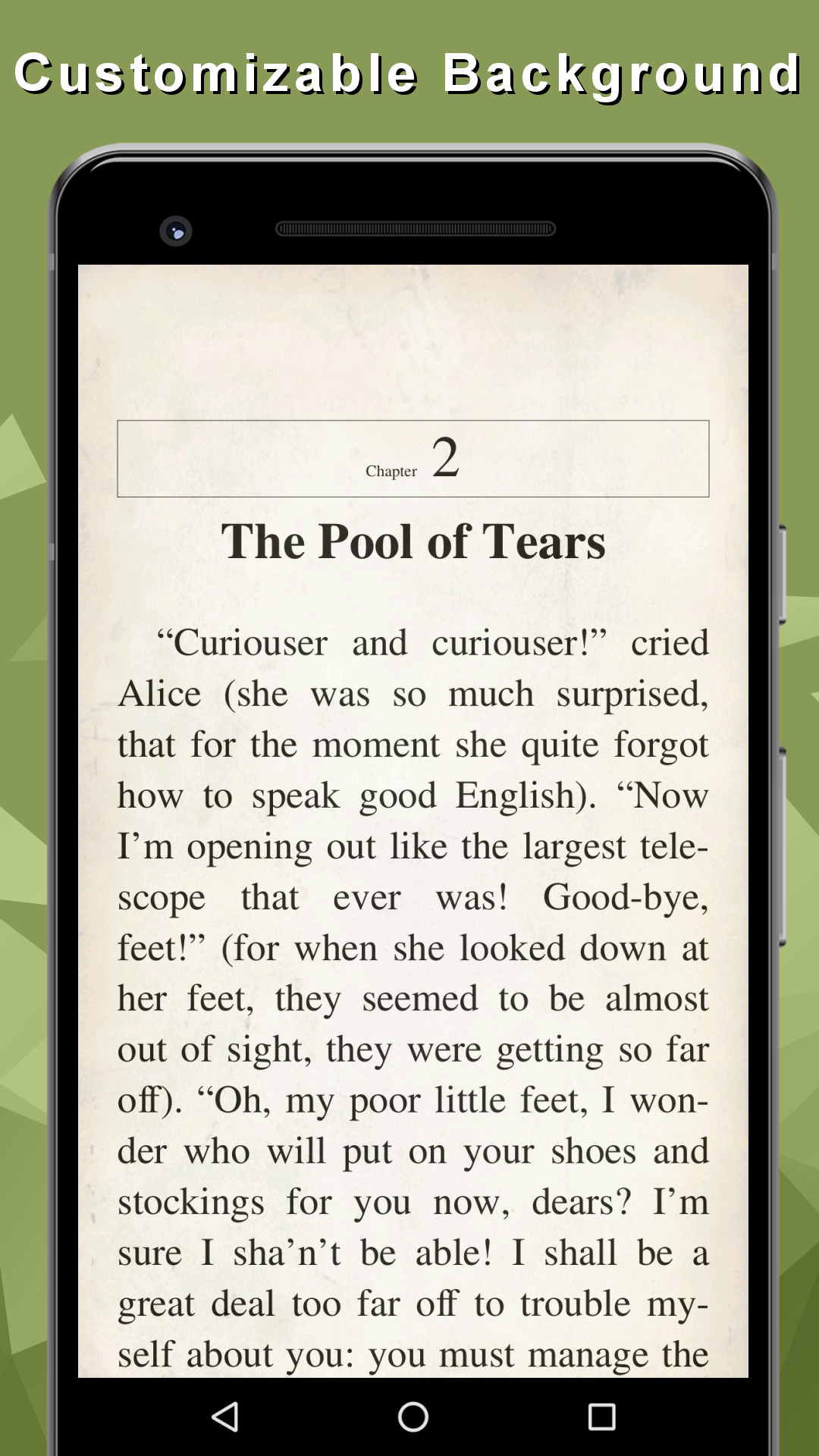
The app is wonderful but the only issue that am currently facing is that after personalizing the fonts and background to my taste in less than week it will automatically go back to default mode. Please look into this and fix ot
Nothing wrong with the app has everything u need and more which other apps dont
Super
My Favorite
Best ever the only one i use to read all my formats pdf epub and comics 😭🤓
Exceptional
Best ebook reader with Text to Speech i have used, very customizable app! A++++
Uninstalled within 20 seconds because as soon as I launched the App it immediately asked for permission to use my data and share my data with others. There was no way to globally refuse. I would have had to go through every single permission and physically say no to each one and there were hundreds of them.
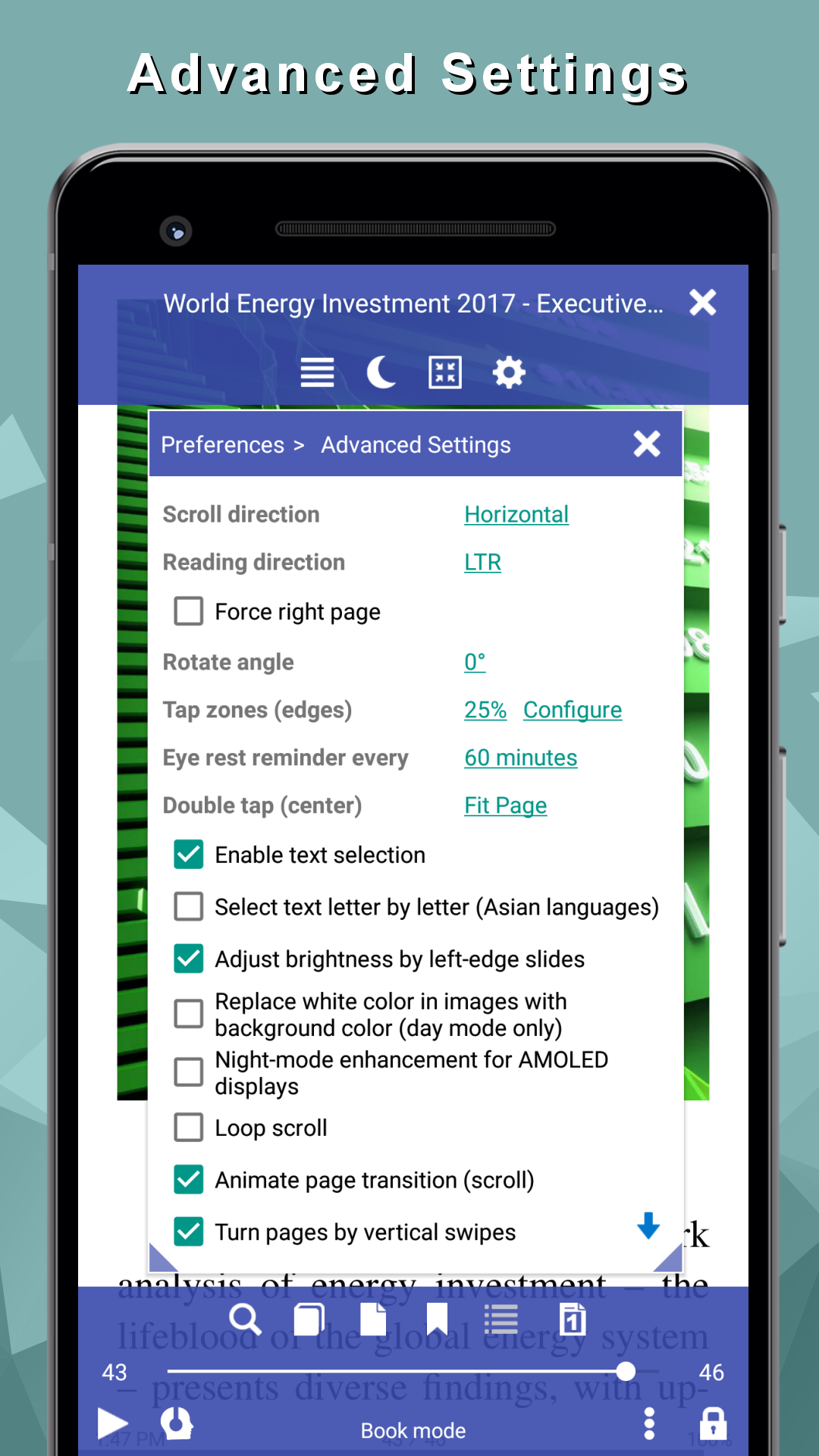
Amazing eBook reader for several file formats. It may be moved to SDcard. It shows ads while the toolbars are visible, what is a bit annoying, but doesn't spoil the reading experience. By default, it ignores the device's screen orientation lock, so set that before starting using this app.
It's so organized...I just need to refresh it and all my books are added to the library instantly
Love the app. I still haven't figured out how to use the bookmark feature properly yet but I'll get there. I hope they will add mp3 compatible and the feature that highlights the sentence as it read in audio mode. If that will be done I'll buy the add free version and give 5 stars
I've been trying to listen since 8.30am today still I can't hear a word from the app, it's a great app but why is it happening!?
Very good but 2 issues: A. Finger scrolling is insensitive on my phone (huawei mate 8) B. I could only add one dictionary (from my personal apps) no more! All other dictionaries shown are preselected by Book Reader i can't change them. In short: poor dictionary management. Ps I'm not natively English speaker, i heavily use more than one or even more than two dictionaries at once. But i have to say that the online dictionaries there are distinguished, thank you all
Kirimkan komentar
Untuk memberikan komentar, masuklah dengan jejaring sosial Anda:
Atau tinggalkan komentar anonim. Komentar Anda akan dikirim untuk dimoderasi.
Kirimkan komentar
Untuk memberikan komentar, masuklah dengan jejaring sosial Anda:
Atau tinggalkan komentar anonim. Komentar Anda akan dikirim untuk dimoderasi.