



Bugjaeger Mobile ADB - USB OTG
2+
unduhan5.0
versi Android
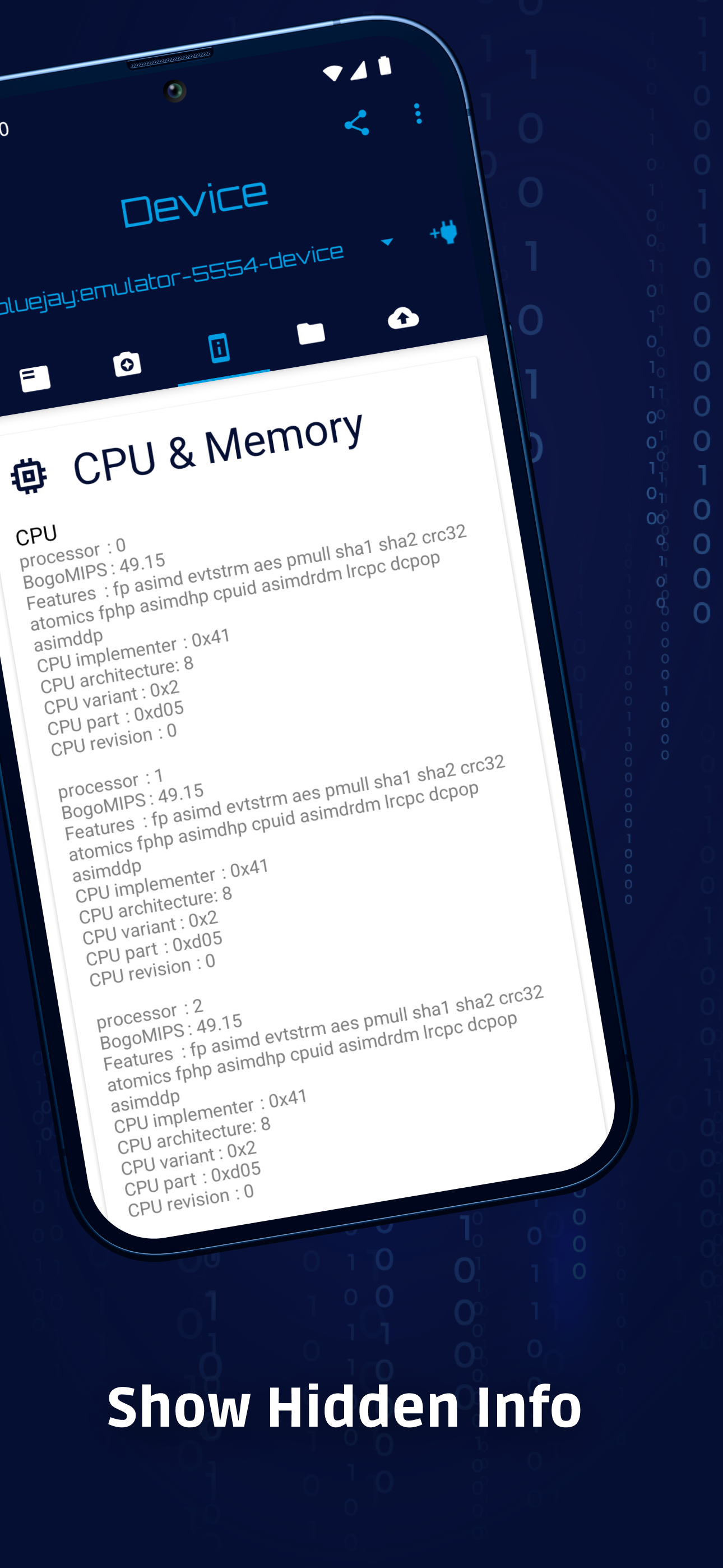
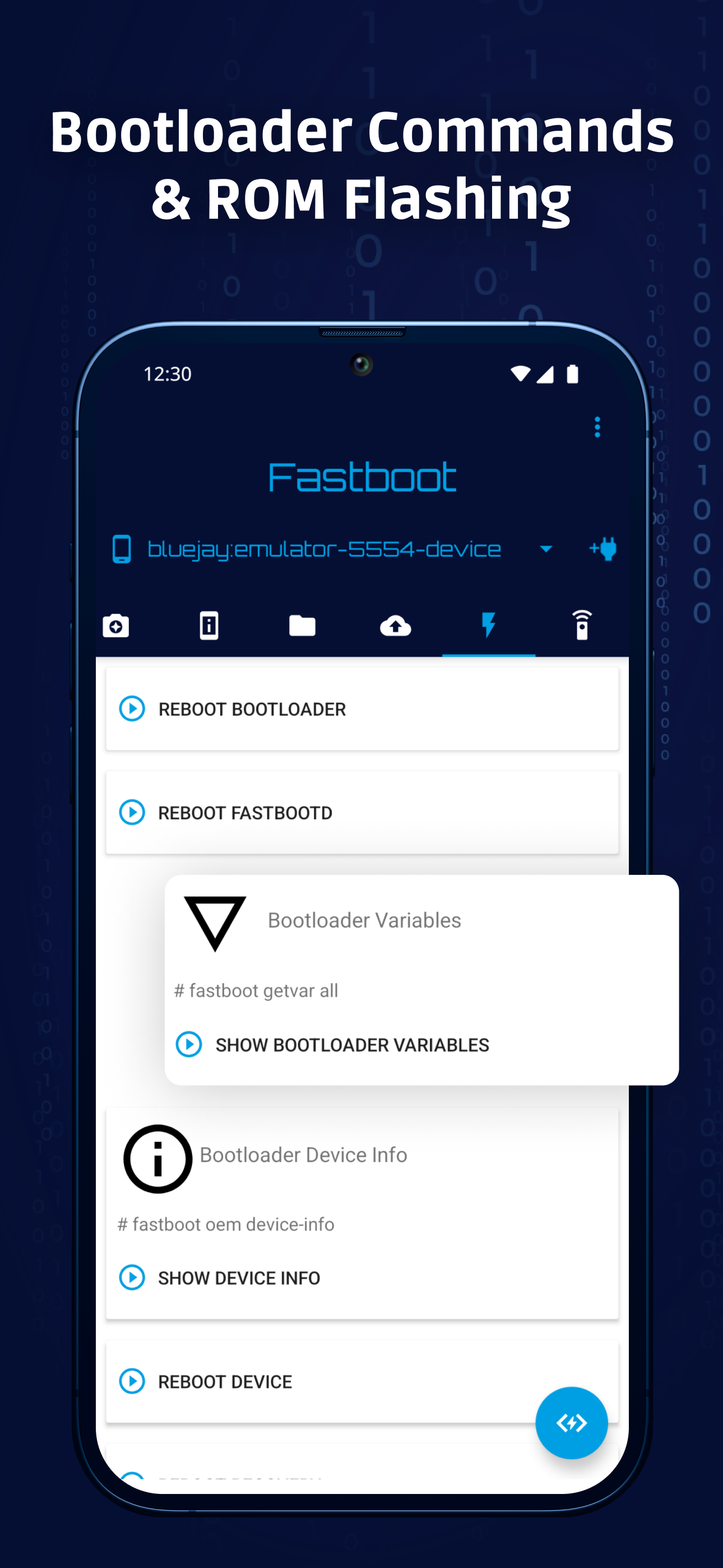
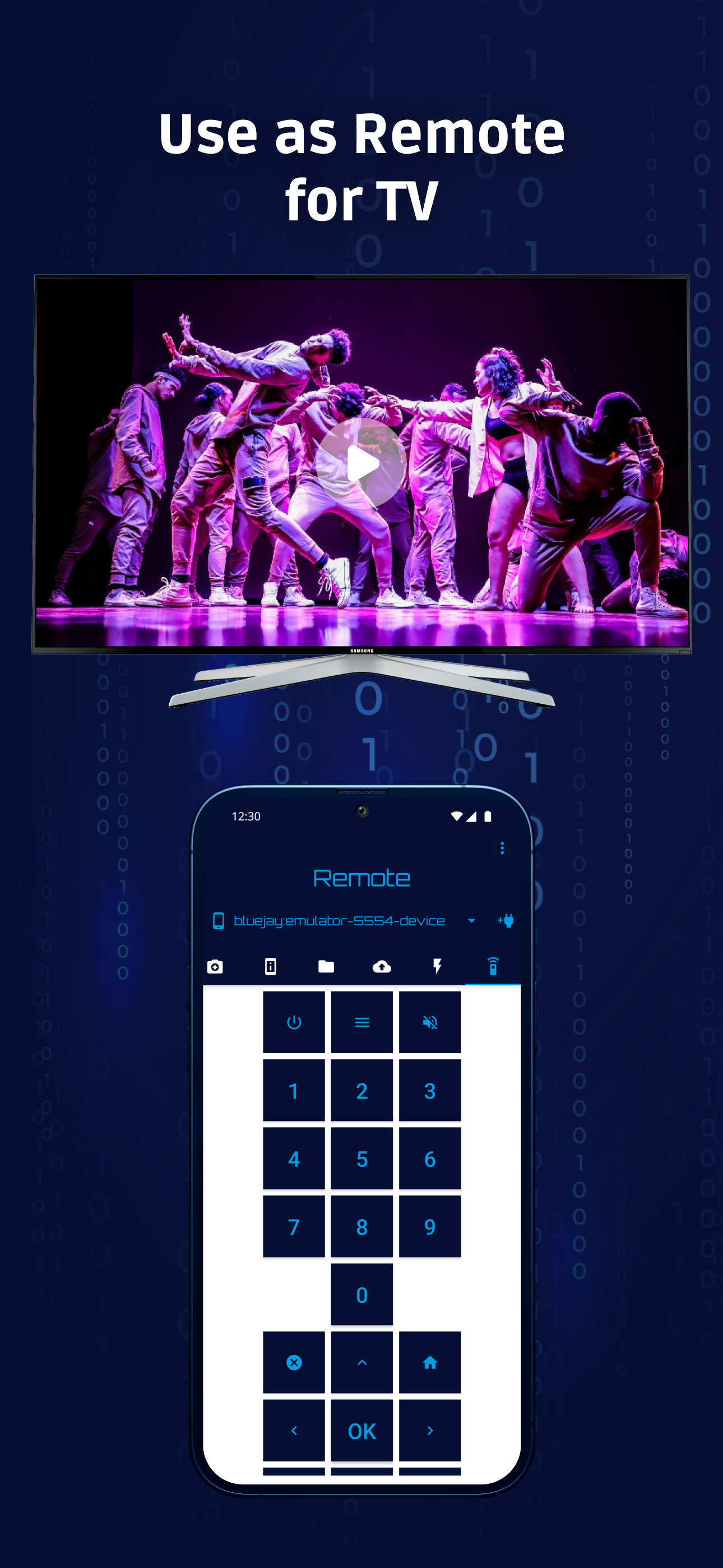
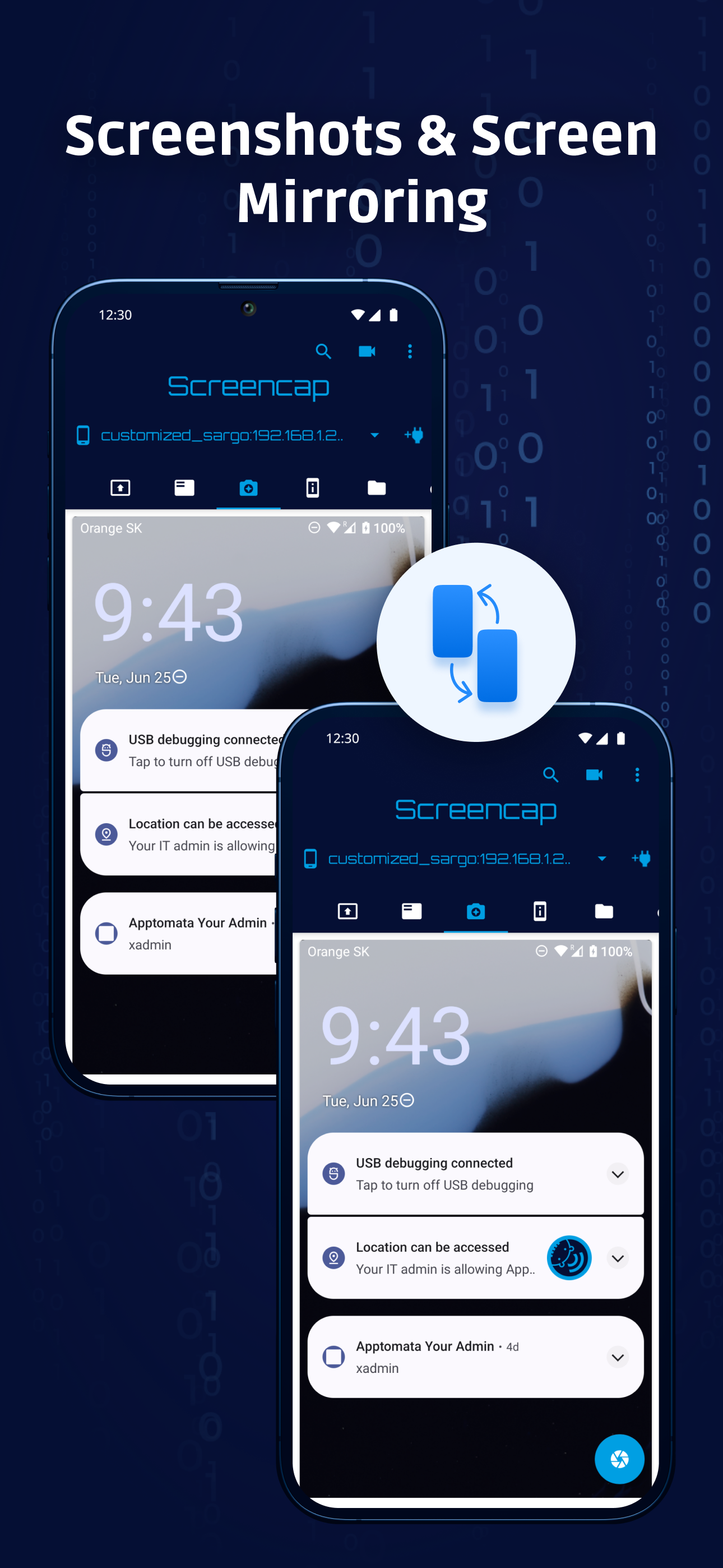
Ditambahkan: Denis Rubinov
Versi: 6.0
Ukuran: 31.1 MB
Diperbarui: 24.06.2025
Developer: Roman Sisik
Batasan Usia: Everyone
Otorisasi: 7
Diunduh di Google Play: 2660032
Kategori: Alat
Deskripsi
Aplikasi Bugjaeger Mobile ADB - USB OTG diperiksa oleh antivirus VirusTotal. Sebagai hasil pemindaian, tidak ada infeksi file yang terdeteksi oleh semua tanda tangan terbaru.
Cara memasang Bugjaeger Mobile ADB - USB OTG
- Unduh file APK aplikasi dari apkshki.com.
- Temukan file yang diunduh. Anda dapat menemukannya di baki sistem atau di folder 'Download' menggunakan manajer file apa pun.
- Jika file yang diunduh berekstensi .bin (bug WebView di Android 11), ubah namanya menjadi .apk menggunakan pengelola file apa pun atau coba unduh file dengan browser lain seperti Chrome.
- Mulai penginstalan. Klik pada file yang diunduh untuk memulai penginstalan
- Izinkan penginstalan dari sumber yang tidak dikenal. Jika Anda menginstal untuk pertama kalinya Bugjaeger Mobile ADB - USB OTG bukan dari Google Play, buka pengaturan keamanan perangkat Anda dan izinkan penginstalan dari sumber yang tidak dikenal.
- Lewati perlindungan Google Play. Jika proteksi Google Play memblokir penginstalan file, ketuk 'Info Lebih Lanjut' → 'Tetap instal' → 'OK' untuk melanjutkan..
- Selesaikan penginstalan: Ikuti petunjuk penginstal untuk menyelesaikan proses penginstalan.
Cara memperbarui Bugjaeger Mobile ADB - USB OTG
- Unduh versi baru aplikasi dari apkshki.com.
- Cari file yang diunduh dan klik file tersebut untuk memulai penginstalan.
- Instal di atas versi lama. Tidak perlu menghapus instalasi versi sebelumnya.
- Hindari konflik tanda tangan. Jika versi sebelumnya tidak diunduh dari apkshki.com, pesan 'Aplikasi tidak terinstal' mungkin muncul. Dalam kasus ini, hapus instalan versi lama dan instal versi baru.
- Mulai ulang lampiran Bugjaeger Mobile ADB - USB OTG setelah pembaruan.








Meminta pembaruan aplikasi
Ditambahkan Denis Rubinov
Versi: 6.0
Ukuran: 31.1 MB
Diperbarui: 24.06.2025
Developer: Roman Sisik
Batasan Usia: Everyone
Otorisasi:
Diunduh di Google Play: 2660032
Kategori: Alat















Ulasan untuk Bugjaeger Mobile ADB - USB OTG
A tool For Android Doctors 😁😆😁😆😁😆😁😆 ,,,Great job ,,,You can flash in fastboot ,also can side load
Too many ads
the best app that works like a pc to modify android
Good app if you don't have a PC or laptop.
Did everything by the book still couldn’t install the APK. Premium? Waste of cash same broken mess. Watch only stays online till the screen sleeps? What kind of joke is that? Glitchy, frustrating, and useless. Got my refund—don’t waste your time.
Brilliant app! I'm using it for fastboot commands on Android and it does the job perfectly fine. 👍
After 2 years since last comment and review now i can help you together to inject heimdoo or eros into that and its all free open source flash tools to flash samsung with out root or that stuff and secondary we can give the ability to flash qualcomm sahara firehose files with the new driver been recently making every edl operation working possible with no risks basiclly like you are on your pc and integrate the famous TFT tool that makes you able to flash firehose with or without auth
Please disable non implemented features in fastboot like "fastboot update -w rom.zip"
doesn't even work.. connecting fails when trying to pair
de bast app aver
Good app but bug full app
MALWARE
Very good
So first i prepare all of the things i turn on develepor mode on my phone and turn on ADB debugging and in the oculus app i turned on develepor mode and then i try connect it with my almost brand new oculus cable it just says "allow Bugjaeger to acces Quest 2?" And i press ok but still doesn't change anything so accepted the confirmation thing on my oculus quest 2 and nothings changes man i just wanna install mods :(
not connected to another phone
Kirimkan komentar
Untuk memberikan komentar, masuklah dengan jejaring sosial Anda:
Atau tinggalkan komentar anonim. Komentar Anda akan dikirim untuk dimoderasi.
Kirimkan komentar
Untuk memberikan komentar, masuklah dengan jejaring sosial Anda:
Atau tinggalkan komentar anonim. Komentar Anda akan dikirim untuk dimoderasi.