



Ditambahkan: Denis Rubinov
Versi: 3.5
Ukuran: 20.9 MB
Diperbarui: 24.06.2025
Developer: Google LLC
Batasan Usia: Everyone
Otorisasi: 12
Diunduh di Google Play: 36446871
Kategori: Miscellaneous
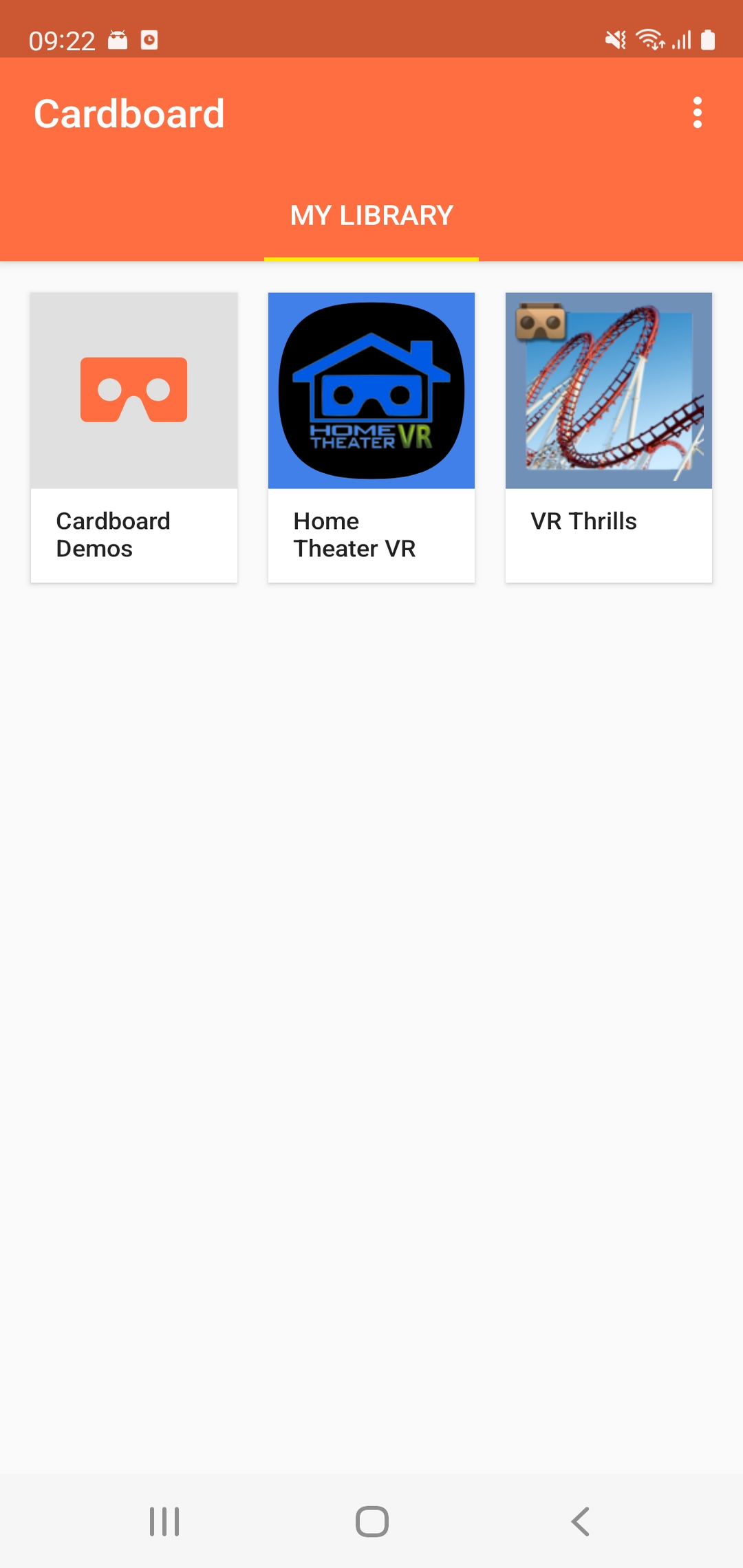
- Penyiapan cepat kacamata VR.
- Katalog Aplikasi yang Kompatibel.
- Tidak diperlukan pembayaran.
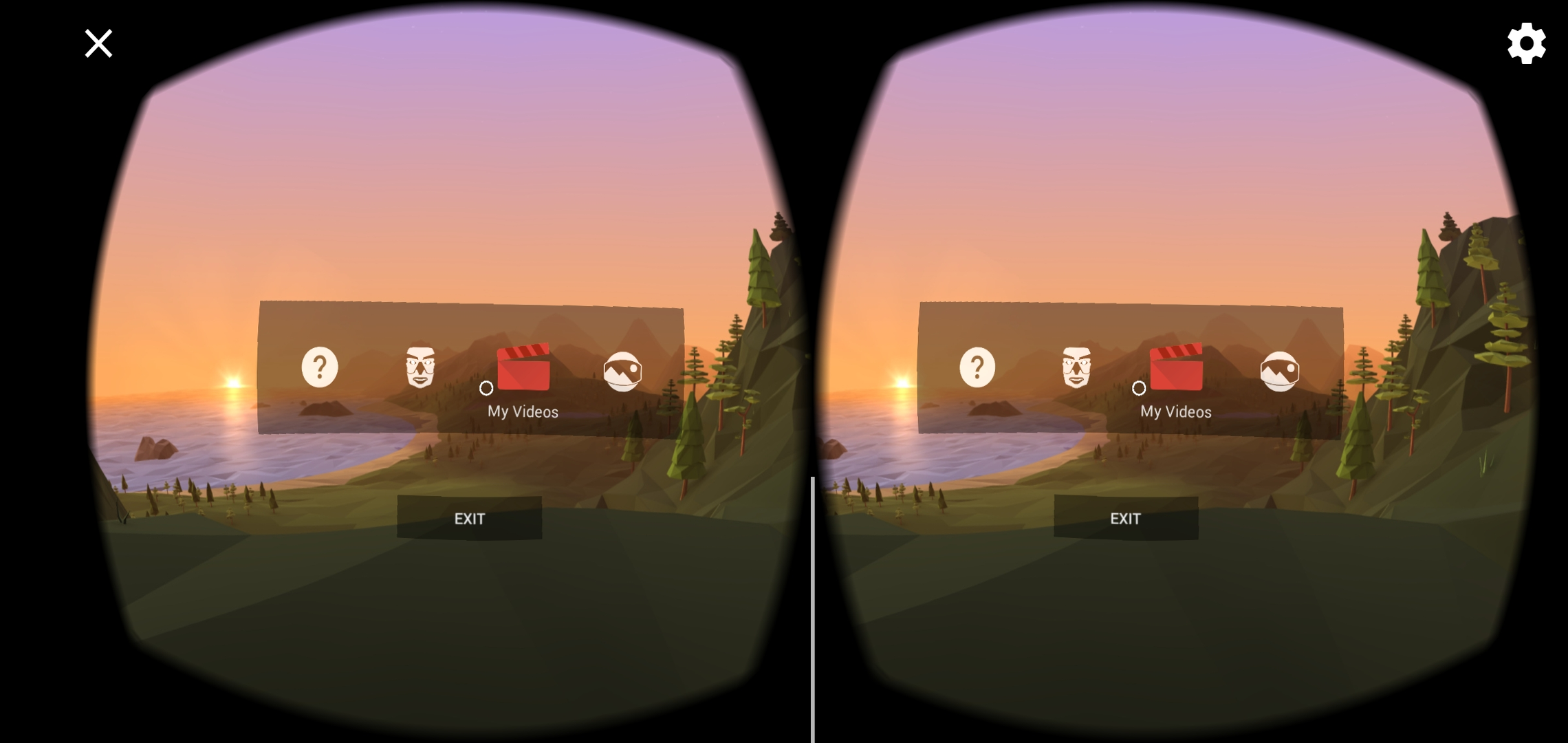
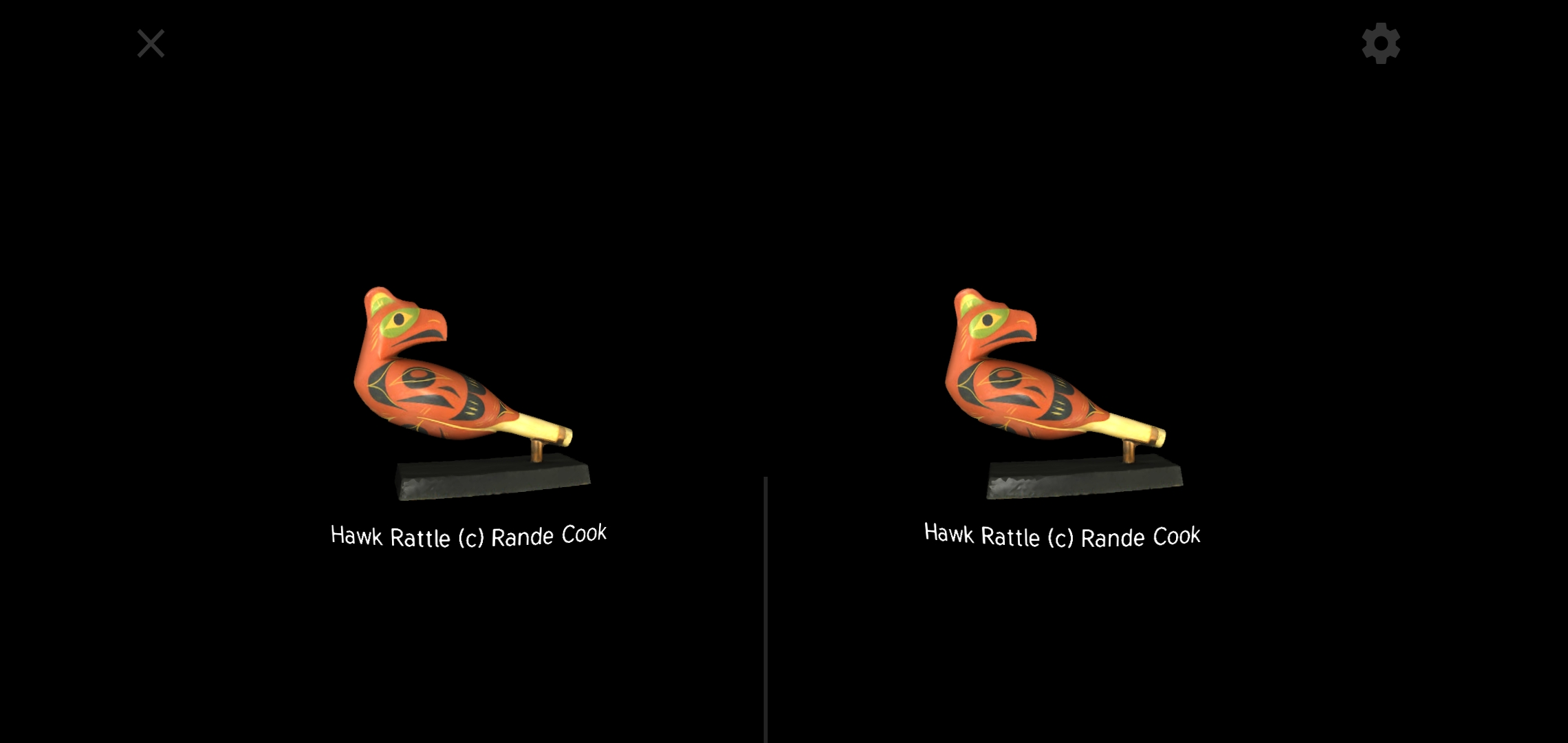
- Demo berkualitas tinggi.
- Tidak ada iklan.
Deskripsi
Aplikasi Cardboard diperiksa oleh antivirus VirusTotal. Sebagai hasil pemindaian, tidak ada infeksi file yang terdeteksi oleh semua tanda tangan terbaru.
Cara memasang Cardboard
- Unduh file APK aplikasi dari apkshki.com.
- Temukan file yang diunduh. Anda dapat menemukannya di baki sistem atau di folder 'Download' menggunakan manajer file apa pun.
- Jika file yang diunduh berekstensi .bin (bug WebView di Android 11), ubah namanya menjadi .apk menggunakan pengelola file apa pun atau coba unduh file dengan browser lain seperti Chrome.
- Mulai penginstalan. Klik pada file yang diunduh untuk memulai penginstalan
- Izinkan penginstalan dari sumber yang tidak dikenal. Jika Anda menginstal untuk pertama kalinya Cardboard bukan dari Google Play, buka pengaturan keamanan perangkat Anda dan izinkan penginstalan dari sumber yang tidak dikenal.
- Lewati perlindungan Google Play. Jika proteksi Google Play memblokir penginstalan file, ketuk 'Info Lebih Lanjut' → 'Tetap instal' → 'OK' untuk melanjutkan..
- Selesaikan penginstalan: Ikuti petunjuk penginstal untuk menyelesaikan proses penginstalan.
Cara memperbarui Cardboard
- Unduh versi baru aplikasi dari apkshki.com.
- Cari file yang diunduh dan klik file tersebut untuk memulai penginstalan.
- Instal di atas versi lama. Tidak perlu menghapus instalasi versi sebelumnya.
- Hindari konflik tanda tangan. Jika versi sebelumnya tidak diunduh dari apkshki.com, pesan 'Aplikasi tidak terinstal' mungkin muncul. Dalam kasus ini, hapus instalan versi lama dan instal versi baru.
- Mulai ulang lampiran Cardboard setelah pembaruan.
















Meminta pembaruan aplikasi
Ditambahkan Denis Rubinov
Versi: 3.5
Ukuran: 20.9 MB
Diperbarui: 24.06.2025
Developer: Google LLC
Batasan Usia: Everyone
Otorisasi:
Diunduh di Google Play: 36446871
Kategori: Miscellaneous















Ulasan untuk Cardboard
horrible. stole my whole life
why... just why when I was using this app with my headset there was no button even though it said there was and then this thing is practically impossible to use like why make an app that you can't do anything on please fix it now
good
amazing application!
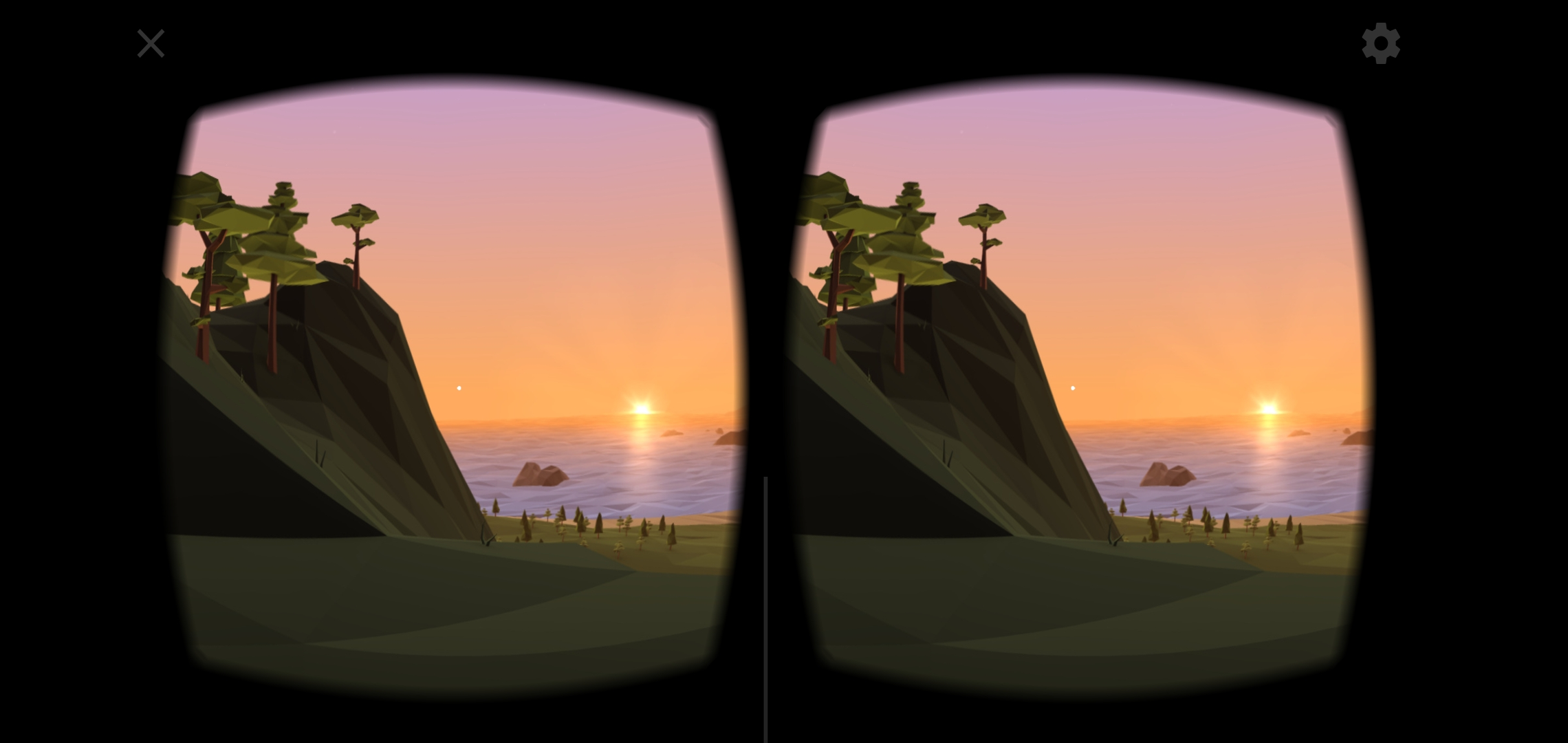
I love the app it's very useful and the sunset is amazing
I cant download apps for it
please make it for cricket Android phones 🤞
no proper navigation and features
Cool
I love this app when me still kids and I don't have vr I make vr with cardboard and I use this app
It worked fine when I installed it and it ran the little demo, but then when I went into the library and back to the demo, the split screen was suddenly off to the right and the vertical center line was not in between the left and the right now cut-off image anymore. Tried uninstalling and reinstalling, the same thing happened. Tried scanning the qr code of my destek v5 headset again. Nothing works. Very sad, frustrating experience.
Off center FOV Most VR apps I use are set up right, but this one leaves a good portion of the right part of the screen black, and off centers the visor, so it is off center by a huge margin, and the right lens is cut off by the black bar on the right. Really annoying and makes it unusable, plus the magnetic switch doesn't work here, even though if it should anywhere, that should be here. I've tried another app, where the magnetic switch works, so it is this app's fault, not my magnet's.
In general, I like it, but it needs updating. There no way to tell Cardboard Camera to save its photos on an SD card, so if your regular camera uses the card, Google Backup won't save the photos, not will they be uploaded to Google Photos. Also, it no longer responds to magnetic switches in the viewers. Do I have to buy a new viewer now? PIA.
Kirimkan komentar
Untuk memberikan komentar, masuklah dengan jejaring sosial Anda:
Atau tinggalkan komentar anonim. Komentar Anda akan dikirim untuk dimoderasi.
Kirimkan komentar
Untuk memberikan komentar, masuklah dengan jejaring sosial Anda:
Atau tinggalkan komentar anonim. Komentar Anda akan dikirim untuk dimoderasi.