


Copy My Data: Transfer Content
2+
unduhan2.3+
versi Android



Ditambahkan: Denis Rubinov
Versi: 4.0.1
Ukuran: 67.6 MB
Diperbarui: 24.06.2025
Developer: Media Mushroom
Batasan Usia: Everyone
Diunduh di Google Play: 57990135
Kategori: Alat
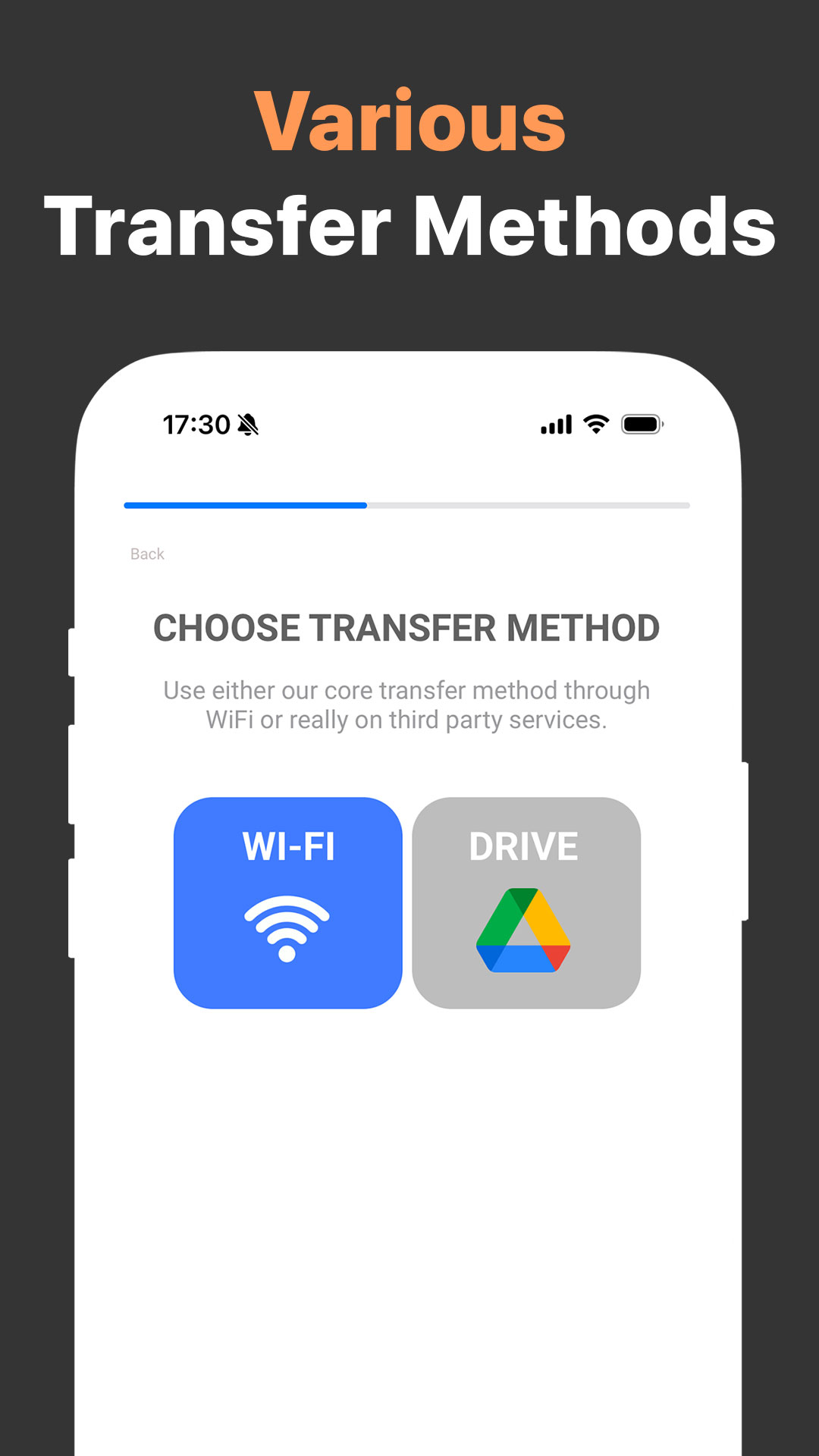
- Transfer semua data yang diperlukan.
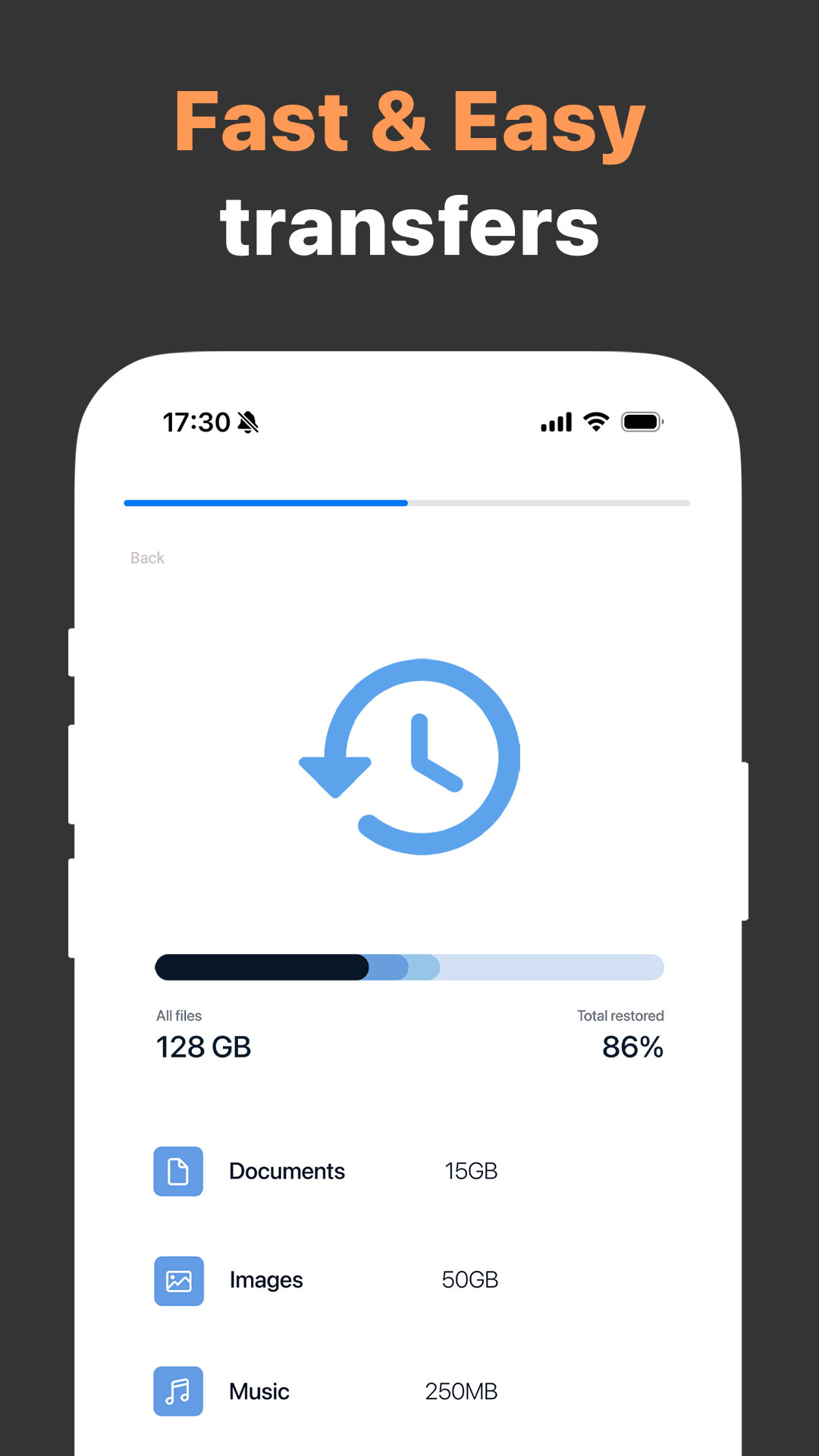
- Kecepatan penyalinan bagus.
- Kemudahan penggunaan maksimal.
- Memakan sedikit ruang.
- Tidak perlu pembayaran.
Deskripsi
Aplikasi Copy My Data: Transfer Content diperiksa oleh antivirus VirusTotal. Sebagai hasil pemindaian, tidak ada infeksi file yang terdeteksi oleh semua tanda tangan terbaru.
Cara memasang Copy My Data: Transfer Content
- Unduh file APK aplikasi dari apkshki.com.
- Temukan file yang diunduh. Anda dapat menemukannya di baki sistem atau di folder 'Download' menggunakan manajer file apa pun.
- Jika file yang diunduh berekstensi .bin (bug WebView di Android 11), ubah namanya menjadi .apk menggunakan pengelola file apa pun atau coba unduh file dengan browser lain seperti Chrome.
- Mulai penginstalan. Klik pada file yang diunduh untuk memulai penginstalan
- Izinkan penginstalan dari sumber yang tidak dikenal. Jika Anda menginstal untuk pertama kalinya Copy My Data: Transfer Content bukan dari Google Play, buka pengaturan keamanan perangkat Anda dan izinkan penginstalan dari sumber yang tidak dikenal.
- Lewati perlindungan Google Play. Jika proteksi Google Play memblokir penginstalan file, ketuk 'Info Lebih Lanjut' → 'Tetap instal' → 'OK' untuk melanjutkan..
- Selesaikan penginstalan: Ikuti petunjuk penginstal untuk menyelesaikan proses penginstalan.
Cara memperbarui Copy My Data: Transfer Content
- Unduh versi baru aplikasi dari apkshki.com.
- Cari file yang diunduh dan klik file tersebut untuk memulai penginstalan.
- Instal di atas versi lama. Tidak perlu menghapus instalasi versi sebelumnya.
- Hindari konflik tanda tangan. Jika versi sebelumnya tidak diunduh dari apkshki.com, pesan 'Aplikasi tidak terinstal' mungkin muncul. Dalam kasus ini, hapus instalan versi lama dan instal versi baru.
- Mulai ulang lampiran Copy My Data: Transfer Content setelah pembaruan.








Meminta pembaruan aplikasi
Ditambahkan Denis Rubinov
Versi: 4.0.1
Ukuran: 67.6 MB
Diperbarui: 24.06.2025
Developer: Media Mushroom
Batasan Usia: Everyone
Diunduh di Google Play: 57990135
Kategori: Alat















Ulasan untuk Copy My Data: Transfer Content
good
Rubbish, you need wi fi, tried blue tooth to blue tooth, then you click on share near by, and it keeps saying, you need to enable wi fi, like all aps to a large part, Sssuuuucccckkkssssssd
Doesnt move all the apps
holy shift this is cancer. this developer has brain rot. 3 adds every 30 seconds
no way to cancel. no response to emails. scam
I didn't give permission to take money off my credit card? unsubscribe my account!!!
fake
Very slow & lacks any privacy
Pos ad riddled
Please don't do it. Didn't even get past the instructions. Went right to an ad and then asked for money.
As it finished selecting my photos, it was stuck on an infinite loop of copying data. This works for others but not me.
The best.. I have tried other apps but this is the one that works for me everytime I change mobile phones.. Very fast and simple process .. :)
Works good but no control over what folders to copy.. It just blindly copies EVERY pic/video from ALL folders. There option to select that would be a good feature.
the transfer part was great, but the app demanded a credit card be entered and I can't get back to that part to cancel any ongoing charges. I didn't see a way around it. very disappointed that this was a part of the app.
POS! Wish I could give no stars but you have to give it one to review it. 🙄 Does NOT do anything. I tried multiple times to get it to do the "great things" others have said it does. Won't transfer anything. Says it is then it freezes half way through, can't get it to start working again, and expecting to find what it says was downloaded to your phone is pointless. Nothing was there. I deleted and re-installed it a few times but still wouldn't work.
Kirimkan komentar
Untuk memberikan komentar, masuklah dengan jejaring sosial Anda:
Atau tinggalkan komentar anonim. Komentar Anda akan dikirim untuk dimoderasi.
Kirimkan komentar
Untuk memberikan komentar, masuklah dengan jejaring sosial Anda:
Atau tinggalkan komentar anonim. Komentar Anda akan dikirim untuk dimoderasi.