



Business Calendar 2 Planner
15+
unduhan5.0+
versi Android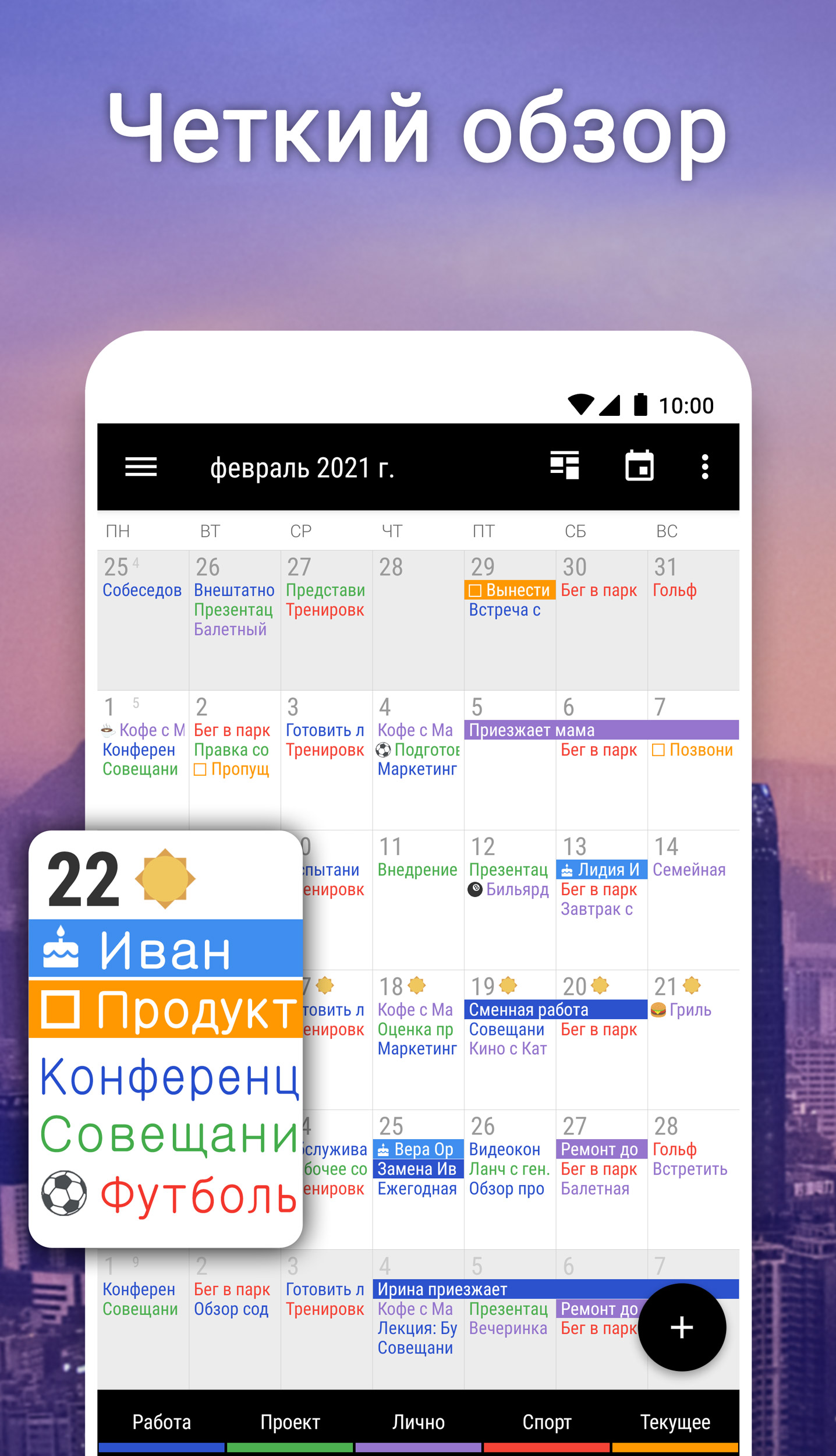
Ditambahkan: Denis Rubinov
Versi: 2.52.0
Ukuran: 26.6 MB
Diperbarui: 24.06.2025
Developer: Appgenix Software
Batasan Usia: Everyone
Otorisasi: 20
Diunduh di Google Play: 10632202
Kategori: Kerja
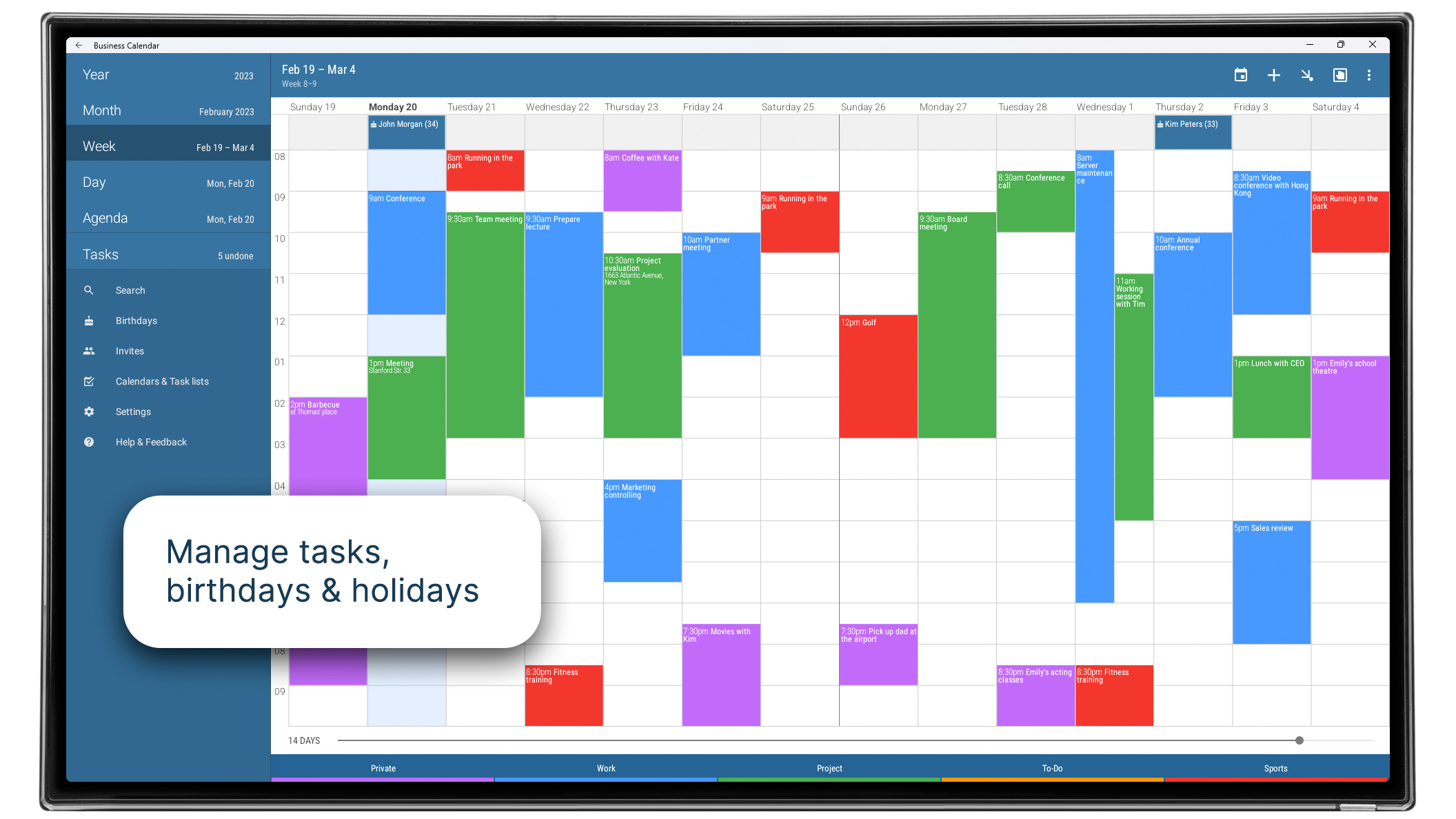
- Sinkronkan dengan Google Kalender dan Outlook.
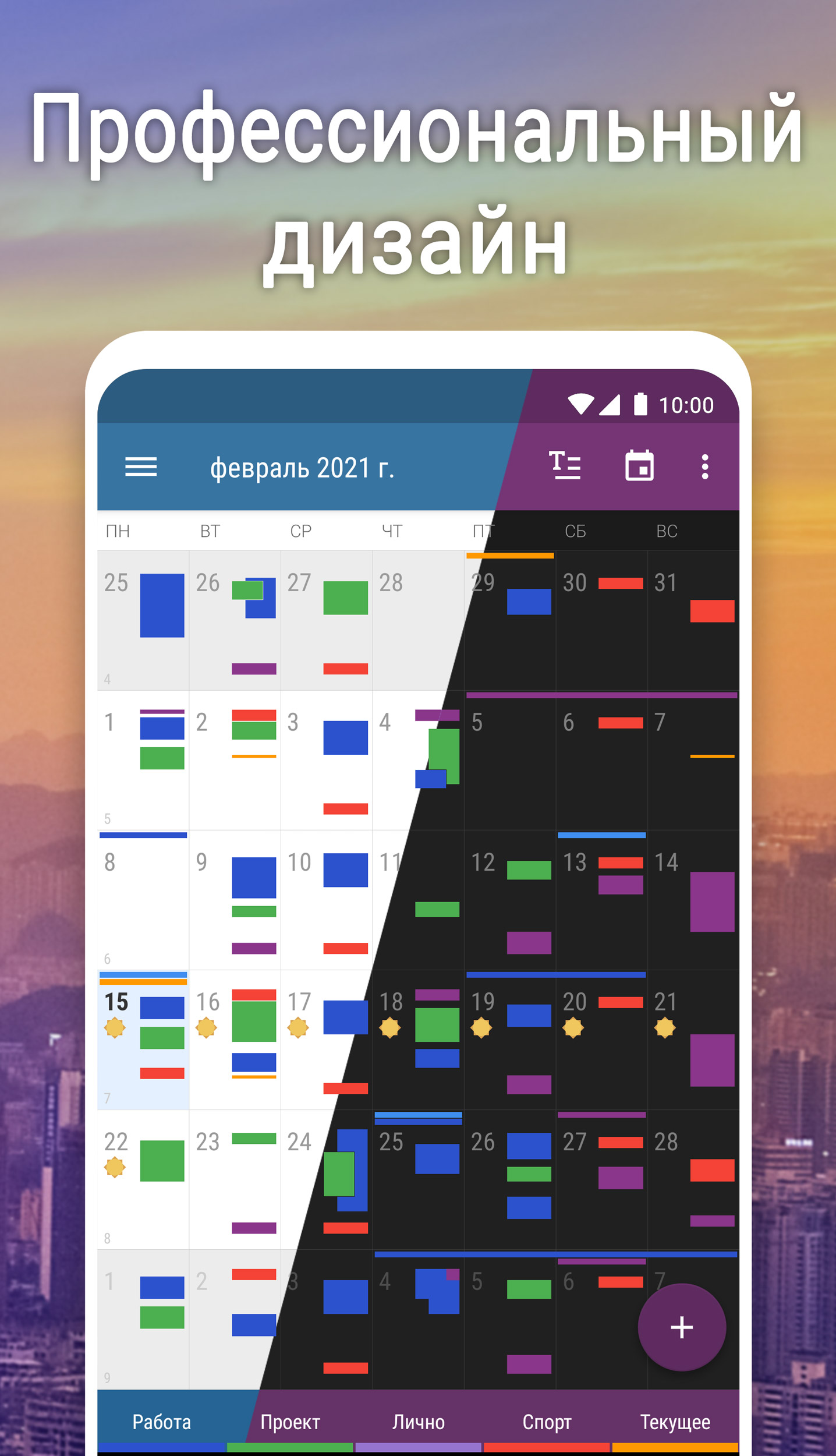
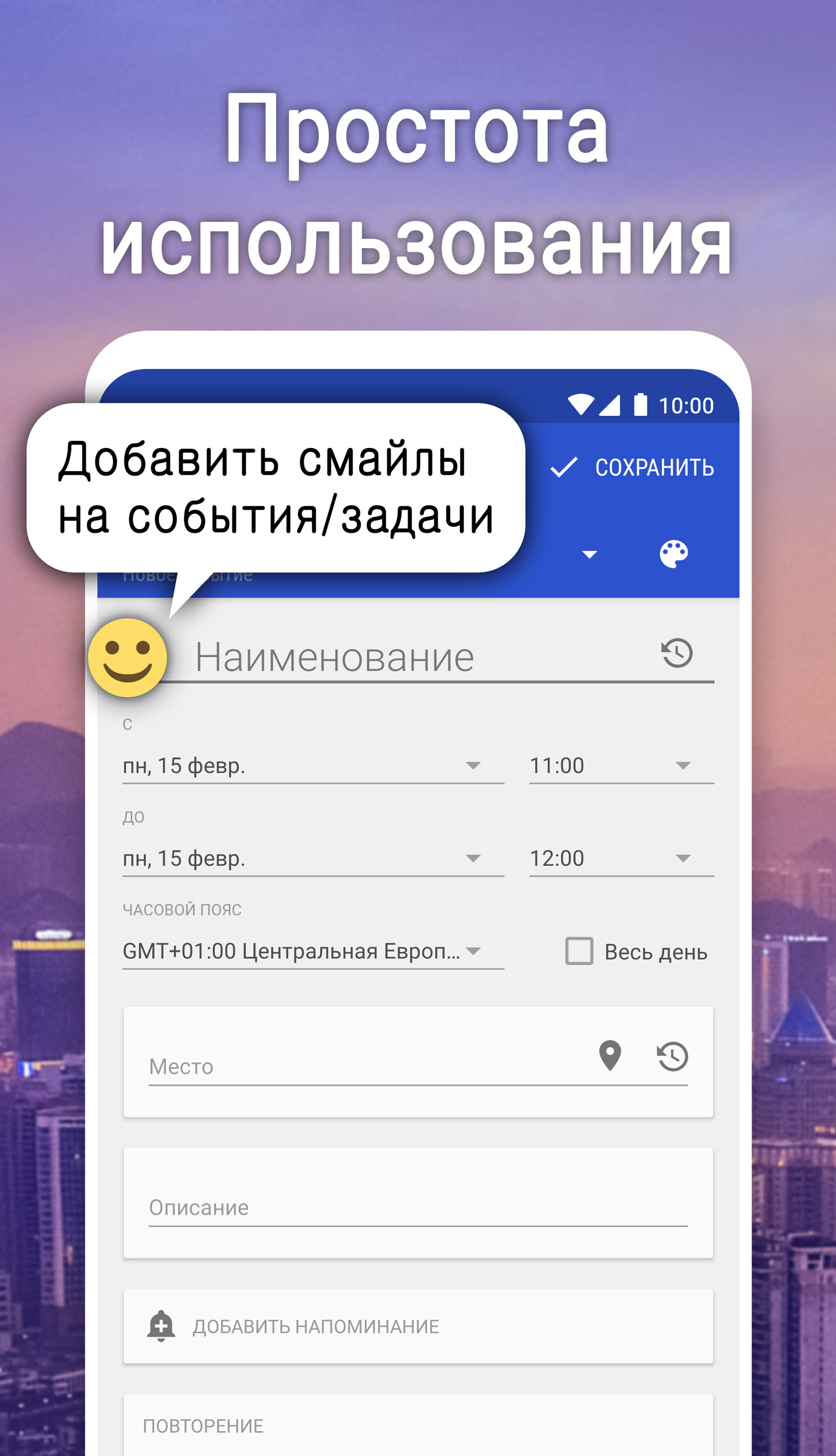
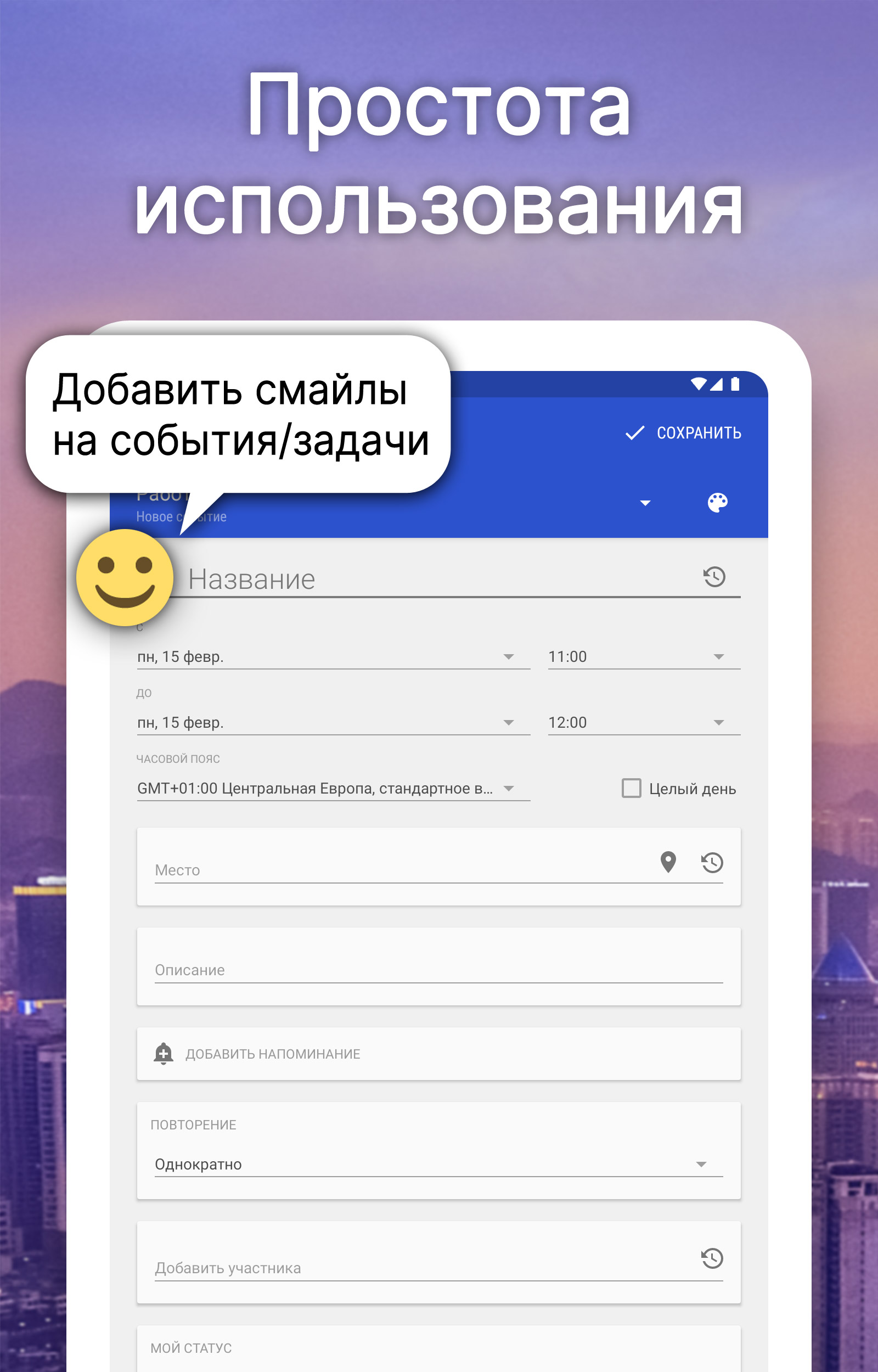
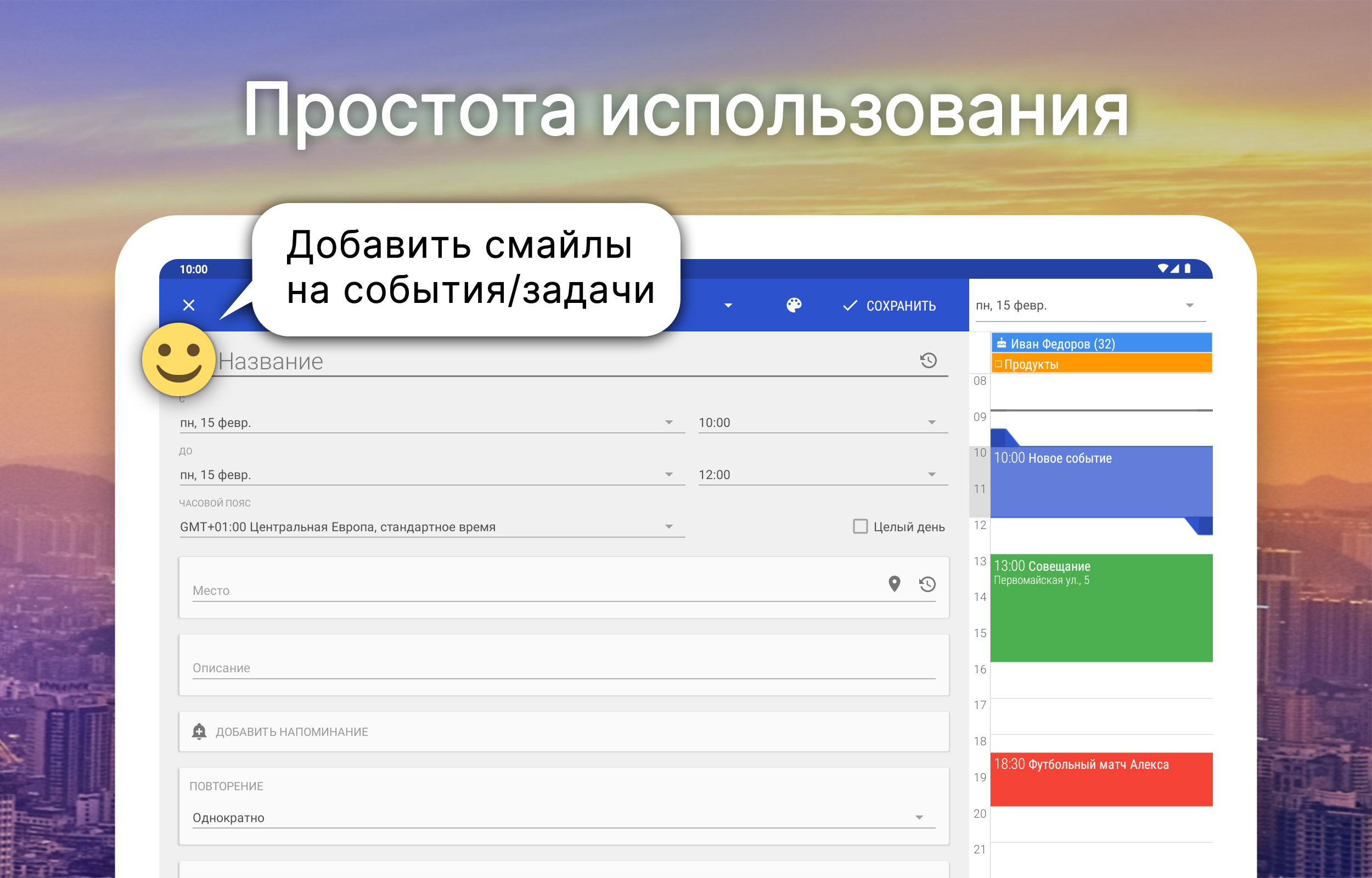
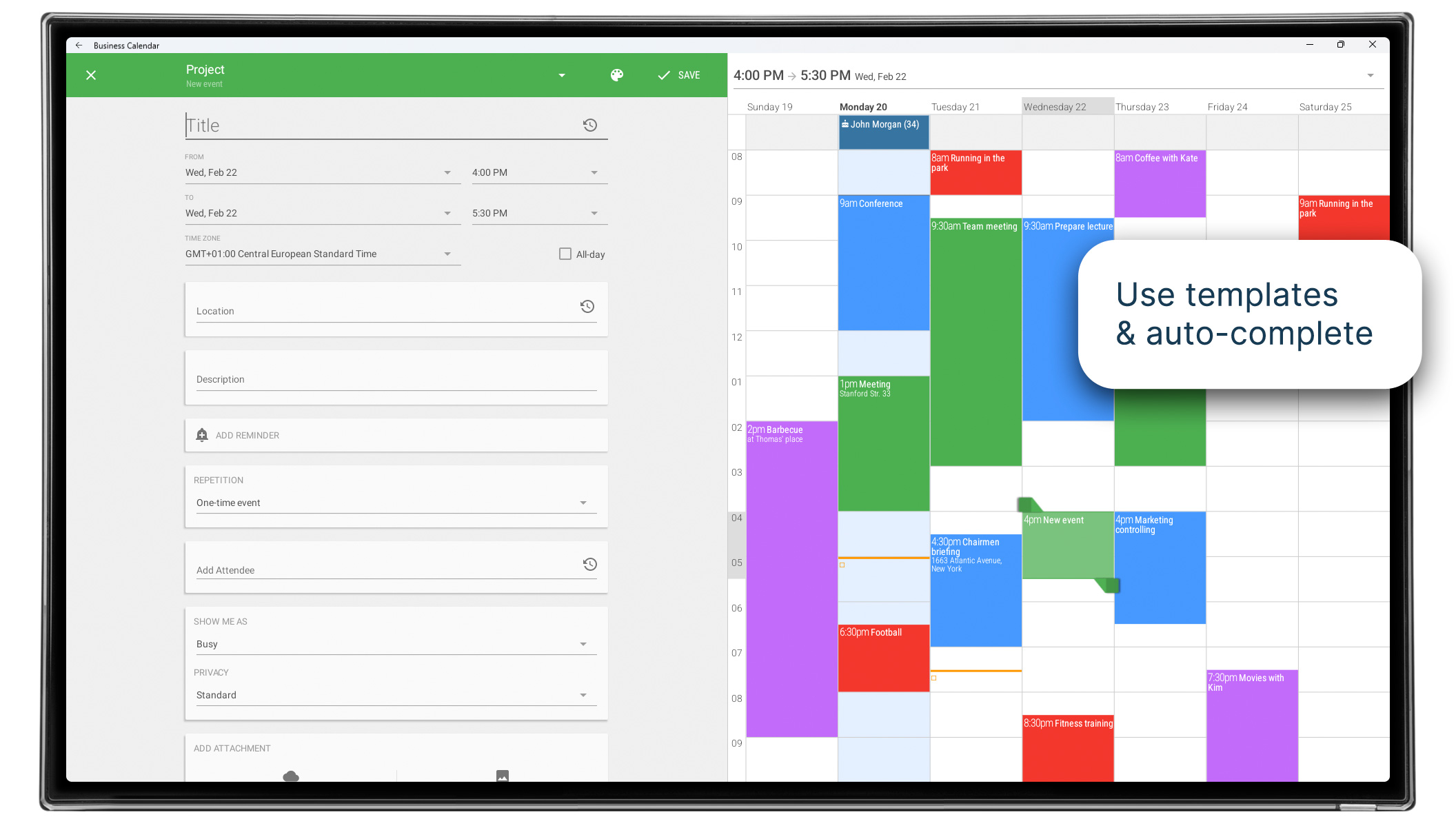
- Antarmuka yang intuitif.
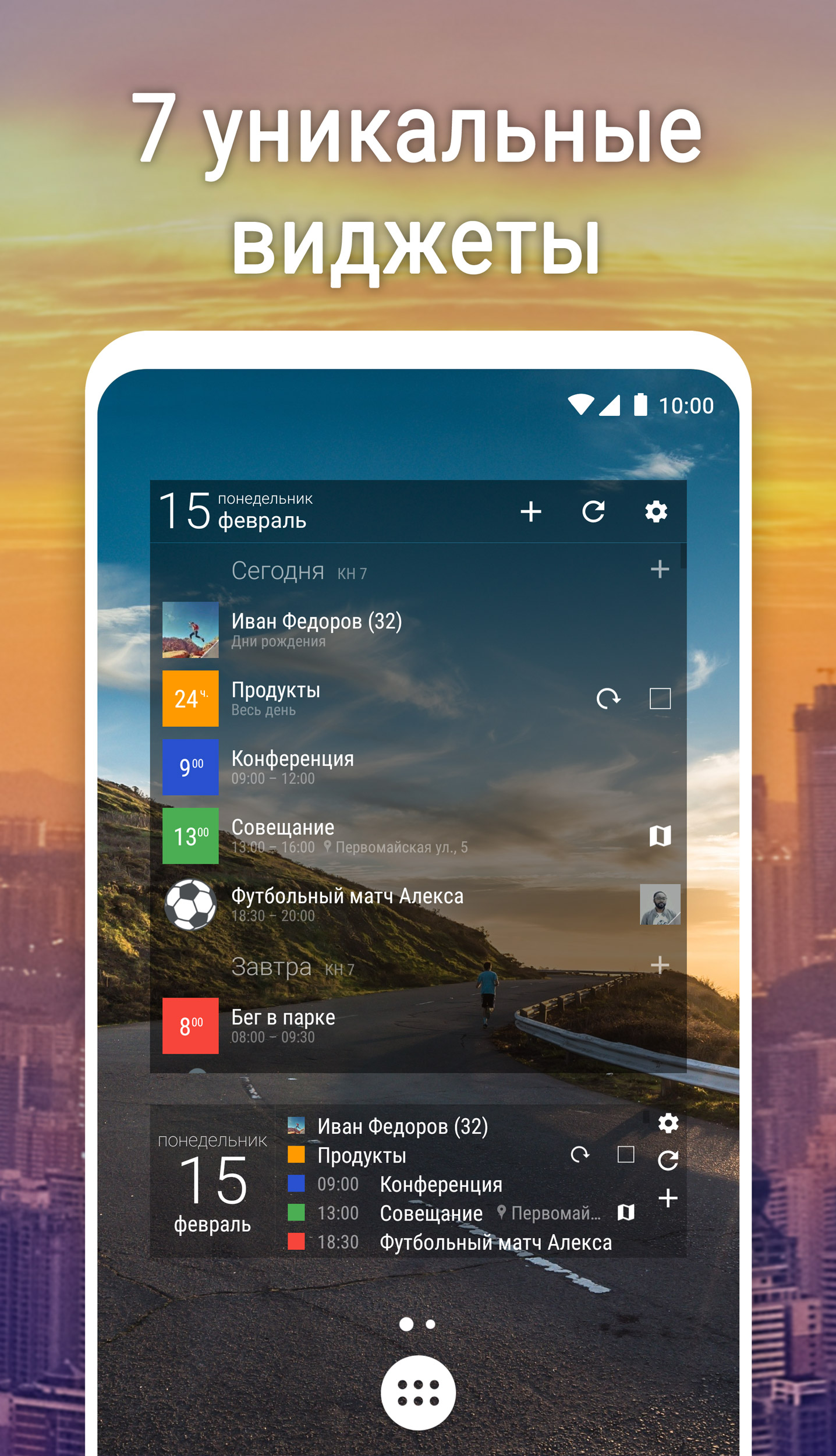
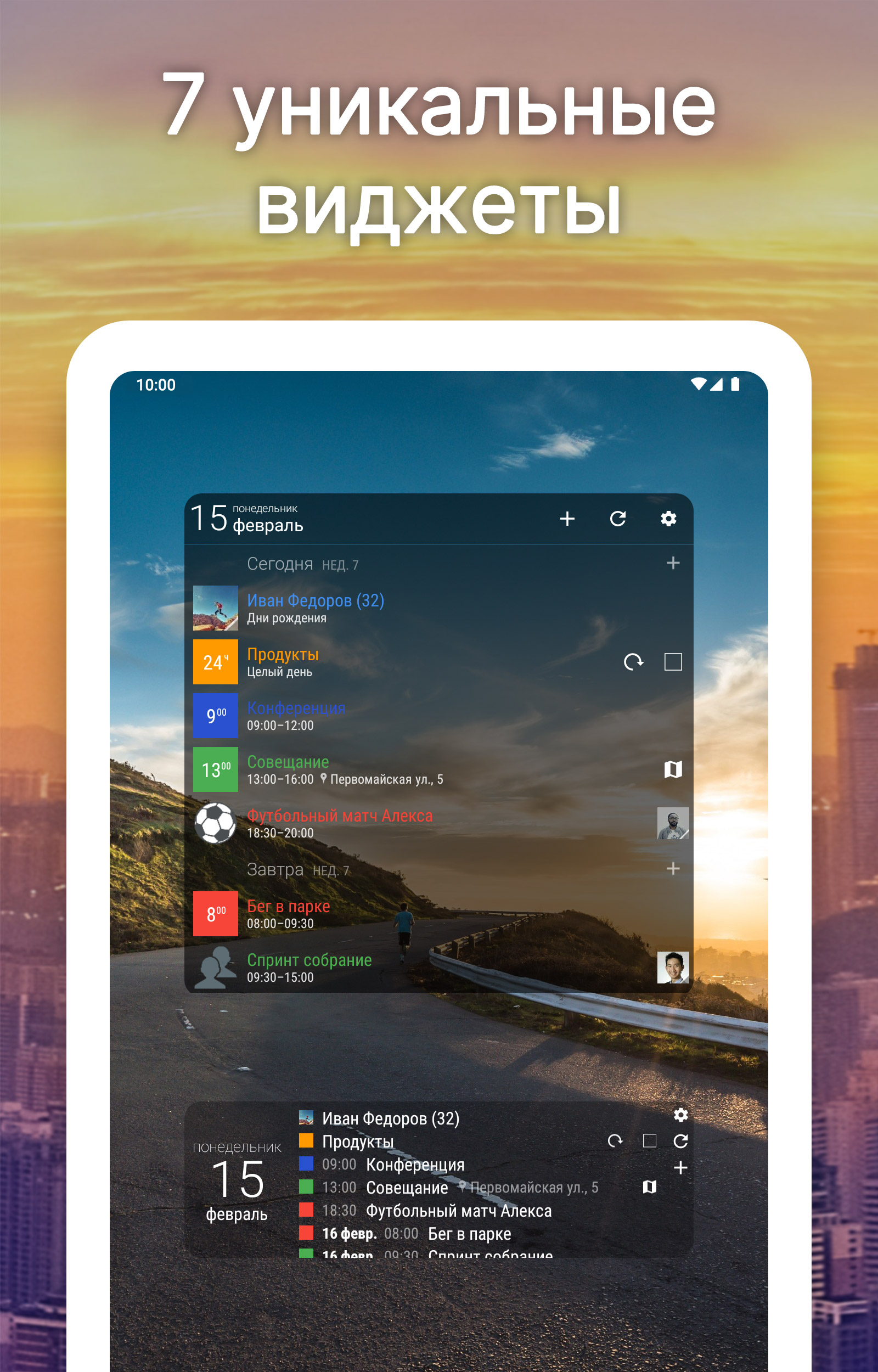
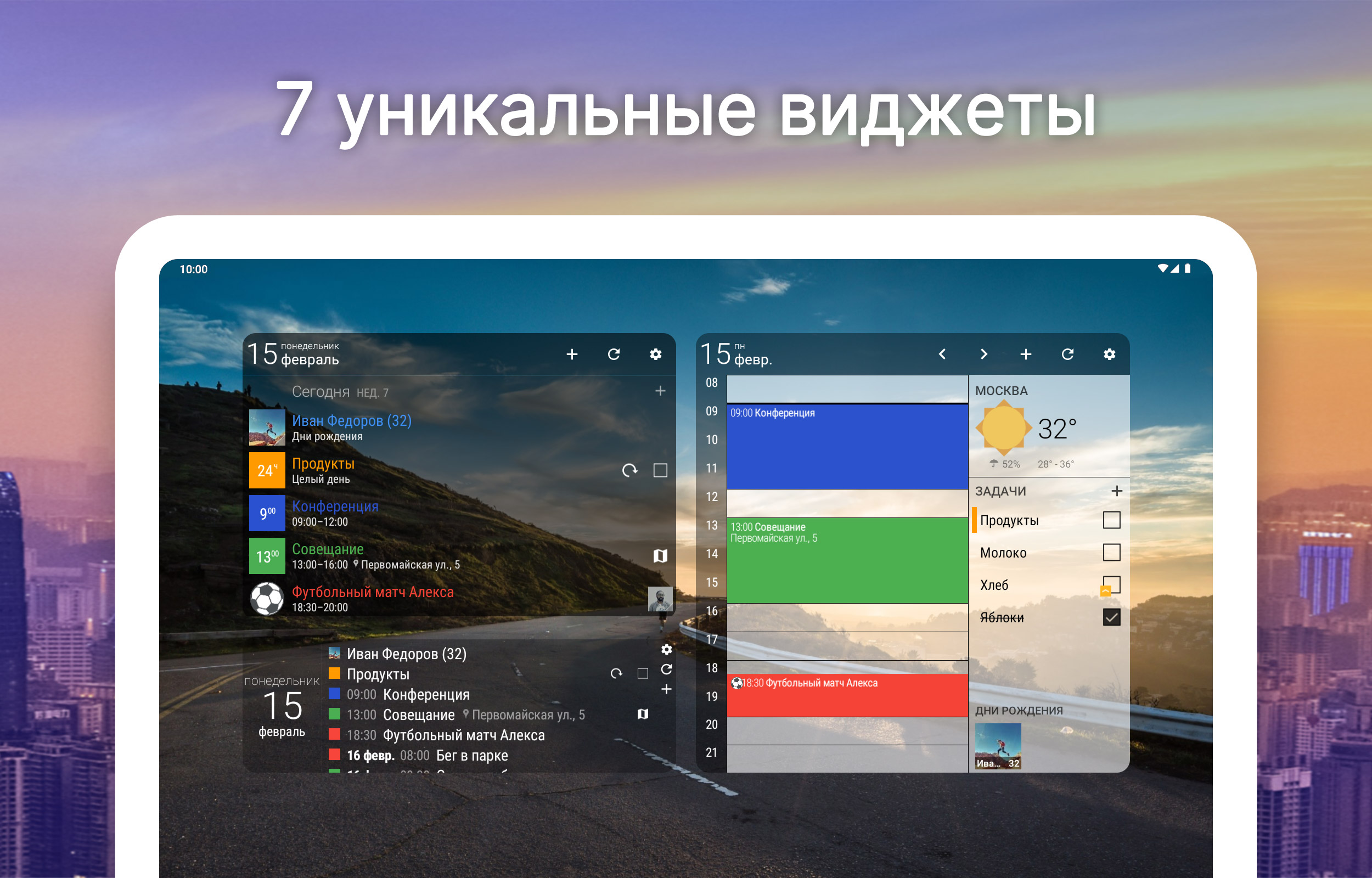
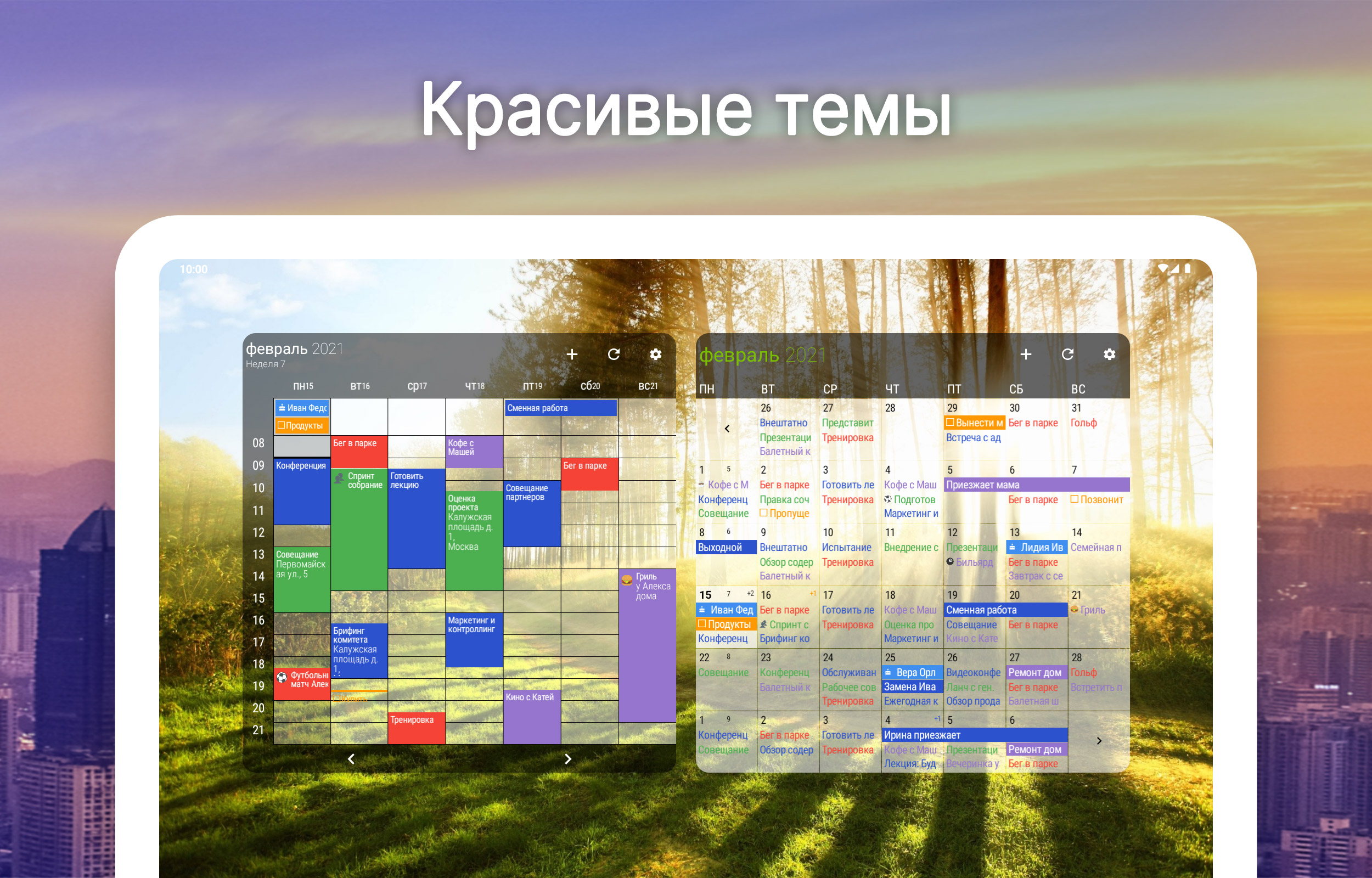
- Dukungan untuk widget.
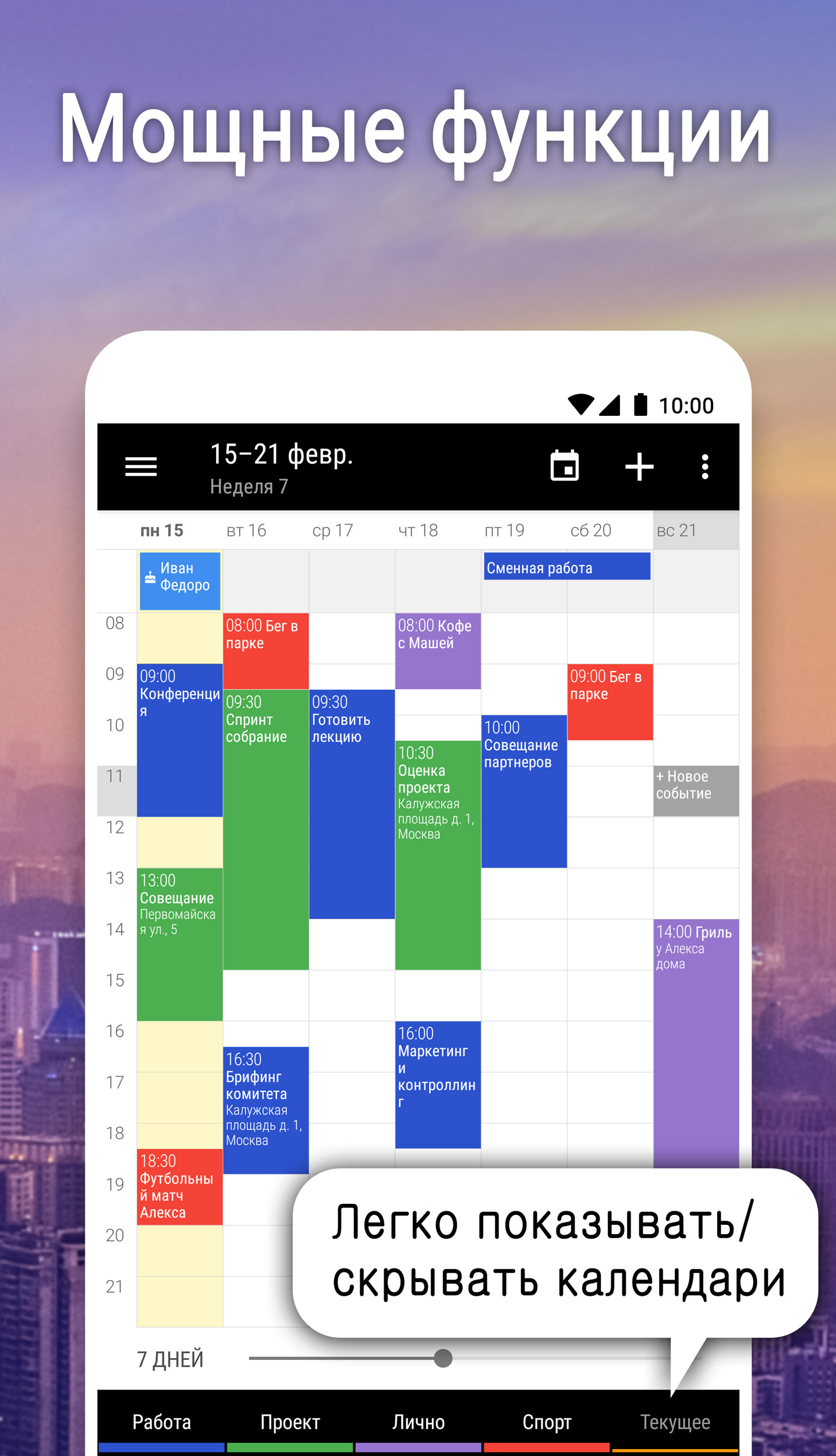
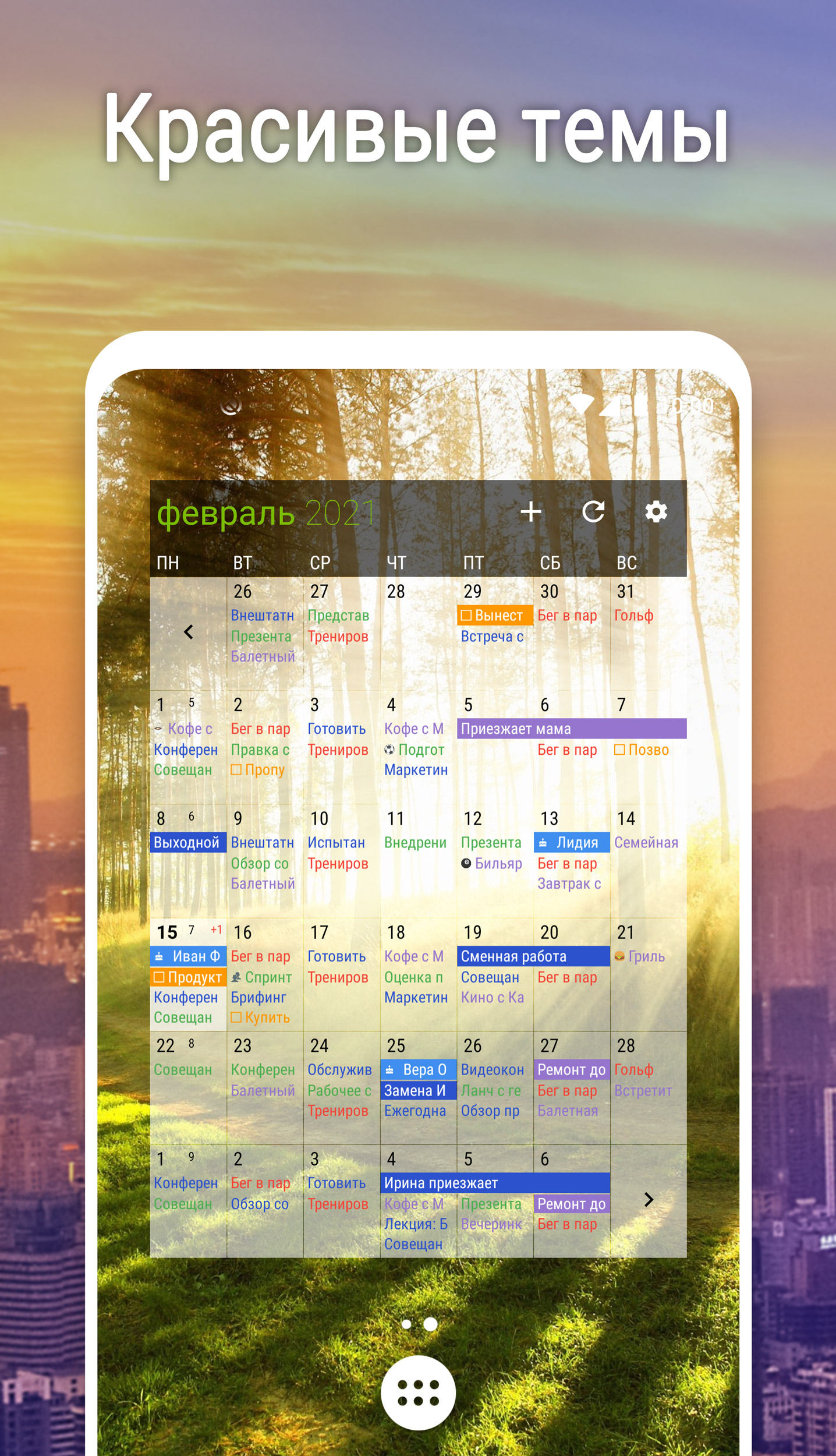
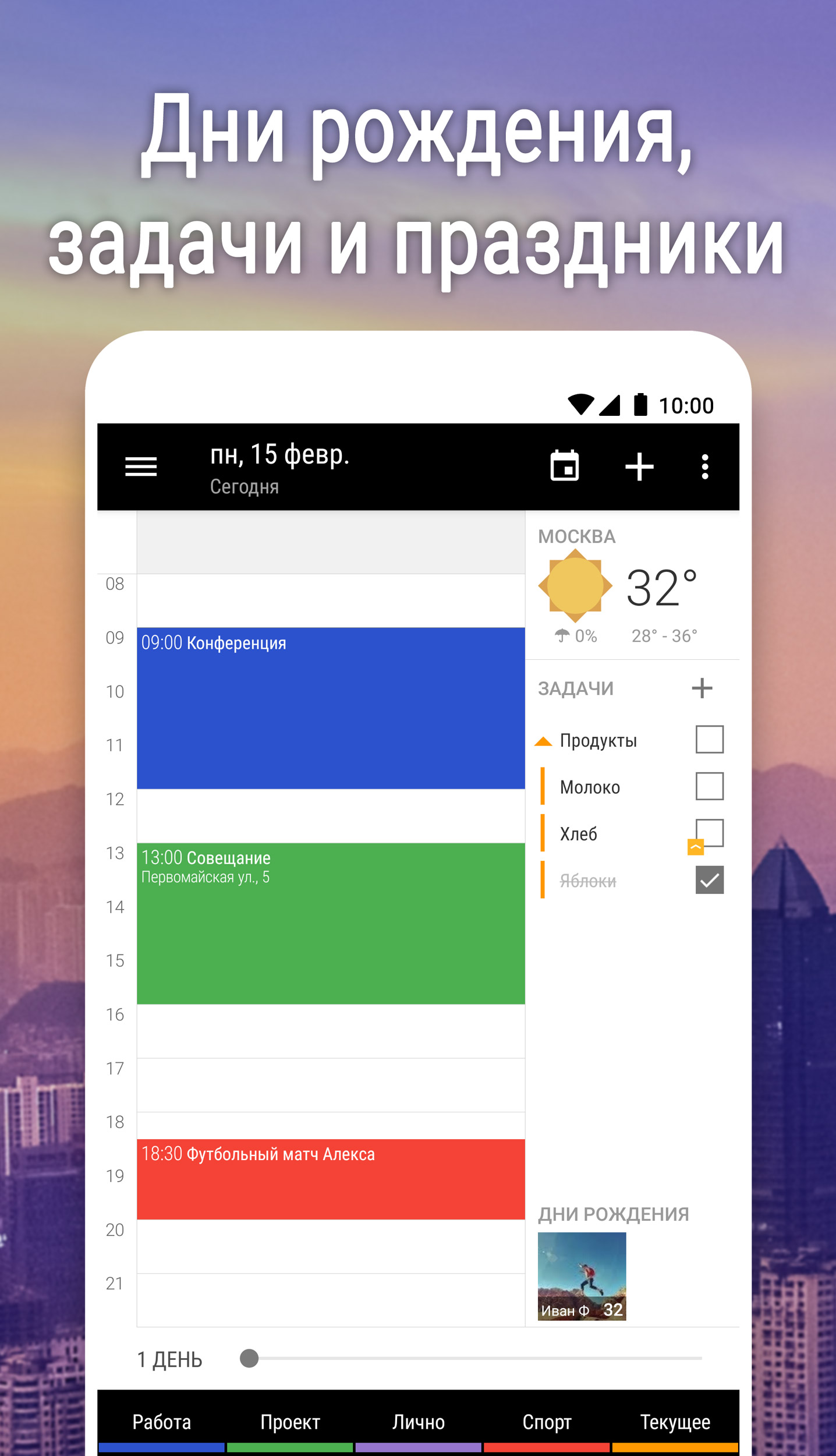
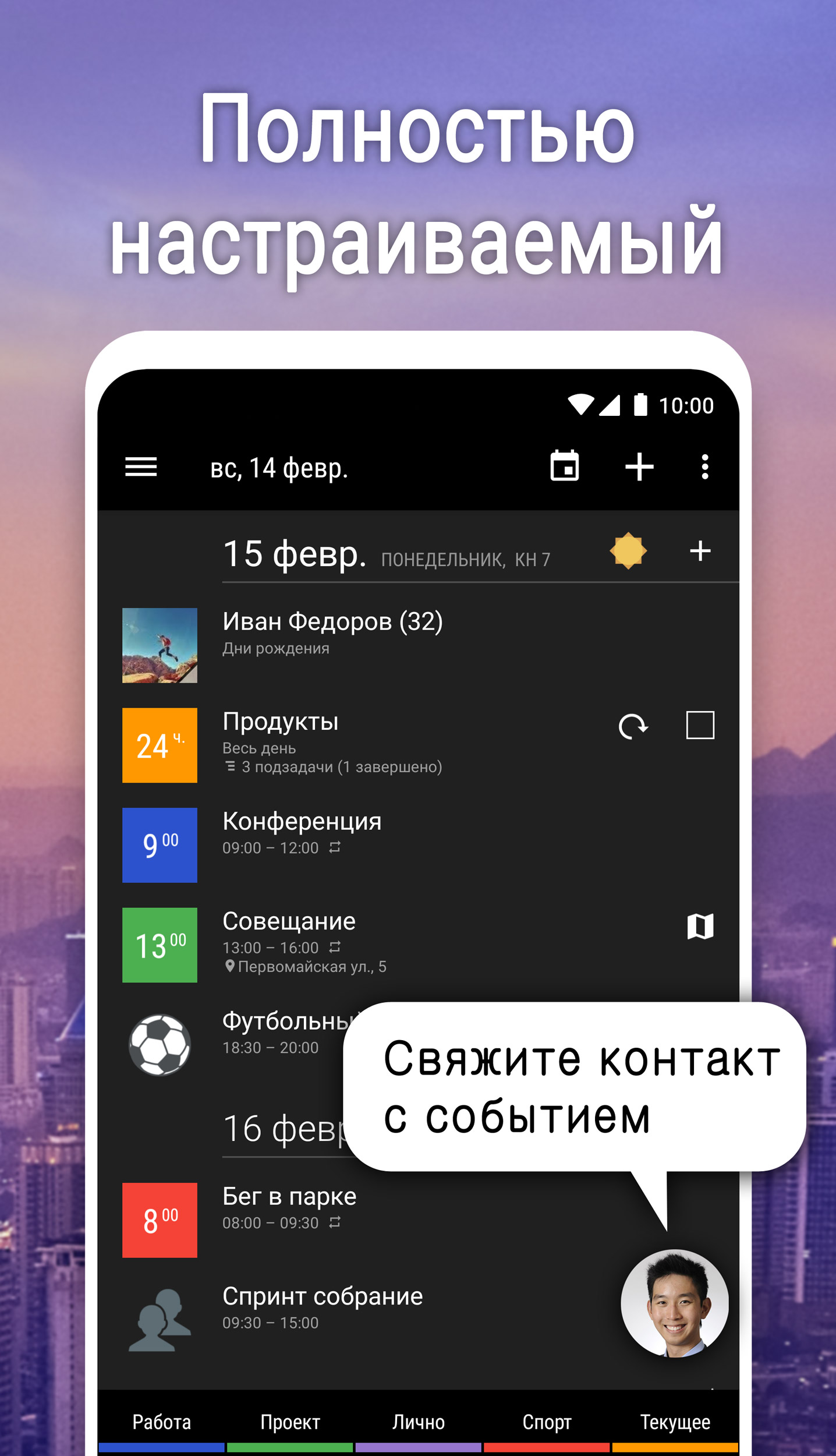
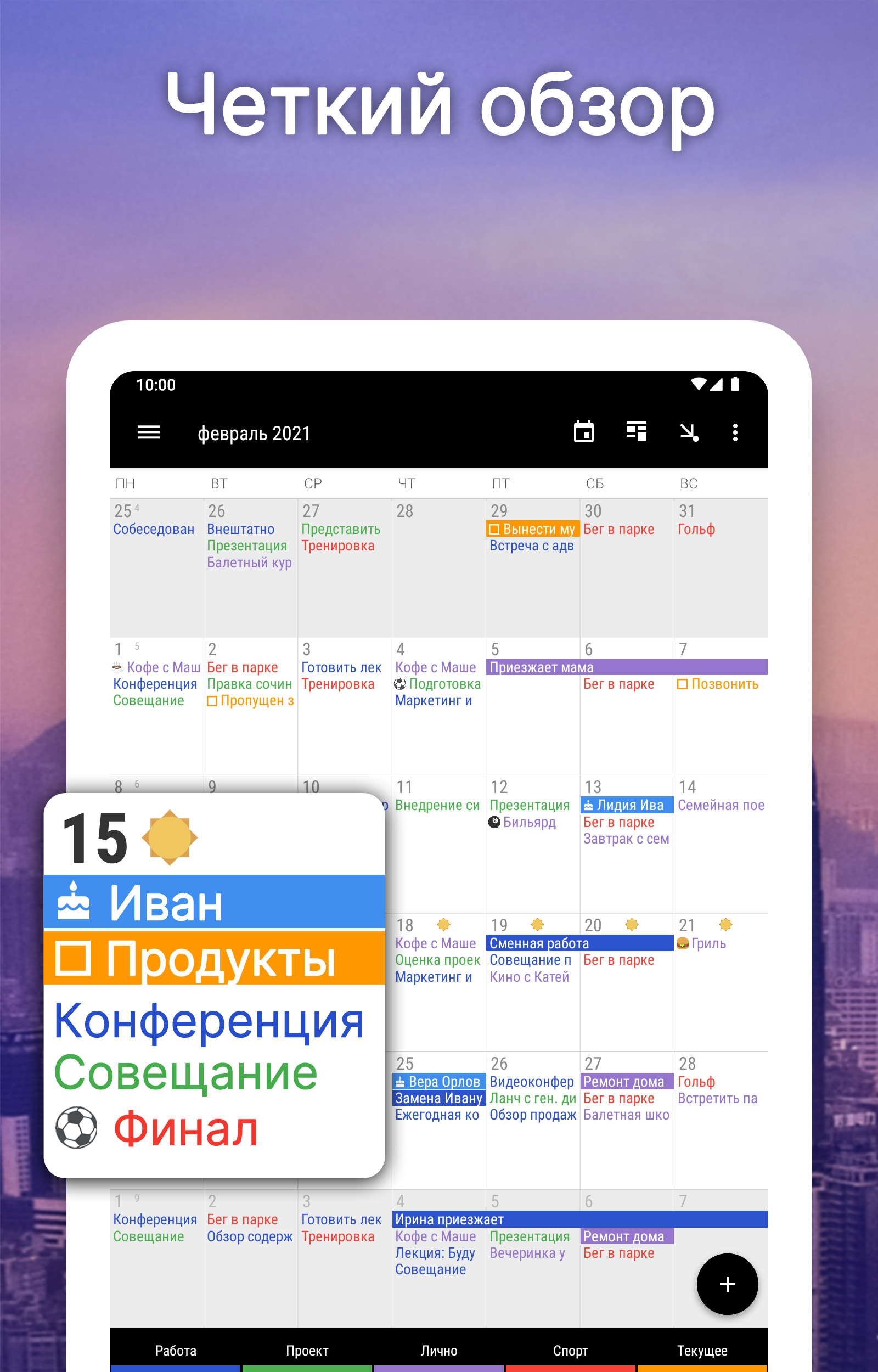
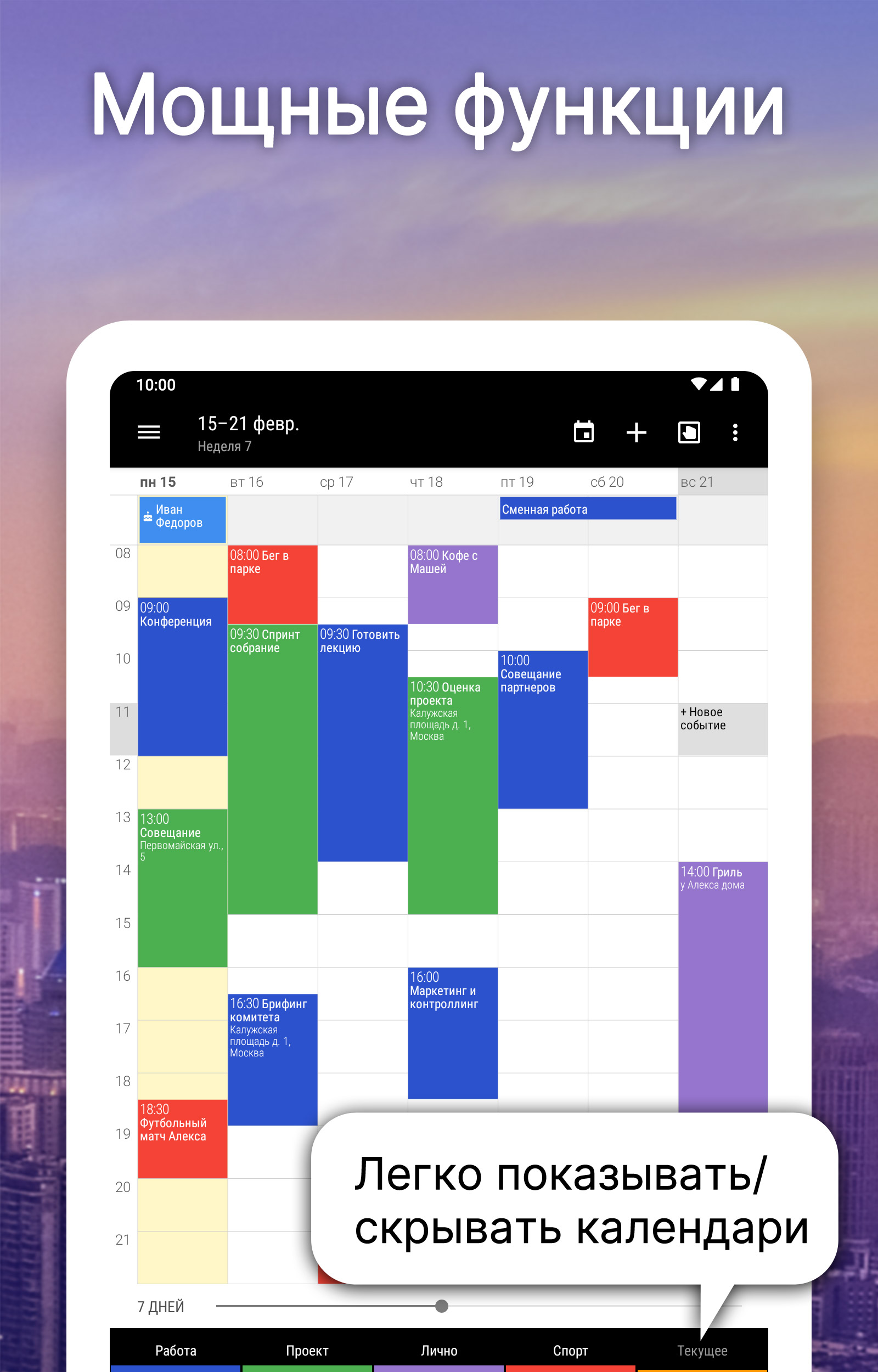
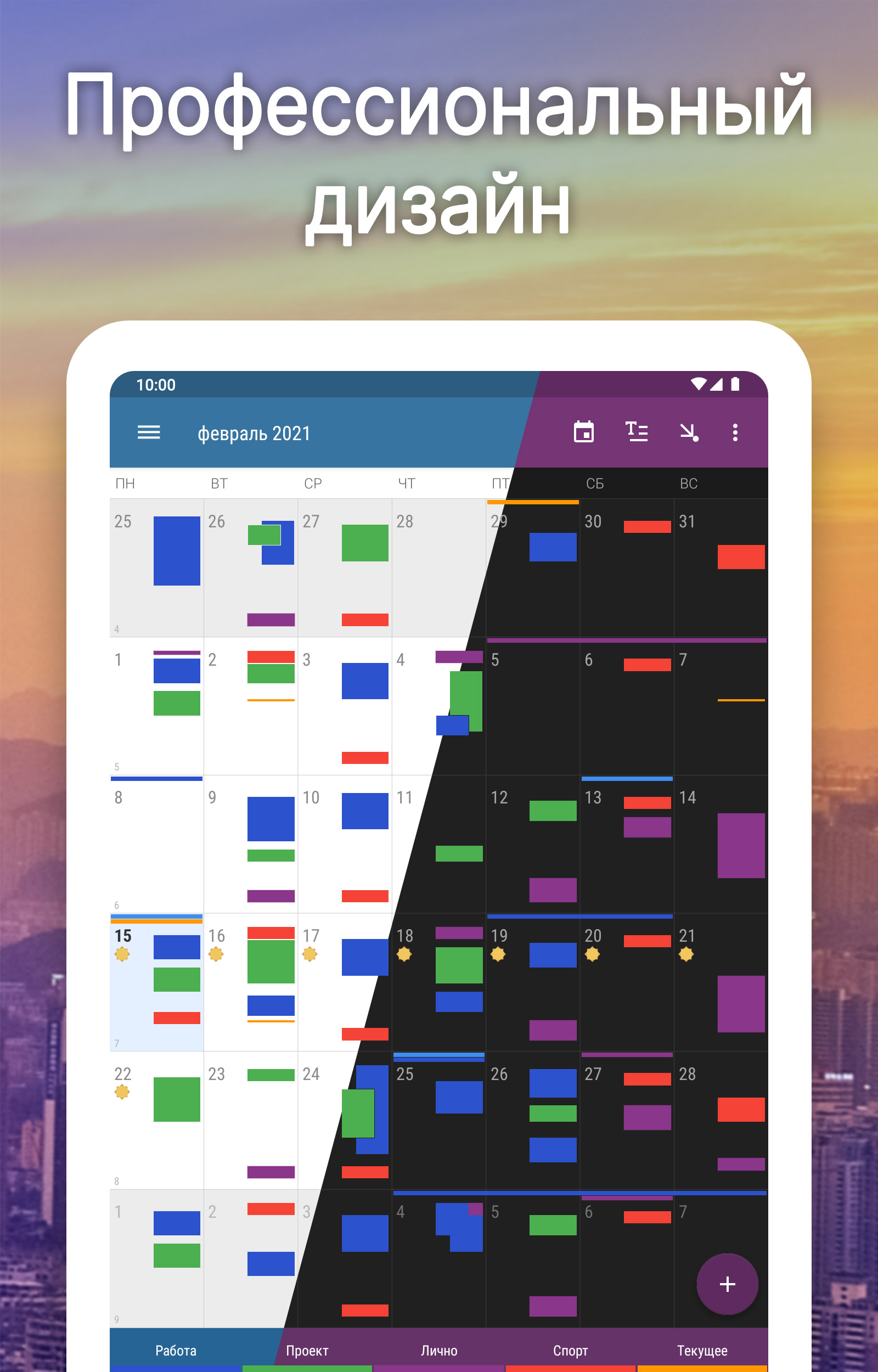
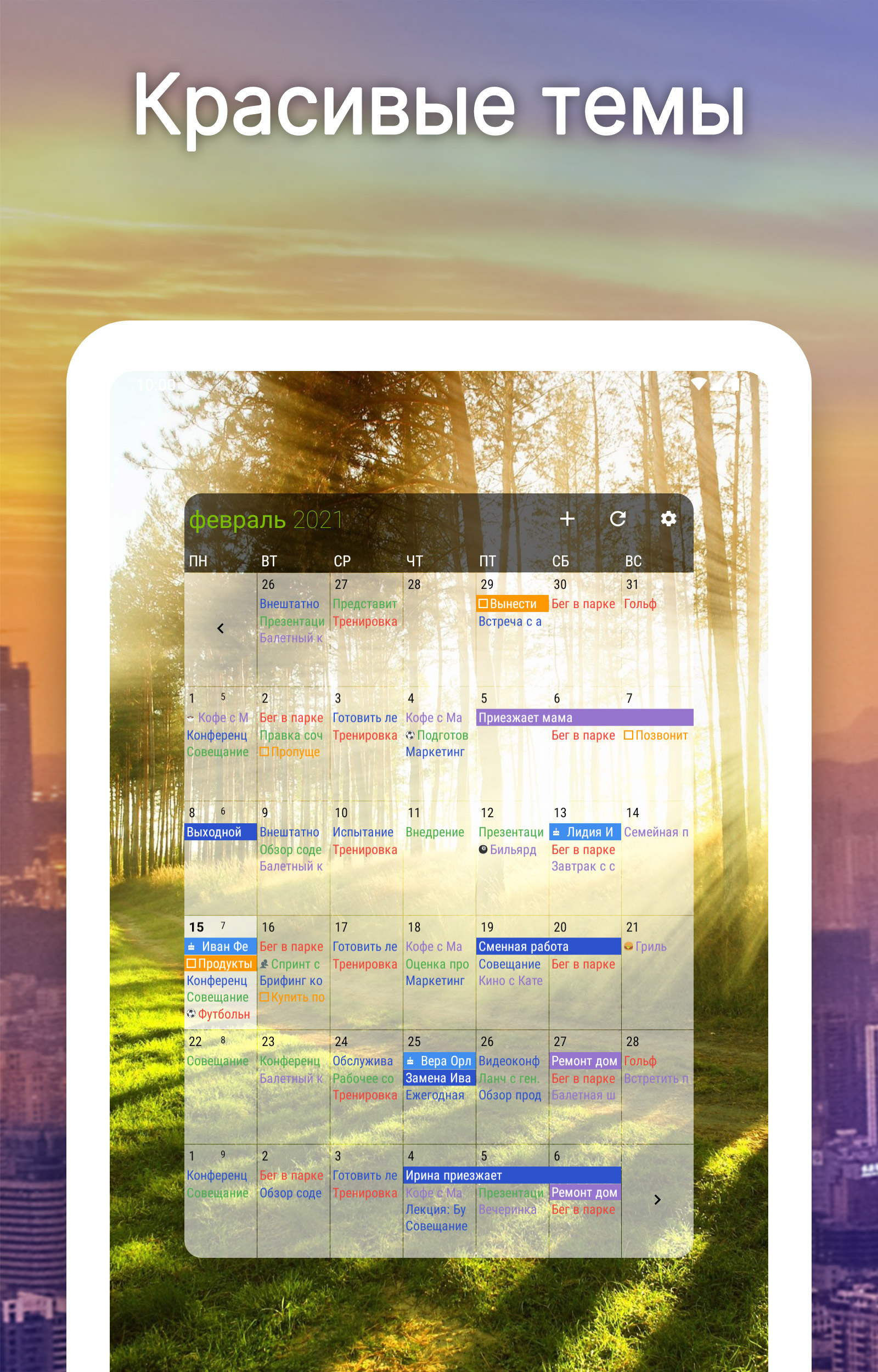
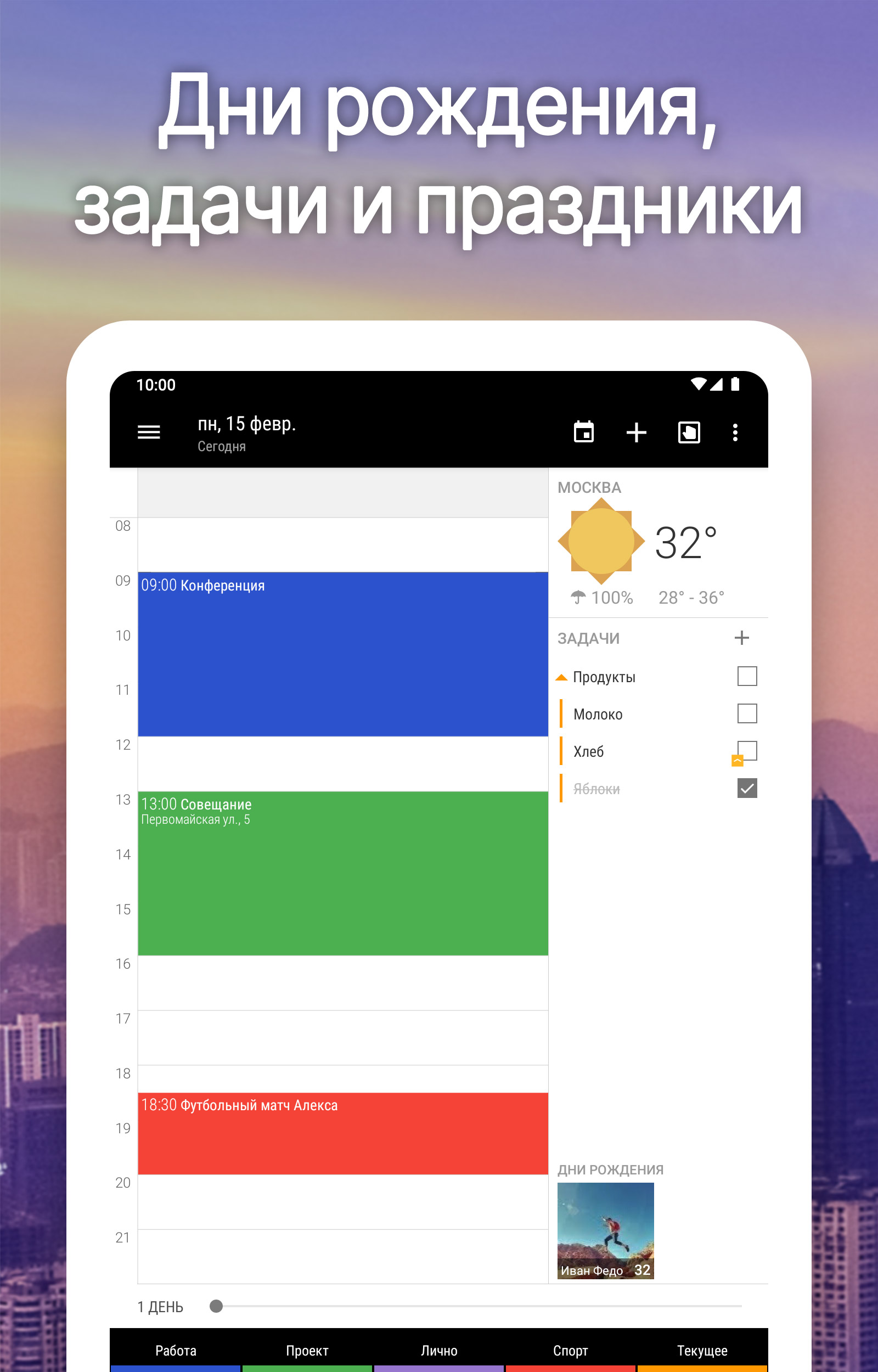
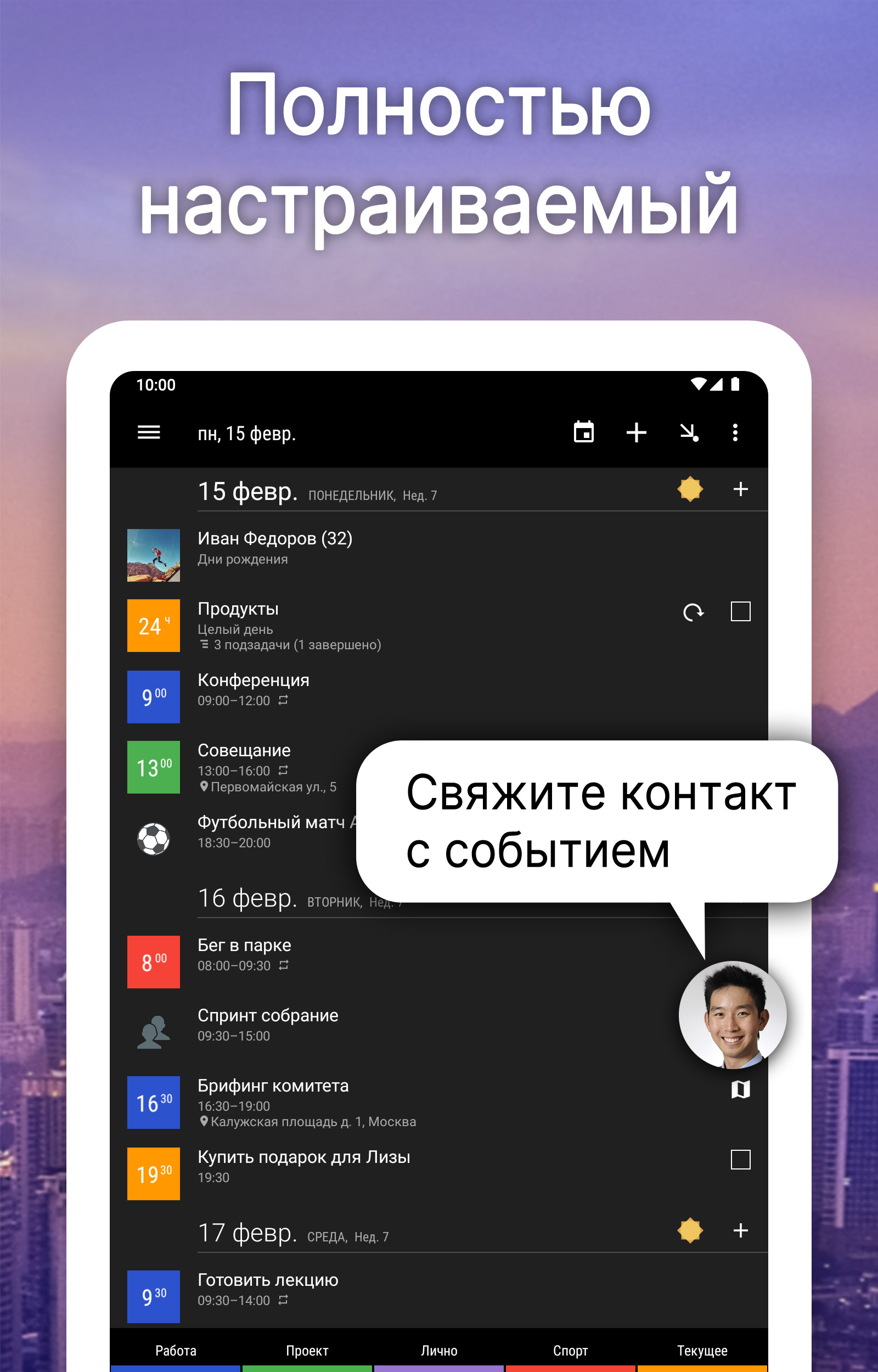
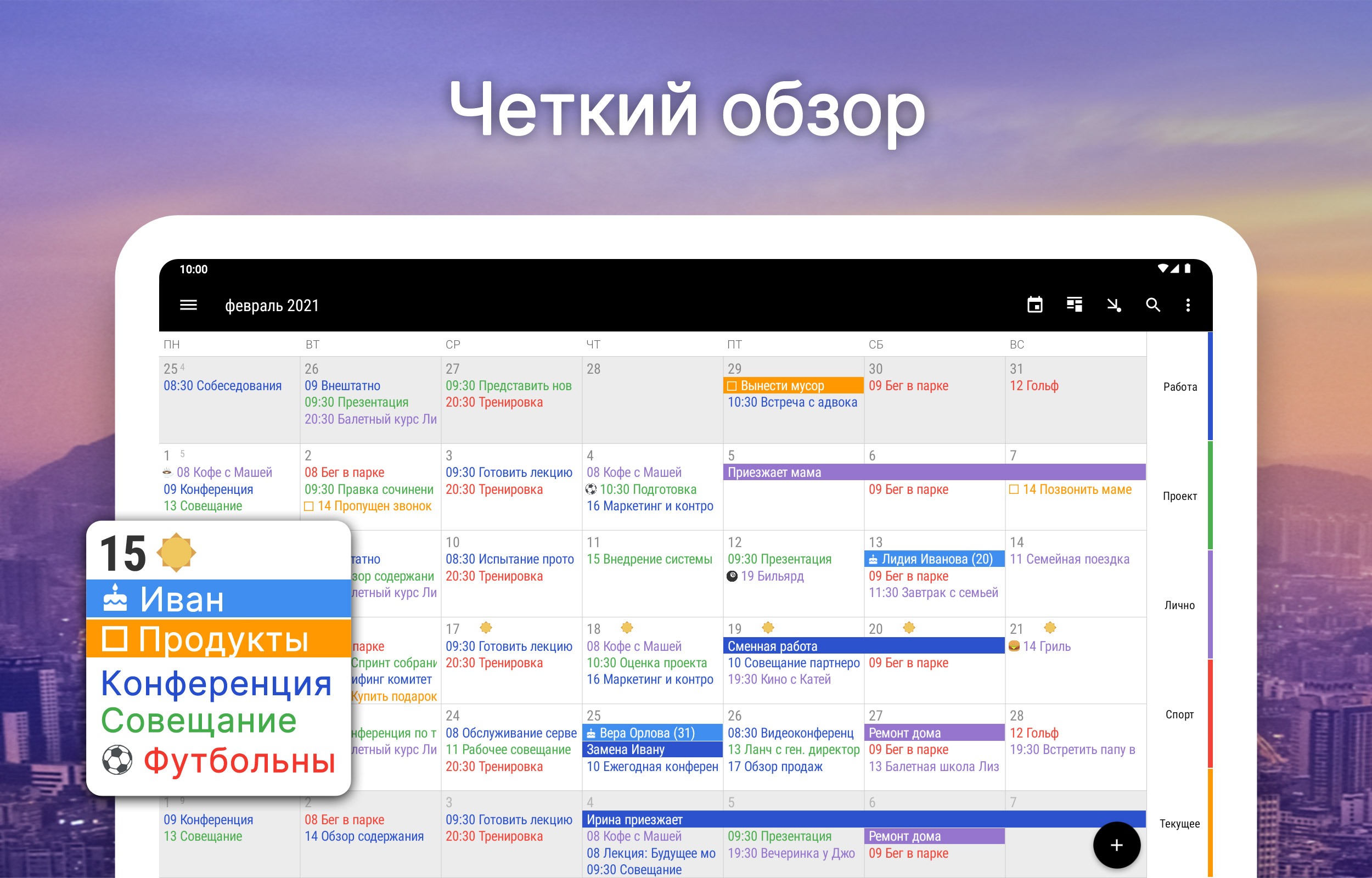
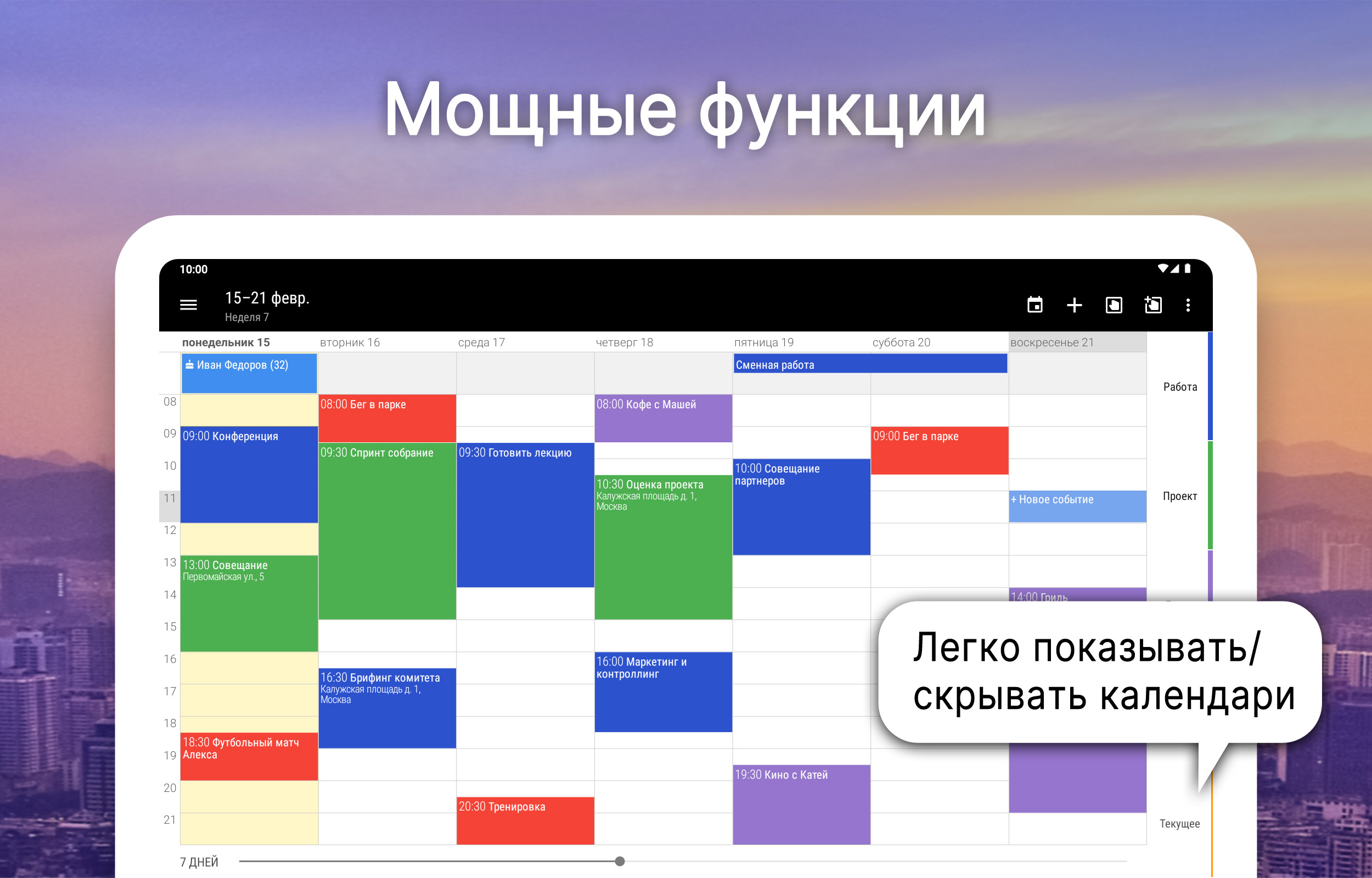
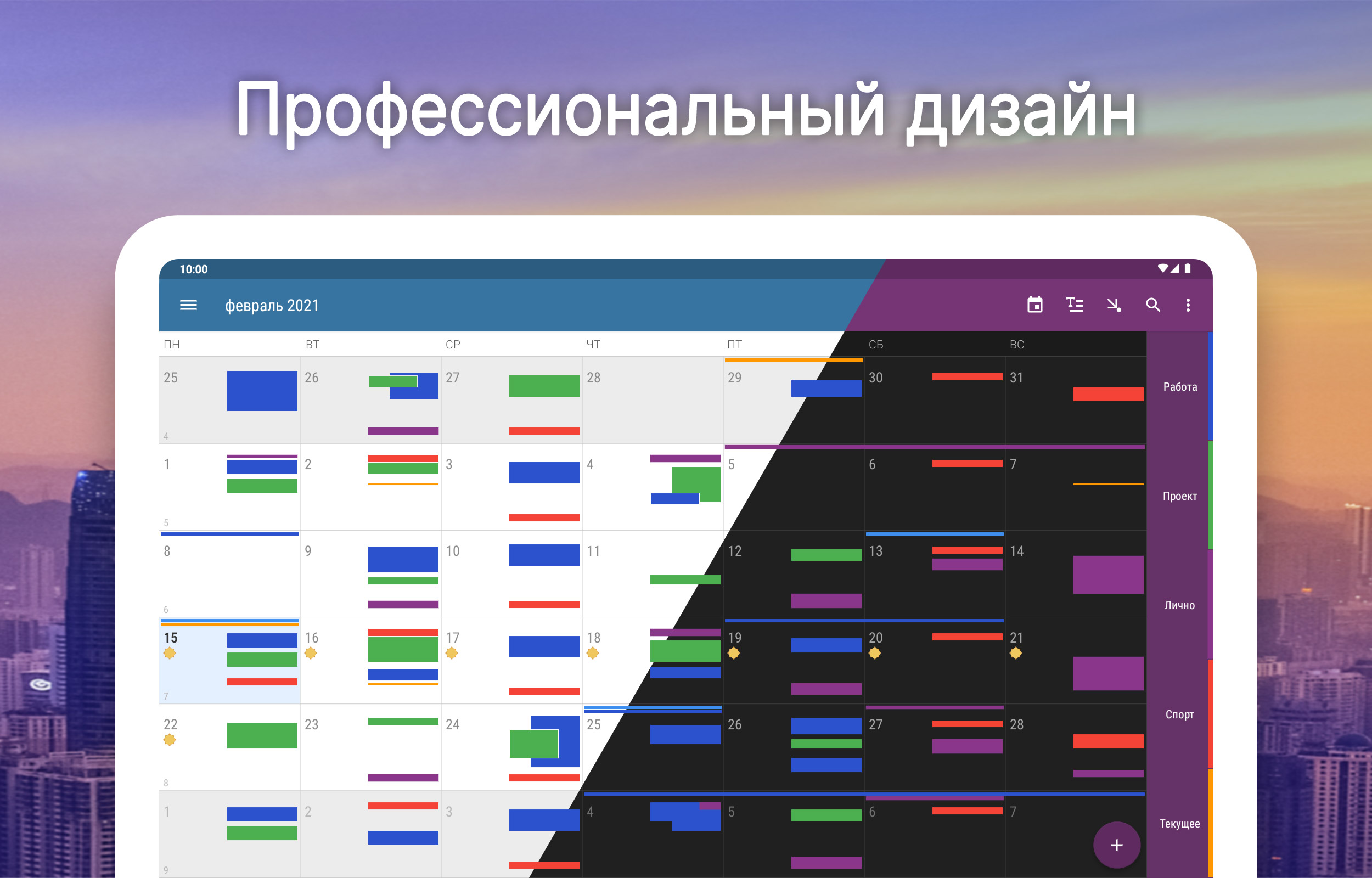
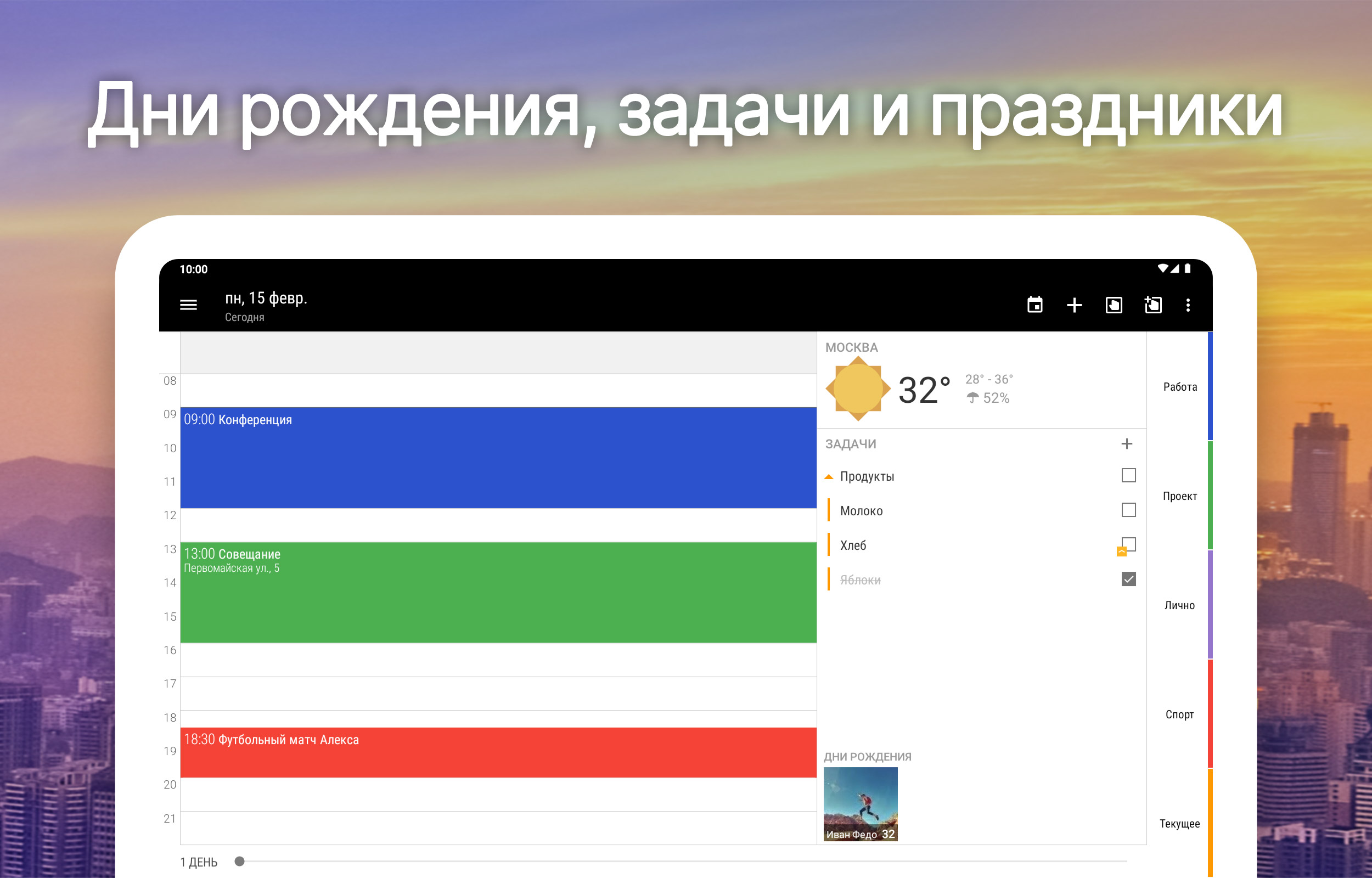
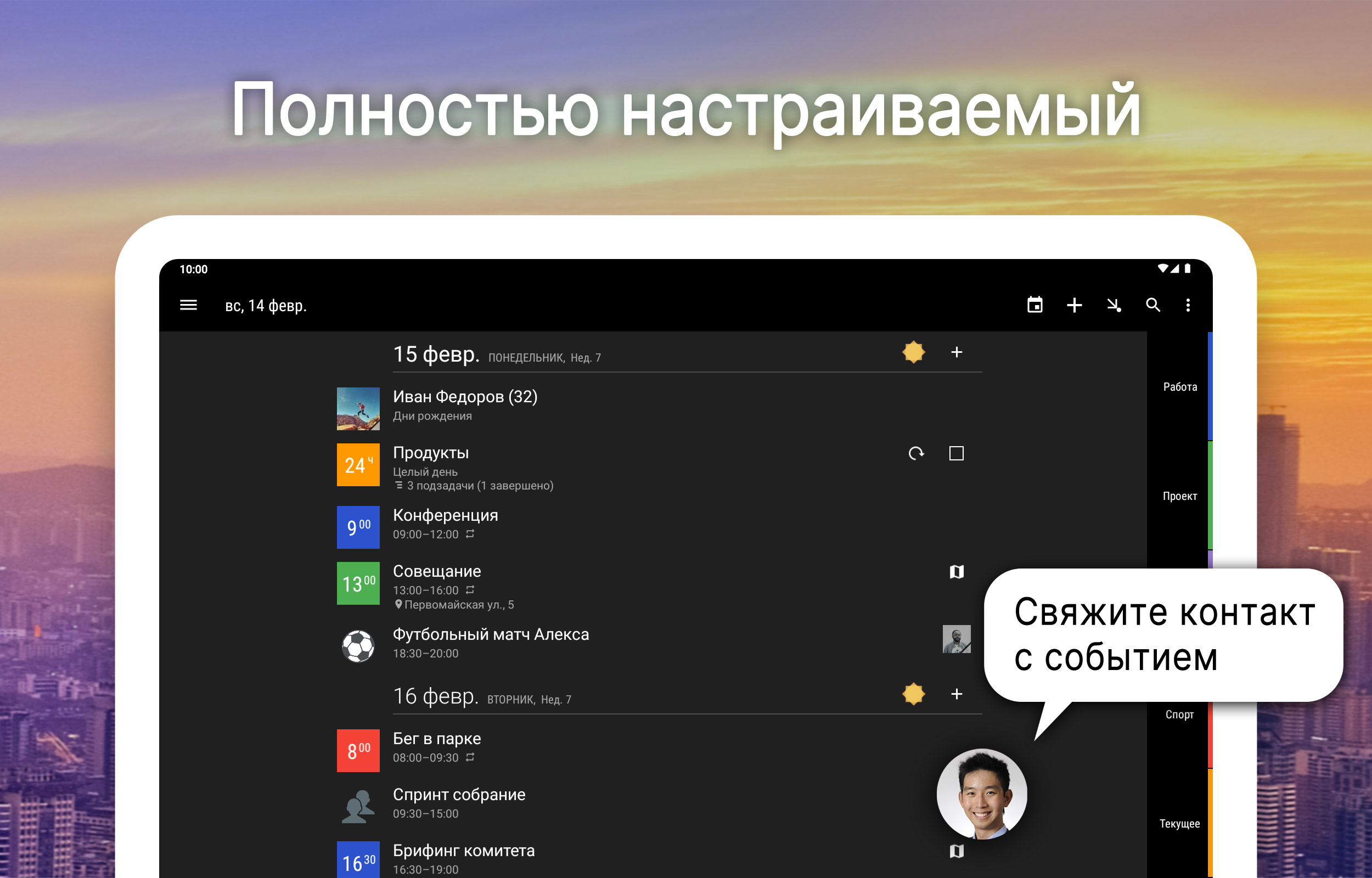
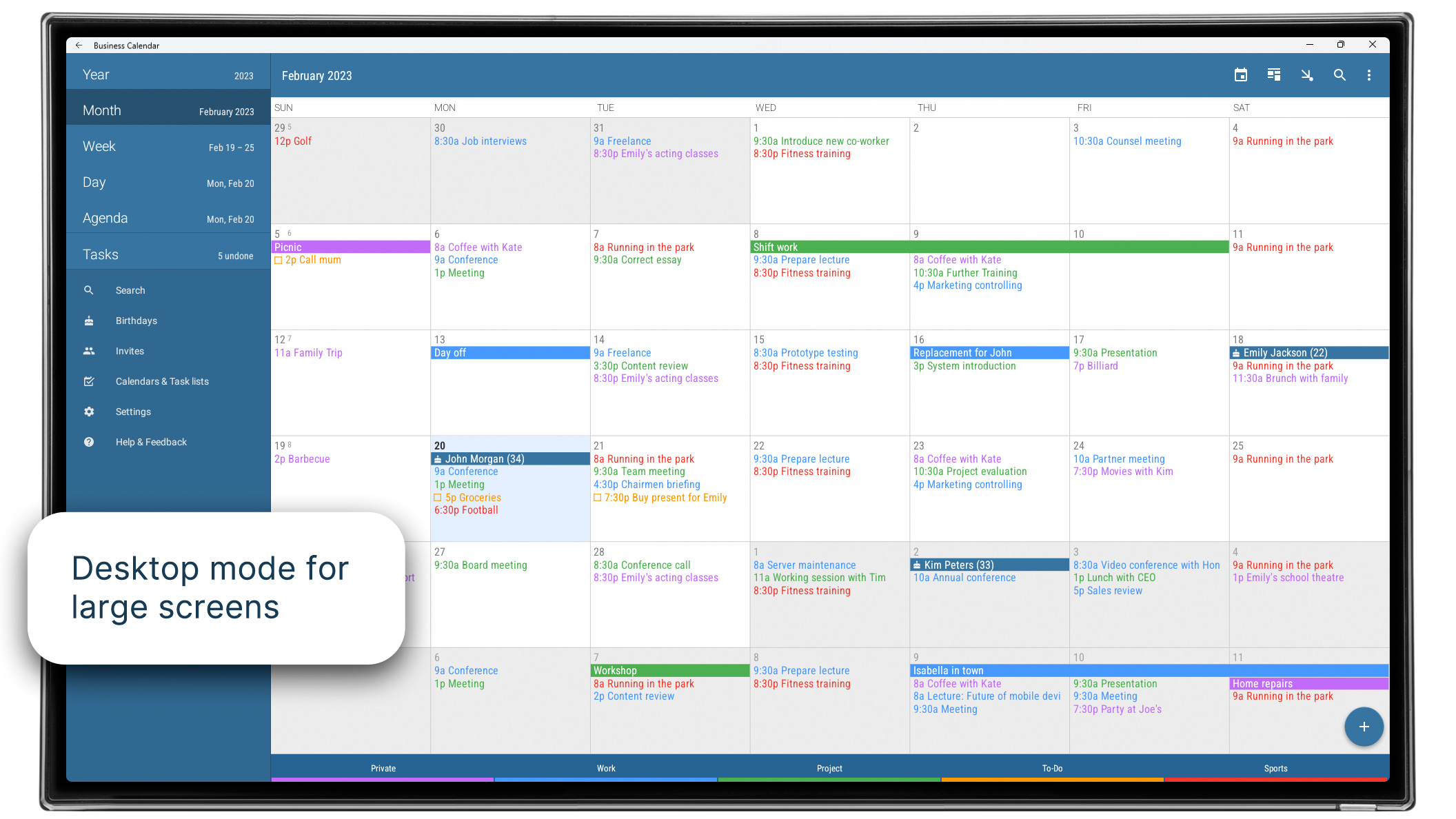
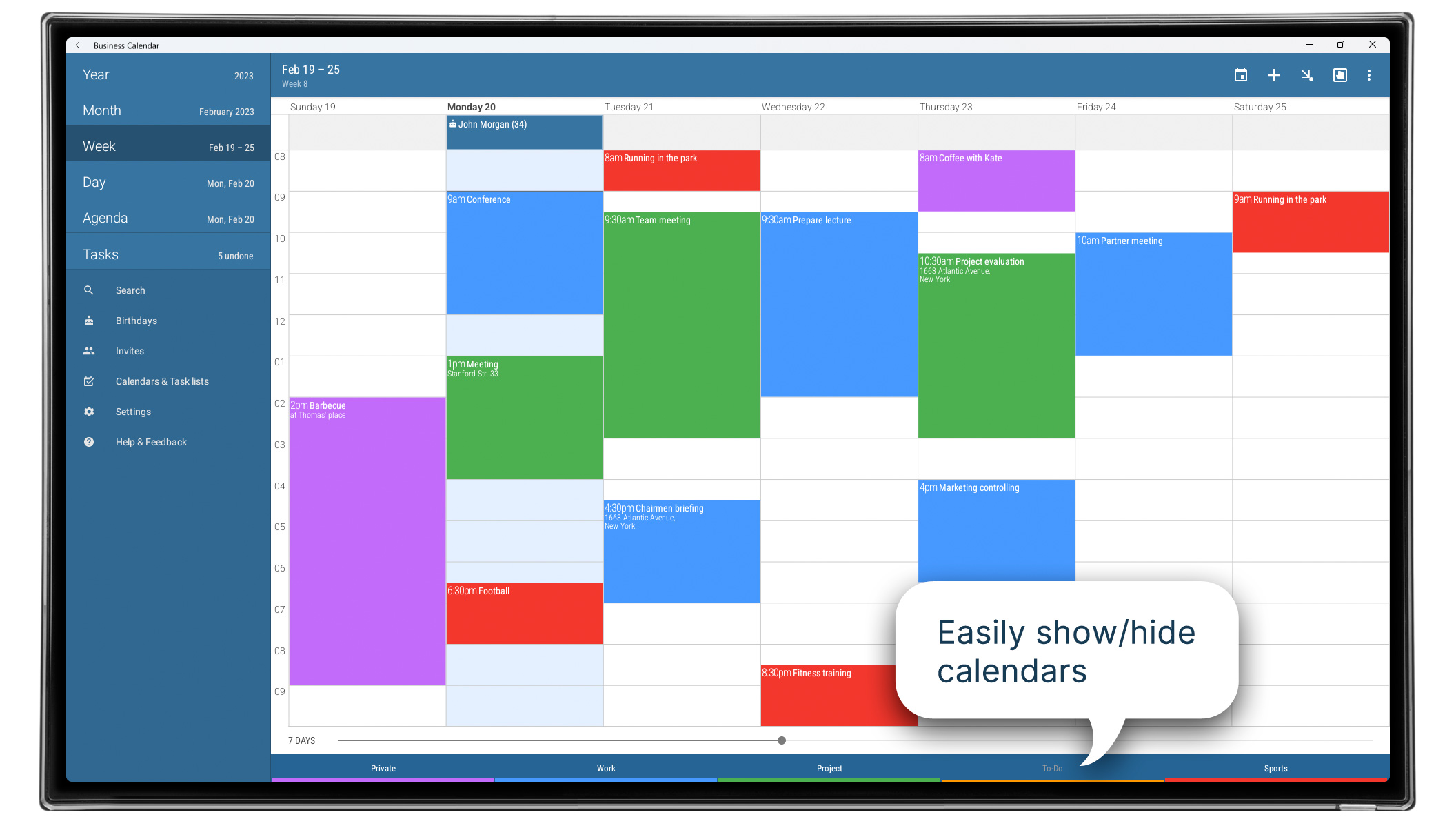
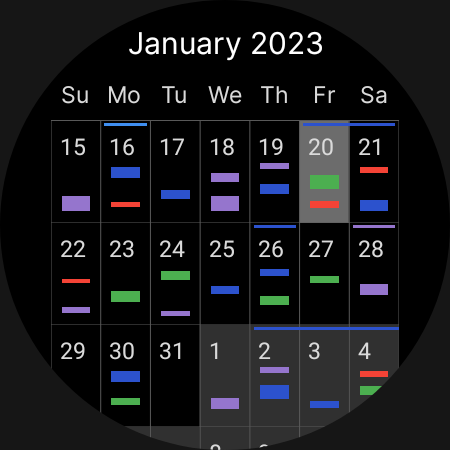
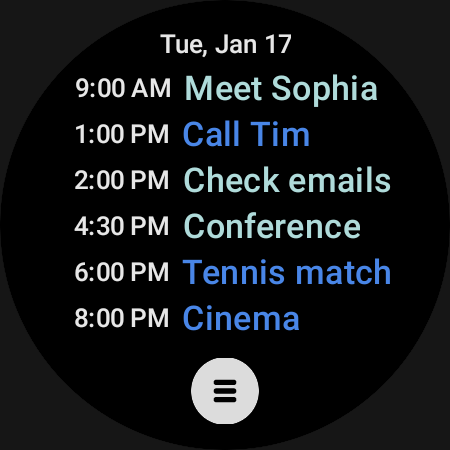
- Tampilan visual acara di kalender.
- Terjemahan bahasa Rusia.
Deskripsi
Aplikasi Business Calendar 2 Planner diperiksa oleh antivirus VirusTotal. Sebagai hasil pemindaian, tidak ada infeksi file yang terdeteksi oleh semua tanda tangan terbaru.
Cara memasang Business Calendar 2 Planner
- Unduh file APK aplikasi dari apkshki.com.
- Temukan file yang diunduh. Anda dapat menemukannya di baki sistem atau di folder 'Download' menggunakan manajer file apa pun.
- Jika file yang diunduh berekstensi .bin (bug WebView di Android 11), ubah namanya menjadi .apk menggunakan pengelola file apa pun atau coba unduh file dengan browser lain seperti Chrome.
- Mulai penginstalan. Klik pada file yang diunduh untuk memulai penginstalan
- Izinkan penginstalan dari sumber yang tidak dikenal. Jika Anda menginstal untuk pertama kalinya Business Calendar 2 Planner bukan dari Google Play, buka pengaturan keamanan perangkat Anda dan izinkan penginstalan dari sumber yang tidak dikenal.
- Lewati perlindungan Google Play. Jika proteksi Google Play memblokir penginstalan file, ketuk 'Info Lebih Lanjut' → 'Tetap instal' → 'OK' untuk melanjutkan..
- Selesaikan penginstalan: Ikuti petunjuk penginstal untuk menyelesaikan proses penginstalan.
Cara memperbarui Business Calendar 2 Planner
- Unduh versi baru aplikasi dari apkshki.com.
- Cari file yang diunduh dan klik file tersebut untuk memulai penginstalan.
- Instal di atas versi lama. Tidak perlu menghapus instalasi versi sebelumnya.
- Hindari konflik tanda tangan. Jika versi sebelumnya tidak diunduh dari apkshki.com, pesan 'Aplikasi tidak terinstal' mungkin muncul. Dalam kasus ini, hapus instalan versi lama dan instal versi baru.
- Mulai ulang lampiran Business Calendar 2 Planner setelah pembaruan.








Meminta pembaruan aplikasi
Ditambahkan Denis Rubinov
Versi: 2.52.0
Ukuran: 26.6 MB
Diperbarui: 24.06.2025
Developer: Appgenix Software
Batasan Usia: Everyone
Otorisasi:
Diunduh di Google Play: 10632202
Kategori: Kerja















Ulasan untuk Business Calendar 2 Planner
Use it daily. works well.
nice app
I loved this app until recently, when all notifications quit working except pop-ups. no vibration and no sound. I need adible and / or vibration notifications. Otherwise, the app is useless to me. I like Callander, and im still trying to figure out why the notifications quit working
I've been using this app for years and it's still the best I've found.. fully customisable and frequently updated.. Great job guys ❤️
The interface looks fine but if you go to edit an event and change the start date, the end date will change by itself. Google calendar does this too, and family wall. Totally useless feature that you can't turn off!!!!!! Basically impossible to use as the program ruins the data from the user. Such a shame. ///Update/// my fault, I had not looked at the drag handles on the month view which accomplishes what I want - thank you devs for pointing that out. It's a great interface - 5 stars!
Business Calendar 2 is still one of the best apps I used daily. Would give 6 stars if I could. Been using for nearly 10 years, and I've not seen anything done to "break" the app in the name of improvements like so many other apps. Great job!
great easy and has a great widget
Superior to the built-in calendar.
New "old" problem: synchronization. Pressing "Synchronize" does not synchronize; to see the current (synchronized) calendar, you must abort the program and start it again. -> 4* Previous opinion: Configurable, easy-to-use, with a highly ergonomic interface, what more can I say after many years of use? If only the user could be able to block the configuration changes on the main screen... Edit: After the last developer's explanation, everything is fine, so 5 stars :-)
good reminder app
Love it. This calendar helps me keep my appointments on time and remind me of to do's. Also imports my wife's appointments from outlook well, helps us manage each other's schedules. I track my weight loss with it. Reminders to pay bills. I use the great search capabilities almost daily. It has been must have app for me.
Can't live without this! A very powerful app with lots of features and very customizable. Perhaps not the best for a beginner, but when you've gotten frustrated with your basic calendar this is what you want. EDIT: I keep finding new uses for the features.
App started freezing when I try to move a task by a fixed time. Please fix. Update: issue seems to have been resolved, somehow. Please add the ability to navigate from a task sub-item to the task itself from search results. I am sure that such a feature is available in all robust outliners
Kirimkan komentar
Untuk memberikan komentar, masuklah dengan jejaring sosial Anda:
Atau tinggalkan komentar anonim. Komentar Anda akan dikirim untuk dimoderasi.
Kirimkan komentar
Untuk memberikan komentar, masuklah dengan jejaring sosial Anda:
Atau tinggalkan komentar anonim. Komentar Anda akan dikirim untuk dimoderasi.