


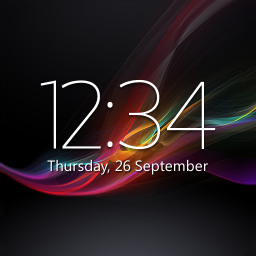
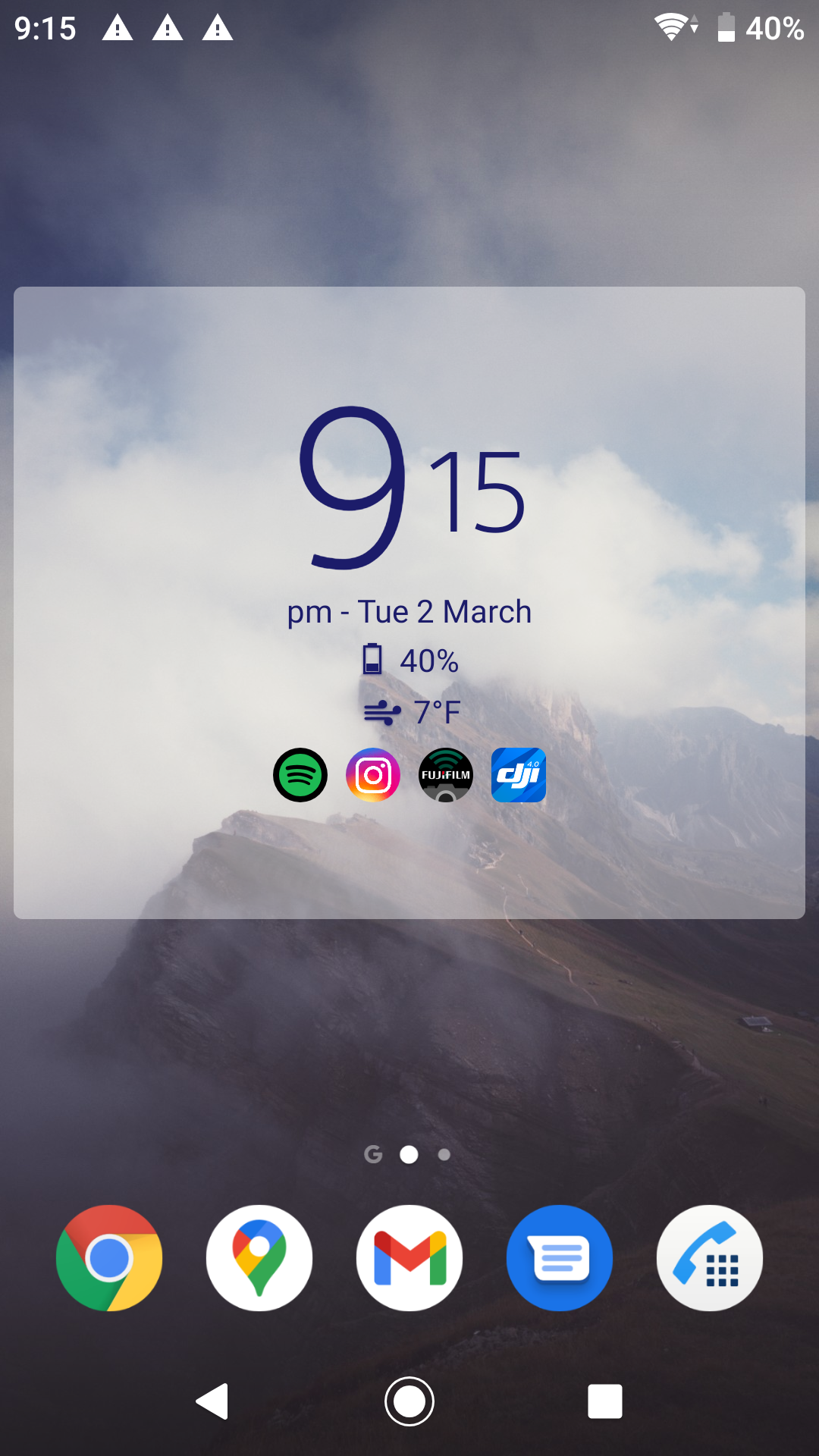
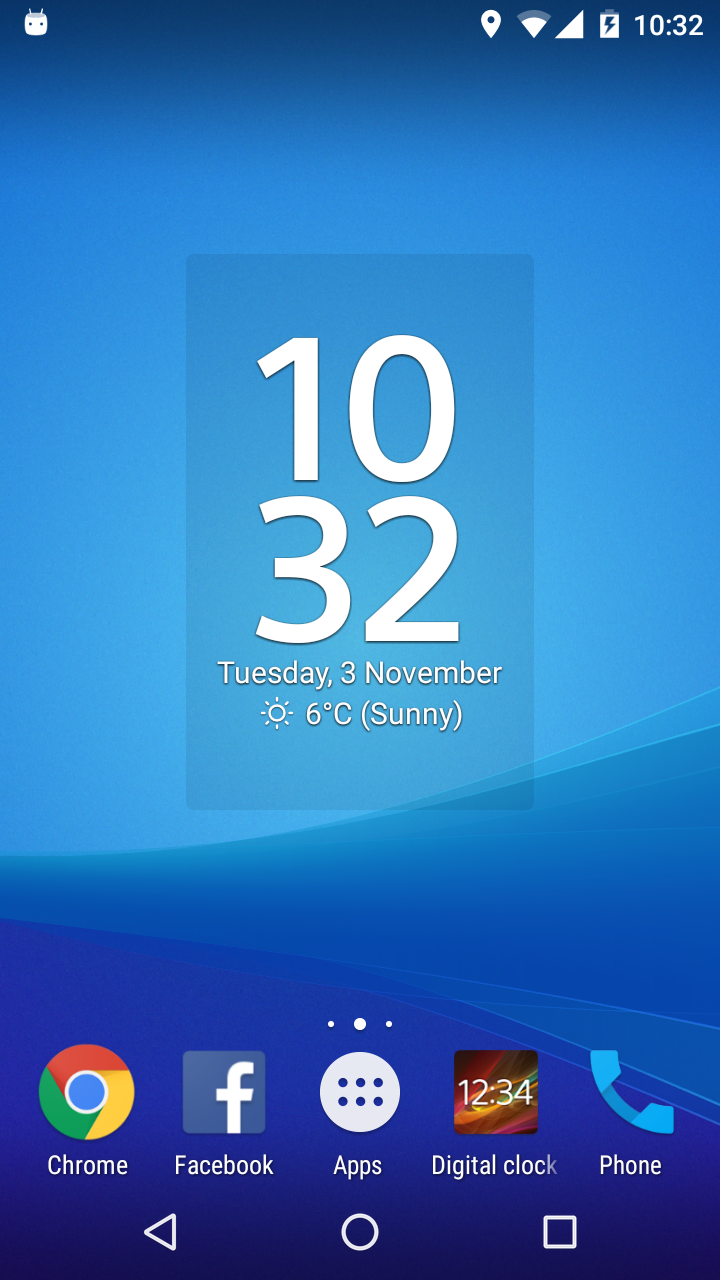
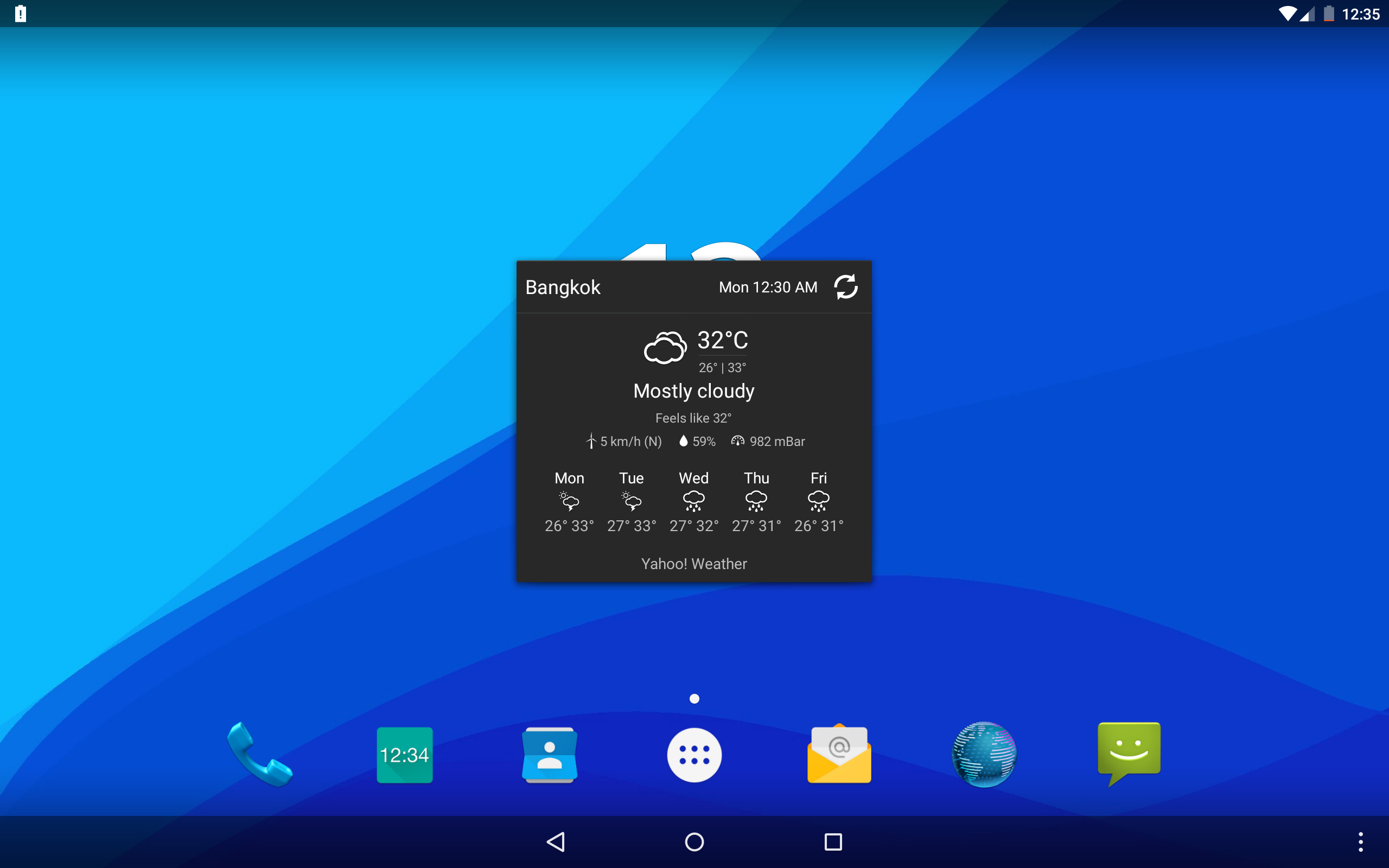
Digital Clock & Weather Widget
38+
unduhan4.0+
versi Android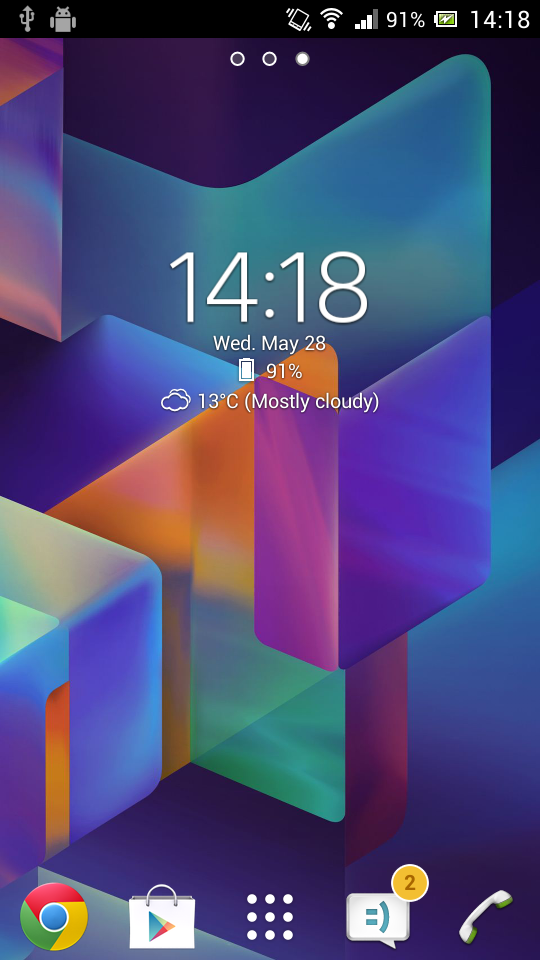
Ditambahkan: Denis Rubinov
Versi: 6.9.12.634
Ukuran: 12.8 MB
Diperbarui: 22.05.2025
Developer: Lazar Dimitrov
Batasan Usia: Everyone
Otorisasi: 10
Diunduh di Google Play: 15785398
Kategori: Personalisasi
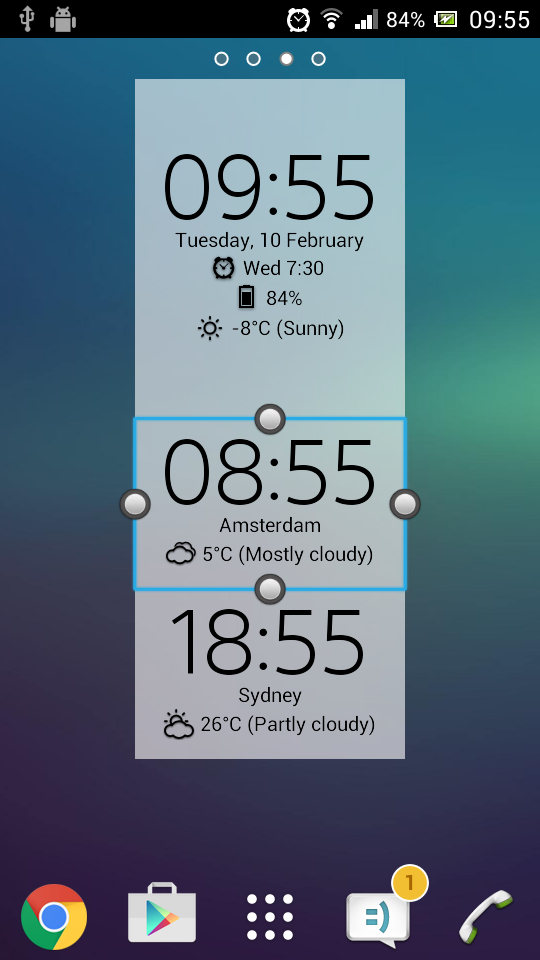
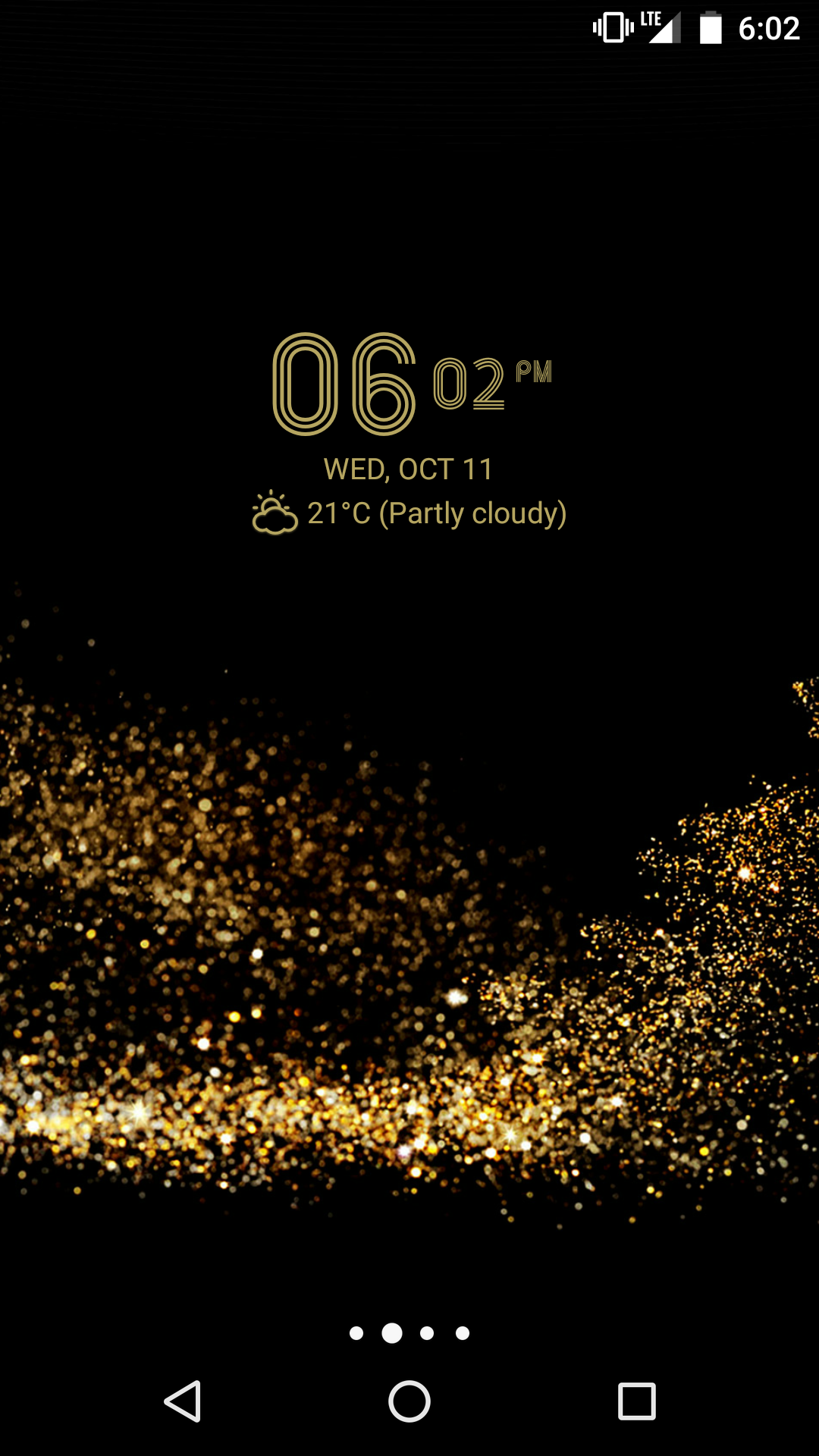
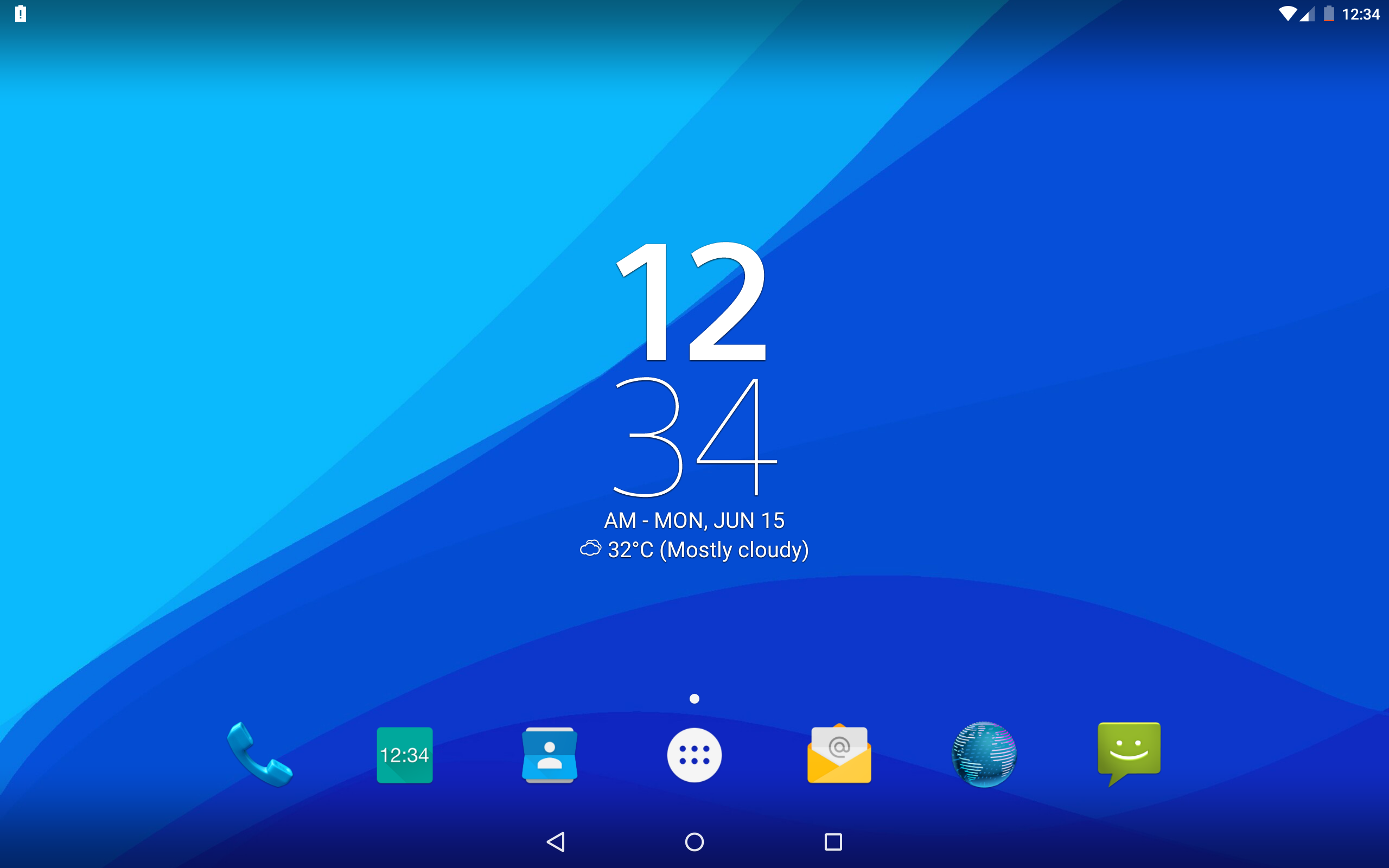
- Desain yang bagus.
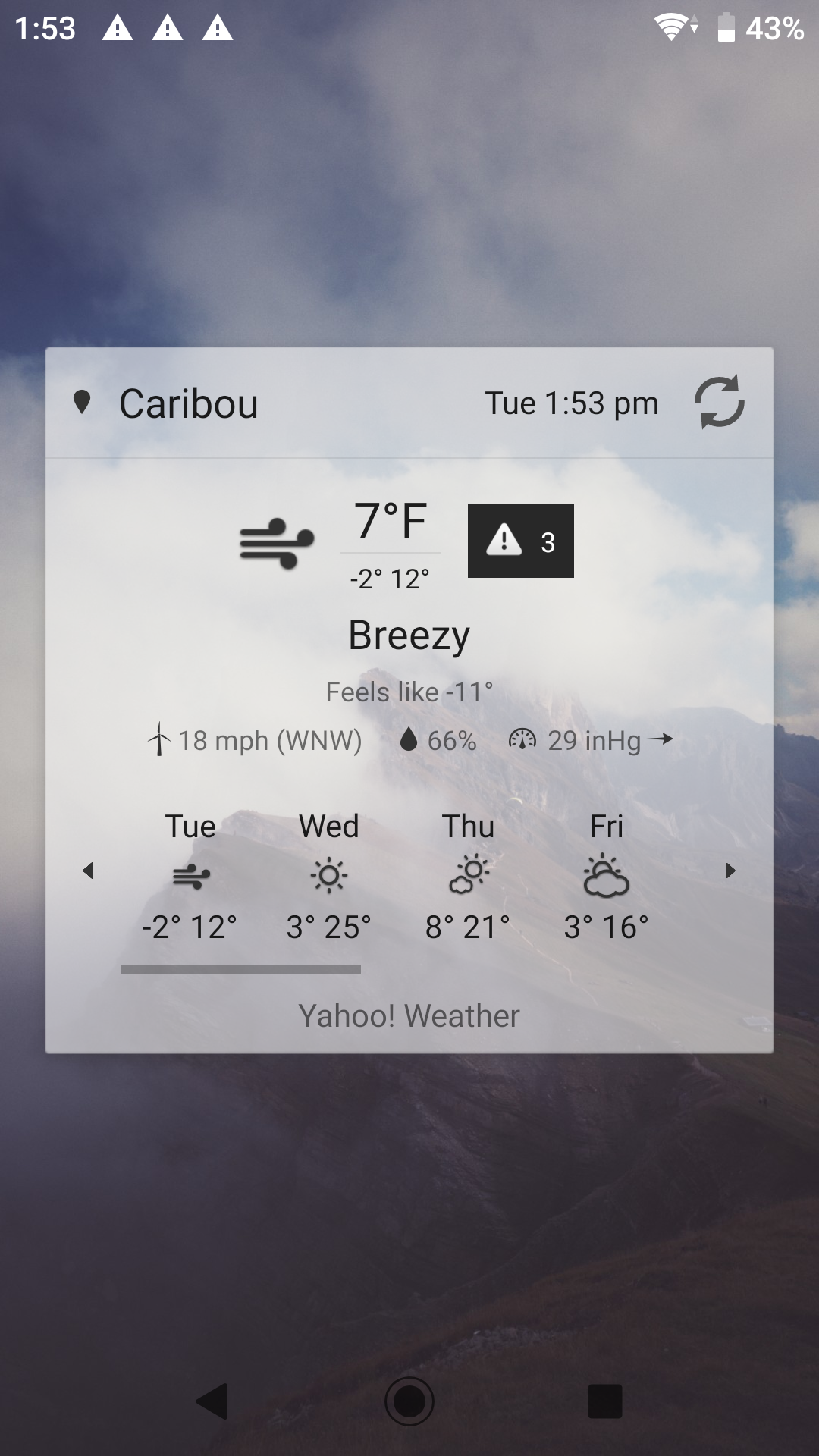
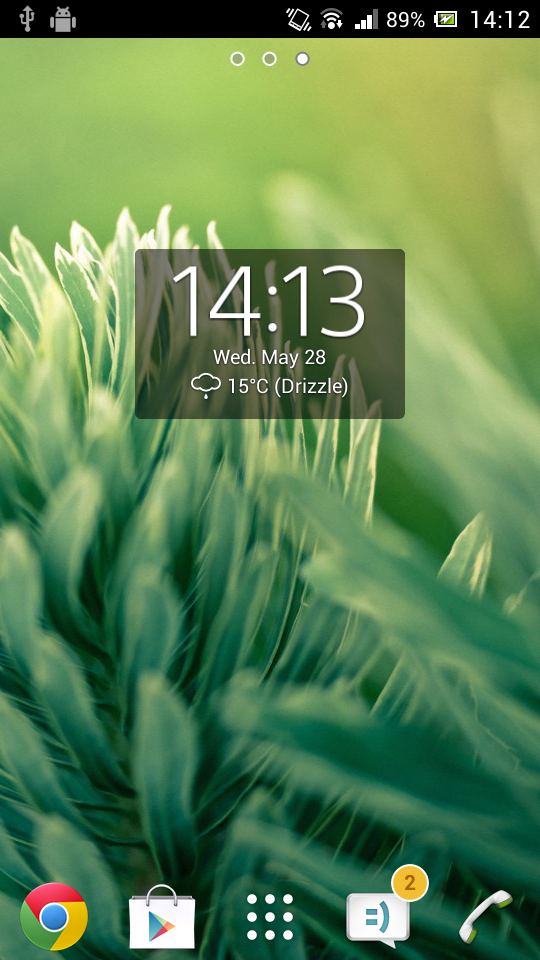
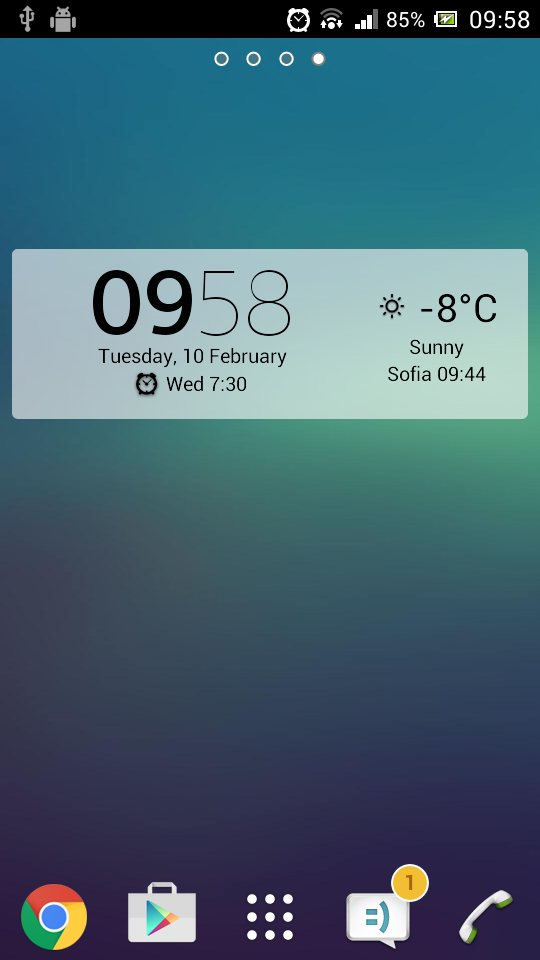
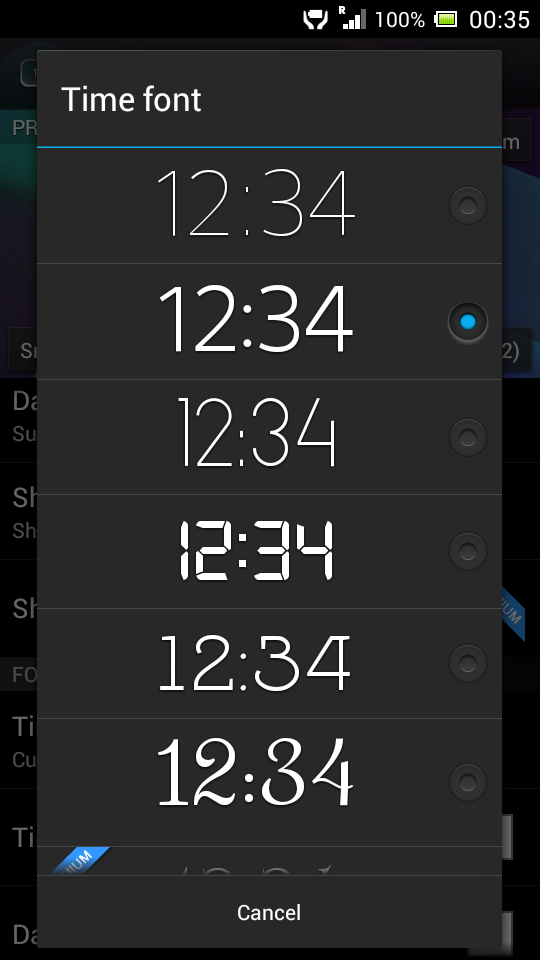
- Dua opsi untuk widget.
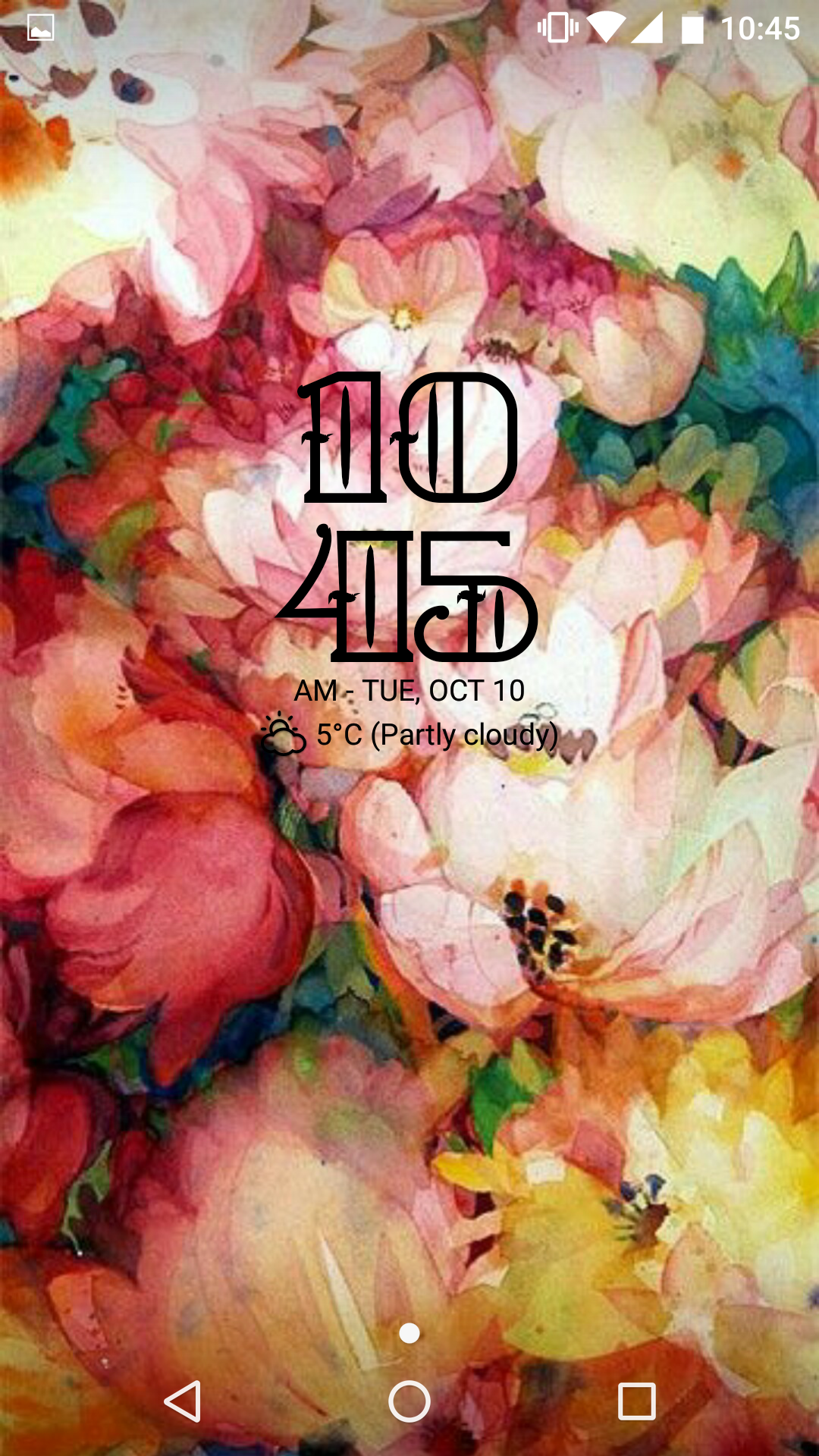
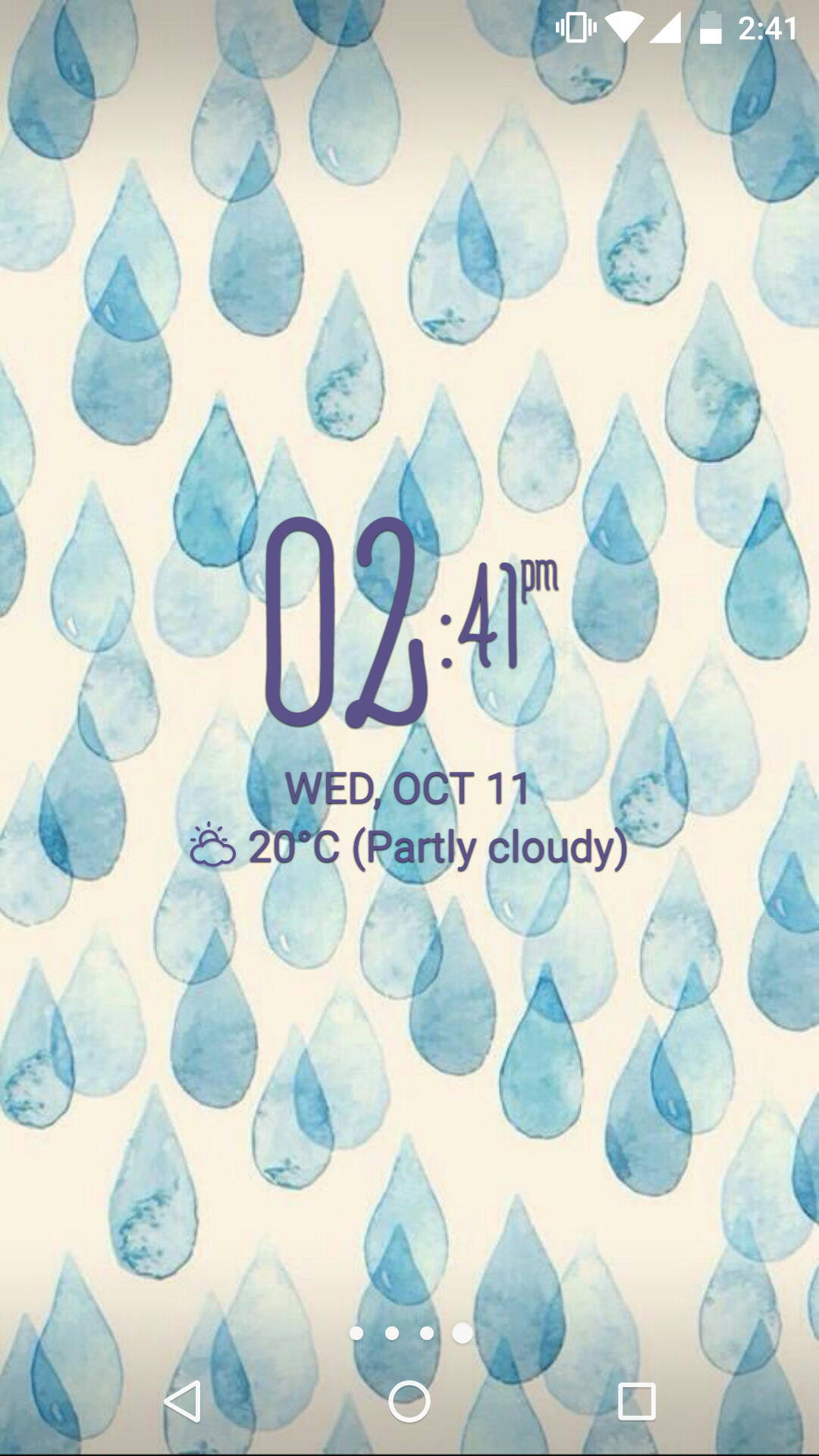
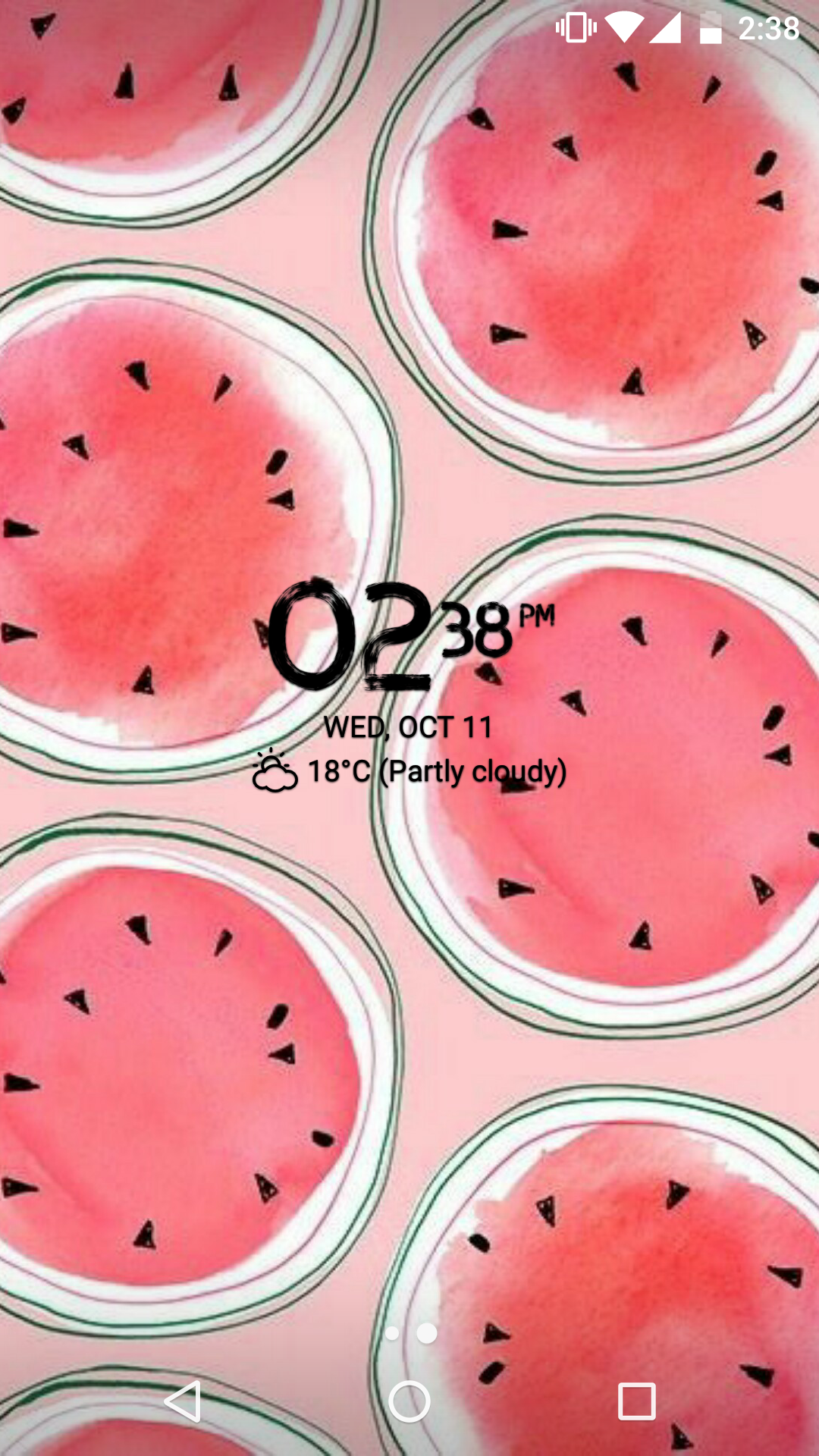
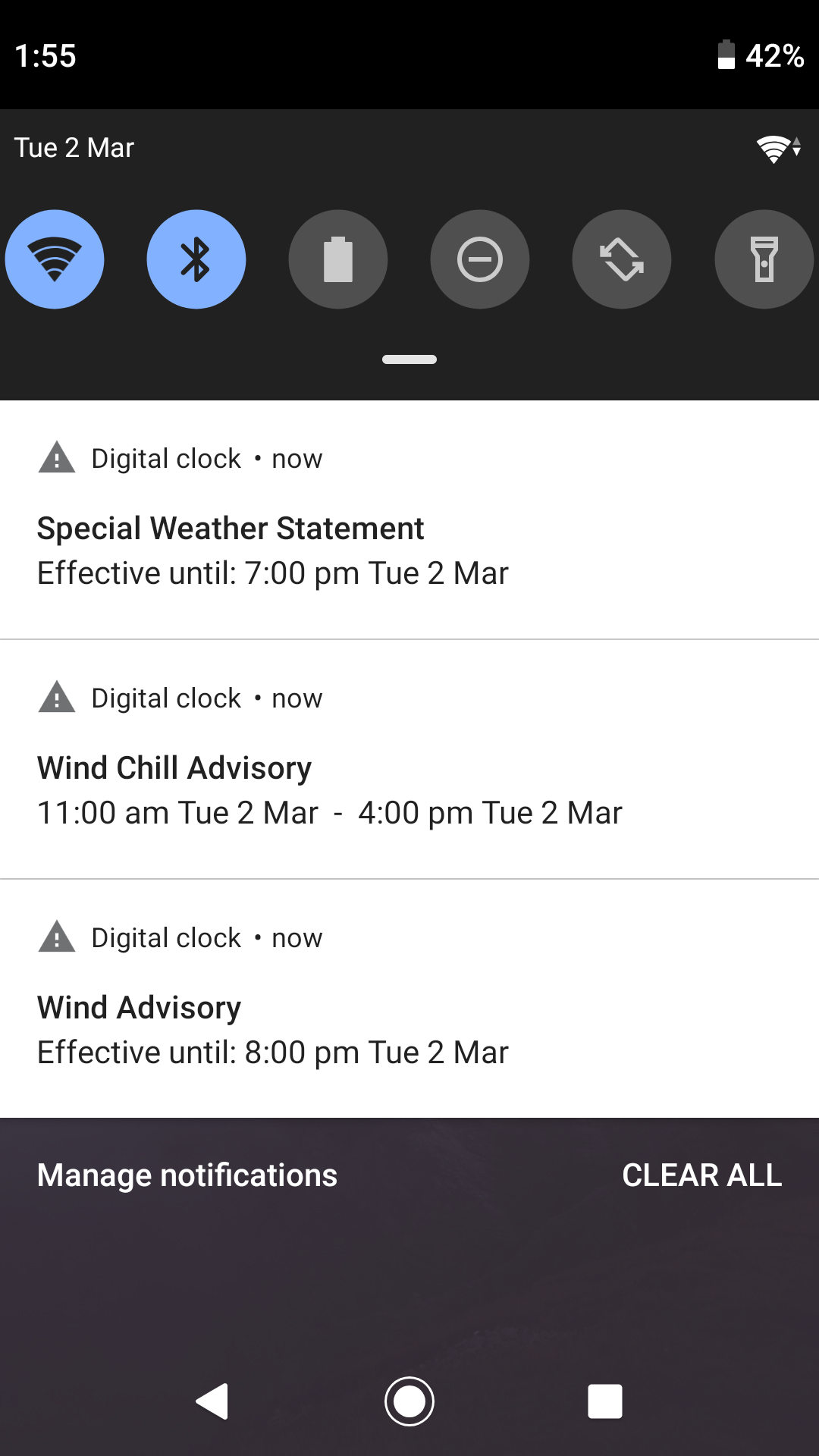
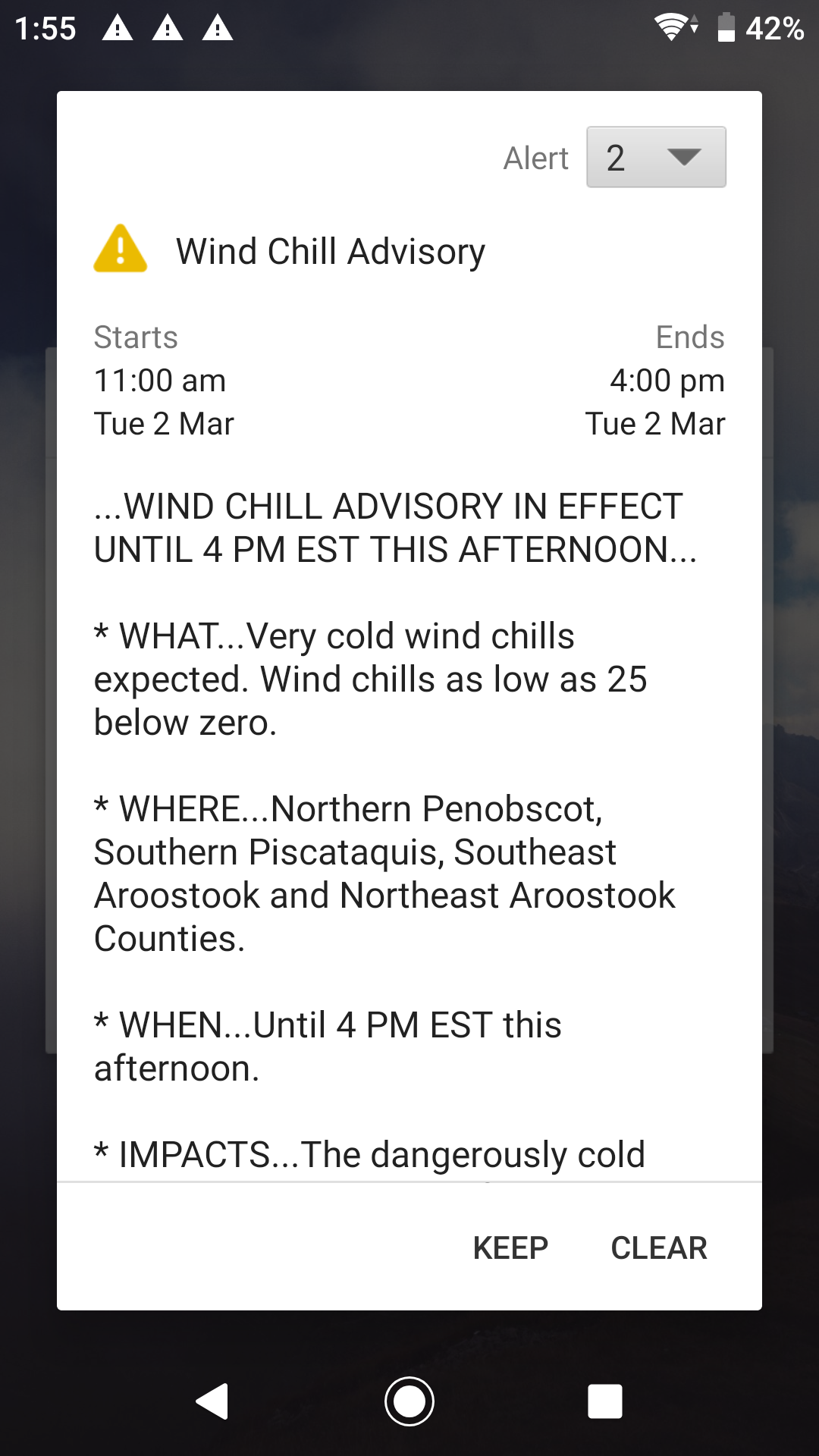
- Menampilkan informasi cuaca.
- Berbagai macam kulit.
- Gratis untuk digunakan.
Deskripsi
Aplikasi Digital Clock & Weather Widget diperiksa oleh antivirus VirusTotal. Sebagai hasil pemindaian, tidak ada infeksi file yang terdeteksi oleh semua tanda tangan terbaru.
Cara memasang Digital Clock & Weather Widget
- Unduh file APK aplikasi dari apkshki.com.
- Temukan file yang diunduh. Anda dapat menemukannya di baki sistem atau di folder 'Download' menggunakan manajer file apa pun.
- Jika file yang diunduh berekstensi .bin (bug WebView di Android 11), ubah namanya menjadi .apk menggunakan pengelola file apa pun atau coba unduh file dengan browser lain seperti Chrome.
- Mulai penginstalan. Klik pada file yang diunduh untuk memulai penginstalan
- Izinkan penginstalan dari sumber yang tidak dikenal. Jika Anda menginstal untuk pertama kalinya Digital Clock & Weather Widget bukan dari Google Play, buka pengaturan keamanan perangkat Anda dan izinkan penginstalan dari sumber yang tidak dikenal.
- Lewati perlindungan Google Play. Jika proteksi Google Play memblokir penginstalan file, ketuk 'Info Lebih Lanjut' → 'Tetap instal' → 'OK' untuk melanjutkan..
- Selesaikan penginstalan: Ikuti petunjuk penginstal untuk menyelesaikan proses penginstalan.
Cara memperbarui Digital Clock & Weather Widget
- Unduh versi baru aplikasi dari apkshki.com.
- Cari file yang diunduh dan klik file tersebut untuk memulai penginstalan.
- Instal di atas versi lama. Tidak perlu menghapus instalasi versi sebelumnya.
- Hindari konflik tanda tangan. Jika versi sebelumnya tidak diunduh dari apkshki.com, pesan 'Aplikasi tidak terinstal' mungkin muncul. Dalam kasus ini, hapus instalan versi lama dan instal versi baru.
- Mulai ulang lampiran Digital Clock & Weather Widget setelah pembaruan.







Meminta pembaruan aplikasi
Ditambahkan Denis Rubinov
Versi: 6.9.12.634
Ukuran: 12.8 MB
Diperbarui: 22.05.2025
Developer: Lazar Dimitrov
Batasan Usia: Everyone
Otorisasi:
Diunduh di Google Play: 15785398
Kategori: Personalisasi















Ulasan untuk Digital Clock & Weather Widget
Bizarre but widget now shows alarm set for 11am Monday when no alarm set. Reboot etc doesn't fix it.
koi lam la NAHI ha yea app
very nice
It's quite awesome! Though sometimes can be a bit of a pita at times…oh well…
I love this app. The Widget is so useful, informative and highly customisable. There is one thing that would get you 5 stars though and that is if there was just one click to swap between Celsius and Fahrenheit instead of the 4 clicks you have to go through every time. It would be even easier if you could just have both measurements on the screen at the same time!
I am not getting the colors on this app
no longer gives me battery charge levels! That's what I paid for. complete rip off.
doesn't automatically update weather
outstanding format
I love this app and the widget, I have it on 4 different devices. But for some reason the alarm clock is not showing up in my new phone. I have checked and all the settings are the same. Is there something that I'm missing
Very good and convenient
M Melrose
Best digital clock widget available for Android! The excellent weather feature is just frosting on the cake.
I love this app , I've had it for 2 years.
The weather doesn't update automatically, I have to press update it every time. Sometimes it does not react.
Kirimkan komentar
Untuk memberikan komentar, masuklah dengan jejaring sosial Anda:
Atau tinggalkan komentar anonim. Komentar Anda akan dikirim untuk dimoderasi.
Kirimkan komentar
Untuk memberikan komentar, masuklah dengan jejaring sosial Anda:
Atau tinggalkan komentar anonim. Komentar Anda akan dikirim untuk dimoderasi.