


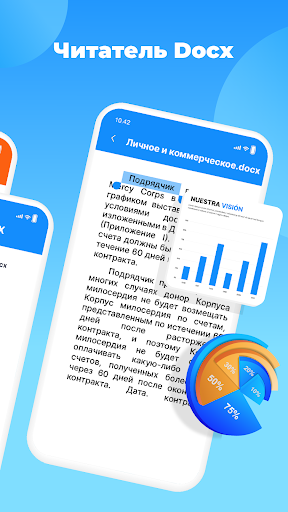
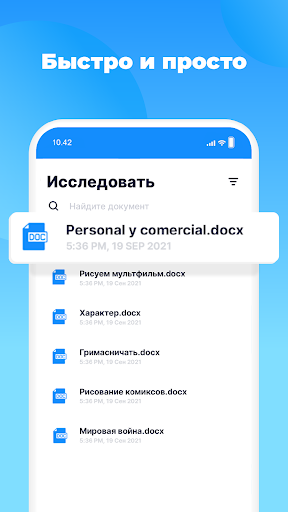
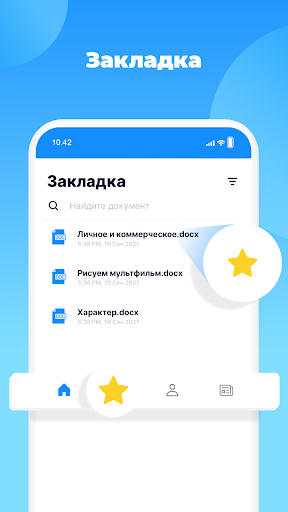
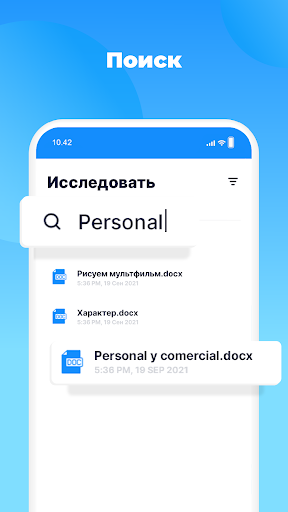
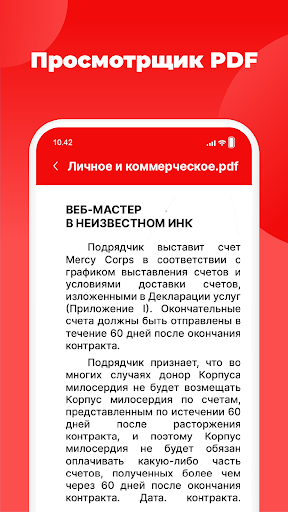
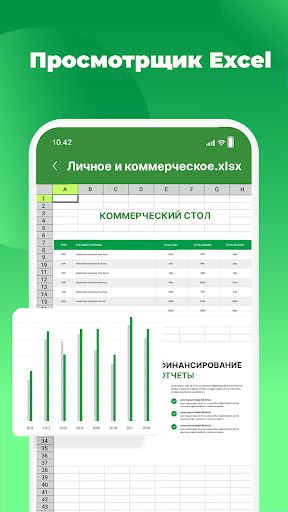
Office Word Reader Docx Viewer
9+
unduhan5.0+
versi Android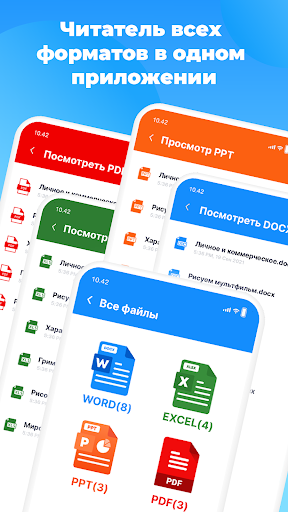
Ditambahkan: Denis Rubinov
Versi: 1.10.0
Ukuran: 152.3 MB
Diperbarui: 24.06.2025
Developer: TrustedApp
Batasan Usia: Everyone
Otorisasi: 13
Diunduh di Google Play: 25668424
Kategori: Alat
Deskripsi
Aplikasi Office Word Reader Docx Viewer diperiksa oleh antivirus VirusTotal. Sebagai hasil pemindaian, tidak ada infeksi file yang terdeteksi oleh semua tanda tangan terbaru.
Cara memasang Office Word Reader Docx Viewer
- Unduh file APK aplikasi dari apkshki.com.
- Temukan file yang diunduh. Anda dapat menemukannya di baki sistem atau di folder 'Download' menggunakan manajer file apa pun.
- Jika file yang diunduh berekstensi .bin (bug WebView di Android 11), ubah namanya menjadi .apk menggunakan pengelola file apa pun atau coba unduh file dengan browser lain seperti Chrome.
- Mulai penginstalan. Klik pada file yang diunduh untuk memulai penginstalan
- Izinkan penginstalan dari sumber yang tidak dikenal. Jika Anda menginstal untuk pertama kalinya Office Word Reader Docx Viewer bukan dari Google Play, buka pengaturan keamanan perangkat Anda dan izinkan penginstalan dari sumber yang tidak dikenal.
- Lewati perlindungan Google Play. Jika proteksi Google Play memblokir penginstalan file, ketuk 'Info Lebih Lanjut' → 'Tetap instal' → 'OK' untuk melanjutkan..
- Selesaikan penginstalan: Ikuti petunjuk penginstal untuk menyelesaikan proses penginstalan.
Cara memperbarui Office Word Reader Docx Viewer
- Unduh versi baru aplikasi dari apkshki.com.
- Cari file yang diunduh dan klik file tersebut untuk memulai penginstalan.
- Instal di atas versi lama. Tidak perlu menghapus instalasi versi sebelumnya.
- Hindari konflik tanda tangan. Jika versi sebelumnya tidak diunduh dari apkshki.com, pesan 'Aplikasi tidak terinstal' mungkin muncul. Dalam kasus ini, hapus instalan versi lama dan instal versi baru.
- Mulai ulang lampiran Office Word Reader Docx Viewer setelah pembaruan.
Meminta pembaruan aplikasi
Ditambahkan Denis Rubinov
Versi: 1.10.0
Ukuran: 152.3 MB
Diperbarui: 24.06.2025
Developer: TrustedApp
Batasan Usia: Everyone
Otorisasi:
Diunduh di Google Play: 25668424
Kategori: Alat















Ulasan untuk Office Word Reader Docx Viewer
Best app ever for PDF's 💫
I really feel relaxation due to this app
very good app
md. Ehsan hi
Poor
Very useful and too good service.
👍
good
Ridiculous and unusable. An infinite loop of ads, couldn't open a single document.
The application is very good it is a useful application to show documents but i have one complaint that is that they should allow to print documents and not give us sooo many ads to watch. So that's why I'm giving it four stars.
It kinda lags when you zoom in, giving you the feeling of pc when you use the scroll bar, i have just opened a document once but I feel like this is on a whole new level. Awesome work 👏👏👏👏👏
It's a good app as in reading documents but also it shows many ads at same time.. In my case when ever i need to open any document through it.. On the bottom of the screen always says "" This Action may contain ads" And this all time if I open the, open any document, 🤷🏻♀️ I wanna this problem solve quick/soon.. And at the same point it also helps me, so thanks to the developers.. I give it 4 ✨✨✨✨
Worst app show errors in all formets and so many adds
Was able to access document immediately after downloading. Works for me.
super for docx reader and fast open on page.
Kirimkan komentar
Untuk memberikan komentar, masuklah dengan jejaring sosial Anda:
Atau tinggalkan komentar anonim. Komentar Anda akan dikirim untuk dimoderasi.
Kirimkan komentar
Untuk memberikan komentar, masuklah dengan jejaring sosial Anda:
Atau tinggalkan komentar anonim. Komentar Anda akan dikirim untuk dimoderasi.