




Ditambahkan: Denis Rubinov
Versi: 3.6.0
Ukuran: 21 MB
Diperbarui: 24.06.2025
Developer: Flashlight + Clock
Batasan Usia: Everyone
Otorisasi: 13
Diunduh di Google Play: 118090173
Kategori: Kerja
Deskripsi
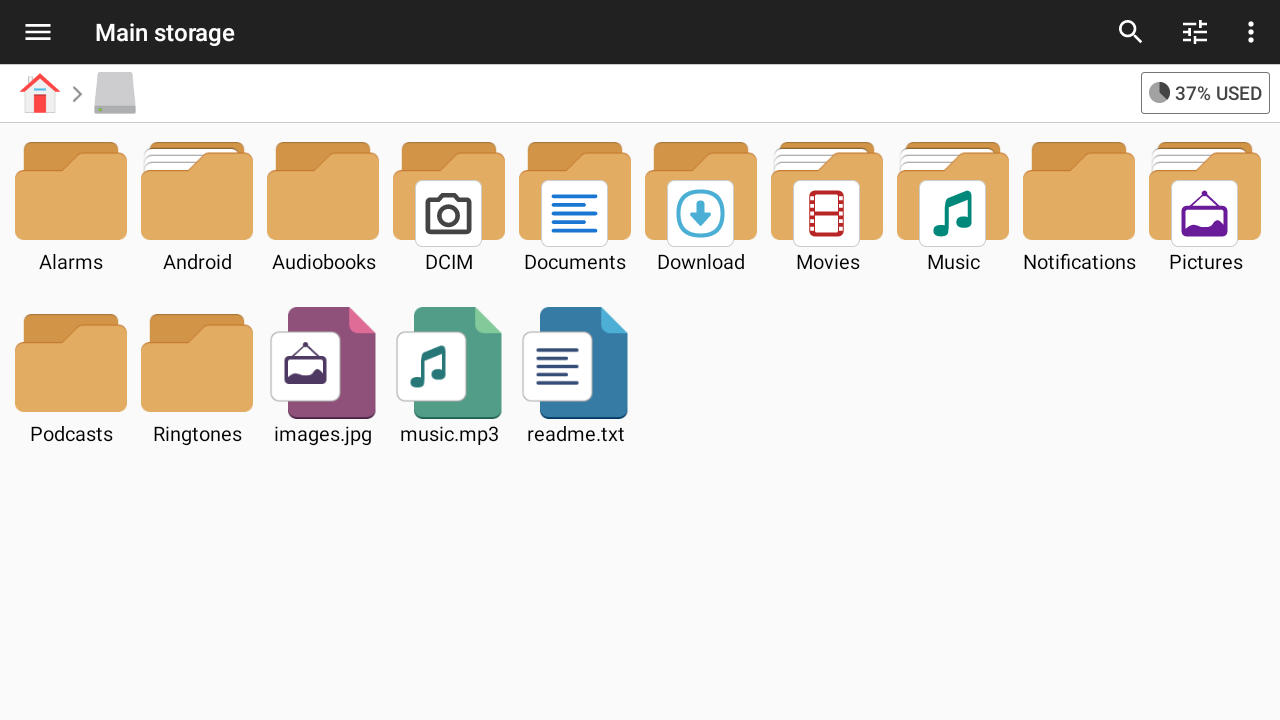
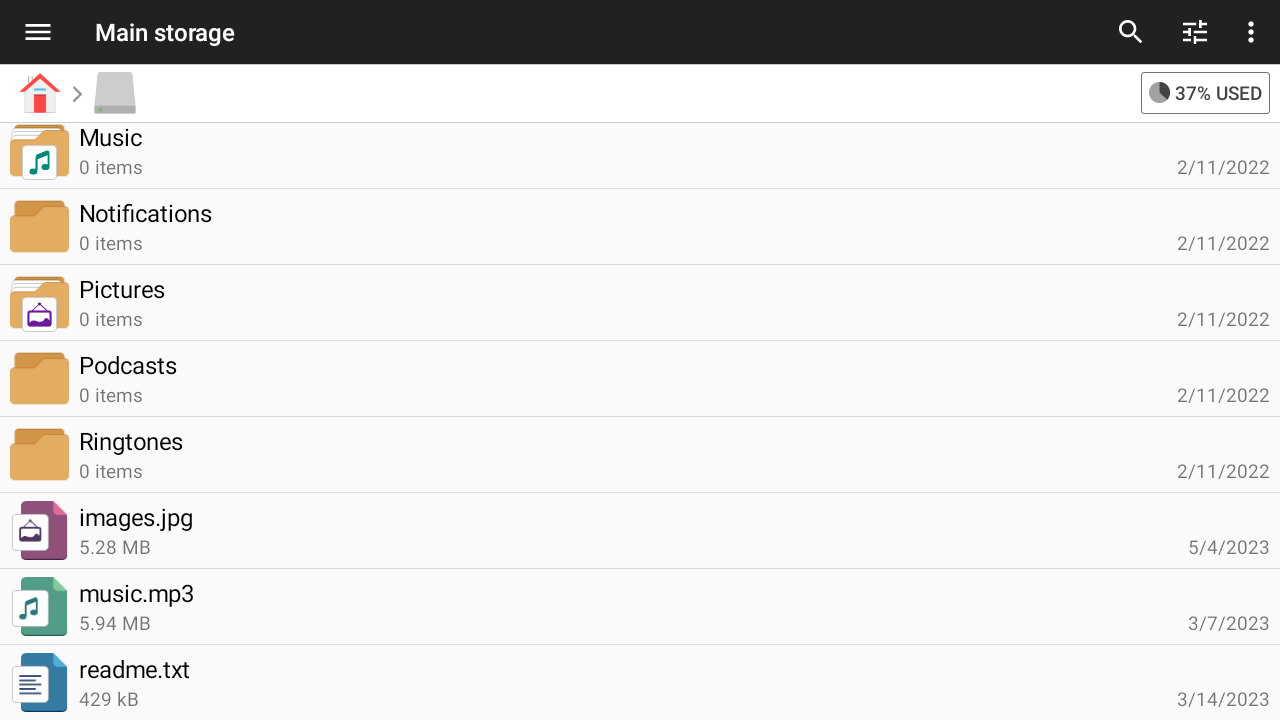
Aplikasi File Manager diperiksa oleh antivirus VirusTotal. Sebagai hasil pemindaian, tidak ada infeksi file yang terdeteksi oleh semua tanda tangan terbaru.
Cara memasang File Manager
- Unduh file APK aplikasi dari apkshki.com.
- Temukan file yang diunduh. Anda dapat menemukannya di baki sistem atau di folder 'Download' menggunakan manajer file apa pun.
- Jika file yang diunduh berekstensi .bin (bug WebView di Android 11), ubah namanya menjadi .apk menggunakan pengelola file apa pun atau coba unduh file dengan browser lain seperti Chrome.
- Mulai penginstalan. Klik pada file yang diunduh untuk memulai penginstalan
- Izinkan penginstalan dari sumber yang tidak dikenal. Jika Anda menginstal untuk pertama kalinya File Manager bukan dari Google Play, buka pengaturan keamanan perangkat Anda dan izinkan penginstalan dari sumber yang tidak dikenal.
- Lewati perlindungan Google Play. Jika proteksi Google Play memblokir penginstalan file, ketuk 'Info Lebih Lanjut' → 'Tetap instal' → 'OK' untuk melanjutkan..
- Selesaikan penginstalan: Ikuti petunjuk penginstal untuk menyelesaikan proses penginstalan.
Cara memperbarui File Manager
- Unduh versi baru aplikasi dari apkshki.com.
- Cari file yang diunduh dan klik file tersebut untuk memulai penginstalan.
- Instal di atas versi lama. Tidak perlu menghapus instalasi versi sebelumnya.
- Hindari konflik tanda tangan. Jika versi sebelumnya tidak diunduh dari apkshki.com, pesan 'Aplikasi tidak terinstal' mungkin muncul. Dalam kasus ini, hapus instalan versi lama dan instal versi baru.
- Mulai ulang lampiran File Manager setelah pembaruan.







Meminta pembaruan aplikasi
Ditambahkan Denis Rubinov
Versi: 3.6.0
Ukuran: 21 MB
Diperbarui: 24.06.2025
Developer: Flashlight + Clock
Batasan Usia: Everyone
Otorisasi:
Diunduh di Google Play: 118090173
Kategori: Kerja















Ulasan untuk File Manager
one problem there is no dark mode
wanted credited card number during install. i refused. then, app refused to open .md file
Easy interface
Great and easy to use
i have LOVED this app. It used to be a 5 star app. they even updated it in February 2025. I can no longer access my cloud storage from this app 😫 😥 I have emailed the creator. when I get this resolved, I'll upgrade it back to 5 stars
Very important app, thanks
Excellent options and easy to use.
ok
for all you babies whining about permission ever read Google's policy & privacy? you acknowledge by using Google you give it permission to store, share & send you advertisement based on your search activity! duh better than Google however I'm seeing that I haven't been saving what I want, need more detailed directions are you on YouTube, tiktok? I'm just not as tech savvy as I'd like to be, + you should put a price for premium hopefully it's a forever price for us seniors
good
Re-rated. The app is still great, but recently I've noticed that, when going to the specific categories like images or documents, it's not updating properly. I could download an image from somewhere, but the images section will not update to reflect that. If I had 5 images in the downloads folder before, it still lists it as 5 images. But when I click on it, the new image will be there, for a total of 6. I don't know if it's my phone or...?
Don't understand why neither the product information nor your webpage even MENTION the feature I use the most: setting Firefox as the default app for .html files. By activating your built-in HTTP server I can now use Firefox to browse all the web pages I have stored anywhere on the device or external storage. Had to find out how to do that on other websites!! That feature alone made me go Premium!
Awesome! 😁👍LOTS of useful features (caution: some should be turned off when not in use!) like view system & hidden files, change file extension, no file renaming length limit, & search. However ☝️, there's no way to rename anything found via using search. So if I want to find a file in order to rename it, I HAVE TO manually navigate to file location, sift through eyerything else in the folder with it & rename it there in order to do so!😟☹️😑 PLEASE add "rename" option to search results UI! 🙏
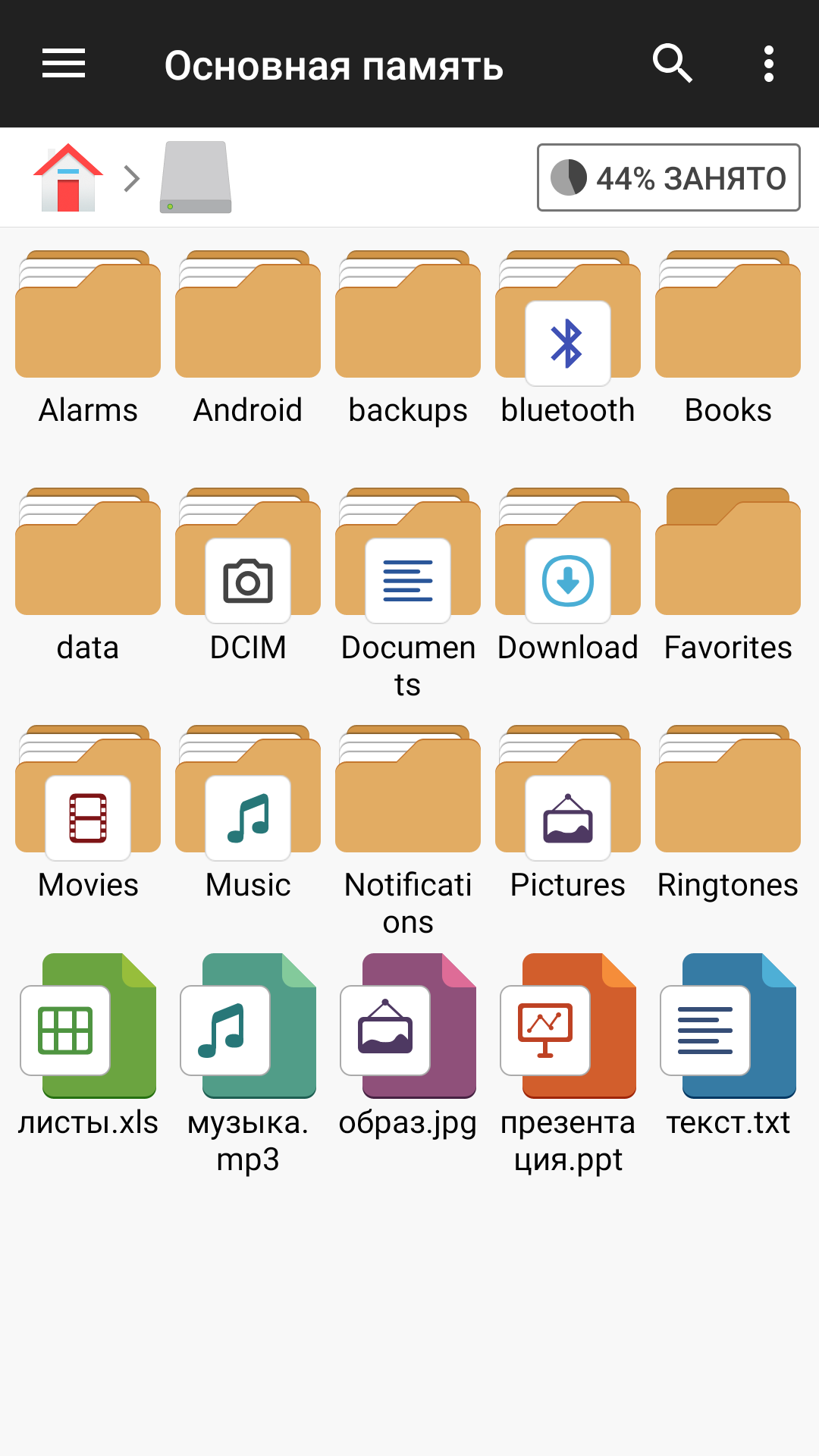
Easy to navigate, easy to manipulate. You can rename folders, cut, copy and paste as well. Very well made app and the ad at the bottom is so tiny you barely notice it. In fact, I didn't even realize it was there for a long time after using the app lol. Your focus is on the folder style icons for navigation, and the ad is a strip of text at the bottom of the screen. Great app with a non-intrusive ad.
Whenever I try to preview just one sound wav file, it tries to play the entire folder and often crashes my phone's user interface. It will go to the PIN screen but will often not show the PIN entry, and one time my phone crashed and went into recovery mode. Please fix this so only one sound file is played unless I specify playing the entire folder or a group of files that I queued, and the UI doesn't crash. I was afraid I had ruined my phone and lost hundreds of irreplaceable photos. Thanks.
Kirimkan komentar
Untuk memberikan komentar, masuklah dengan jejaring sosial Anda:
Atau tinggalkan komentar anonim. Komentar Anda akan dikirim untuk dimoderasi.
Kirimkan komentar
Untuk memberikan komentar, masuklah dengan jejaring sosial Anda:
Atau tinggalkan komentar anonim. Komentar Anda akan dikirim untuk dimoderasi.