


FBReader: Favorite Book Reader
18+
unduhan1.0+
versi Android
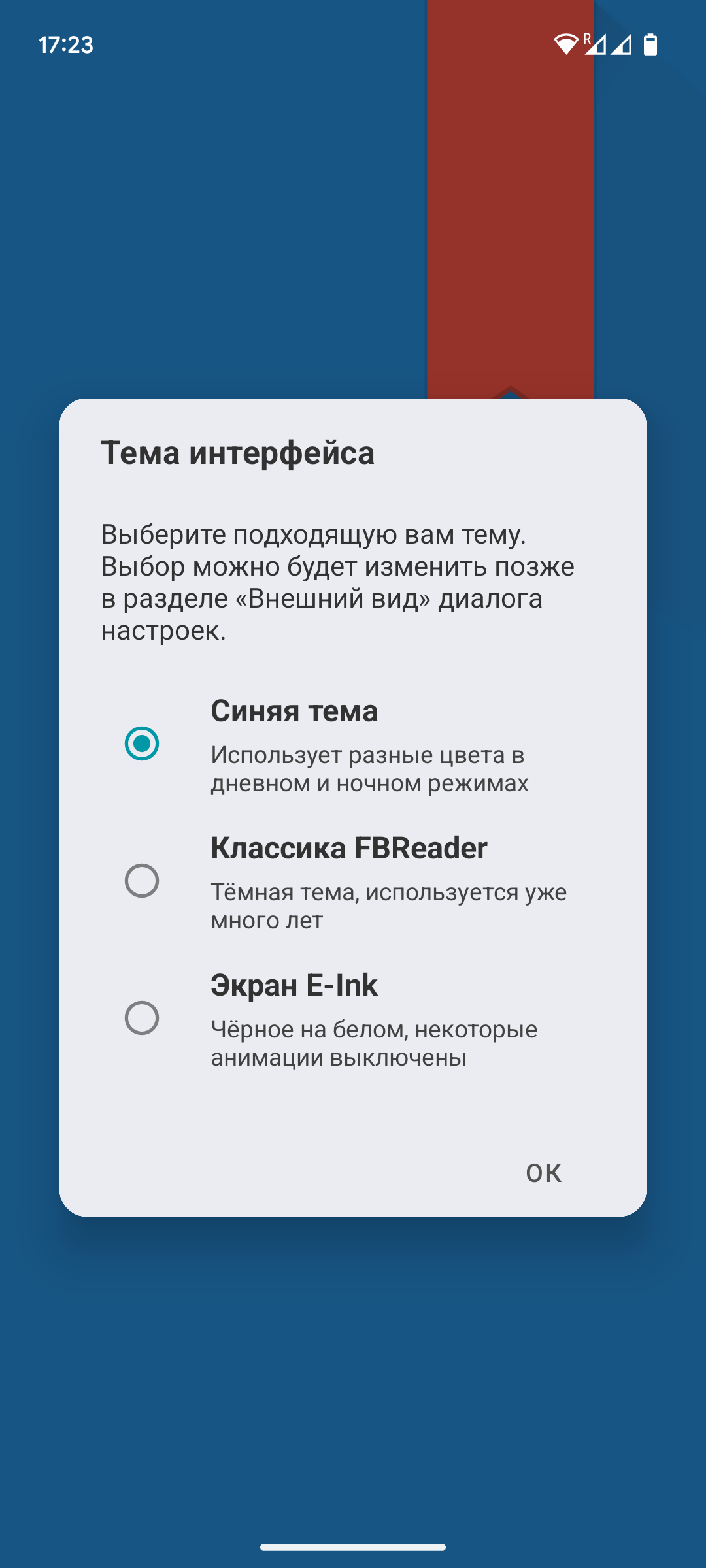
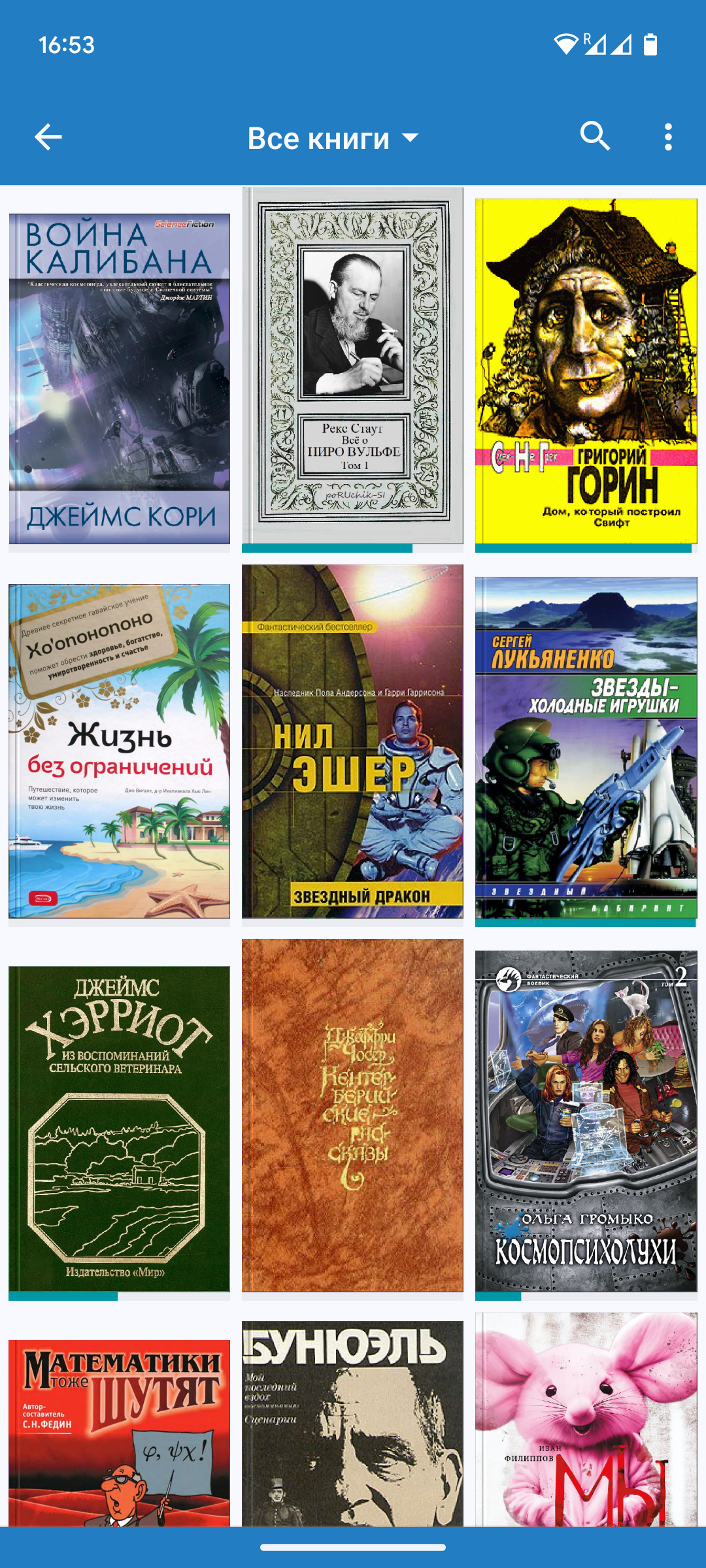
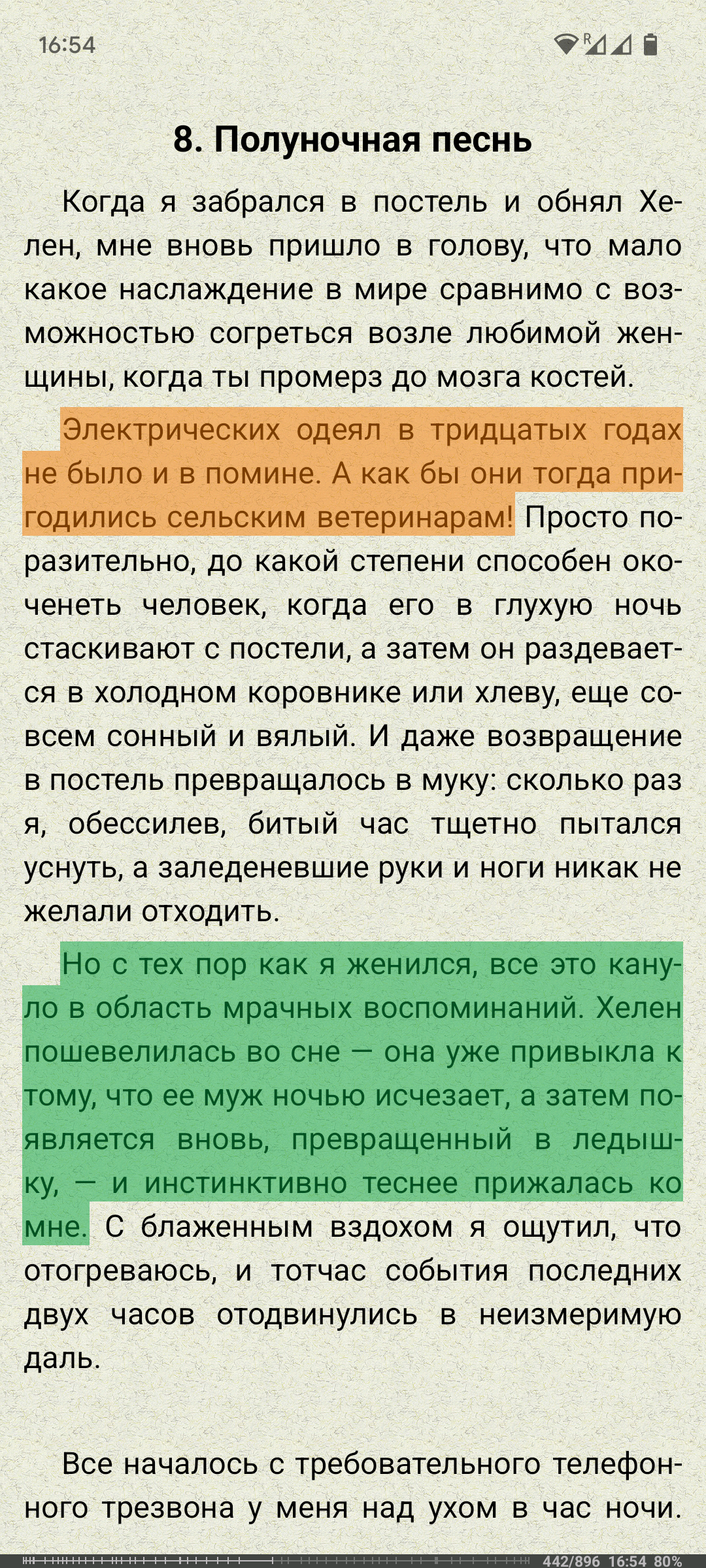
Ditambahkan: Denis Rubinov
Versi: 4.0
Ukuran: 21.3 MB
Diperbarui: 24.06.2025
Developer: FBReader.ORG Limited
Batasan Usia: Teen
Otorisasi: 8
Diunduh di Google Play: 28720293
Kategori: Buku dan Referensi
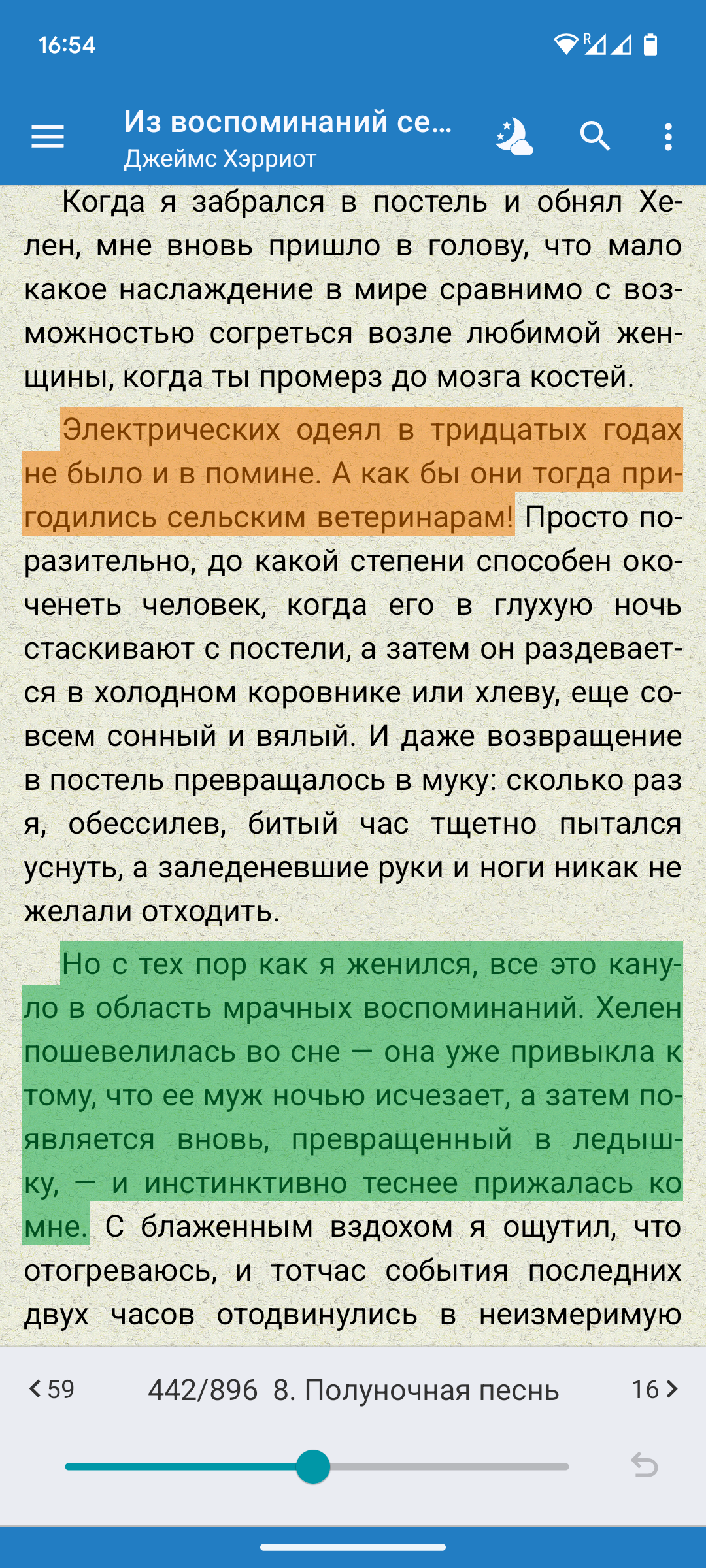
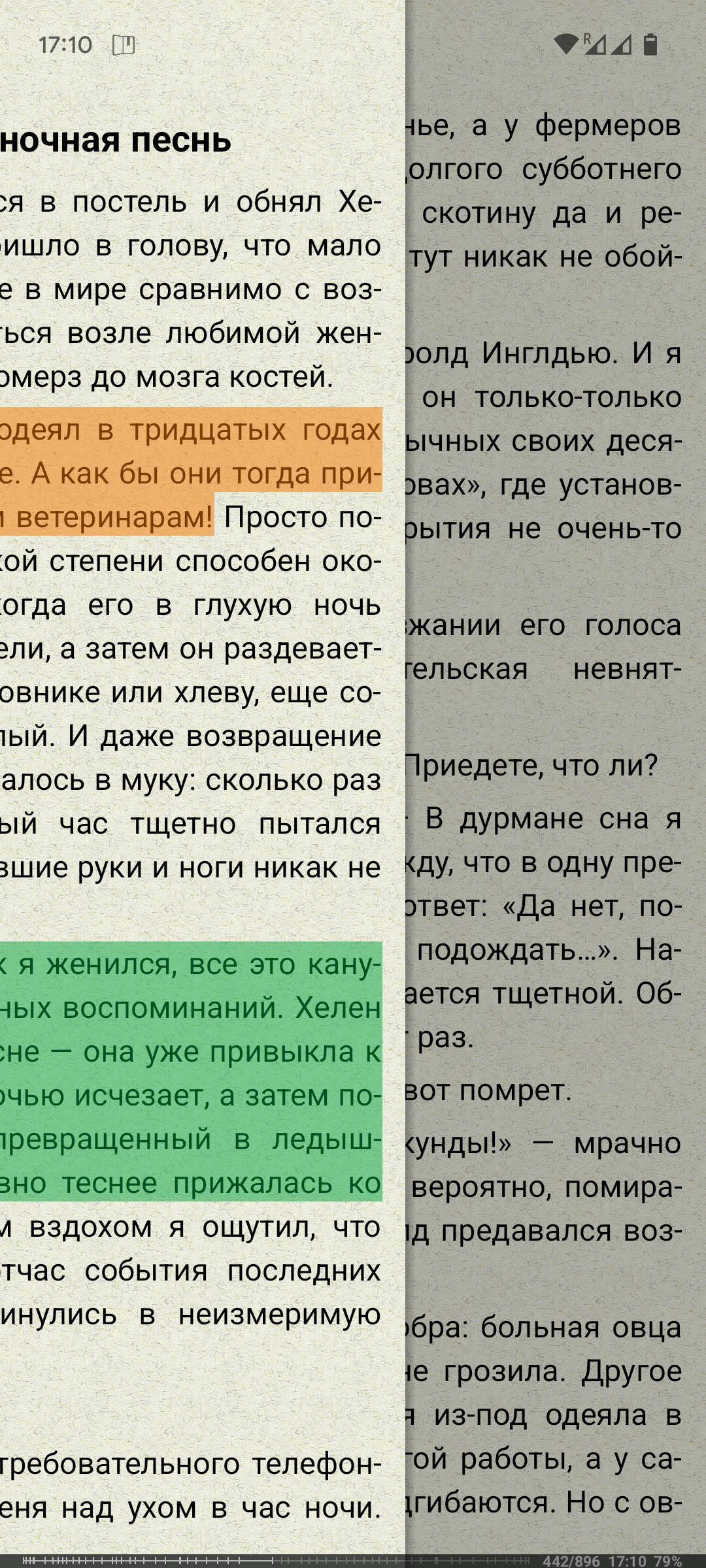
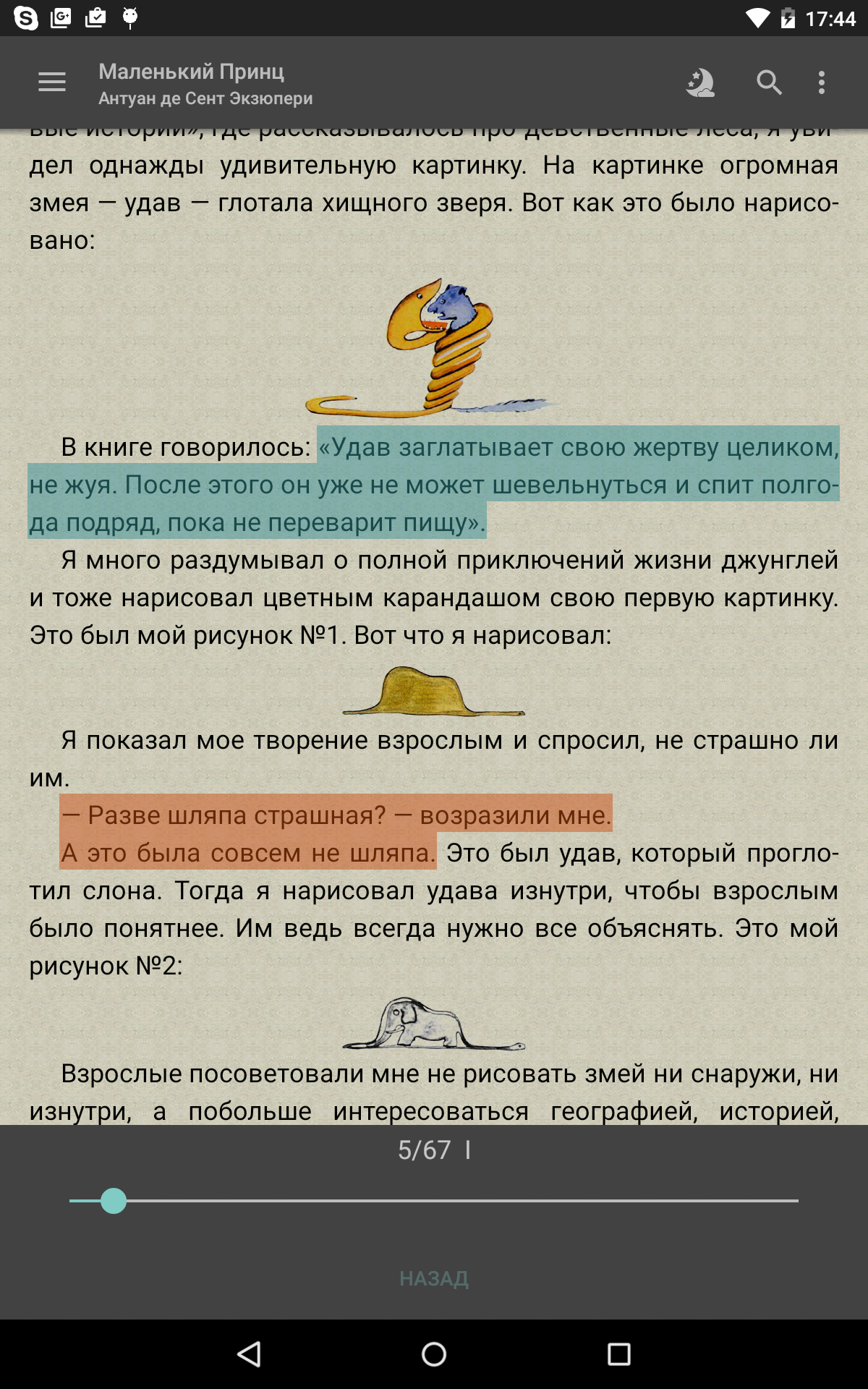
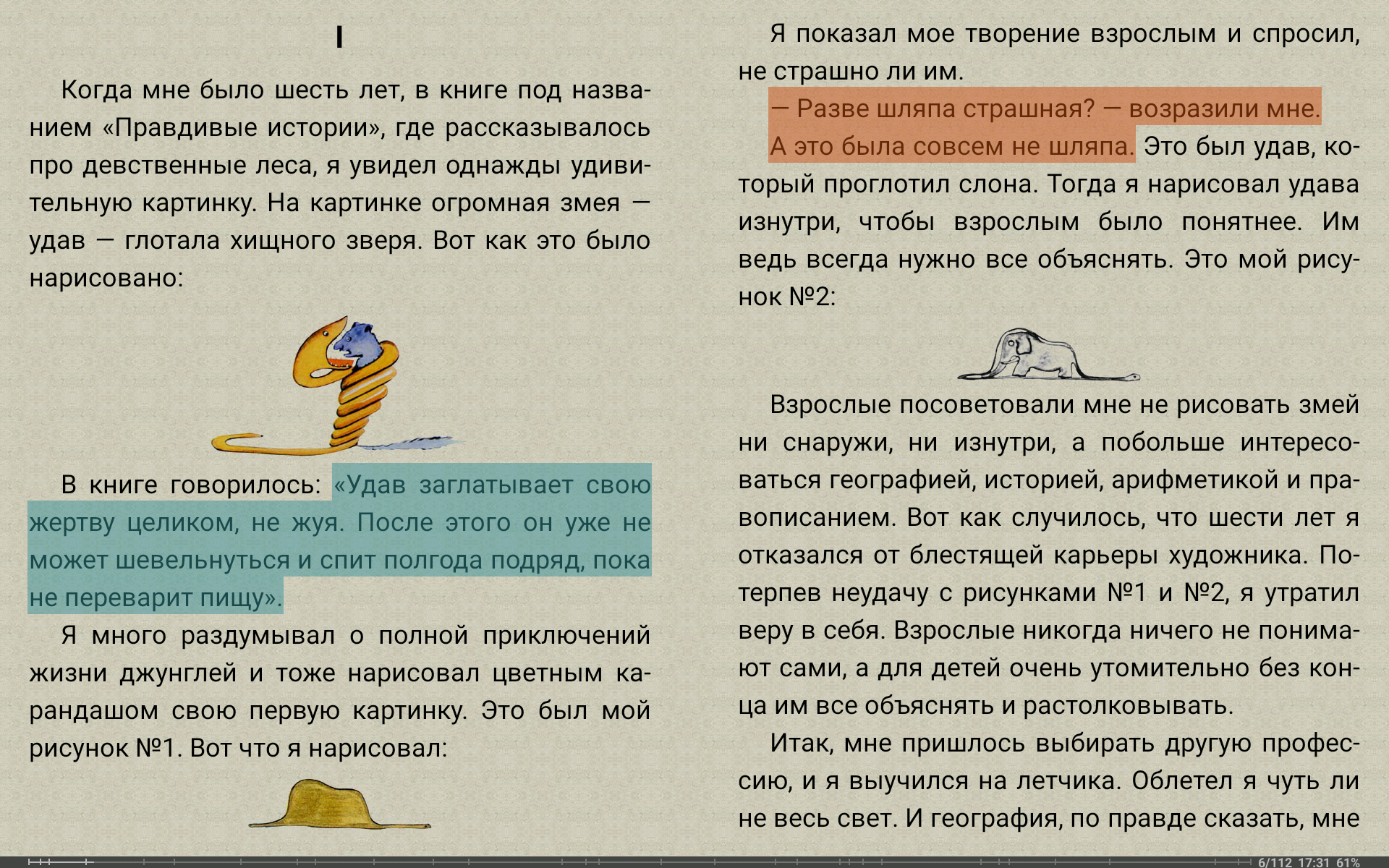
- Dukungan untuk sebagian besar format buku.
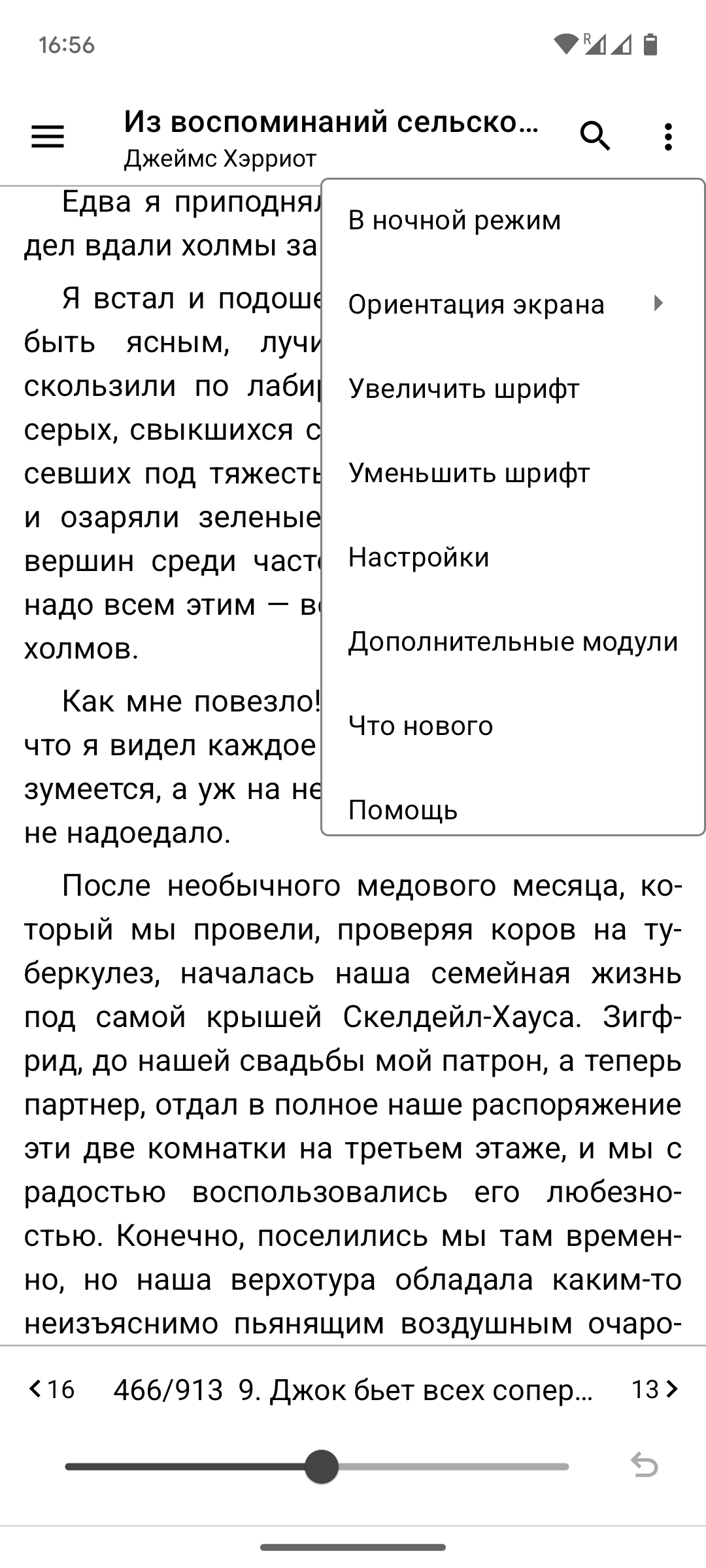
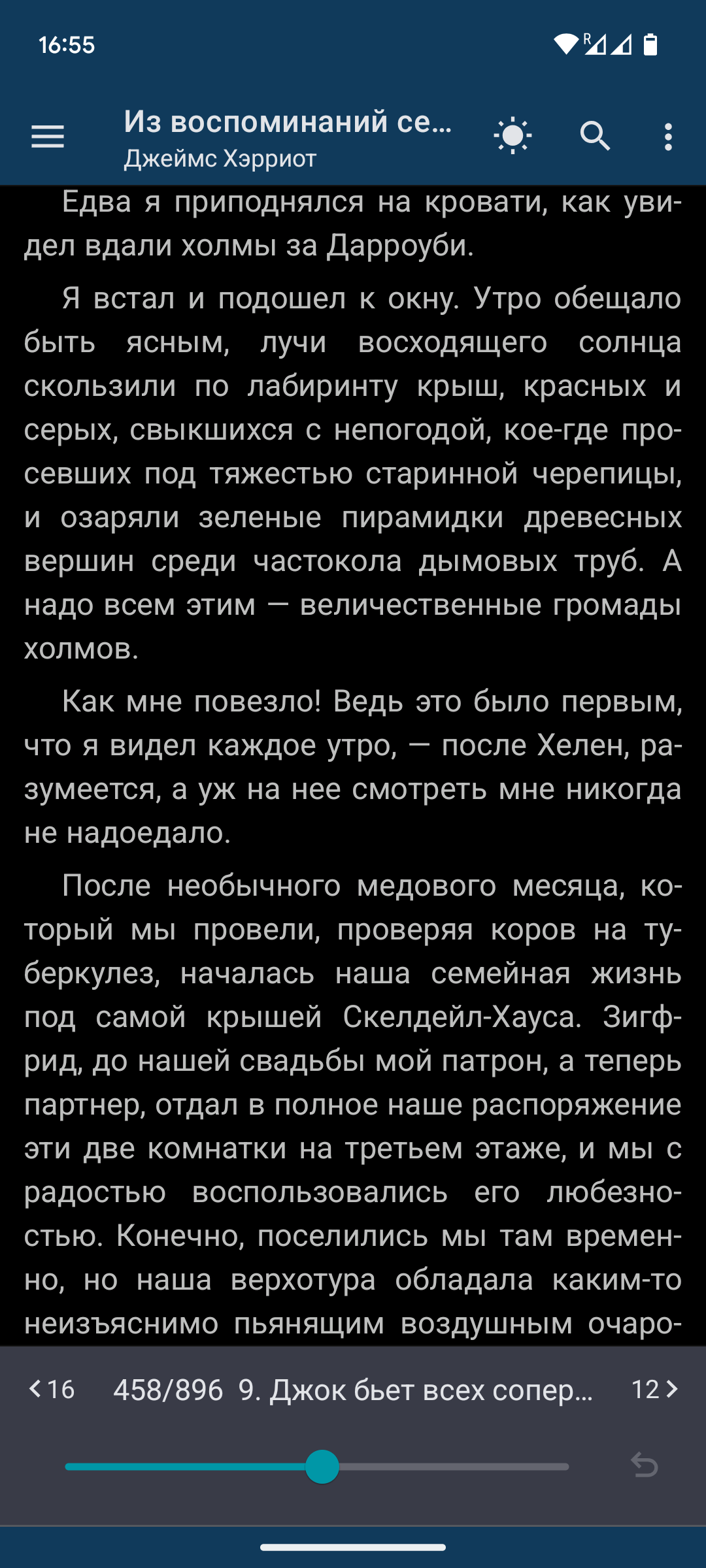
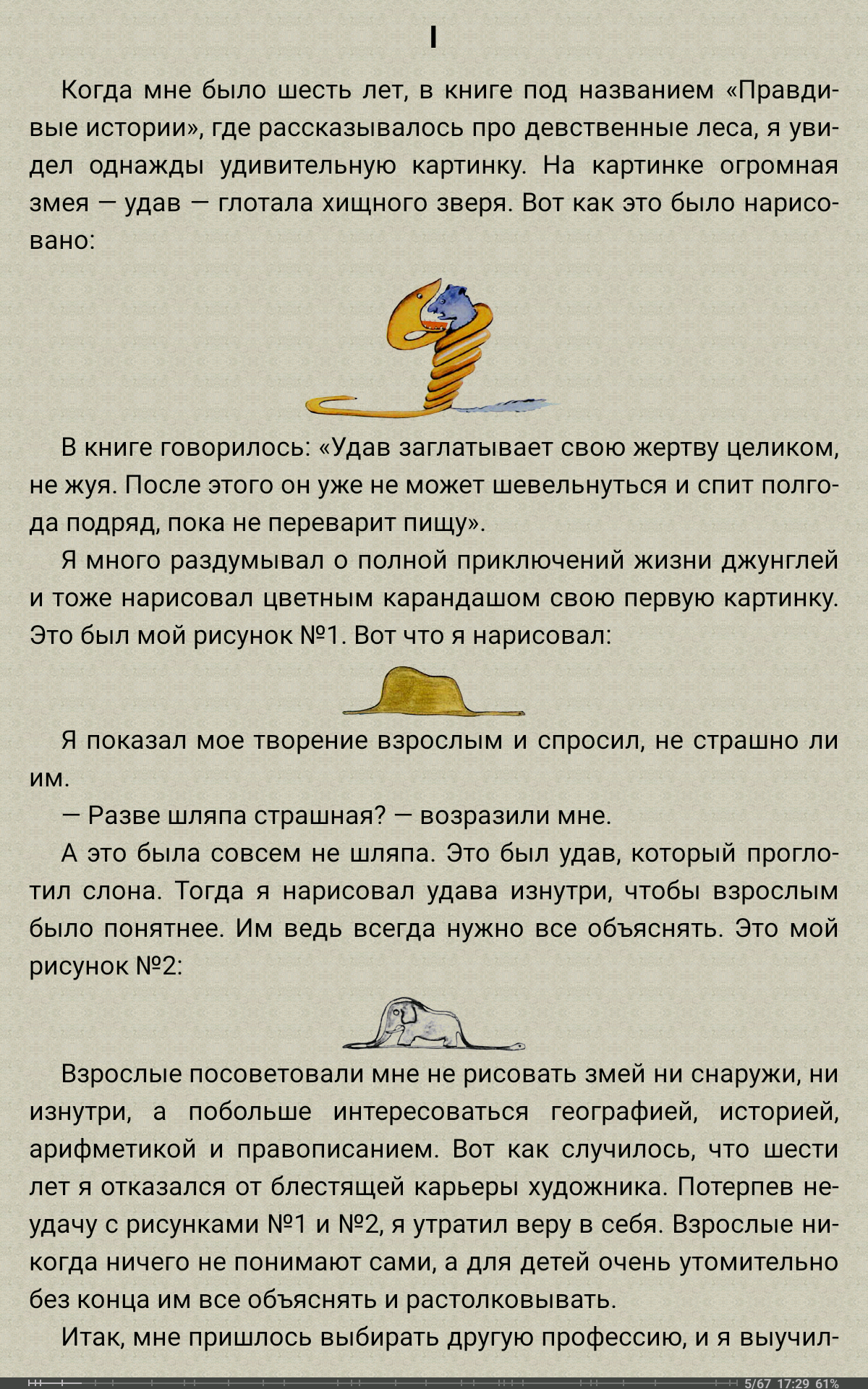
- Membaca dengan nyaman di perangkat dengan ukuran layar apa pun.
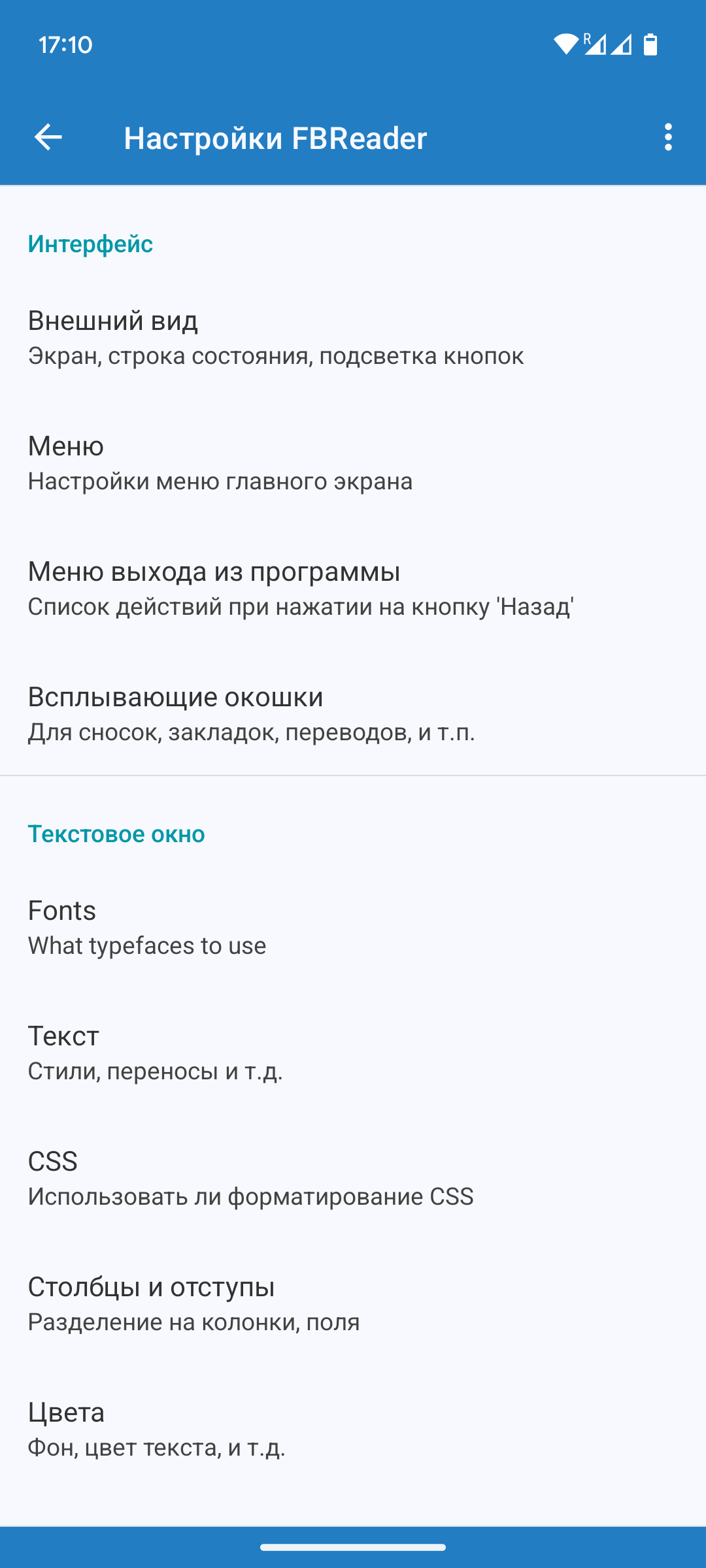
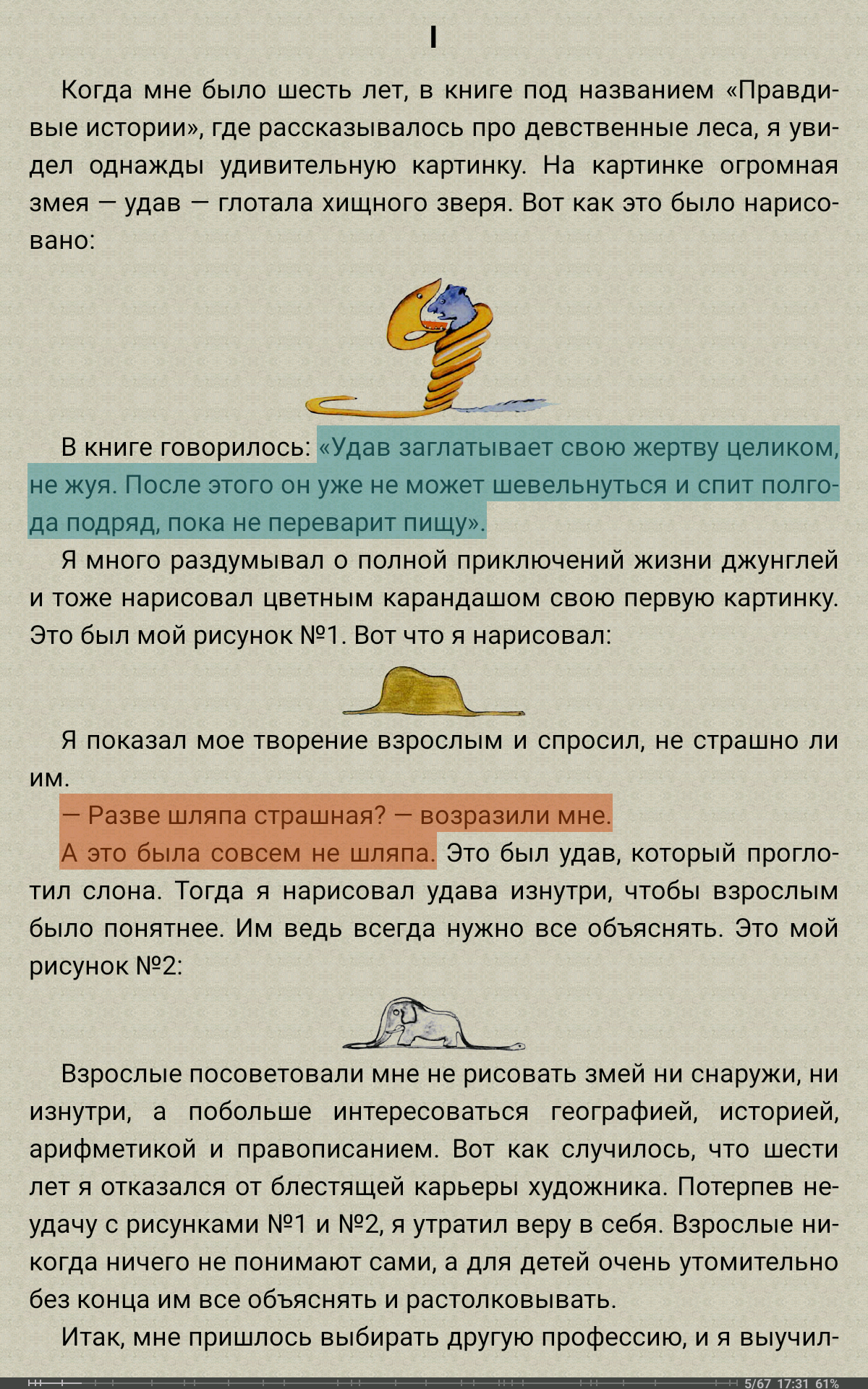
- Kulit yang dapat disesuaikan.
- Pilih dari beberapa cara untuk membalik halaman.
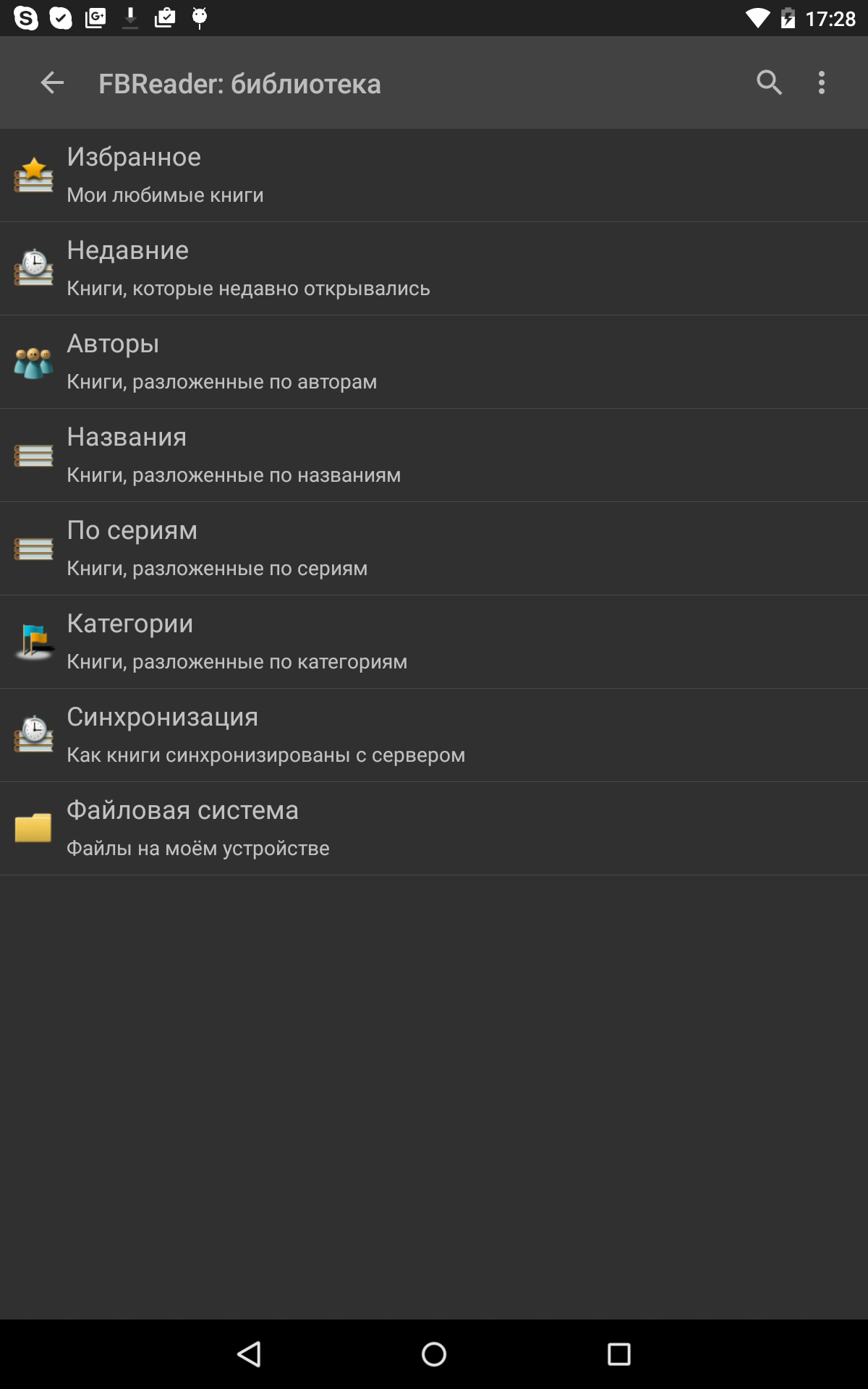
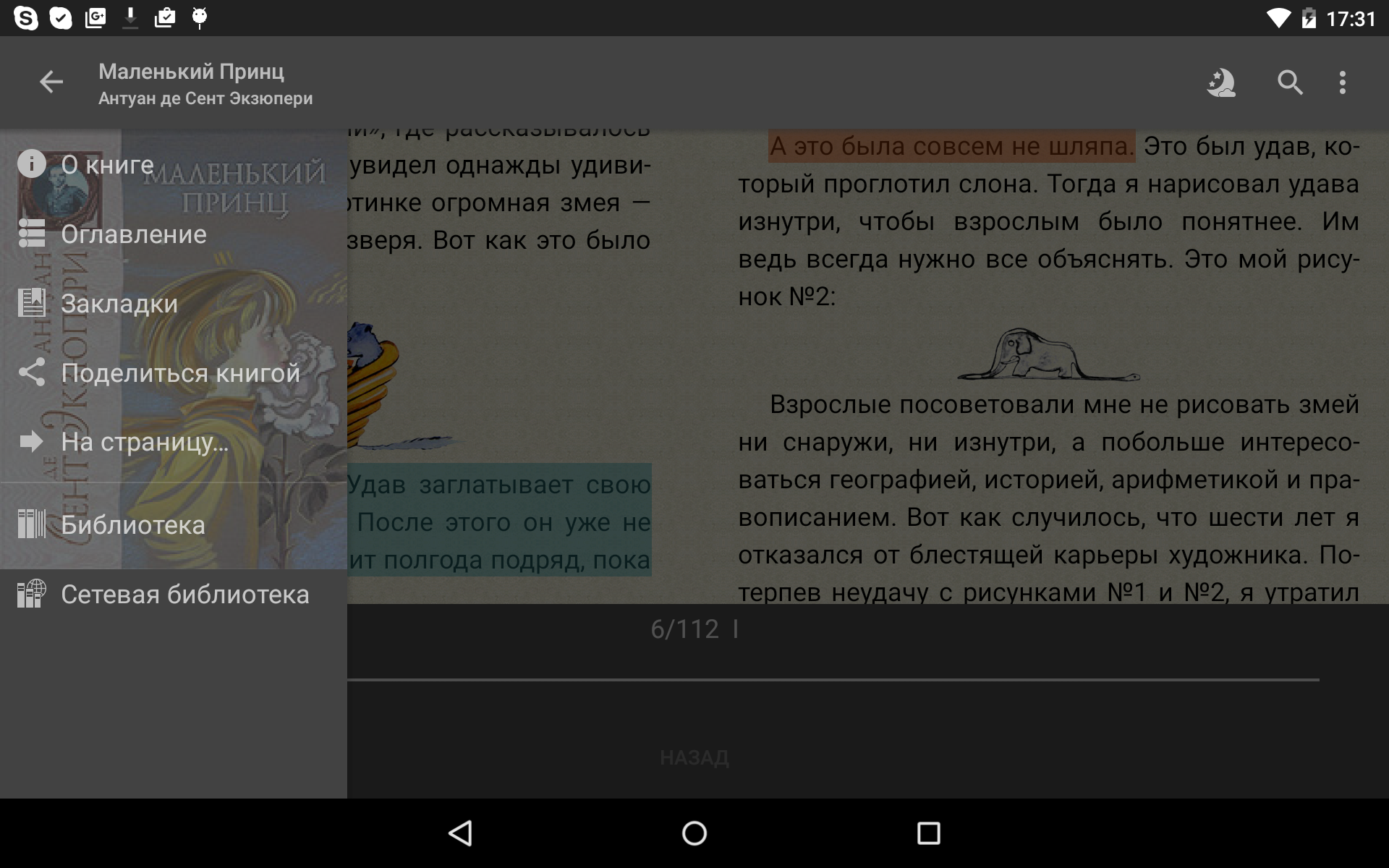
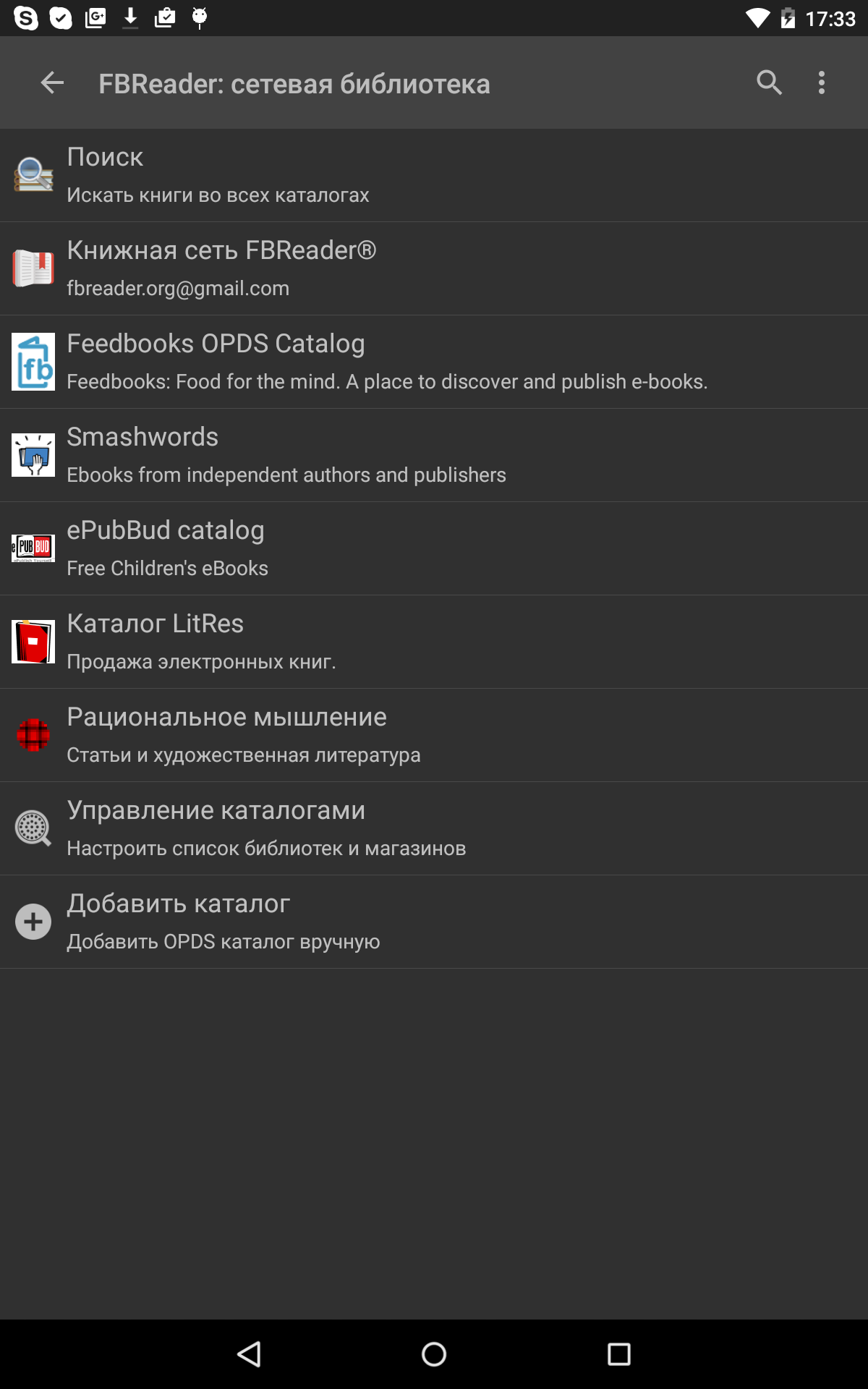
- Dukungan untuk pustaka jaringan.
- Dapat digunakan secara offline.
- Program ini didistribusikan secara gratis.
Deskripsi
Aplikasi FBReader: Favorite Book Reader diperiksa oleh antivirus VirusTotal. Sebagai hasil pemindaian, tidak ada infeksi file yang terdeteksi oleh semua tanda tangan terbaru.
Cara memasang FBReader: Favorite Book Reader
- Unduh file APK aplikasi dari apkshki.com.
- Temukan file yang diunduh. Anda dapat menemukannya di baki sistem atau di folder 'Download' menggunakan manajer file apa pun.
- Jika file yang diunduh berekstensi .bin (bug WebView di Android 11), ubah namanya menjadi .apk menggunakan pengelola file apa pun atau coba unduh file dengan browser lain seperti Chrome.
- Mulai penginstalan. Klik pada file yang diunduh untuk memulai penginstalan
- Izinkan penginstalan dari sumber yang tidak dikenal. Jika Anda menginstal untuk pertama kalinya FBReader: Favorite Book Reader bukan dari Google Play, buka pengaturan keamanan perangkat Anda dan izinkan penginstalan dari sumber yang tidak dikenal.
- Lewati perlindungan Google Play. Jika proteksi Google Play memblokir penginstalan file, ketuk 'Info Lebih Lanjut' → 'Tetap instal' → 'OK' untuk melanjutkan..
- Selesaikan penginstalan: Ikuti petunjuk penginstal untuk menyelesaikan proses penginstalan.
Cara memperbarui FBReader: Favorite Book Reader
- Unduh versi baru aplikasi dari apkshki.com.
- Cari file yang diunduh dan klik file tersebut untuk memulai penginstalan.
- Instal di atas versi lama. Tidak perlu menghapus instalasi versi sebelumnya.
- Hindari konflik tanda tangan. Jika versi sebelumnya tidak diunduh dari apkshki.com, pesan 'Aplikasi tidak terinstal' mungkin muncul. Dalam kasus ini, hapus instalan versi lama dan instal versi baru.
- Mulai ulang lampiran FBReader: Favorite Book Reader setelah pembaruan.







Meminta pembaruan aplikasi
Ditambahkan Denis Rubinov
Versi: 4.0
Ukuran: 21.3 MB
Diperbarui: 24.06.2025
Developer: FBReader.ORG Limited
Batasan Usia: Teen
Otorisasi:
Diunduh di Google Play: 28720293
Kategori: Buku dan Referensi















Ulasan untuk FBReader: Favorite Book Reader
The latest update killed the app. Books do not open now, you have to search for them on your device. In addition, vertical scrolling when reading a book is terribly slow with stutters. Fix it please
Did not even start. Always asked for notification permissions when denied. Even though it claims to work without.
Was a great app. About a month ago, after update, stopped loading a lot of books with an error "Cannot extract the book content" including those, which worked earlier. Had to switch to another app. New updates do not solve the problem.
после апгрейда не могу пользываться.
last updates broke APK, can't access SD card.
you have to pay to use Google translate.
Downloaded this looking for a voice reader with high quality voices. Turns out the voice function is completely disabled in the standard version - you cannot even sample the voices to see if they're worth paying for. Absolutely ZERO chance I'd ever pay the $12 for the Premium version without at least sampling the quality. Uninstalling.
After the v3.8.8 update from v3.7.7 my go-to reader app is crashing non-stop on Android 14. Please fix it as soon as possible. UPDATE: v3.8.9 still crashes. Updated without my permission
Still using FBreader, 4 phones past my first use. Now on Pixel 7.
the best app for reading books on your phone
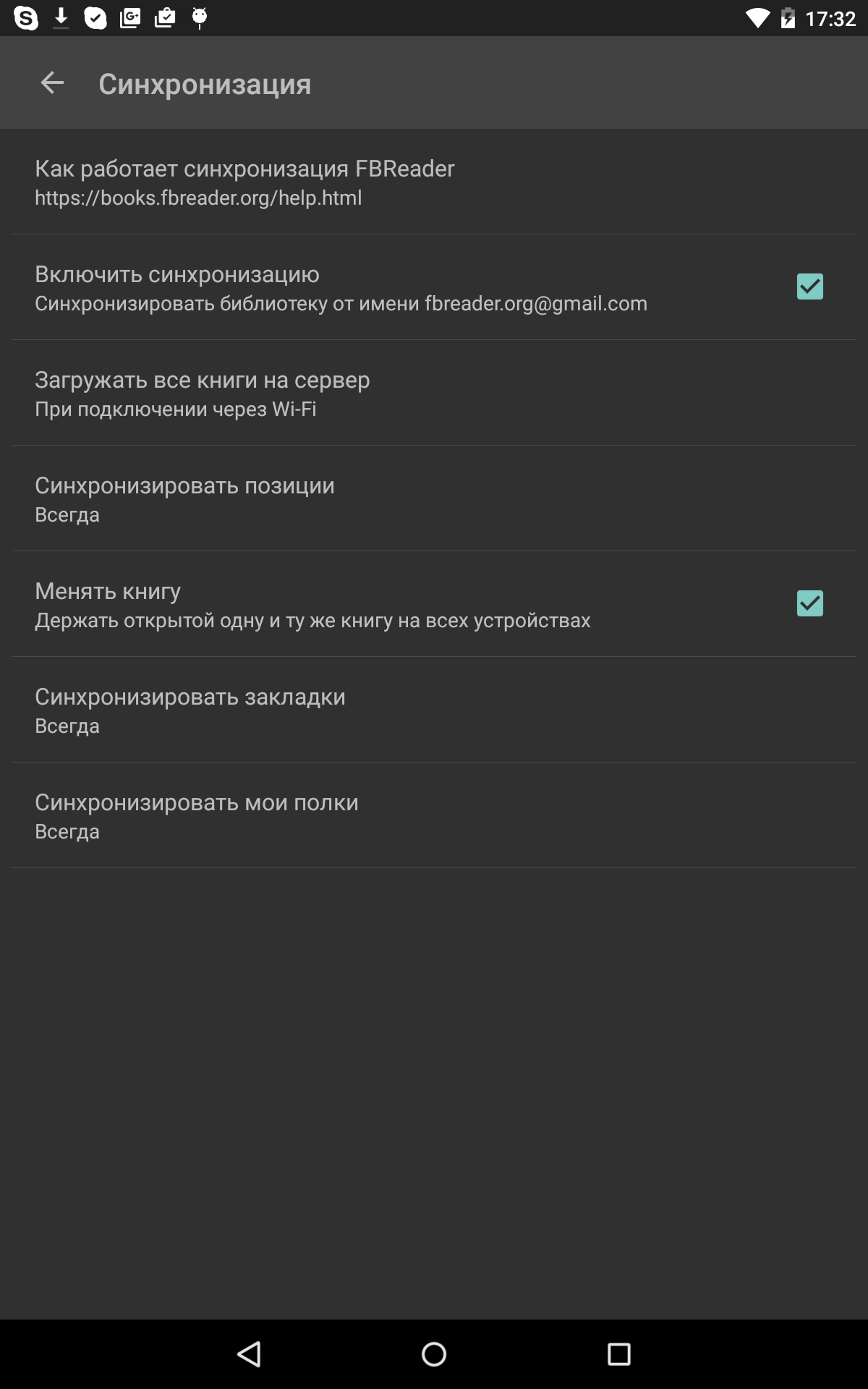
Positìve: The capability of syncing between different devices on different OS. Now you can read seamlessly from any of your devices. Negative: Reading progress status only for the entire book. No progress status for the chapter. So, no idea how long more before reaching end of chapter. Please add this feature.
I used to love this reader. But all of a sudden it has started not recognizing any of my books. I navigate the folders to get to where I have my books stored on folders by genre and author...and when I get to the folder where the books actually are, it sees...nothing. it doesn't list any of the books that are in the folder. The Android file explorer finds them, other eBook readers find them...this one cannot. And I can't even get a response from support :(
Love the app. I paid for the Pro version because it is so good. My only problem is with the text to speech system. Each time I try to initialize it, it pops up the language selector. Its annoying, but i deal with it all the time on my LONG commutes.
Fbreader is a decent basic reader app but navigation of book catalogs isn't straightforward and therefore tedious. This makes the premium version a big improvement. HOWEVER. You will never be able to take this paid app from one device to another should you get a new phone or tablet. The site and developer give useless directions on how to make this happen but in the end they just want another $6. Which is why I can't post this on the premium app with my new phone.
It's a pretty great app and I like it a lot, however, it says it supports azw3, but if you browse OPDS, even AZW3 novels with no DRM are not able to be downloaded only mobi can be downloaded. It's pretty frustrating. After having my wife try it out, i did find that the UI is not user-friendly, she's used to kindle, fbr is just weird .. i guess it was simple enough for me, but maybe some UI work can be done to help noobs (like my wife)
Kirimkan komentar
Untuk memberikan komentar, masuklah dengan jejaring sosial Anda:
Atau tinggalkan komentar anonim. Komentar Anda akan dikirim untuk dimoderasi.
Kirimkan komentar
Untuk memberikan komentar, masuklah dengan jejaring sosial Anda:
Atau tinggalkan komentar anonim. Komentar Anda akan dikirim untuk dimoderasi.