


File Commander Manager & Vault
35+
unduhan1.0+
versi Android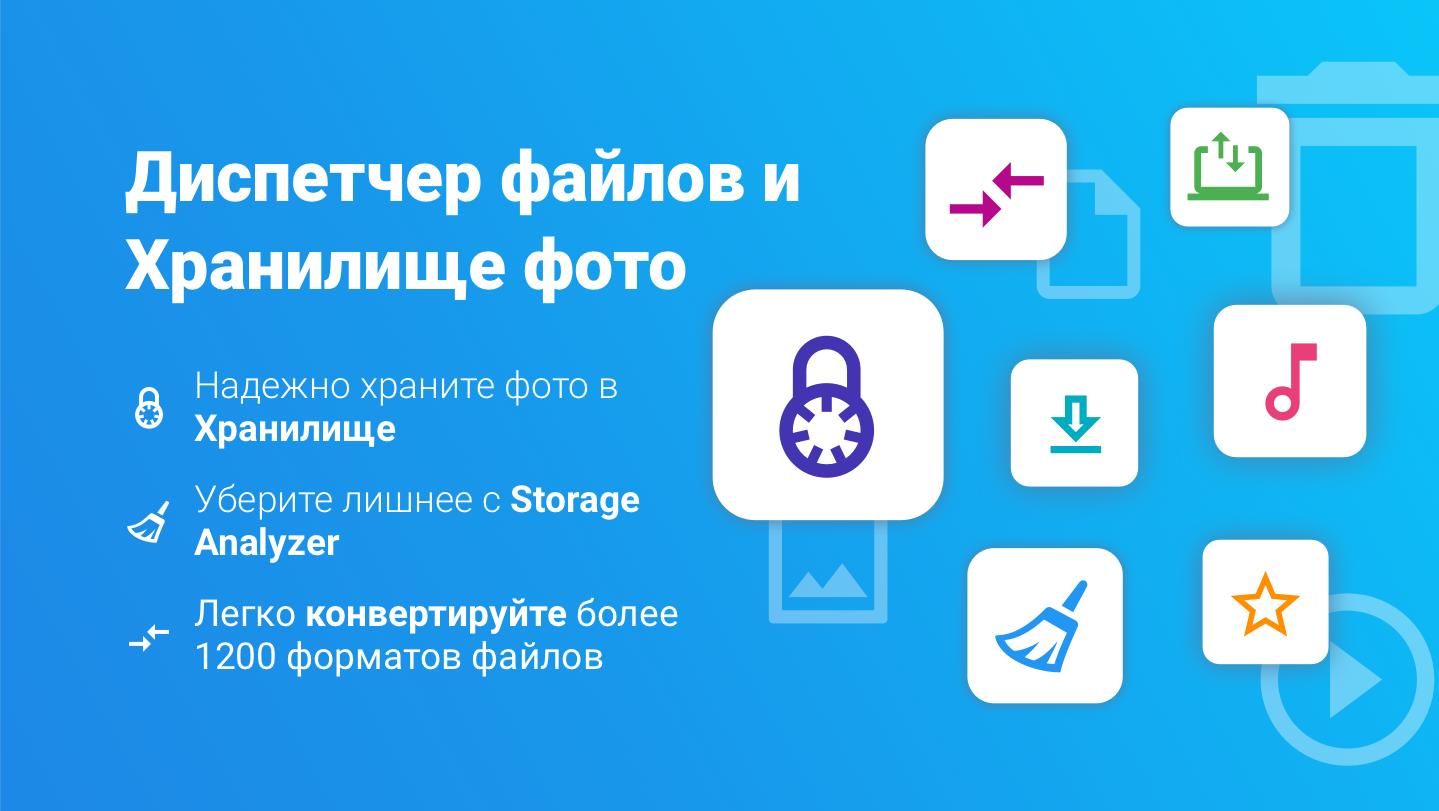
Ditambahkan: Denis Rubinov
Versi: 9.6.60050
Ukuran: 24.3 MB
Diperbarui: 21.05.2025
Developer: MobiSystems
Batasan Usia: Everyone
Otorisasi: 18
Diunduh di Google Play: 179318878
Kategori: Bisnis
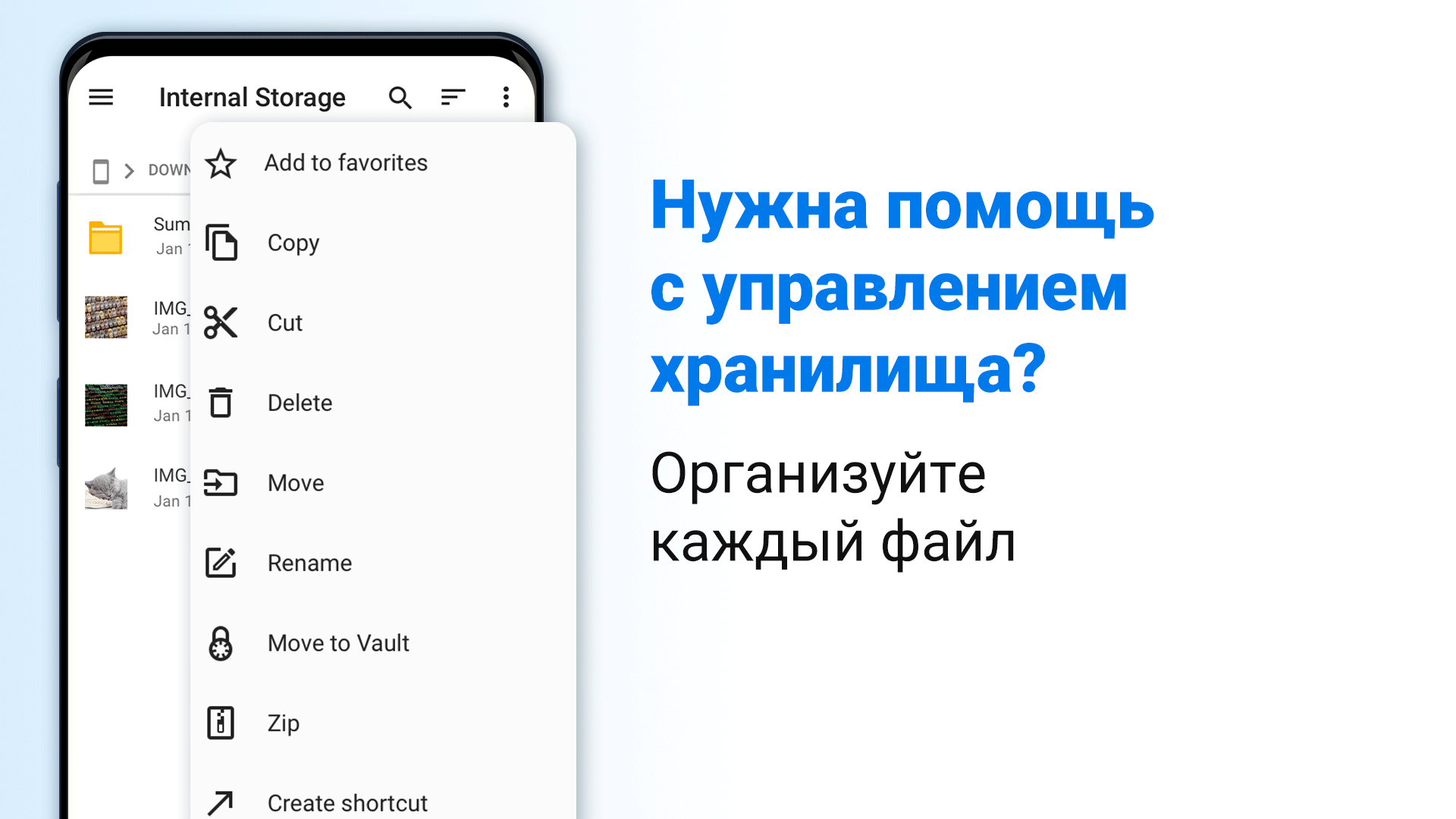
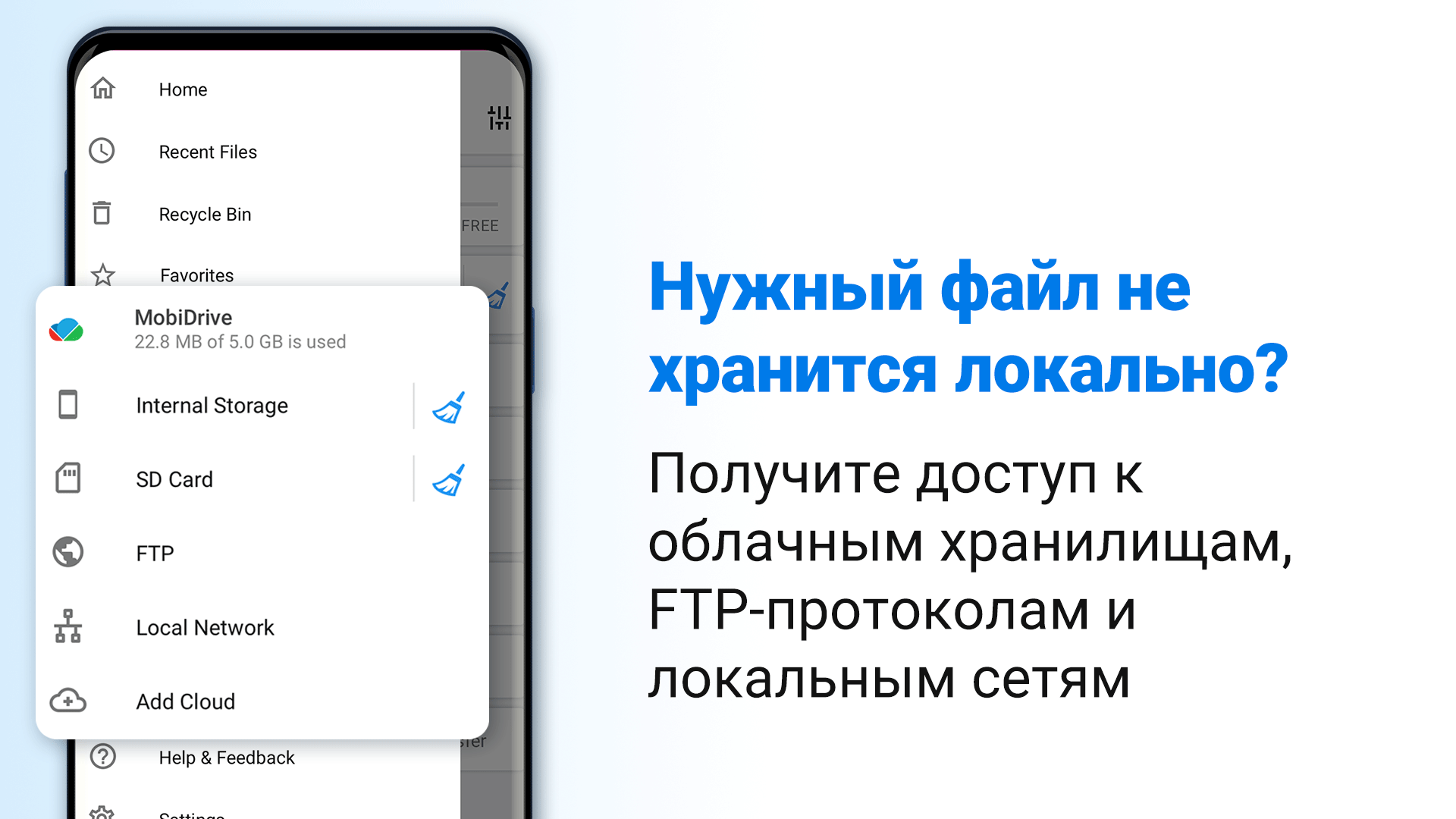
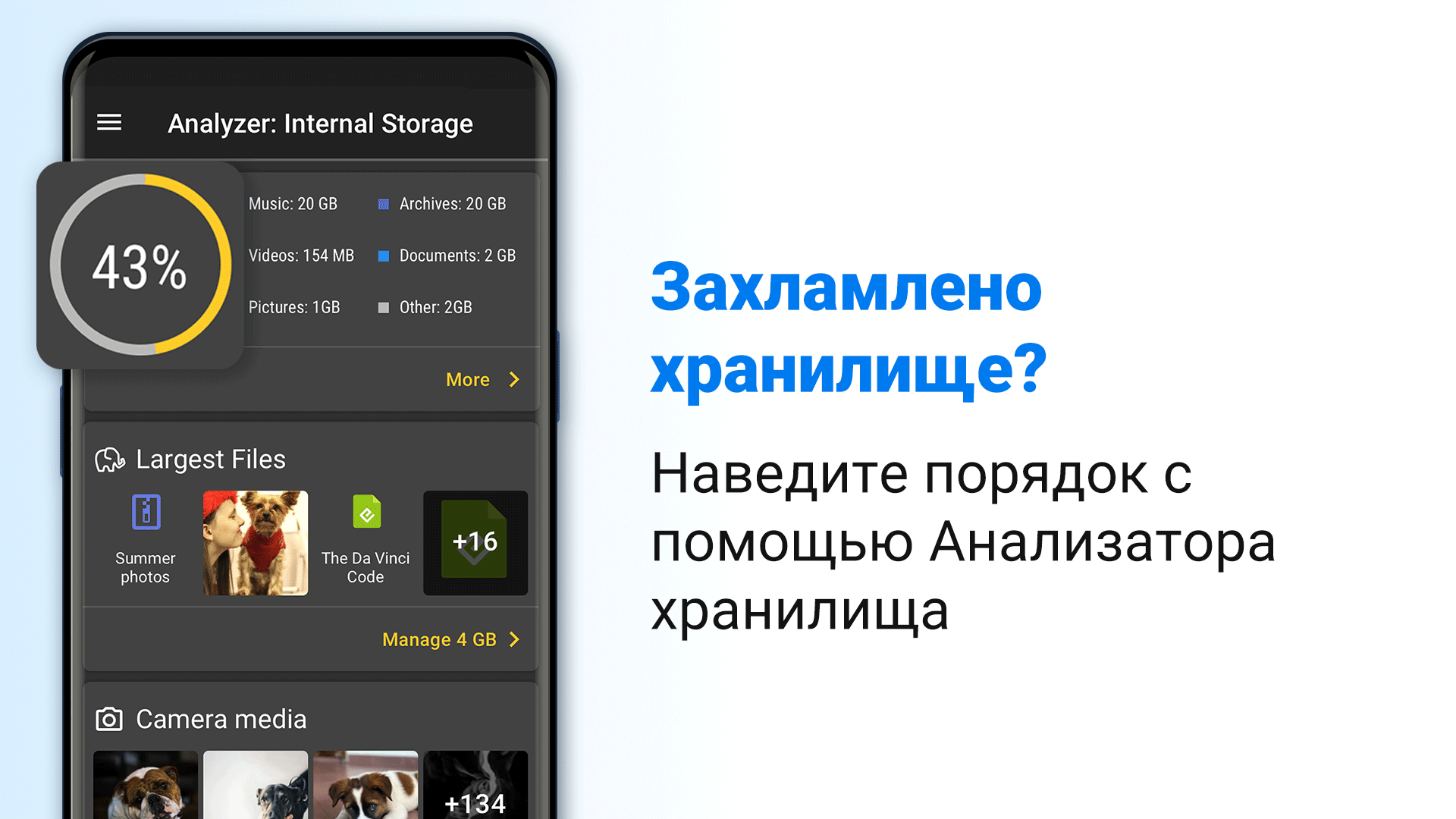
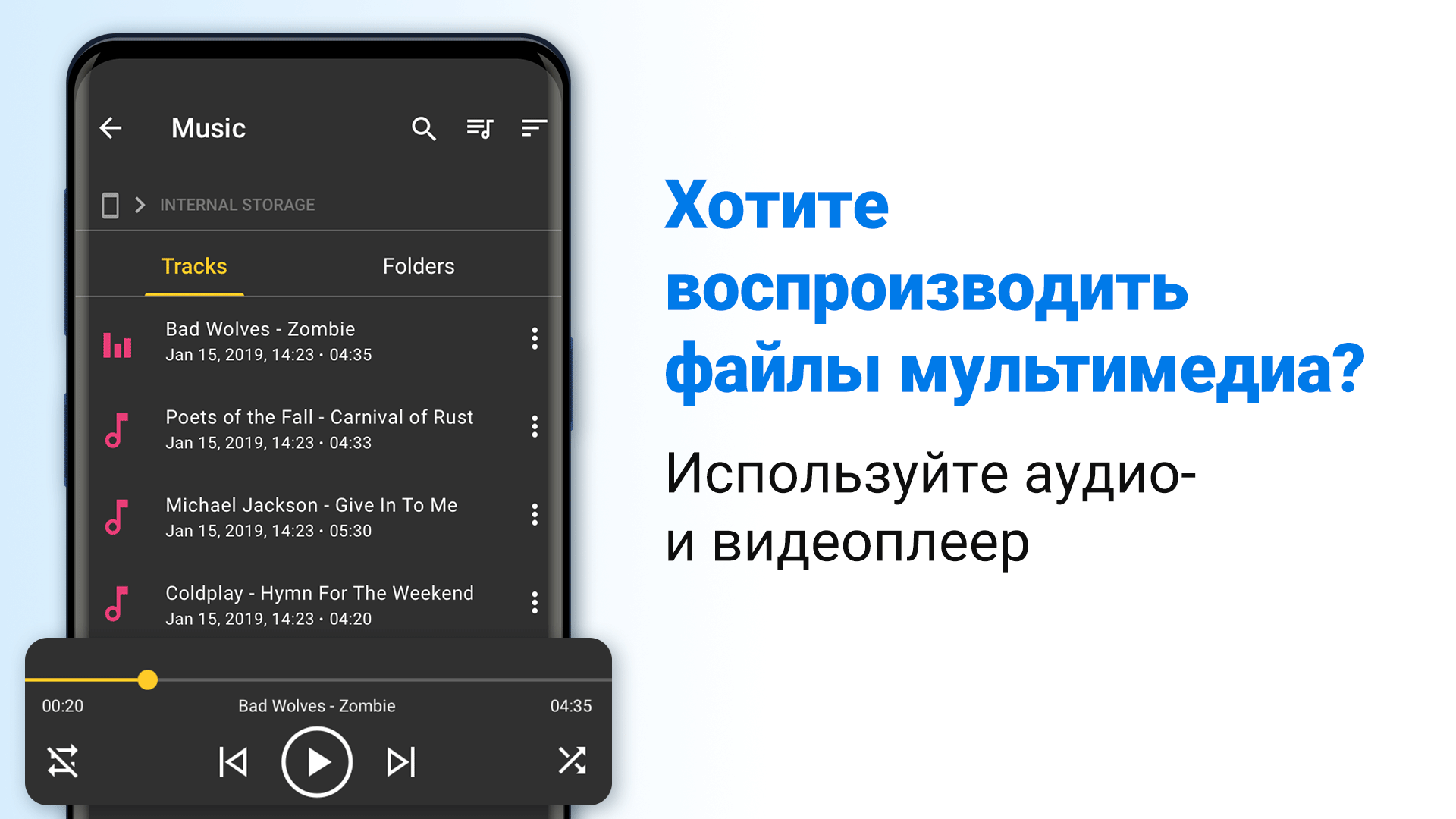
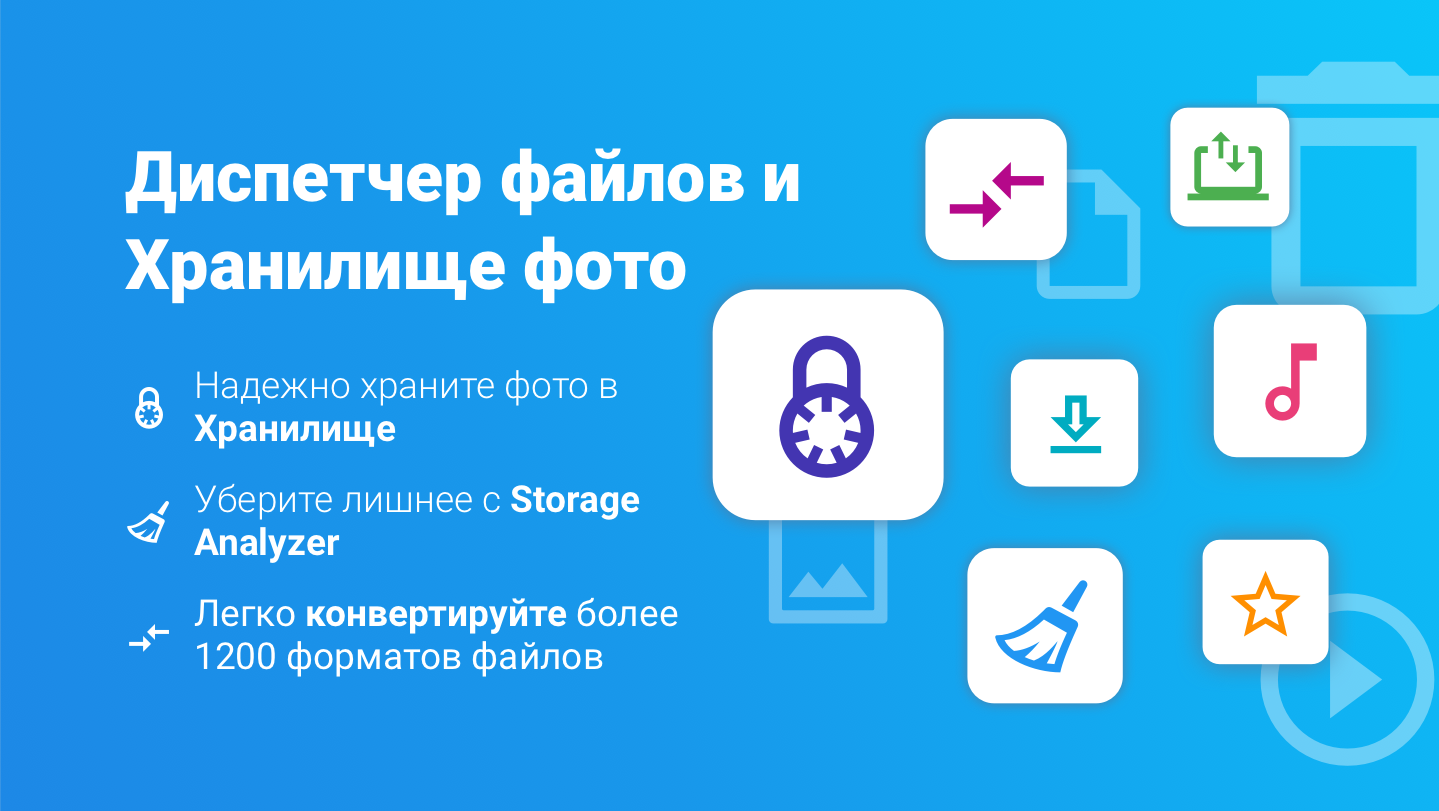
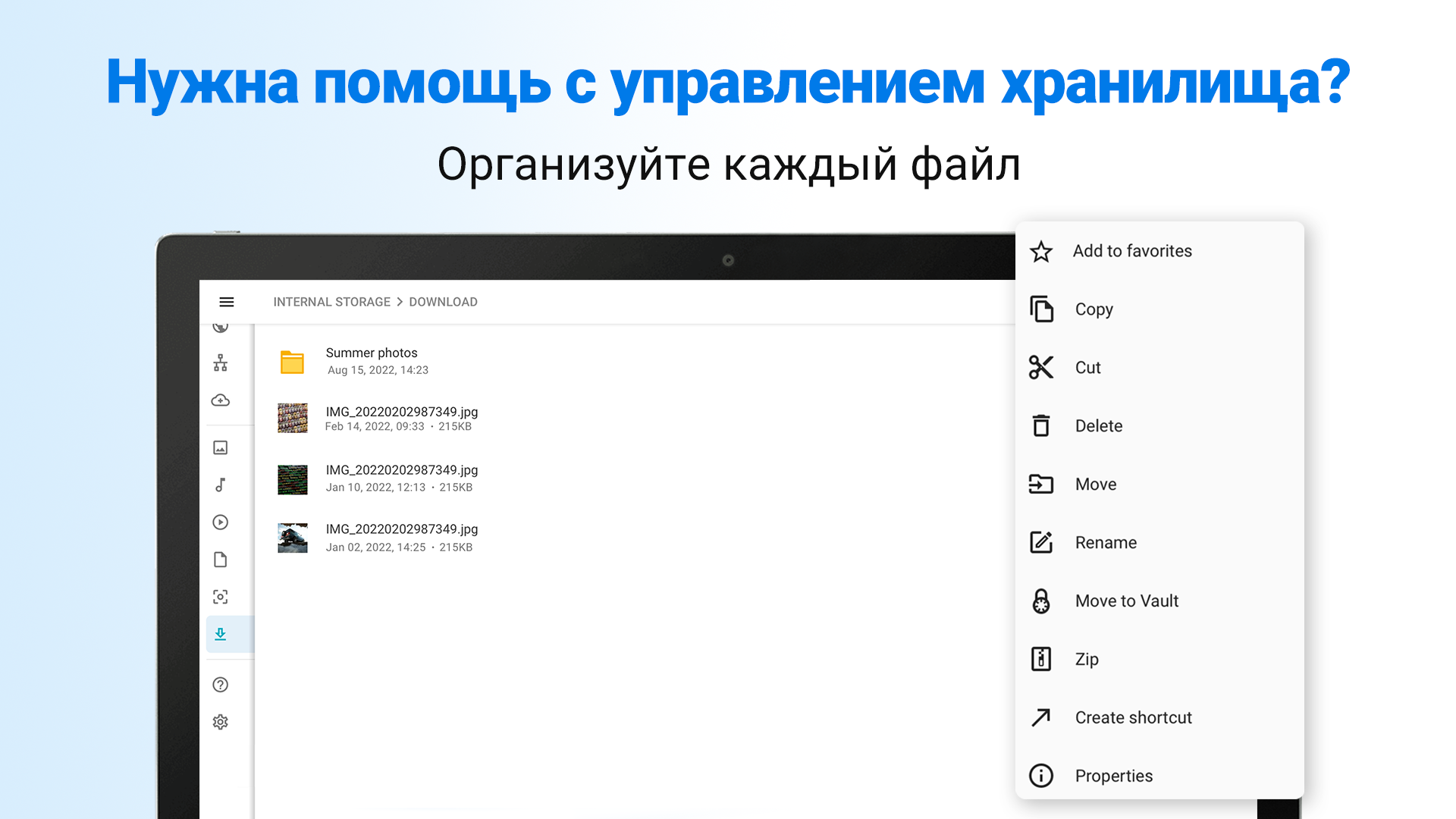
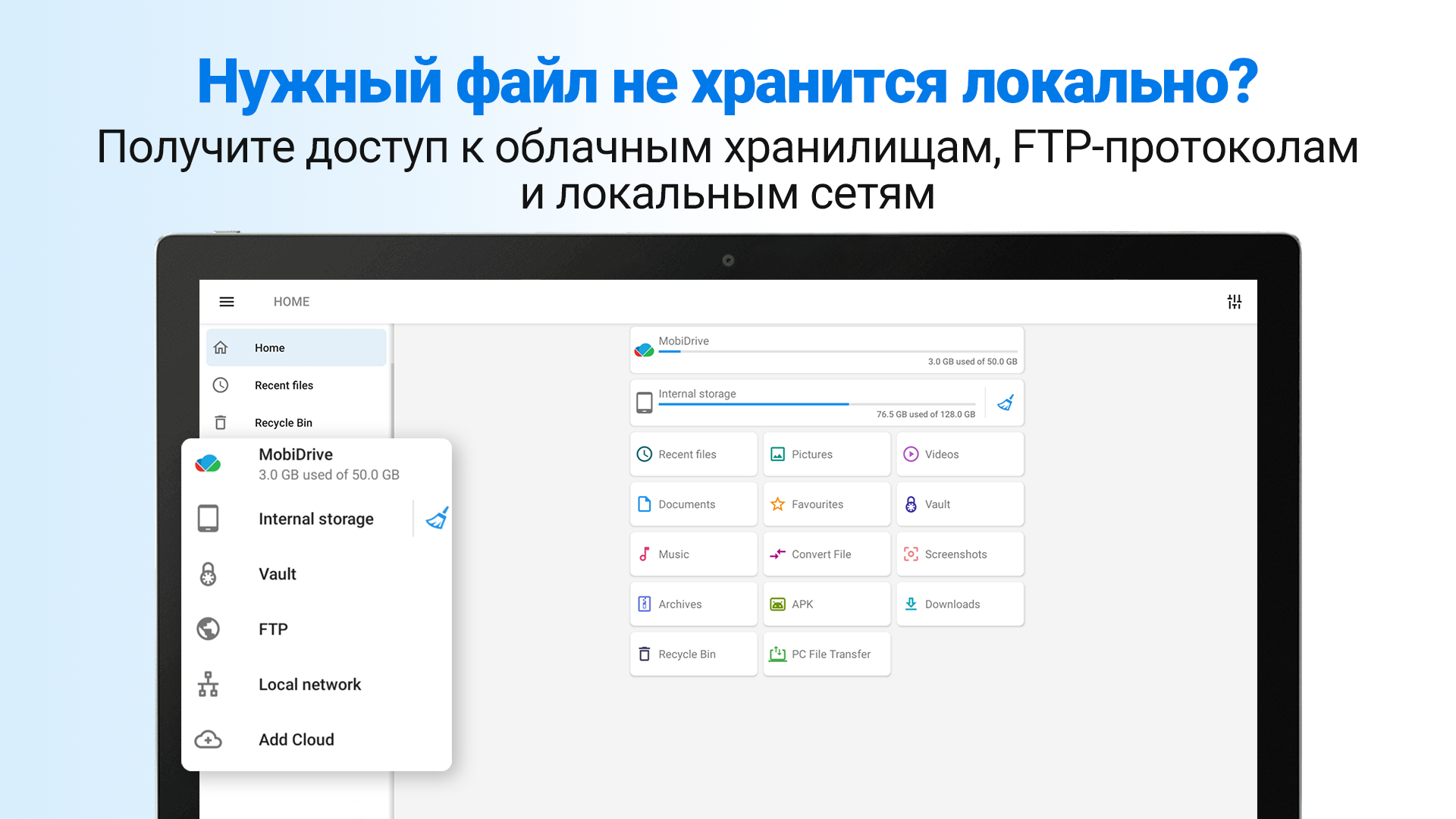
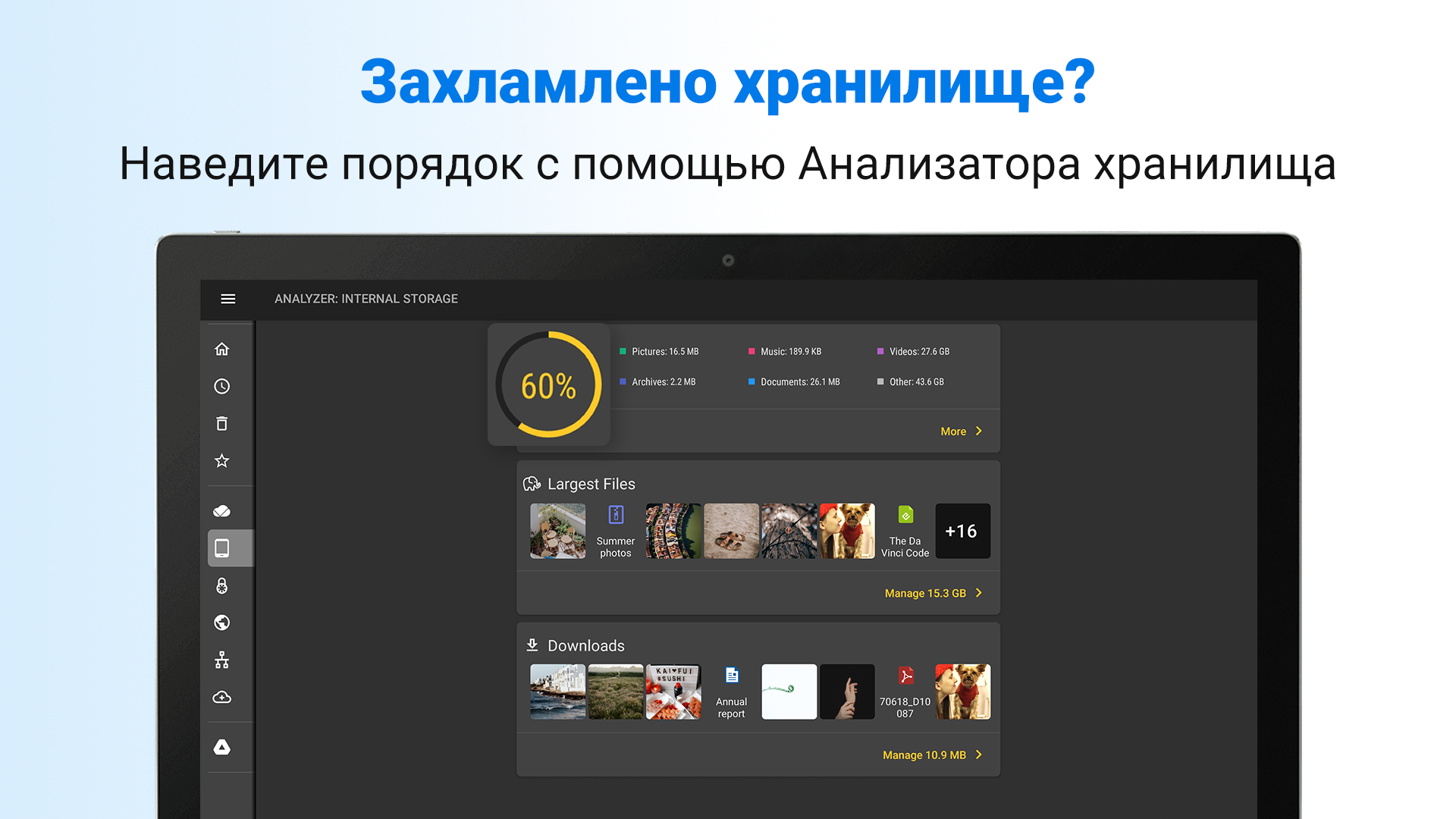
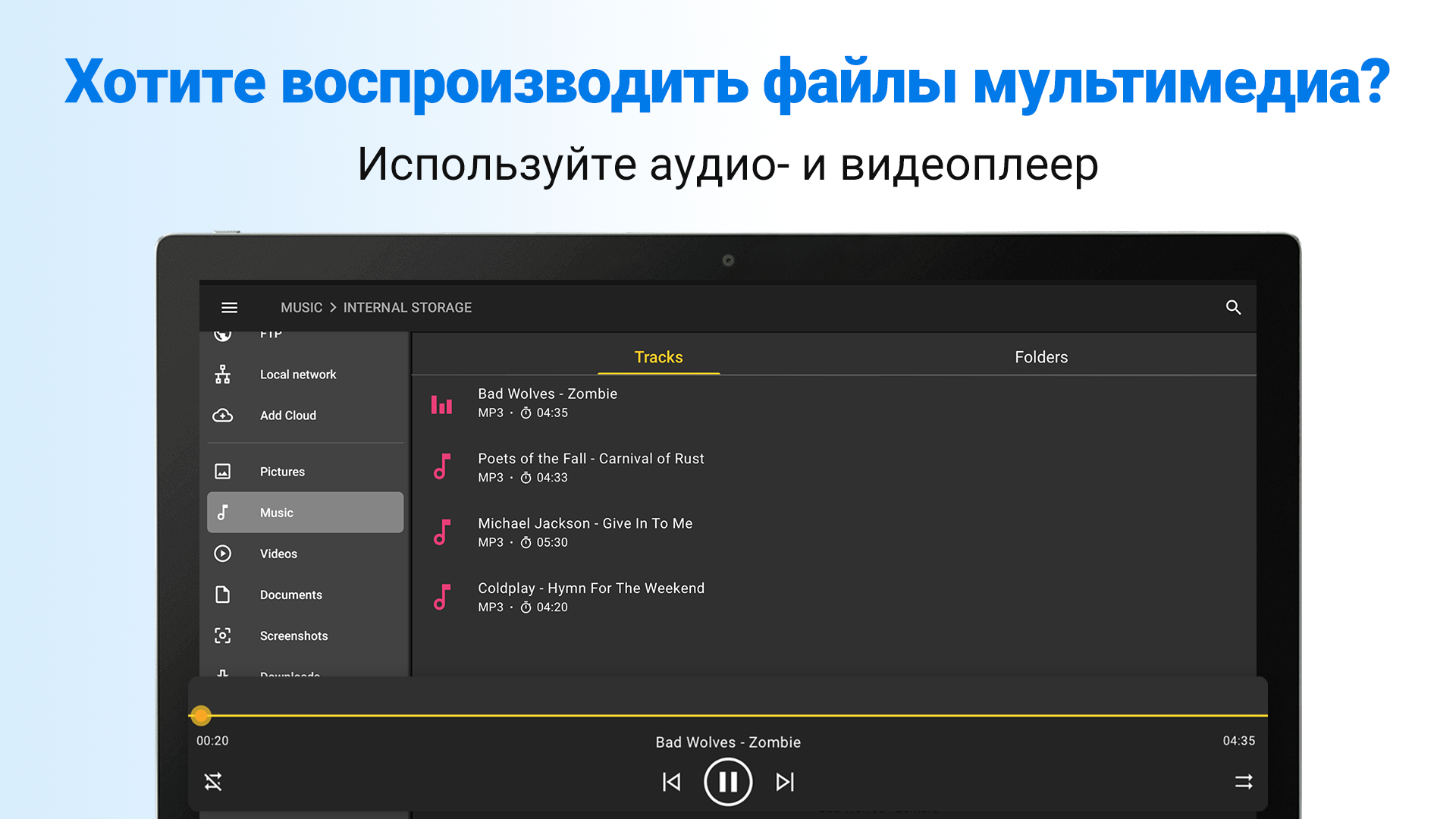
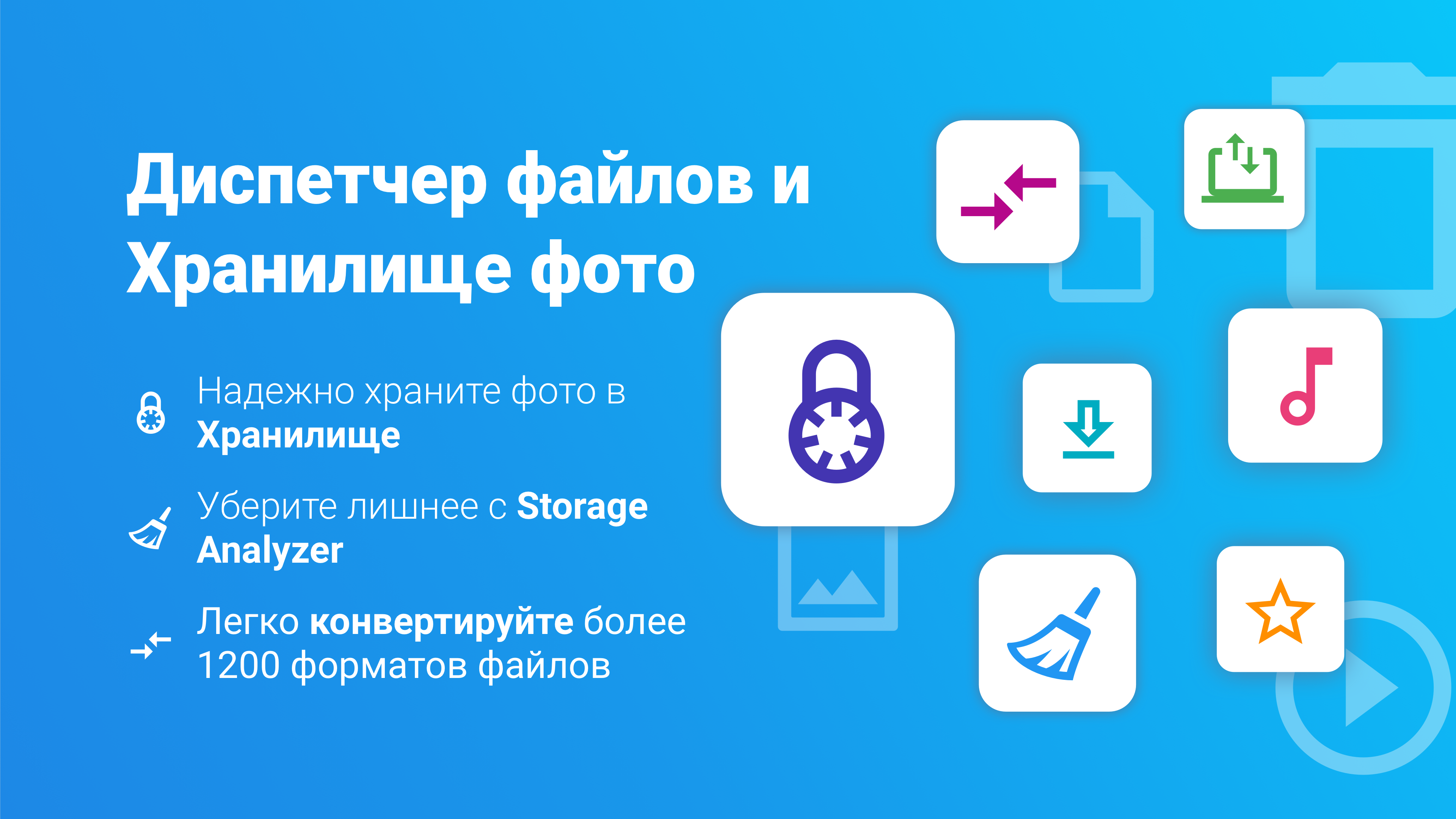
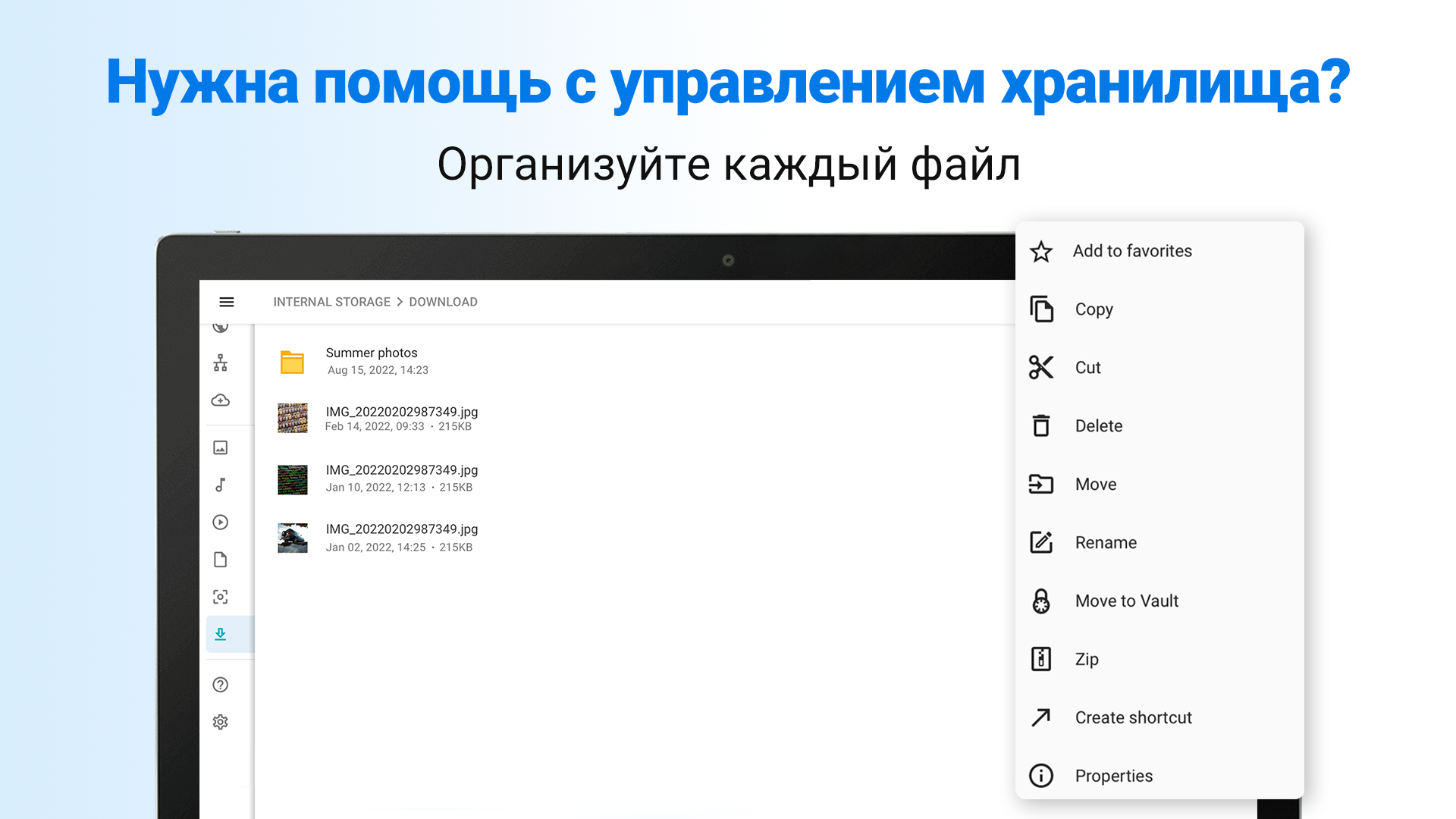
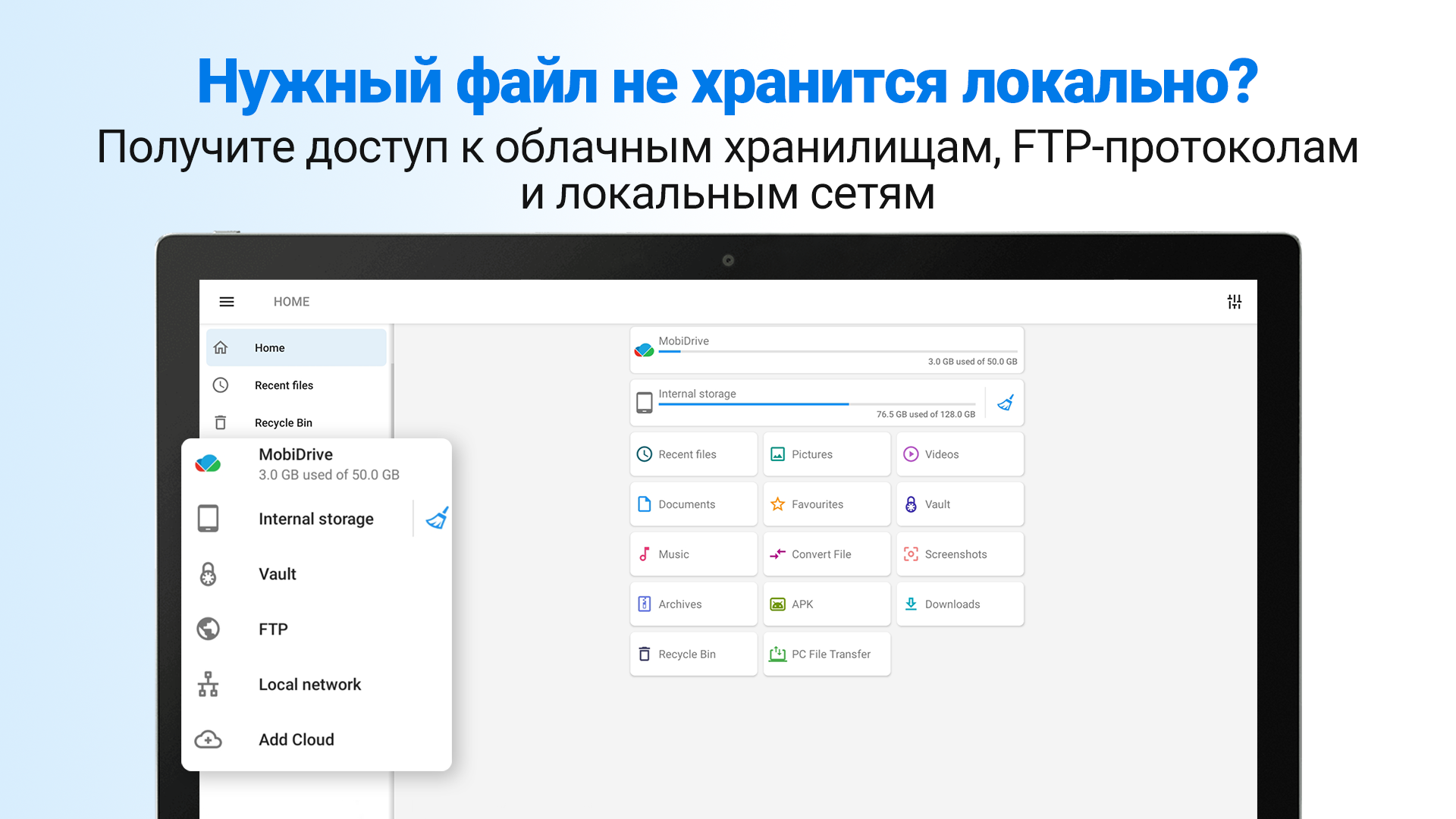
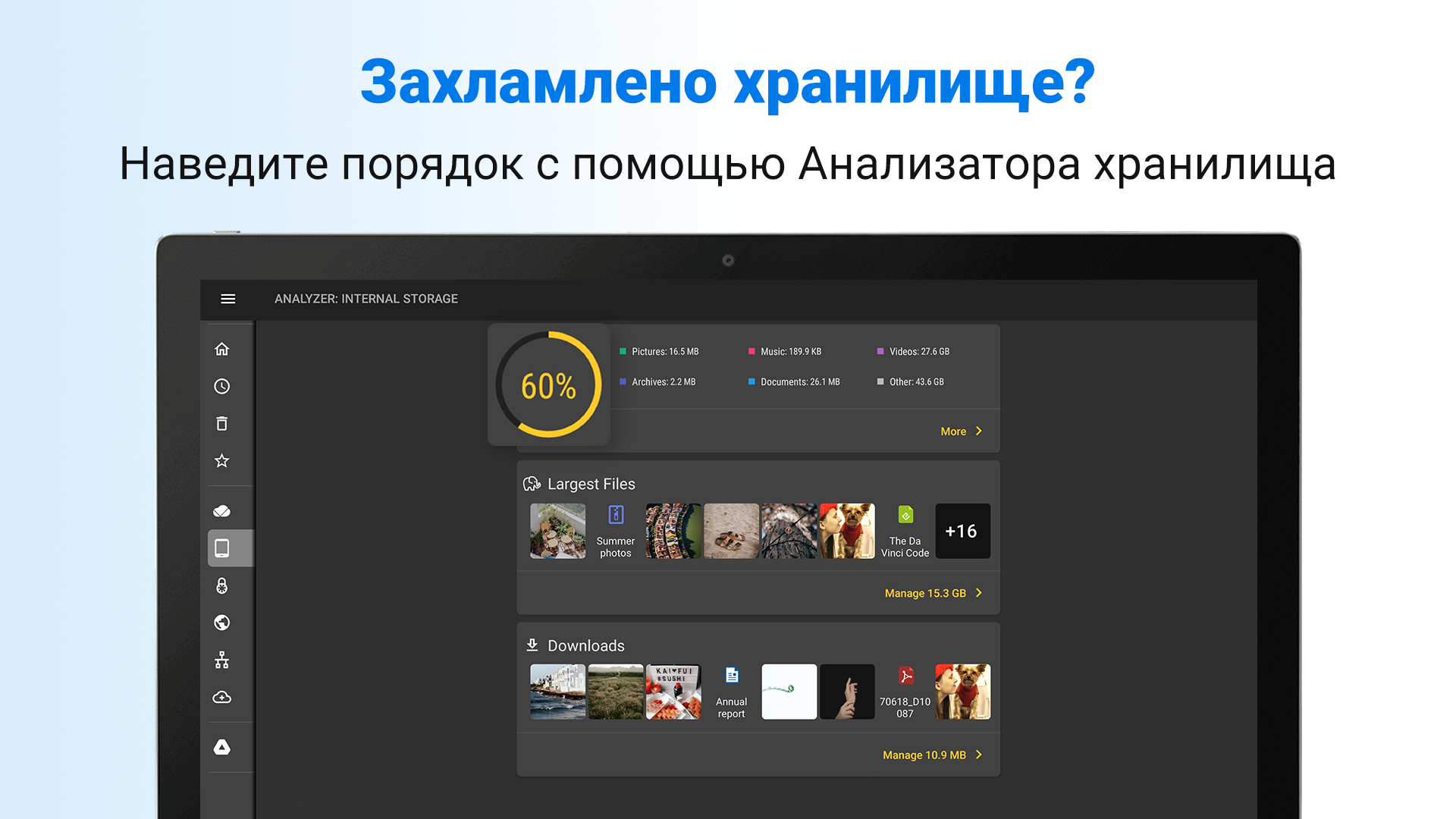
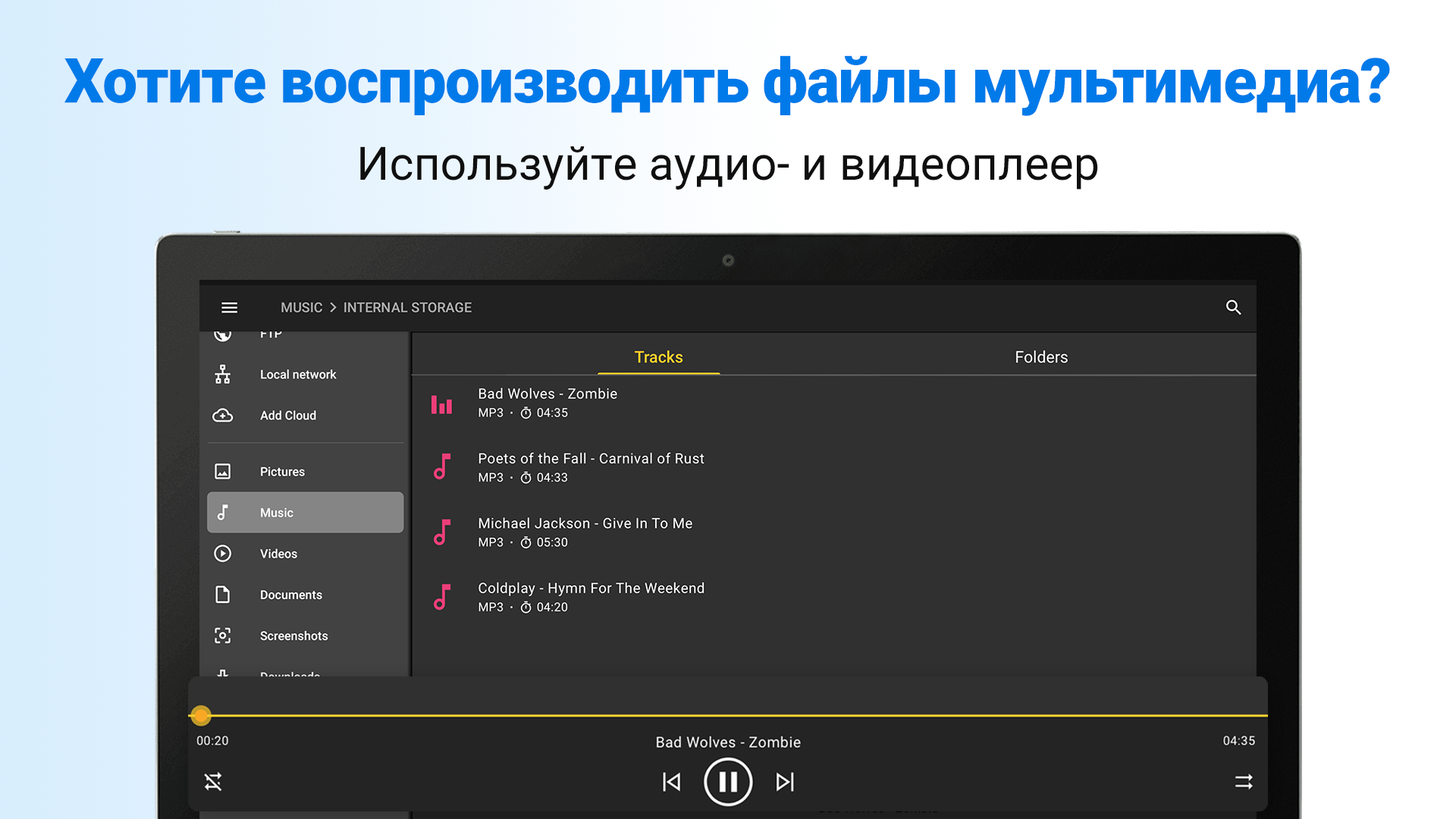
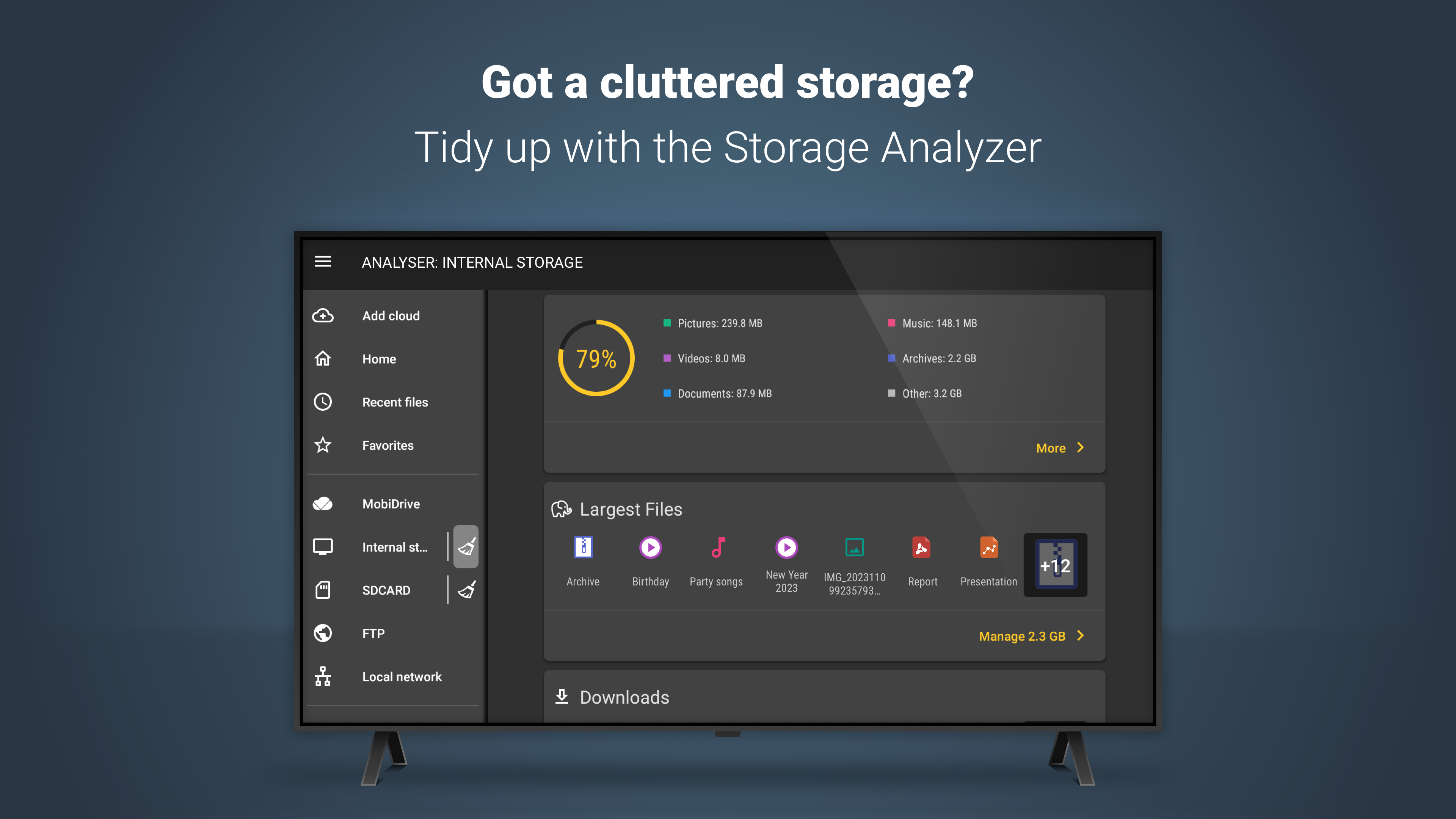
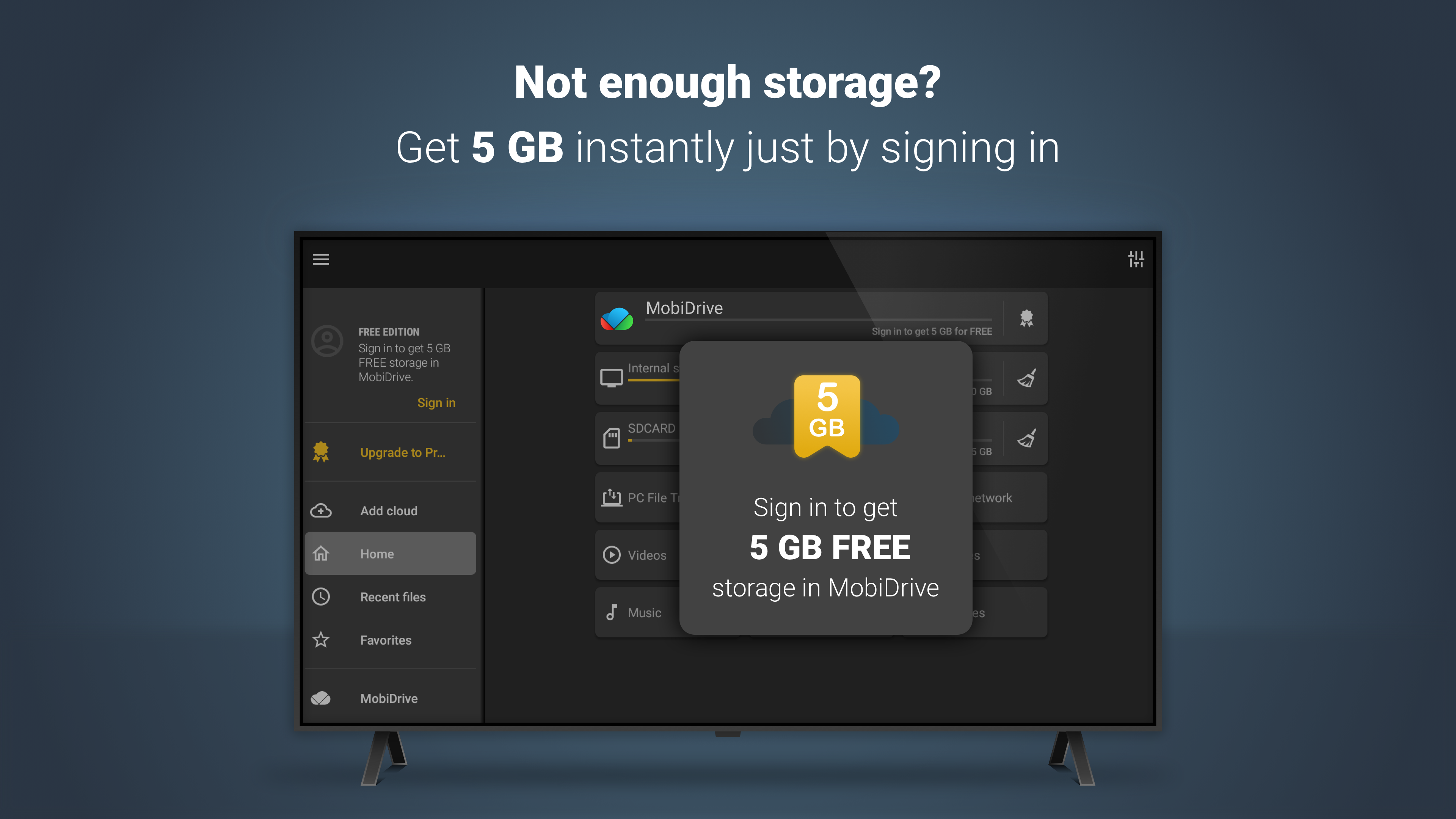
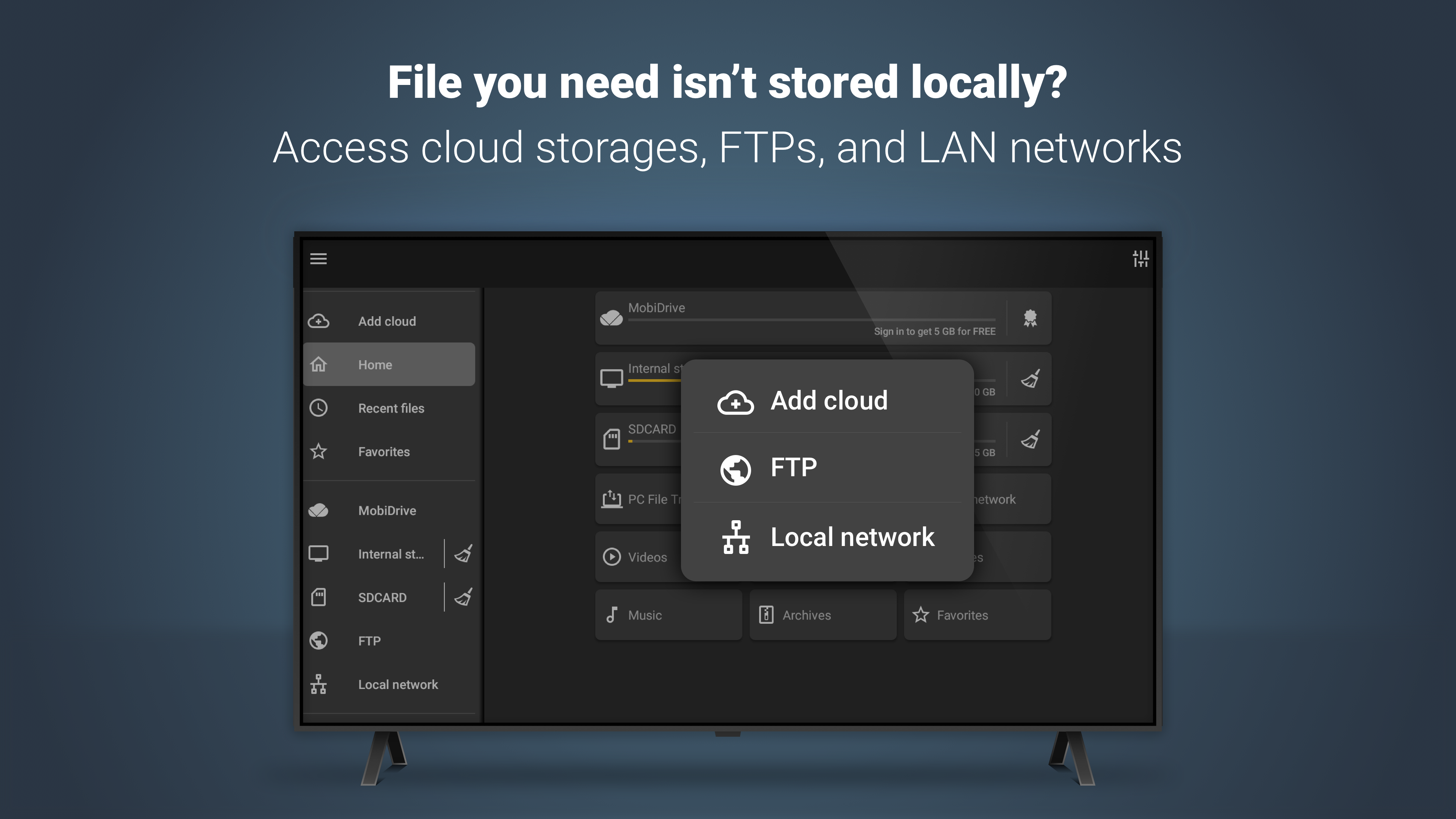
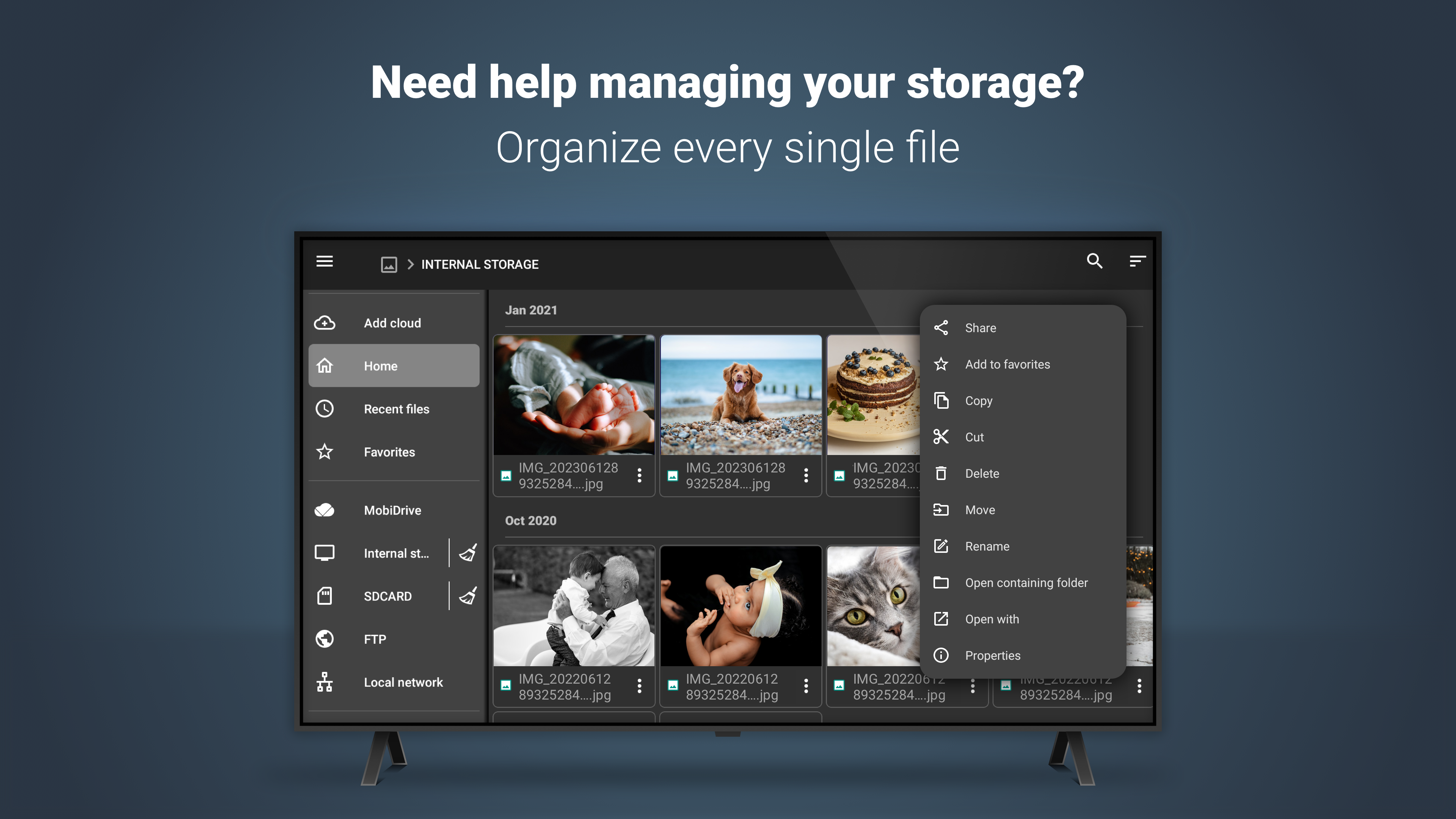
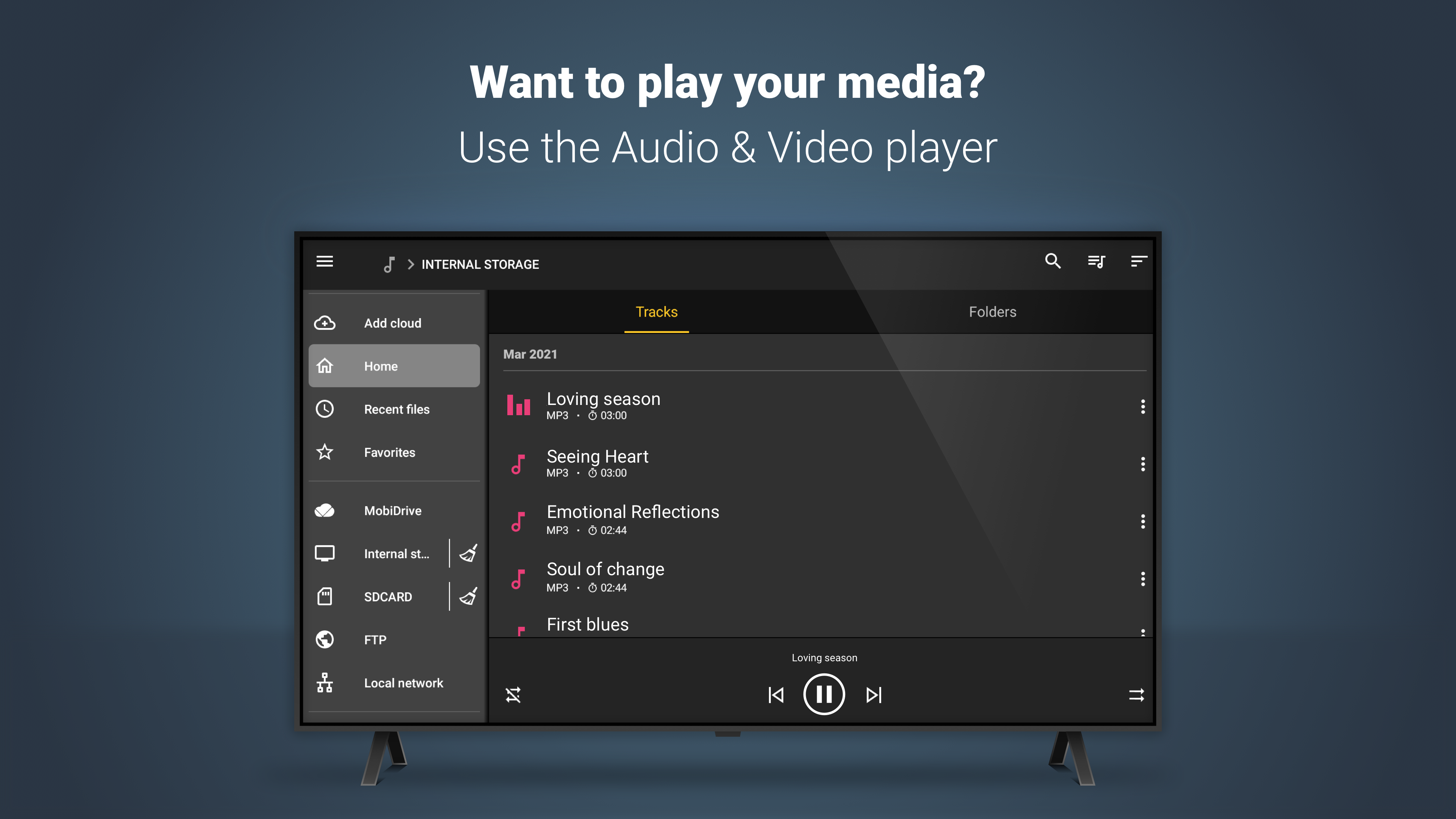
- Kelola file yang disimpan secara lokal atau di cloud.
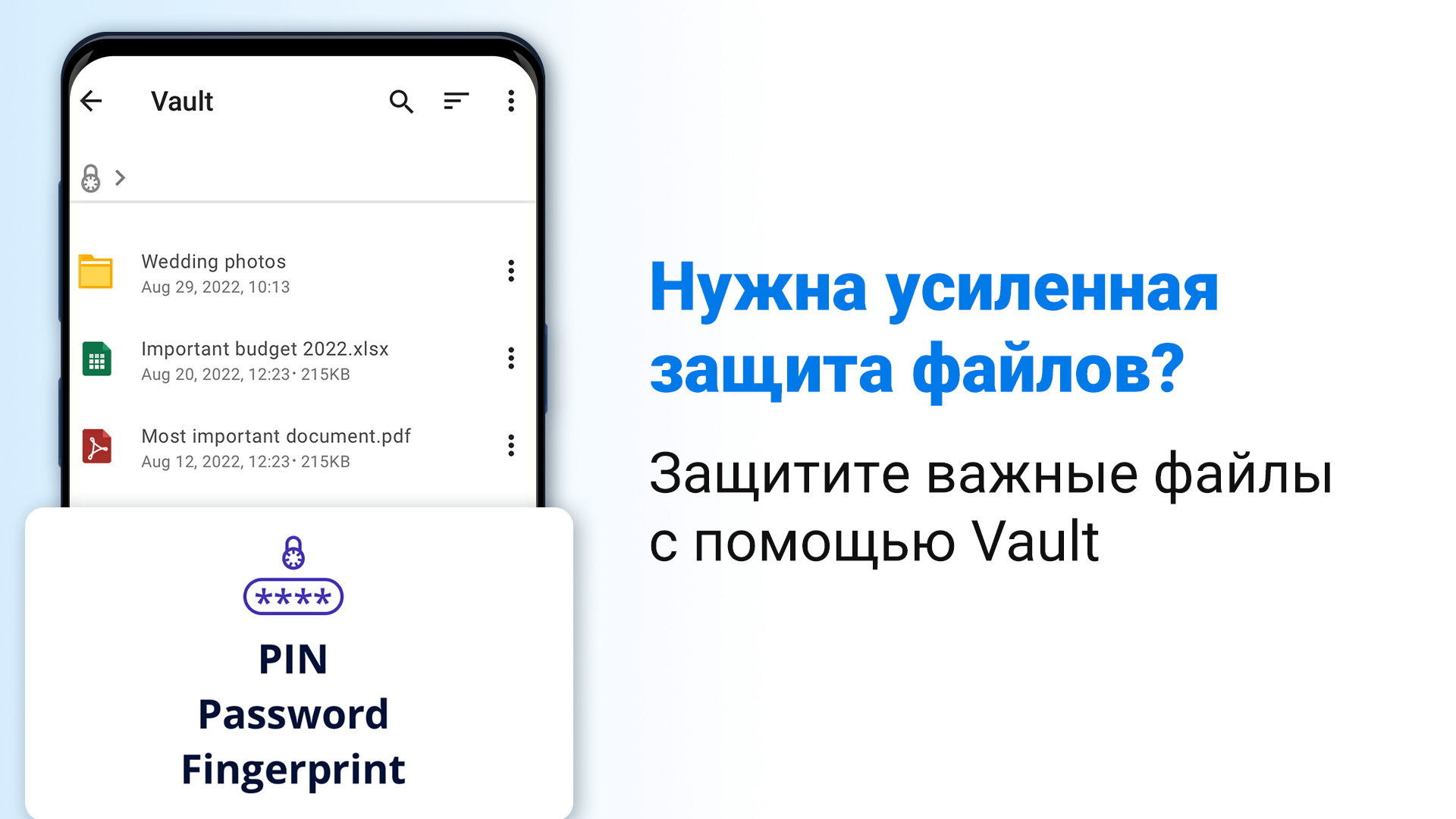
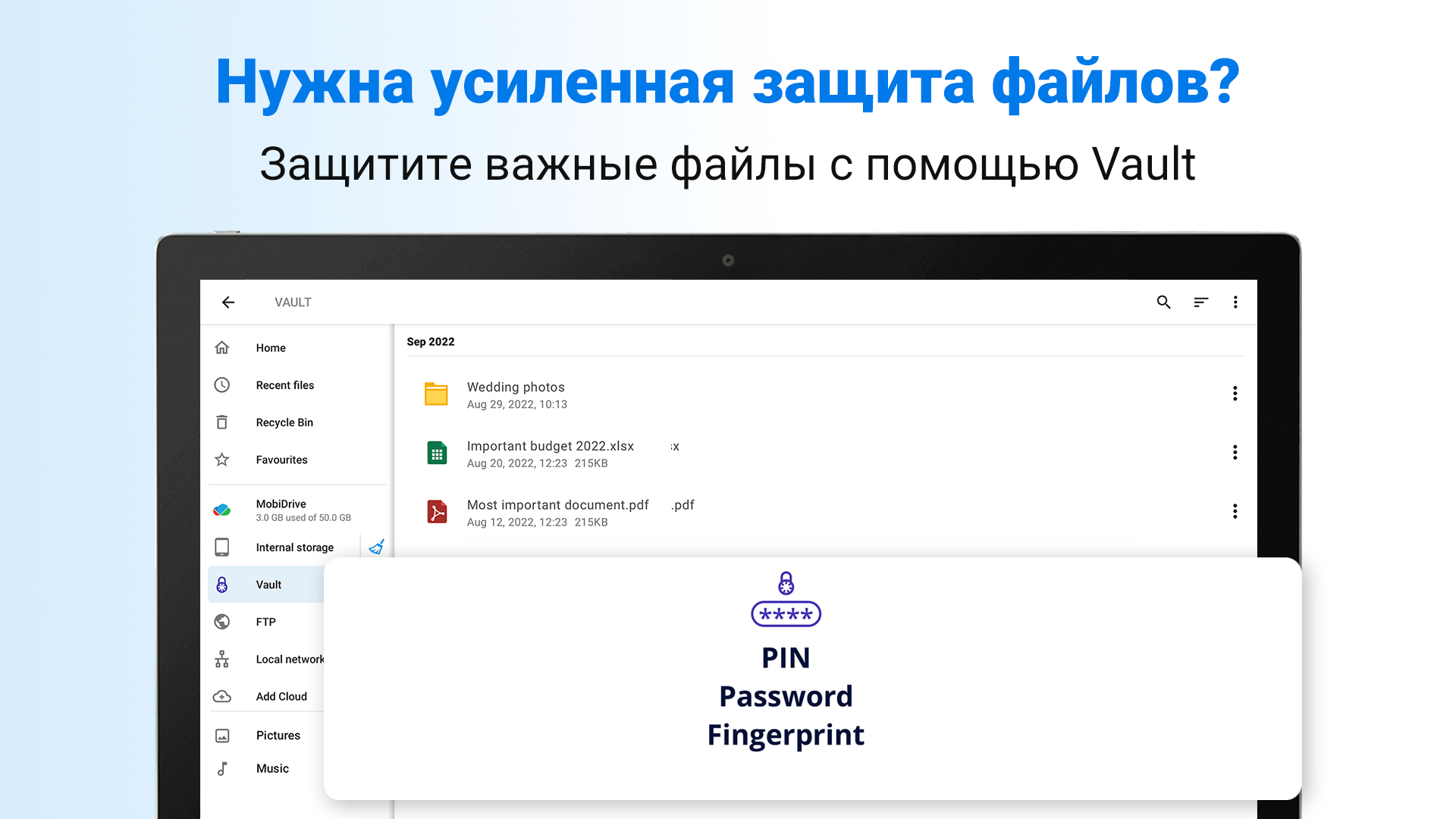
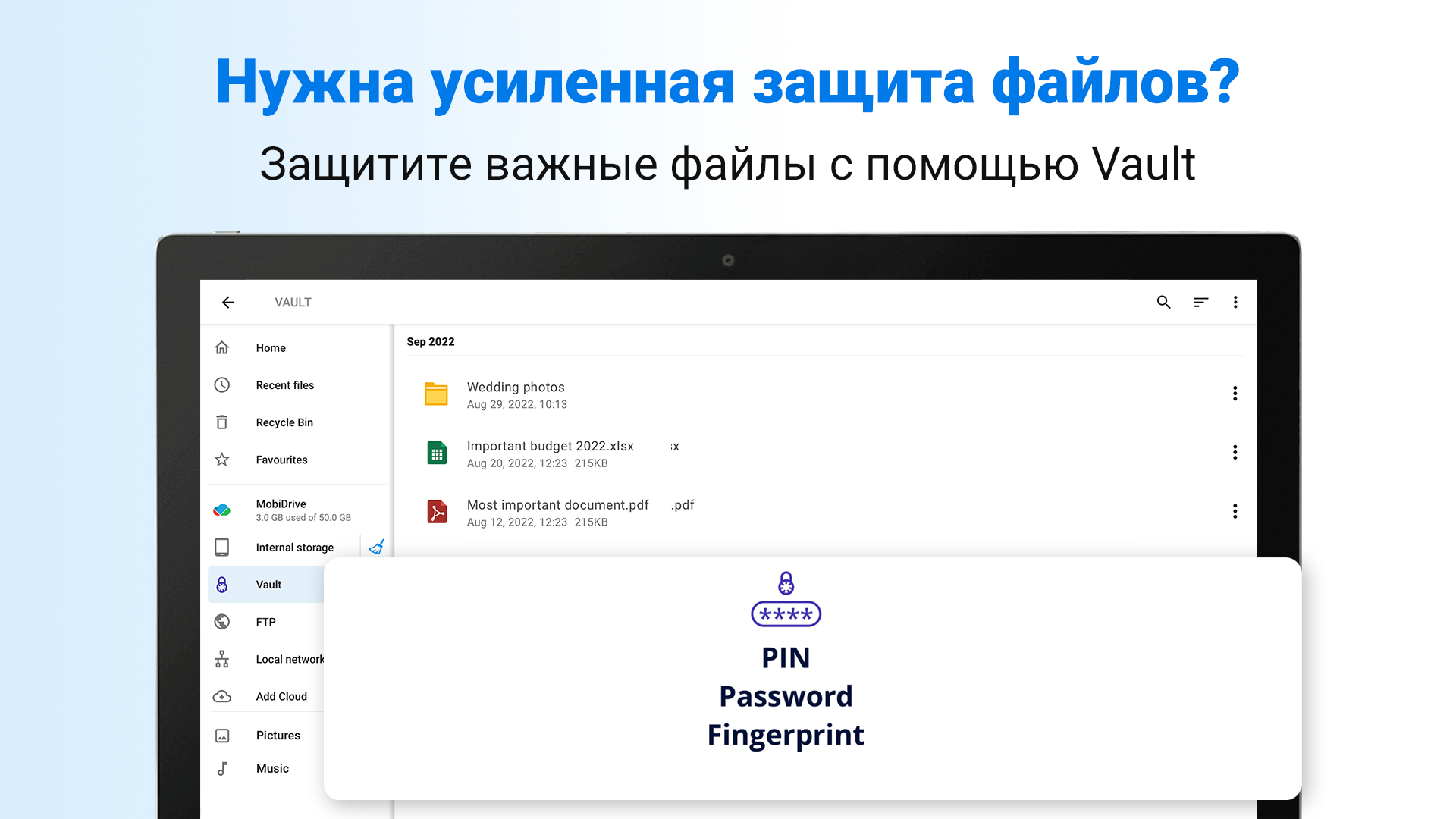
- Berfungsi untuk mengenkripsi file penting.
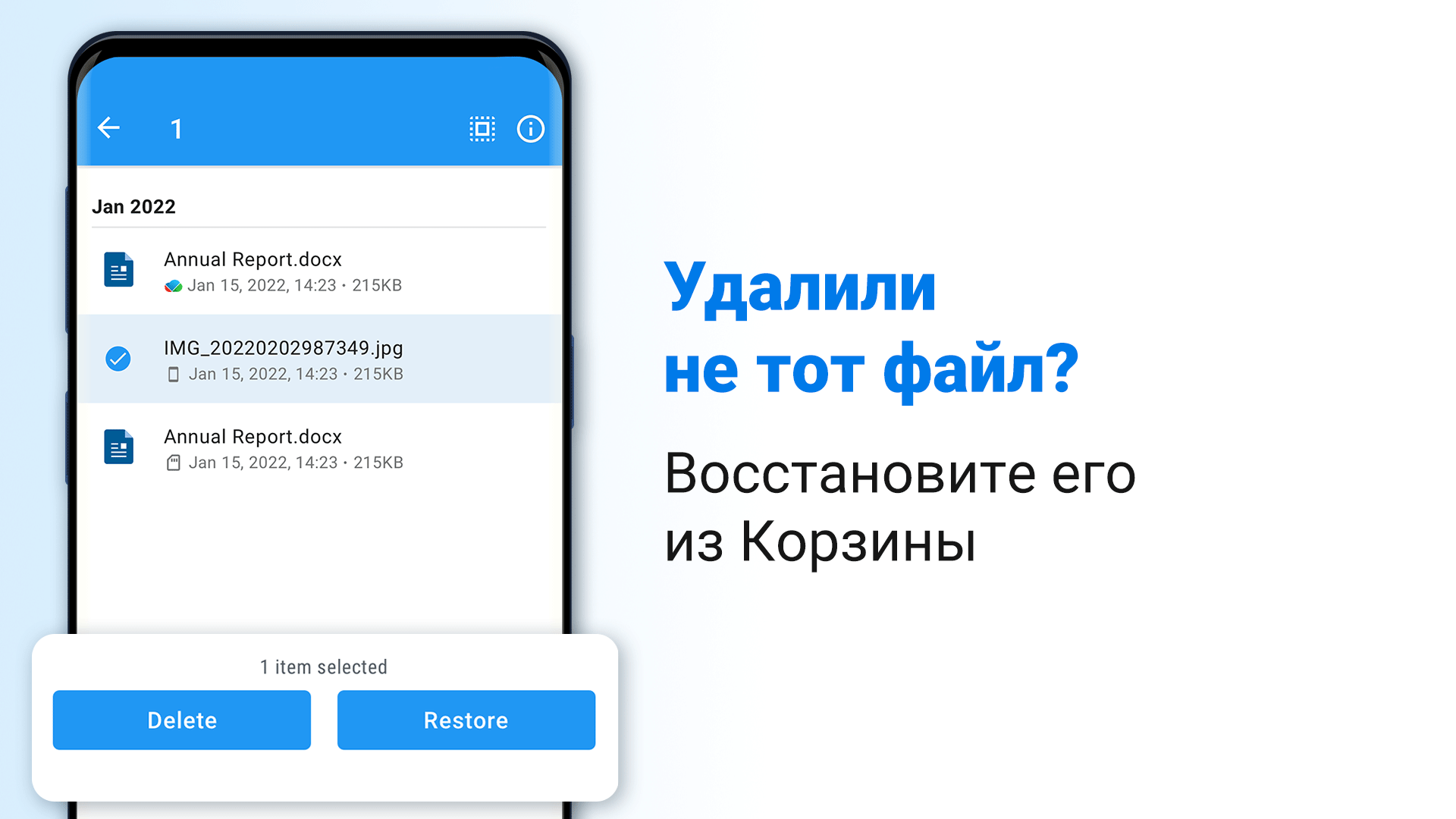
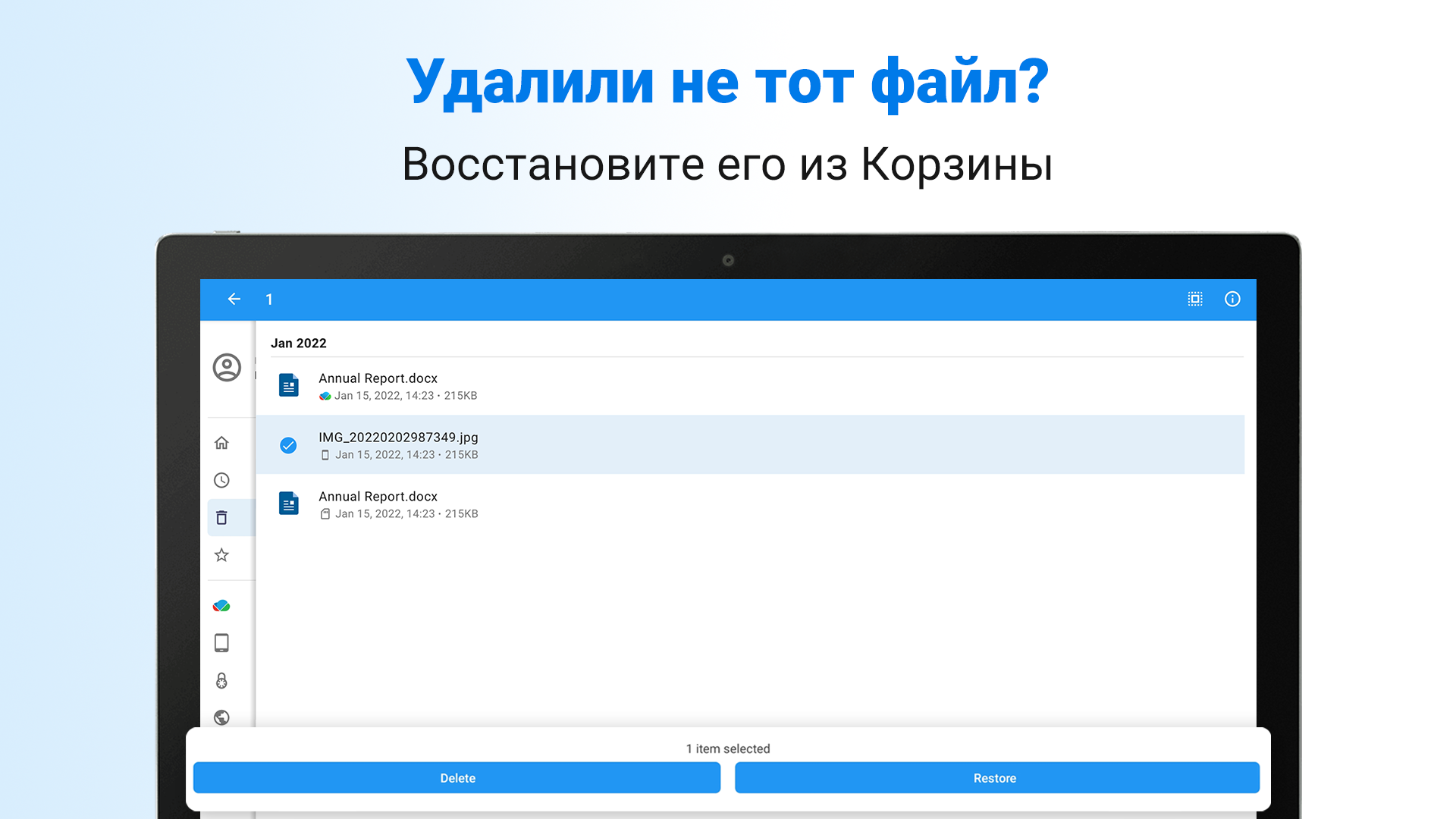
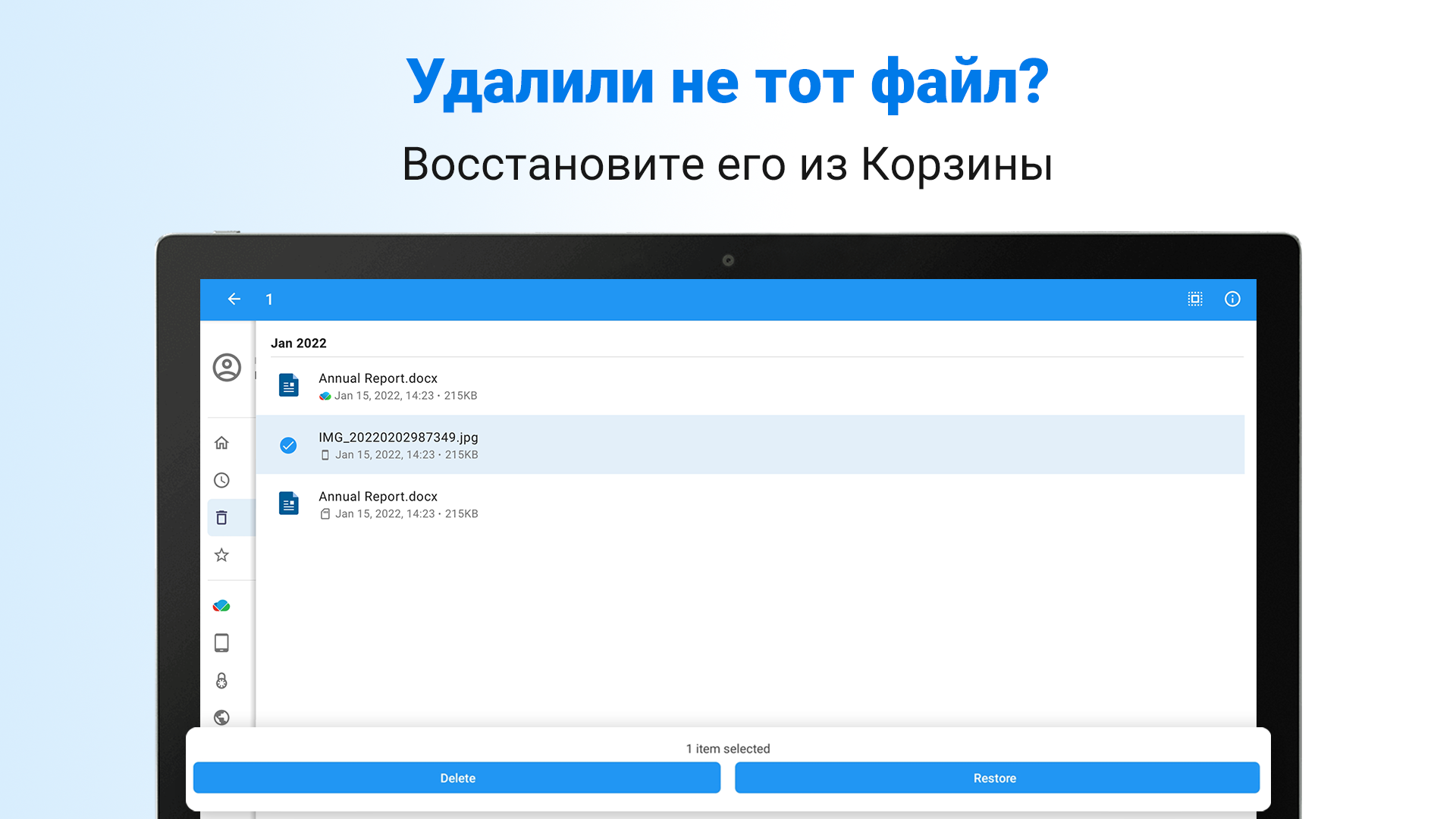
- Adanya "Recycle Bin" untuk memulihkan file yang terhapus.
- Antarmuka yang intuitif.
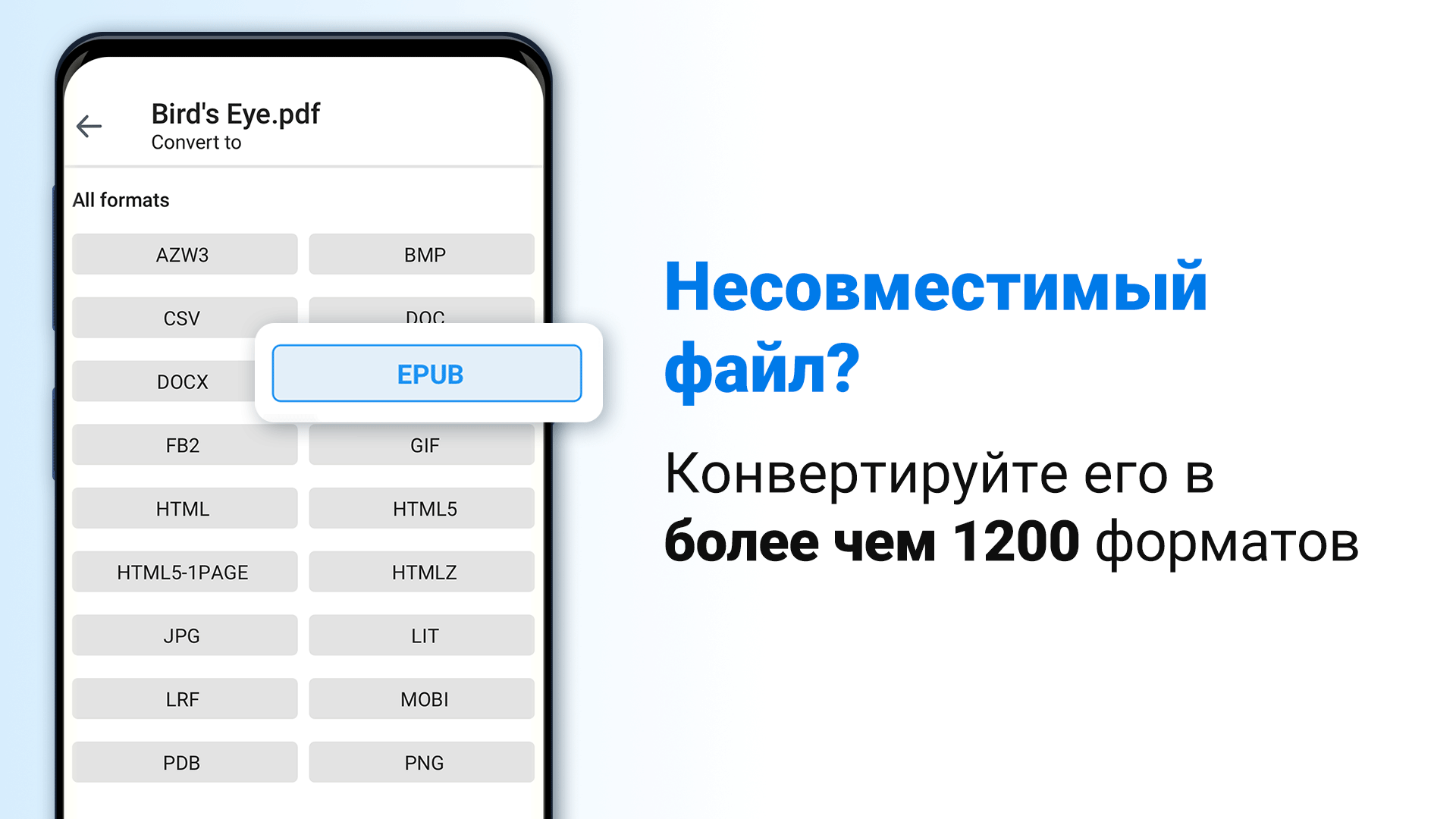
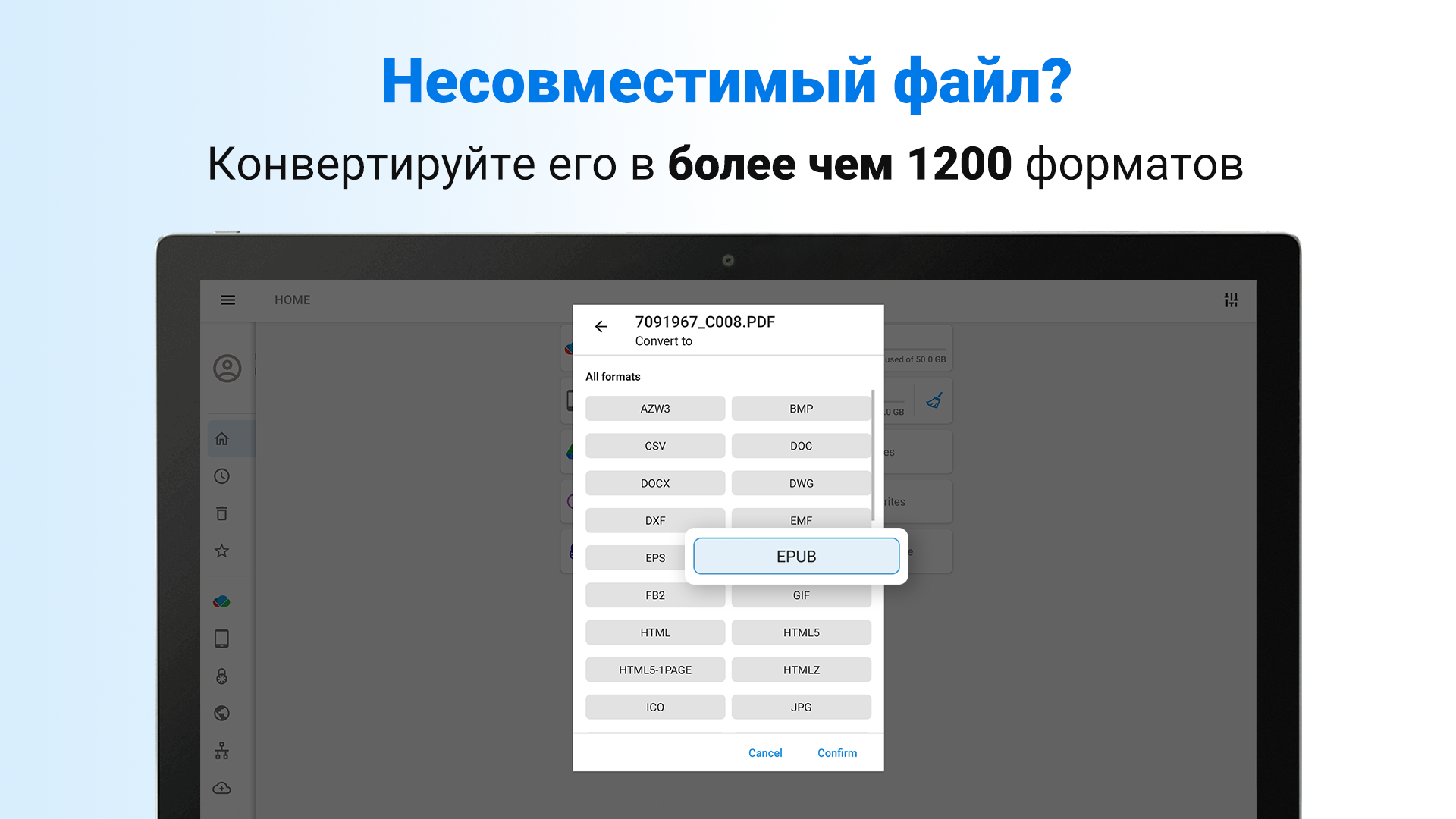
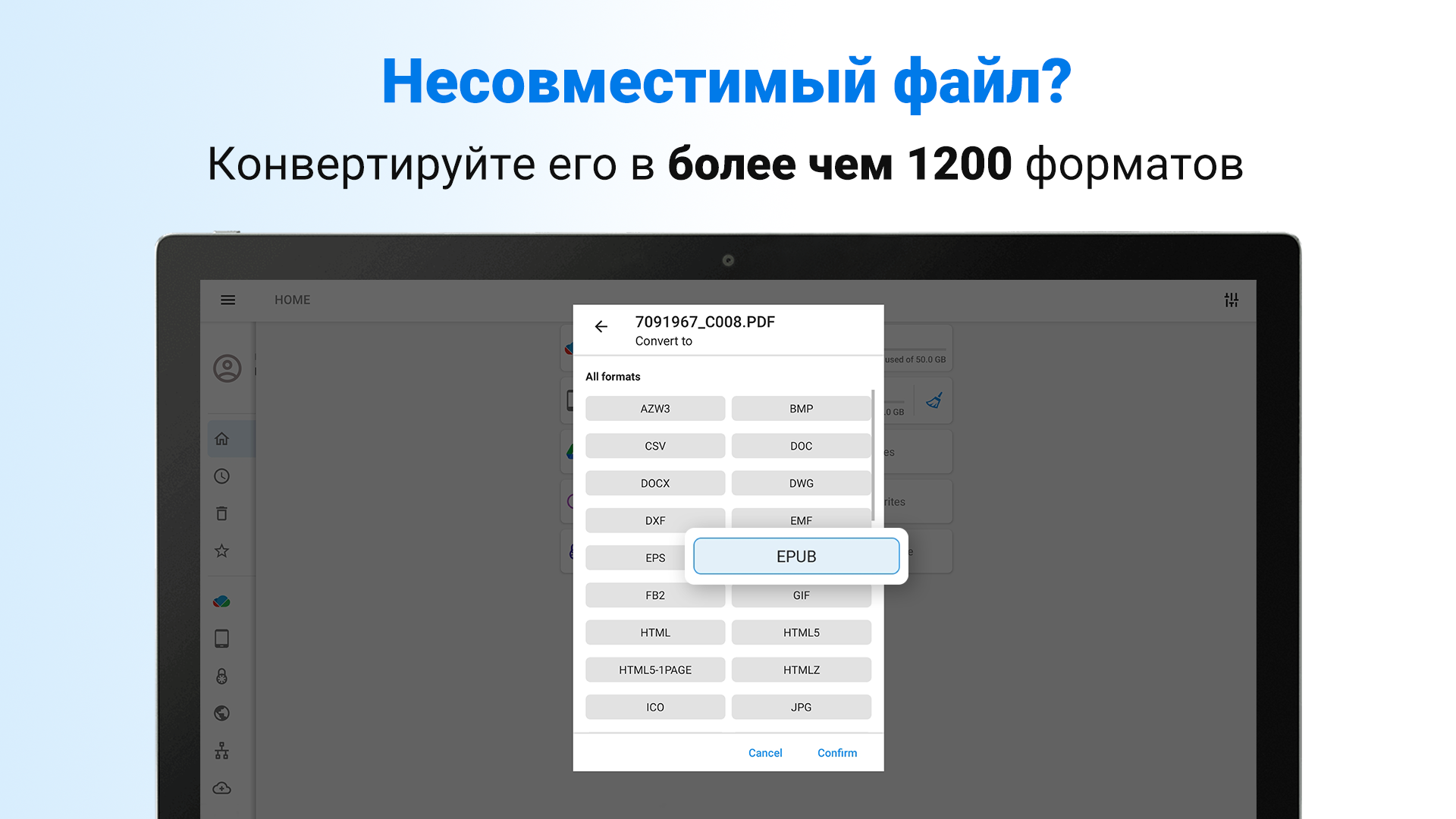
- Konverter fungsional bawaan.
Deskripsi
Aplikasi File Commander Manager & Vault diperiksa oleh antivirus VirusTotal. Sebagai hasil pemindaian, tidak ada infeksi file yang terdeteksi oleh semua tanda tangan terbaru.
Cara memasang File Commander Manager & Vault
- Unduh file APK aplikasi dari apkshki.com.
- Temukan file yang diunduh. Anda dapat menemukannya di baki sistem atau di folder 'Download' menggunakan manajer file apa pun.
- Jika file yang diunduh berekstensi .bin (bug WebView di Android 11), ubah namanya menjadi .apk menggunakan pengelola file apa pun atau coba unduh file dengan browser lain seperti Chrome.
- Mulai penginstalan. Klik pada file yang diunduh untuk memulai penginstalan
- Izinkan penginstalan dari sumber yang tidak dikenal. Jika Anda menginstal untuk pertama kalinya File Commander Manager & Vault bukan dari Google Play, buka pengaturan keamanan perangkat Anda dan izinkan penginstalan dari sumber yang tidak dikenal.
- Lewati perlindungan Google Play. Jika proteksi Google Play memblokir penginstalan file, ketuk 'Info Lebih Lanjut' → 'Tetap instal' → 'OK' untuk melanjutkan..
- Selesaikan penginstalan: Ikuti petunjuk penginstal untuk menyelesaikan proses penginstalan.
Cara memperbarui File Commander Manager & Vault
- Unduh versi baru aplikasi dari apkshki.com.
- Cari file yang diunduh dan klik file tersebut untuk memulai penginstalan.
- Instal di atas versi lama. Tidak perlu menghapus instalasi versi sebelumnya.
- Hindari konflik tanda tangan. Jika versi sebelumnya tidak diunduh dari apkshki.com, pesan 'Aplikasi tidak terinstal' mungkin muncul. Dalam kasus ini, hapus instalan versi lama dan instal versi baru.
- Mulai ulang lampiran File Commander Manager & Vault setelah pembaruan.









Meminta pembaruan aplikasi
Ditambahkan Denis Rubinov
Versi: 9.6.60050
Ukuran: 24.3 MB
Diperbarui: 21.05.2025
Developer: MobiSystems
Batasan Usia: Everyone
Otorisasi:
Diunduh di Google Play: 179318878
Kategori: Bisnis















Ulasan untuk File Commander Manager & Vault
best app for files and work better and fast
it's great!
works nice
works great, good app.
good all round program for moving and managing files
Very useful, feature rich
Excellent
Good
Good so far but you can't upload big files
awesome 👌
I have installed several file apps, only to uninstall them. I was skeptical of File Commander initially, as it has been months of countless disappointing downloads. I am reporting a 5 Star rating! The ease and navigation of this app is great. The file I have been attempting to locate, rename and access was one click away. OUTSTANDING! I will recommend this app and look no further.
At $30/Yr, It is far, FAR too costly. I subscribed to evaluate features I really needed and found them lacking in versatility, ease of use, and in context-sensitive descriptions, documentation, and intuitiveness. I've downloaded just about every suitable file management application, and I'm planning to find the best one at the most reasonable price. That's where you find whether it's worth the effort to try the company's other software.
Edit 1/16: Caution. In response to my earlier post, Mobi Help Desk recommended that I simply clear the data. Despite my concern that I would lose the functionality of the premium service AND access to my secured files, I was assured that it would not be a problem. Now I have gone just about a week without the paid service nor access to secured files. Support person only seems to respond to messages once a day so while I do get communications, there is no urgency on their part to help. My original issue went from bad to worse. The app works as advertised. functions are great. Am giving two stars because phone indicates that this app is using up approximately 1/3 of my phone's internal storage capacity.
I've used this app for years as a way to manage the files on my phone. Easily allowed me to delete unnecessary files in order to maintain memory. Today when I tried to open the app, I got a "premium mode" ad that I couldn't exit out of without paying. I've never used any of the premium features, so I've never been interested in the paid version of the app. Positive experience overall, but it's a shame things end on a sad note.
Can't start it without saying "no, I'm not paying your unbelievably high annual fee". Has some bug where you can never, ever replace a file with one of the same name. it will always refresh back to the replaced file. I am not certain as to the extent of this bug but the display for my png files are different than three other browsers/viewers that I am currently using to verify what the photo "actually" looks like.
Kirimkan komentar
Untuk memberikan komentar, masuklah dengan jejaring sosial Anda:
Atau tinggalkan komentar anonim. Komentar Anda akan dikirim untuk dimoderasi.
Kirimkan komentar
Untuk memberikan komentar, masuklah dengan jejaring sosial Anda:
Atau tinggalkan komentar anonim. Komentar Anda akan dikirim untuk dimoderasi.