



Ditambahkan: Denis Rubinov
Versi: 23.02.05
Ukuran: 0 MB
Diperbarui: 03.12.2023
Developer: Delta 8 Studio
Batasan Usia: Everyone
Diunduh di Google Play: 755426
Kategori: Kerja
Deskripsi
Aplikasi Files Shortcut diperiksa oleh antivirus VirusTotal. Sebagai hasil pemindaian, tidak ada infeksi file yang terdeteksi oleh semua tanda tangan terbaru.
Cara memasang Files Shortcut
- Unduh file APK aplikasi dari apkshki.com.
- Temukan file yang diunduh. Anda dapat menemukannya di baki sistem atau di folder 'Download' menggunakan manajer file apa pun.
- Jika file yang diunduh berekstensi .bin (bug WebView di Android 11), ubah namanya menjadi .apk menggunakan pengelola file apa pun atau coba unduh file dengan browser lain seperti Chrome.
- Mulai penginstalan. Klik pada file yang diunduh untuk memulai penginstalan
- Izinkan penginstalan dari sumber yang tidak dikenal. Jika Anda menginstal untuk pertama kalinya Files Shortcut bukan dari Google Play, buka pengaturan keamanan perangkat Anda dan izinkan penginstalan dari sumber yang tidak dikenal.
- Lewati perlindungan Google Play. Jika proteksi Google Play memblokir penginstalan file, ketuk 'Info Lebih Lanjut' → 'Tetap instal' → 'OK' untuk melanjutkan..
- Selesaikan penginstalan: Ikuti petunjuk penginstal untuk menyelesaikan proses penginstalan.
Cara memperbarui Files Shortcut
- Unduh versi baru aplikasi dari apkshki.com.
- Cari file yang diunduh dan klik file tersebut untuk memulai penginstalan.
- Instal di atas versi lama. Tidak perlu menghapus instalasi versi sebelumnya.
- Hindari konflik tanda tangan. Jika versi sebelumnya tidak diunduh dari apkshki.com, pesan 'Aplikasi tidak terinstal' mungkin muncul. Dalam kasus ini, hapus instalan versi lama dan instal versi baru.
- Mulai ulang lampiran Files Shortcut setelah pembaruan.





Meminta pembaruan aplikasi
Ditambahkan Denis Rubinov
Versi: 23.02.05
Ukuran: 0 MB
Diperbarui: 03.12.2023
Developer: Delta 8 Studio
Batasan Usia: Everyone
Diunduh di Google Play: 755426
Kategori: Kerja















Ulasan untuk Files Shortcut
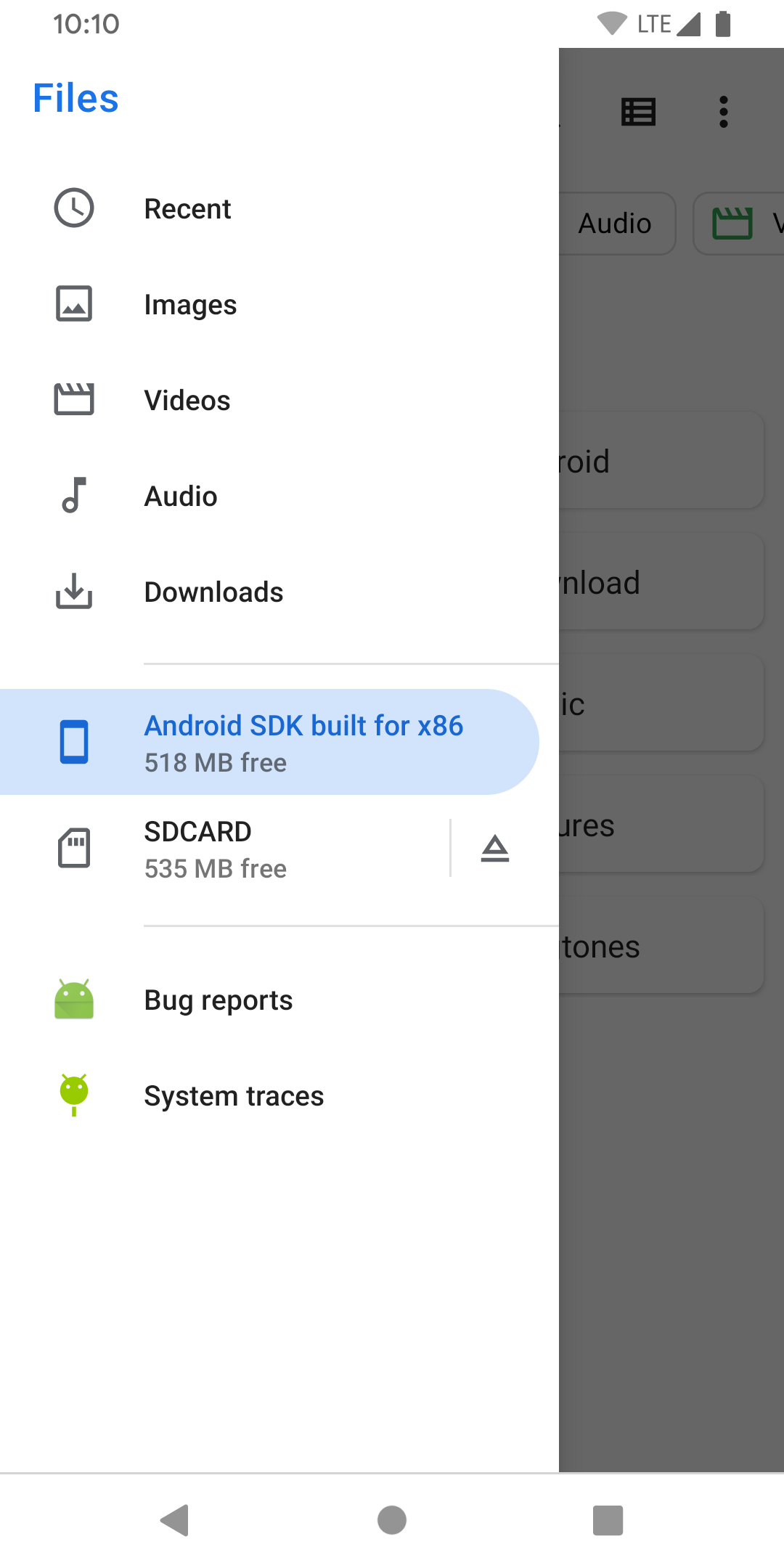
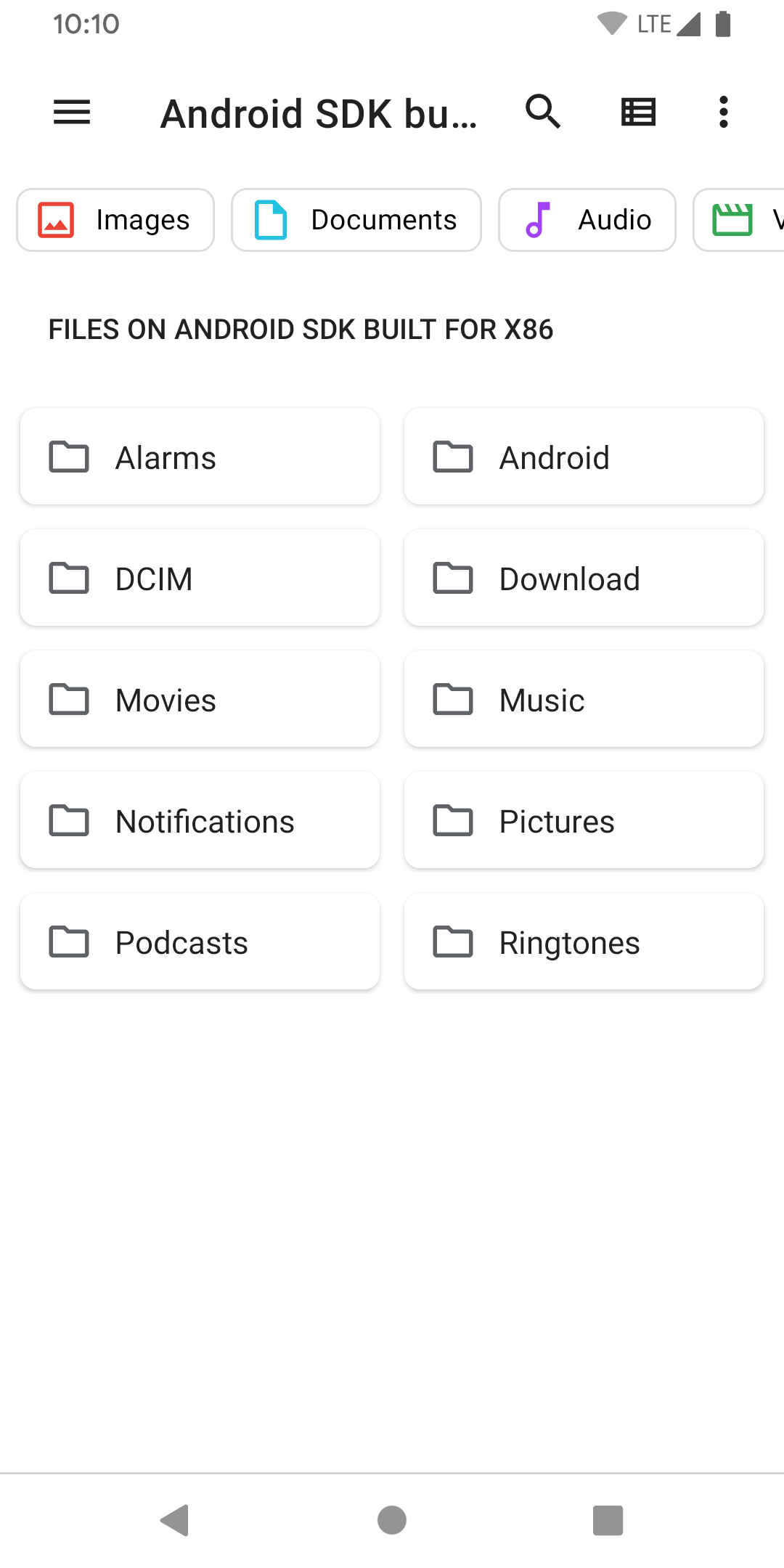
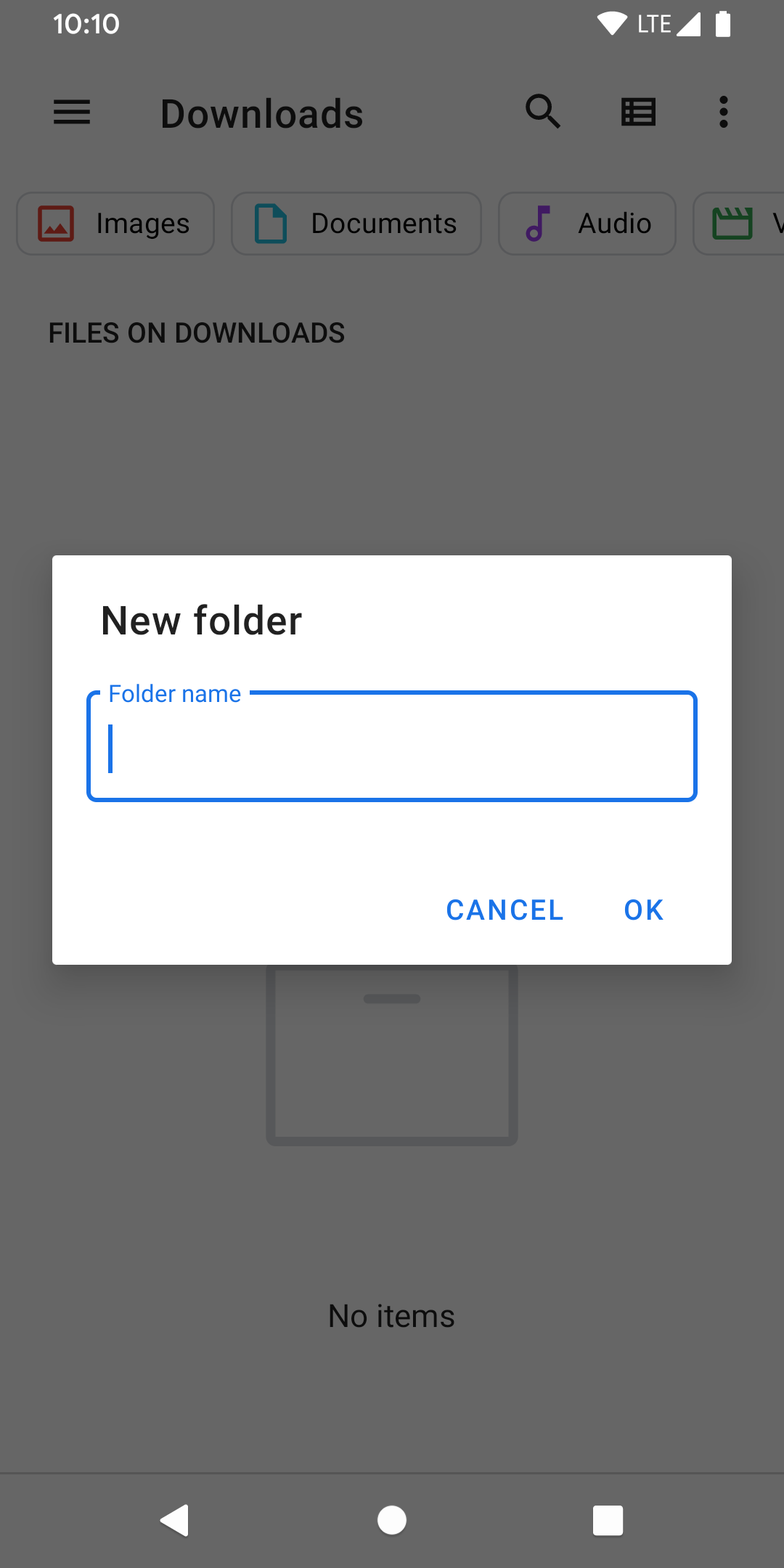
Moto G 5G has a difficult, multi-step access to the built-in file manager, which can't be placed as a shortcut. This tiny app allows for that. Nice. No additional File Manager app required.
Very easy to manage files This app is must have A can't imagine using my phone and tablet without this app
I have been looking for this for ages. Thanks for making this amazing app.
Excellent good job
Awesome
Excellent
This lets you open the best file manager on android, which is part of the OS! Better than files by Google, Samsung, anyone else. Thanks developers!!!
Best app as it opens the Default Files app from Android for connecting other USB devices and using them to transfer files. I've been searching for this for a while now. Thanks
Finally Didabled google files and now i can access the better stock android files app
Thanks for adding this... I had read how to create a shortcut myself, but have had little need to do this for other system apps so why reinvent the wheel. Now if you can convince google to just add it by default, then all the better. I was looking for it because I'd rather access the native File app just like all other apps... while this can be opened from my notifications when I attach external storage, the shortcut in my apps folder is less awkward to use.
Kirimkan komentar
Untuk memberikan komentar, masuklah dengan jejaring sosial Anda:
Atau tinggalkan komentar anonim. Komentar Anda akan dikirim untuk dimoderasi.
Kirimkan komentar
Untuk memberikan komentar, masuklah dengan jejaring sosial Anda:
Atau tinggalkan komentar anonim. Komentar Anda akan dikirim untuk dimoderasi.