



Autodesk Fusion
1+
unduhan5.0+
versi Android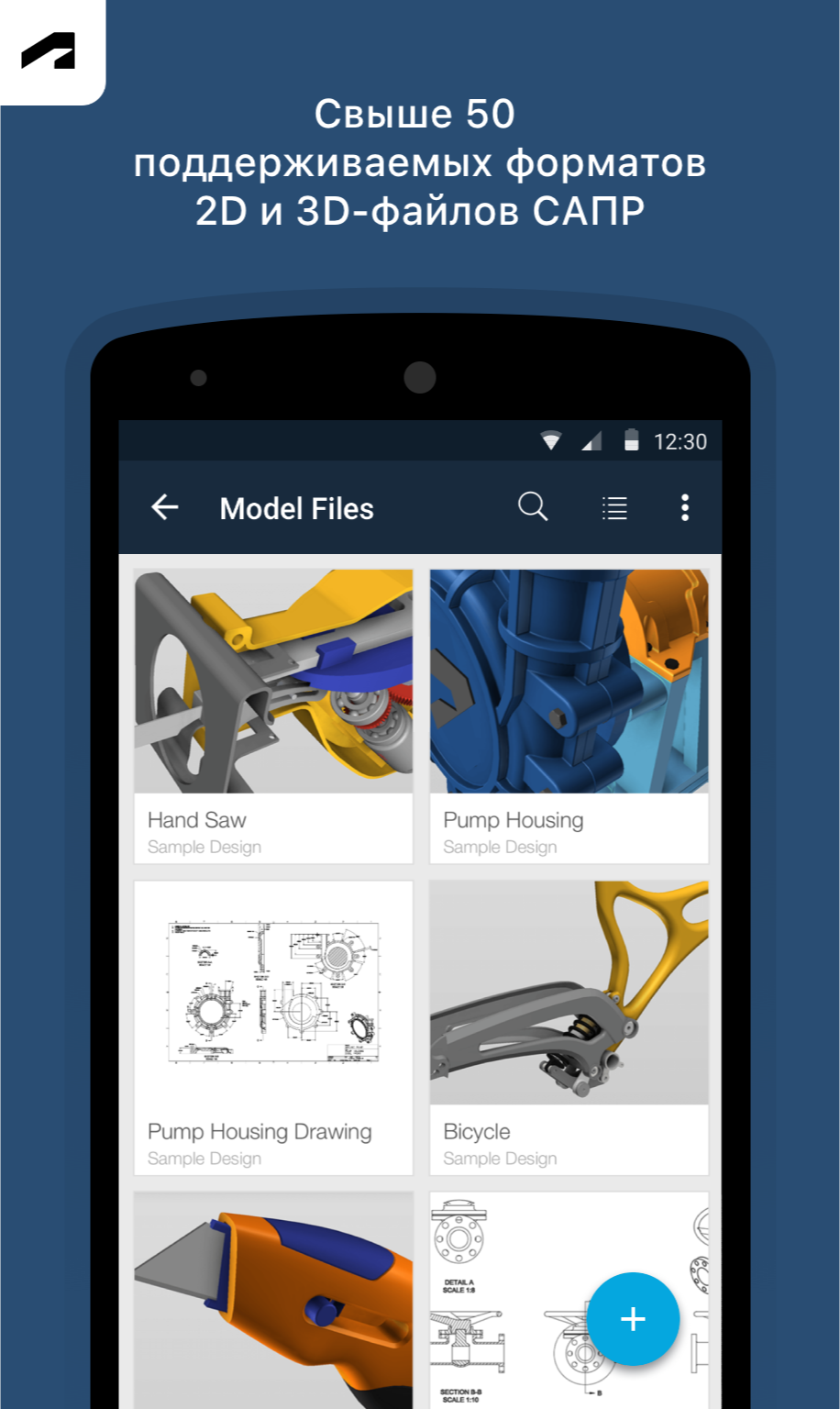
Ditambahkan: Denis Rubinov
Versi: 2.9.0
Ukuran: 27.3 MB
Diperbarui: 24.06.2025
Developer: Autodesk Inc.
Batasan Usia: Everyone
Diunduh di Google Play: 1059857
Kategori: Kerja
Deskripsi
Aplikasi Autodesk Fusion diperiksa oleh antivirus VirusTotal. Sebagai hasil pemindaian, tidak ada infeksi file yang terdeteksi oleh semua tanda tangan terbaru.
Cara memasang Autodesk Fusion
- Unduh file APK aplikasi dari apkshki.com.
- Temukan file yang diunduh. Anda dapat menemukannya di baki sistem atau di folder 'Download' menggunakan manajer file apa pun.
- Jika file yang diunduh berekstensi .bin (bug WebView di Android 11), ubah namanya menjadi .apk menggunakan pengelola file apa pun atau coba unduh file dengan browser lain seperti Chrome.
- Mulai penginstalan. Klik pada file yang diunduh untuk memulai penginstalan
- Izinkan penginstalan dari sumber yang tidak dikenal. Jika Anda menginstal untuk pertama kalinya Autodesk Fusion bukan dari Google Play, buka pengaturan keamanan perangkat Anda dan izinkan penginstalan dari sumber yang tidak dikenal.
- Lewati perlindungan Google Play. Jika proteksi Google Play memblokir penginstalan file, ketuk 'Info Lebih Lanjut' → 'Tetap instal' → 'OK' untuk melanjutkan..
- Selesaikan penginstalan: Ikuti petunjuk penginstal untuk menyelesaikan proses penginstalan.
Cara memperbarui Autodesk Fusion
- Unduh versi baru aplikasi dari apkshki.com.
- Cari file yang diunduh dan klik file tersebut untuk memulai penginstalan.
- Instal di atas versi lama. Tidak perlu menghapus instalasi versi sebelumnya.
- Hindari konflik tanda tangan. Jika versi sebelumnya tidak diunduh dari apkshki.com, pesan 'Aplikasi tidak terinstal' mungkin muncul. Dalam kasus ini, hapus instalan versi lama dan instal versi baru.
- Mulai ulang lampiran Autodesk Fusion setelah pembaruan.









Meminta pembaruan aplikasi
Ditambahkan Denis Rubinov
Versi: 2.9.0
Ukuran: 27.3 MB
Diperbarui: 24.06.2025
Developer: Autodesk Inc.
Batasan Usia: Everyone
Diunduh di Google Play: 1059857
Kategori: Kerja















Ulasan untuk Autodesk Fusion
looked for an android CAD for making 3d projects, seen this was recommended and installed, created account, verified account, back to login to relog in, gets stuck in an infinite verify loop per the web address and displays a bright white screen showing only the web address, closed app and restarted with same result, & uninstalled app. all in all very poor experience
app is horrible cant design for free they want you to make it public go figure and create a team and make it hardest thing possible to figure out how to do screw this go to solidworks or bambus. what a waste do better auto desk.
Cannot log in. Blank page at the end of authentication process
log in issue should upgrade log in page
can't login to the app - username & password go fine but the 2FA page just loops back to the login button. my Autodesk account works fine on other devices
terrible, wouldn't accept login. just sits on Auth page. website and desktop login fine. feels very un tested
Autodesk has allowed this app to fall apart. I can't log in at all. It was working for the longest time, then it's like they just stopped.
Login broken
There is no excuse for Autodesk making commercials that mock GOD to sell their terrible apps & software.
Can't login. Once I try to switch to either my password manager or the authenticator, the login dialog goes away and I can't paste the numbers...
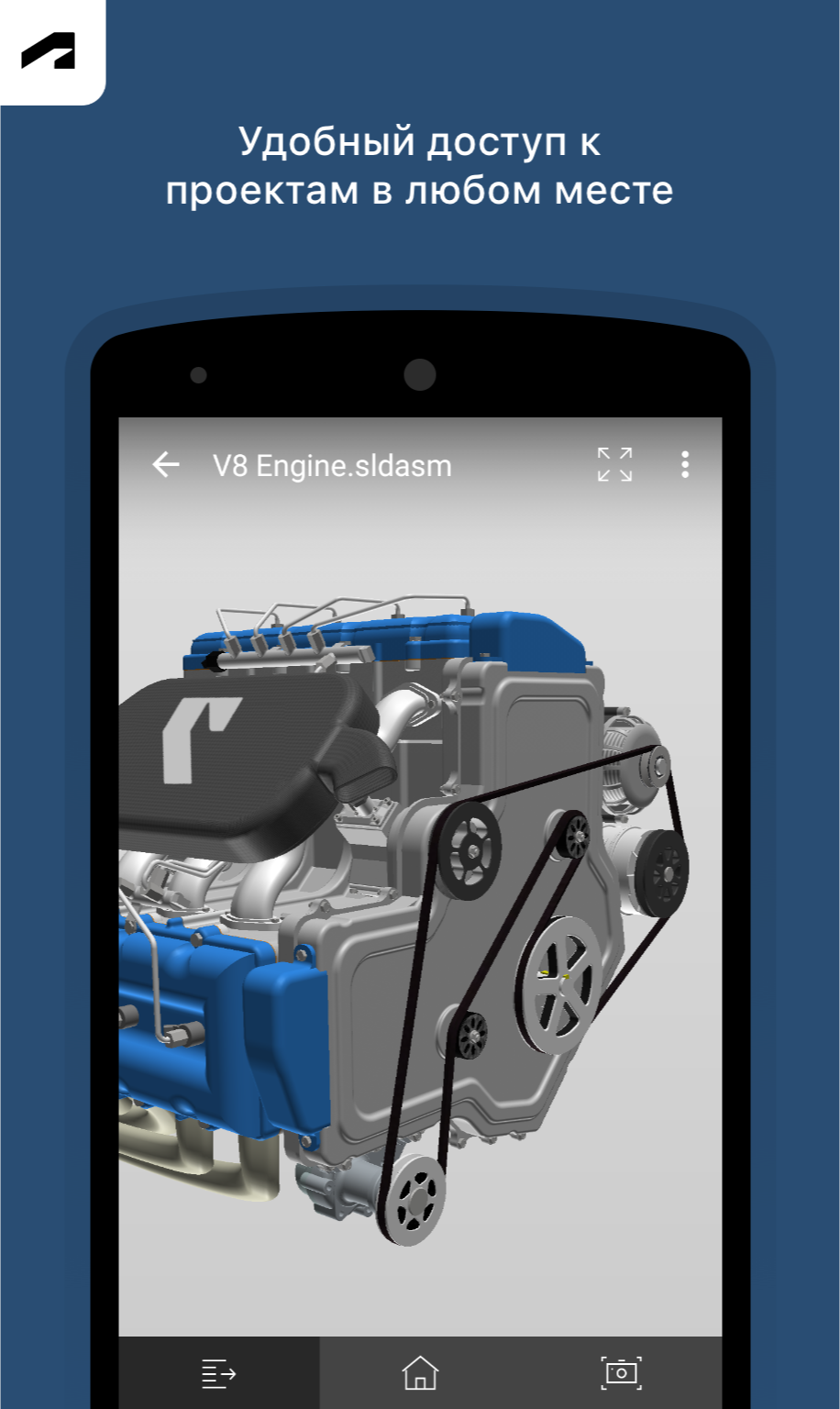
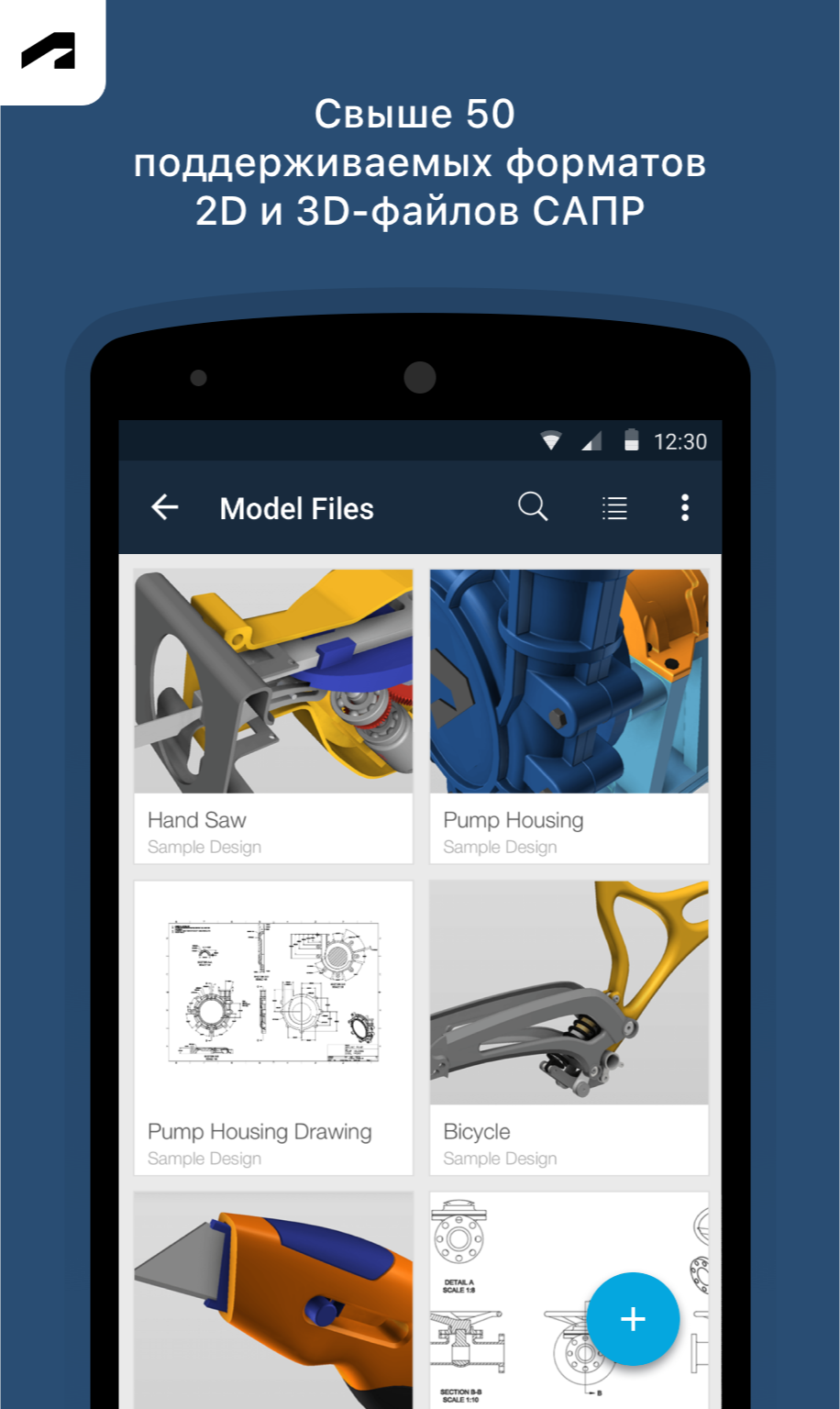
You can view models and drawings. That's ok. You can messure angel and area and distance. No radius or diameter. No good snapping (center, quard, perpendicular etc.) You can't draw or make new models. All in all, pretty useless
Opened a file in the app, now when I try and access that file on my desktop I get a download error. Can't access model that I spent hours over. Edit: got my file back by right clicking the file in the data panel, viewing details on Internet (which opened a browser based version of fusion 360), then I was able to download the file from there via email & re-upload to fusion 360
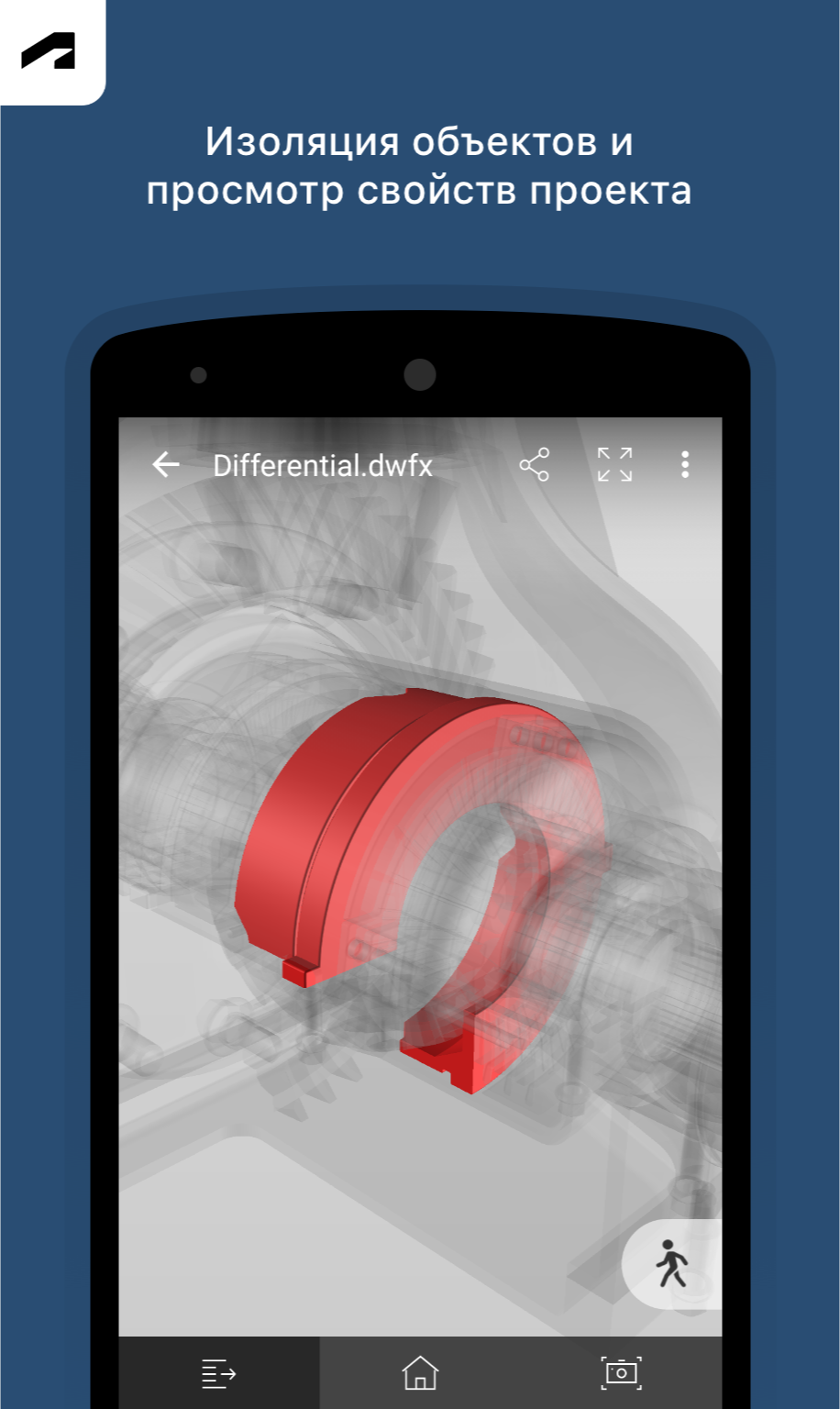
My biggest problem with this app is that you can only toggle bodies/components that were visible when you saved on Desktop. If you're toggling the visibility so you can work on things, then you have an idea for another part you want to check on while away from your desk, you can't. This severely limits the usefulness of the app, to the point where it's almost not worth opening.
Doesn't seem to actually be working When uploading any file I get an error message that the app has stopped working. Uninstalled and reinstalled, made a new account, tried uploading from email, from my device. Set both .stl and .f3d files to default to Fusion360. Nothing is working.
i originally wanted to subscribe to fusion 360, but considered it too expensive. when i saw this, i thought it's worth a try to download it. it's pretty much an archive, not the actual 3d modeling program. this is not what i was looking for, so i can't really rate it. but you could have included "transfer program", "cloud", "archive" or something similar in the title.
Kirimkan komentar
Untuk memberikan komentar, masuklah dengan jejaring sosial Anda:
Atau tinggalkan komentar anonim. Komentar Anda akan dikirim untuk dimoderasi.
Kirimkan komentar
Untuk memberikan komentar, masuklah dengan jejaring sosial Anda:
Atau tinggalkan komentar anonim. Komentar Anda akan dikirim untuk dimoderasi.