



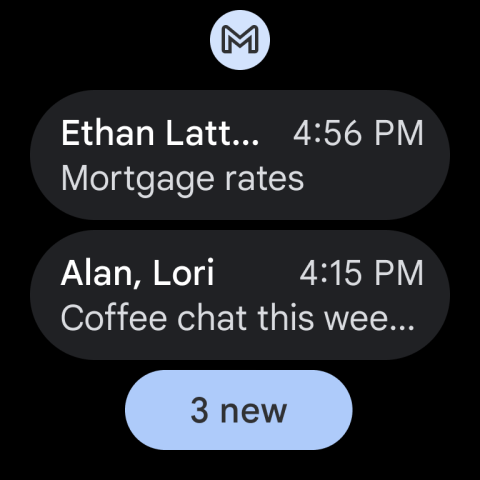
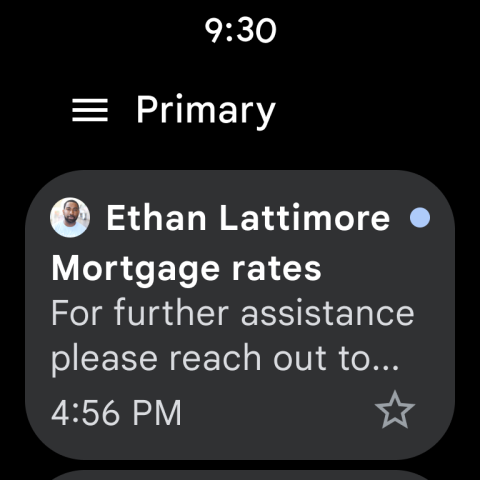
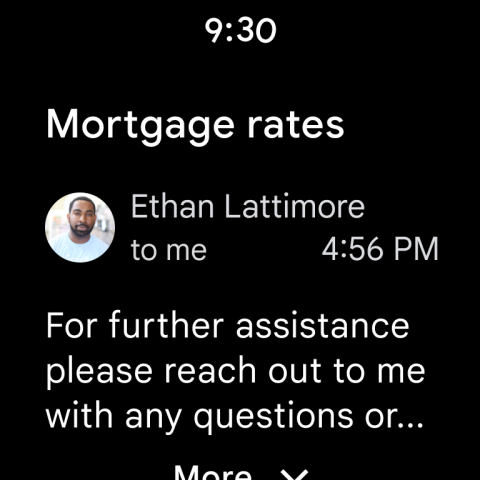
Ditambahkan: Denis Rubinov
Versi: 108.10.7.218420740.release
Ukuran: 10.2 MB
Diperbarui: 29.07.2021
Developer: Google LLC
Batasan Usia: Everyone
Otorisasi: 39
Diunduh di Google Play: 14117973205
Kategori: Komunikasi
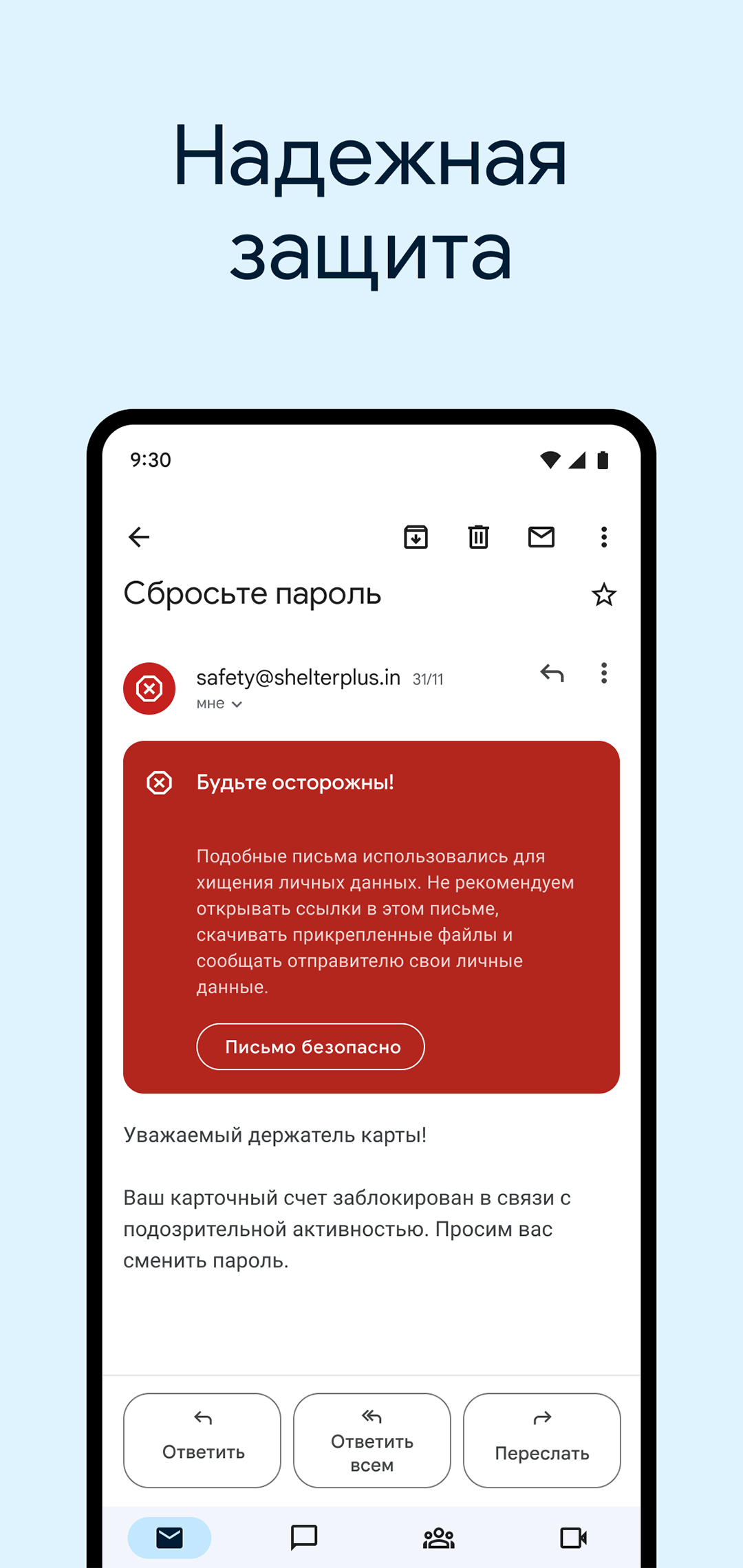
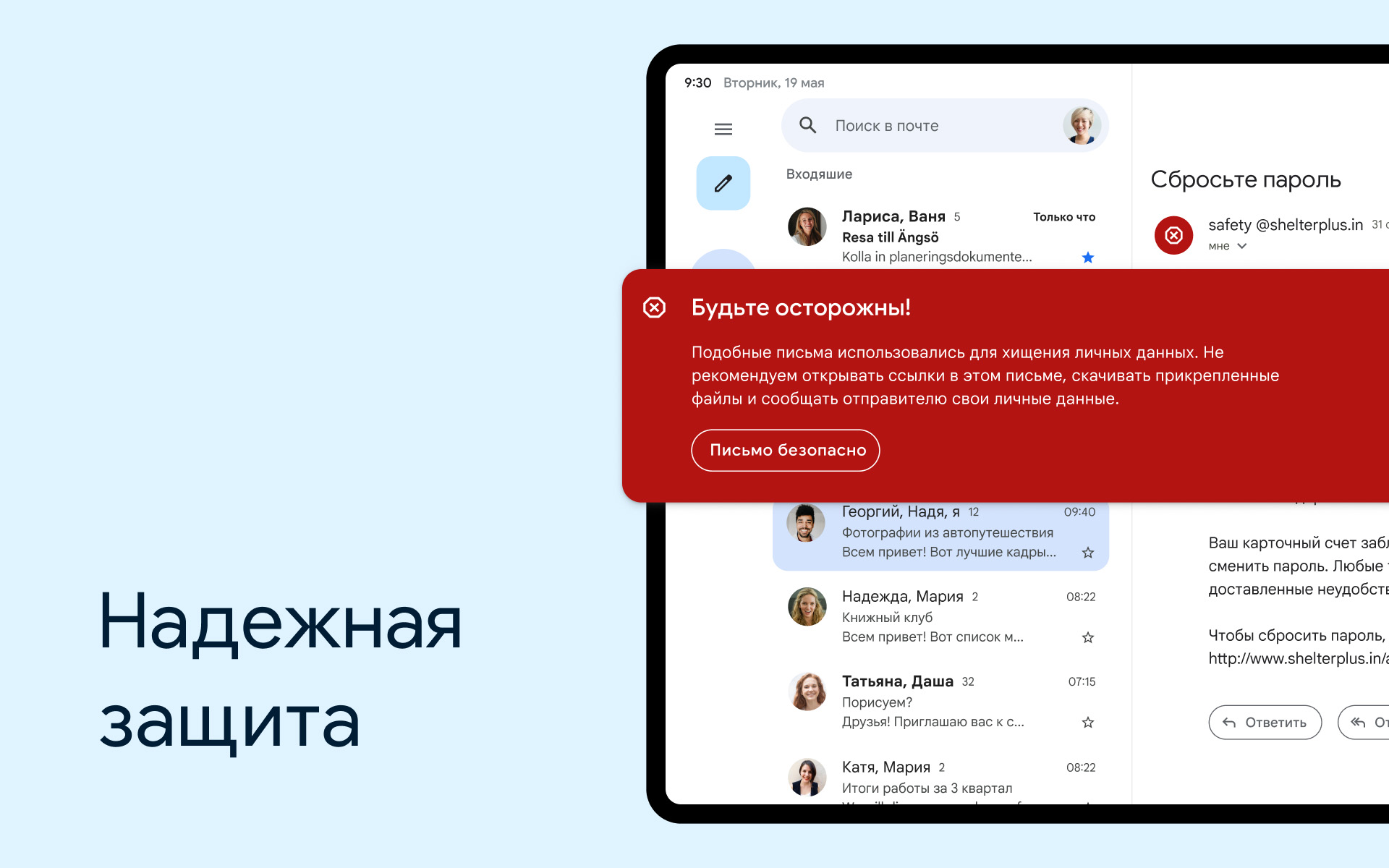
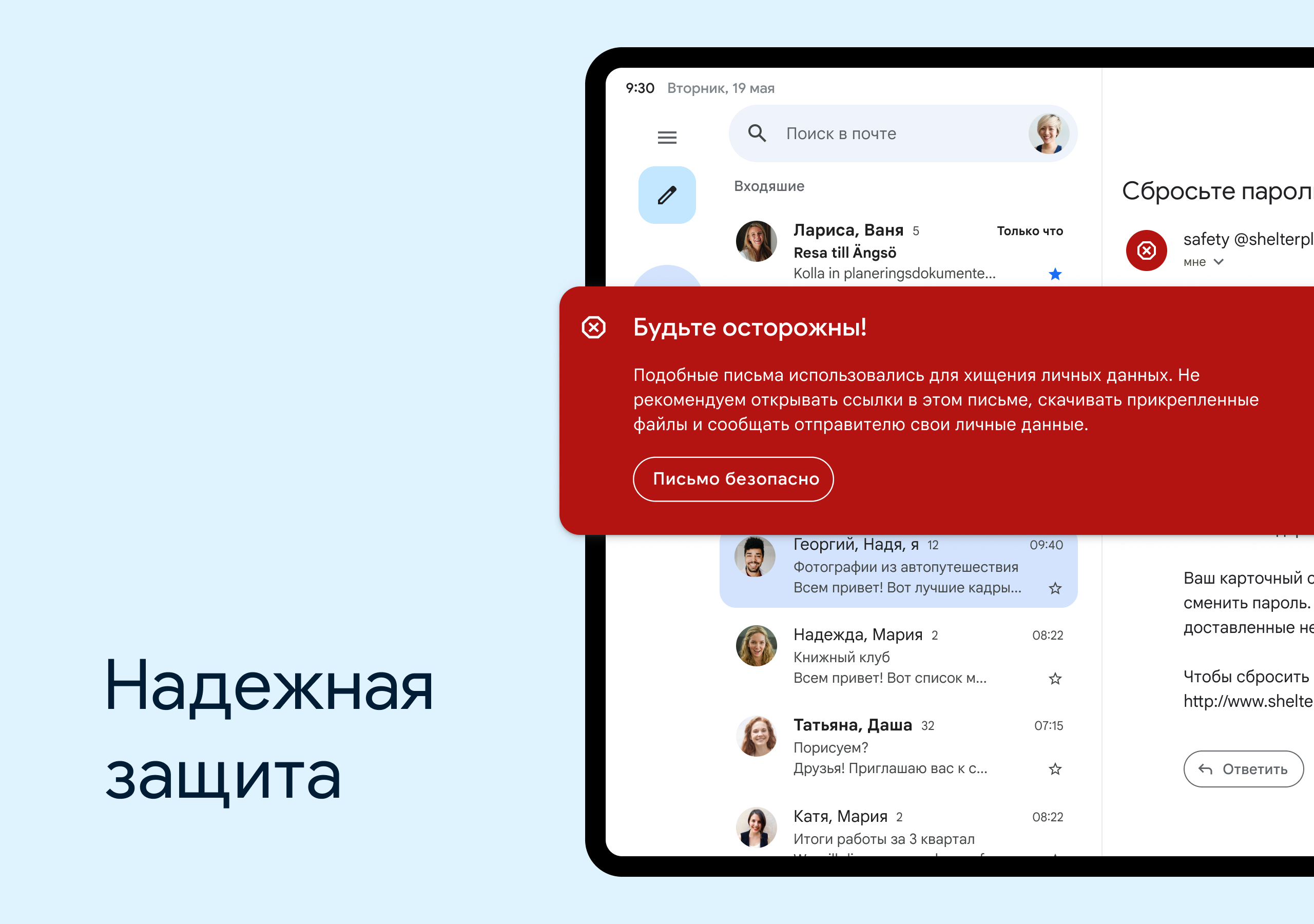
- Perlindungan spam yang bagus.
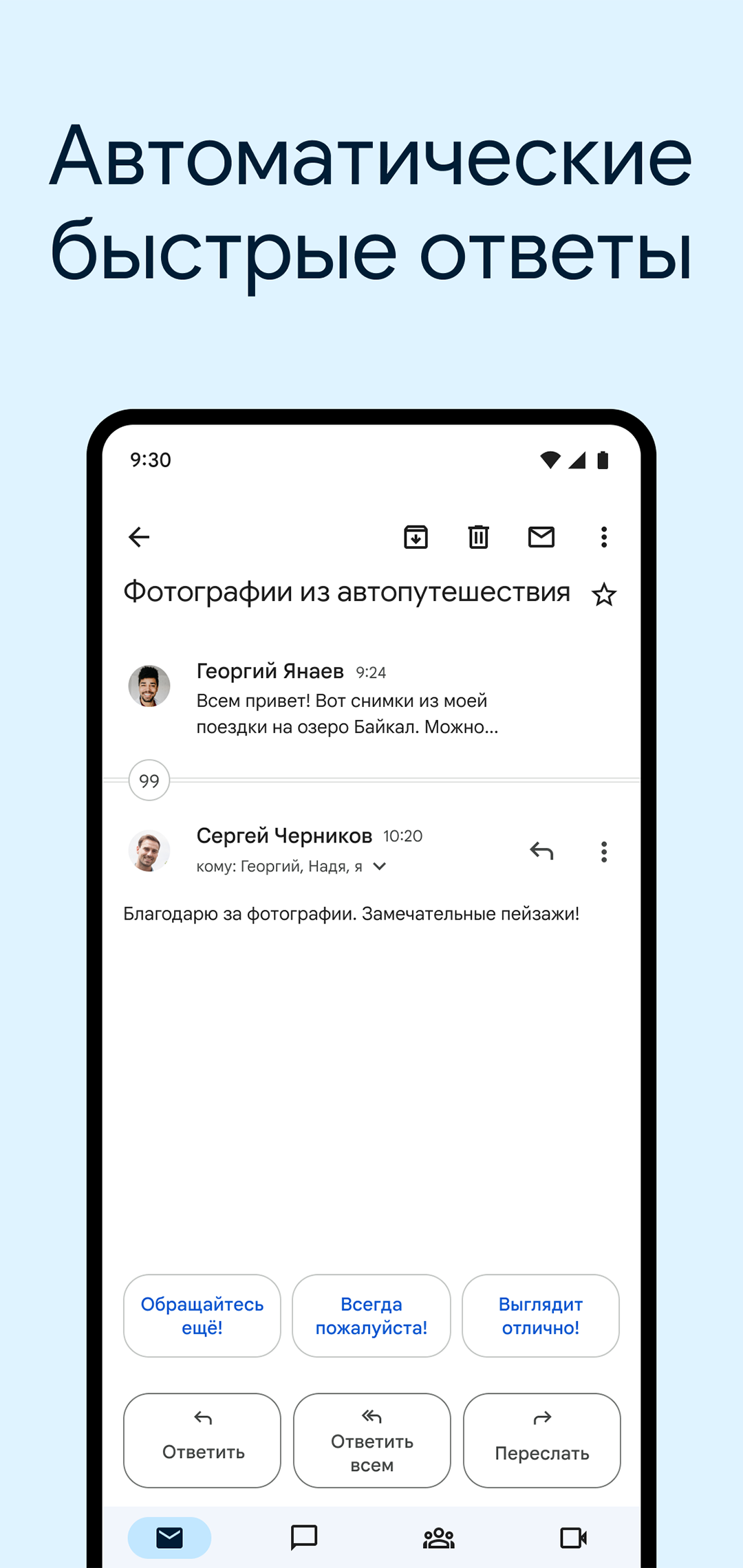
- Memfokuskan email secara otomatis.
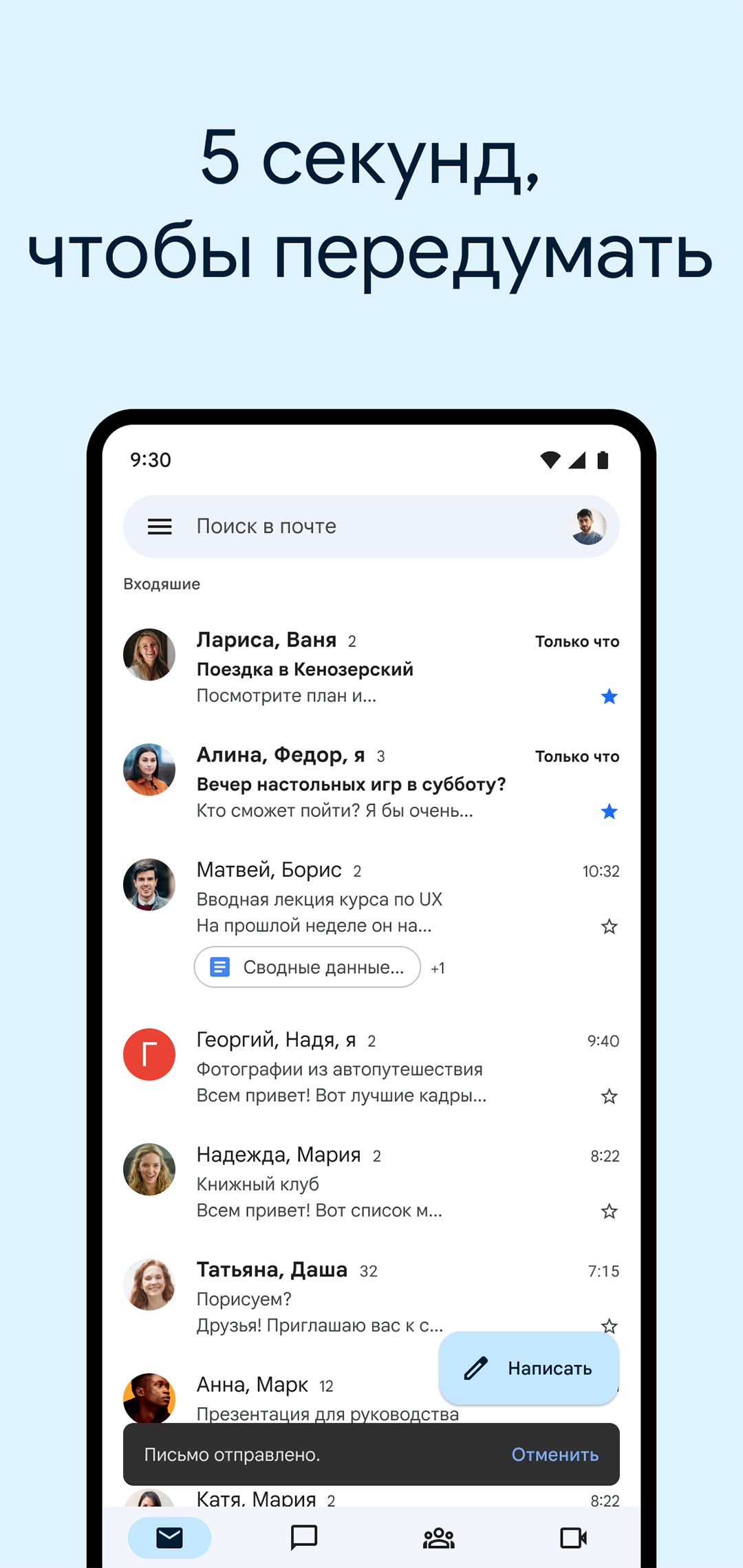
- Simpan draf secara offline.
- Antarmuka yang intuitif.
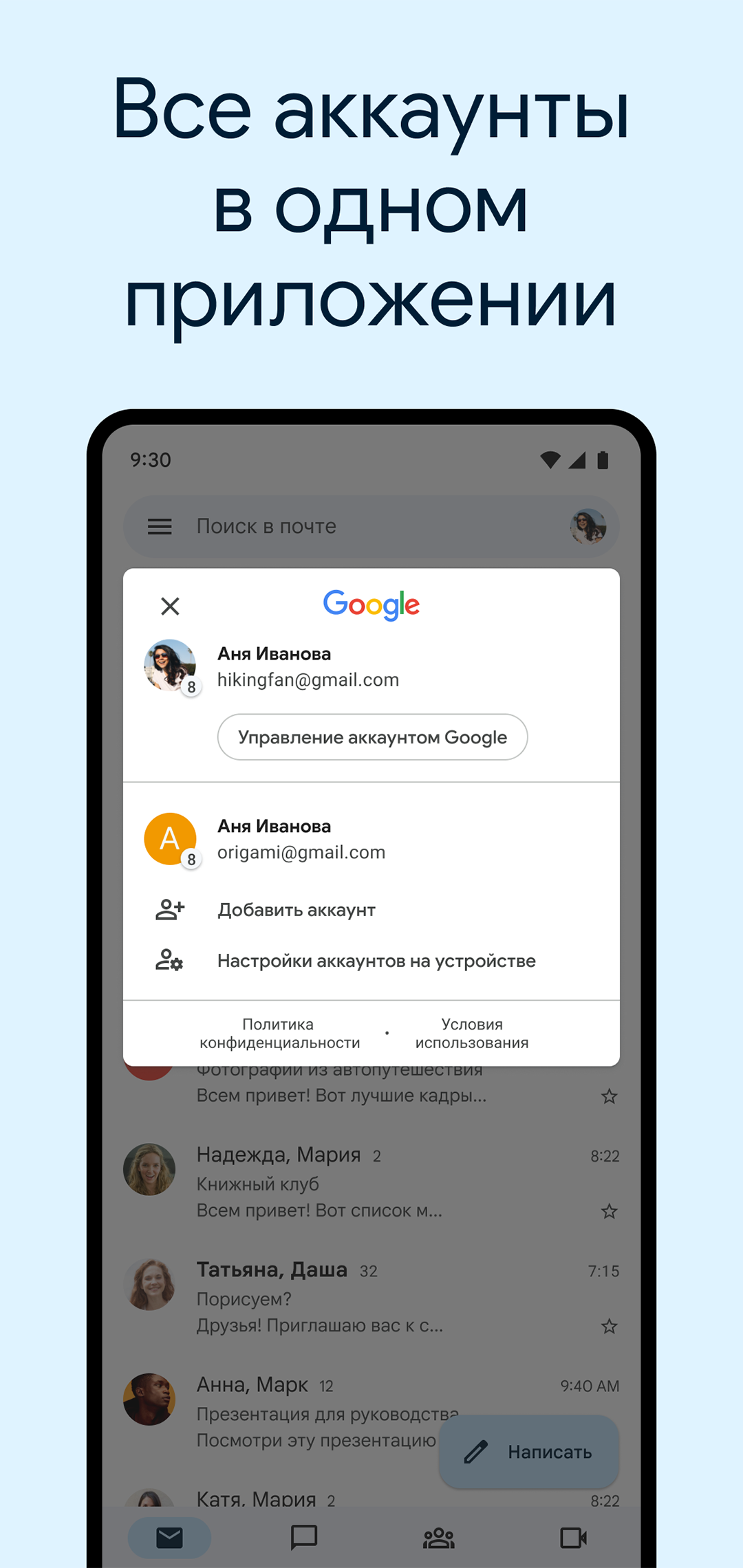
- Dapat bekerja dengan kotak surat layanan pihak ketiga.
Deskripsi
Aplikasi Gmail diperiksa oleh antivirus VirusTotal. Sebagai hasil pemindaian, tidak ada infeksi file yang terdeteksi oleh semua tanda tangan terbaru.
Cara memasang Gmail
- Unduh file APK aplikasi dari apkshki.com.
- Temukan file yang diunduh. Anda dapat menemukannya di baki sistem atau di folder 'Download' menggunakan manajer file apa pun.
- Jika file yang diunduh berekstensi .bin (bug WebView di Android 11), ubah namanya menjadi .apk menggunakan pengelola file apa pun atau coba unduh file dengan browser lain seperti Chrome.
- Mulai penginstalan. Klik pada file yang diunduh untuk memulai penginstalan
- Izinkan penginstalan dari sumber yang tidak dikenal. Jika Anda menginstal untuk pertama kalinya Gmail bukan dari Google Play, buka pengaturan keamanan perangkat Anda dan izinkan penginstalan dari sumber yang tidak dikenal.
- Lewati perlindungan Google Play. Jika proteksi Google Play memblokir penginstalan file, ketuk 'Info Lebih Lanjut' → 'Tetap instal' → 'OK' untuk melanjutkan..
- Selesaikan penginstalan: Ikuti petunjuk penginstal untuk menyelesaikan proses penginstalan.
Cara memperbarui Gmail
- Unduh versi baru aplikasi dari apkshki.com.
- Cari file yang diunduh dan klik file tersebut untuk memulai penginstalan.
- Instal di atas versi lama. Tidak perlu menghapus instalasi versi sebelumnya.
- Hindari konflik tanda tangan. Jika versi sebelumnya tidak diunduh dari apkshki.com, pesan 'Aplikasi tidak terinstal' mungkin muncul. Dalam kasus ini, hapus instalan versi lama dan instal versi baru.
- Mulai ulang lampiran Gmail setelah pembaruan.
















Meminta pembaruan aplikasi
Ditambahkan Denis Rubinov
Versi: 108.10.7.218420740.release
Ukuran: 10.2 MB
Diperbarui: 29.07.2021
Developer: Google LLC
Batasan Usia: Everyone
Otorisasi:
Diunduh di Google Play: 14117973205
Kategori: Komunikasi















Ulasan untuk Gmail
Every update makes the app worse. More ads. More AI features which fill the screen with useless information. I just want to read my email. Not beta test Google's broken AI. Now every time I open Gmail there's an AI summary at the top full of incorrect information. Packages, arriving soon, which already arrived. It takes up the majority of my screen between that an ads inserted as if they're emails. Ready to install a third party app just to be able to read my email in peace.
Thanks for allowing removal of unwanted apps.
for FF hu vkling fr DC vk yt k HV FD di nikkjkg by g no HV nko
🙏🙏🙏
Recent update has made it unusable. Unread emails now appear in the same font and style as read emails, so I have no idea how to tell them apart. Plus a huge reply bar taking up 20% of the screen means you have to scroll much more to read the email.
As a disabled veteran, I have lost all my memories, time, money , having a hardship, etc. All because of Google. If I still had all my paperwork, I could get vindication. I should have never lost my other email. I never bother anyone because I stay to myself. Most likely, they stole all my hard work from me to sell to someone else so they could take credit for something they never earned. 🙄😞
Raunmkhmria
easy
I have so much mail all the time that I can't even read it all in a day! Lucky that Google divides it into categories so that I can get to the important stuff when I am in a hurry. Then when I have more time I can sort out some of yhe rest. I wonder if I can get AI to read my mail and begin work on whatever pending matters I have and sort out the junk mail
Good job on the app love it
Good
New email ID न बन रहा है
Happy
Thank you gmail
I love Gmail
Kirimkan komentar
Untuk memberikan komentar, masuklah dengan jejaring sosial Anda:
Atau tinggalkan komentar anonim. Komentar Anda akan dikirim untuk dimoderasi.
Kirimkan komentar
Untuk memberikan komentar, masuklah dengan jejaring sosial Anda:
Atau tinggalkan komentar anonim. Komentar Anda akan dikirim untuk dimoderasi.