


Ditambahkan: Denis Rubinov
Versi: 2022.10.10.480125827.Release
Ukuran: 34.4 MB
Diperbarui: 05.01.2023
Developer: Google LLC
Batasan Usia: Everyone
Otorisasi: 29
Diunduh di Google Play: 864264219
Kategori: Komunikasi
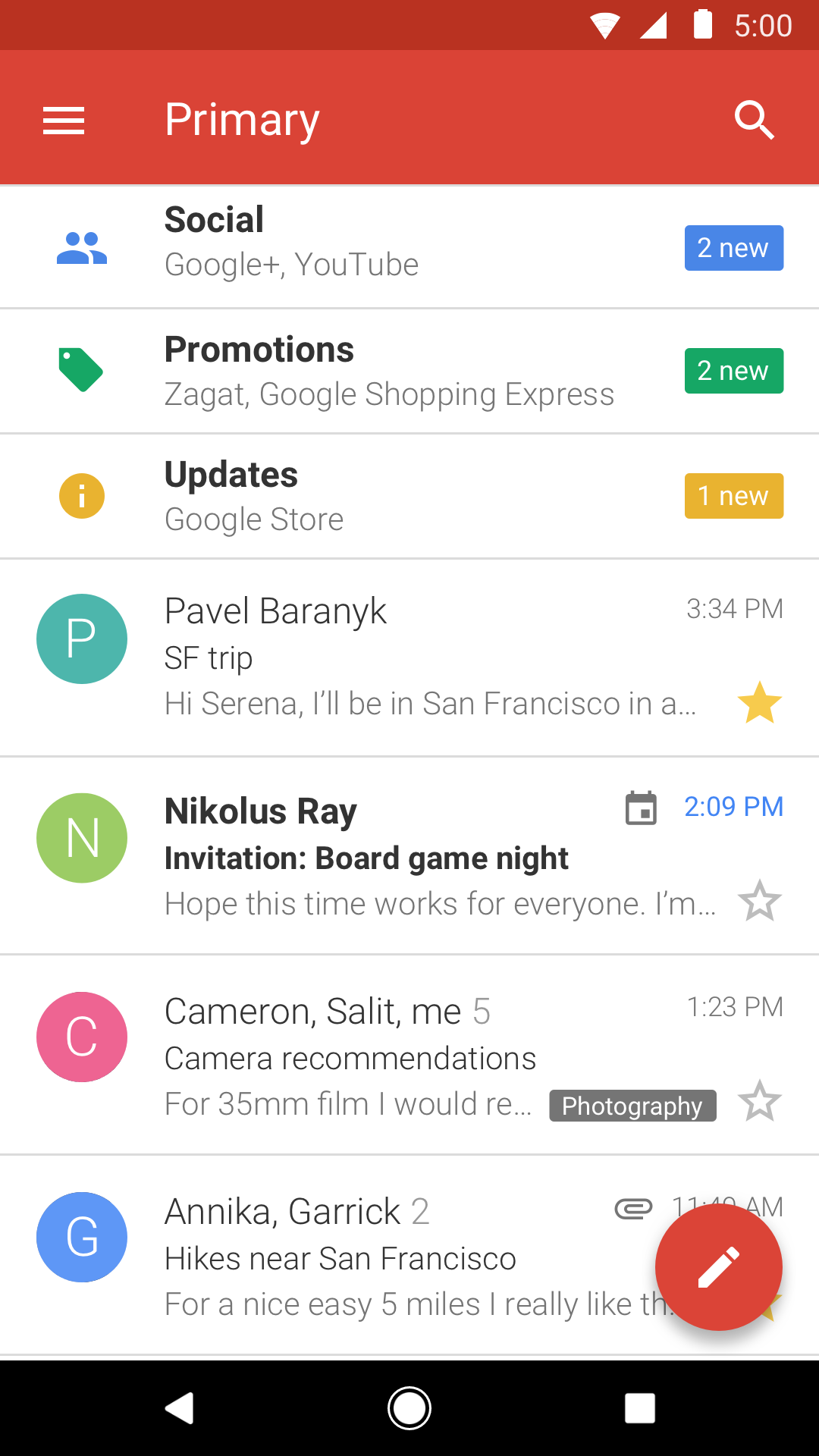
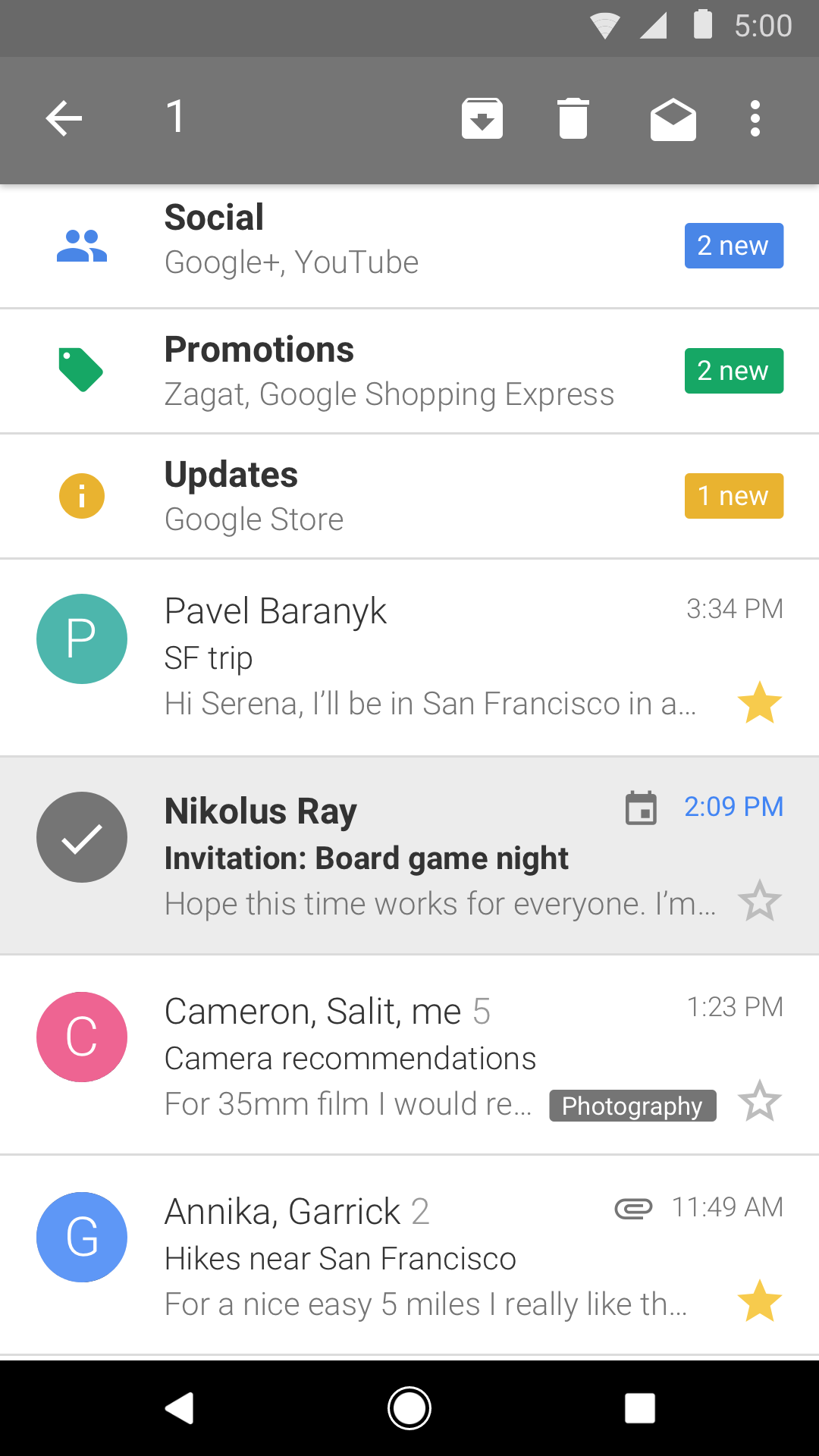
- Versi ringan dari klien Gmail resmi.
- Fungsi pemblokiran spam.
- Menulis email secara offline.
- Melindungi data pengguna.
- Ukuran program kecil.
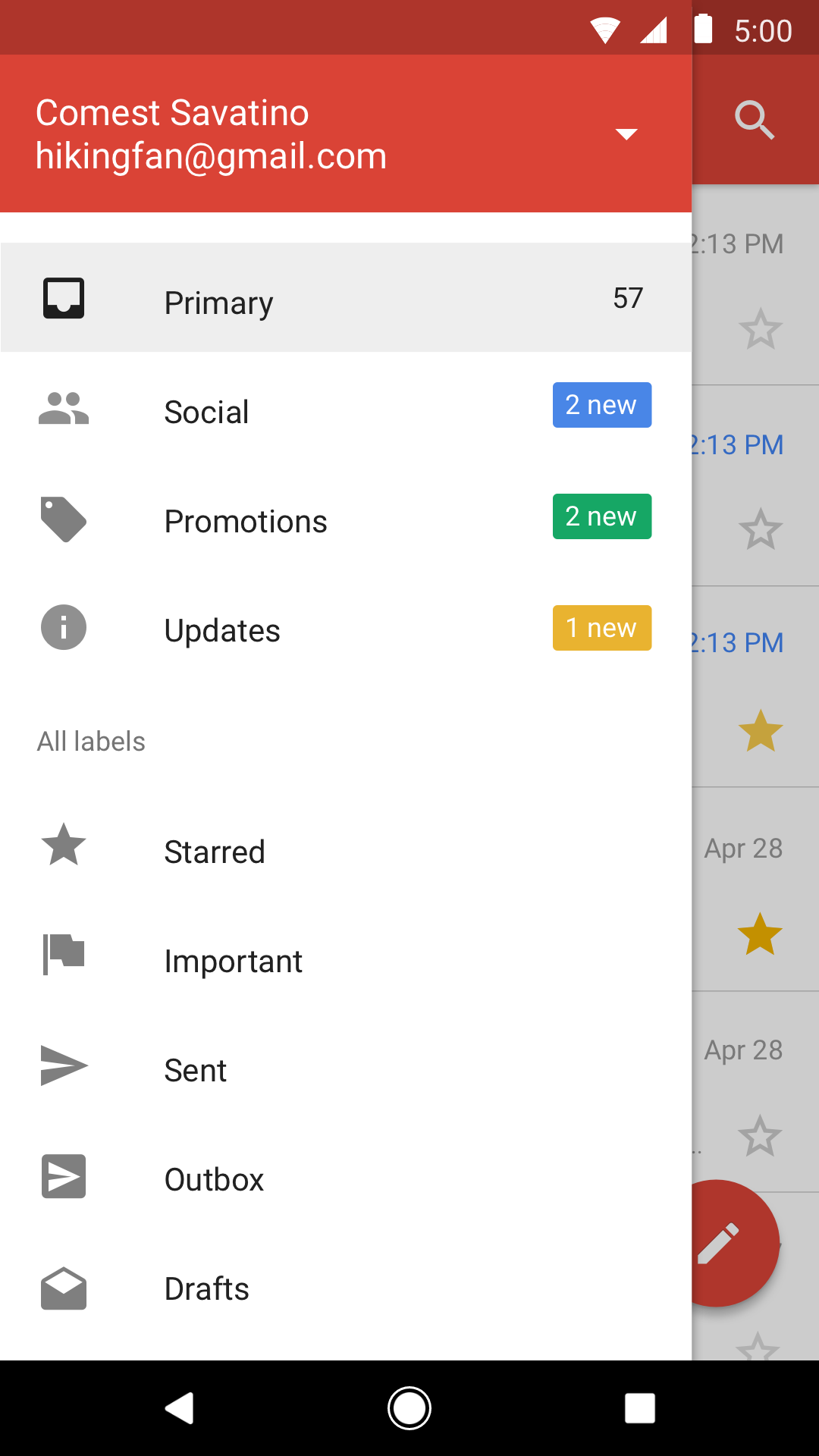
- Menambahkan beberapa akun sekaligus.
Deskripsi
Aplikasi Gmail Go diperiksa oleh antivirus VirusTotal. Sebagai hasil pemindaian, tidak ada infeksi file yang terdeteksi oleh semua tanda tangan terbaru.
Cara memasang Gmail Go
- Unduh file APK aplikasi dari apkshki.com.
- Temukan file yang diunduh. Anda dapat menemukannya di baki sistem atau di folder 'Download' menggunakan manajer file apa pun.
- Jika file yang diunduh berekstensi .bin (bug WebView di Android 11), ubah namanya menjadi .apk menggunakan pengelola file apa pun atau coba unduh file dengan browser lain seperti Chrome.
- Mulai penginstalan. Klik pada file yang diunduh untuk memulai penginstalan
- Izinkan penginstalan dari sumber yang tidak dikenal. Jika Anda menginstal untuk pertama kalinya Gmail Go bukan dari Google Play, buka pengaturan keamanan perangkat Anda dan izinkan penginstalan dari sumber yang tidak dikenal.
- Lewati perlindungan Google Play. Jika proteksi Google Play memblokir penginstalan file, ketuk 'Info Lebih Lanjut' → 'Tetap instal' → 'OK' untuk melanjutkan..
- Selesaikan penginstalan: Ikuti petunjuk penginstal untuk menyelesaikan proses penginstalan.
Cara memperbarui Gmail Go
- Unduh versi baru aplikasi dari apkshki.com.
- Cari file yang diunduh dan klik file tersebut untuk memulai penginstalan.
- Instal di atas versi lama. Tidak perlu menghapus instalasi versi sebelumnya.
- Hindari konflik tanda tangan. Jika versi sebelumnya tidak diunduh dari apkshki.com, pesan 'Aplikasi tidak terinstal' mungkin muncul. Dalam kasus ini, hapus instalan versi lama dan instal versi baru.
- Mulai ulang lampiran Gmail Go setelah pembaruan.
















Meminta pembaruan aplikasi
Ditambahkan Denis Rubinov
Versi: 2022.10.10.480125827.Release
Ukuran: 34.4 MB
Diperbarui: 05.01.2023
Developer: Google LLC
Batasan Usia: Everyone
Otorisasi:
Diunduh di Google Play: 864264219
Kategori: Komunikasi















Ulasan untuk Gmail Go
it's convenient to use for a news source but I did get hacked in the past and I had to removed a payment card it does have several choices to apply your own preferences.
like
Easy to operate
Issues with my mail everyday
The best app
the all inbox of my Gmail app is not click. why?
nice and fun
👍
It's perfect but please work on the texting and replying aspect.. It's messy
It do not exist.
Very good app. Only one problem. Too many junk mail, can and pushing mail made if this app not good .
It has no update, no option for light or dark theme. It is still the same as though the owners have left. If only my phone had that option of downloading all from start, i wouldn't recommend this app for my email. I gave it 1 star for the work it does through quick delivery of messages and notifications it give concerning the email but this needs an update before we recommend others to have it in their phones if not there.
It's very different from regular Gmail. We understand it's for low end phone as I'm user of it but very difficult to use it.
1. Not enough options 2. Cant make new folders for if you want to save a webpage for later to be organized. 3. You cant customize your anything. like you can on a pc. (NOTE) : - change color of menus , words , borders , etc . 4. I dont think it would take much time , money , better video graphs for it
This has been my go to mail since the beginning. No reason to switch when all my needs are met with the app.
Kirimkan komentar
Untuk memberikan komentar, masuklah dengan jejaring sosial Anda:
Atau tinggalkan komentar anonim. Komentar Anda akan dikirim untuk dimoderasi.
Kirimkan komentar
Untuk memberikan komentar, masuklah dengan jejaring sosial Anda:
Atau tinggalkan komentar anonim. Komentar Anda akan dikirim untuk dimoderasi.