



Google Family Link
24+
unduhan1.0+
versi Android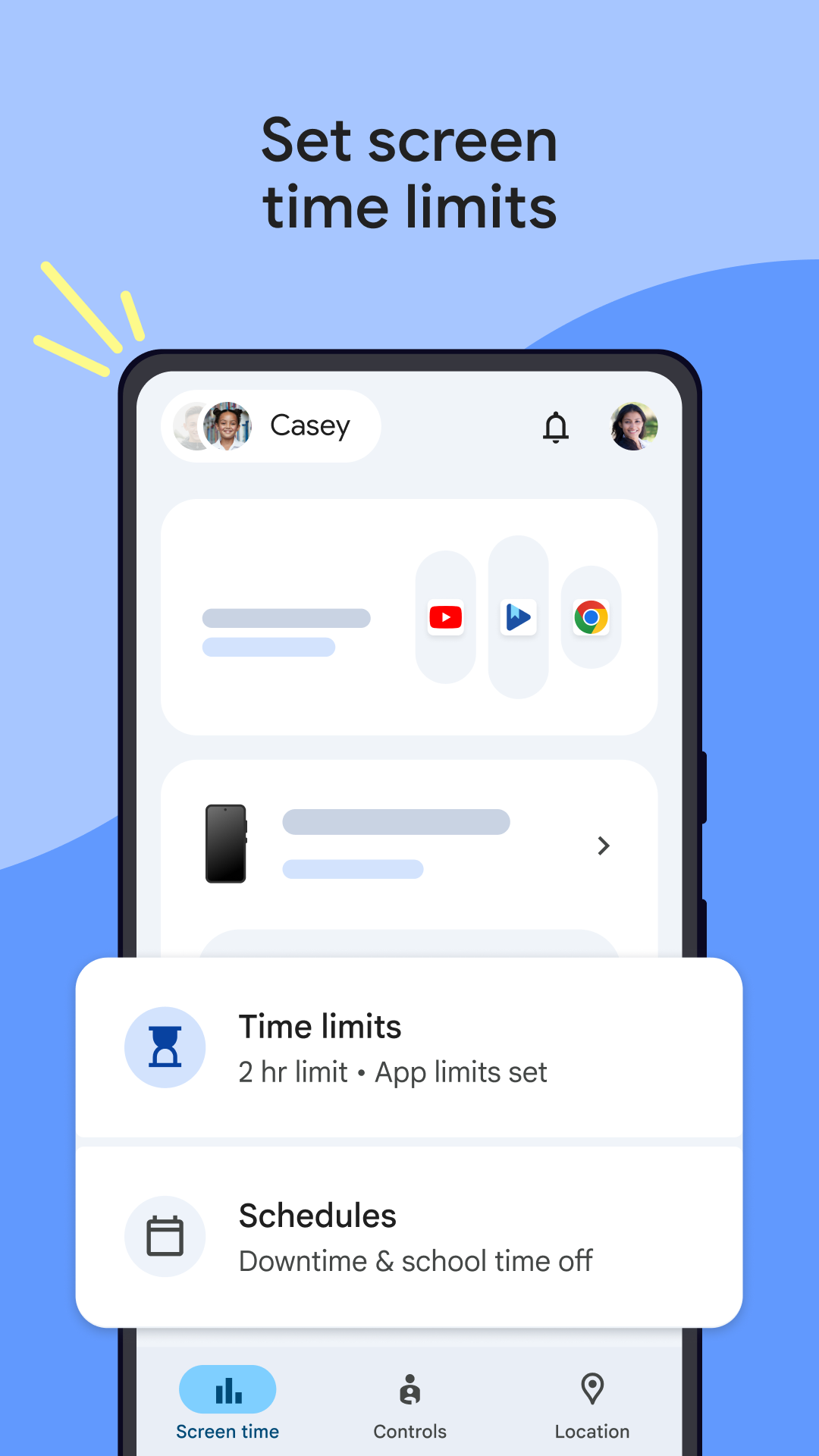
Ditambahkan: Denis Rubinov
Versi: 2.52.0.D.764426428
Ukuran: 44.3 MB
Diperbarui: 24.06.2025
Developer: Google LLC
Batasan Usia: Everyone
Diunduh di Google Play: 122798100
Kategori: Ibu dan masa kecil
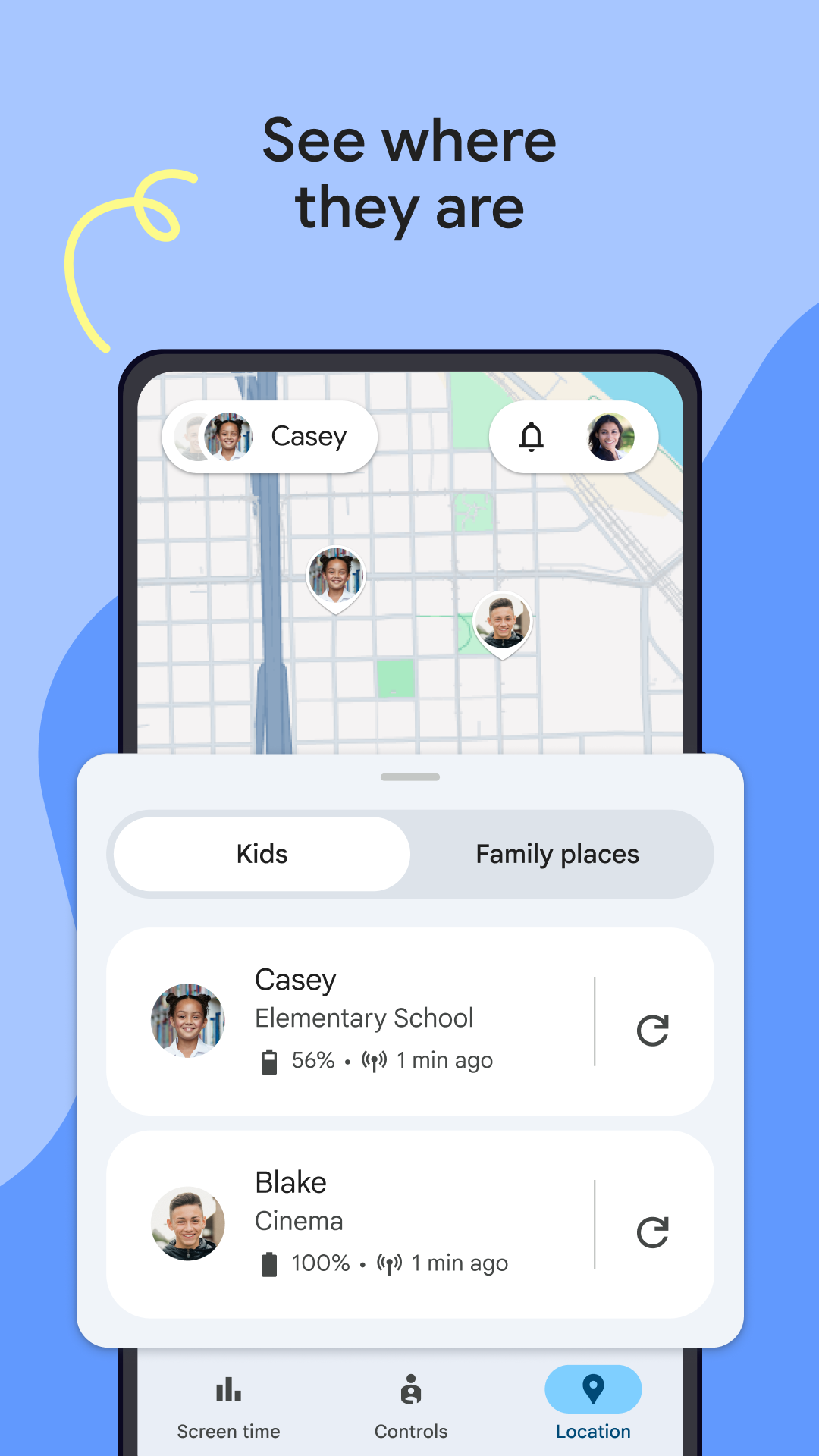
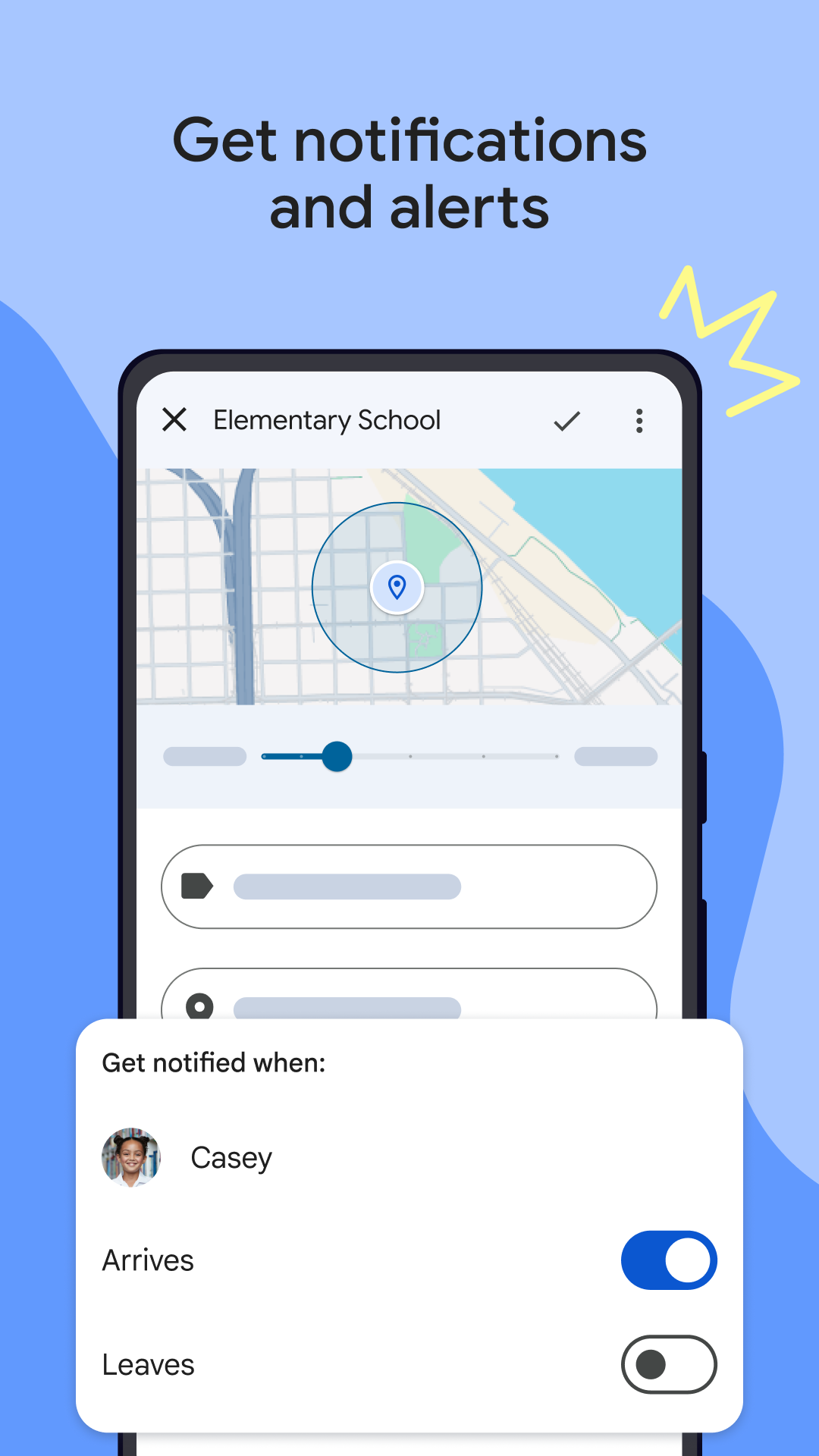
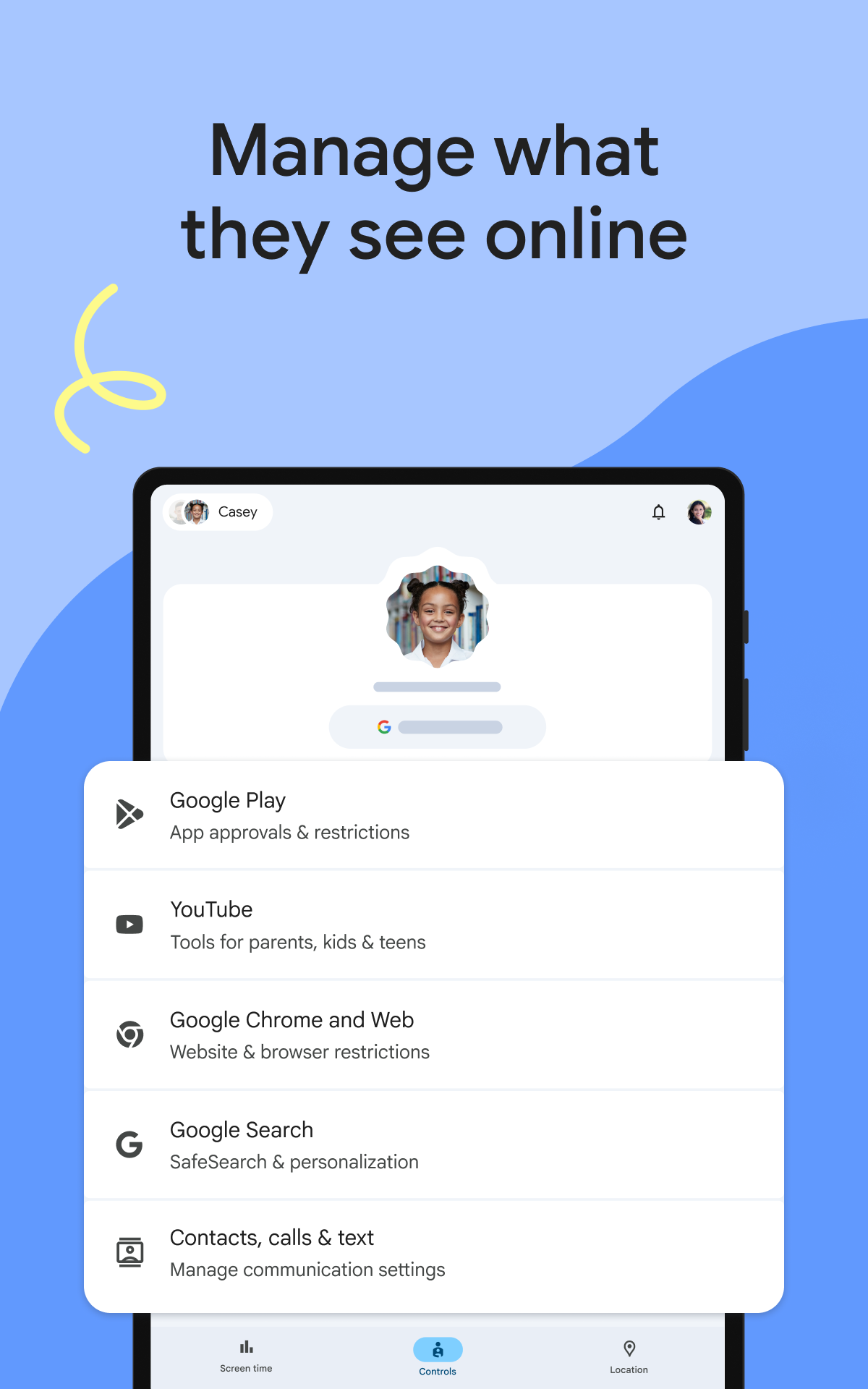
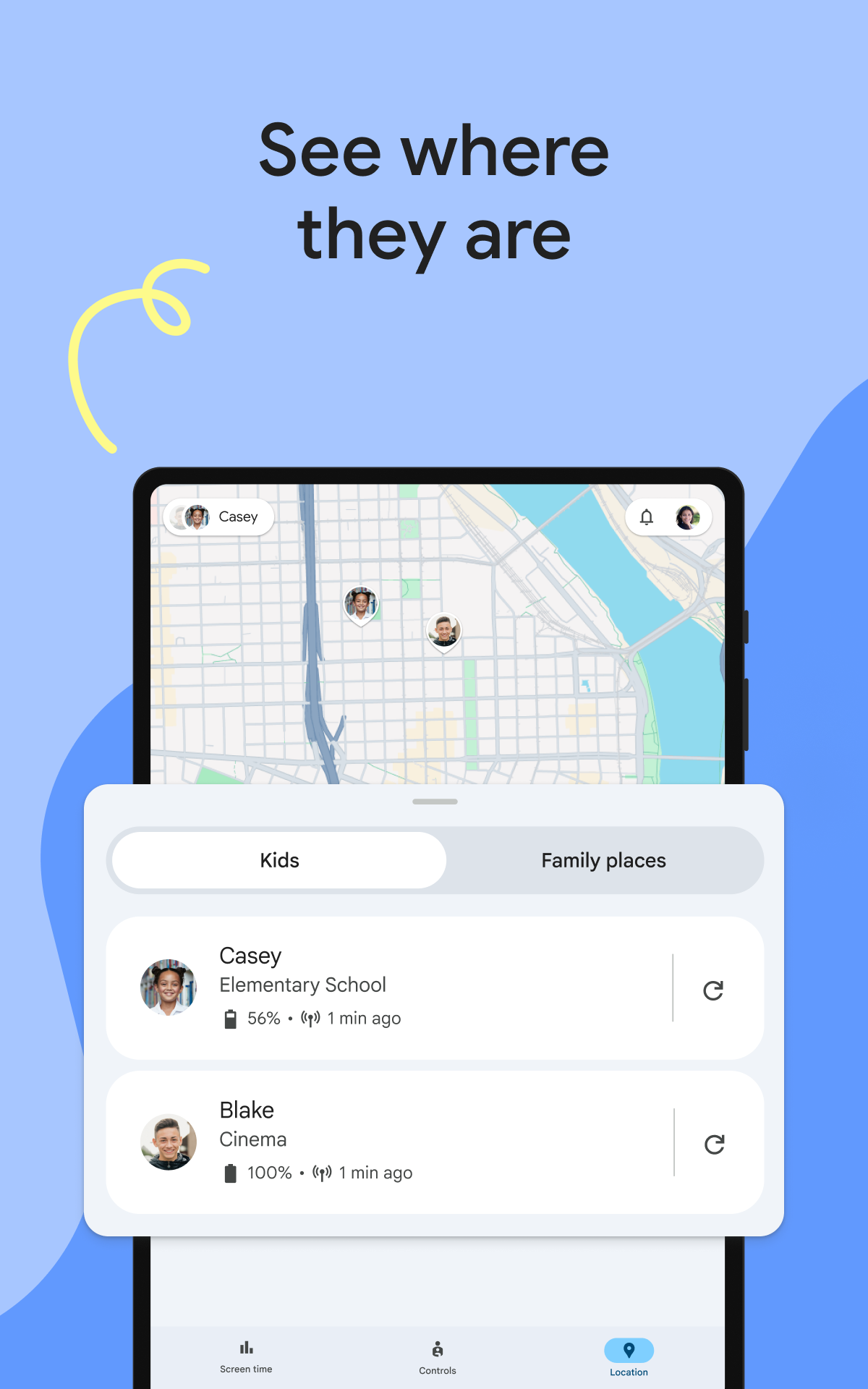
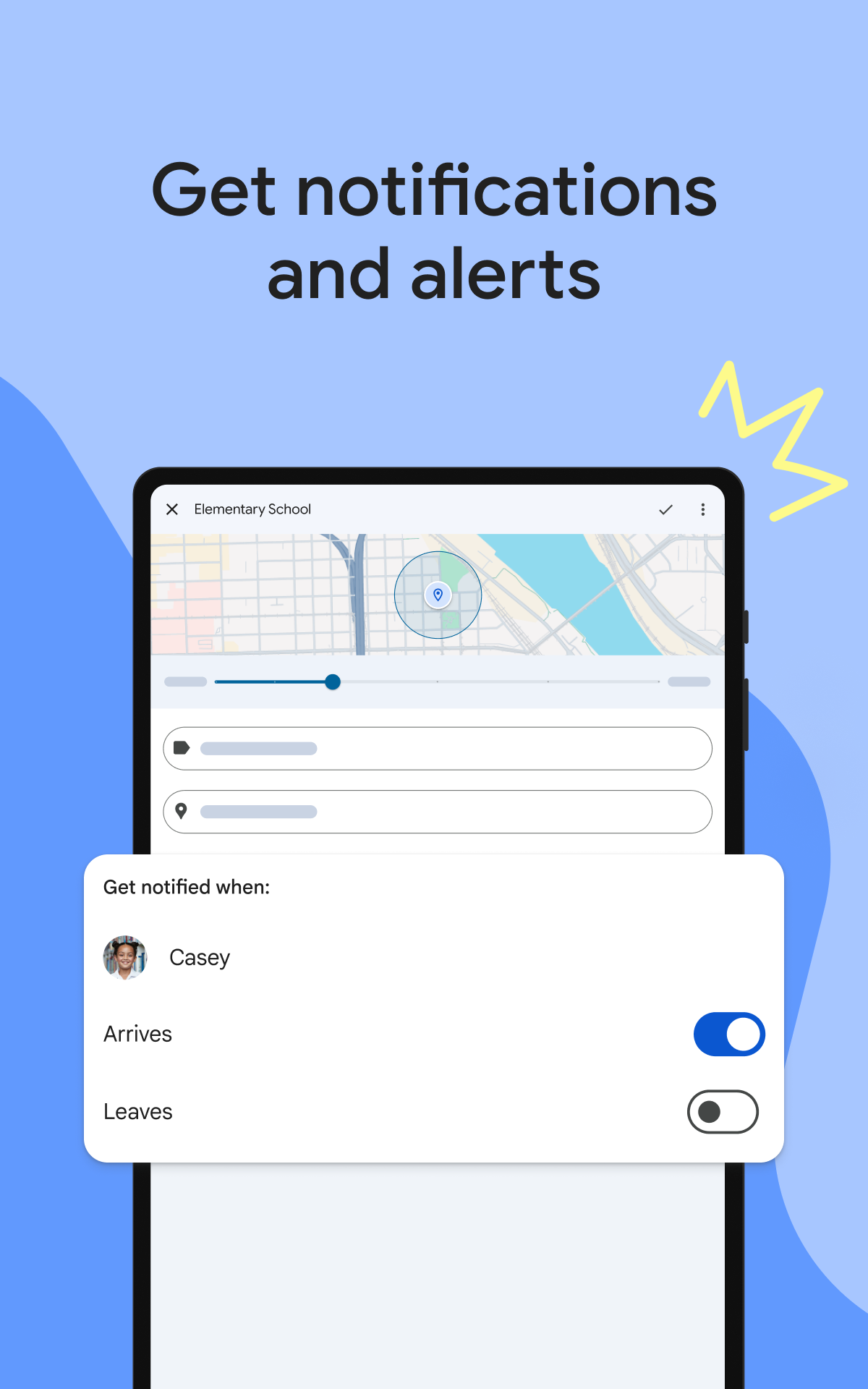
- Pantau lokasi anak.
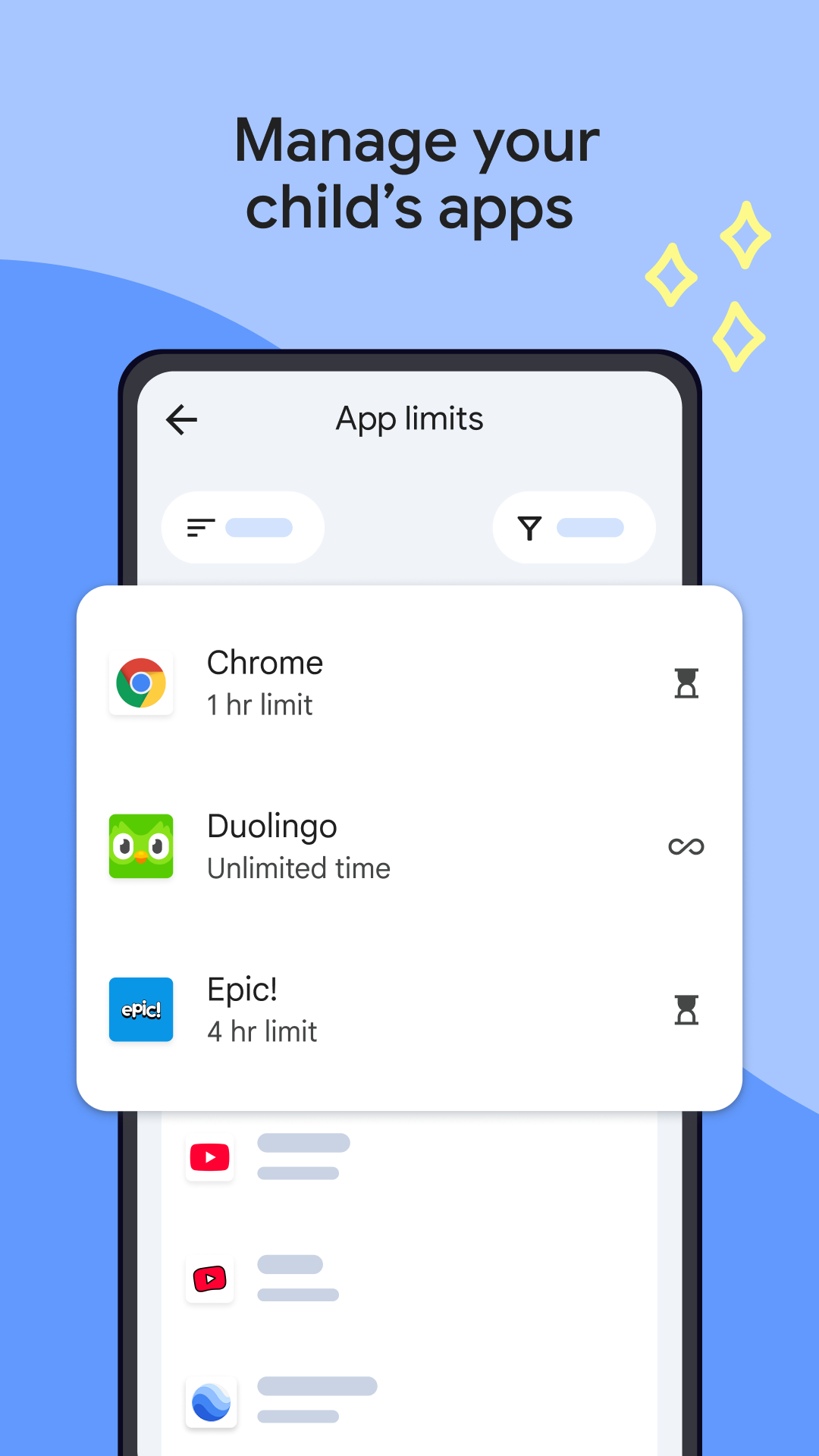
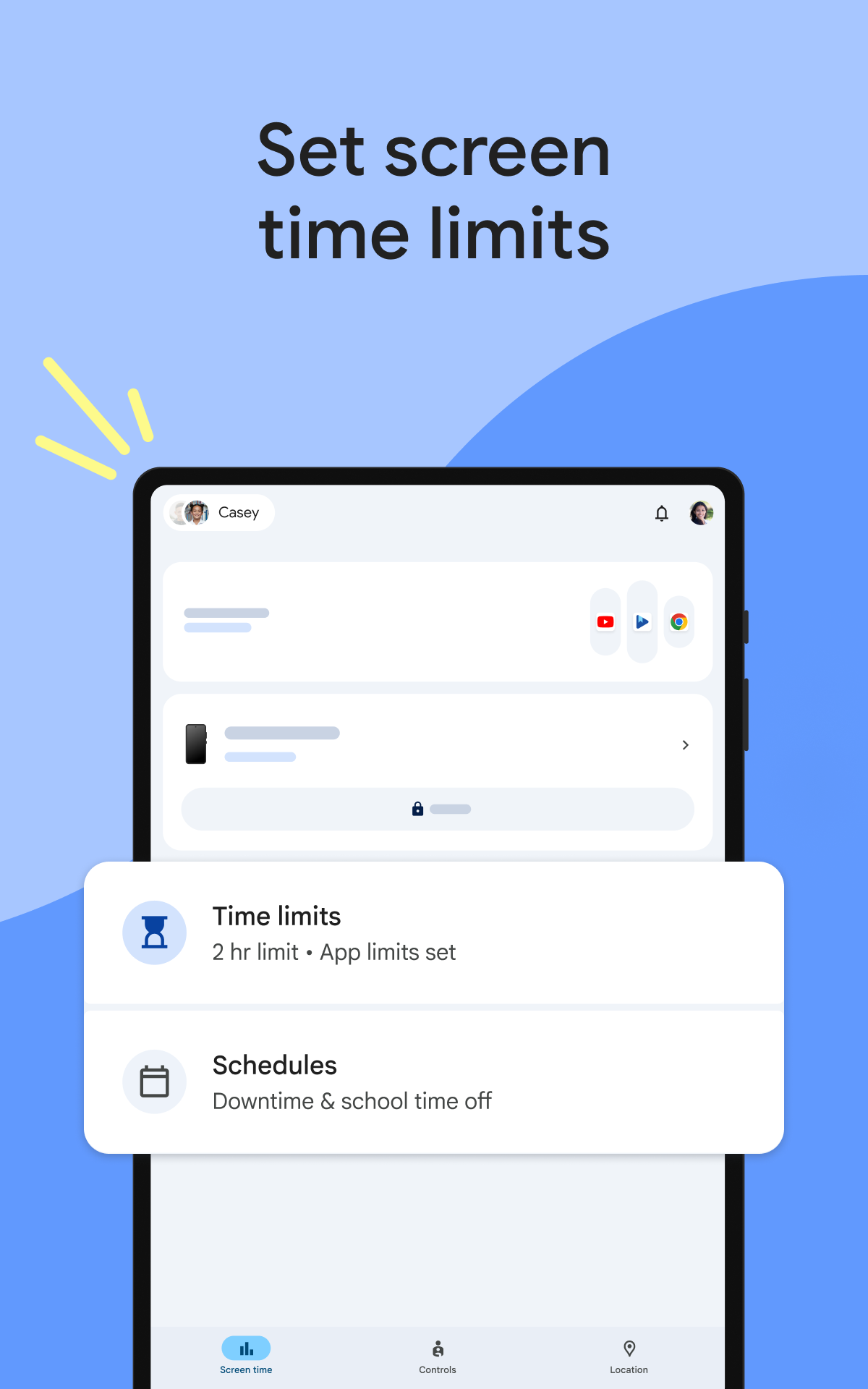
- Statistik penggunaan ponsel cerdas oleh seorang anak.
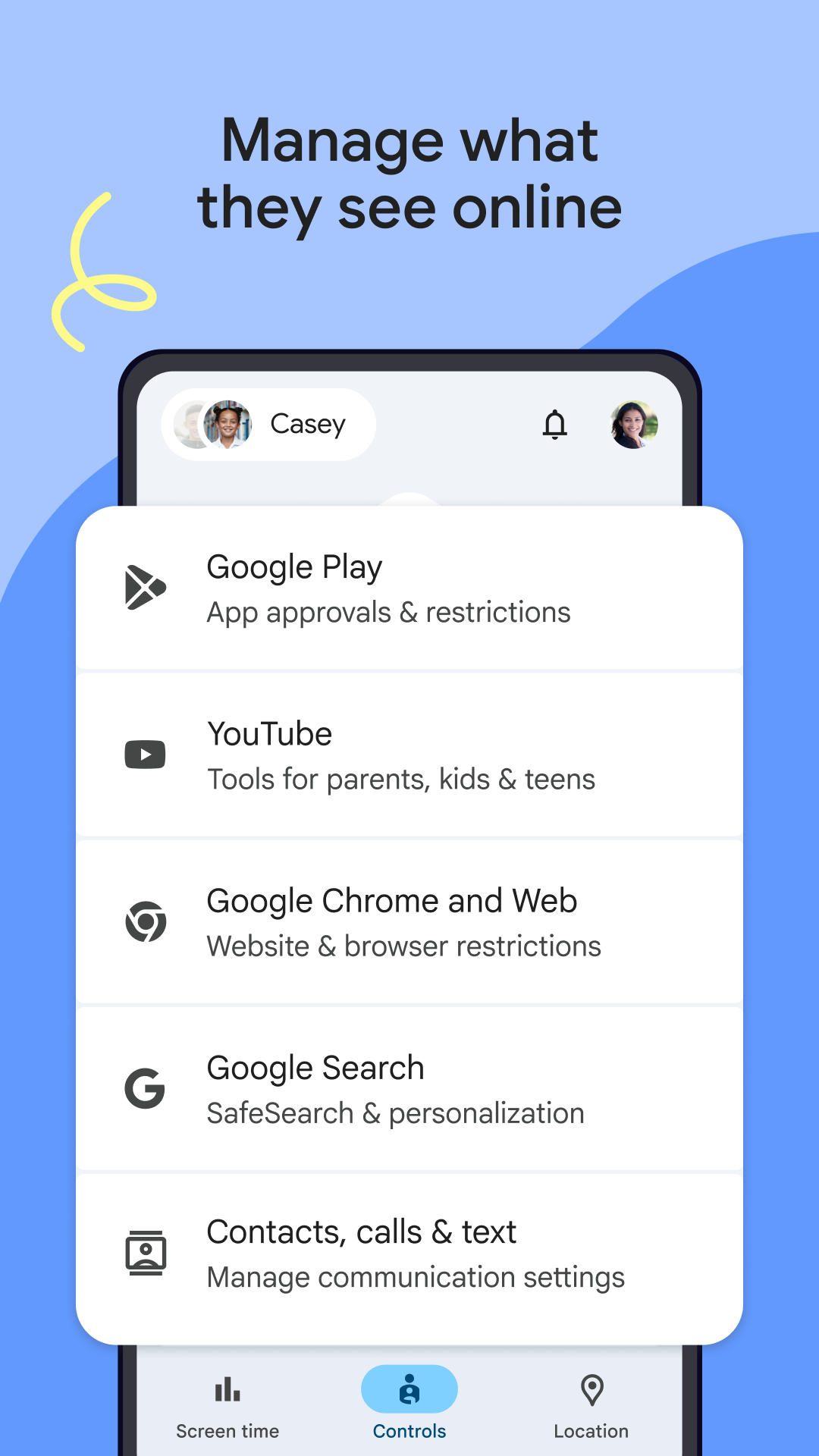
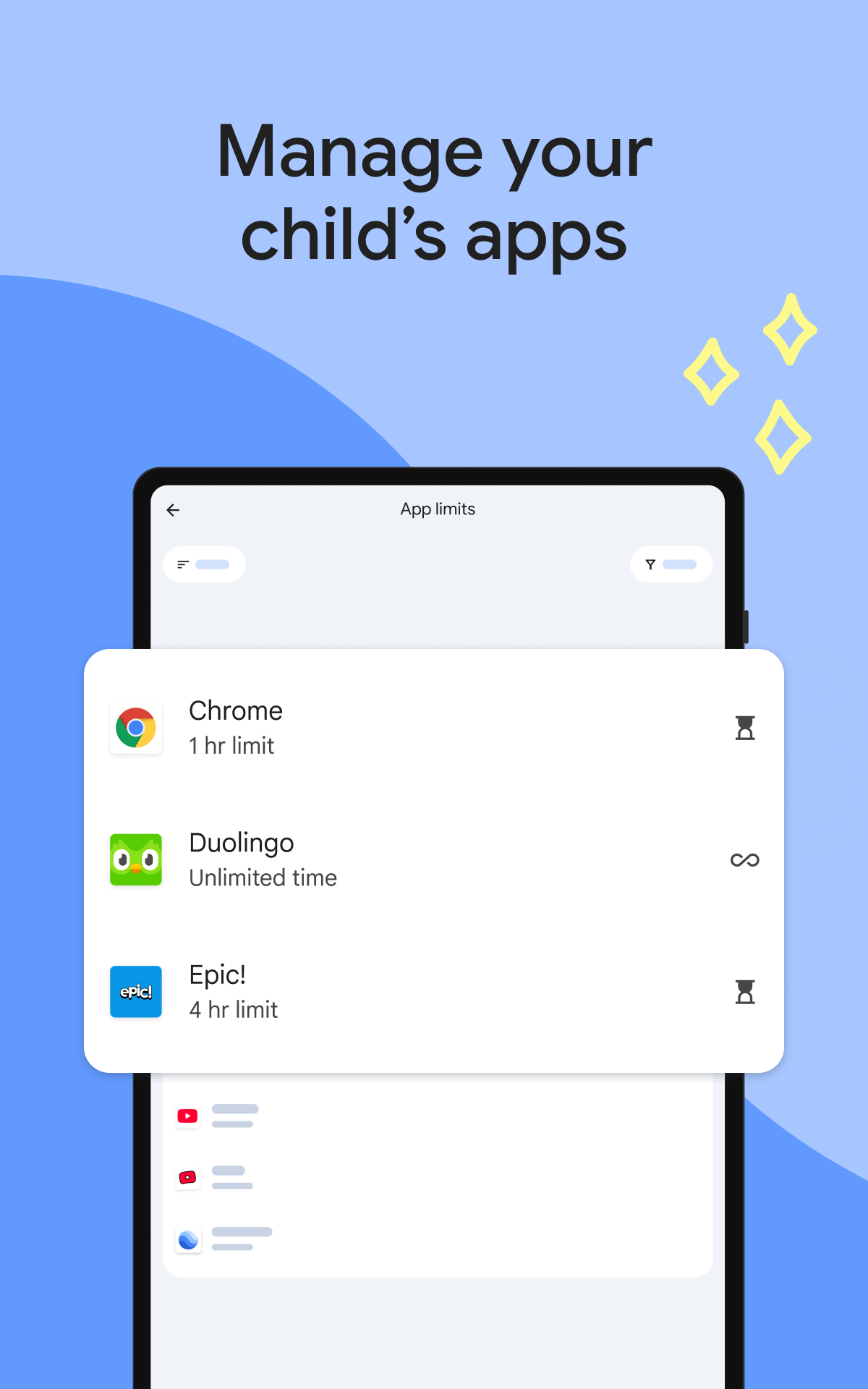
- Daftar Perangkat Lunak yang Disetujui.
- Kunci gadget Anda di malam hari.
- Dukungan bahasa Rusia.
Deskripsi
Aplikasi Google Family Link diperiksa oleh antivirus VirusTotal. Sebagai hasil pemindaian, tidak ada infeksi file yang terdeteksi oleh semua tanda tangan terbaru.
Cara memasang Google Family Link
- Unduh file APK aplikasi dari apkshki.com.
- Temukan file yang diunduh. Anda dapat menemukannya di baki sistem atau di folder 'Download' menggunakan manajer file apa pun.
- Jika file yang diunduh berekstensi .bin (bug WebView di Android 11), ubah namanya menjadi .apk menggunakan pengelola file apa pun atau coba unduh file dengan browser lain seperti Chrome.
- Mulai penginstalan. Klik pada file yang diunduh untuk memulai penginstalan
- Izinkan penginstalan dari sumber yang tidak dikenal. Jika Anda menginstal untuk pertama kalinya Google Family Link bukan dari Google Play, buka pengaturan keamanan perangkat Anda dan izinkan penginstalan dari sumber yang tidak dikenal.
- Lewati perlindungan Google Play. Jika proteksi Google Play memblokir penginstalan file, ketuk 'Info Lebih Lanjut' → 'Tetap instal' → 'OK' untuk melanjutkan..
- Selesaikan penginstalan: Ikuti petunjuk penginstal untuk menyelesaikan proses penginstalan.
Cara memperbarui Google Family Link
- Unduh versi baru aplikasi dari apkshki.com.
- Cari file yang diunduh dan klik file tersebut untuk memulai penginstalan.
- Instal di atas versi lama. Tidak perlu menghapus instalasi versi sebelumnya.
- Hindari konflik tanda tangan. Jika versi sebelumnya tidak diunduh dari apkshki.com, pesan 'Aplikasi tidak terinstal' mungkin muncul. Dalam kasus ini, hapus instalan versi lama dan instal versi baru.
- Mulai ulang lampiran Google Family Link setelah pembaruan.









Kaspersky SafeKids with GPS
Ibu dan masa kecil

Advanced Parental Tools
Ibu dan masa kecil

Norton Family Parental Control
Alat

ParentsKit
Alat

Kids Place Parental Control
Alat

Screen Time - Restrain yoursel
Alat

Teen Time - Parental Control
Ibu dan masa kecil

Parental Control Kroha
Ibu dan masa kecil
Meminta pembaruan aplikasi
Ditambahkan Denis Rubinov
Versi: 2.52.0.D.764426428
Ukuran: 44.3 MB
Diperbarui: 24.06.2025
Developer: Google LLC
Batasan Usia: Everyone
Diunduh di Google Play: 122798100
Kategori: Ibu dan masa kecil















Ulasan untuk Google Family Link
I hate it so much! I hope this app will not see again 😡😡😡
amazing
I changed my review after using the app for a year, it lacks the ability to control well more than one device per child it assumes they are all the same. It does not have controls by geo fencing, or any other context than time. It works but it is not good enough for a child using devices to learn and play.
best AAP 😃
I don't like it at all ik it's useful but it gets on my nerves sometimes yk
the worst application of playstore
this is horrible. it's ruined one of my phones that I can't even get into. I've asked for help with no response. there's no location history. most of the time I can't even see my child's location for unknown reason. it's not worth it
this app isn't the best it's just a waste of time . This app just feels like every move I make one of my parents are breathing on my shoulder. I'm almost 17 years old . So parents just don't get this app
this was a great app to manage my childs phone but after the update its just not working properly. either the phone will be locked forever or never lock on time. also if i lock or unlock it it wont work please fix it it was the best ap ever
this app is indeed good for parents who want to keep the child's phone, and I do recommend this app. however, I also as a child where my parents use this app for my device and I am only given 2 hours to hold the phone. because of this too I often skip online assignments from teachers.
Muh! Good, but far from great. There was a lot of frustration trying to set this up because the instructions aren't very clear or easy to understand. If you have a device that already had someone signed into a Google account, good luck with trying to change that over without doing a factory reset. When you finally get this set up, it does a great job at restricting screen time and what your child downloads from Google Play.
I read on several compliant reviews that the bedtime/ limits doesn't work. Not only doesn't work but my experience they constantly reset. I can't get on it every night to reset. I'm deleting unfortunately. Not to mention, make sure you go threw all the settings. After 3 years of using, I've found an area where they also gave access to change certain app settings.
Fairly easy to set up and use but it's way too easy to defeat it in multiple ways. When "time is up" or in "bedtime", it can still easily be used by pulling down the menu bar and opening up Settings, going to Apps, and clicking on an app. The app will open and then can be played for an unlimited amount of time, and this time will not show up on the parental app. After changing permissions so that ALL downloads had to have my approval, he was still able to download new apps without approval. Overall, just too many flaws/ways to be defeated.
Great to control your children's phone time, but some of the features are confusing. There is a bedtime mode that allows you to lock the phone during the night, but how the times work are very confusing. It would be nice to see some sort of calendar or visual screen that shows you hour by hour when the phone is locked.
It has some decent basic features. I like the location tracking integration with Google Maps, and the alerts when he installs new apps. My kid has thoroughly defeated the time limits. Apparently, when he wakes his phone there is a brief screen that pops up before the lock screen. If he taps that screen the phone operates normally, even if it is supposed to be locked after the time limit is reached. If he doesn't catch that screen at first, he can reboot the phone and try again. I also hate that much of the data I get about his phone says it is an hour to several hours old, and I don't have an option to refresh. I have to wait for the app to decide to refresh?? Some decent features, but fails at a primary function.
Kirimkan komentar
Untuk memberikan komentar, masuklah dengan jejaring sosial Anda:
Atau tinggalkan komentar anonim. Komentar Anda akan dikirim untuk dimoderasi.
Kirimkan komentar
Untuk memberikan komentar, masuklah dengan jejaring sosial Anda:
Atau tinggalkan komentar anonim. Komentar Anda akan dikirim untuk dimoderasi.