



Pixel Camera
138+
unduhan9.0+
versi Android
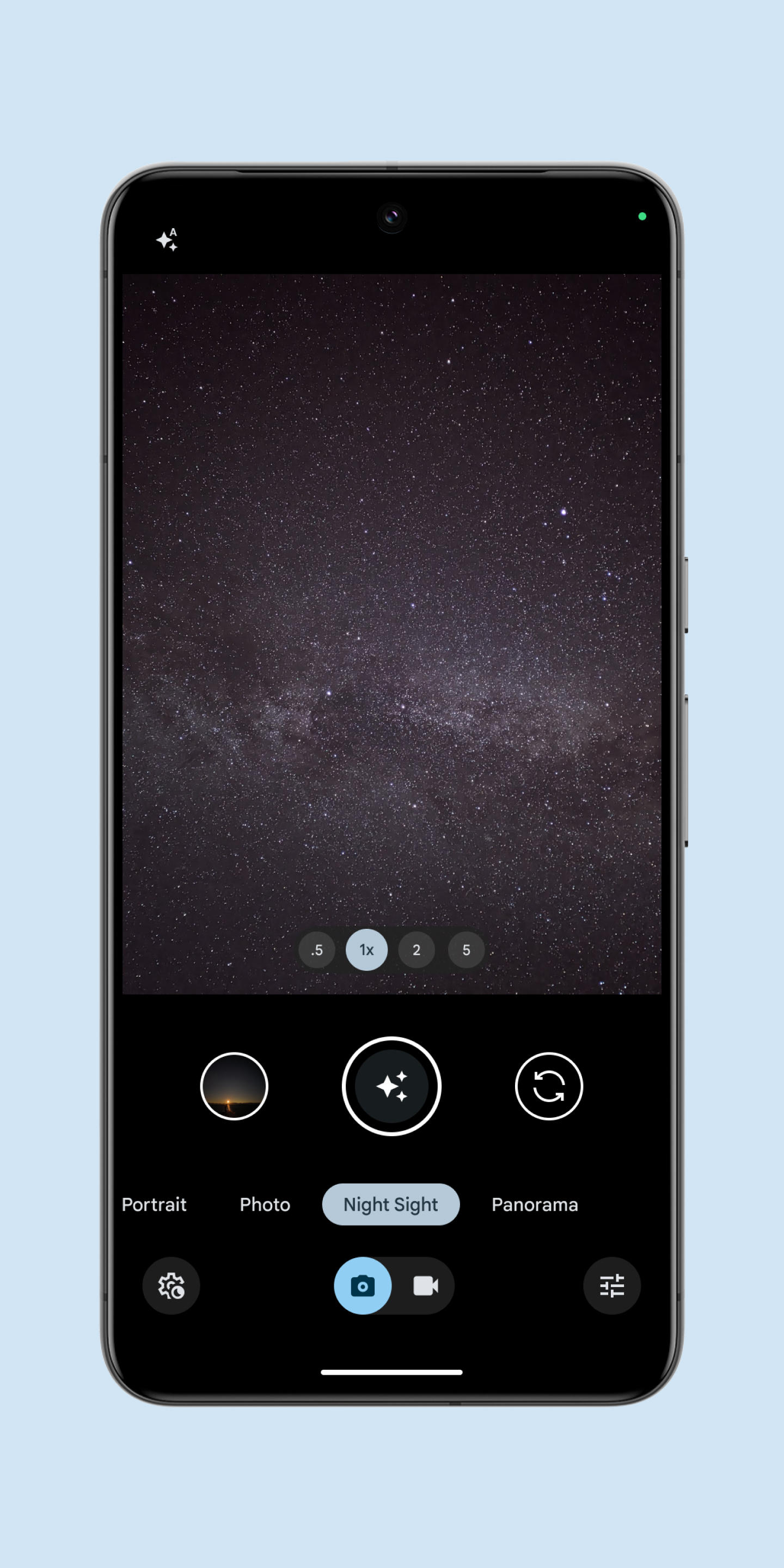
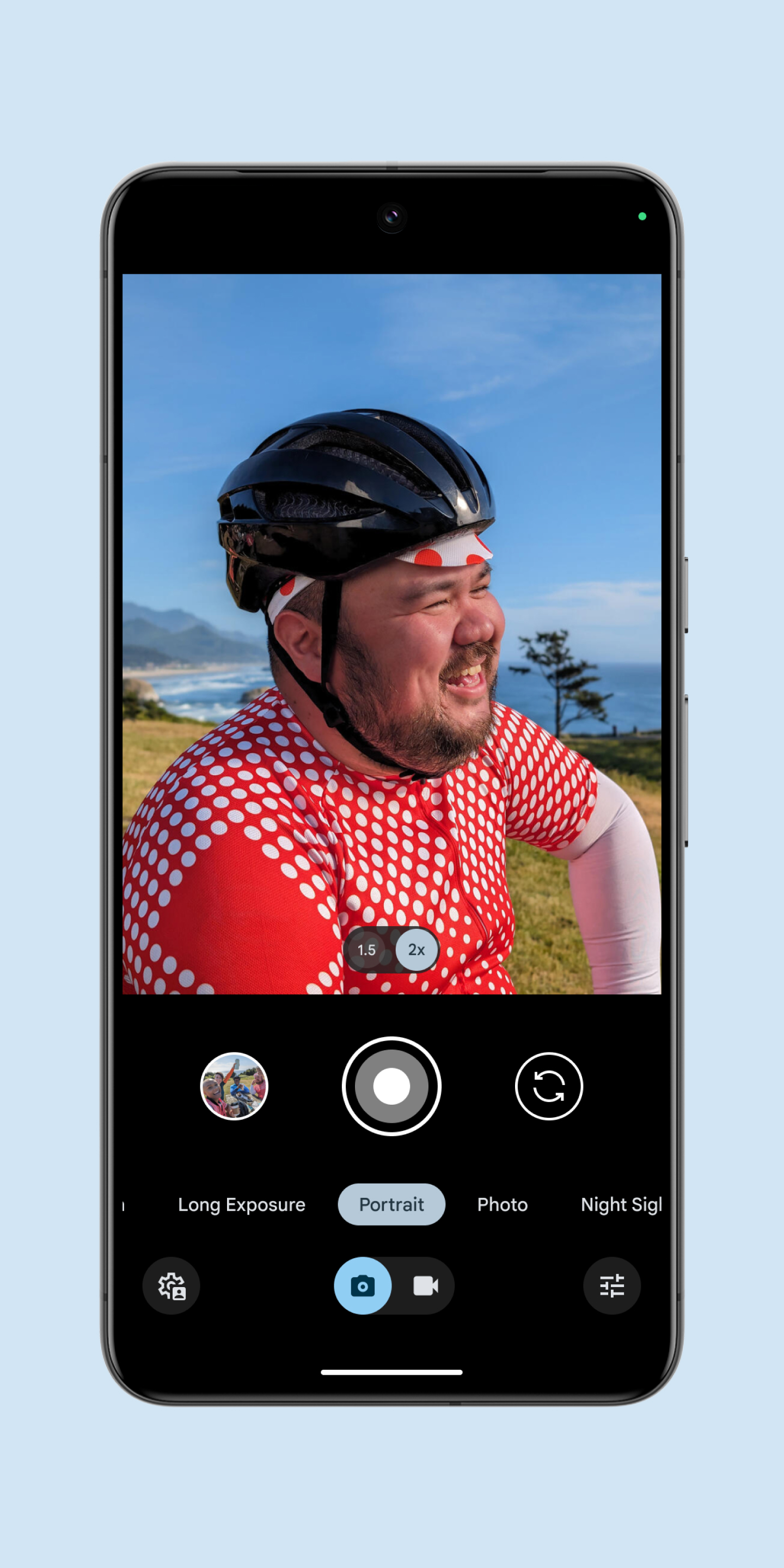
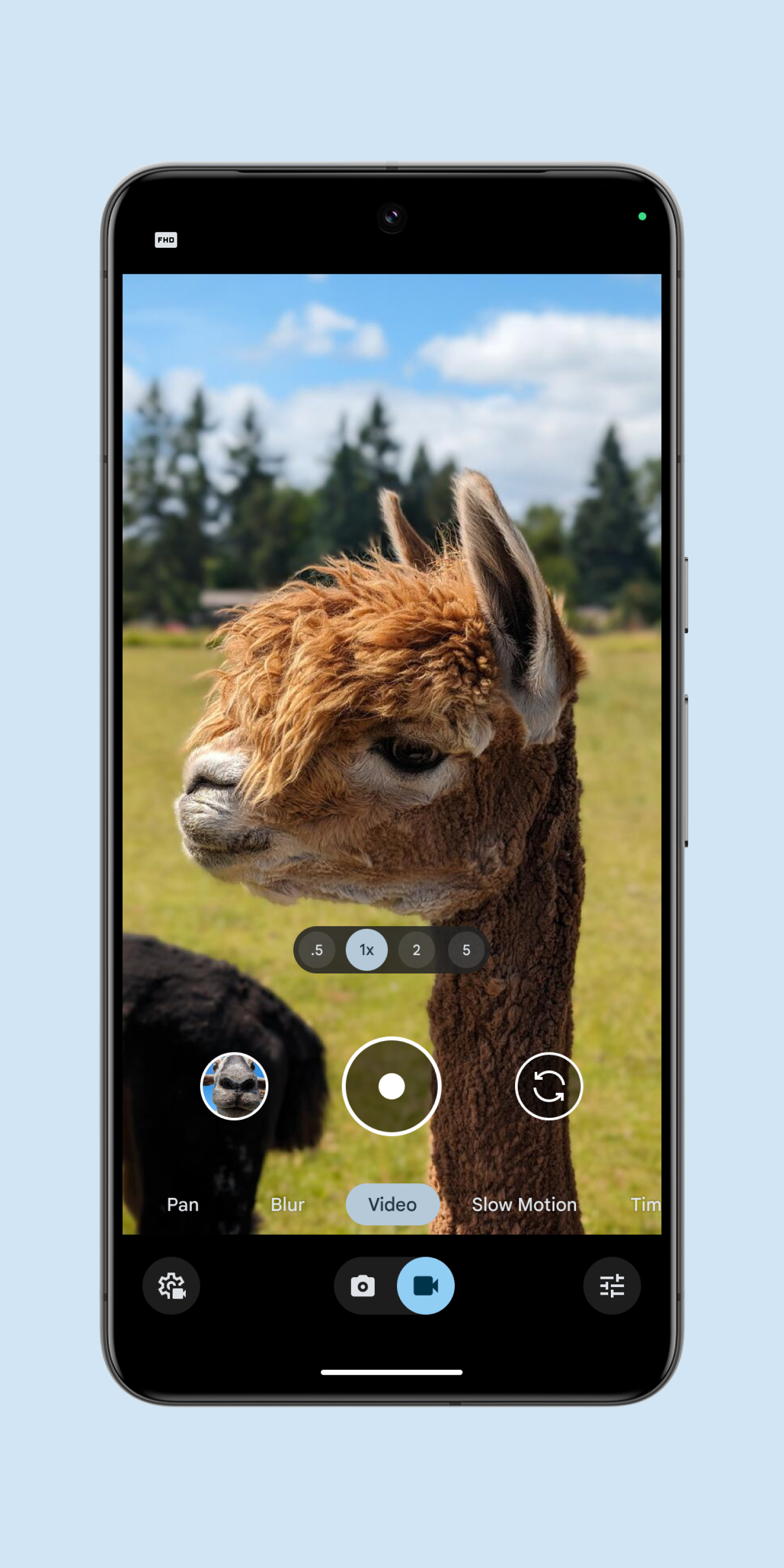
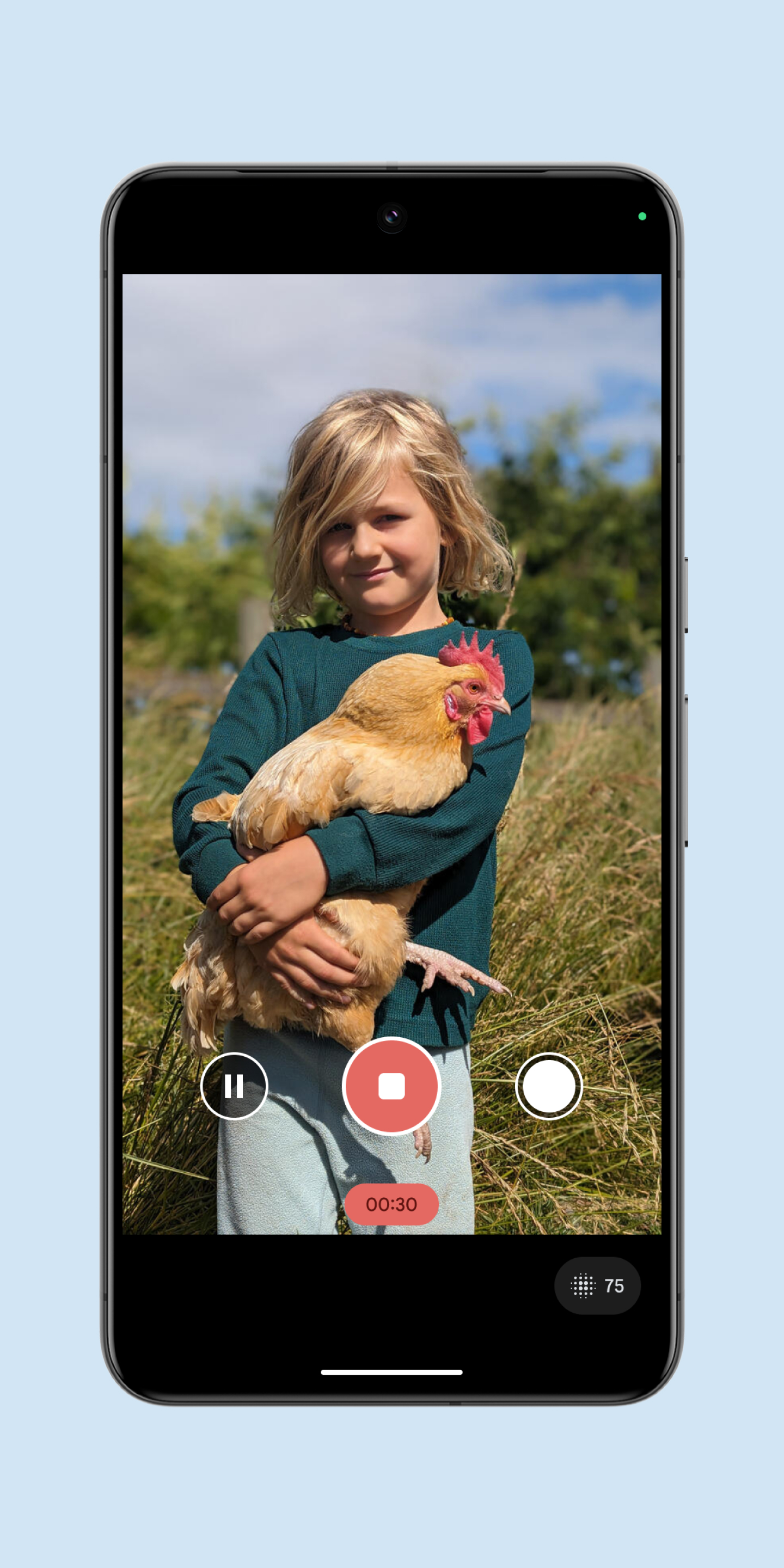
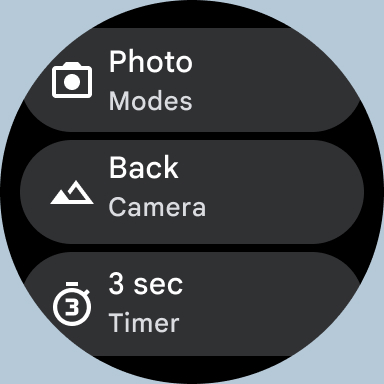
Ditambahkan: Denis Rubinov
Versi: 9.9.106.767010485.16
Ukuran: 36.8 MB
Diperbarui: 24.06.2025
Developer: Google LLC
Batasan Usia: Everyone
Otorisasi: 25
Diunduh di Google Play: 1
Kategori: Foto
Deskripsi
Aplikasi Pixel Camera diperiksa oleh antivirus VirusTotal. Sebagai hasil pemindaian, tidak ada infeksi file yang terdeteksi oleh semua tanda tangan terbaru.
Cara memasang Pixel Camera
- Unduh file APK aplikasi dari apkshki.com.
- Temukan file yang diunduh. Anda dapat menemukannya di baki sistem atau di folder 'Download' menggunakan manajer file apa pun.
- Jika file yang diunduh berekstensi .bin (bug WebView di Android 11), ubah namanya menjadi .apk menggunakan pengelola file apa pun atau coba unduh file dengan browser lain seperti Chrome.
- Mulai penginstalan. Klik pada file yang diunduh untuk memulai penginstalan
- Izinkan penginstalan dari sumber yang tidak dikenal. Jika Anda menginstal untuk pertama kalinya Pixel Camera bukan dari Google Play, buka pengaturan keamanan perangkat Anda dan izinkan penginstalan dari sumber yang tidak dikenal.
- Lewati perlindungan Google Play. Jika proteksi Google Play memblokir penginstalan file, ketuk 'Info Lebih Lanjut' → 'Tetap instal' → 'OK' untuk melanjutkan..
- Selesaikan penginstalan: Ikuti petunjuk penginstal untuk menyelesaikan proses penginstalan.
Cara memperbarui Pixel Camera
- Unduh versi baru aplikasi dari apkshki.com.
- Cari file yang diunduh dan klik file tersebut untuk memulai penginstalan.
- Instal di atas versi lama. Tidak perlu menghapus instalasi versi sebelumnya.
- Hindari konflik tanda tangan. Jika versi sebelumnya tidak diunduh dari apkshki.com, pesan 'Aplikasi tidak terinstal' mungkin muncul. Dalam kasus ini, hapus instalan versi lama dan instal versi baru.
- Mulai ulang lampiran Pixel Camera setelah pembaruan.








B612 AI Photo&Video Editor
Foto

Funimate Video Editor & Maker
Pemutar & Editor Video

Google Photos
Foto

Scribbl - Photo & Video Effect
Seni dan Desain

Slideshow Maker, Video Editor
Pemutar & Editor Video

DOUPAI - DOUPAI Face
Foto

PowerDirector - Video Editor
Pemutar & Editor Video

Video Editor & Maker - InShot
Pemutar & Editor Video
Meminta pembaruan aplikasi
Ditambahkan Denis Rubinov
Versi: 9.9.106.767010485.16
Ukuran: 36.8 MB
Diperbarui: 24.06.2025
Developer: Google LLC
Batasan Usia: Everyone
Otorisasi:
Diunduh di Google Play: 1
Kategori: Foto















Ulasan untuk Pixel Camera
google need to fix the white balance problem......the white balance problem is very annoying .....i don't like cool tone photos
this update is not working in my phone kindly solve this issue very soon
britghtness n shadow low compare with an apple..need to improve..very not incovenience to setup brightness everytime to take picture :(
good
Google baby😎
Need cenimatic blur
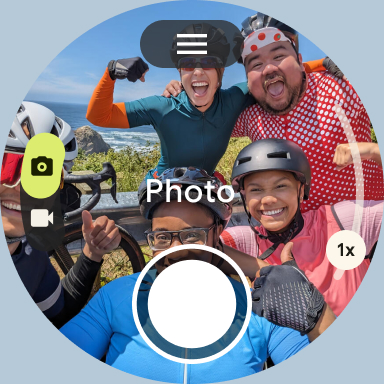
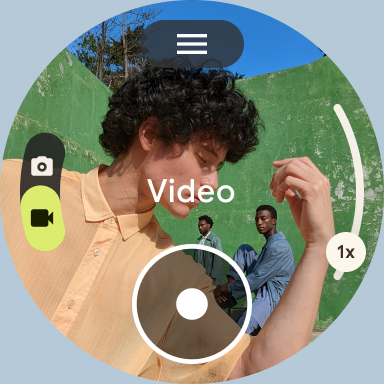
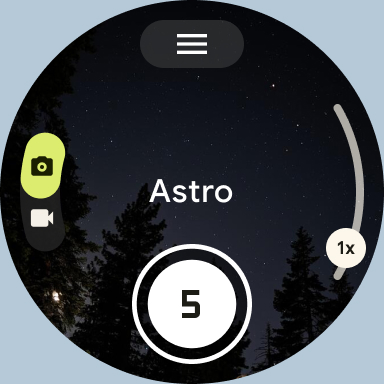
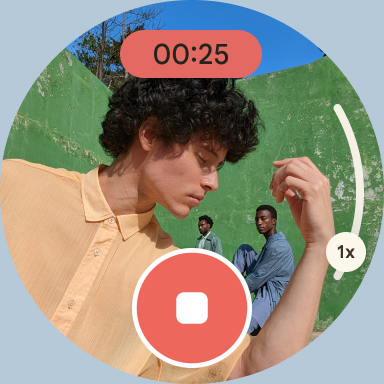
It's only work on pixel watch with Google pixel phone
Update: Was five, now 1. Bring photosphere back.
not sure what happened but the panorama setting isn't working anymore
this camera is amazing!!!!
Over processing photos, I don't recommend this
Try to fix the video sector and should add a manual button to stop the over postprocessing.It's rediculus ....😠
Poor resolution when zoom in, image becomes like a painting with threads
I've always used Google Camera as my primary camera app on Android phones. It was originally the best camera app especially on Pixel phones, and visibly better than iPhone & Samsung's camera apps on their phones. But recently the quality of the photos taken by the Google Camera app has reduced. Photos don't look as good, they look dull & lifeless. I find Samsung & iPhone photos are better now.
best camera i have ever had ¡
Kirimkan komentar
Untuk memberikan komentar, masuklah dengan jejaring sosial Anda:
Atau tinggalkan komentar anonim. Komentar Anda akan dikirim untuk dimoderasi.
Kirimkan komentar
Untuk memberikan komentar, masuklah dengan jejaring sosial Anda:
Atau tinggalkan komentar anonim. Komentar Anda akan dikirim untuk dimoderasi.