



Ditambahkan: Denis Rubinov
Versi: 2.0.5
Ukuran: 7 MB
Diperbarui: 24.06.2025
Developer: Nu-Kob
Batasan Usia: Everyone
Otorisasi: 15
Diunduh di Google Play: 518021
Kategori: Alat
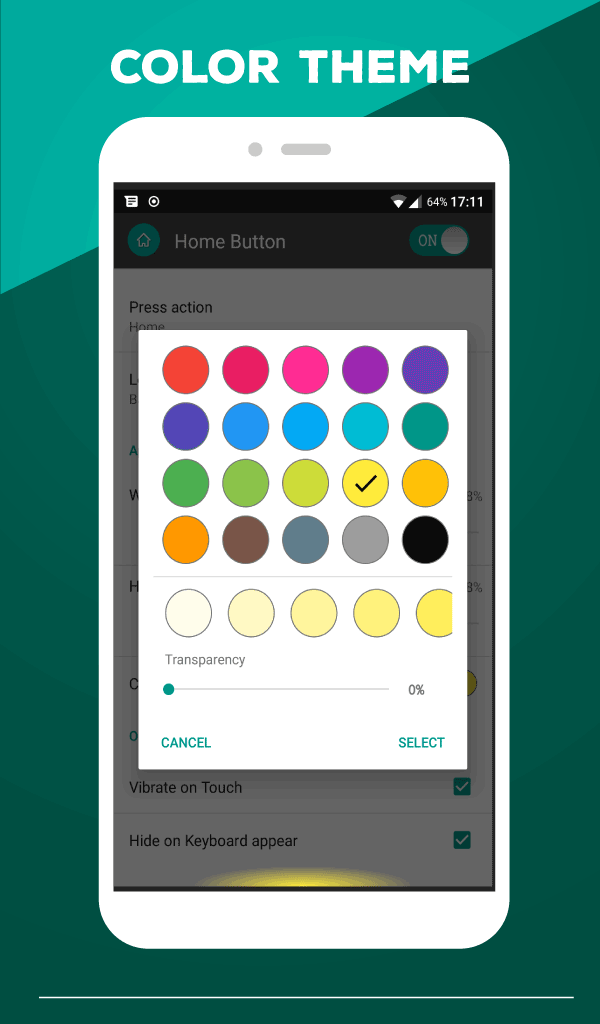
- Sesuaikan skema warna.
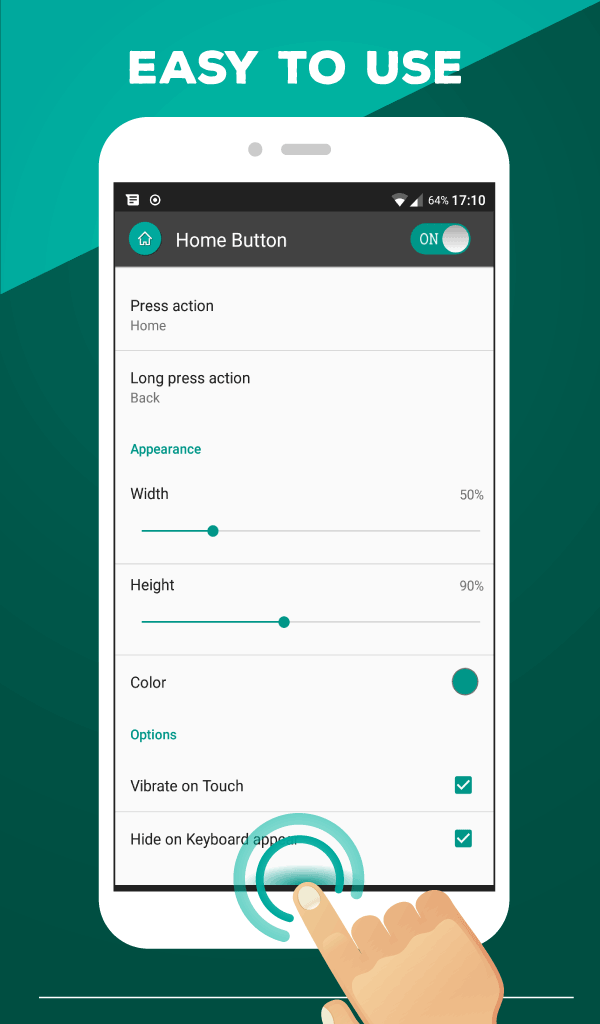
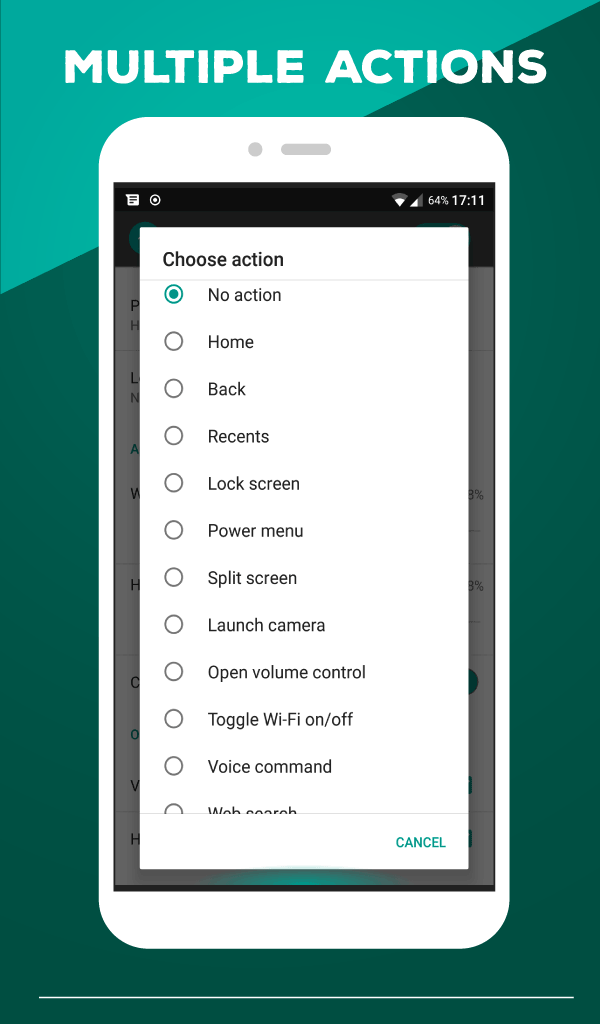
- Anda dapat menetapkan tindakan yang diperlukan untuk menekan dan menekan lama.
- Pengaturan fleksibel.
- Program ini mudah diatur dan digunakan.
Deskripsi
Aplikasi Home Button diperiksa oleh antivirus VirusTotal. Sebagai hasil pemindaian, tidak ada infeksi file yang terdeteksi oleh semua tanda tangan terbaru.
Cara memasang Home Button
- Unduh file APK aplikasi dari apkshki.com.
- Temukan file yang diunduh. Anda dapat menemukannya di baki sistem atau di folder 'Download' menggunakan manajer file apa pun.
- Jika file yang diunduh berekstensi .bin (bug WebView di Android 11), ubah namanya menjadi .apk menggunakan pengelola file apa pun atau coba unduh file dengan browser lain seperti Chrome.
- Mulai penginstalan. Klik pada file yang diunduh untuk memulai penginstalan
- Izinkan penginstalan dari sumber yang tidak dikenal. Jika Anda menginstal untuk pertama kalinya Home Button bukan dari Google Play, buka pengaturan keamanan perangkat Anda dan izinkan penginstalan dari sumber yang tidak dikenal.
- Lewati perlindungan Google Play. Jika proteksi Google Play memblokir penginstalan file, ketuk 'Info Lebih Lanjut' → 'Tetap instal' → 'OK' untuk melanjutkan..
- Selesaikan penginstalan: Ikuti petunjuk penginstal untuk menyelesaikan proses penginstalan.
Cara memperbarui Home Button
- Unduh versi baru aplikasi dari apkshki.com.
- Cari file yang diunduh dan klik file tersebut untuk memulai penginstalan.
- Instal di atas versi lama. Tidak perlu menghapus instalasi versi sebelumnya.
- Hindari konflik tanda tangan. Jika versi sebelumnya tidak diunduh dari apkshki.com, pesan 'Aplikasi tidak terinstal' mungkin muncul. Dalam kasus ini, hapus instalan versi lama dan instal versi baru.
- Mulai ulang lampiran Home Button setelah pembaruan.








Meminta pembaruan aplikasi
Ditambahkan Denis Rubinov
Versi: 2.0.5
Ukuran: 7 MB
Diperbarui: 24.06.2025
Developer: Nu-Kob
Batasan Usia: Everyone
Otorisasi:
Diunduh di Google Play: 518021
Kategori: Alat















Ulasan untuk Home Button
This app is so useful for phones with mechanical home key, it saves you from having to press that button so much. Thanks a lot.
Immediately opening on first run, I get ads!! Immediate Uninstall!!
Good
Best apps for phone who gets home button is broken, but back and recent apps is still working
the app itself and the features it provides is awesome, easy to setup and manage, one small thing is that it sometimes doesn't launch properly and crashes, I have to clear its data to be able to use the app,
So real it works well
I like it....
Bro When I Click "Launch Other Applications" Is Not Working
Only press and long press. No right/left swipe. Too simple feature
Too many ads, would rather pay for a version that has no ads
Won't work for screen shots. My home screen button failed, downloaded this to replace it, but didn't fully replace it. Still lacks the function to do screenshots
Best home button replacement I've found. Unobtrusive, no ads apart from its settings screen. One strange issue I have however, is that I have it set to launch the camera when long-pressed and when launched that way the camera asks me OK/Retry after each shot and the pictures do not appear in the gallery (even after selecting OK). The gallery shortcut does not appear in the camera app either. Camera app is fine when launched directly from the app drawer. Fix this and it'll be 5 stars for me.
Amazing app! That button on the screen use to look so ugly and block the view of the screen. This app just has a faint green color and it's perfectly placed at the bottom of the screen. Love this!!
Best one I found. Only one function home button. I wanted save on wear on my j7 crown physical home button. It works really well. This way is more efficient as well. Great app.
The "no action" option doesn't work on Galaxy Note 8. Long pressing "home" (while trying to paste into a chat box, for example) still results in the screen going back to the launcher/empty (and disabled) Google Assistant screen appearing. Basically useless.
Kirimkan komentar
Untuk memberikan komentar, masuklah dengan jejaring sosial Anda:
Atau tinggalkan komentar anonim. Komentar Anda akan dikirim untuk dimoderasi.
Kirimkan komentar
Untuk memberikan komentar, masuklah dengan jejaring sosial Anda:
Atau tinggalkan komentar anonim. Komentar Anda akan dikirim untuk dimoderasi.