



HTML Reader/ Viewer
5+
unduhan4.2+
versi Android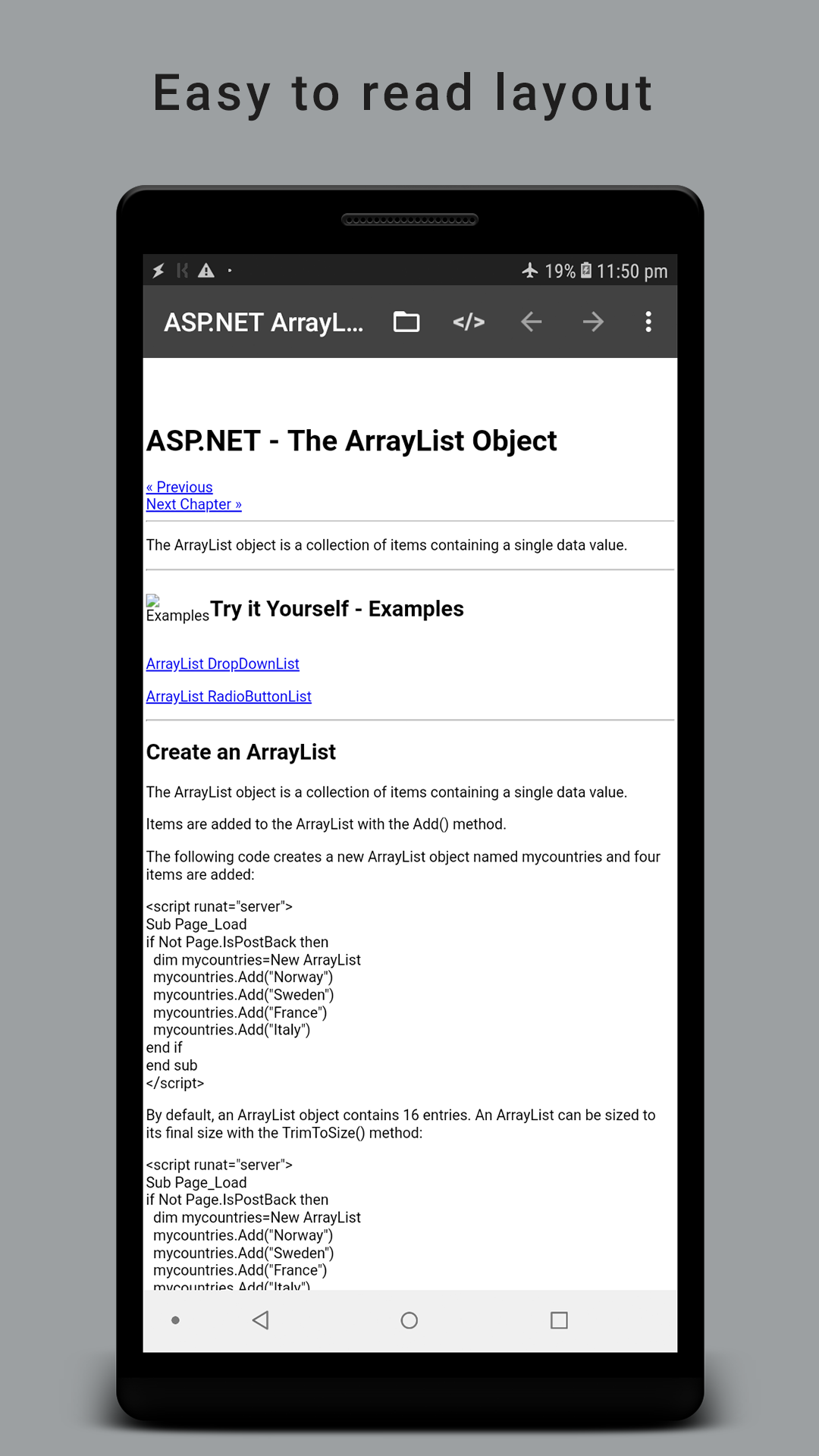
Ditambahkan: Denis Rubinov
Versi: 2.5.5
Ukuran: 9.5 MB
Diperbarui: 11.12.2021
Developer: VasuDev
Batasan Usia: Everyone
Otorisasi: 8
Diunduh di Google Play: 1676834
Kategori: Kerja
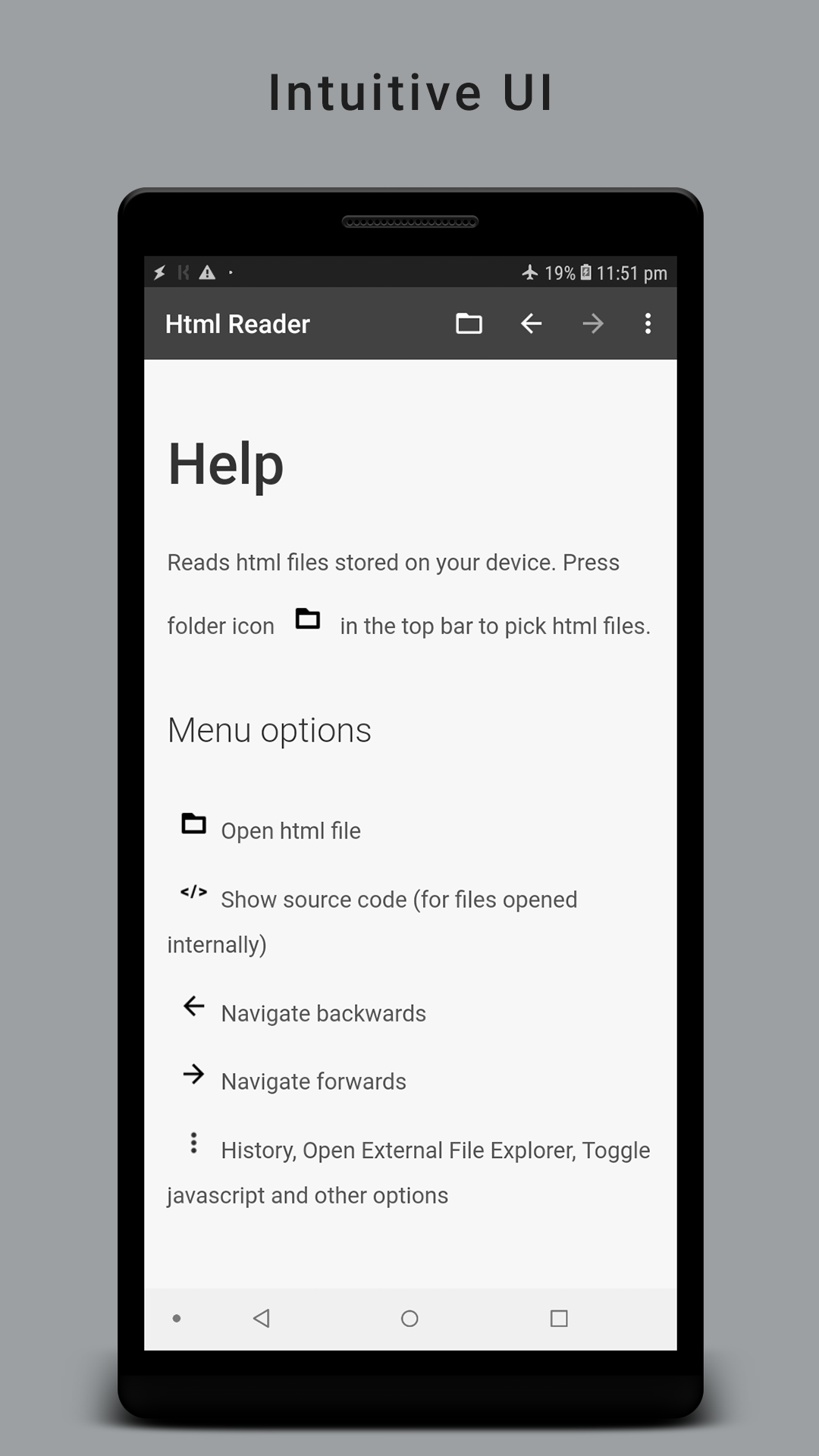
- Antarmuka yang intuitif.
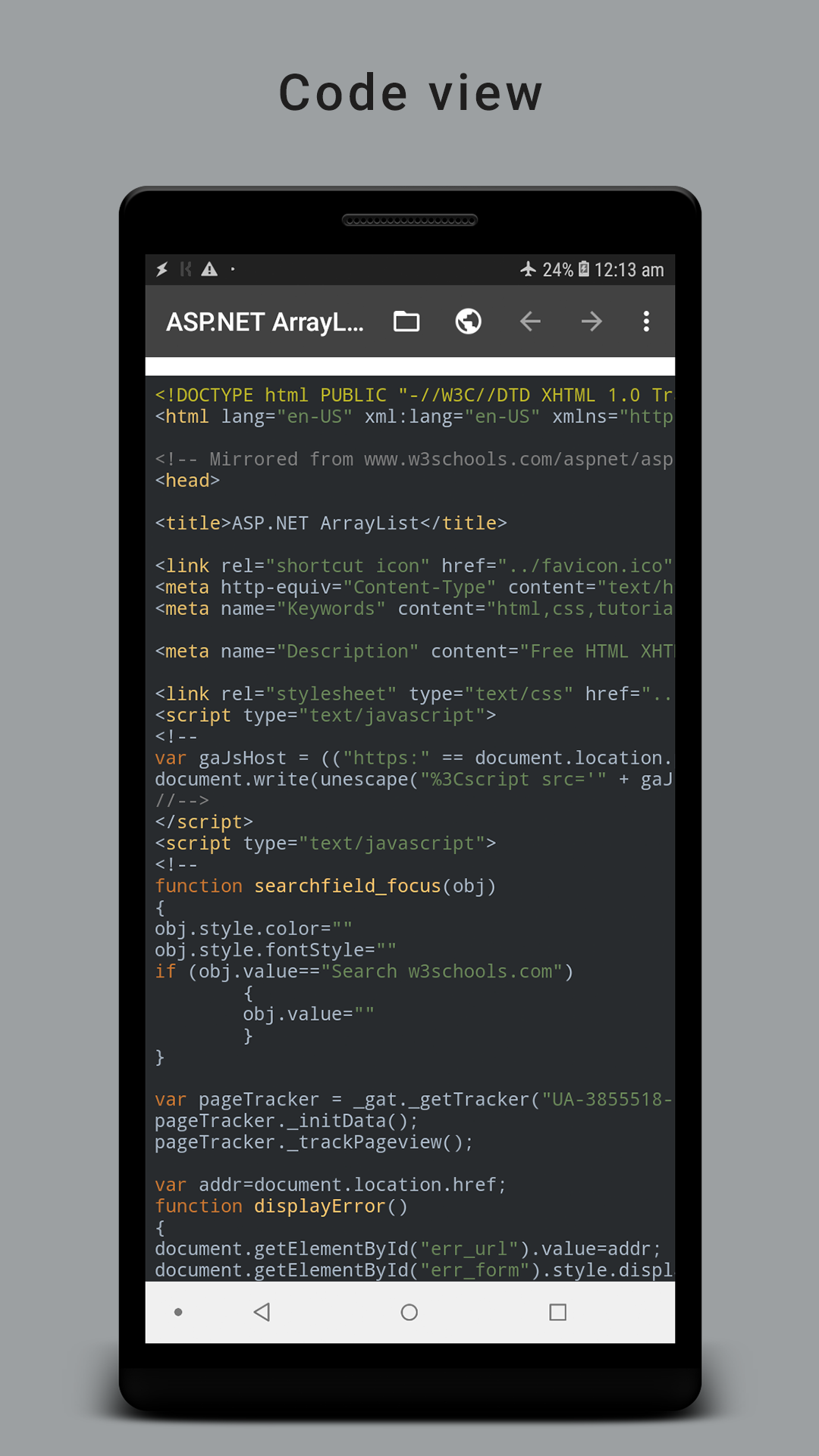
- Penampil Kode.
- Mengaktifkan dan menonaktifkan JavaScript.
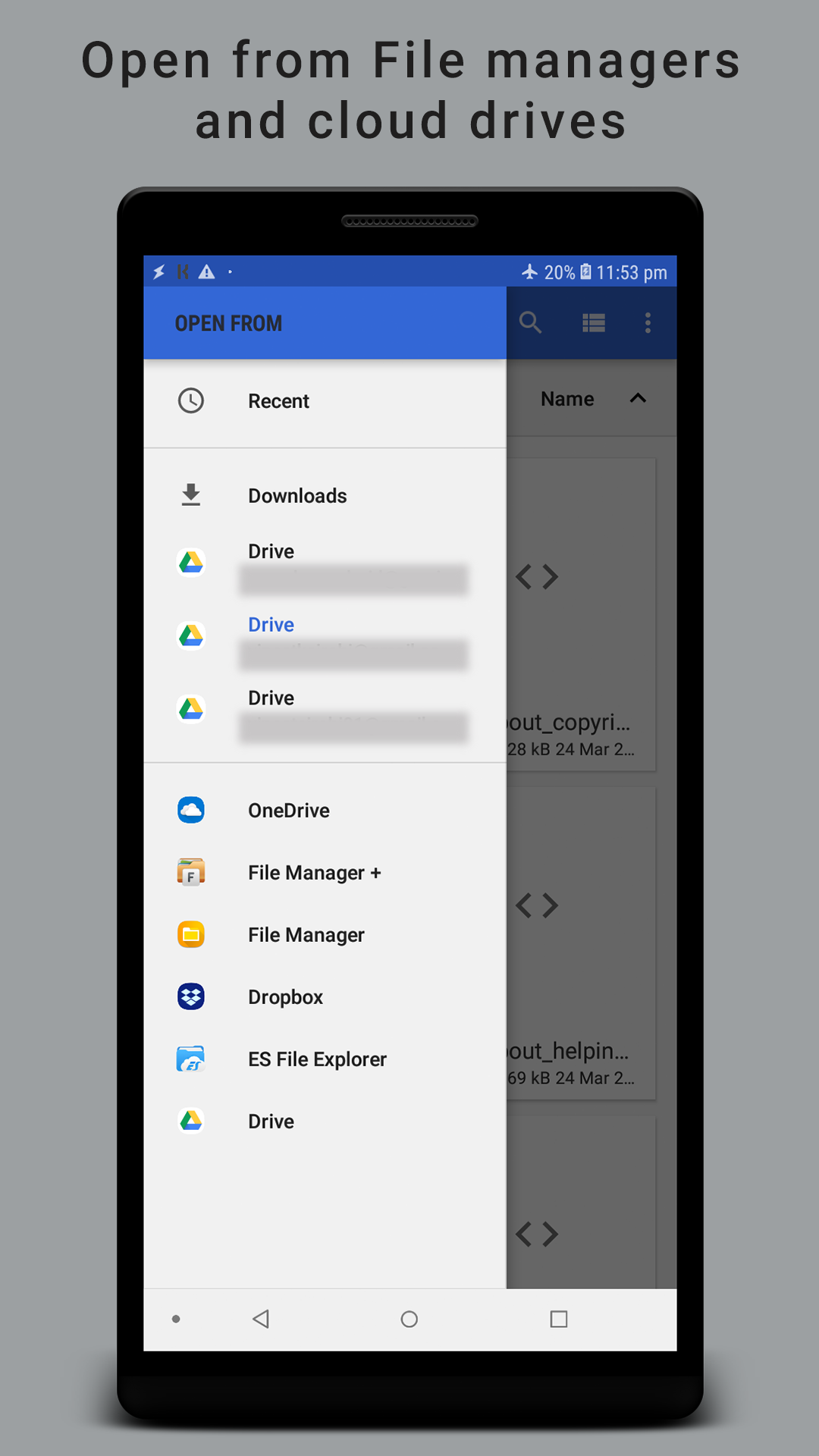
- Berfungsi dengan file yang disimpan ke kartu SD.
- Bekerja di hampir semua perangkat.
Deskripsi
Aplikasi HTML Reader/ Viewer diperiksa oleh antivirus VirusTotal. Sebagai hasil pemindaian, tidak ada infeksi file yang terdeteksi oleh semua tanda tangan terbaru.
Cara memasang HTML Reader/ Viewer
- Unduh file APK aplikasi dari apkshki.com.
- Temukan file yang diunduh. Anda dapat menemukannya di baki sistem atau di folder 'Download' menggunakan manajer file apa pun.
- Jika file yang diunduh berekstensi .bin (bug WebView di Android 11), ubah namanya menjadi .apk menggunakan pengelola file apa pun atau coba unduh file dengan browser lain seperti Chrome.
- Mulai penginstalan. Klik pada file yang diunduh untuk memulai penginstalan
- Izinkan penginstalan dari sumber yang tidak dikenal. Jika Anda menginstal untuk pertama kalinya HTML Reader/ Viewer bukan dari Google Play, buka pengaturan keamanan perangkat Anda dan izinkan penginstalan dari sumber yang tidak dikenal.
- Lewati perlindungan Google Play. Jika proteksi Google Play memblokir penginstalan file, ketuk 'Info Lebih Lanjut' → 'Tetap instal' → 'OK' untuk melanjutkan..
- Selesaikan penginstalan: Ikuti petunjuk penginstal untuk menyelesaikan proses penginstalan.
Cara memperbarui HTML Reader/ Viewer
- Unduh versi baru aplikasi dari apkshki.com.
- Cari file yang diunduh dan klik file tersebut untuk memulai penginstalan.
- Instal di atas versi lama. Tidak perlu menghapus instalasi versi sebelumnya.
- Hindari konflik tanda tangan. Jika versi sebelumnya tidak diunduh dari apkshki.com, pesan 'Aplikasi tidak terinstal' mungkin muncul. Dalam kasus ini, hapus instalan versi lama dan instal versi baru.
- Mulai ulang lampiran HTML Reader/ Viewer setelah pembaruan.








Meminta pembaruan aplikasi
Ditambahkan Denis Rubinov
Versi: 2.5.5
Ukuran: 9.5 MB
Diperbarui: 11.12.2021
Developer: VasuDev
Batasan Usia: Everyone
Otorisasi:
Diunduh di Google Play: 1676834
Kategori: Kerja















Ulasan untuk HTML Reader/ Viewer
Functional but the HTML program resets whenever the device is flipped horizontally or vertically. Would give 5 stars if fixed.
the full screen mode is great and I like it but it shouldn't be enabled when I click on a button in the html page, this is ruining the experience of the app. Also there is no desktop mode which is really important sometimes.
Absolutely a GREAT application, surpassed only by the support keenly and unselfishly offerered by the developer who was polite enough to not even vaguely refer to my stupidity and lack of clear thinking. And I speak from a wealth of experience. Someone worth supporting. I cannot recommend this combination highly enough. Peter Kelly, Australia.
excellent option
Perfect for reading installed html Just what I wanted
A truly excellent app. My only suggestion, is to make it available for more than one device (at least two). I look forward to more products from this brand.
This application software is userfriendly
TOTALLY USELESS APP for "Android"!
ায়শসআএবহ হহব
Doesn't work it useless
Waste of time
Nice app
Nice app for reading uptodate
Very great! It taketh backgrounds, images, etc. I would give 5 stars if thou add edition tools (now, it is plain text and in my case, i can not edit directly on text view on app).
Excellent!
Kirimkan komentar
Untuk memberikan komentar, masuklah dengan jejaring sosial Anda:
Atau tinggalkan komentar anonim. Komentar Anda akan dikirim untuk dimoderasi.
Kirimkan komentar
Untuk memberikan komentar, masuklah dengan jejaring sosial Anda:
Atau tinggalkan komentar anonim. Komentar Anda akan dikirim untuk dimoderasi.