



iMore Keyboard
1+
unduhan4.1+
versi Android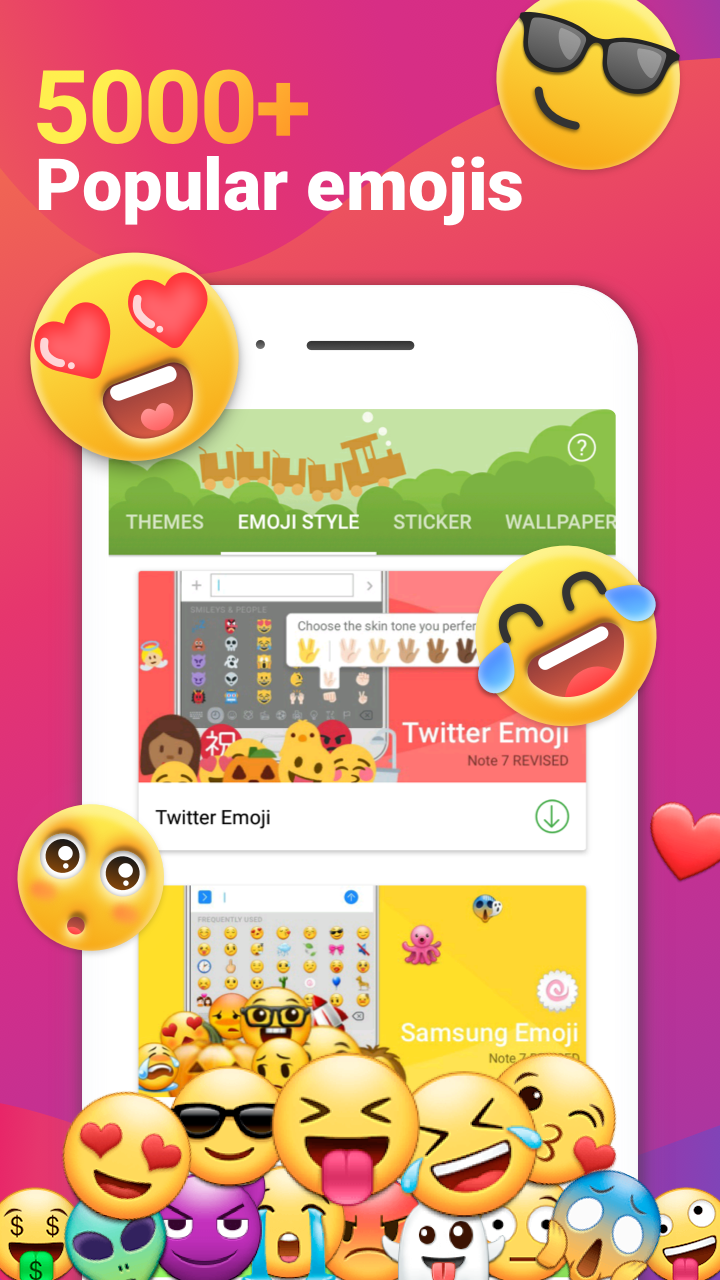


Ditambahkan: Denis Rubinov
Versi: 2.5.4
Ukuran: 22.7 MB
Diperbarui: 07.09.2020
Developer: iMore Cool Fonts Keyboard Dev.
Batasan Usia: Everyone
Otorisasi: 18
Diunduh di Google Play: 15107873
Kategori: Personalisasi
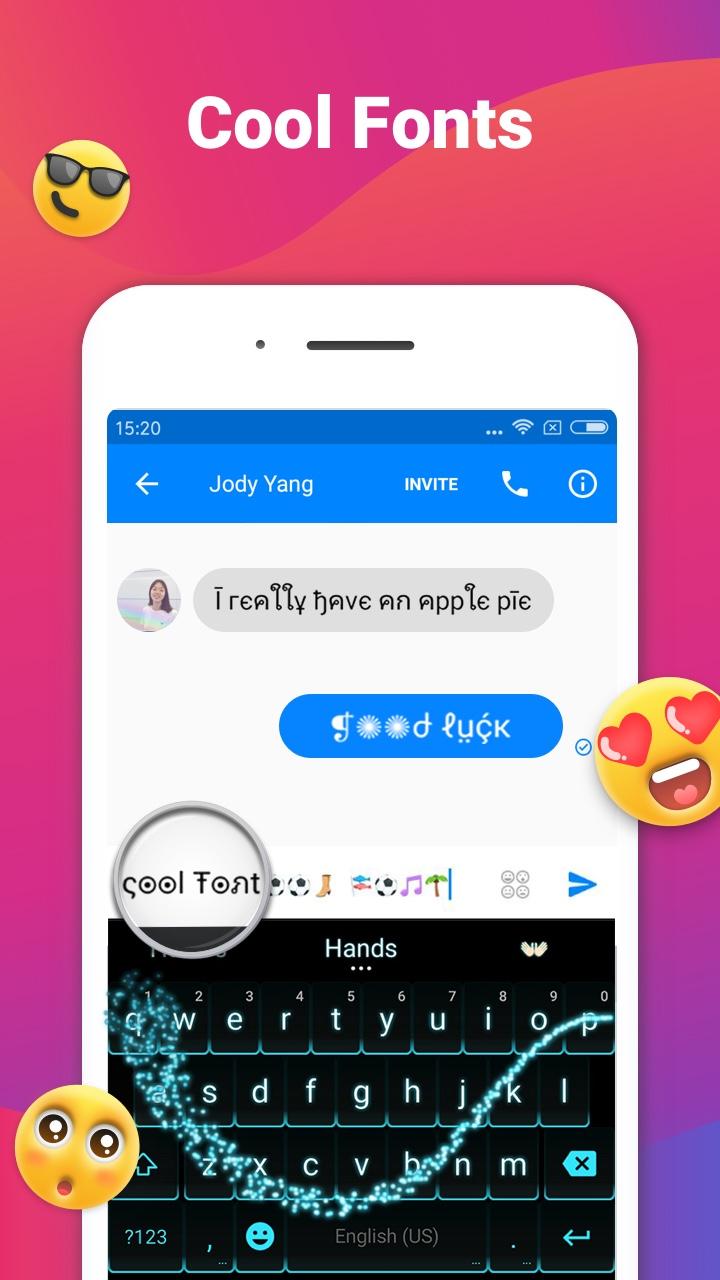
- Basis data besar font, emoji, stiker, dan animasi.
- Koreksi otomatis yang akurat dengan dukungan bahasa Rusia.
- Menawarkan emoji yang cocok.
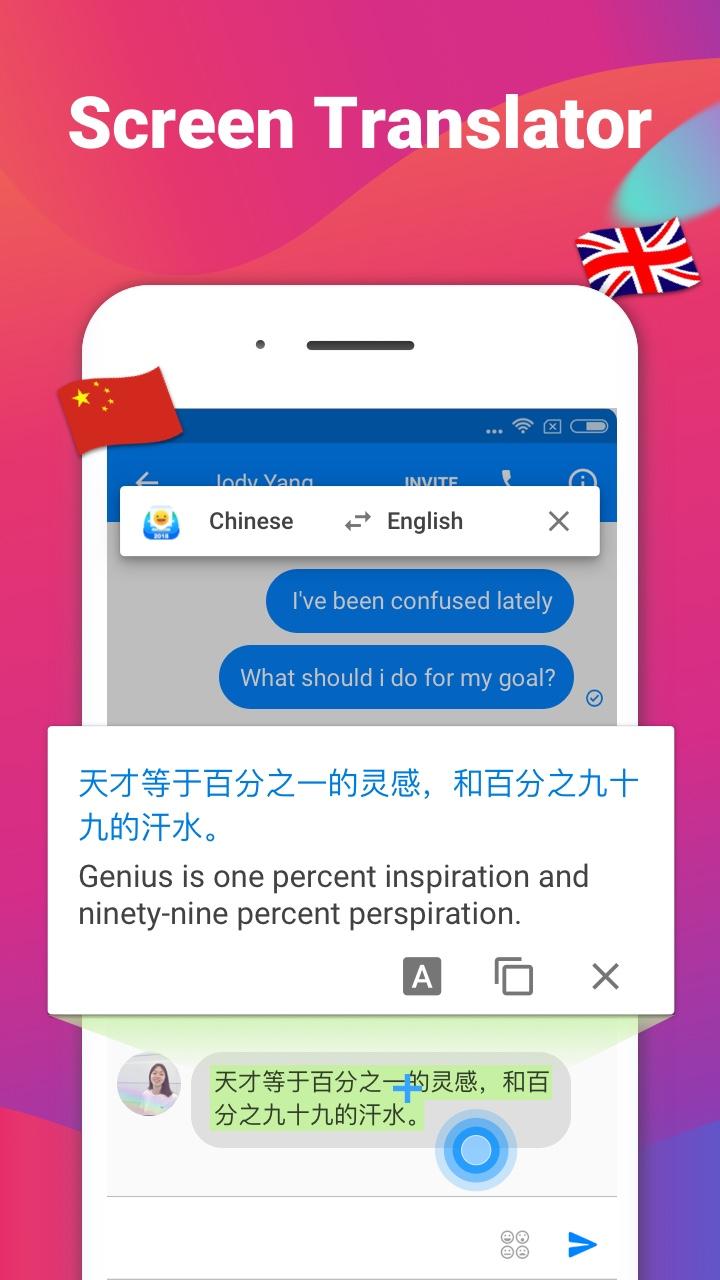
- Penerjemah bawaan.
- Masukan suara.
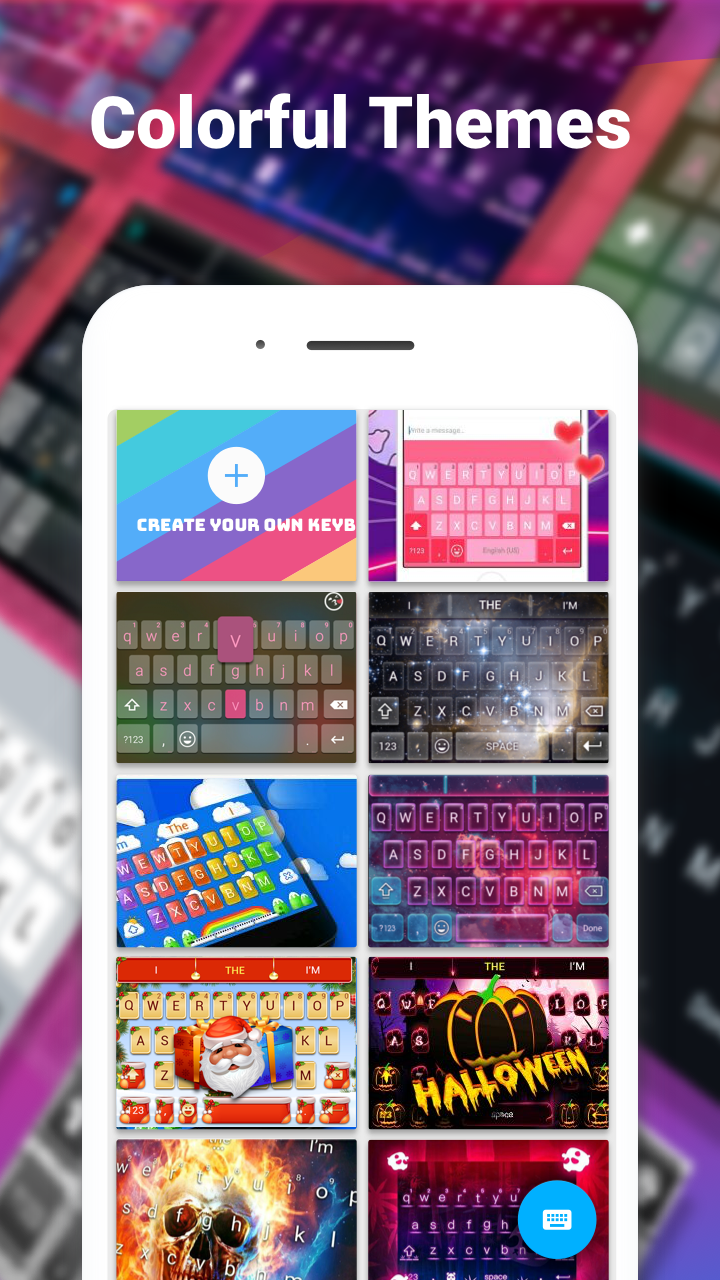
- Banyak skin.
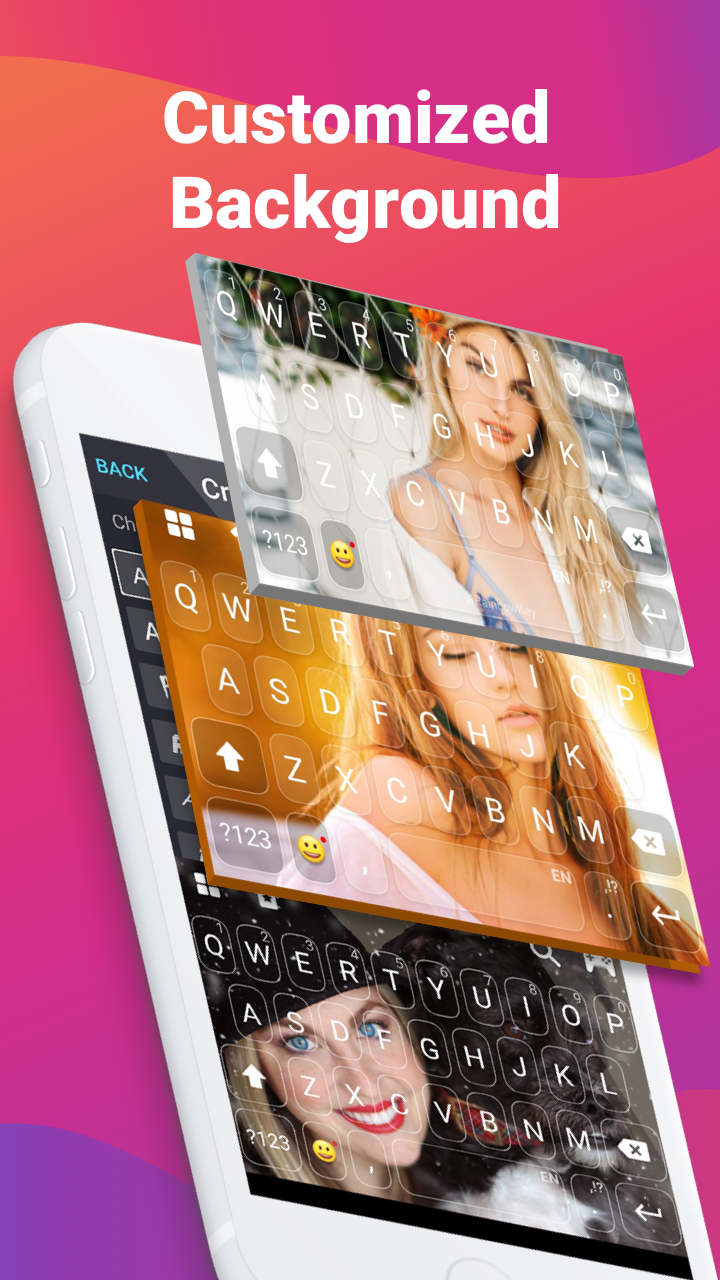
- Pilih gambar latar belakang.
Deskripsi
Aplikasi iMore Keyboard diperiksa oleh antivirus VirusTotal. Sebagai hasil pemindaian, tidak ada infeksi file yang terdeteksi oleh semua tanda tangan terbaru.
Cara memasang iMore Keyboard
- Unduh file APK aplikasi dari apkshki.com.
- Temukan file yang diunduh. Anda dapat menemukannya di baki sistem atau di folder 'Download' menggunakan manajer file apa pun.
- Jika file yang diunduh berekstensi .bin (bug WebView di Android 11), ubah namanya menjadi .apk menggunakan pengelola file apa pun atau coba unduh file dengan browser lain seperti Chrome.
- Mulai penginstalan. Klik pada file yang diunduh untuk memulai penginstalan
- Izinkan penginstalan dari sumber yang tidak dikenal. Jika Anda menginstal untuk pertama kalinya iMore Keyboard bukan dari Google Play, buka pengaturan keamanan perangkat Anda dan izinkan penginstalan dari sumber yang tidak dikenal.
- Lewati perlindungan Google Play. Jika proteksi Google Play memblokir penginstalan file, ketuk 'Info Lebih Lanjut' → 'Tetap instal' → 'OK' untuk melanjutkan..
- Selesaikan penginstalan: Ikuti petunjuk penginstal untuk menyelesaikan proses penginstalan.
Cara memperbarui iMore Keyboard
- Unduh versi baru aplikasi dari apkshki.com.
- Cari file yang diunduh dan klik file tersebut untuk memulai penginstalan.
- Instal di atas versi lama. Tidak perlu menghapus instalasi versi sebelumnya.
- Hindari konflik tanda tangan. Jika versi sebelumnya tidak diunduh dari apkshki.com, pesan 'Aplikasi tidak terinstal' mungkin muncul. Dalam kasus ini, hapus instalan versi lama dan instal versi baru.
- Mulai ulang lampiran iMore Keyboard setelah pembaruan.






Meminta pembaruan aplikasi
Ditambahkan Denis Rubinov
Versi: 2.5.4
Ukuran: 22.7 MB
Diperbarui: 07.09.2020
Developer: iMore Cool Fonts Keyboard Dev.
Batasan Usia: Everyone
Otorisasi:
Diunduh di Google Play: 15107873
Kategori: Personalisasi















Ulasan untuk iMore Keyboard
Won't let me switch
Look's like ios keyboard but please change the size of the typing
This app is no longr working.
it dont let me select the keyboard to continue 🥲
Love time😍😍
I enjoy this app
Cool
I love thiz it is my choice
👍its good
Its an amazing app
Smooth animations. I like the features,especially the translation, its amazing! The themes are cool too, and the pearl white theme looks like iOS! I like how gifs come up when i type 'hello' or 'bye' etc! I have one problem though: in some text boxes, the word suggestions dont come up, and the auto correct doesnt work, it also happens in the play store review text box. Well, besides that problem, this keyboard is definitely worth downloading! 👍
This is a multi-packaged app to be honest, it has the ability for you to D.I.Y keyboards, change emojis (on keyboard), has autocorrect, also has a translator for any language and etc. I really love this app! It's a bit glitchy SOMETIMES (not always) but we can work on with that! This is one of the best app tbh. Thanks to the developer and please keep supporting this app!!! It's so good. I'm not a bot who got talled to comment this, I'm an actual human!💜
I'm a first-time user, I installed the app, upgraded to PRO, rebooted my device.... CRASH.... yep, after taking my payment the keyboard DOES NOT WORK!!! I'm very tech oriented, and have no problems understanding android, the apps, the OS, and I have many Android devices. I'm trying to install this on a beautiful, high end, Lenovo Android Device and have zero problems using all Google Play Store Apps...if this is such a great keyboard, why is it crashing on any device? Bad Development!
I give 5 stars to the old version but I give 2 stars to the new one. There's a problem with the most recent version. Whenever the "?123" button is clicked, it automatically adds a space to what I was typing. That's why I have unnecessary spaces in between words/letters/or a combination of letters and numbers. Please fix this so we can update to the new version with ease
I love everything about it. I would give it 5 stars if it would auto space after a comma & select suggested words by tapping the spacebar, & therefore would autospace after period, too.
Kirimkan komentar
Untuk memberikan komentar, masuklah dengan jejaring sosial Anda:
Atau tinggalkan komentar anonim. Komentar Anda akan dikirim untuk dimoderasi.
Kirimkan komentar
Untuk memberikan komentar, masuklah dengan jejaring sosial Anda:
Atau tinggalkan komentar anonim. Komentar Anda akan dikirim untuk dimoderasi.