



Who is on my WiFi - WiFi Scan
6+
unduhan4.0+
versi Android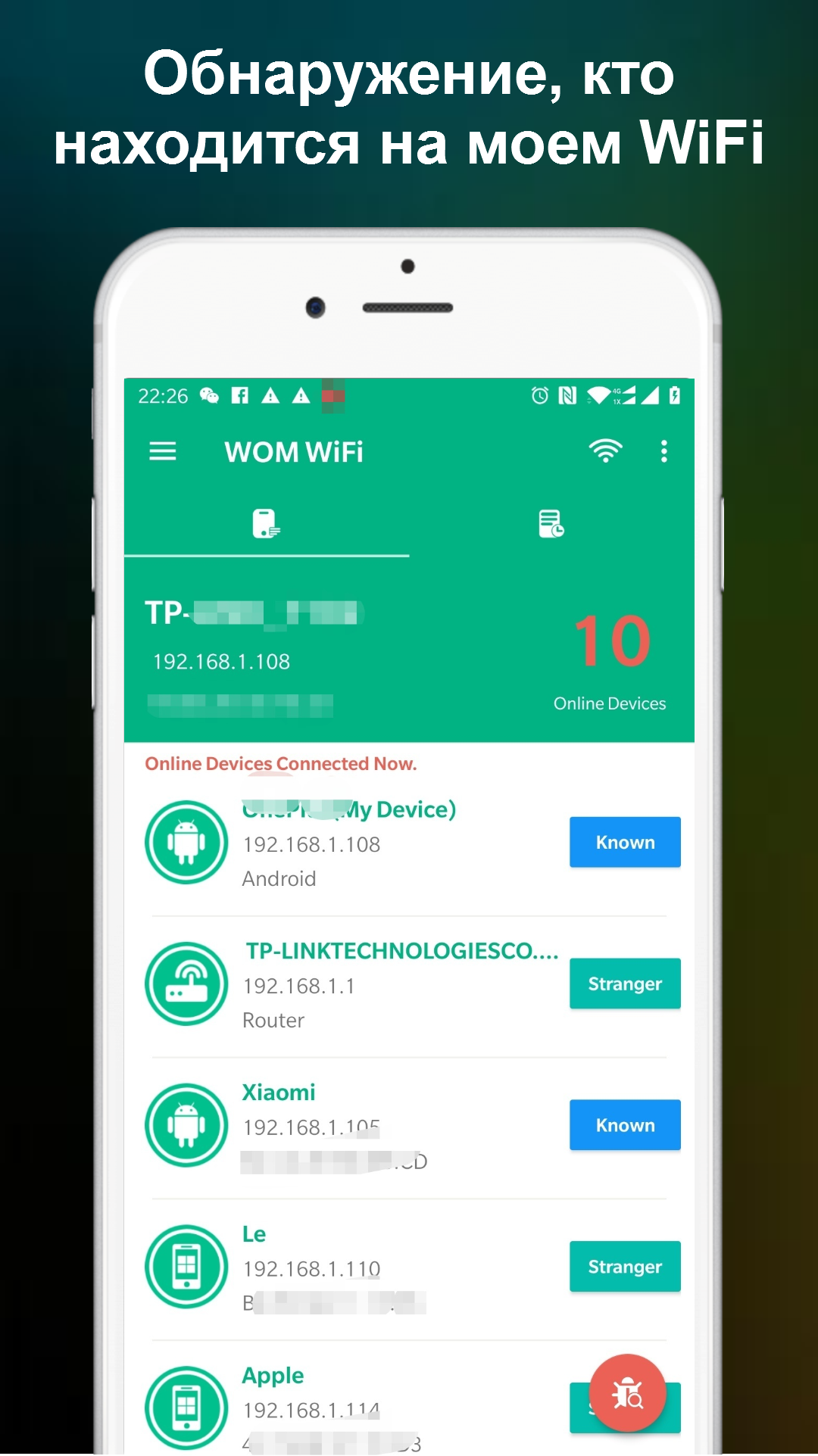
Ditambahkan: Denis Rubinov
Versi: 1.1.20
Ukuran: 13.2 MB
Diperbarui: 21.05.2025
Developer: Network Scanner - WiFi Scanner & Network Monitor
Batasan Usia: Everyone
Otorisasi: 11
Diunduh di Google Play: 10214755
Kategori: Alat
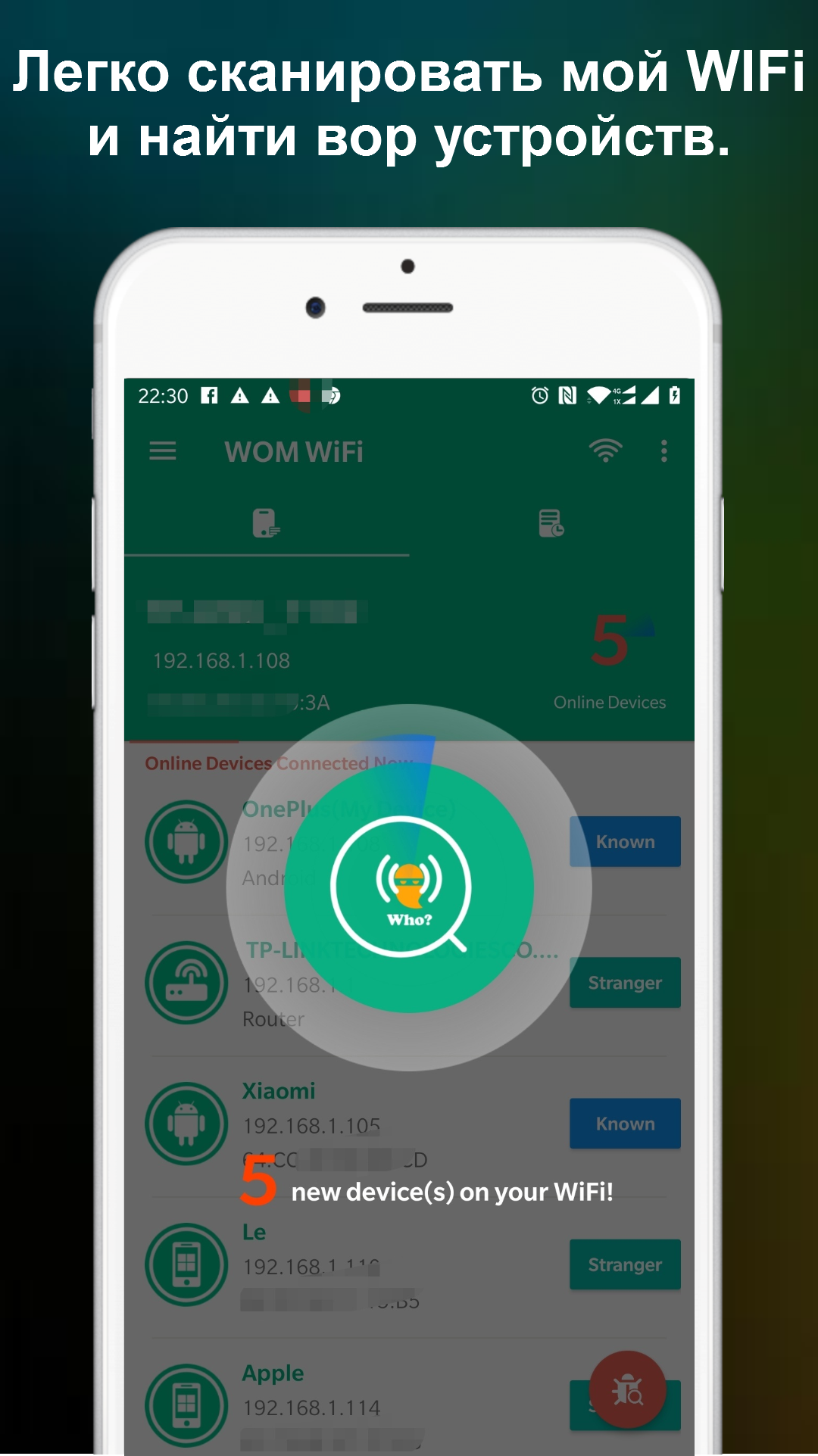
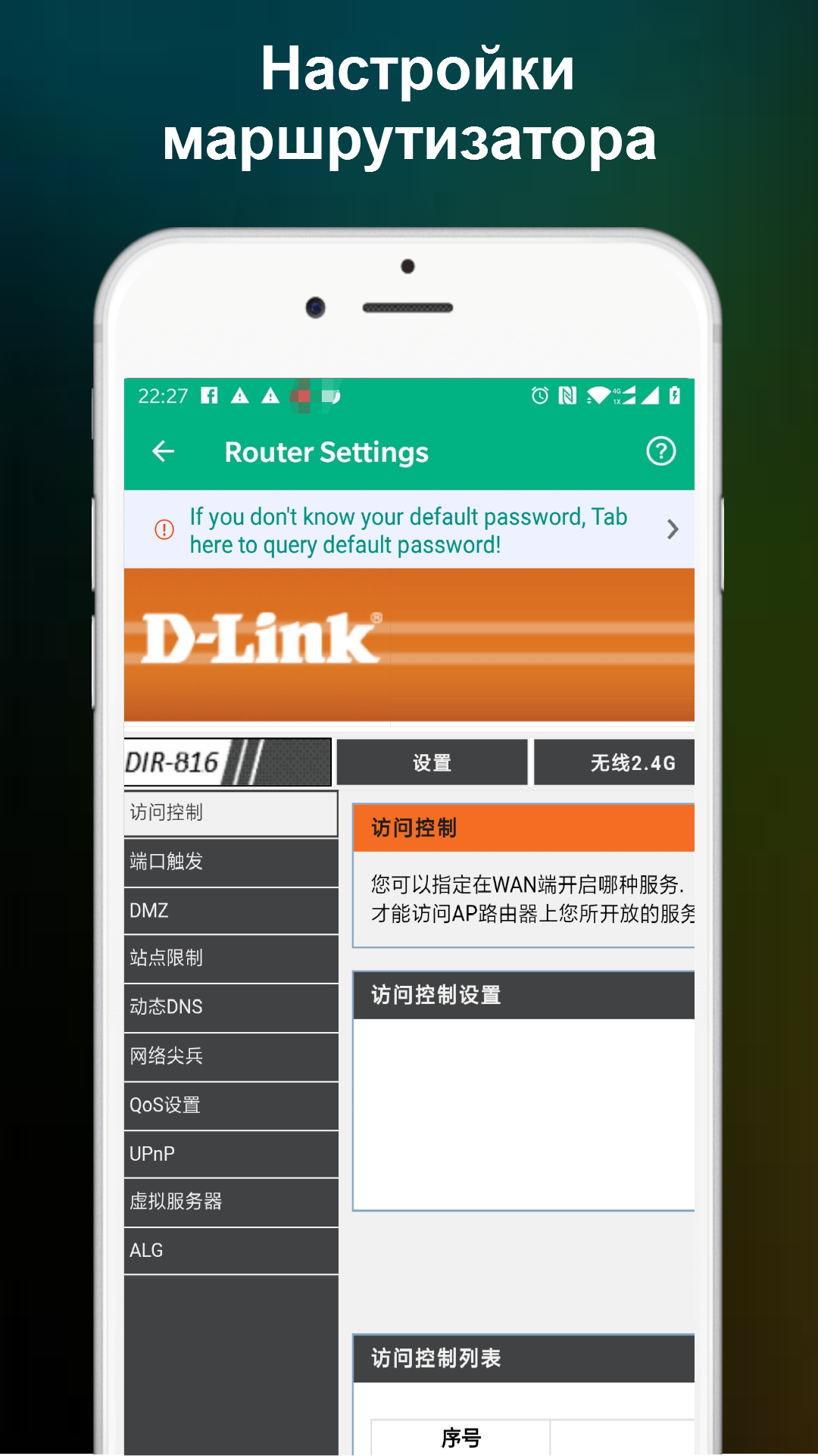
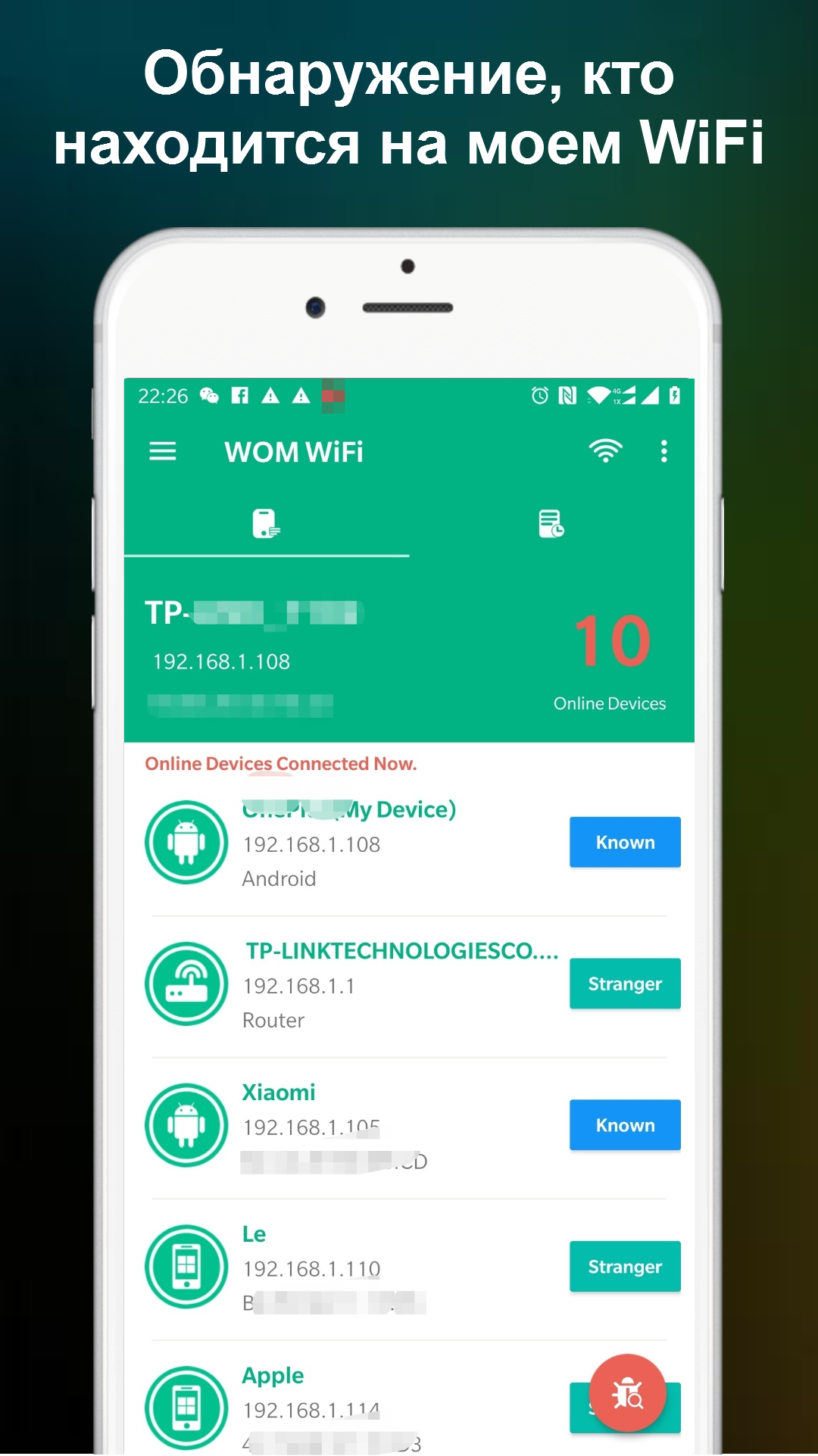
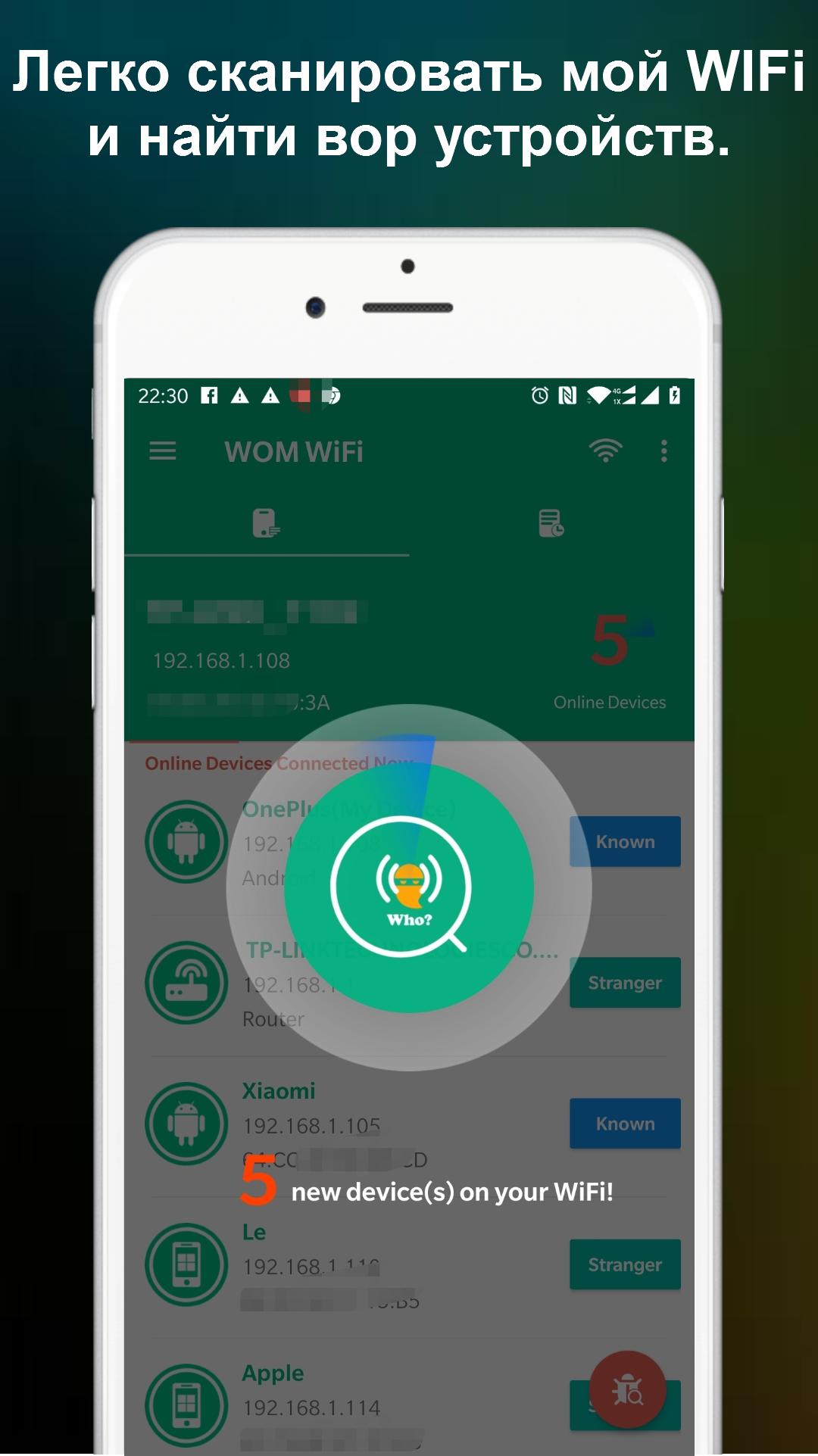
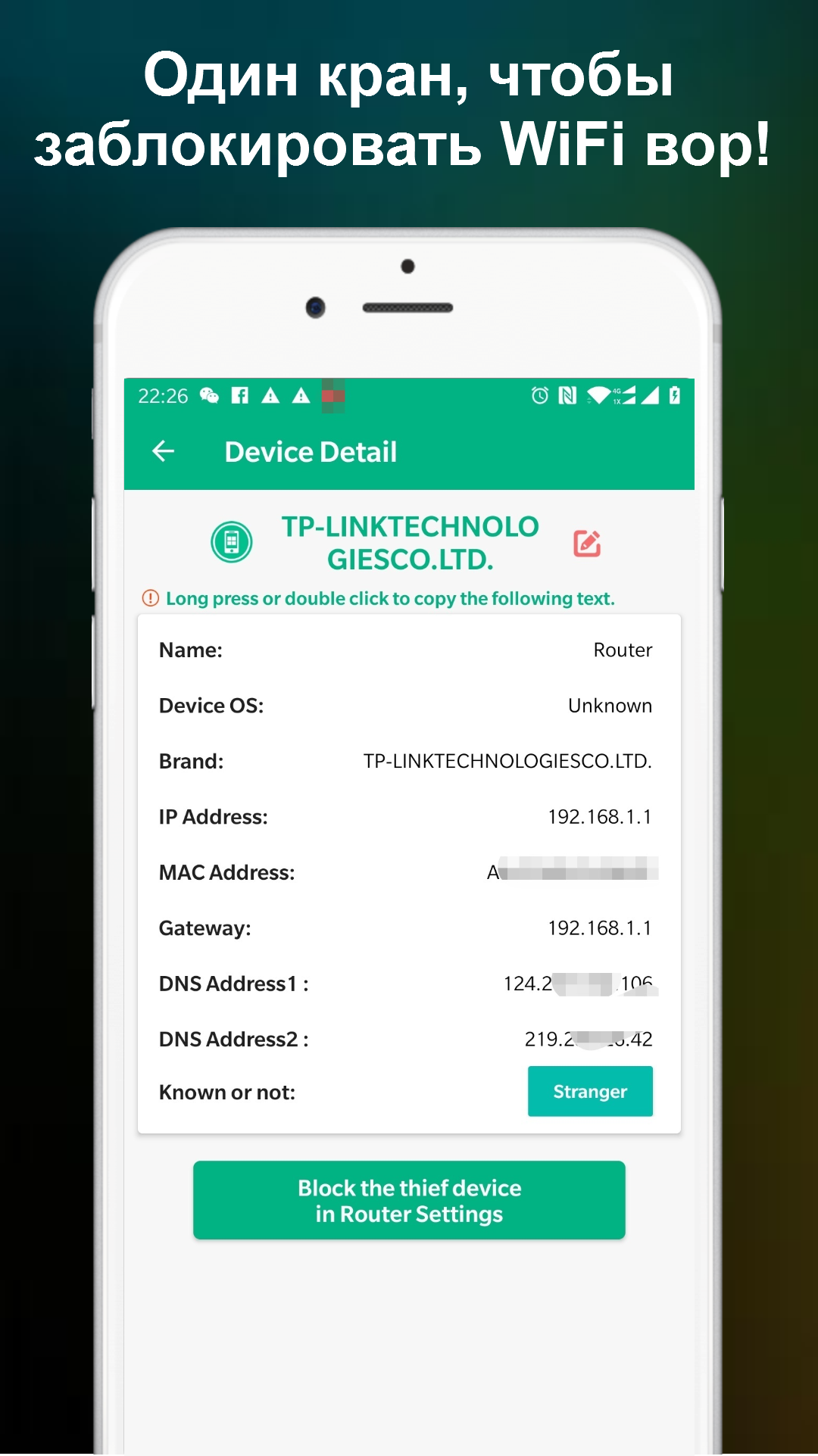
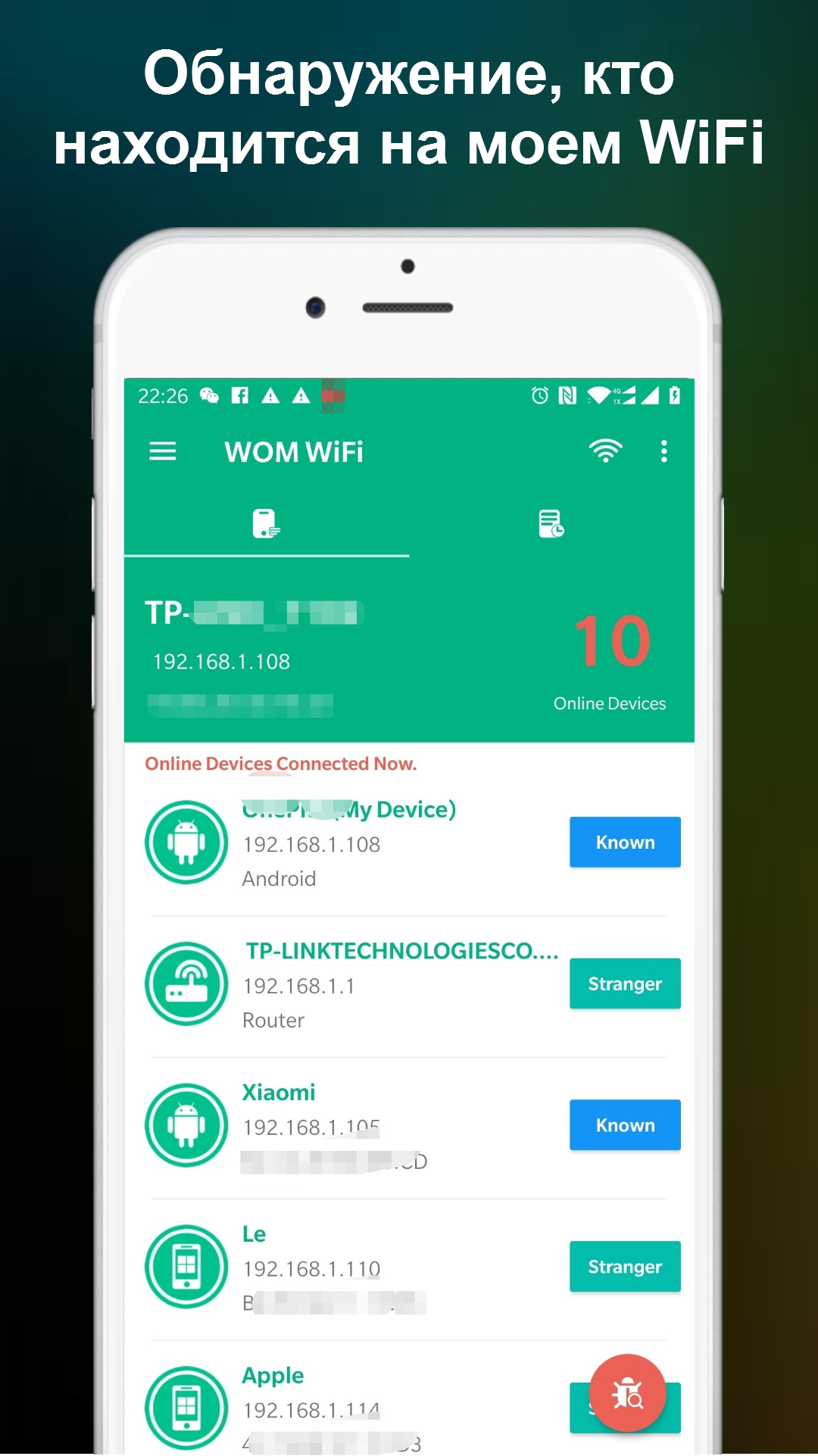
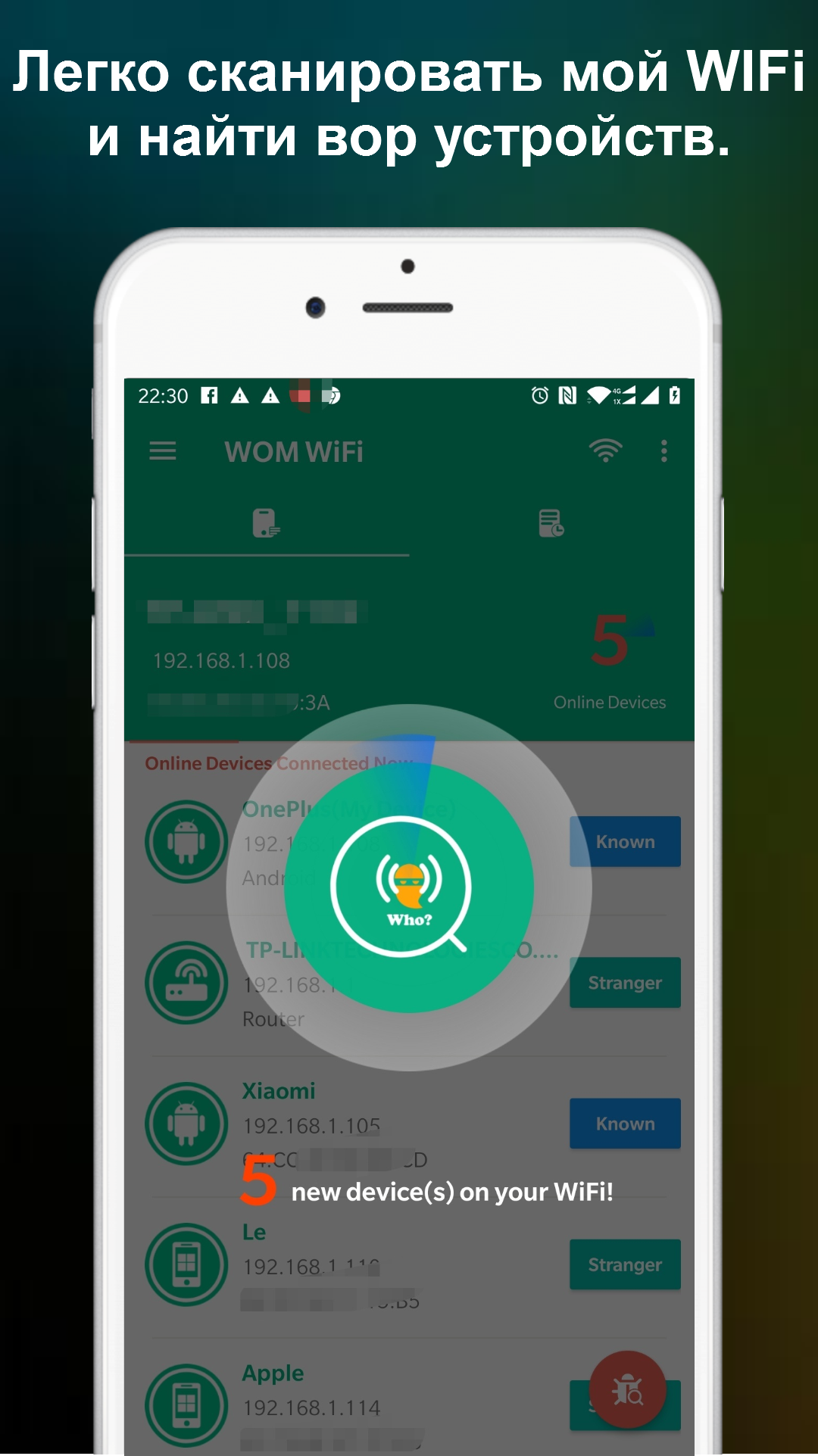
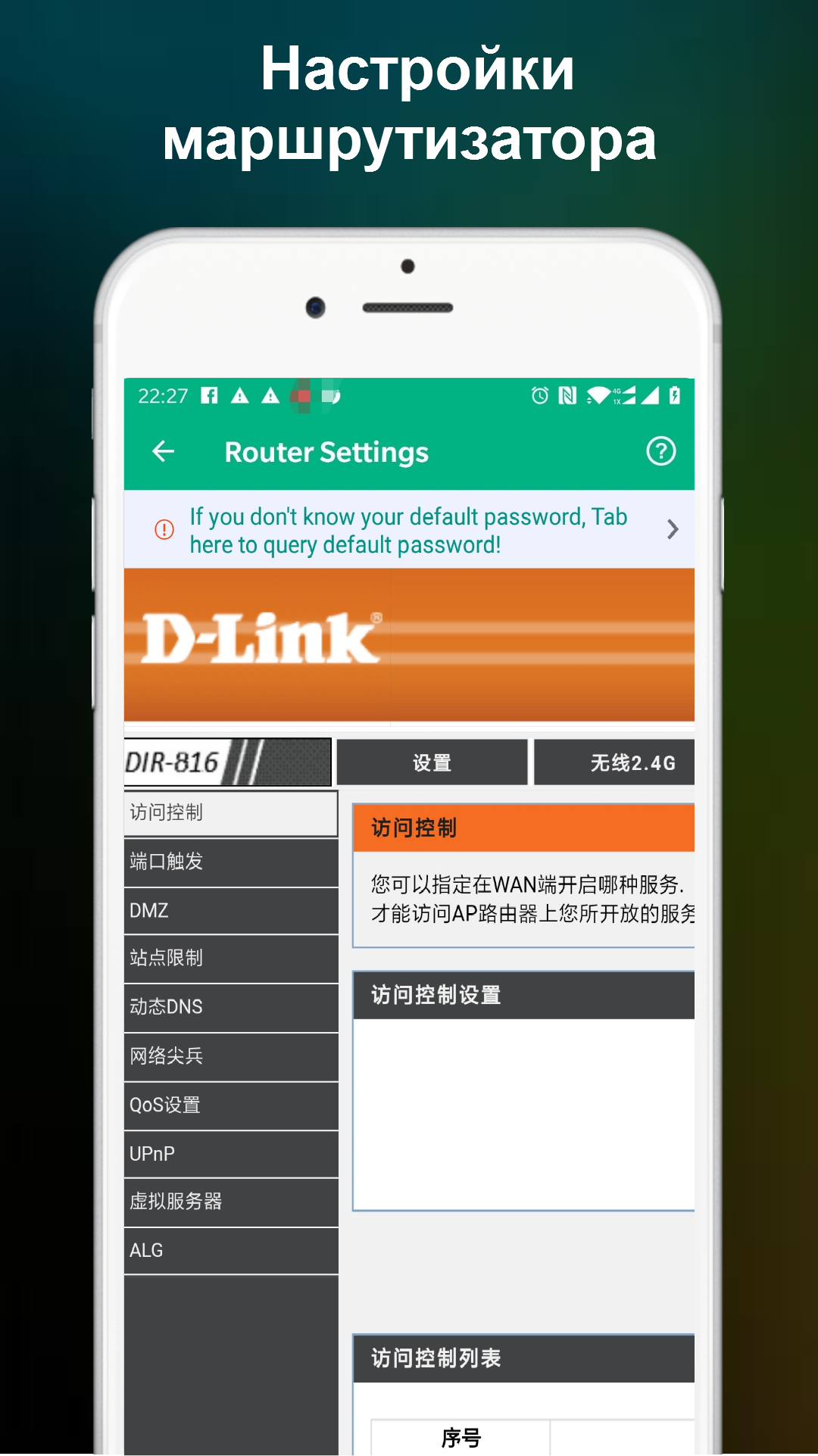
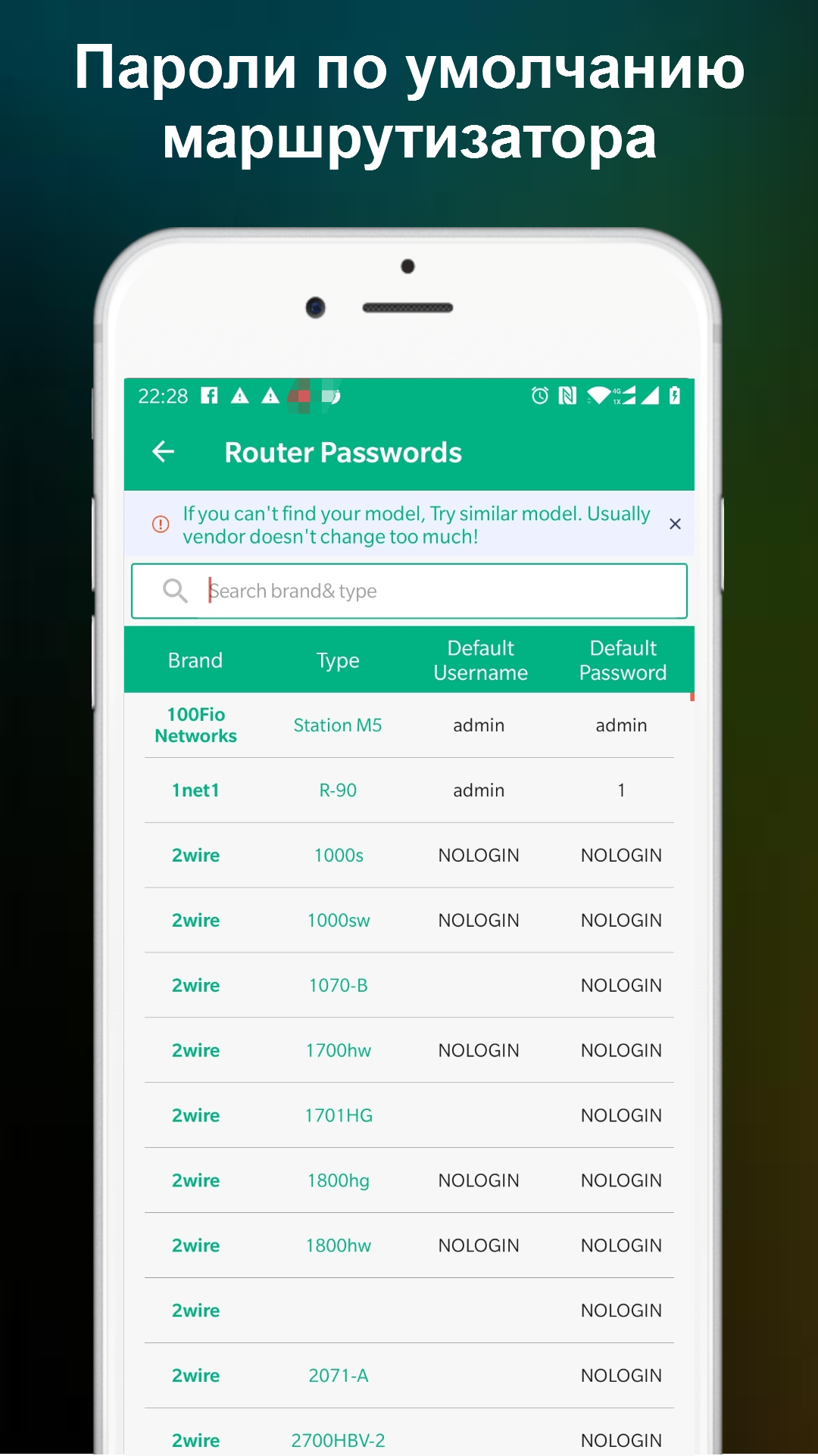
- Pindai jaringan Wi-Fi dengan cepat.
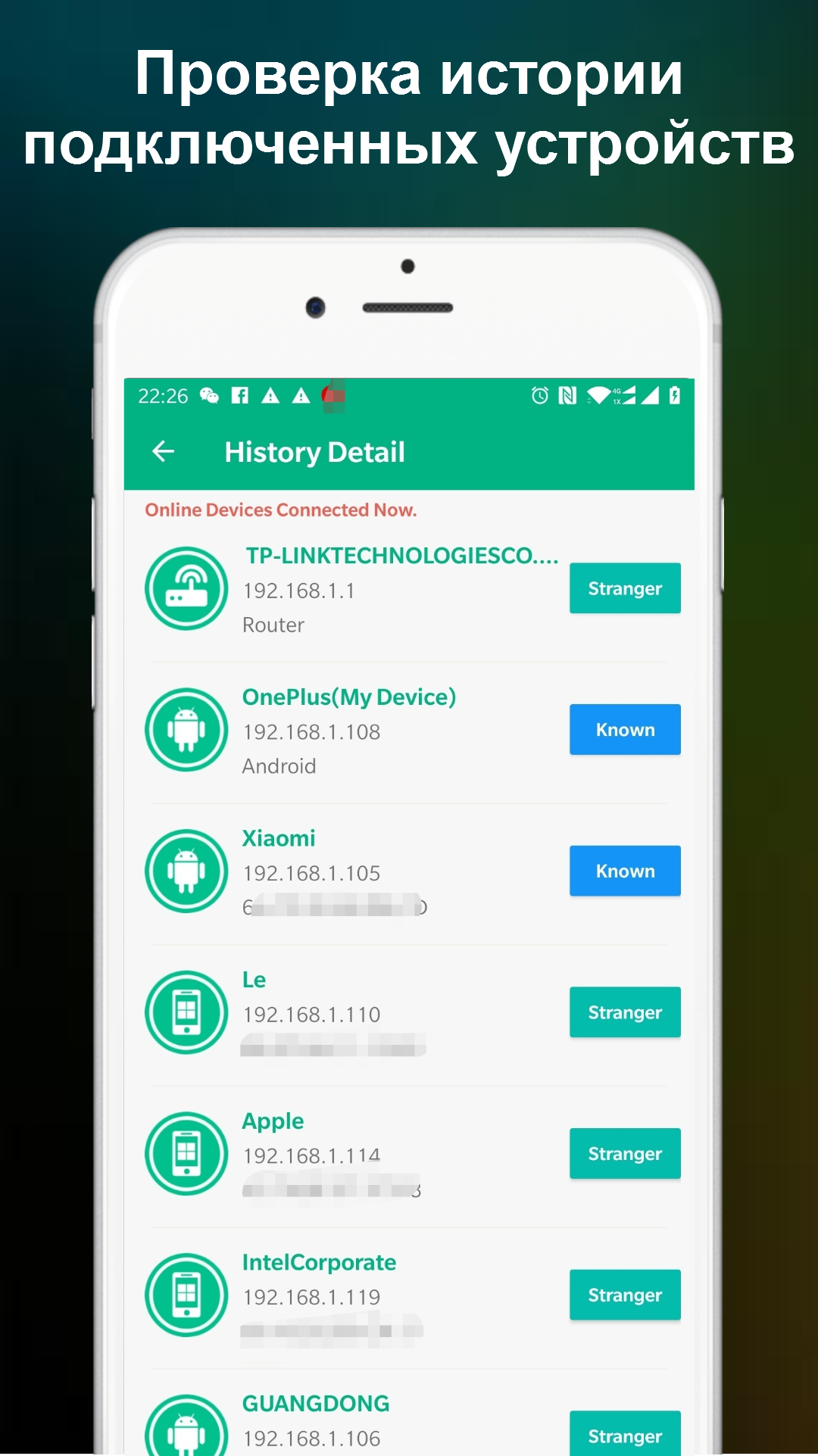
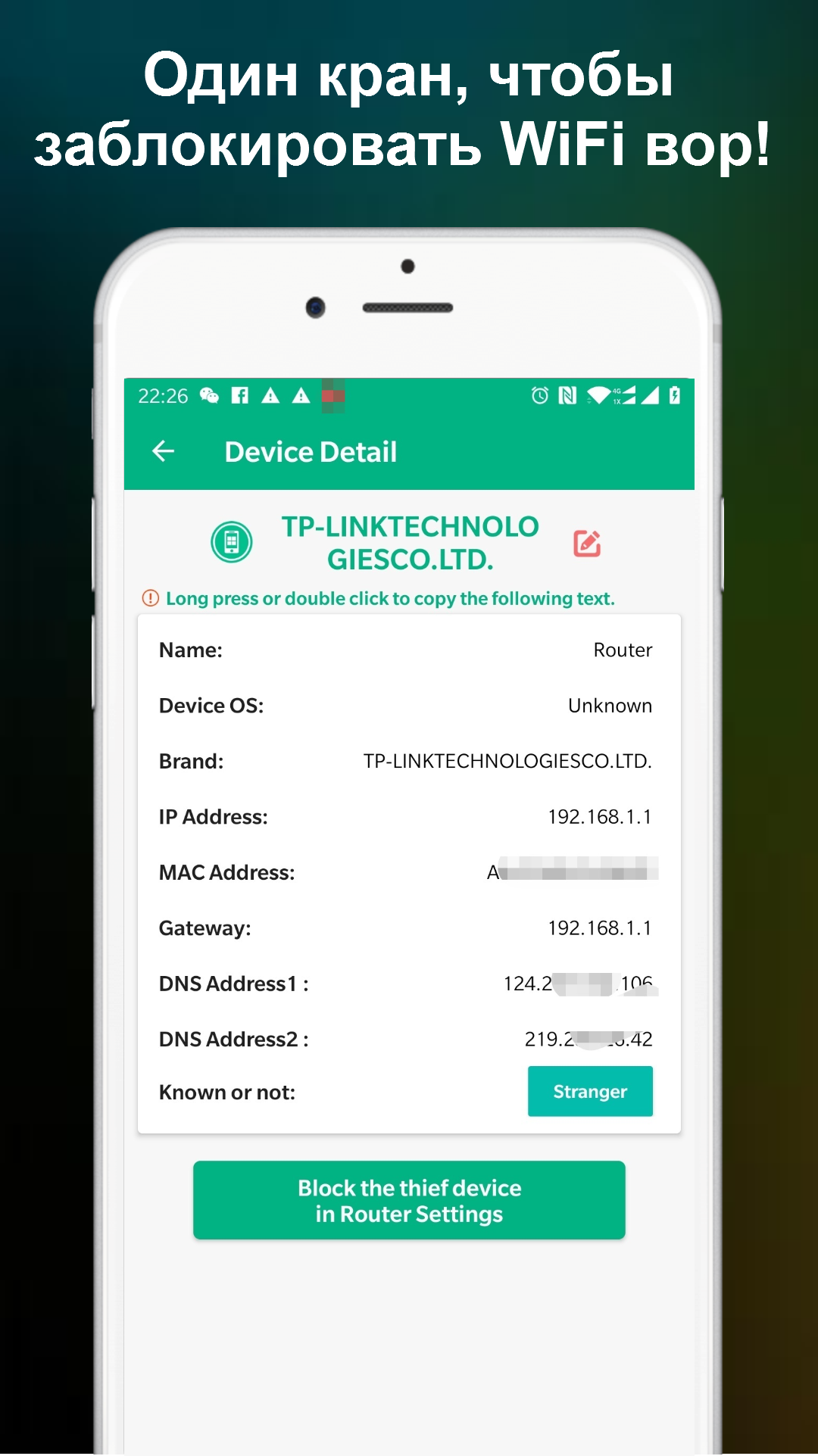
- Penemuan semua perangkat yang terhubung.
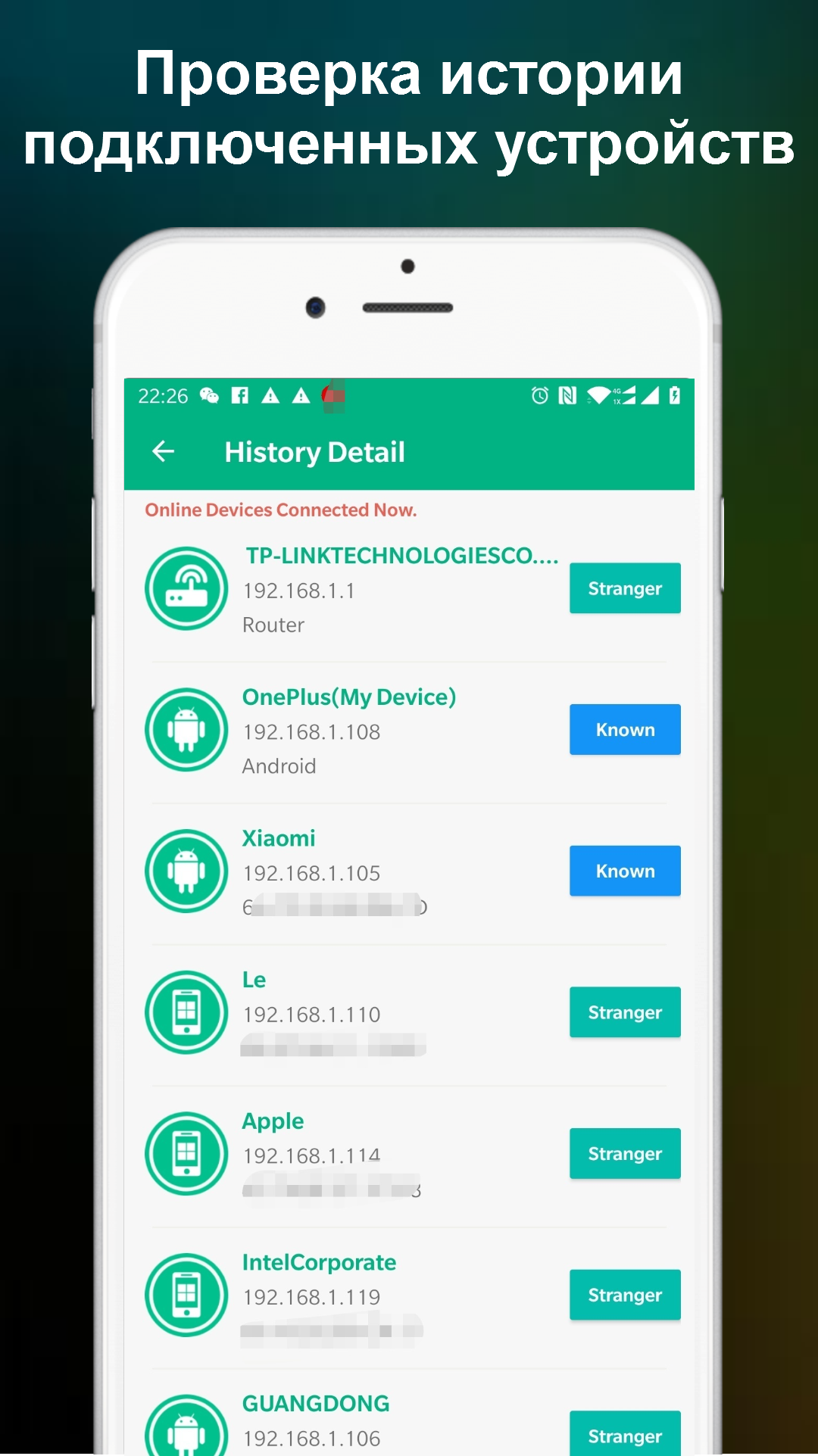
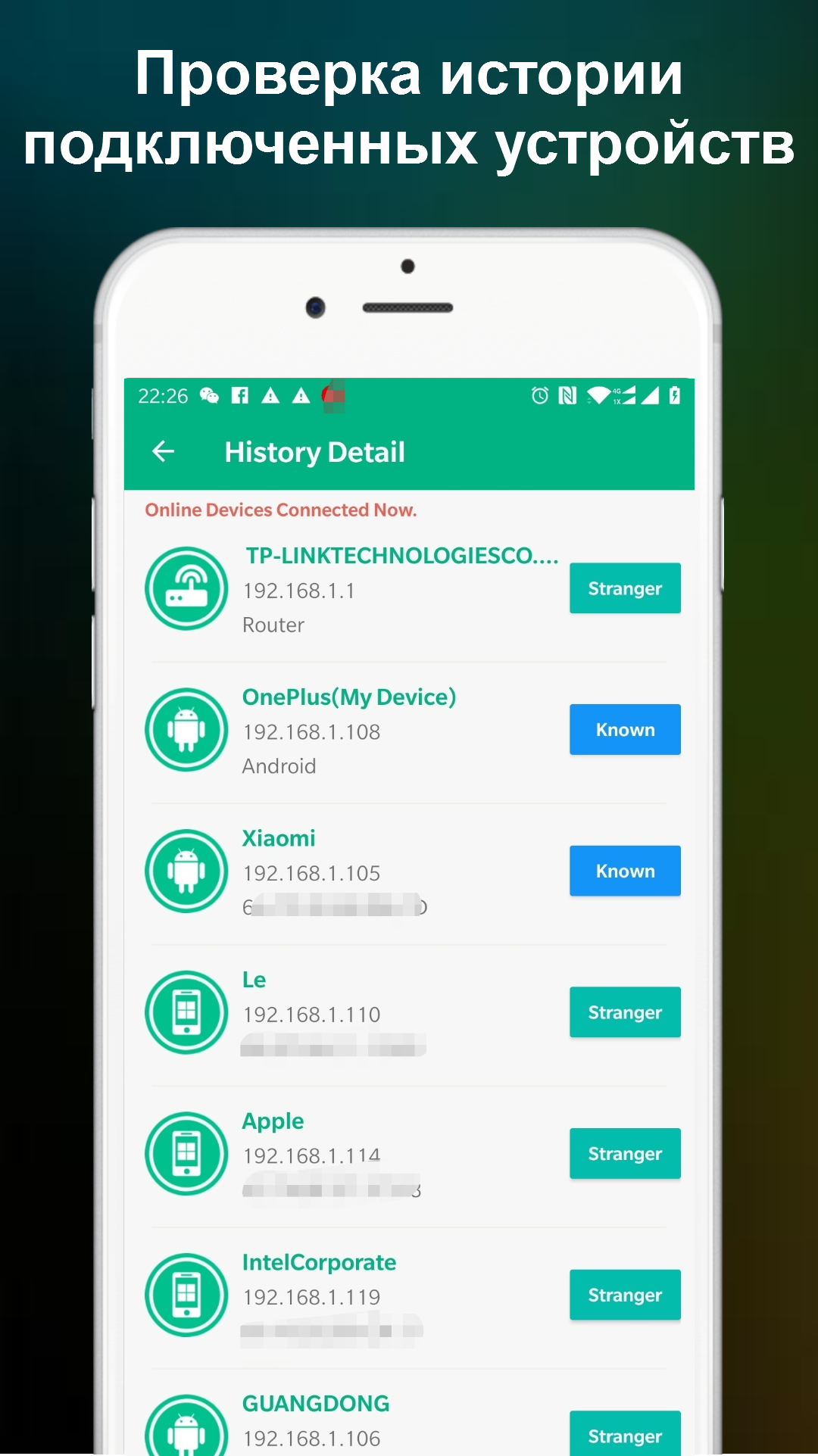
- Anda dapat memeriksa riwayat koneksi Anda.
- Tidak perlu pembayaran.
- Antarmuka dalam bahasa Rusia.
Deskripsi
Aplikasi Who is on my WiFi - WiFi Scan diperiksa oleh antivirus VirusTotal. Sebagai hasil pemindaian, tidak ada infeksi file yang terdeteksi oleh semua tanda tangan terbaru.
Cara memasang Who is on my WiFi - WiFi Scan
- Unduh file APK aplikasi dari apkshki.com.
- Temukan file yang diunduh. Anda dapat menemukannya di baki sistem atau di folder 'Download' menggunakan manajer file apa pun.
- Jika file yang diunduh berekstensi .bin (bug WebView di Android 11), ubah namanya menjadi .apk menggunakan pengelola file apa pun atau coba unduh file dengan browser lain seperti Chrome.
- Mulai penginstalan. Klik pada file yang diunduh untuk memulai penginstalan
- Izinkan penginstalan dari sumber yang tidak dikenal. Jika Anda menginstal untuk pertama kalinya Who is on my WiFi - WiFi Scan bukan dari Google Play, buka pengaturan keamanan perangkat Anda dan izinkan penginstalan dari sumber yang tidak dikenal.
- Lewati perlindungan Google Play. Jika proteksi Google Play memblokir penginstalan file, ketuk 'Info Lebih Lanjut' → 'Tetap instal' → 'OK' untuk melanjutkan..
- Selesaikan penginstalan: Ikuti petunjuk penginstal untuk menyelesaikan proses penginstalan.
Cara memperbarui Who is on my WiFi - WiFi Scan
- Unduh versi baru aplikasi dari apkshki.com.
- Cari file yang diunduh dan klik file tersebut untuk memulai penginstalan.
- Instal di atas versi lama. Tidak perlu menghapus instalasi versi sebelumnya.
- Hindari konflik tanda tangan. Jika versi sebelumnya tidak diunduh dari apkshki.com, pesan 'Aplikasi tidak terinstal' mungkin muncul. Dalam kasus ini, hapus instalan versi lama dan instal versi baru.
- Mulai ulang lampiran Who is on my WiFi - WiFi Scan setelah pembaruan.








Meminta pembaruan aplikasi
Ditambahkan Denis Rubinov
Versi: 1.1.20
Ukuran: 13.2 MB
Diperbarui: 21.05.2025
Developer: Network Scanner - WiFi Scanner & Network Monitor
Batasan Usia: Everyone
Otorisasi:
Diunduh di Google Play: 10214755
Kategori: Alat















Ulasan untuk Who is on my WiFi - WiFi Scan
Working very well
too many ads
good app
too many add
very accurate thank you very much for helping me final thoughts using my without my permission
Very nice
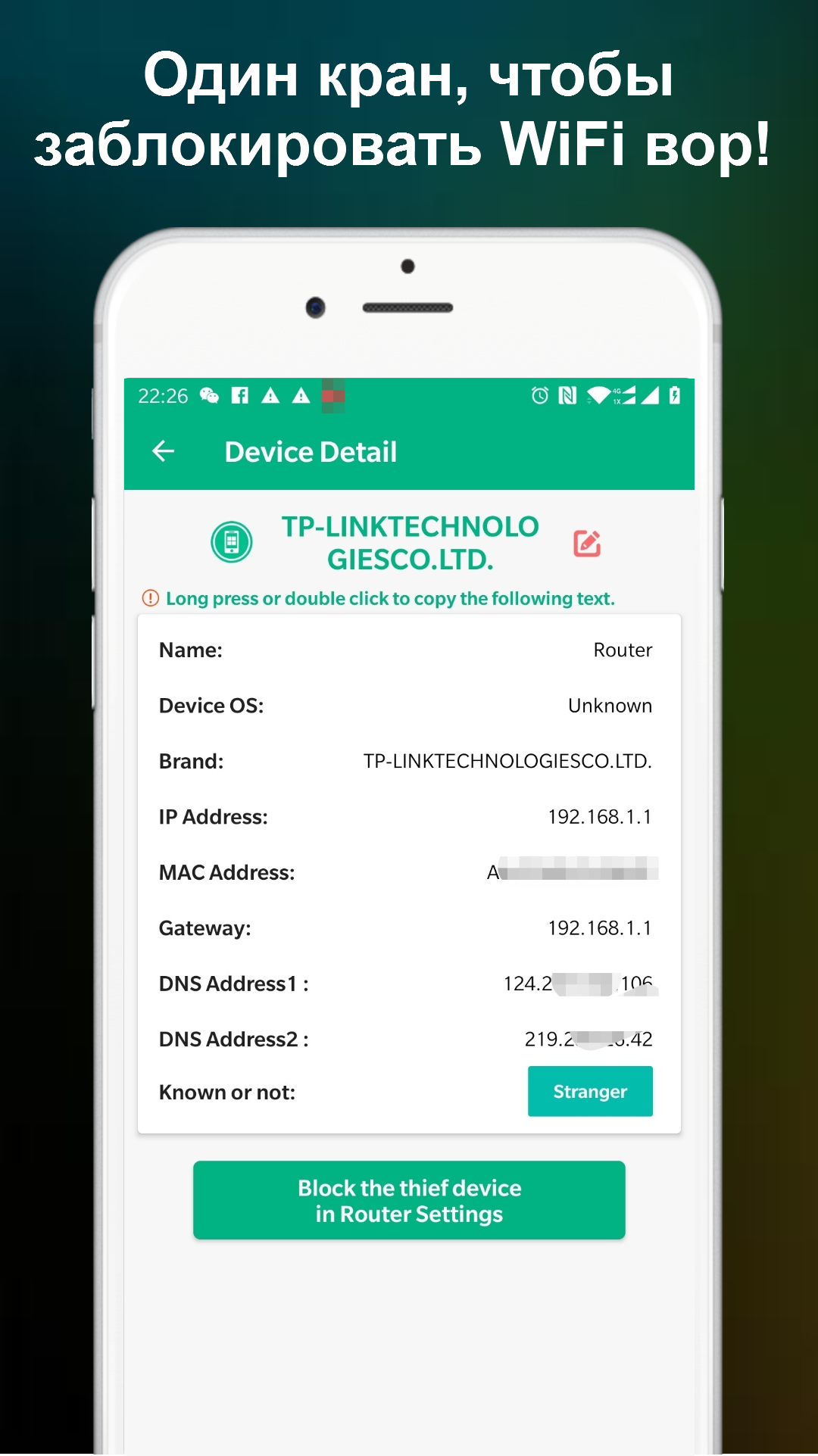
I vcan see, but cannot block?
good
very good app 😎
While installing the application, very unethical ads started appearing. I immediately uninstalled it.
Too many ads. Everytime I touch the screen to do something an ad pops up. Most of the ads are videos that you can't close and some even play with sound. This is really inconvenient. Also, real time tracking is not accurate and there isn't a scan button. So I have been going in circles closing and opening the app, suffering through the ads everytime, just trying to get it to recognize that I just connected another device to the wifi.
A wonderful app in terms of ads, otherwise it does not worth the time spent on installing and uninstalling. It did not do anything except that it discovered my own mobile details, nothing else. So, it is totally a waste of time. If I could give minus 10 stars, I wouldn't have saved that.
Seems to work okay, if you don't mind that every time you change screens, you have to wait for an ad to load, wait little bit longer to close the ad, and then you can see your new screen. So the question is, would the paid version be useful? I'm not seeing that either. It would be if there was some way to add a note,rename the device or something but you can't, so I'm running around trying to identify them by the MAC address. And apparently I have to write it all down on a list somewhere.
Your app is wonderful but the constant WHOLE SCREEN AD POP UP which you cannot exit without waiting for 10 seconds is really annoying. Can't you at least minimize the ads below your app screen instead of having it suddenly popping up and covering the whole screen while using it?
Only showed your device. Uninstaller. The app has good bones to, these developers are on the right track and can definitely makes this into a great app. I plan to re-download it periodically to check to see if it's fixed and if it adds features.
Kirimkan komentar
Untuk memberikan komentar, masuklah dengan jejaring sosial Anda:
Atau tinggalkan komentar anonim. Komentar Anda akan dikirim untuk dimoderasi.
Kirimkan komentar
Untuk memberikan komentar, masuklah dengan jejaring sosial Anda:
Atau tinggalkan komentar anonim. Komentar Anda akan dikirim untuk dimoderasi.