


Dead Pixels Test and Fix
29+
unduhan4.0+
versi Android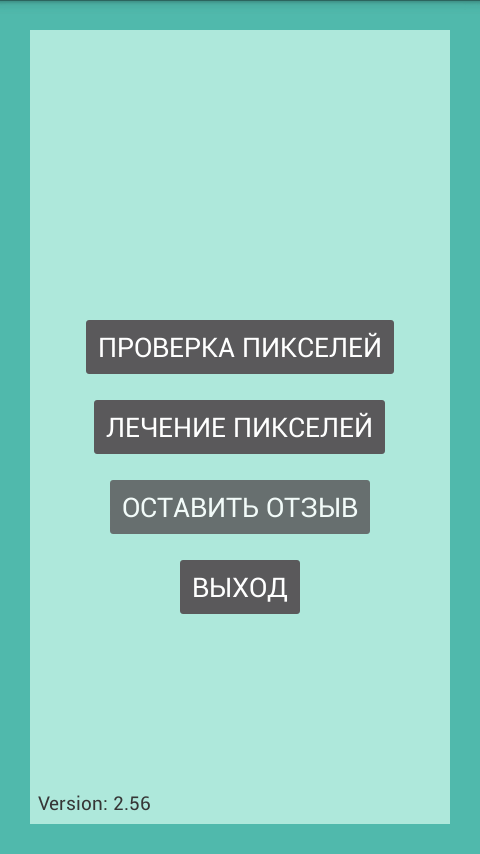

Ditambahkan: Denis Rubinov
Versi: 3.00
Ukuran: 4.7 MB
Diperbarui: 05.02.2024
Developer: ZooxSoft
Batasan Usia: Everyone
Otorisasi: 4
Diunduh di Google Play: 5937898
Kategori: Alat
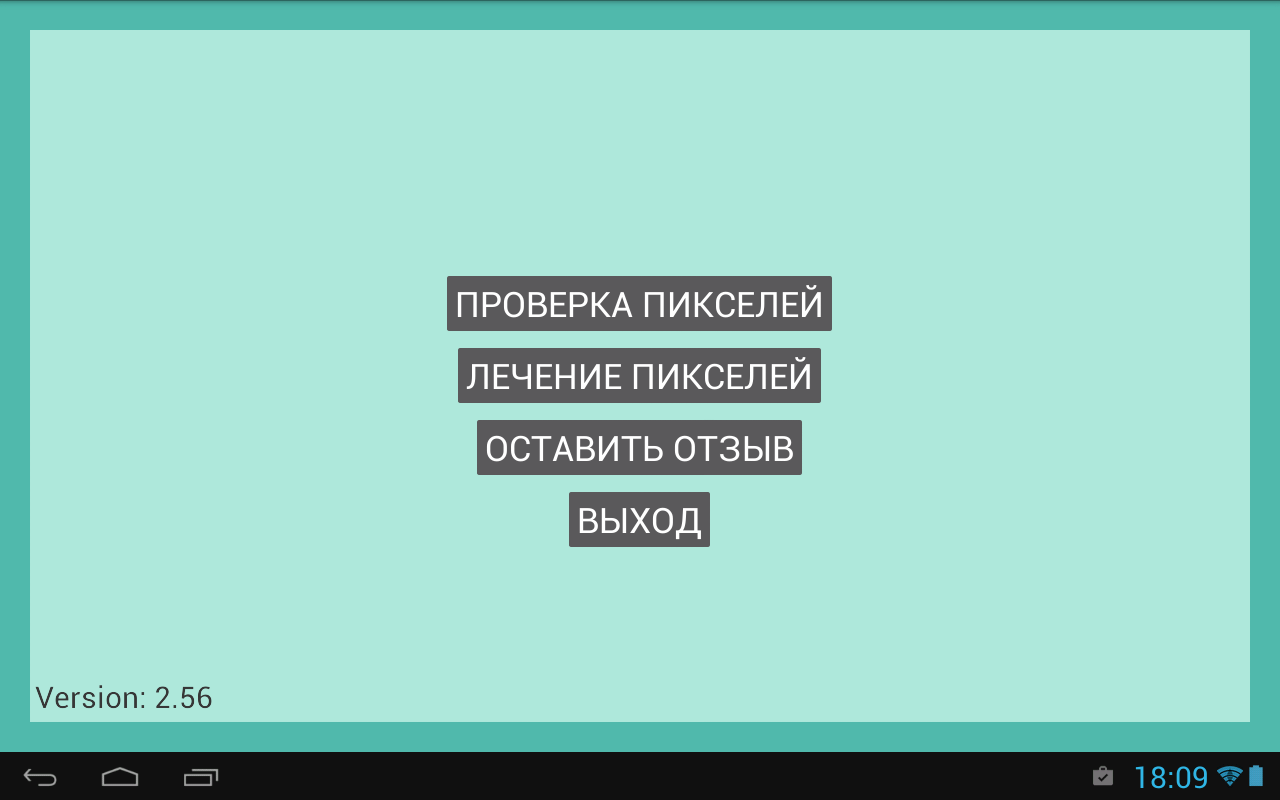
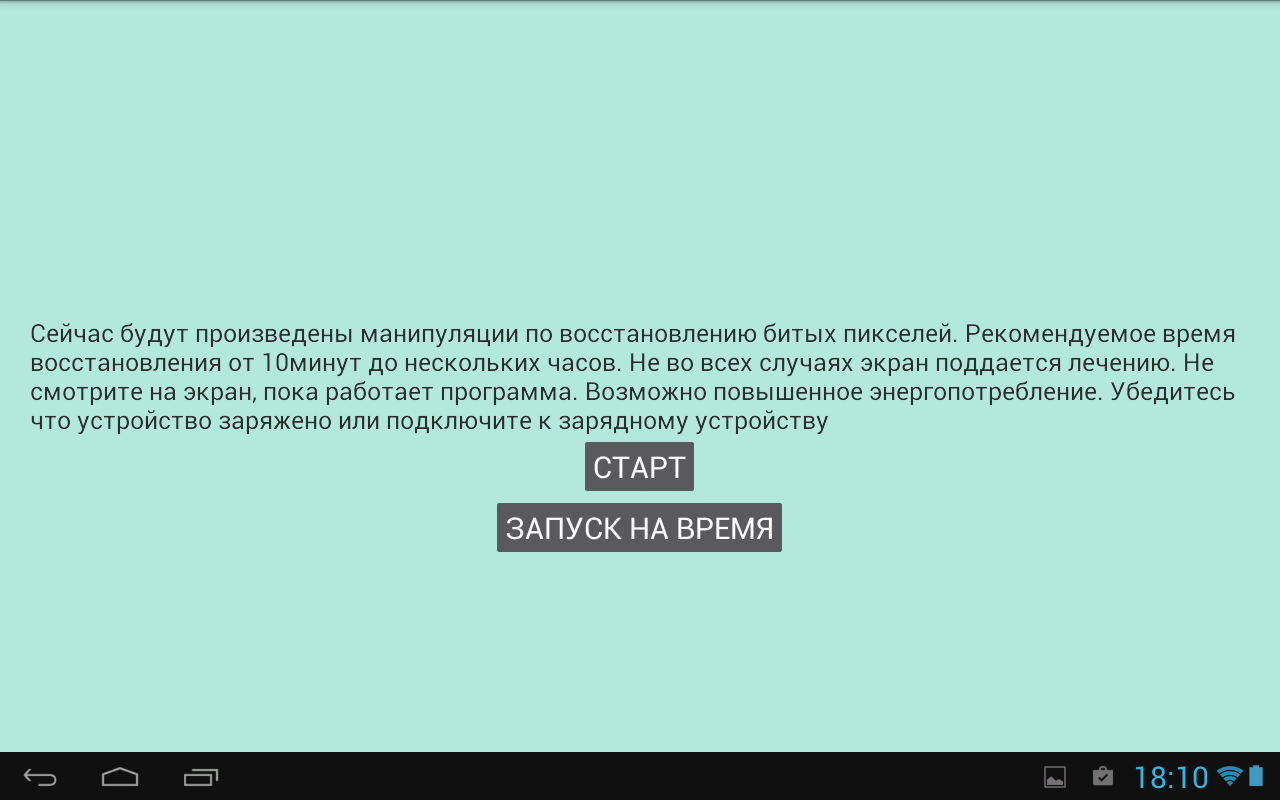
- Program ini sangat mudah digunakan.
- Ukuran aplikasi sangat kecil.
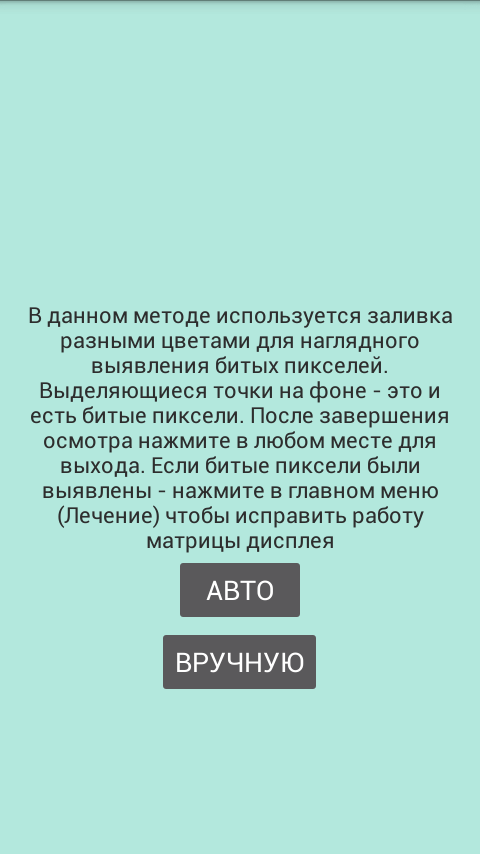
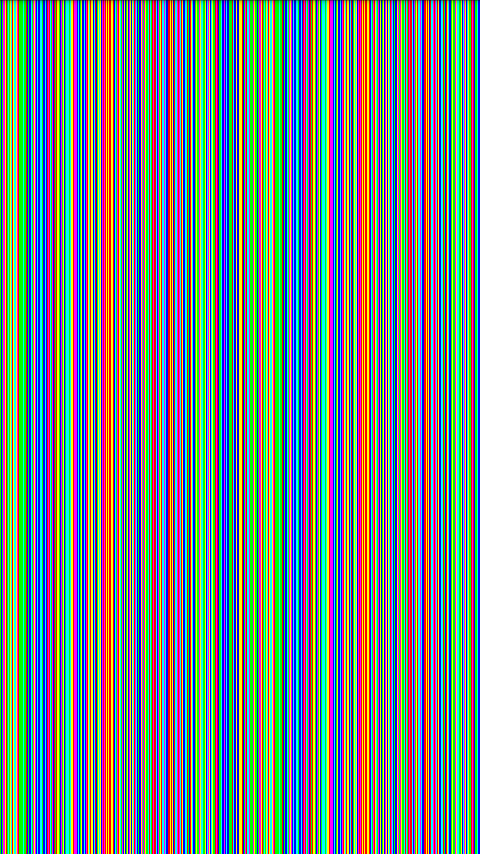
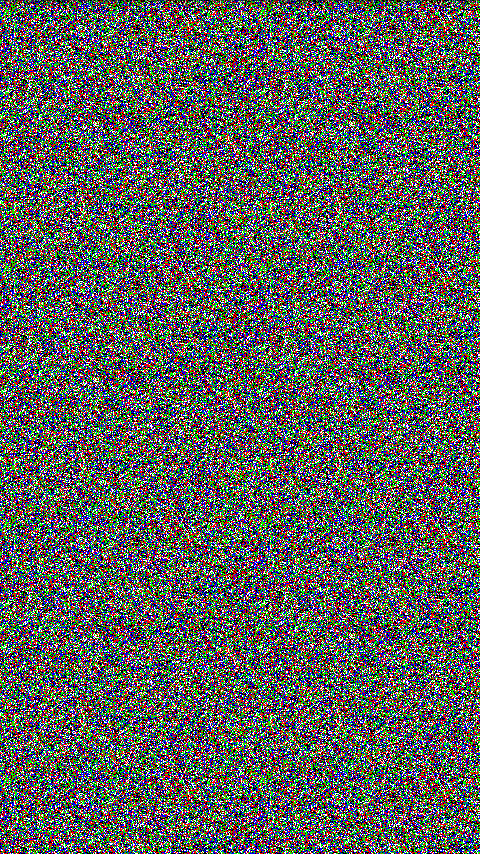
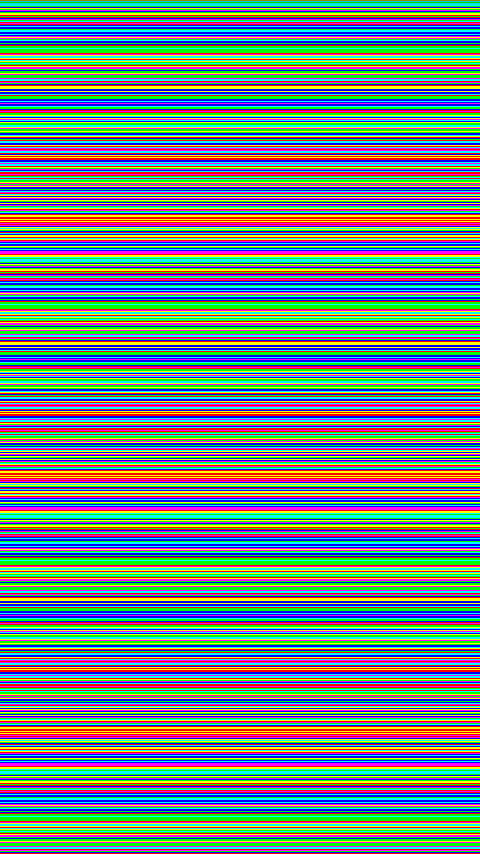
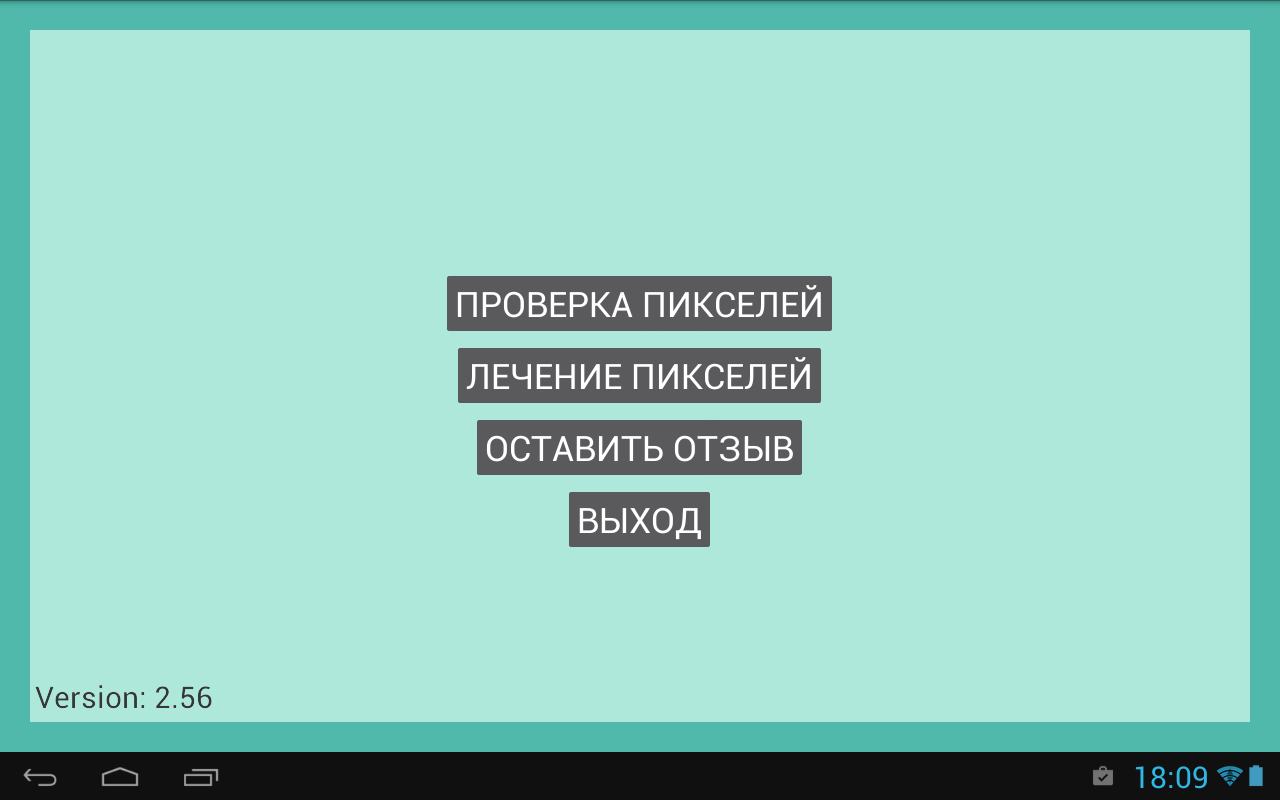
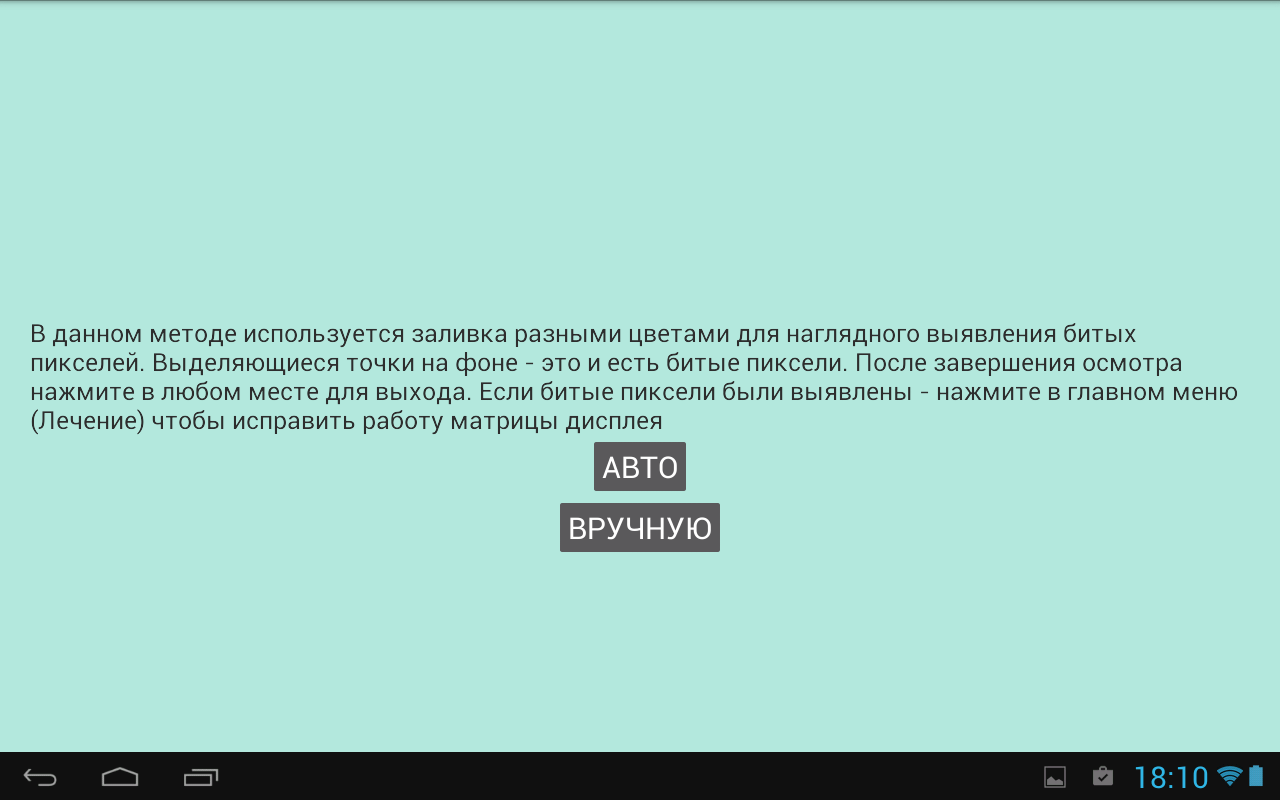
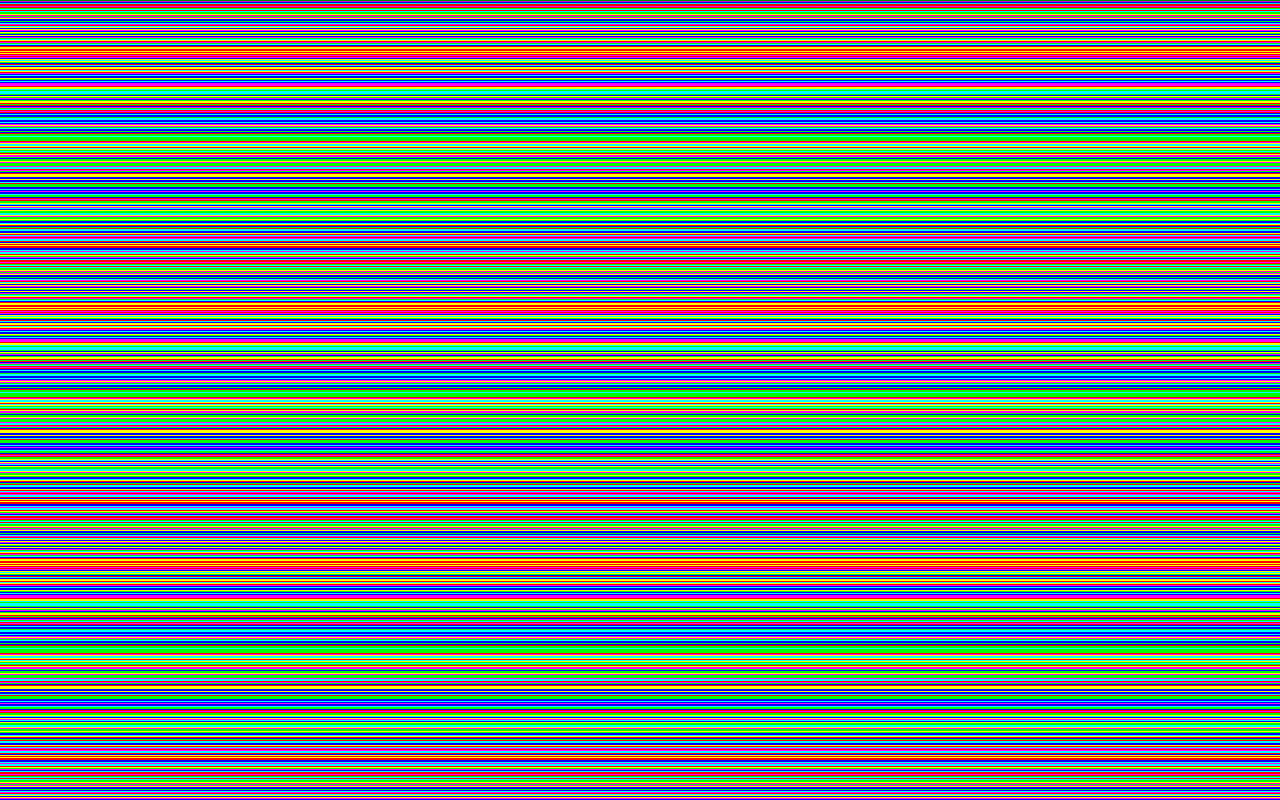
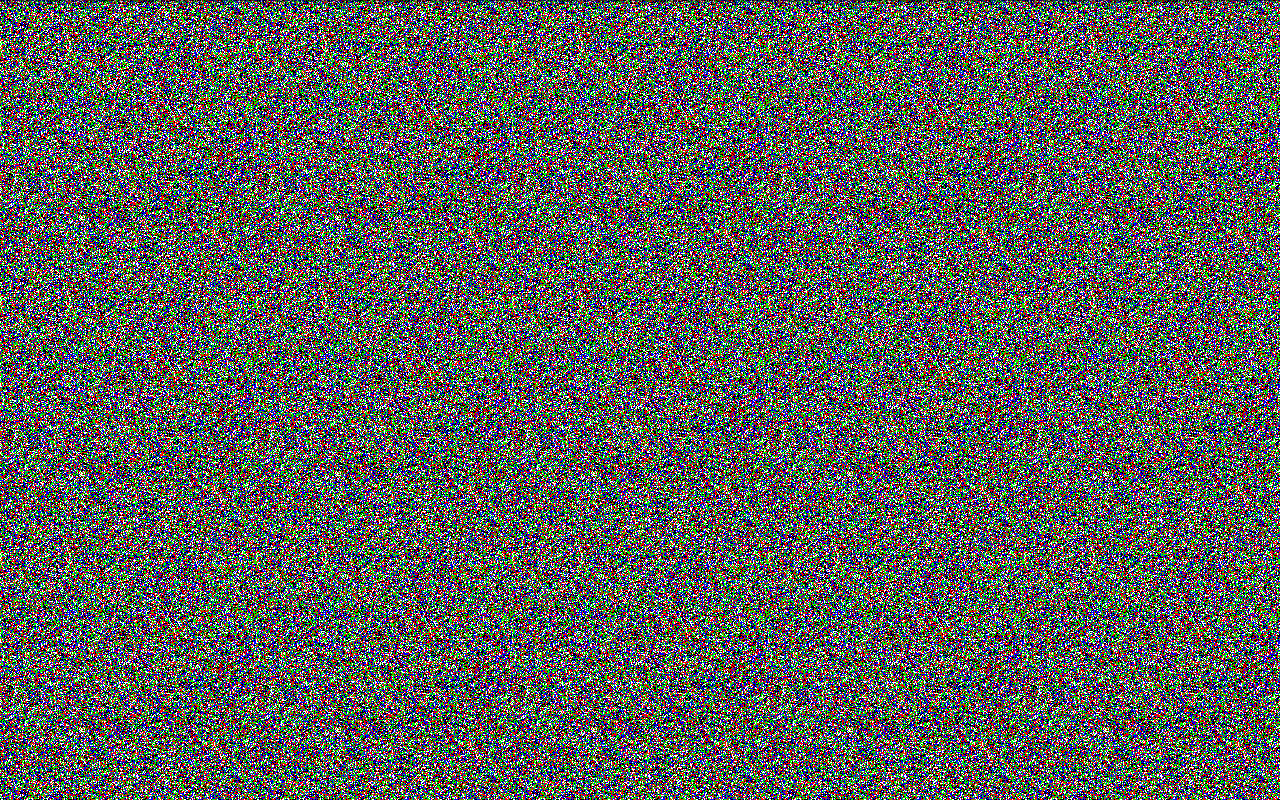
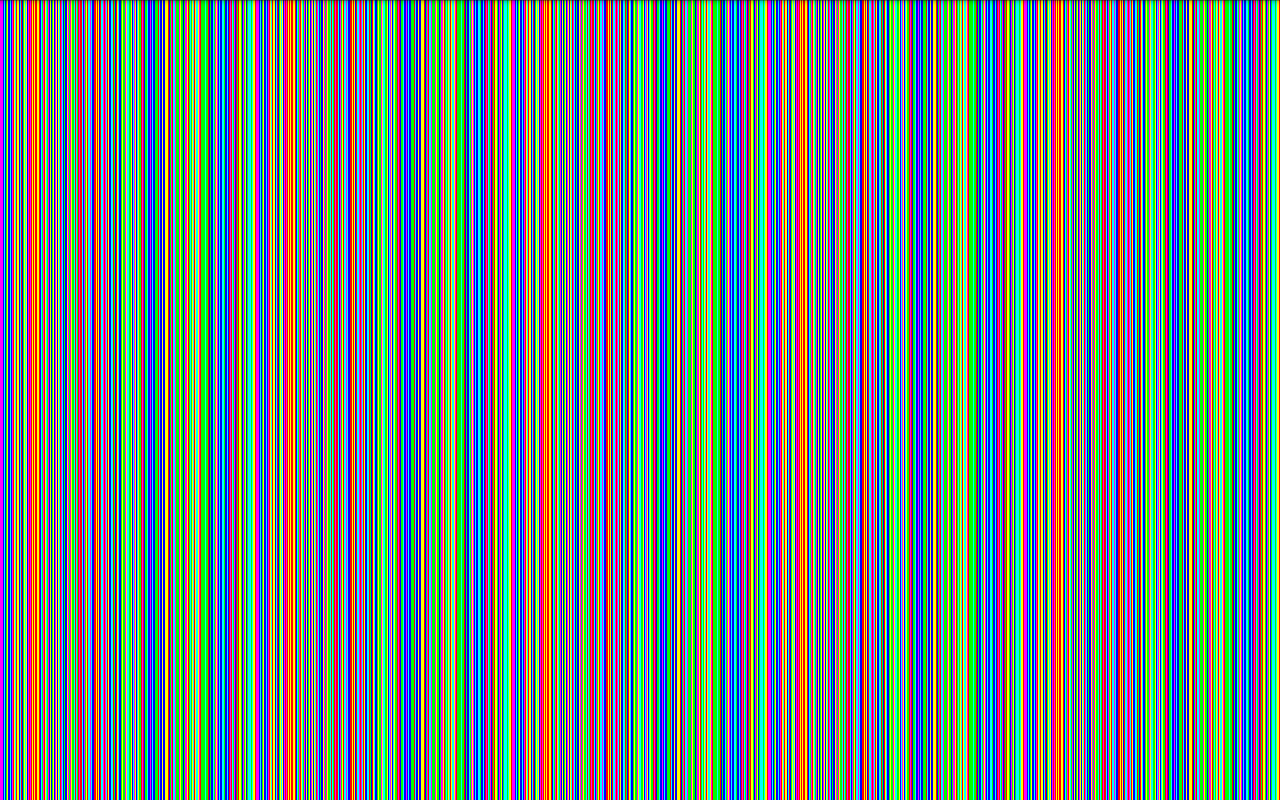
- Tes piksel mati bawaan.
- Berfungsi di ponsel dan tablet.
- Program ini sepenuhnya dalam bahasa Rusia.
- Tidak perlu pembayaran.
Deskripsi
Aplikasi Dead Pixels Test and Fix diperiksa oleh antivirus VirusTotal. Sebagai hasil pemindaian, tidak ada infeksi file yang terdeteksi oleh semua tanda tangan terbaru.
Cara memasang Dead Pixels Test and Fix
- Unduh file APK aplikasi dari apkshki.com.
- Temukan file yang diunduh. Anda dapat menemukannya di baki sistem atau di folder 'Download' menggunakan manajer file apa pun.
- Jika file yang diunduh berekstensi .bin (bug WebView di Android 11), ubah namanya menjadi .apk menggunakan pengelola file apa pun atau coba unduh file dengan browser lain seperti Chrome.
- Mulai penginstalan. Klik pada file yang diunduh untuk memulai penginstalan
- Izinkan penginstalan dari sumber yang tidak dikenal. Jika Anda menginstal untuk pertama kalinya Dead Pixels Test and Fix bukan dari Google Play, buka pengaturan keamanan perangkat Anda dan izinkan penginstalan dari sumber yang tidak dikenal.
- Lewati perlindungan Google Play. Jika proteksi Google Play memblokir penginstalan file, ketuk 'Info Lebih Lanjut' → 'Tetap instal' → 'OK' untuk melanjutkan..
- Selesaikan penginstalan: Ikuti petunjuk penginstal untuk menyelesaikan proses penginstalan.
Cara memperbarui Dead Pixels Test and Fix
- Unduh versi baru aplikasi dari apkshki.com.
- Cari file yang diunduh dan klik file tersebut untuk memulai penginstalan.
- Instal di atas versi lama. Tidak perlu menghapus instalasi versi sebelumnya.
- Hindari konflik tanda tangan. Jika versi sebelumnya tidak diunduh dari apkshki.com, pesan 'Aplikasi tidak terinstal' mungkin muncul. Dalam kasus ini, hapus instalan versi lama dan instal versi baru.
- Mulai ulang lampiran Dead Pixels Test and Fix setelah pembaruan.








Meminta pembaruan aplikasi
Ditambahkan Denis Rubinov
Versi: 3.00
Ukuran: 4.7 MB
Diperbarui: 05.02.2024
Developer: ZooxSoft
Batasan Usia: Everyone
Otorisasi:
Diunduh di Google Play: 5937898
Kategori: Alat















Ulasan untuk Dead Pixels Test and Fix
make it worse
nice
how tf is this supposed to fix it if you cut off the process by playing ads bro 💀
I had two green lines on my screen and thought I’d need to get it repaired. I decided to try this app first — and honestly, I didn’t expect much. But after running the pixel fix mode overnight, one of the lines actually faded a lot. It might not work for everyone, but it worked well enough for me to feel hopeful again. Even just giving people a chance to try something free before spending money is amazing. Thank you so much to the developer. You’ve helped so many people with this simple
not work
doesn't work
This is the best app oppppppppp
ok
very nice app
This is very good app on ha phone
It does the job.. i guess. I use it on the fix screen for an hour and my problem fades away a little. The screen burn in on my phone wasn't too bad and it worked like a charm, you just need to be patient tho. Some people complain about it not working or messing up their phones.. well, it's for LCD/LED displays, not OLED. Idk if it works on AMOLED but it does what it's supposed to on my phone. Could fix the detector thing tho. Great app.
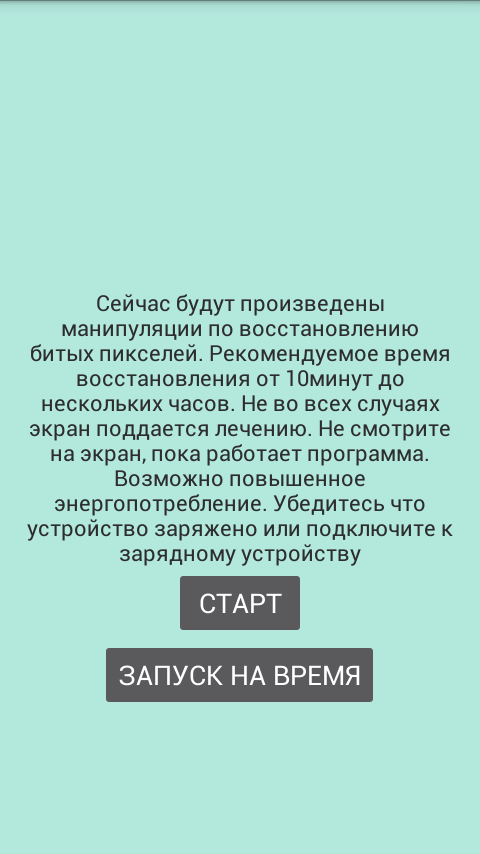
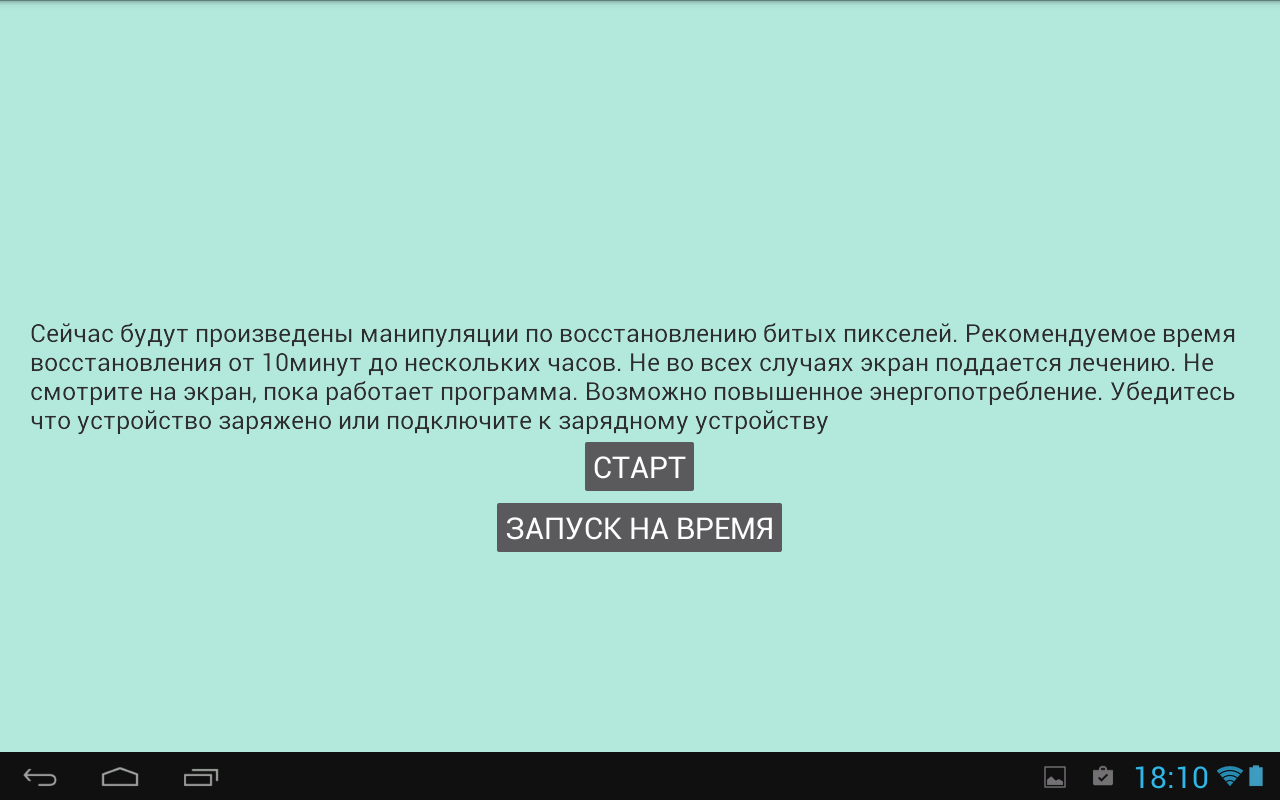
Before I delete this app I have to leave a review. My phone fell and developed a thin black line. It was so frustrating until I found this app 2 weeks after and in less than a week my phone was fixed! Patience is key. I left the app run for 3 nights as I slept for it to work. But it did and I'm glad I didn't give up after the first 10 minutes as it's suggested. All I can say is that it works!!
No idea what was going on but It works! I have marked it 4 only because I couldn't find any instructions. My display had a gradually growing purple rash with a faint reflection of the bottom bar. I had no idea when the pixel checking stage was completed (I just guessed), I had no idea when the correction stage was completed / forecast to complete. Lots of strange things happening on the screen, wondered if that was it for my phone. Gave it a nervous hour problem solved! Thanks.
Well, this App surprised me very much! I've dropped my phone and my screen was hazy or foggy. About an hour after the drop, I found out that the haziness went away on the sides of the screen a little bit, so I tried this App out in hopes that the pixels were just "stuck". I've run the fix feature of this App for about 1 hour. Success. My screen is back to normal!
This works well dang, My phone fell and it made my phone had a huge flicker effect on my phone's screen, It was flickering so bad that I was able to download this by making my phone's brightness low. I had a bit of a problem as it didn't tell me what to do but I figured it out fast. I set it to 1 hour and 40 minutes and after waiting for awhile, It worked! Thanks bros.
Kirimkan komentar
Untuk memberikan komentar, masuklah dengan jejaring sosial Anda:
Atau tinggalkan komentar anonim. Komentar Anda akan dikirim untuk dimoderasi.
Kirimkan komentar
Untuk memberikan komentar, masuklah dengan jejaring sosial Anda:
Atau tinggalkan komentar anonim. Komentar Anda akan dikirim untuk dimoderasi.