



Mi Remote controller - for TV,
307+
unduhan5.0+
versi Android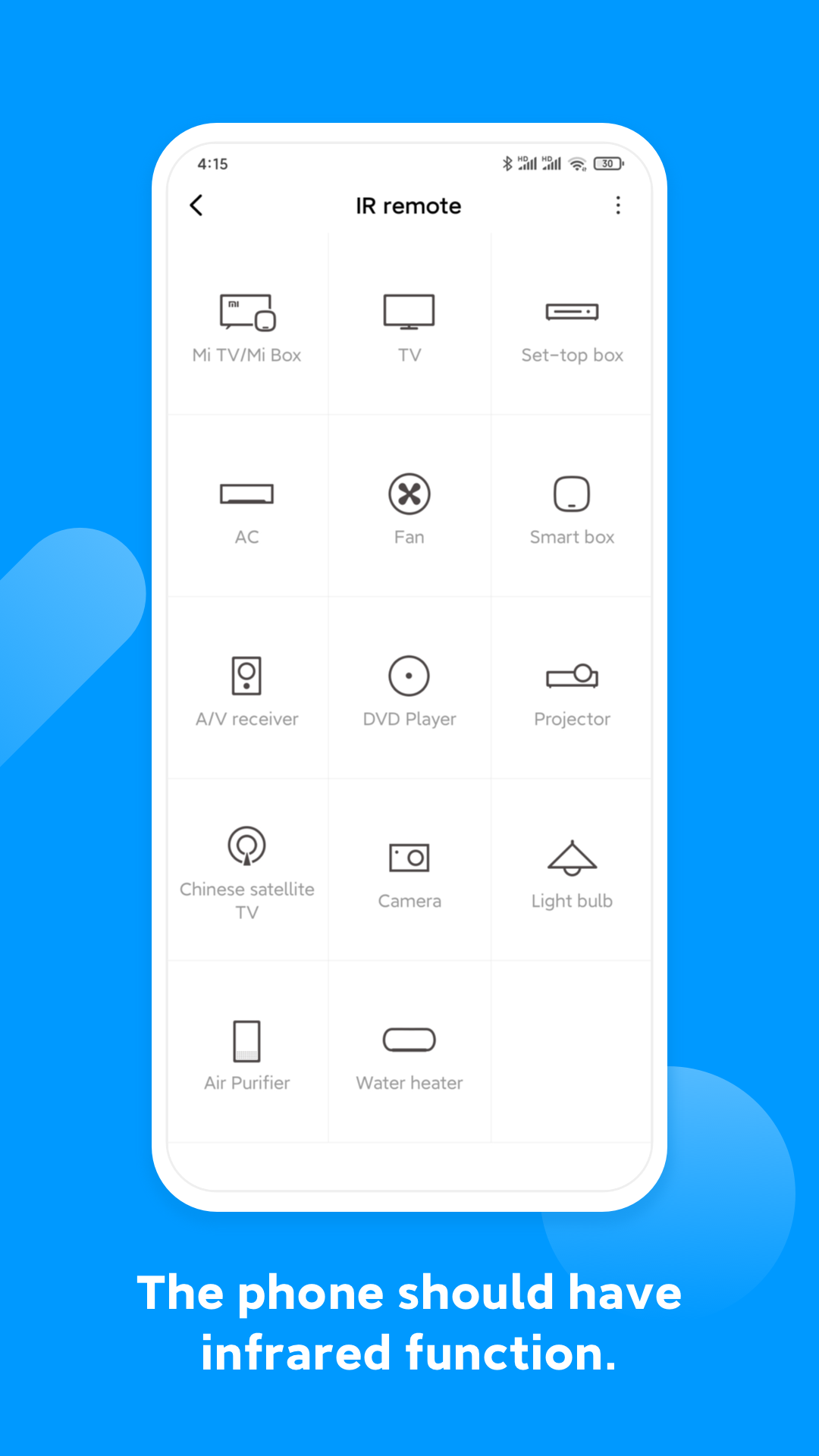
Ditambahkan: Denis Rubinov
Versi: Mod_CNNRALR_6.5.1
Ukuran: 33.2 MB
Diperbarui: 03.02.2024
Developer: Xiaomi Inc.
Batasan Usia: Everyone
Otorisasi: 31
Diunduh di Google Play: 125392993
Kategori: Alat
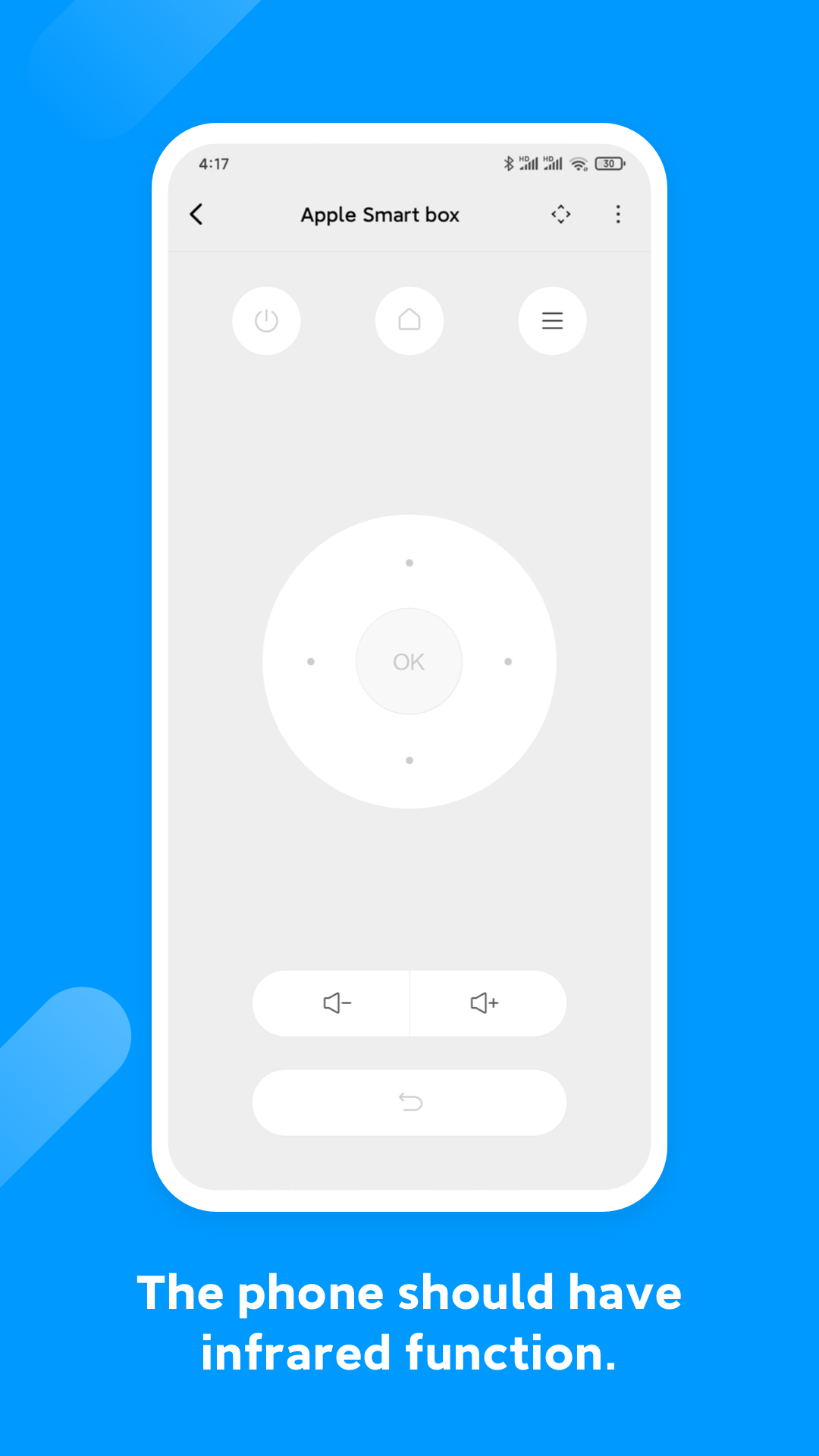
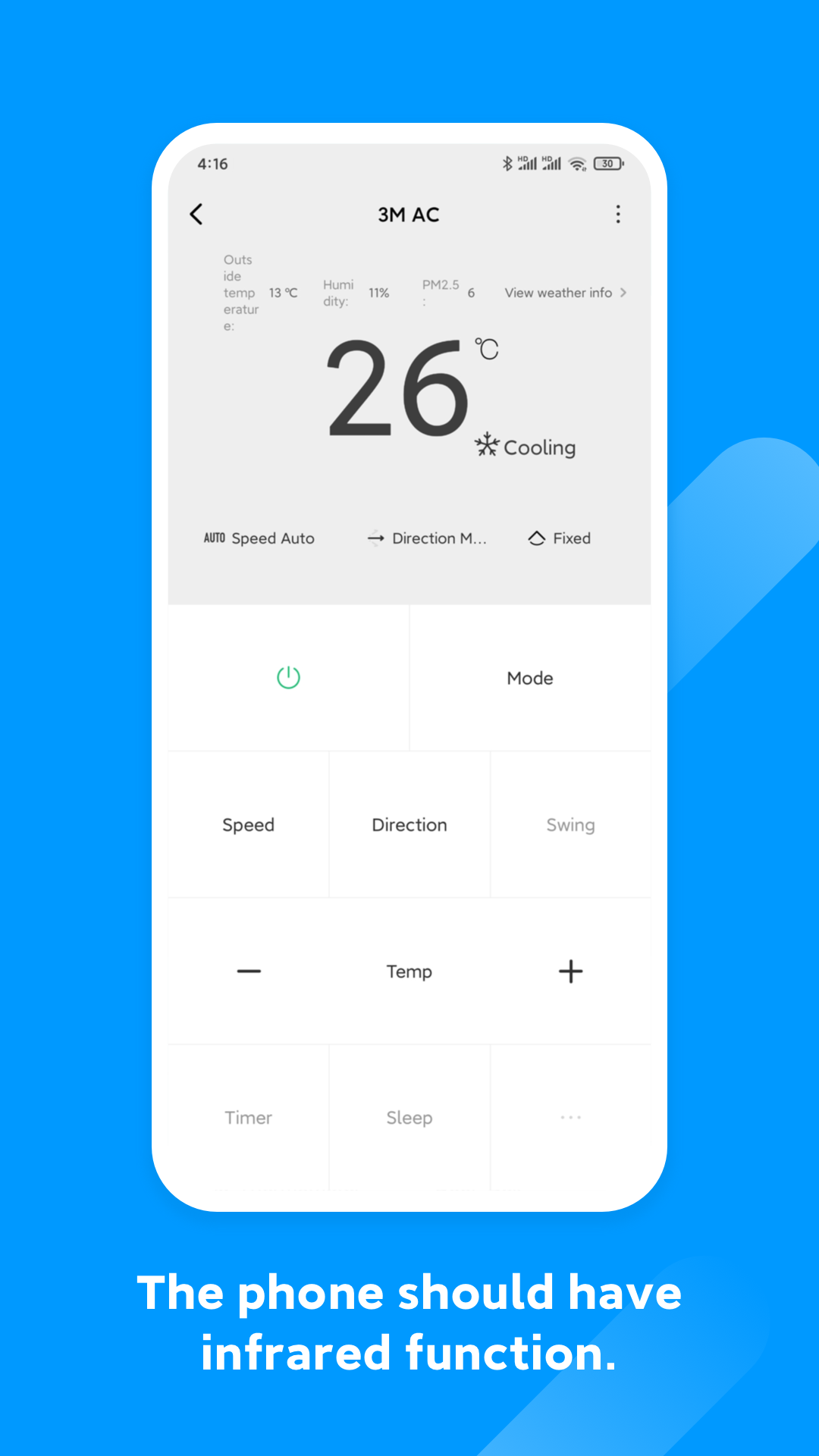
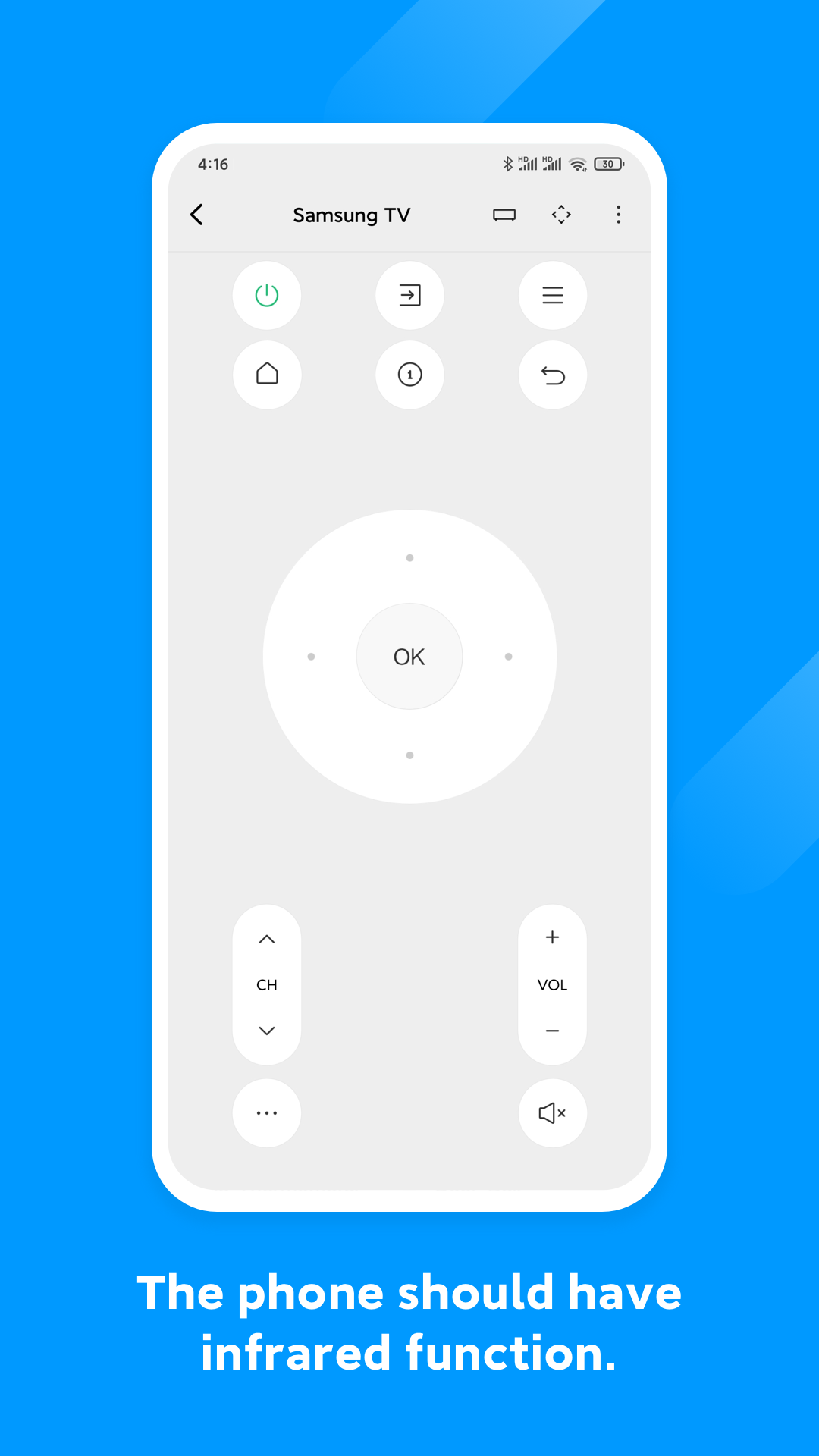
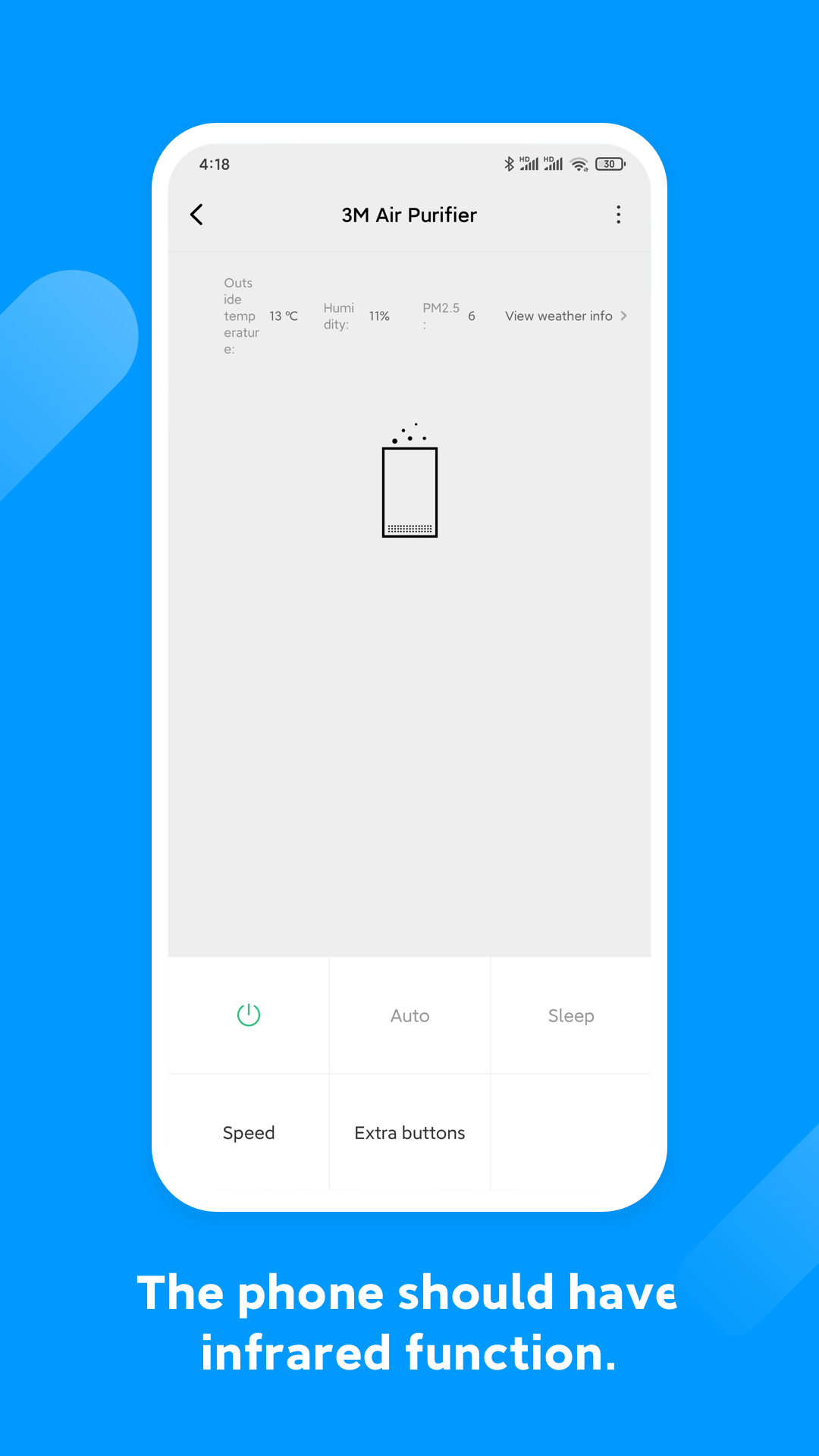
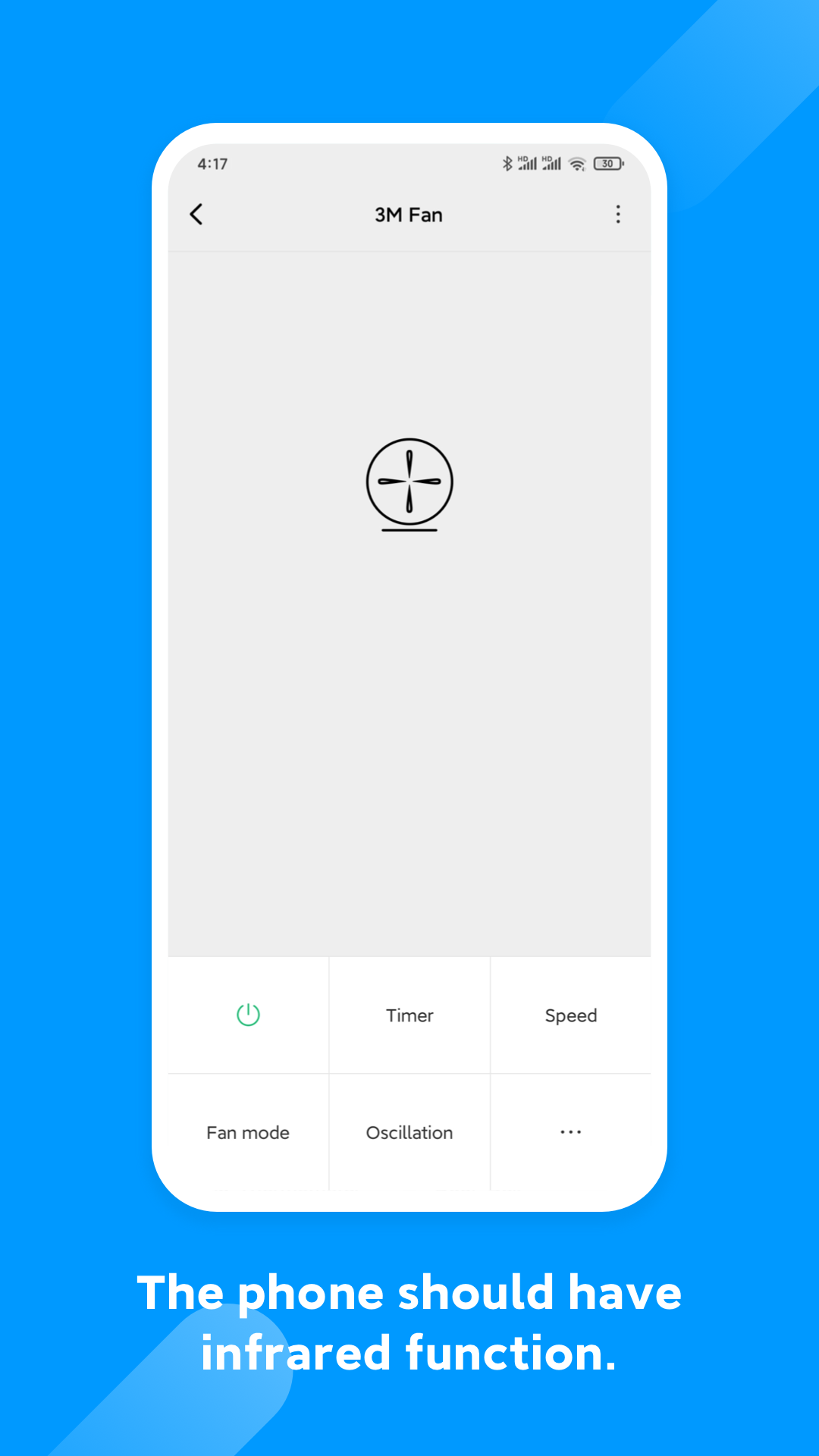
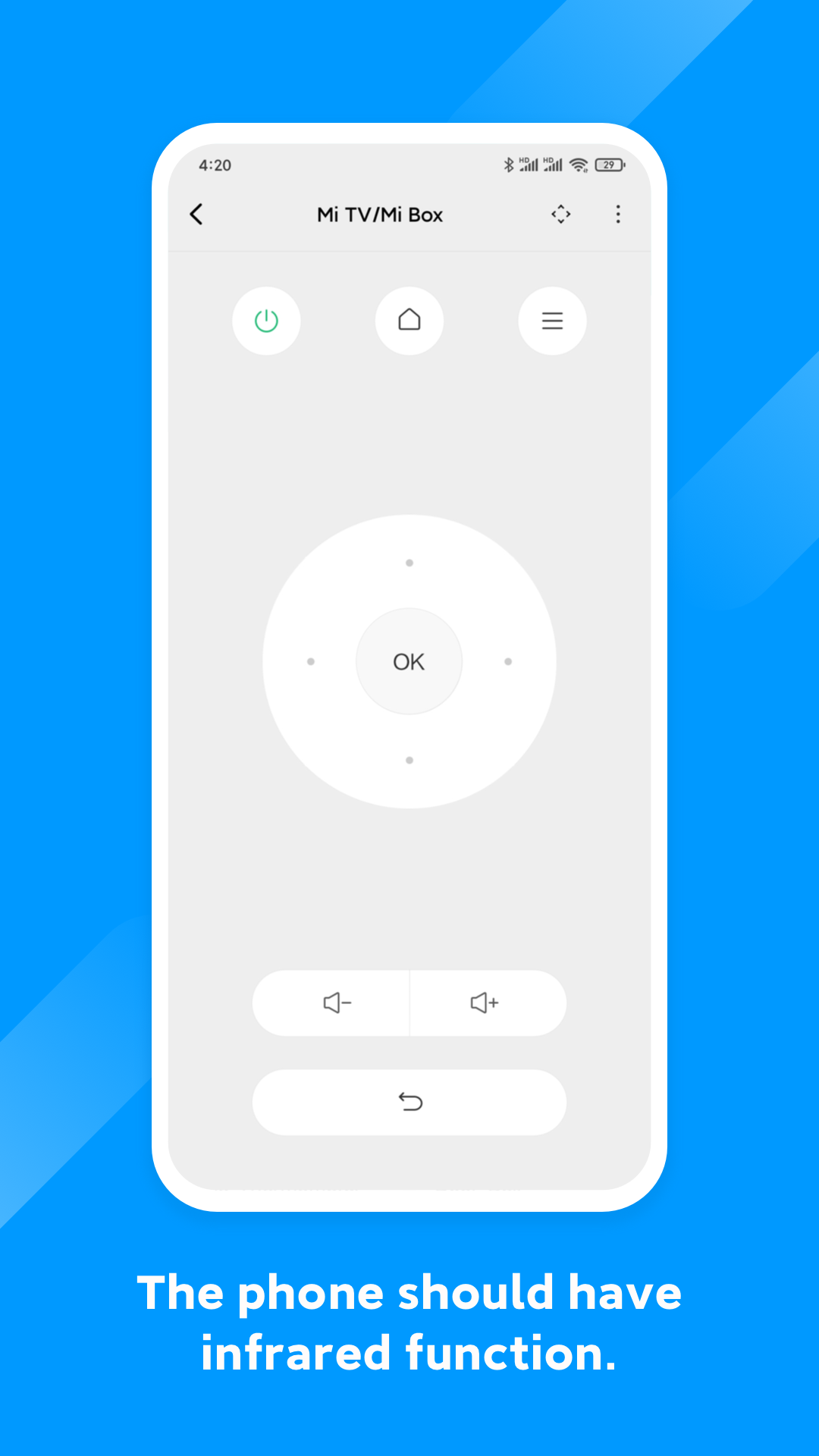
- Dukungan untuk TV, dekoder, dan perangkat lainnya.
- Bekerja dengan perangkat dari sebagian besar produsen terkenal.
- Antarmuka yang intuitif.
- Perpindahan antar perangkat yang nyaman.
- Bekerja secara gratis.
Deskripsi
Aplikasi Mi Remote controller - for TV, diperiksa oleh antivirus VirusTotal. Sebagai hasil pemindaian, tidak ada infeksi file yang terdeteksi oleh semua tanda tangan terbaru.
Cara memasang Mi Remote controller - for TV,
- Unduh file APK aplikasi dari apkshki.com.
- Temukan file yang diunduh. Anda dapat menemukannya di baki sistem atau di folder 'Download' menggunakan manajer file apa pun.
- Jika file yang diunduh berekstensi .bin (bug WebView di Android 11), ubah namanya menjadi .apk menggunakan pengelola file apa pun atau coba unduh file dengan browser lain seperti Chrome.
- Mulai penginstalan. Klik pada file yang diunduh untuk memulai penginstalan
- Izinkan penginstalan dari sumber yang tidak dikenal. Jika Anda menginstal untuk pertama kalinya Mi Remote controller - for TV, bukan dari Google Play, buka pengaturan keamanan perangkat Anda dan izinkan penginstalan dari sumber yang tidak dikenal.
- Lewati perlindungan Google Play. Jika proteksi Google Play memblokir penginstalan file, ketuk 'Info Lebih Lanjut' → 'Tetap instal' → 'OK' untuk melanjutkan..
- Selesaikan penginstalan: Ikuti petunjuk penginstal untuk menyelesaikan proses penginstalan.
Cara memperbarui Mi Remote controller - for TV,
- Unduh versi baru aplikasi dari apkshki.com.
- Cari file yang diunduh dan klik file tersebut untuk memulai penginstalan.
- Instal di atas versi lama. Tidak perlu menghapus instalasi versi sebelumnya.
- Hindari konflik tanda tangan. Jika versi sebelumnya tidak diunduh dari apkshki.com, pesan 'Aplikasi tidak terinstal' mungkin muncul. Dalam kasus ini, hapus instalan versi lama dan instal versi baru.
- Mulai ulang lampiran Mi Remote controller - for TV, setelah pembaruan.














Meminta pembaruan aplikasi
Ditambahkan Denis Rubinov
Versi: Mod_CNNRALR_6.5.1
Ukuran: 33.2 MB
Diperbarui: 03.02.2024
Developer: Xiaomi Inc.
Batasan Usia: Everyone
Otorisasi:
Diunduh di Google Play: 125392993
Kategori: Alat















Ulasan untuk Mi Remote controller - for TV,
not working
super
good service wonderful 😊
nothing is visible on the home page of the app
not working on Godrej AC
Why is there no Dawlance option available in the AC section ??
it's not working
not support in realms 13
very bad
very use full app
UI Is clean and simple, no annoying ads whatsoever, it works most of the time, overall it's good, but sometimes, some buttons won't work correctly and it can't be fixed. And now im facing issues with LG TV where the input is being registered twice when i press a button. Please fix it ASAP, Thanks
Very bad app! Bcoz it have a lot of bugs and also some keys does not work properly ... Like if i try to press 4 key it does work , not only many other key,s does not work properly ......, I got a very bad exp. With this application and i recomended all do not install this app. Untill they fixed their bugs !
They delete devices that are still in use. With previous install on my old phone,I could use many more devices like my Hisense TV, a receiver... ++ Not any more. PLEASE: Bring them back. Add a way to program from the original remote control. Add a way to keep, export and import device's setup info.
I like you use app. It's ads free and supports almost all kind of devices. But I really wish if you add option to configure button using inferred. While configuration, you just select the the category of device, select button which you want to configure and press from physical remote.. So we don't need worry about remotes
Older versions worked perfect with my sony tv. The latest version's home button is dimmed and not functioning and the arrow keys are 90 degrees and partially working. At least it's ads free and i can still turn off the TV Please fix it, xiaomi
Kirimkan komentar
Untuk memberikan komentar, masuklah dengan jejaring sosial Anda:
Atau tinggalkan komentar anonim. Komentar Anda akan dikirim untuk dimoderasi.
Kirimkan komentar
Untuk memberikan komentar, masuklah dengan jejaring sosial Anda:
Atau tinggalkan komentar anonim. Komentar Anda akan dikirim untuk dimoderasi.