


Miracast - Wifi Display
168+
unduhan4.0+
versi Android
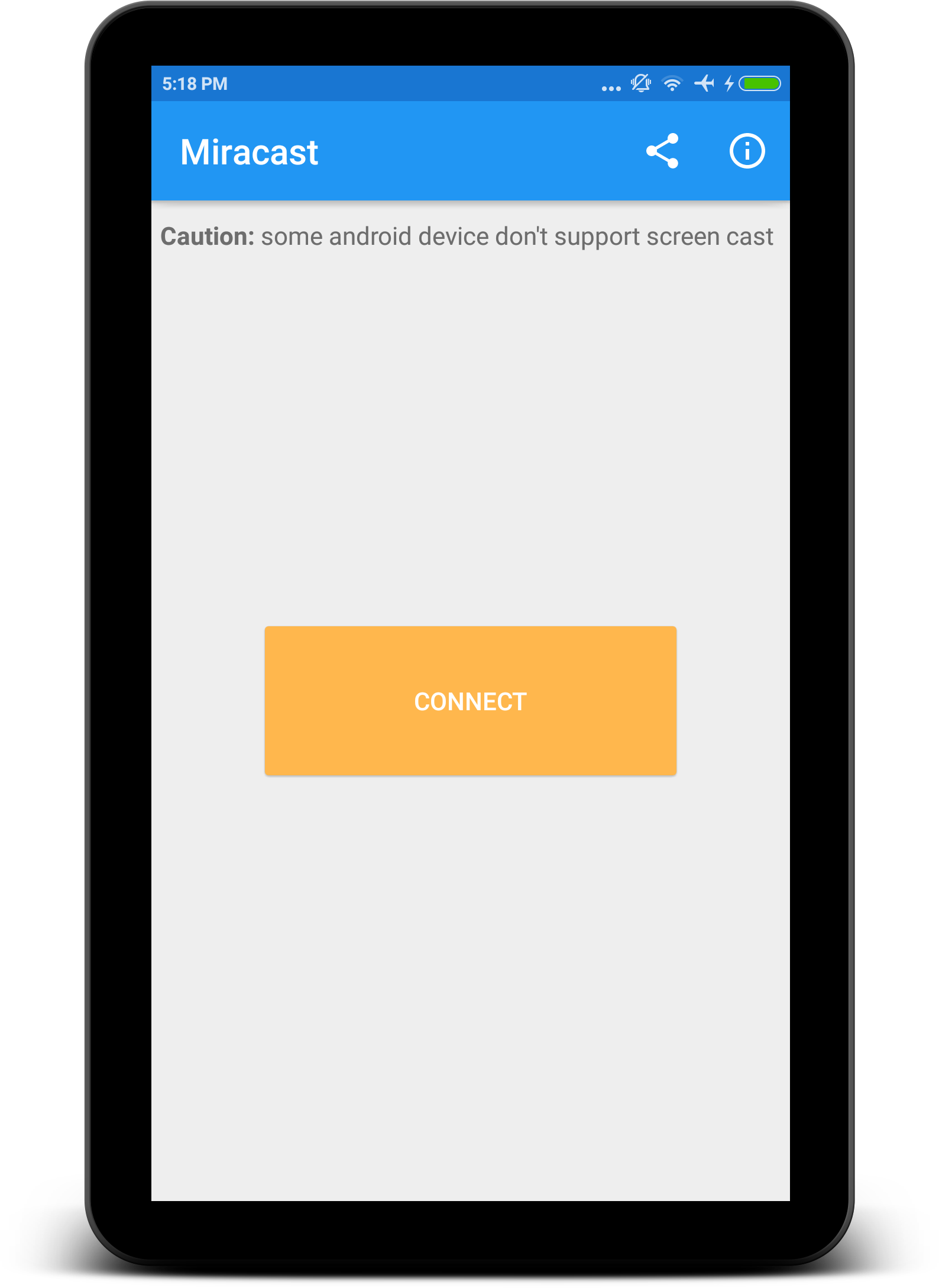
Ditambahkan: Denis Rubinov
Versi: 2.1
Ukuran: 8.4 MB
Diperbarui: 01.01.2023
Developer: The Tree Team
Batasan Usia: Everyone
Otorisasi: 6
Diunduh di Google Play: 37536436
Kategori: Alat
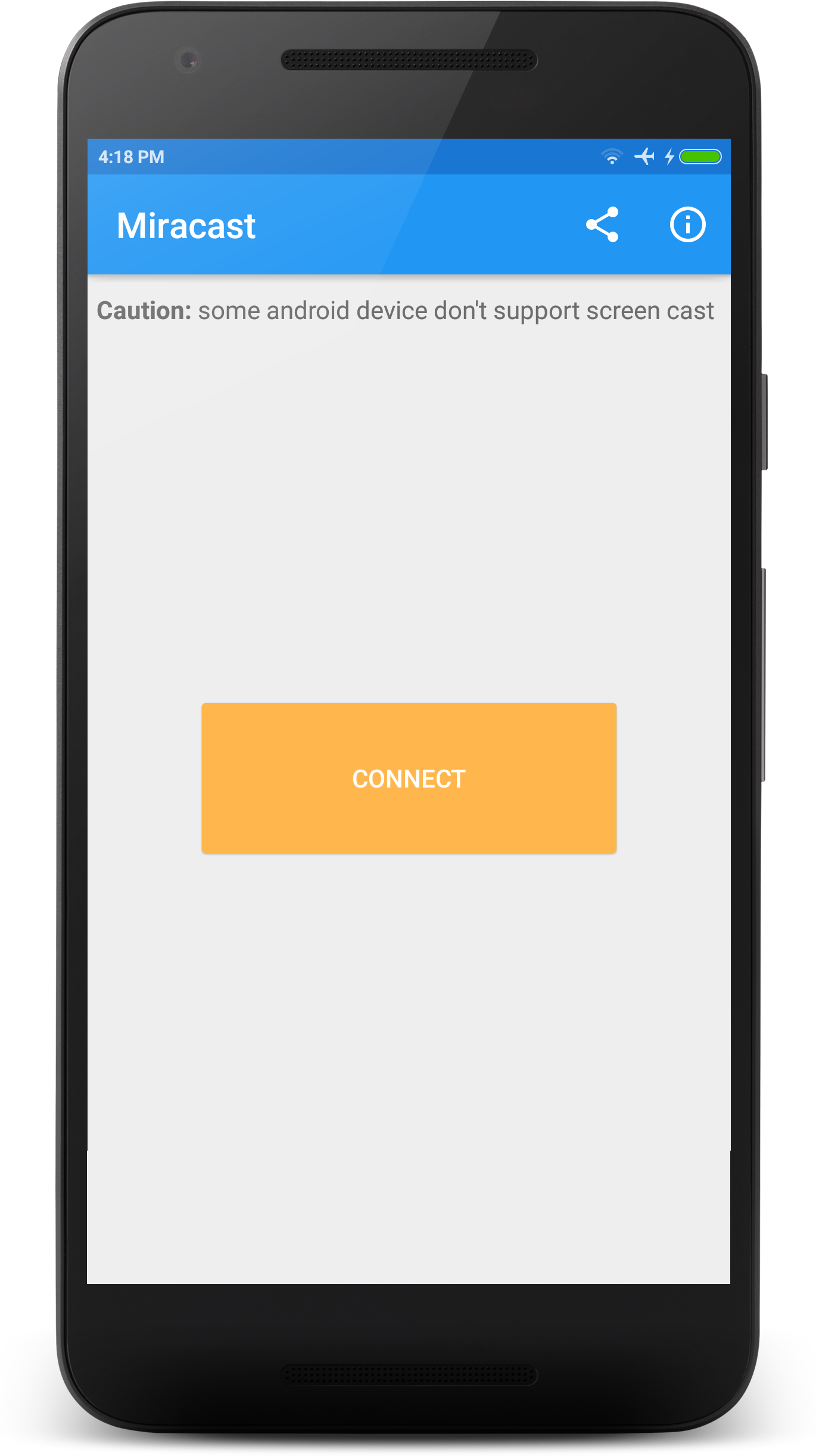
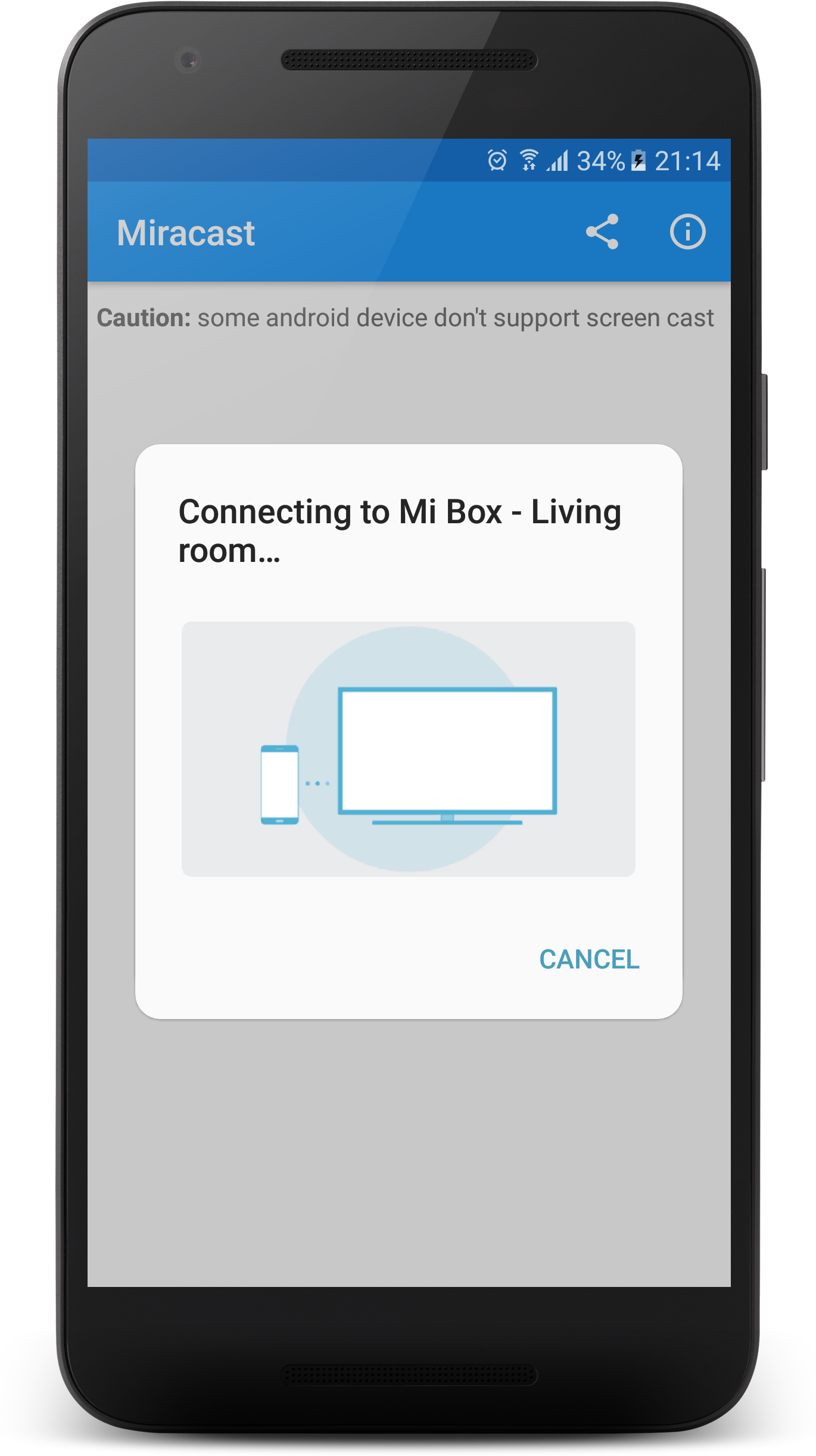
- Penyiapan yang mudah.
- Koneksi cepat.
- Pencarian perangkat yang mudah.
Deskripsi
Aplikasi Miracast - Wifi Display diperiksa oleh antivirus VirusTotal. Sebagai hasil pemindaian, tidak ada infeksi file yang terdeteksi oleh semua tanda tangan terbaru.
Cara memasang Miracast - Wifi Display
- Unduh file APK aplikasi dari apkshki.com.
- Temukan file yang diunduh. Anda dapat menemukannya di baki sistem atau di folder 'Download' menggunakan manajer file apa pun.
- Jika file yang diunduh berekstensi .bin (bug WebView di Android 11), ubah namanya menjadi .apk menggunakan pengelola file apa pun atau coba unduh file dengan browser lain seperti Chrome.
- Mulai penginstalan. Klik pada file yang diunduh untuk memulai penginstalan
- Izinkan penginstalan dari sumber yang tidak dikenal. Jika Anda menginstal untuk pertama kalinya Miracast - Wifi Display bukan dari Google Play, buka pengaturan keamanan perangkat Anda dan izinkan penginstalan dari sumber yang tidak dikenal.
- Lewati perlindungan Google Play. Jika proteksi Google Play memblokir penginstalan file, ketuk 'Info Lebih Lanjut' → 'Tetap instal' → 'OK' untuk melanjutkan..
- Selesaikan penginstalan: Ikuti petunjuk penginstal untuk menyelesaikan proses penginstalan.
Cara memperbarui Miracast - Wifi Display
- Unduh versi baru aplikasi dari apkshki.com.
- Cari file yang diunduh dan klik file tersebut untuk memulai penginstalan.
- Instal di atas versi lama. Tidak perlu menghapus instalasi versi sebelumnya.
- Hindari konflik tanda tangan. Jika versi sebelumnya tidak diunduh dari apkshki.com, pesan 'Aplikasi tidak terinstal' mungkin muncul. Dalam kasus ini, hapus instalan versi lama dan instal versi baru.
- Mulai ulang lampiran Miracast - Wifi Display setelah pembaruan.








Meminta pembaruan aplikasi
Ditambahkan Denis Rubinov
Versi: 2.1
Ukuran: 8.4 MB
Diperbarui: 01.01.2023
Developer: The Tree Team
Batasan Usia: Everyone
Otorisasi:
Diunduh di Google Play: 37536436
Kategori: Alat















Ulasan untuk Miracast - Wifi Display
fi ke tu
it's amazing
very bad🙄🙄☹️😤
like
good
will not work 😭
neah!! ok
nice
This app has proven to be rather useful. It has performed - without incident - on my 2 Roku TVS (TCL/Hisense) *that do not have wireless display switches.
If I could, I would give this app 4.6 stars. The app itself is great: I film marble races all the time, & the phone screen is small, so being able to cast to the TV without going through hacking I don't know exists (LOL) is increadibly usefull. On the other hand, the app took literally forever just to download. OVERALL: takes to long to download but is totally worth it.
Exactly what I was looking for! I know my new phone should be able to mirror with built in features. I've gotten mirroring to work through settings on many others devices. I even found Smart View in the system apps of this phone. It wouldn't launch from there however. And after following every magic ritual of every mirror casting tutorial on the internet that always had one menu or one settings screen my phone didn't, I had an epiphany. "There's got to be an app for this." BOOM! 10 seconds, 5 stars, and 99 cents later, I'm one ads-free, happy little camper whose only regret was that I didn't find this app sooner.
Works perfectly for me. Was having trouble getting a Bluetooth device to connect up with my phone, used this and it worked straight away. I guess you need the option of casting on your device but I don't see why it shouldn't work for you
Poor streaming quality. At first I thought it was slow mobile internet, but it does the same with downloaded shows, as well. It plays about 10 seconds, pauses, then jumps about 2 seconds ahead. Sometimes the audio track is of by as much as 3-4 seconds, too.
This app is really good and works PERFECTLY in my Thomson Smart TV. Not sure why this was given low rating by others. It's very easy to use. Only drawback is we can MIRROR the SCREEN, that means what is viewed in the mobile will be mirrored in TV. But, we can't do CAST Screen (YouTube & Hotstar videos). So while streaming the videos, our Internet data will be consumed double.
Using on my Oppo AX5 with Android 8 casting to TV via a Microsoft wireless display adapter. Very easy to use. Worked first time. No settings needed. Sound and video casted. I can now watch YouTube on my old TV. Some reviews complained that this app is not needed but recent versions of Android do not have Miracast support built in. This app provides that support.
Kirimkan komentar
Untuk memberikan komentar, masuklah dengan jejaring sosial Anda:
Atau tinggalkan komentar anonim. Komentar Anda akan dikirim untuk dimoderasi.
Kirimkan komentar
Untuk memberikan komentar, masuklah dengan jejaring sosial Anda:
Atau tinggalkan komentar anonim. Komentar Anda akan dikirim untuk dimoderasi.