



Ditambahkan: Denis Rubinov
Versi: 11.3.0
Ukuran: 15.5 MB
Diperbarui: 20.05.2025
Developer: InnovationM
Batasan Usia: Everyone
Otorisasi: 12
Diunduh di Google Play: 13367173
Kategori: Alat
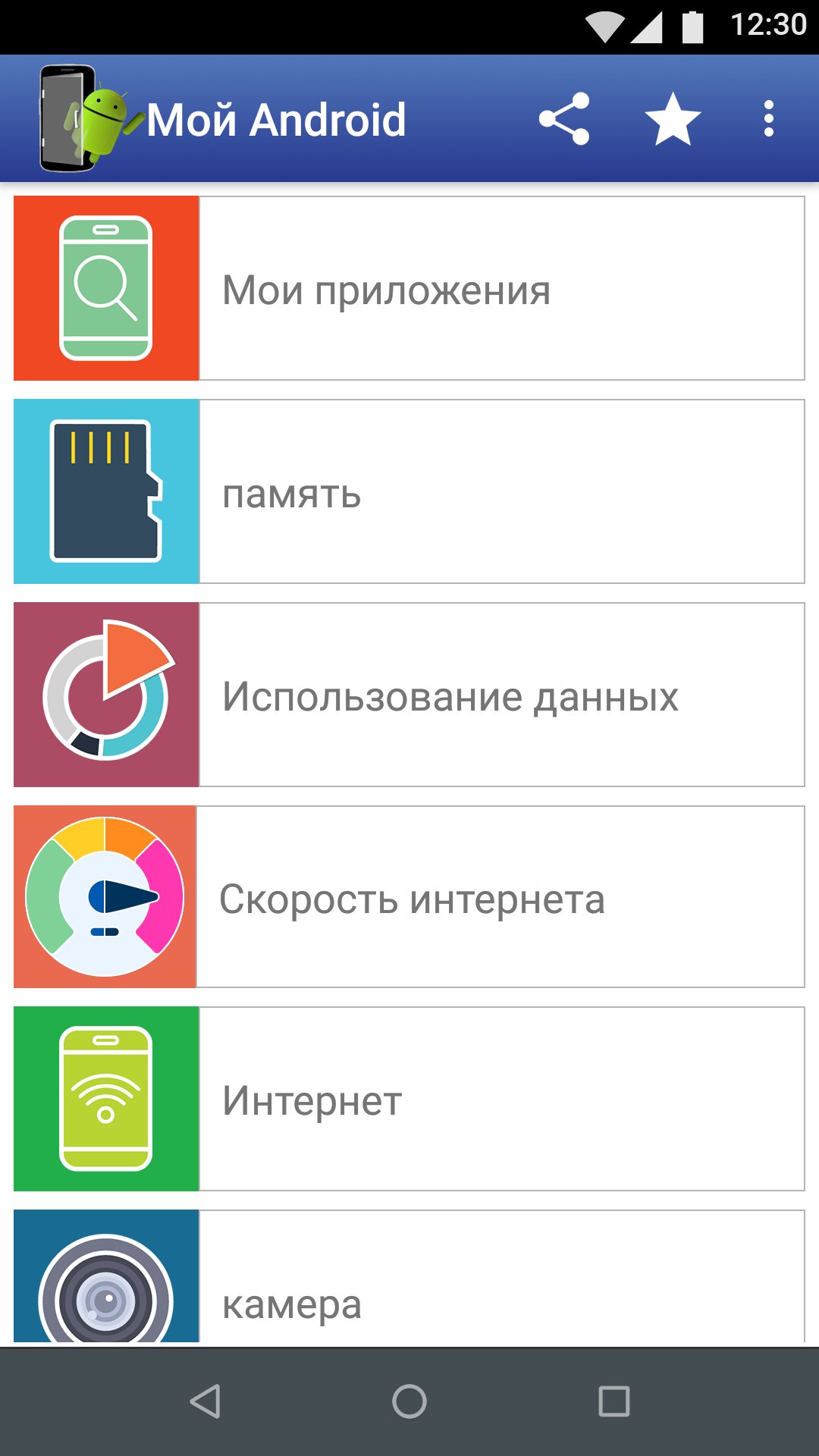
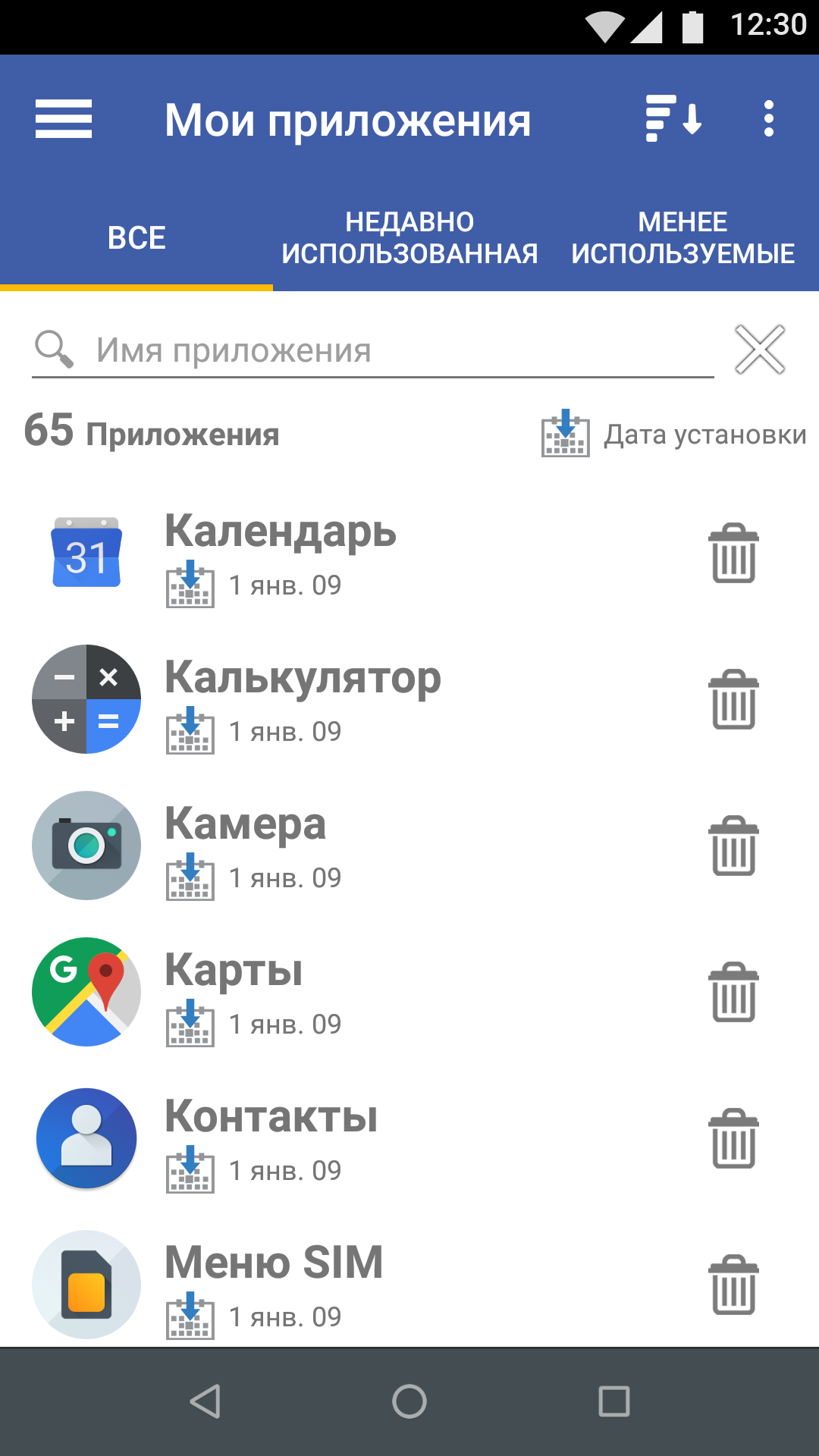
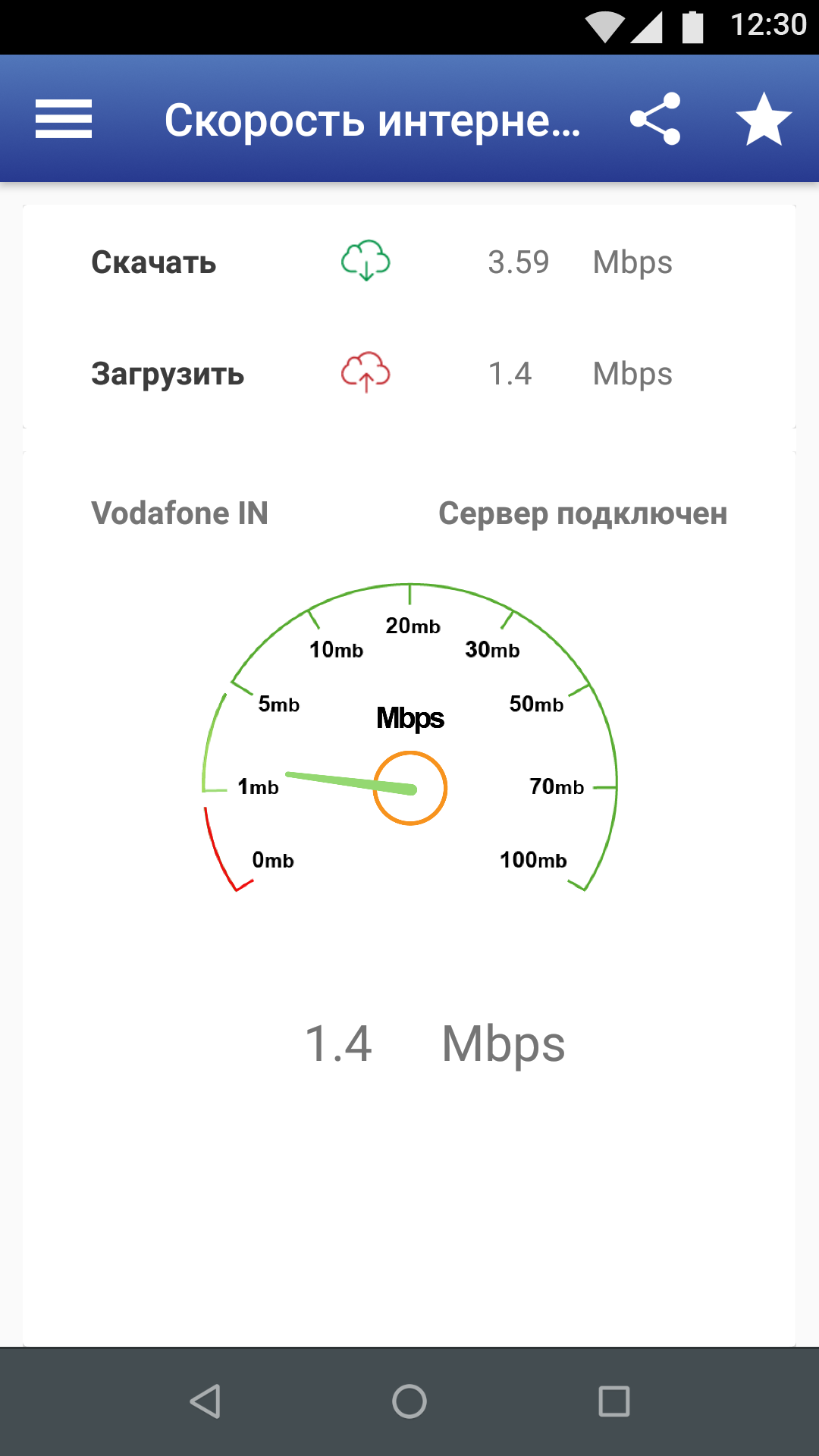
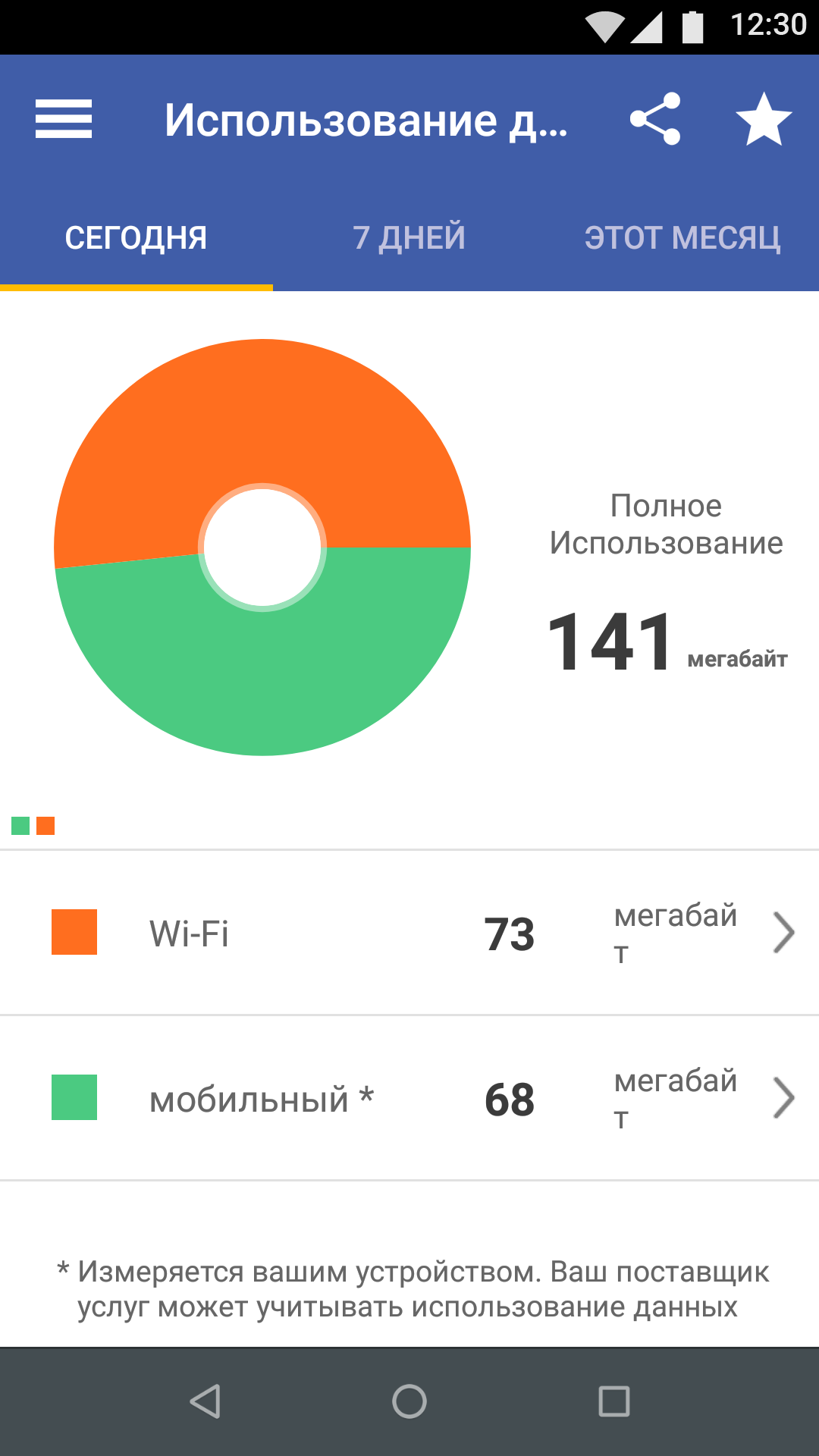
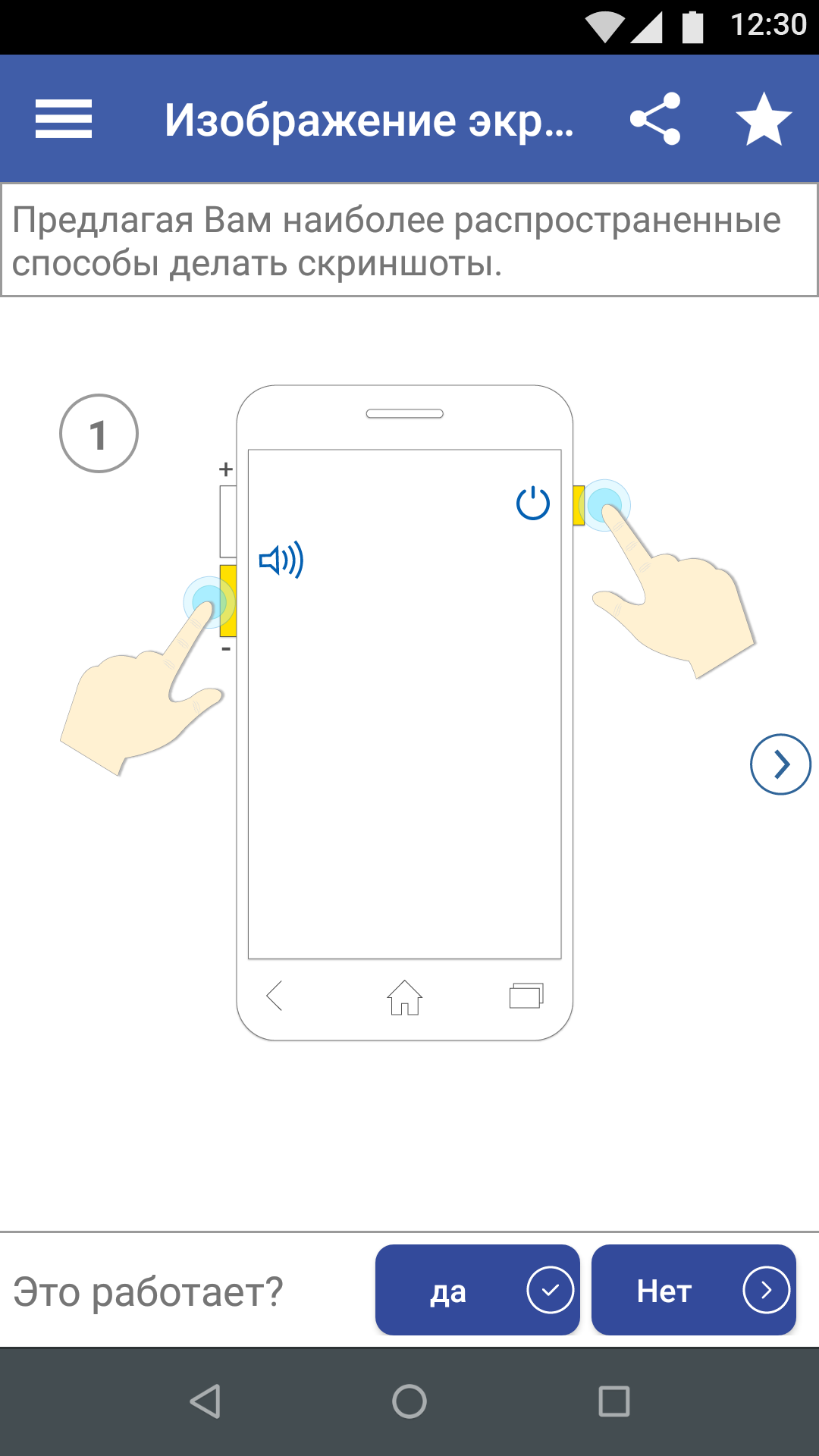
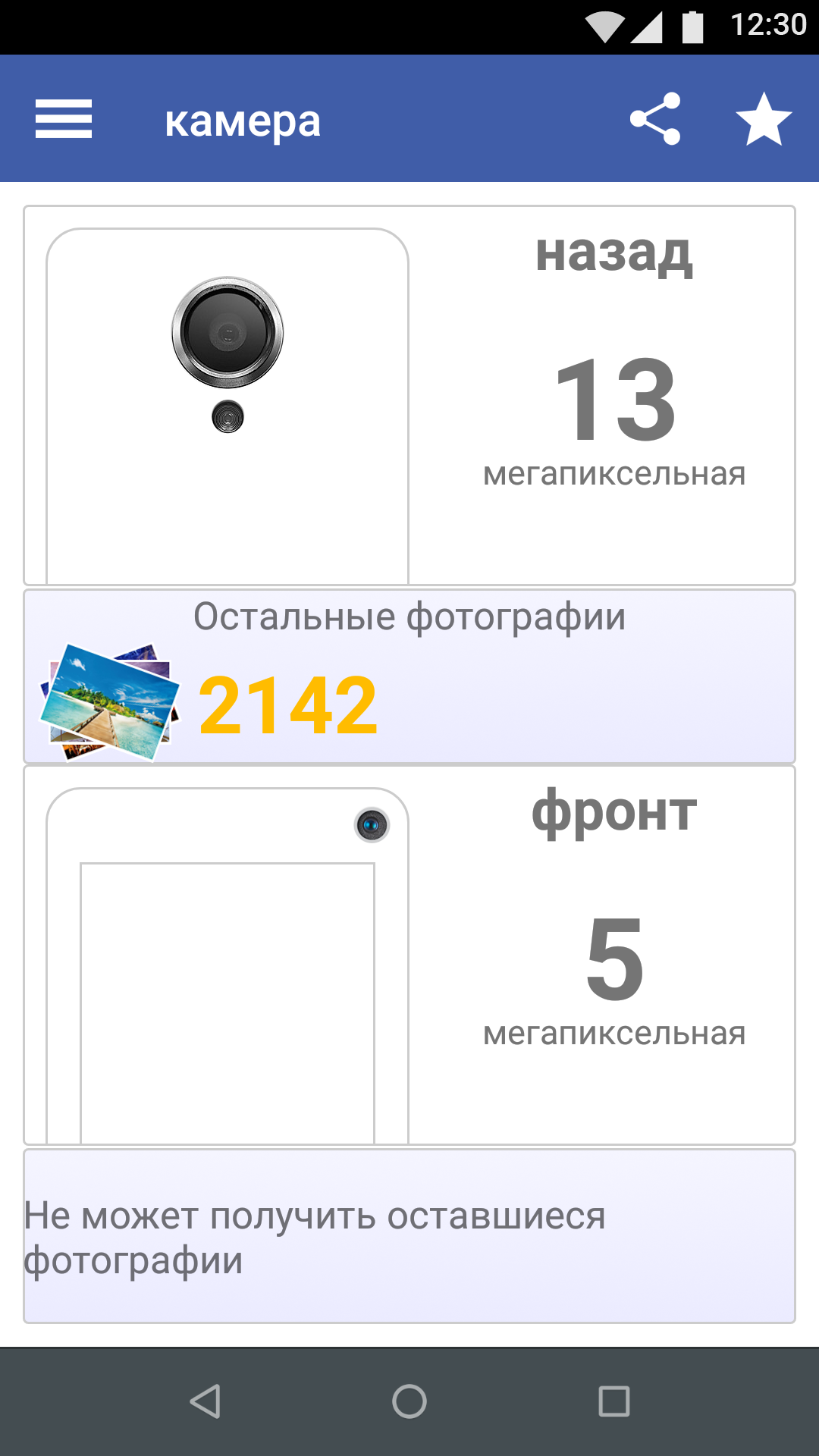
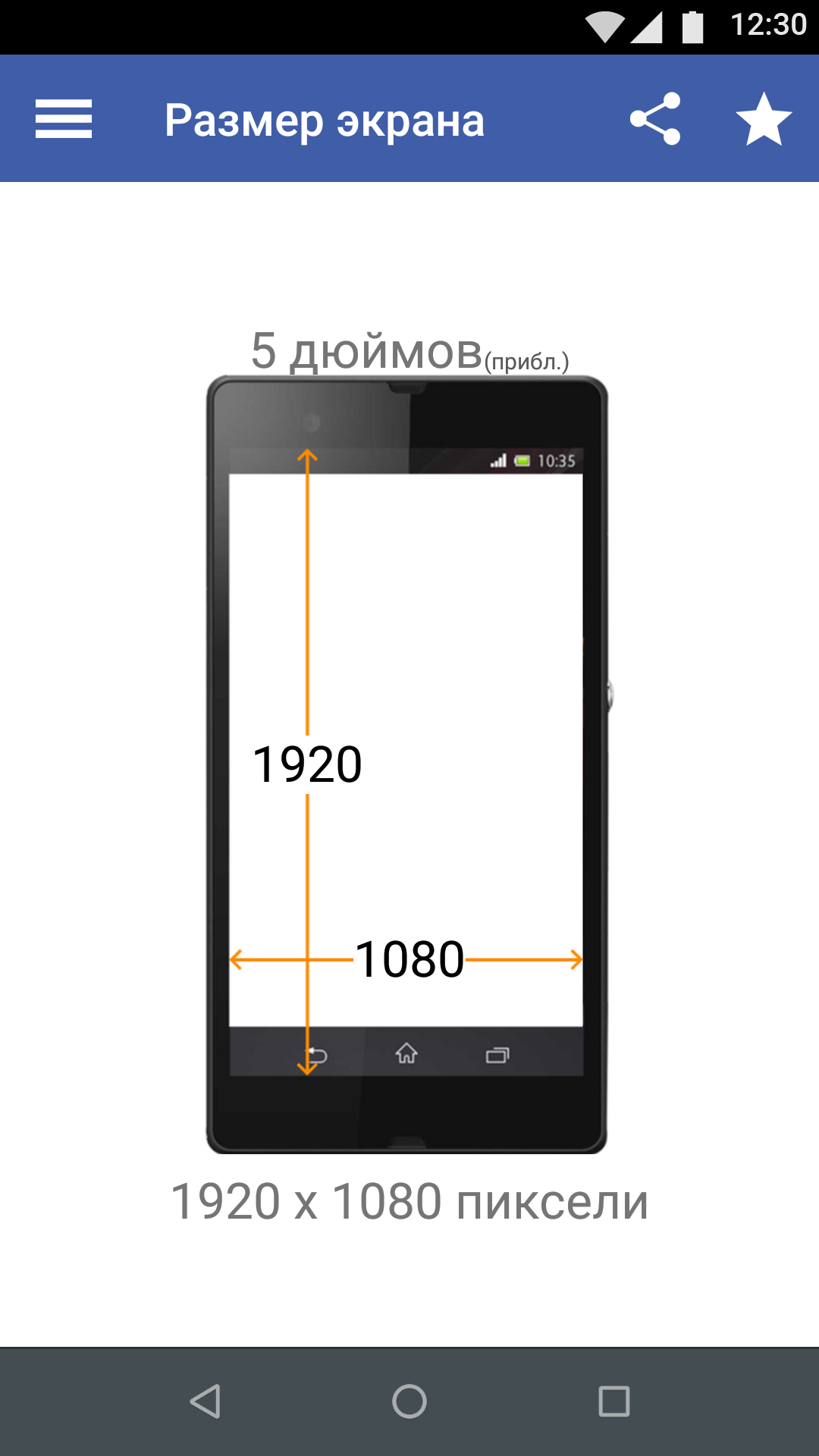
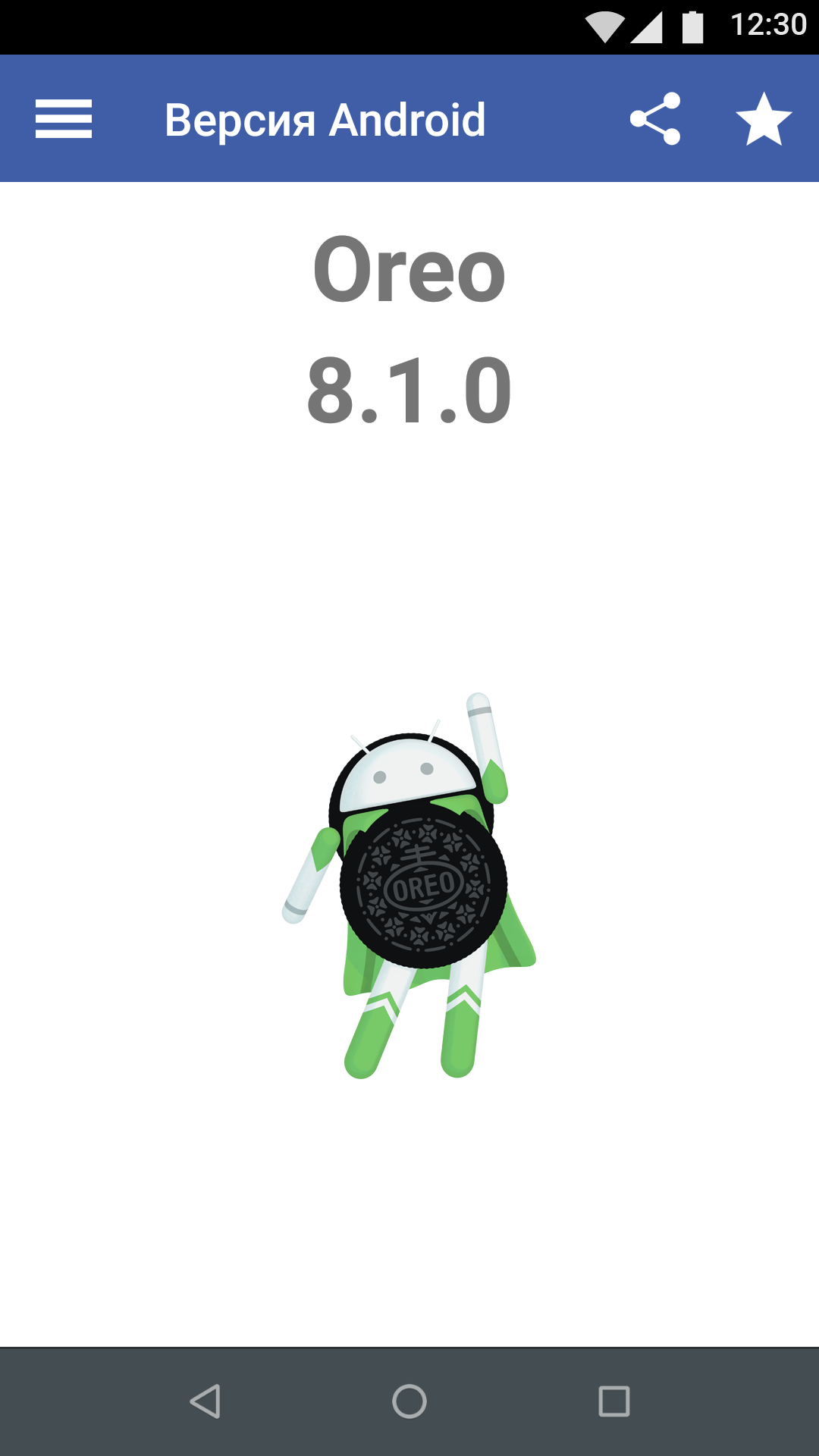
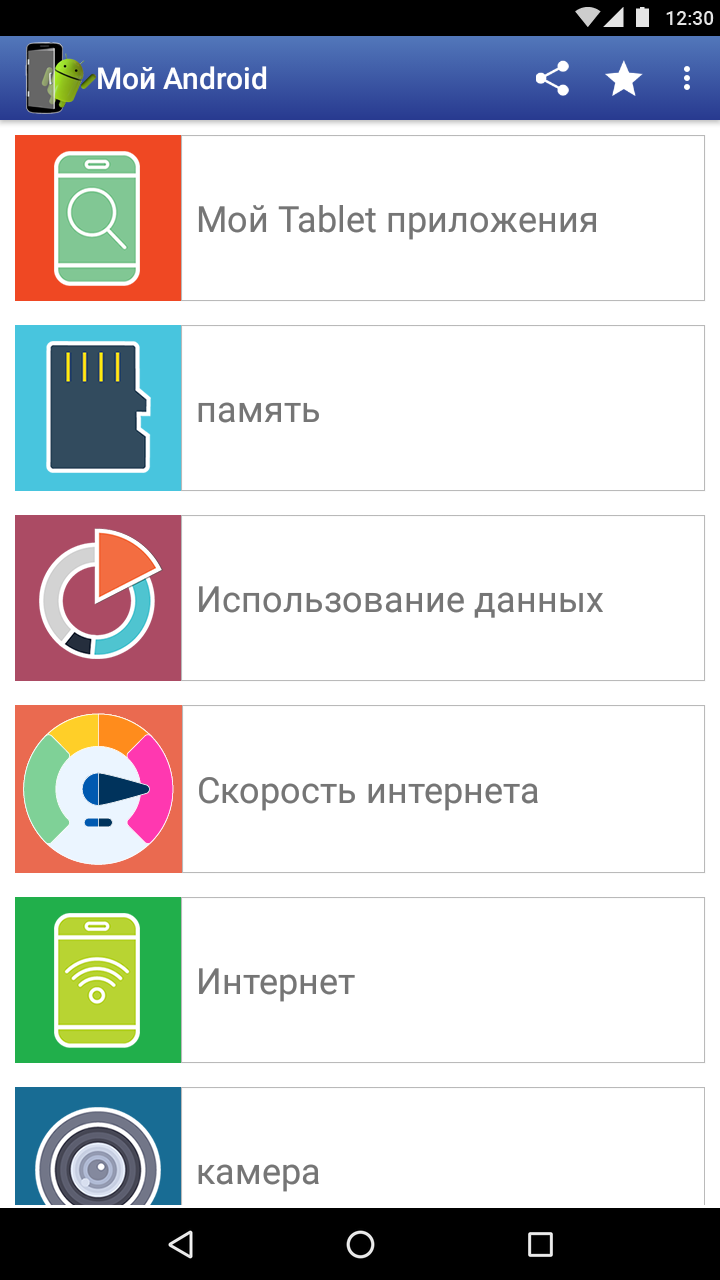
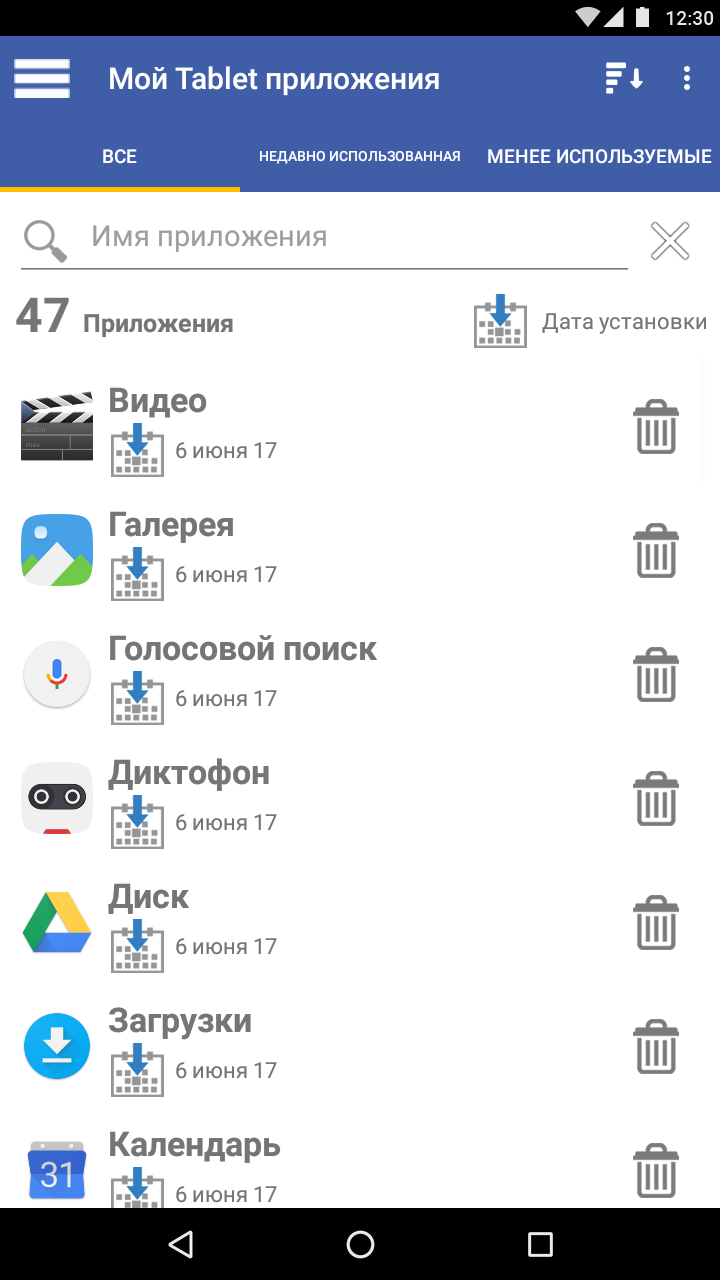
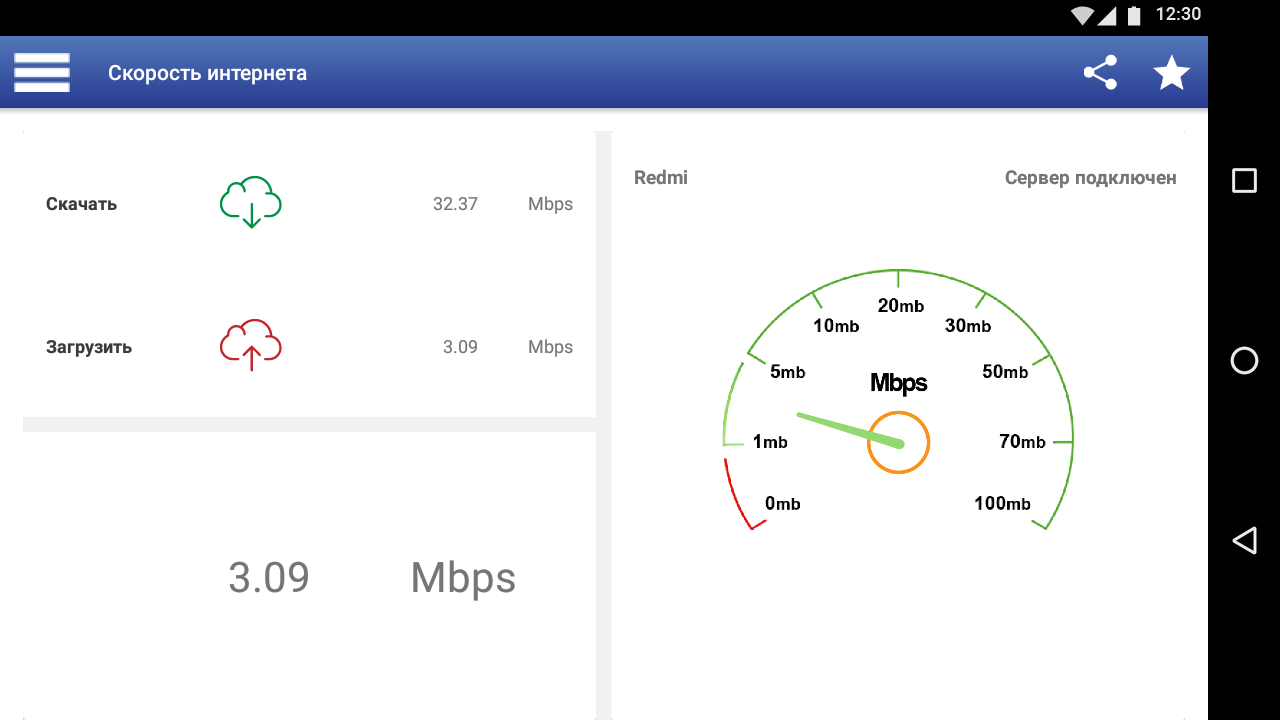
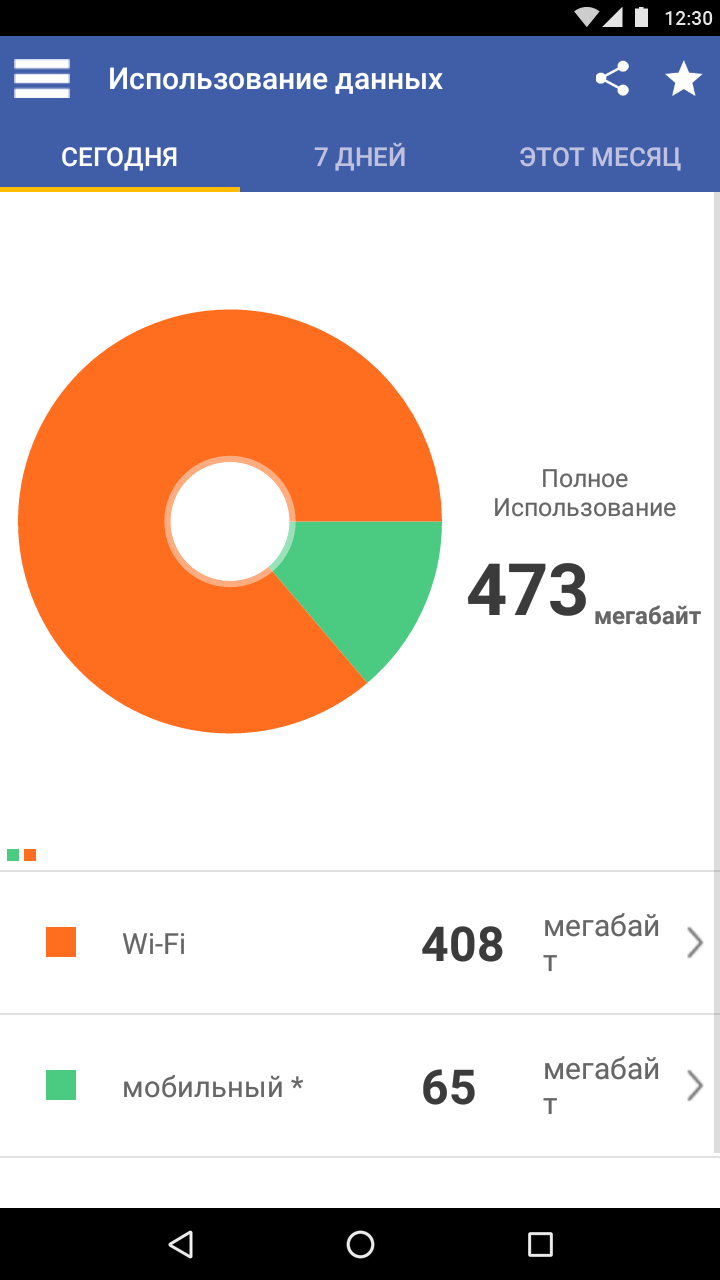
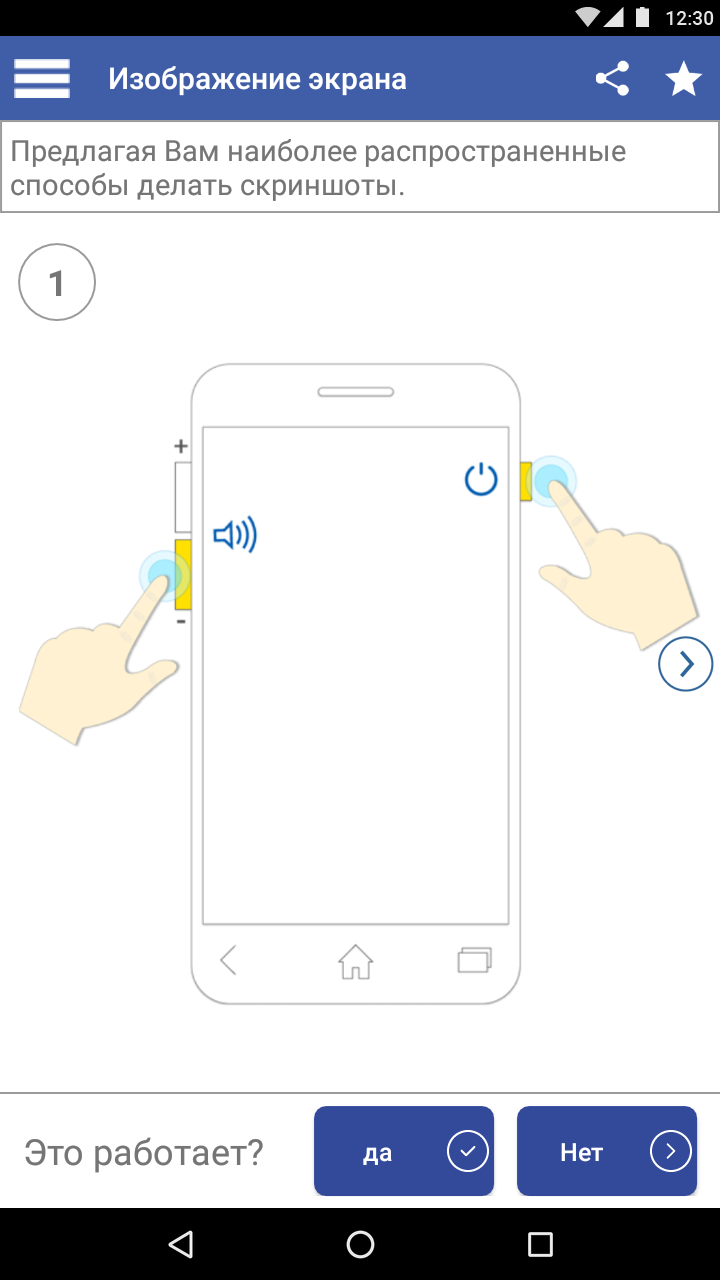
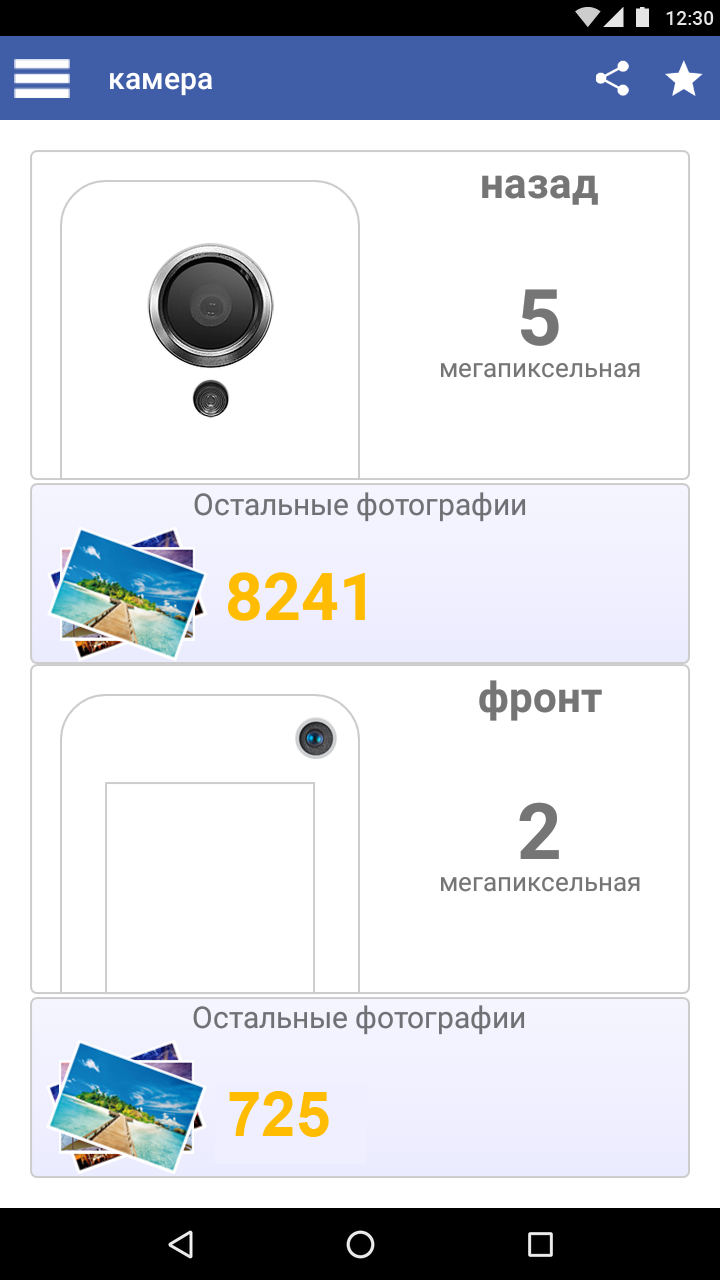
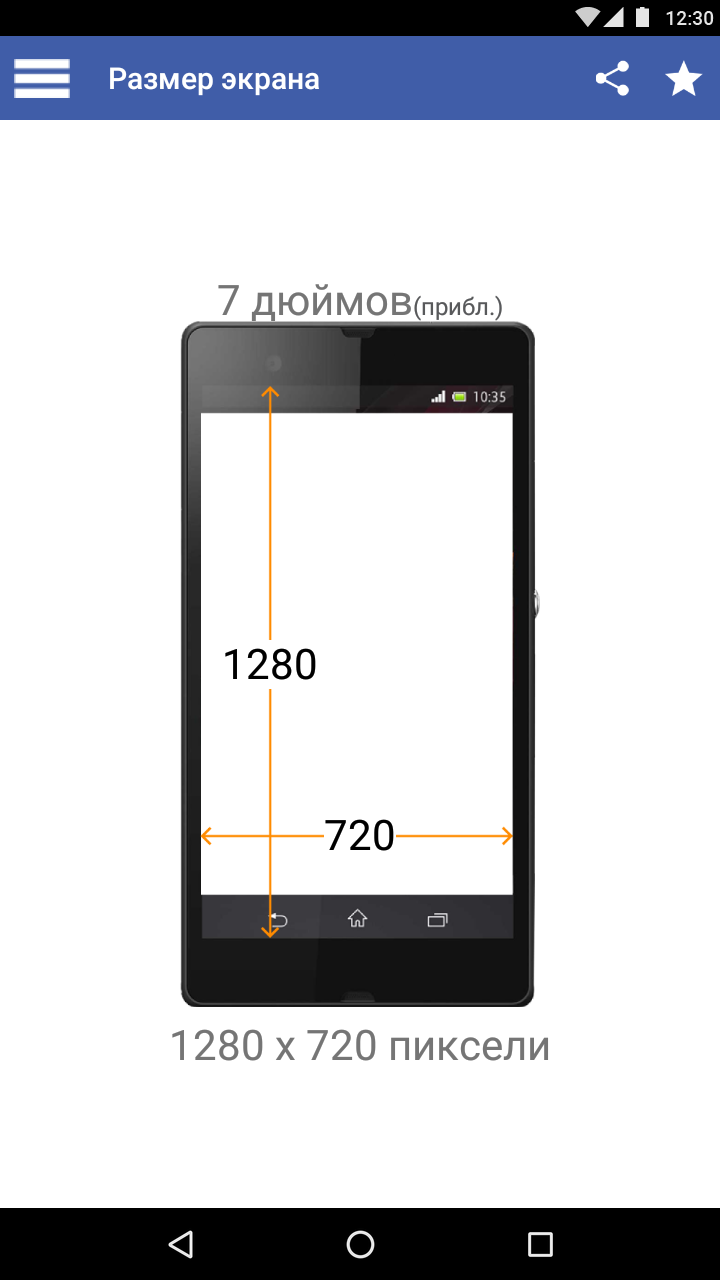
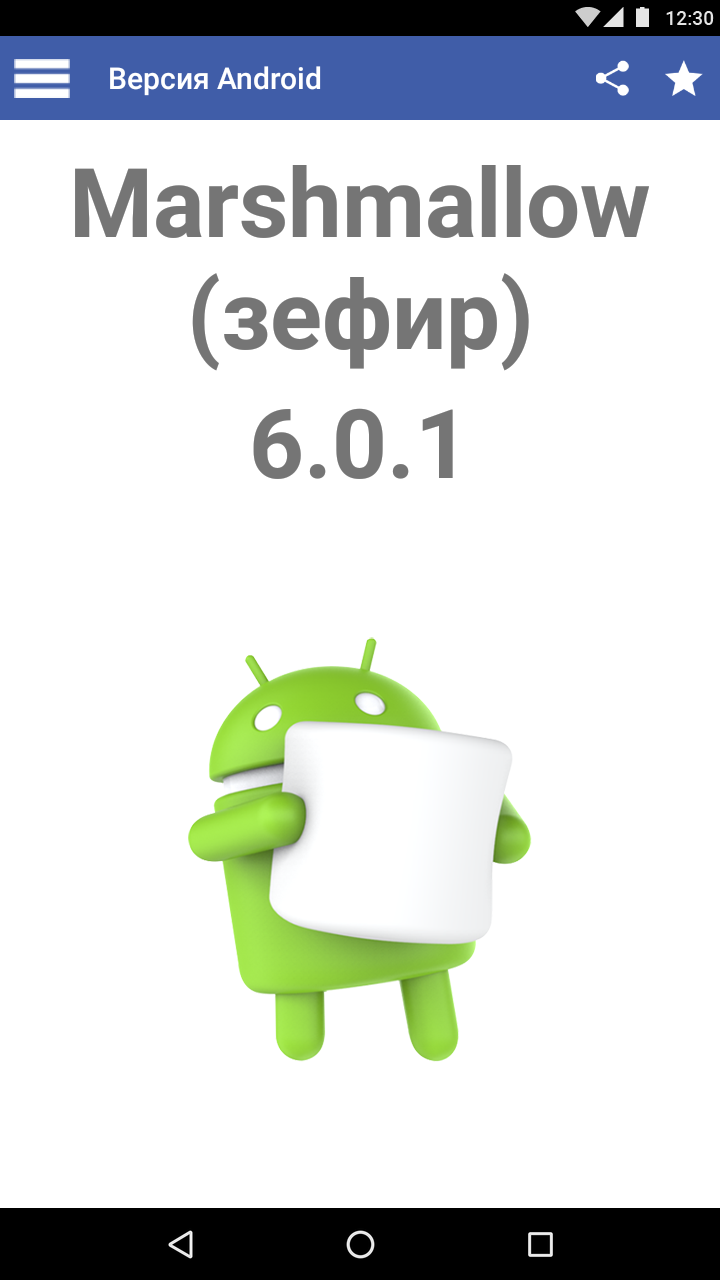
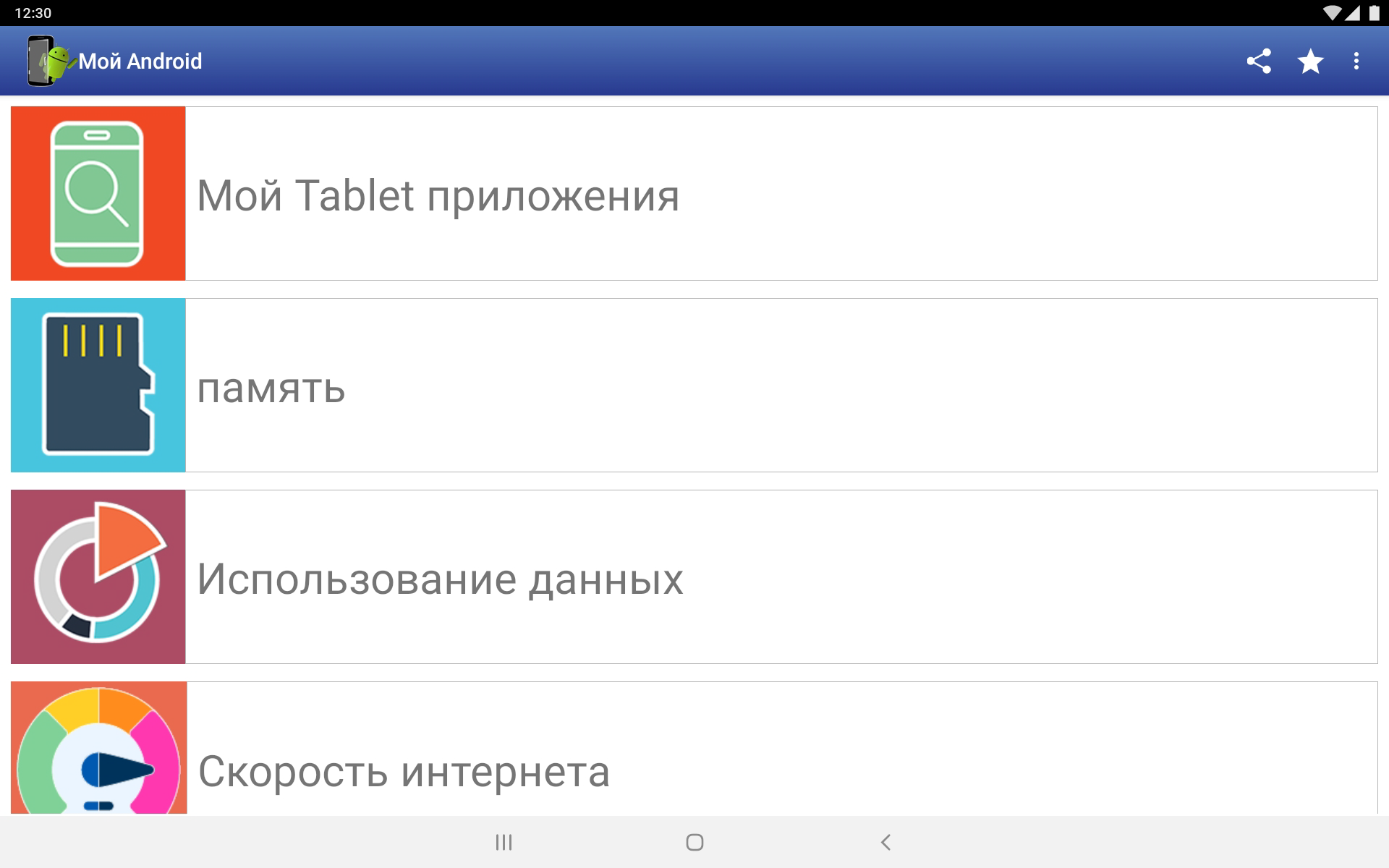
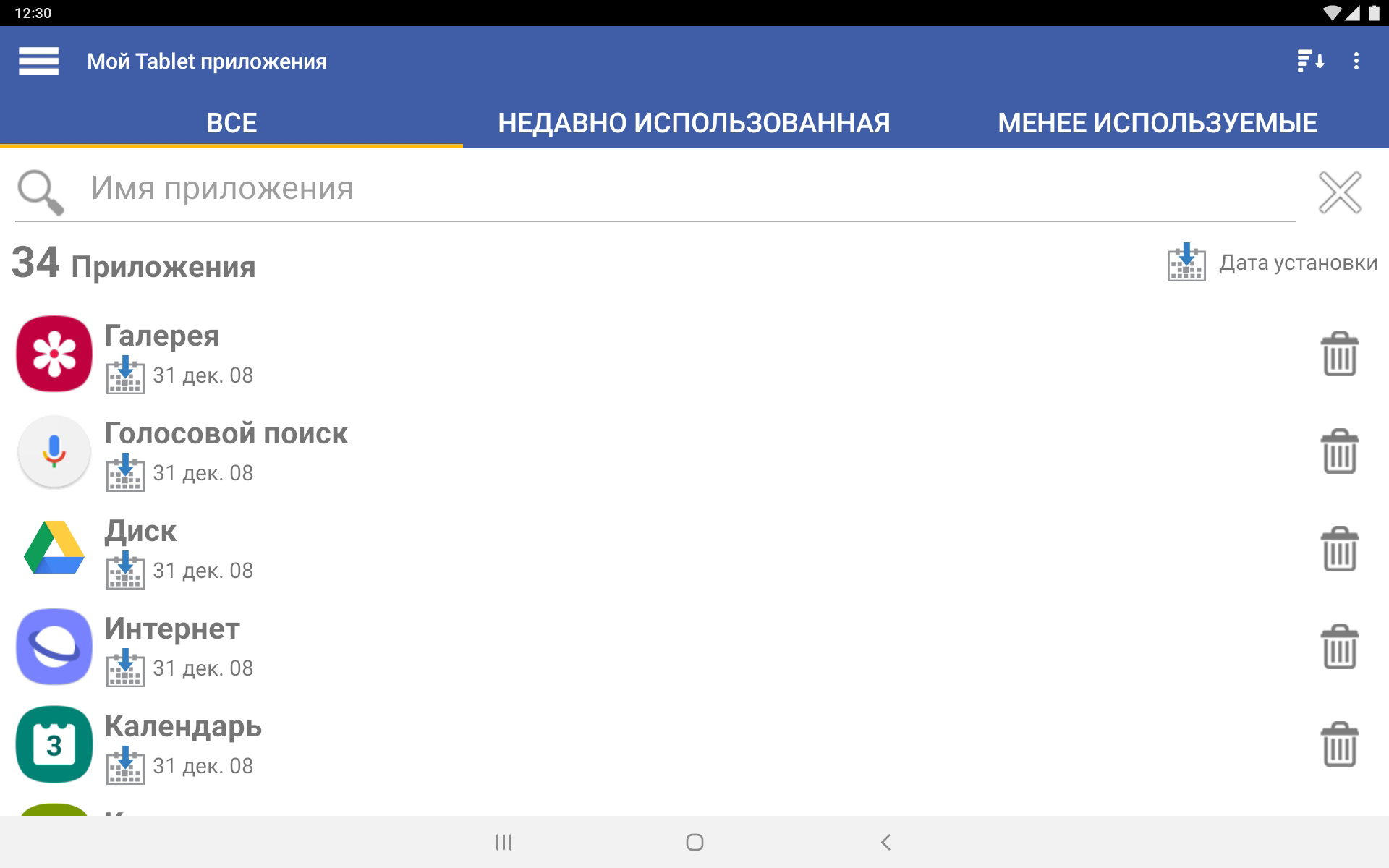
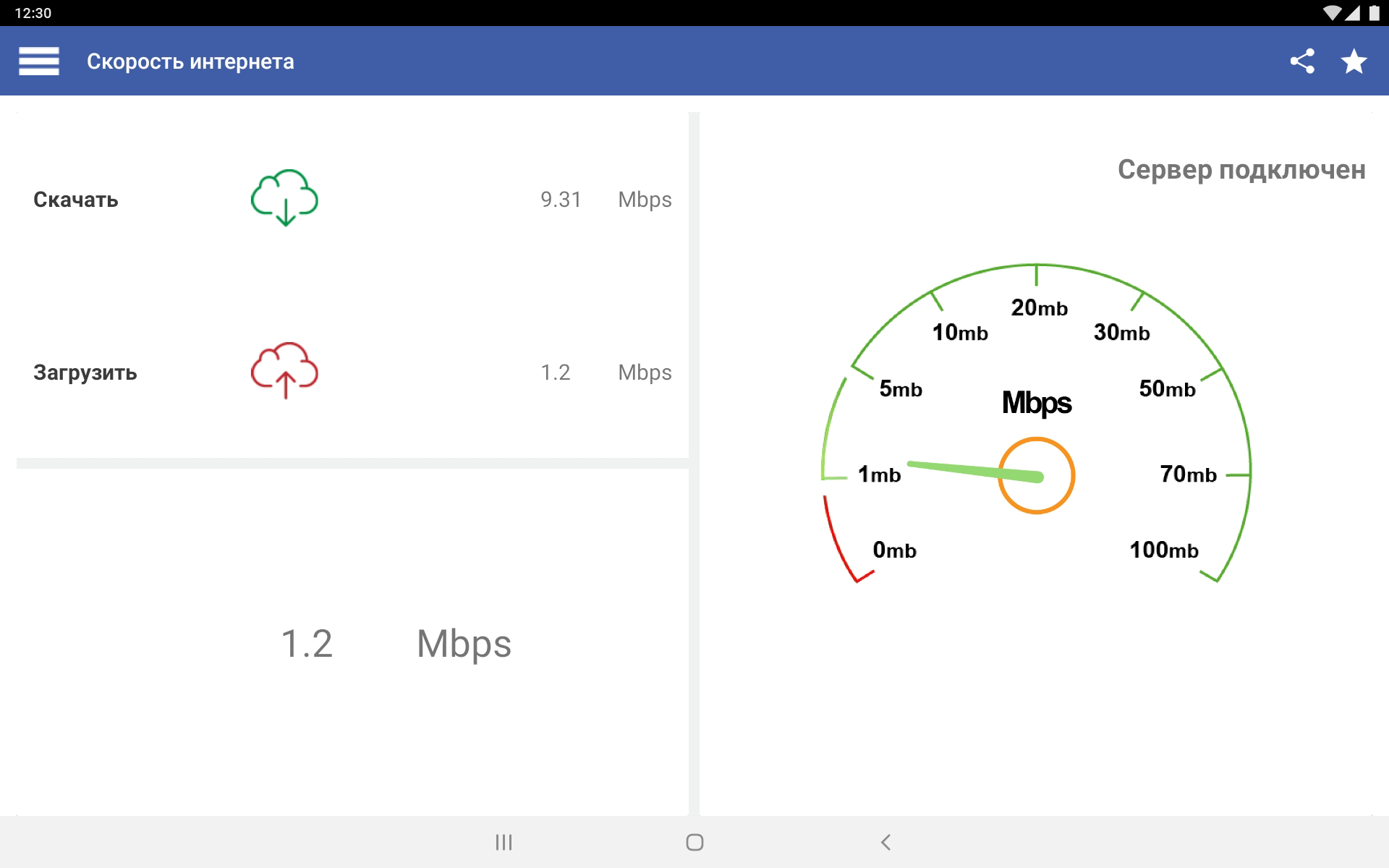
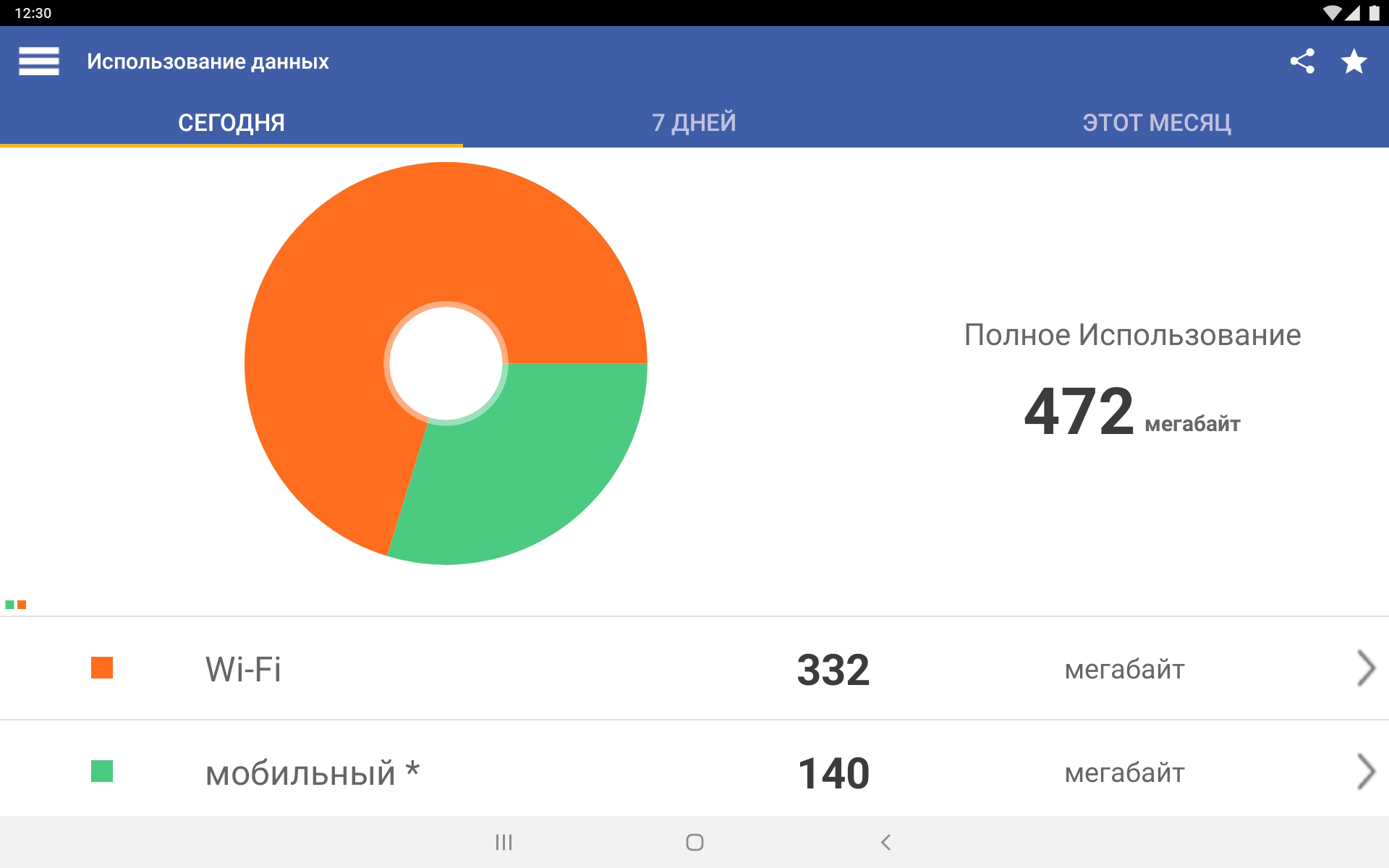
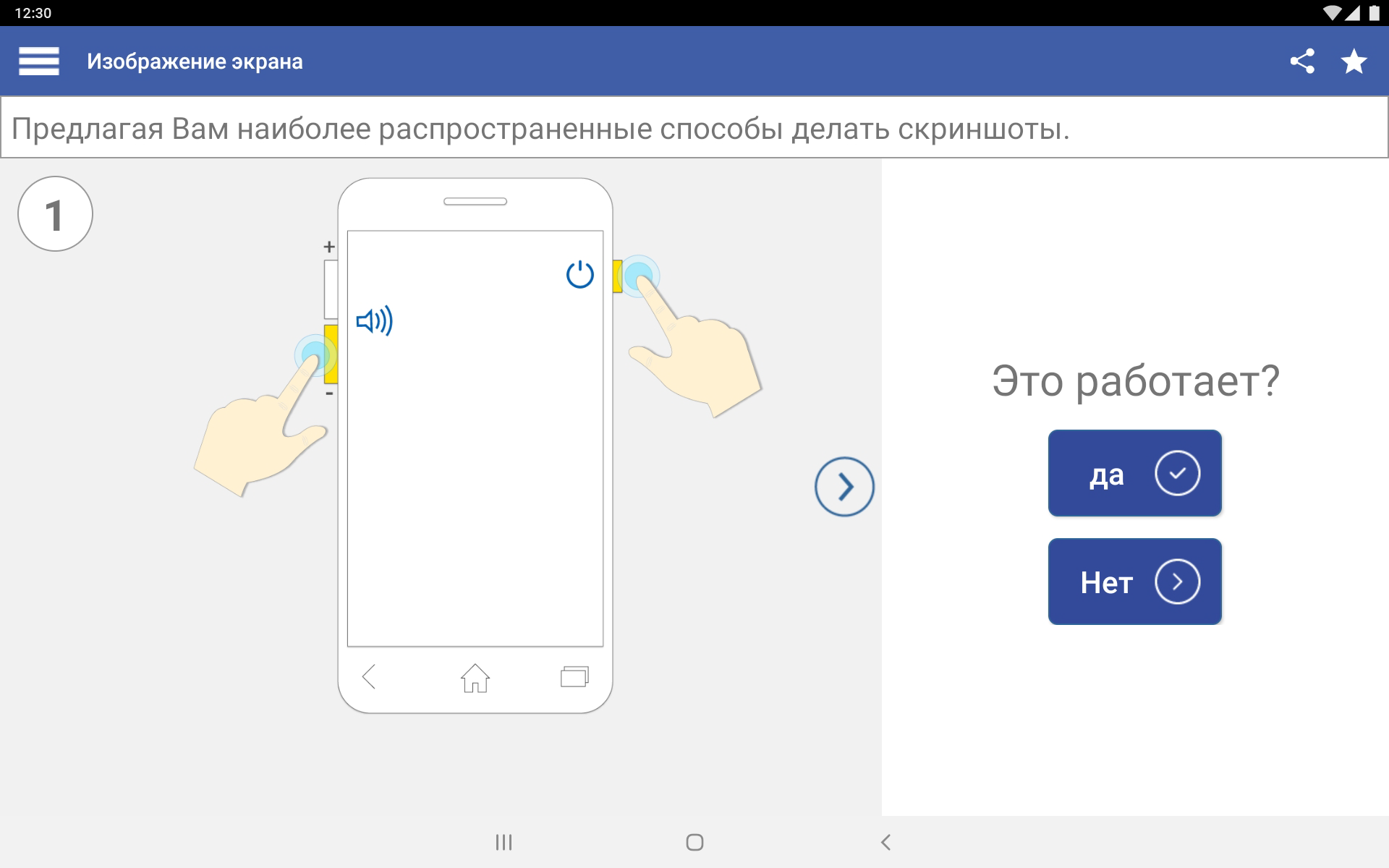
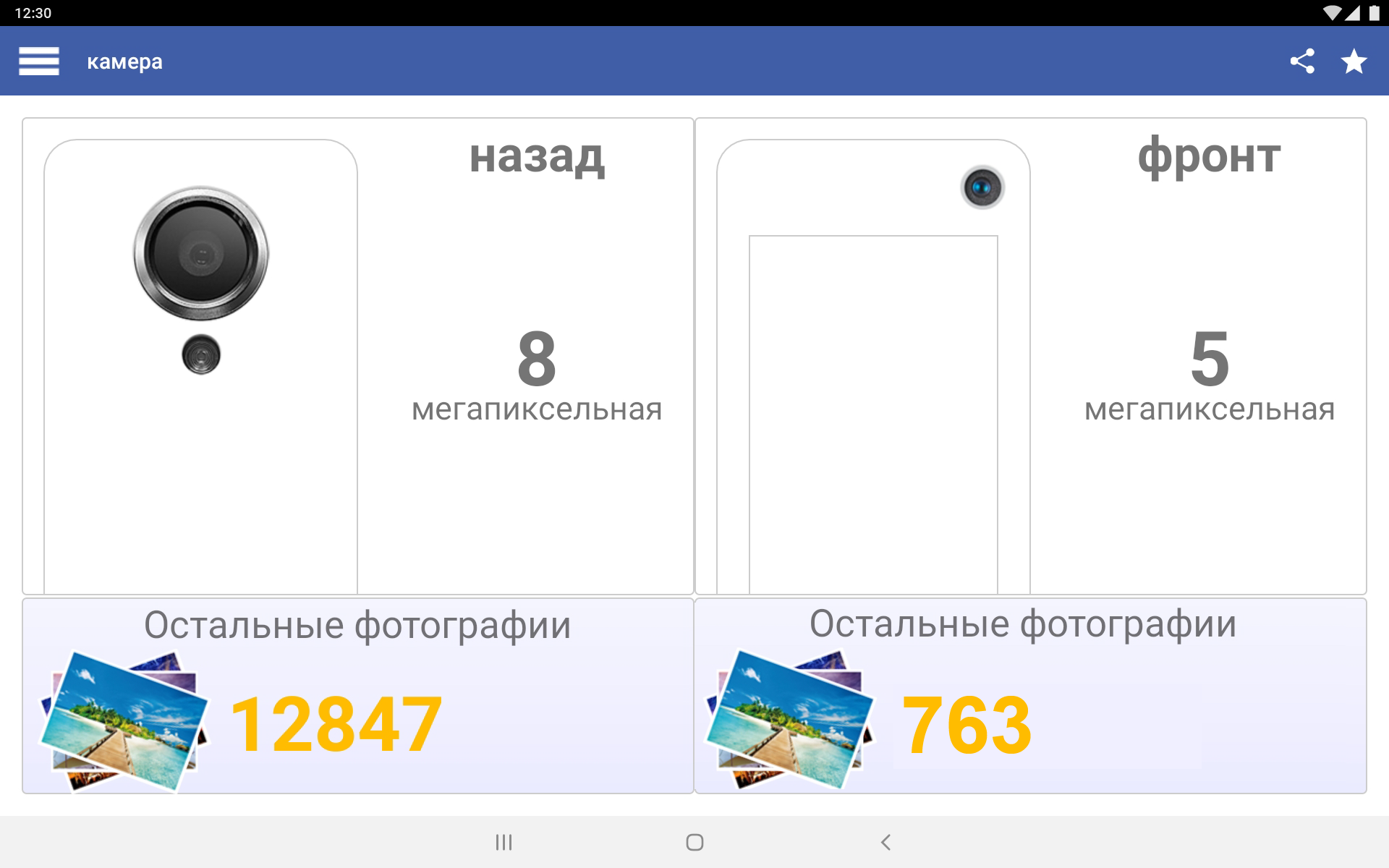
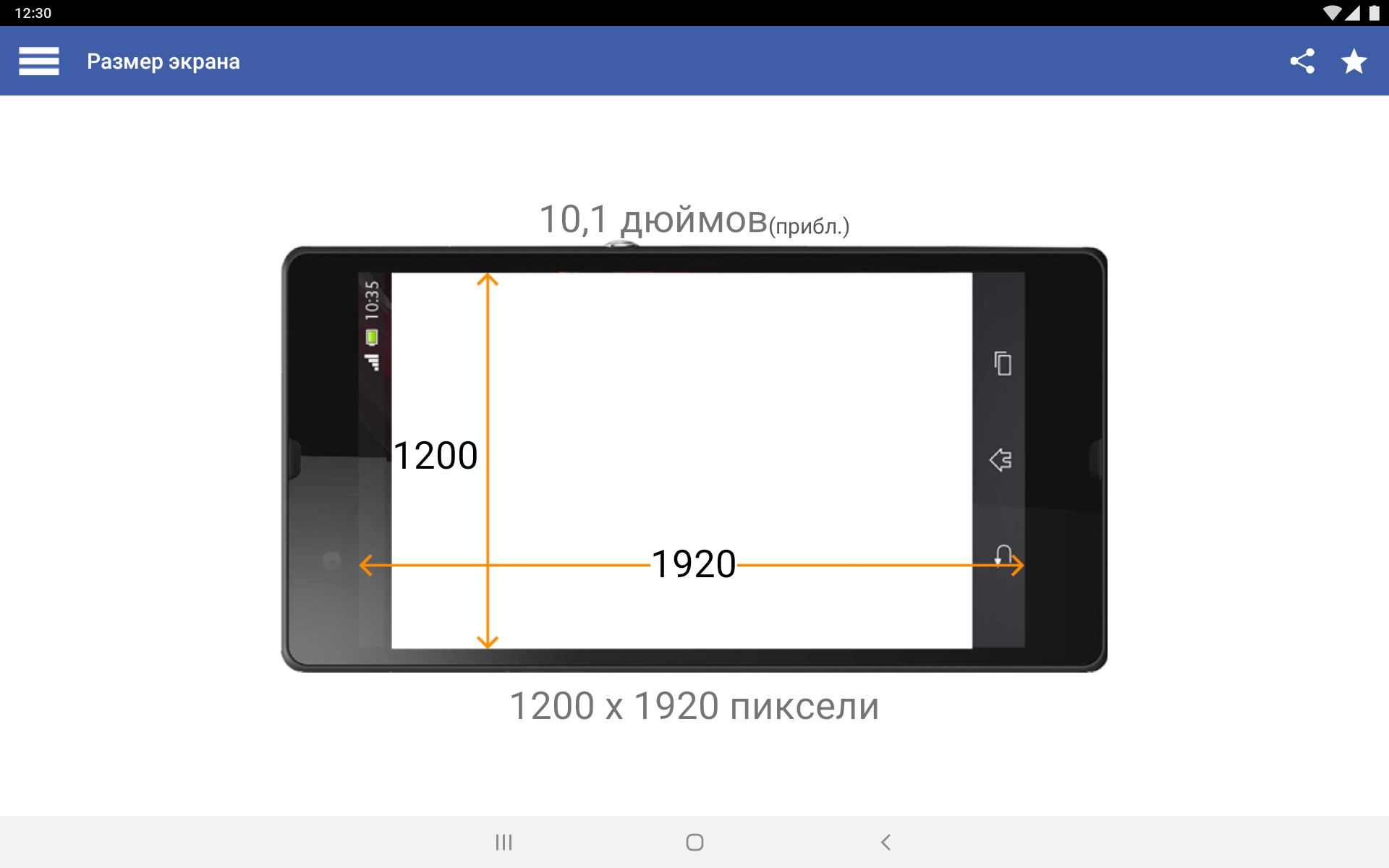
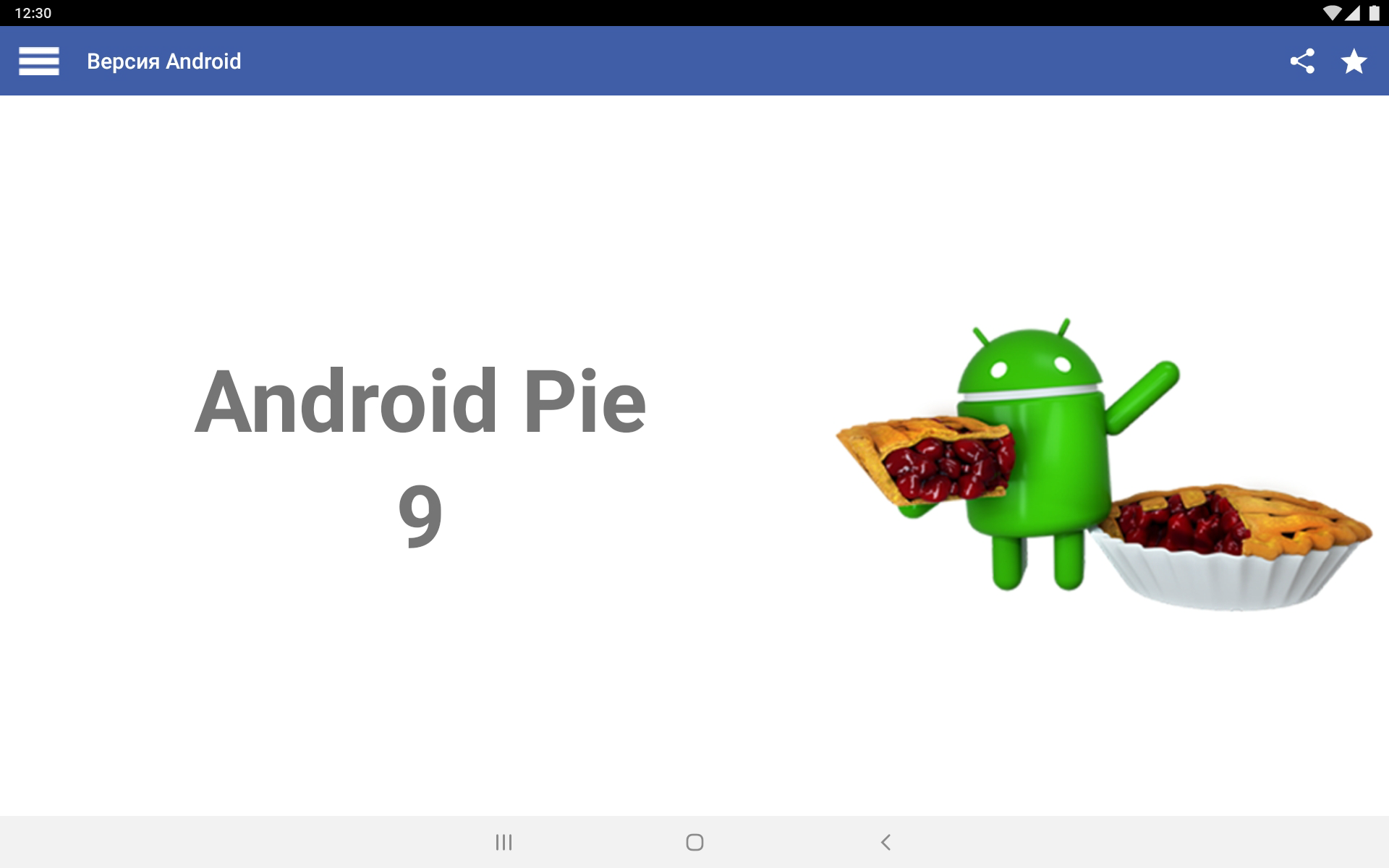
- Informasi tentang semua karakteristik gadget.
- Dukungan bahasa Rusia.
- Tampilan visual informasi.
- Dukungan untuk ponsel dan tablet.
Deskripsi
Aplikasi My Android diperiksa oleh antivirus VirusTotal. Sebagai hasil pemindaian, tidak ada infeksi file yang terdeteksi oleh semua tanda tangan terbaru.
Cara memasang My Android
- Unduh file APK aplikasi dari apkshki.com.
- Temukan file yang diunduh. Anda dapat menemukannya di baki sistem atau di folder 'Download' menggunakan manajer file apa pun.
- Jika file yang diunduh berekstensi .bin (bug WebView di Android 11), ubah namanya menjadi .apk menggunakan pengelola file apa pun atau coba unduh file dengan browser lain seperti Chrome.
- Mulai penginstalan. Klik pada file yang diunduh untuk memulai penginstalan
- Izinkan penginstalan dari sumber yang tidak dikenal. Jika Anda menginstal untuk pertama kalinya My Android bukan dari Google Play, buka pengaturan keamanan perangkat Anda dan izinkan penginstalan dari sumber yang tidak dikenal.
- Lewati perlindungan Google Play. Jika proteksi Google Play memblokir penginstalan file, ketuk 'Info Lebih Lanjut' → 'Tetap instal' → 'OK' untuk melanjutkan..
- Selesaikan penginstalan: Ikuti petunjuk penginstal untuk menyelesaikan proses penginstalan.
Cara memperbarui My Android
- Unduh versi baru aplikasi dari apkshki.com.
- Cari file yang diunduh dan klik file tersebut untuk memulai penginstalan.
- Instal di atas versi lama. Tidak perlu menghapus instalasi versi sebelumnya.
- Hindari konflik tanda tangan. Jika versi sebelumnya tidak diunduh dari apkshki.com, pesan 'Aplikasi tidak terinstal' mungkin muncul. Dalam kasus ini, hapus instalan versi lama dan instal versi baru.
- Mulai ulang lampiran My Android setelah pembaruan.








Meminta pembaruan aplikasi
Ditambahkan Denis Rubinov
Versi: 11.3.0
Ukuran: 15.5 MB
Diperbarui: 20.05.2025
Developer: InnovationM
Batasan Usia: Everyone
Otorisasi:
Diunduh di Google Play: 13367173
Kategori: Alat















Ulasan untuk My Android
This app is good.
good description of everything
wow I like it was good
Wow I like it was nice
I got a lot of help, it's great.
To operate the sesteym in my phone
Understand that you are so good update my android version And it's just not a problem with my phone number experience
i like it
nice 👍 very accurate app just need a better look and style
must i like they Android privilegio
Distracted by Frequent, Full-Screen Ads that Adbertise Other apps. Uninstalled shortly after installing; would not recommend installing this app, especially whenever there are other available apps that do virtually the same things, WITHOUT frequently-repeated, full page advertising + unnecessary permission requests. Thanks for letting me share my experience with this app
Do not remember anything but I was not able to increase my Android level. So the tech became unable to work with my last cell that worked great for years and still does, just not able to upgrade to even a 5.0 version of Android. Sad...
This app is not allowing me to contact foxtell via the downloadable programs. Foxtell technition has installed a icq4 in my new location and this is operating very well. The icq3 that it replaced has not been retutned to Foxtel as each time the return loaction has not been notified. The original address has not been relocated to the new address by your company. I have tried o send the old unit to Foxtel. The information has not been located. I wish to comply with your wishes however the return!
Completely useless, there is no option to upgrade android version. All it does is give you information about the phone which you can get from setting·
Just started running this, looking pretty good so far. Update: there was a user tip for the multi user ability of android 5 & above. Unfortunately the Samsung J3 ORBIT (SM-S367VL) running android 9 seems to have been disabled.
Kirimkan komentar
Untuk memberikan komentar, masuklah dengan jejaring sosial Anda:
Atau tinggalkan komentar anonim. Komentar Anda akan dikirim untuk dimoderasi.
Kirimkan komentar
Untuk memberikan komentar, masuklah dengan jejaring sosial Anda:
Atau tinggalkan komentar anonim. Komentar Anda akan dikirim untuk dimoderasi.