



Multi-TIFF Viewer
9+
unduhan4.1+
versi Android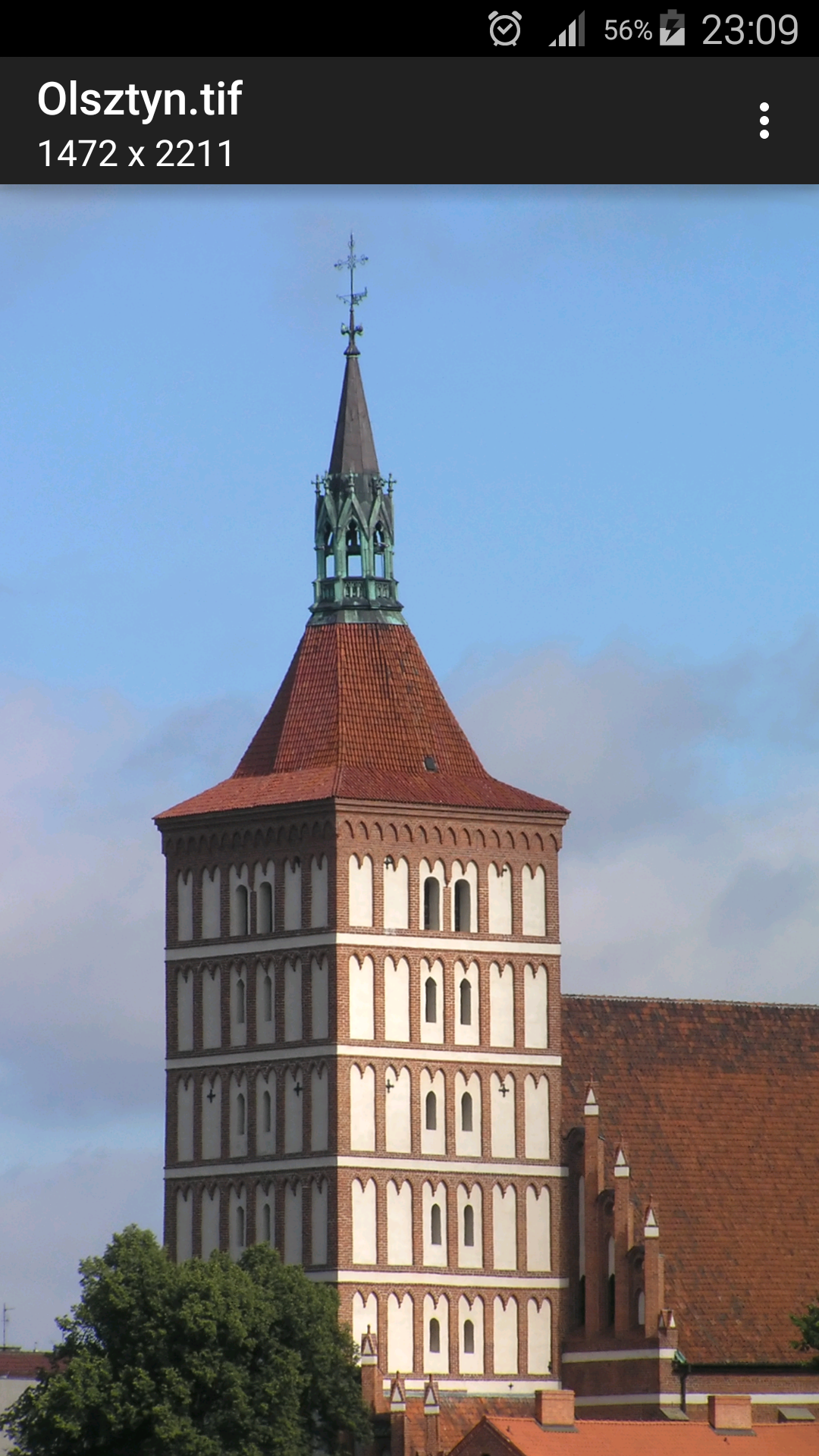
Ditambahkan: Denis Rubinov
Versi: 1.17.1
Ukuran: 8.1 MB
Diperbarui: 20.02.2023
Developer: tyniw.net
Batasan Usia: Everyone
Otorisasi: 5
Diunduh di Google Play: 3698398
Kategori: Alat
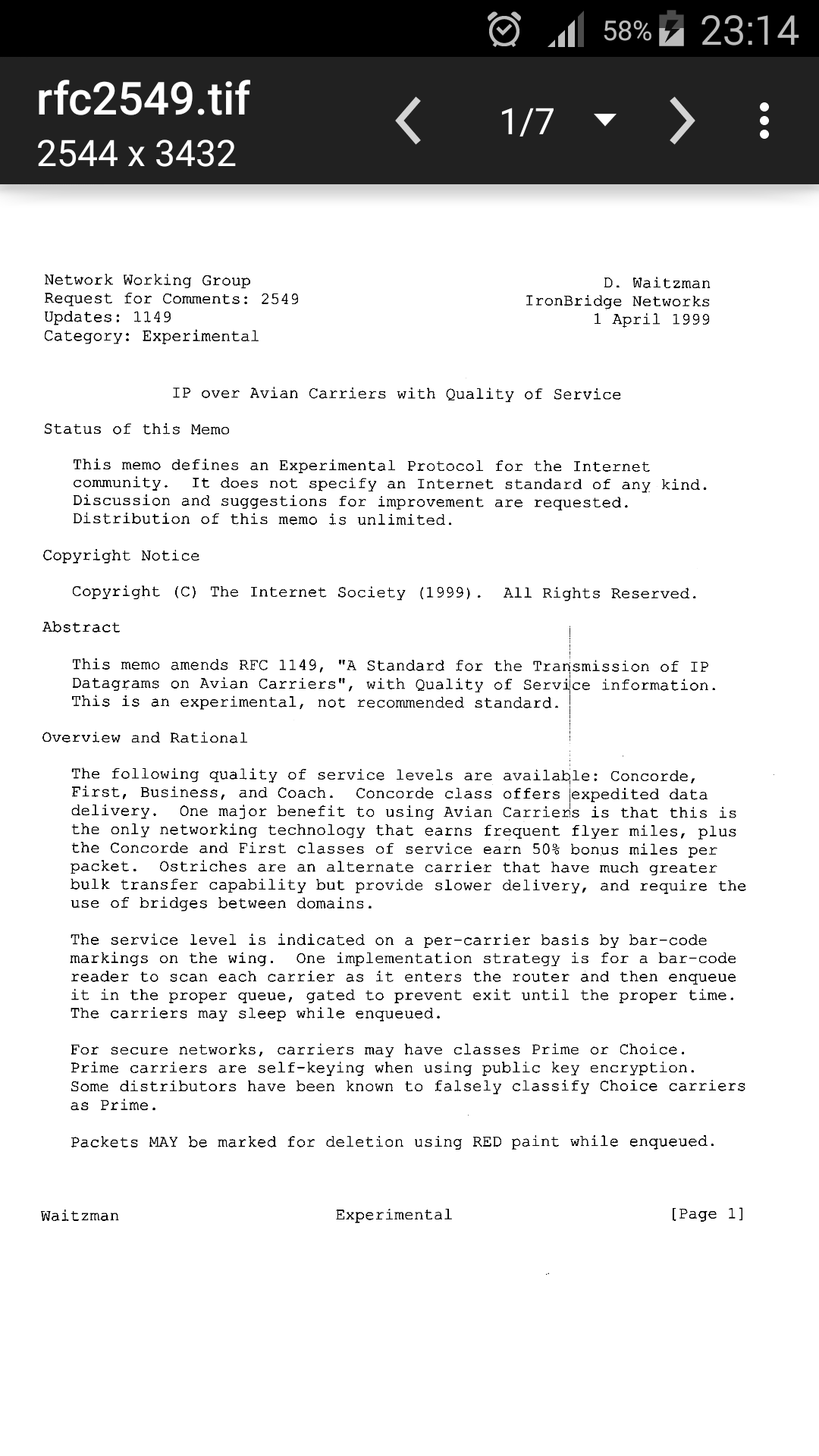
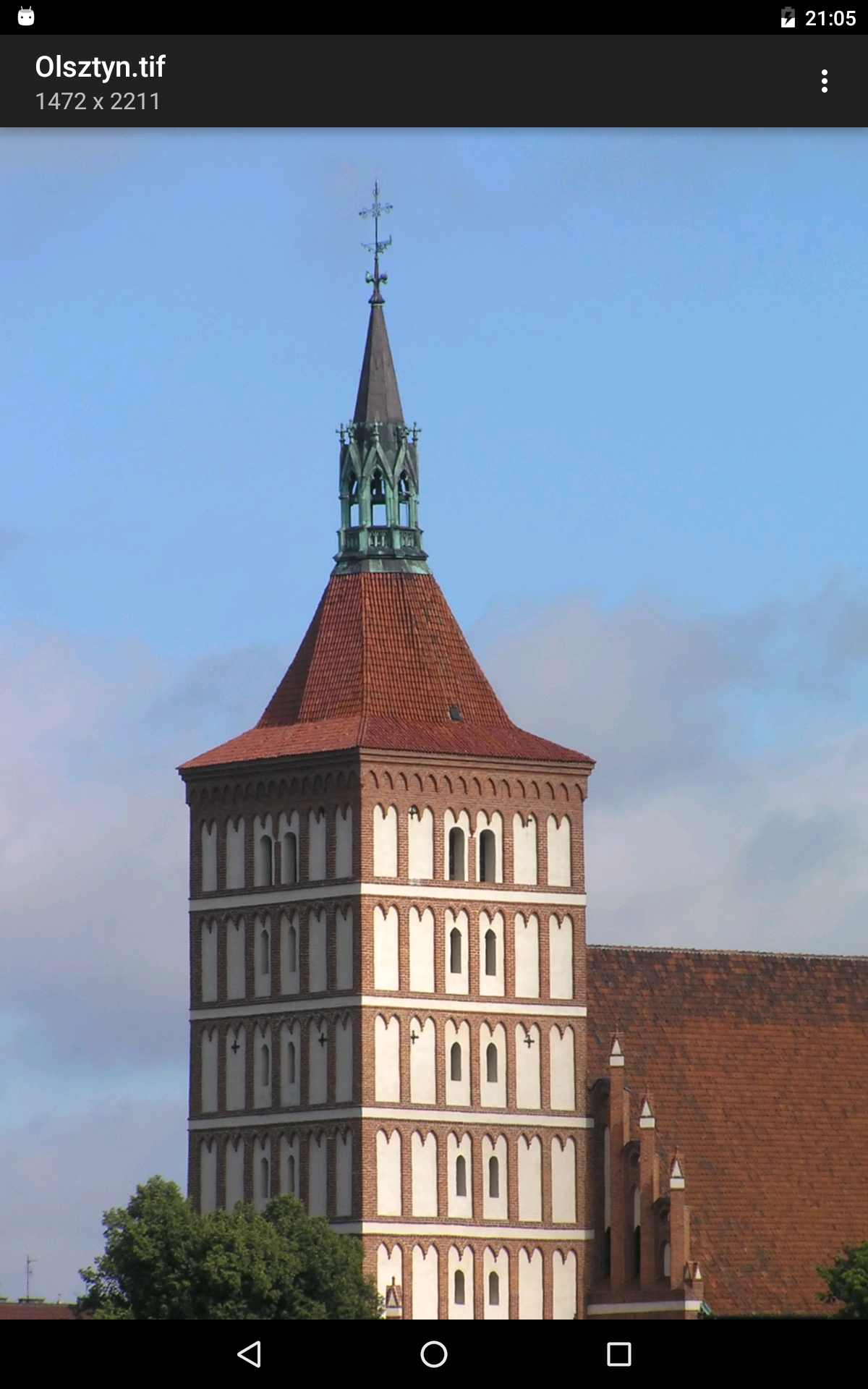
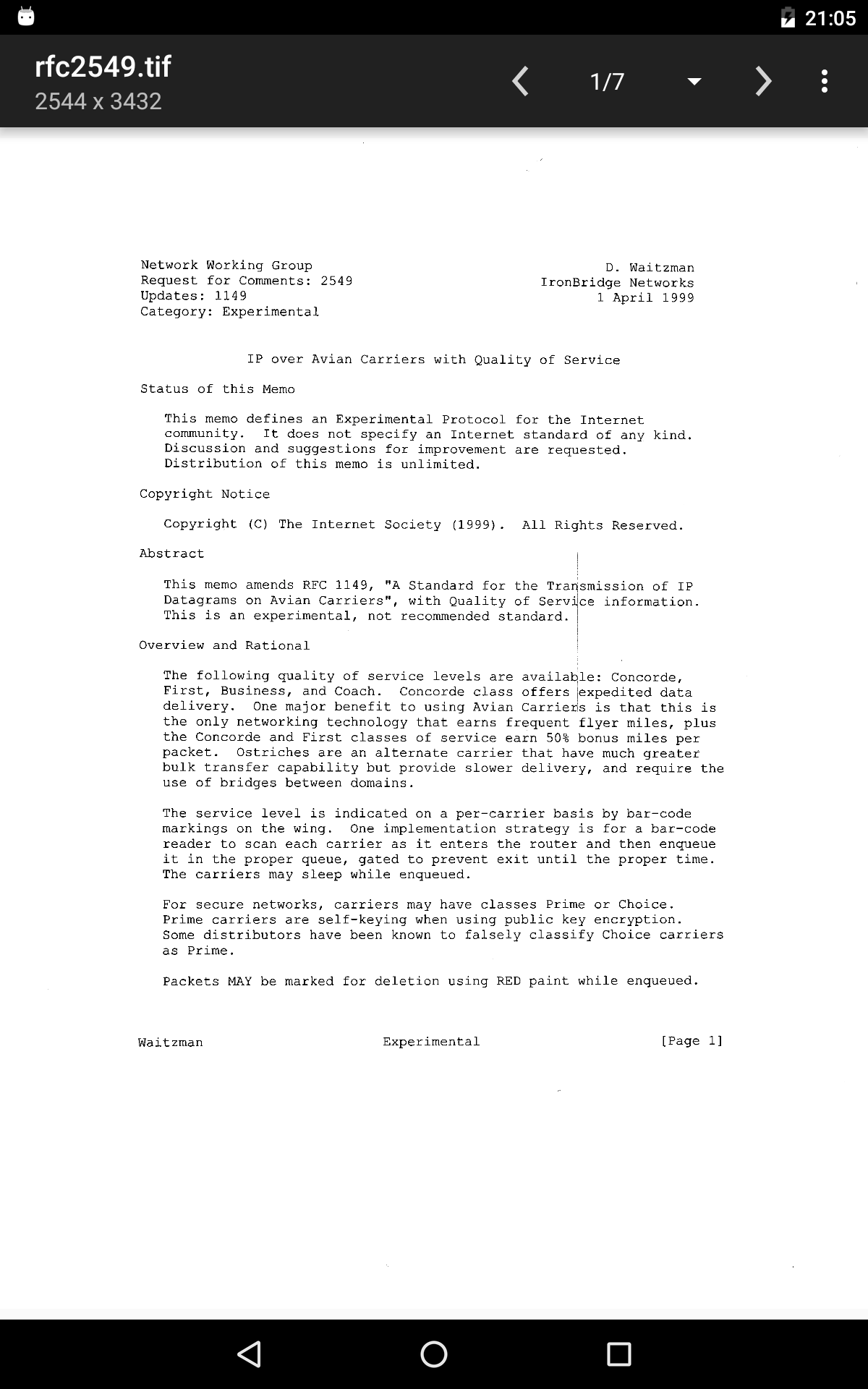
- Dukungan untuk dokumen multihalaman.
- Kompresi dengan sedikit atau tanpa penurunan kualitas.
- Konverter bawaan.
- Tidak ada fitur berbayar.
Deskripsi
Aplikasi Multi-TIFF Viewer diperiksa oleh antivirus VirusTotal. Sebagai hasil pemindaian, tidak ada infeksi file yang terdeteksi oleh semua tanda tangan terbaru.
Cara memasang Multi-TIFF Viewer
- Unduh file APK aplikasi dari apkshki.com.
- Temukan file yang diunduh. Anda dapat menemukannya di baki sistem atau di folder 'Download' menggunakan manajer file apa pun.
- Jika file yang diunduh berekstensi .bin (bug WebView di Android 11), ubah namanya menjadi .apk menggunakan pengelola file apa pun atau coba unduh file dengan browser lain seperti Chrome.
- Mulai penginstalan. Klik pada file yang diunduh untuk memulai penginstalan
- Izinkan penginstalan dari sumber yang tidak dikenal. Jika Anda menginstal untuk pertama kalinya Multi-TIFF Viewer bukan dari Google Play, buka pengaturan keamanan perangkat Anda dan izinkan penginstalan dari sumber yang tidak dikenal.
- Lewati perlindungan Google Play. Jika proteksi Google Play memblokir penginstalan file, ketuk 'Info Lebih Lanjut' → 'Tetap instal' → 'OK' untuk melanjutkan..
- Selesaikan penginstalan: Ikuti petunjuk penginstal untuk menyelesaikan proses penginstalan.
Cara memperbarui Multi-TIFF Viewer
- Unduh versi baru aplikasi dari apkshki.com.
- Cari file yang diunduh dan klik file tersebut untuk memulai penginstalan.
- Instal di atas versi lama. Tidak perlu menghapus instalasi versi sebelumnya.
- Hindari konflik tanda tangan. Jika versi sebelumnya tidak diunduh dari apkshki.com, pesan 'Aplikasi tidak terinstal' mungkin muncul. Dalam kasus ini, hapus instalan versi lama dan instal versi baru.
- Mulai ulang lampiran Multi-TIFF Viewer setelah pembaruan.








Meminta pembaruan aplikasi
Ditambahkan Denis Rubinov
Versi: 1.17.1
Ukuran: 8.1 MB
Diperbarui: 20.02.2023
Developer: tyniw.net
Batasan Usia: Everyone
Otorisasi:
Diunduh di Google Play: 3698398
Kategori: Alat















Ulasan untuk Multi-TIFF Viewer
Nice App
Good
Vip
App works well but application is collecting data even though the description says otherwise. If you are using Google analytics-then please say so multi-tiff developers. If collecting more Then state that. Investigation shows Google admob and Google doubleclick.
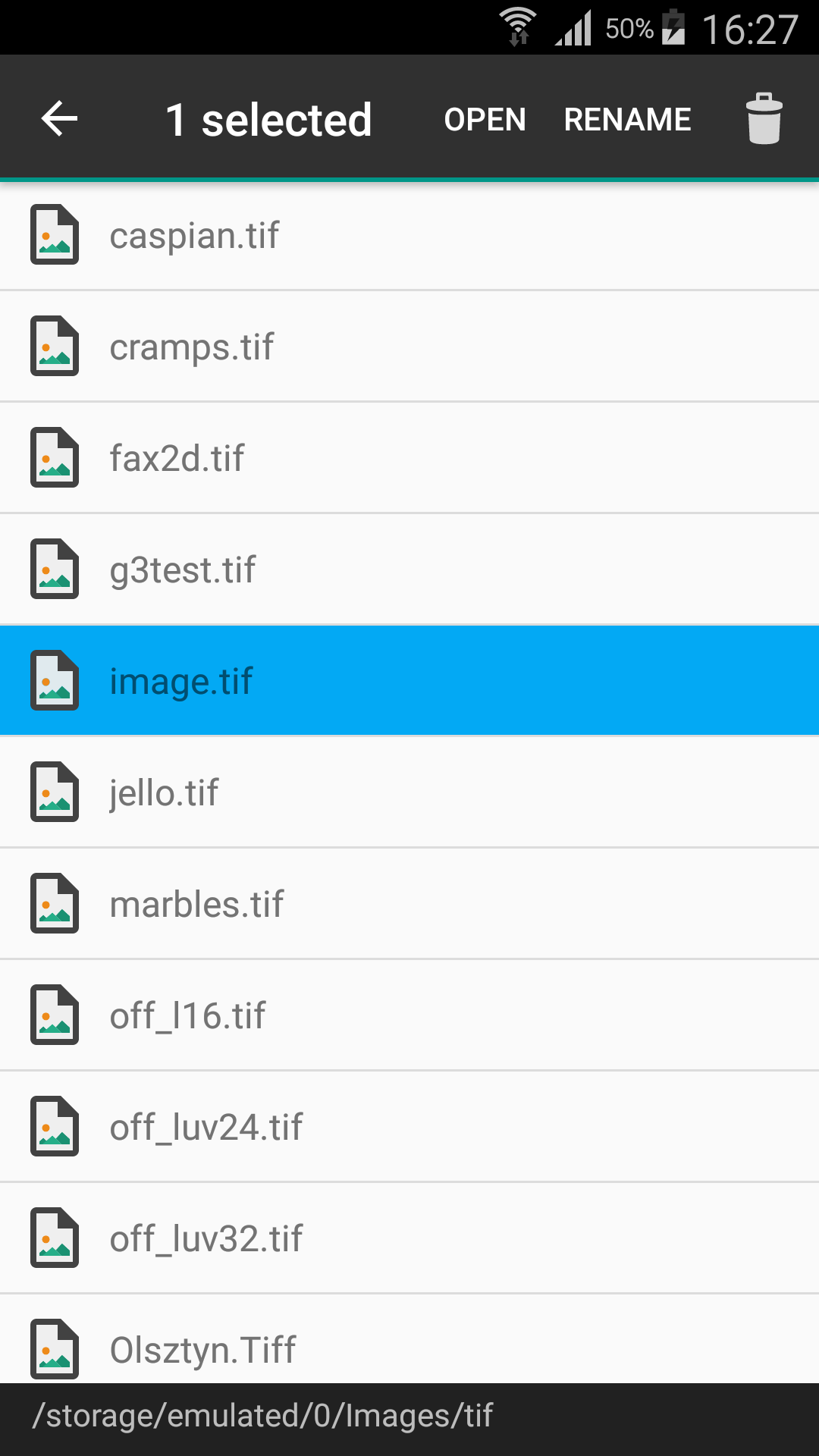
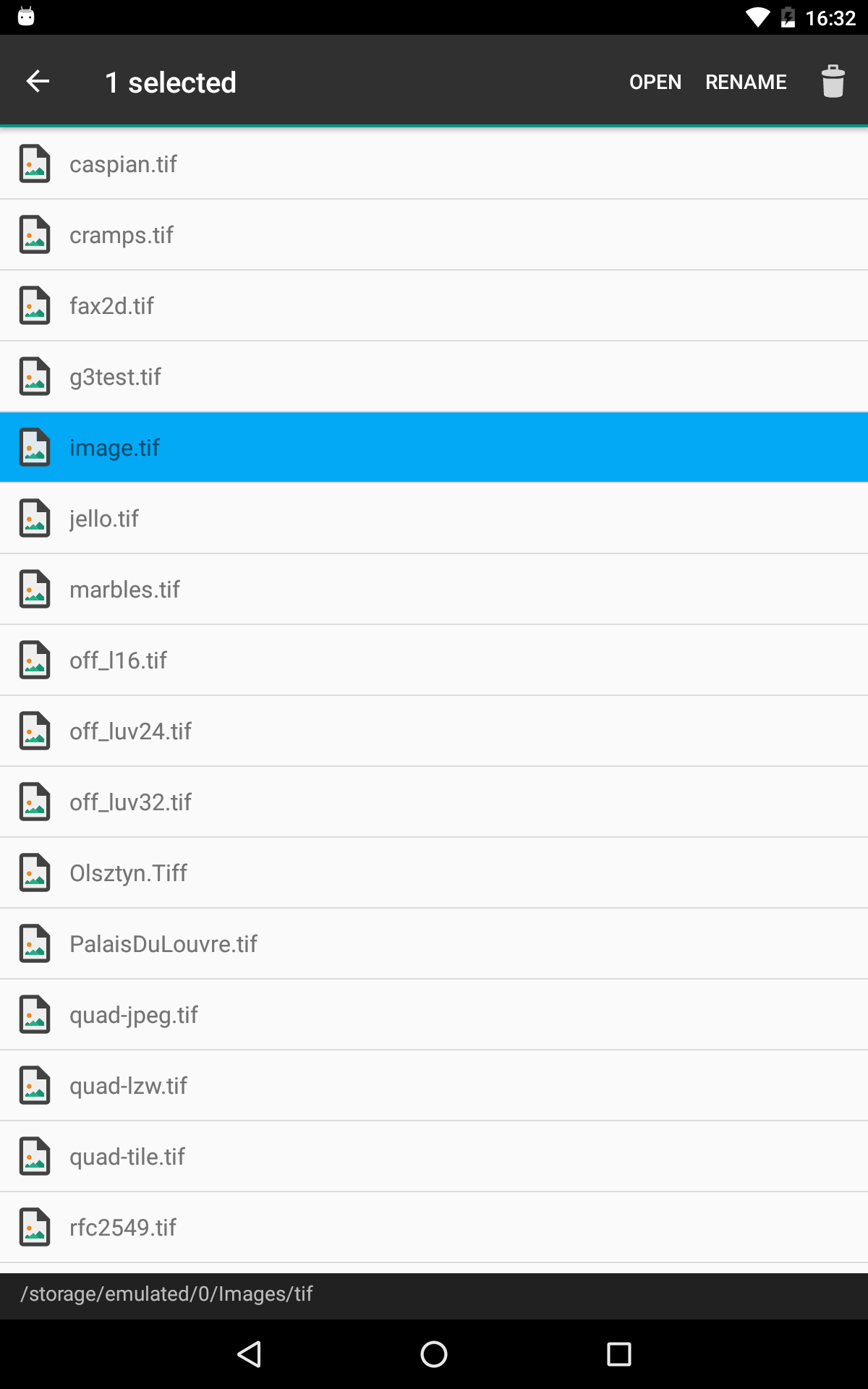
Opens .tiff's on Pixel8, tnx. First few tiff's from rubin dot canto dot com, and I don't recall being pestered by any ads from the Multi-TIFF Viewer. 😘 So far. I don't see Full Screen button or menu item! From app, choose Internal Storage > Download folder > etc, where my tiff files are. Tapping on file doesn't work. Instead, 1. Select file and, 2. Tap on app's Select button. No arrow to move to next file. Instead, back out of image, back to file-list, tap on next file, and re-tap Select.
Super
Opens tiff but cannot print from it.
Can't use external drives
4 trackers including ads trackers 🥴😠. Otherwise great app
Nice
I had to d'l'd it once to see slides attached to an email and it worked. Other than that, haven't used it. Worked tho.
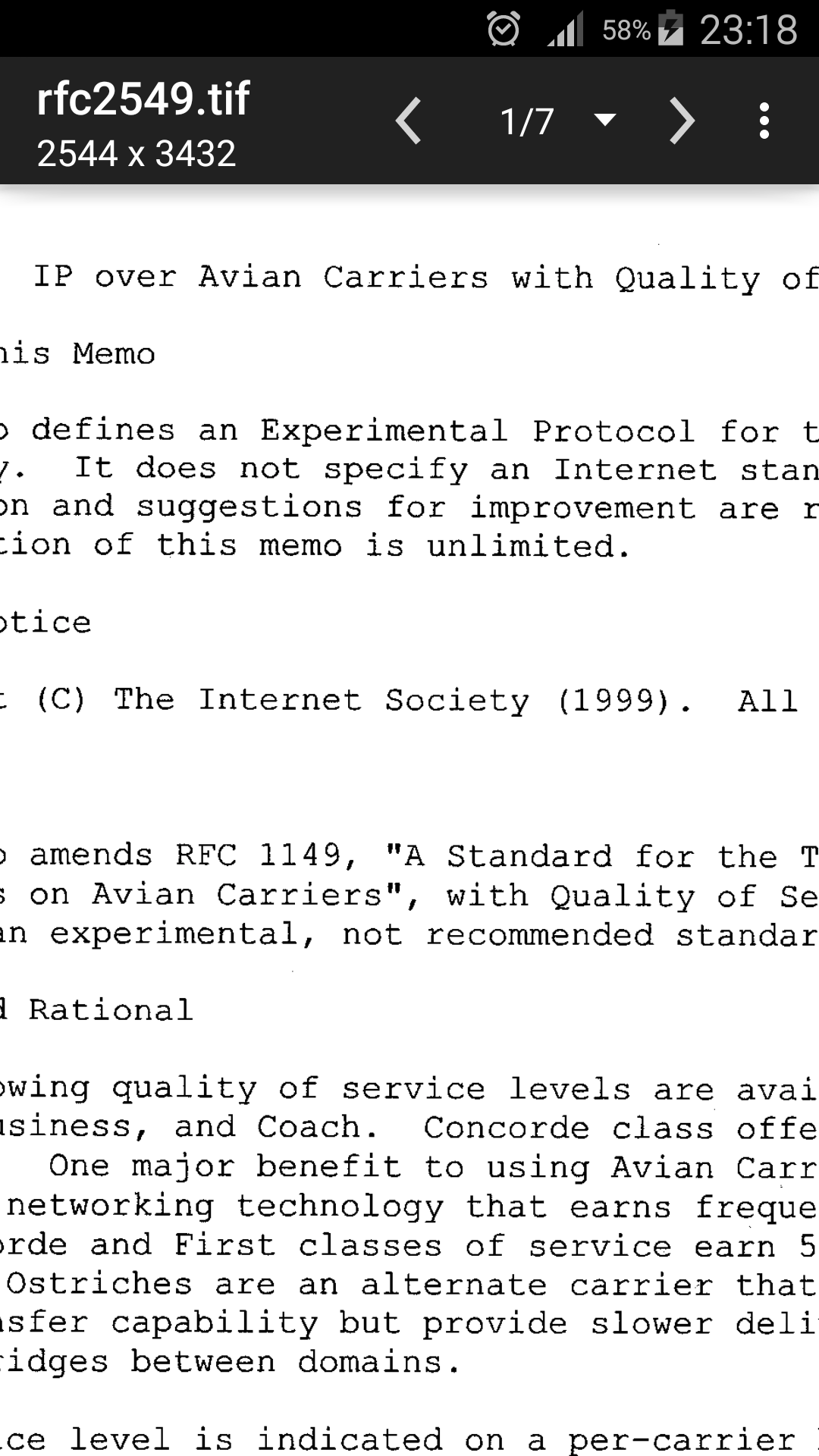
Did exactly what I required... let me view some tif files. I'll how for an export feature in future. But this works fine. The image was clear. I could zoom in. And I took a screenshot of each. There was a tiny strip of an ad at the bottom of the screen. So small that I could barely read the text. Not a problem for me.
There is always room for improvement. After opening a file, you have to reopen the app to open another file. So viewing multiple nfiles is a cumbersome.
Okay, but would be useful to have an export to jpeg feature. Barring that, at least a full-screen mode where I can get a decent screenshot of the image displayed
It opens TIFF files nicely and lets you zoom. More than that would not be free, so thanks to the developer. Nice work.
Kirimkan komentar
Untuk memberikan komentar, masuklah dengan jejaring sosial Anda:
Atau tinggalkan komentar anonim. Komentar Anda akan dikirim untuk dimoderasi.
Kirimkan komentar
Untuk memberikan komentar, masuklah dengan jejaring sosial Anda:
Atau tinggalkan komentar anonim. Komentar Anda akan dikirim untuk dimoderasi.