



Write by Voice: Speech to Text
6+
unduhan4.0+
versi Android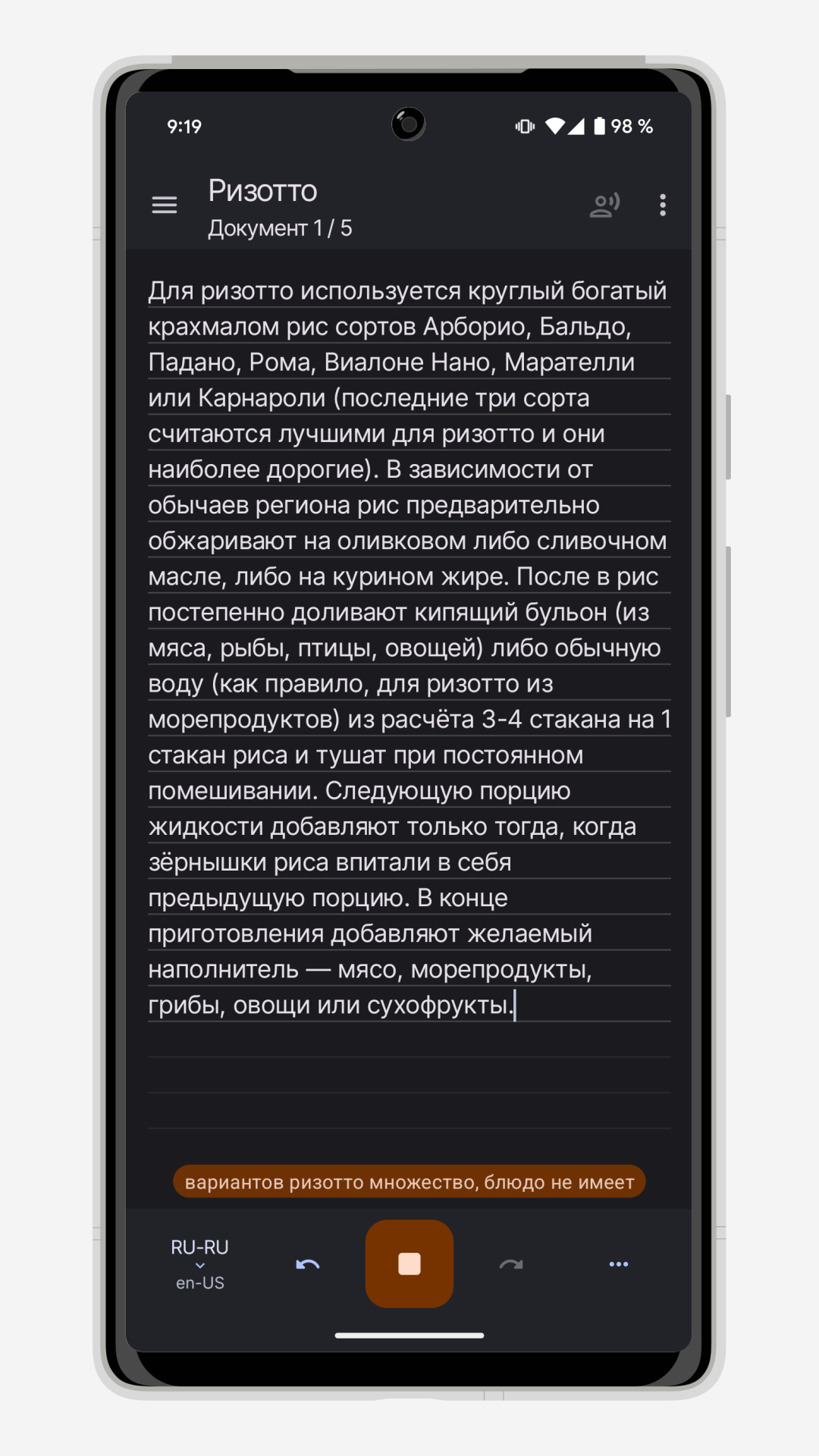
Ditambahkan: Denis Rubinov
Versi: 4.4.1
Ukuran: 5.3 MB
Diperbarui: 24.06.2025
Developer: UX Apps
Batasan Usia: Everyone
Otorisasi: 5
Diunduh di Google Play: 11109801
Kategori: Komunikasi
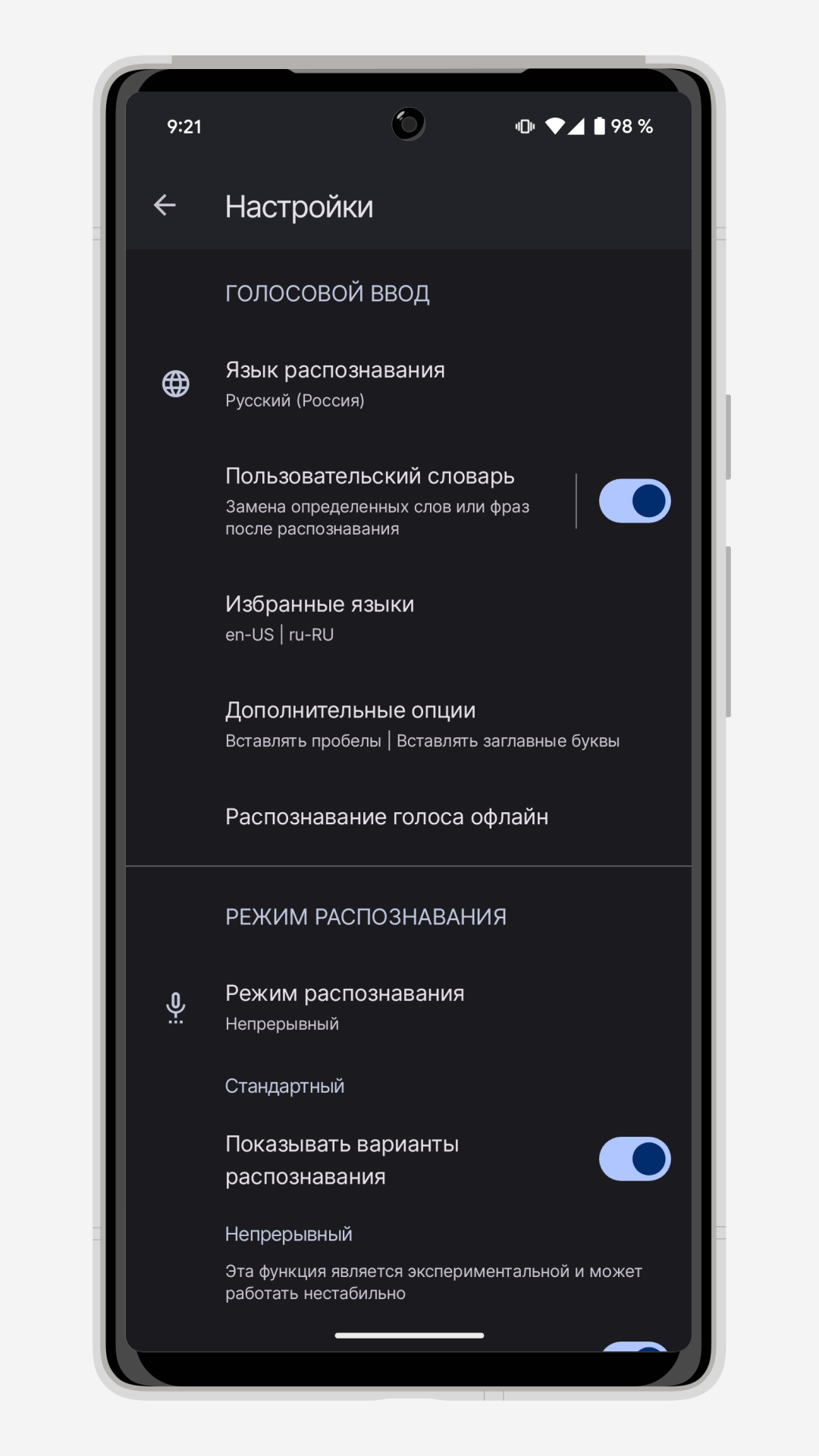
- Mendukung bahasa Rusia.
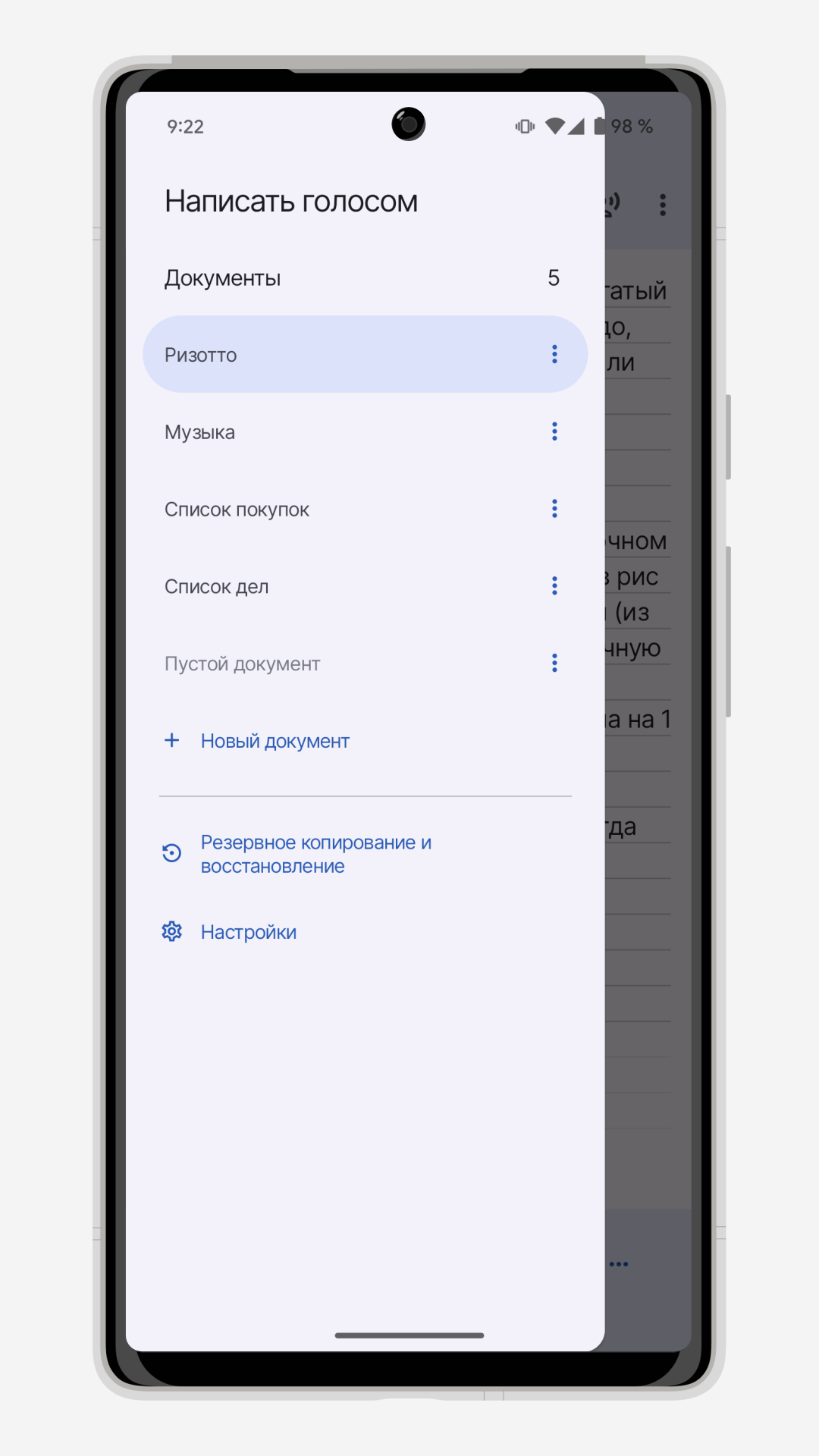
- Fungsi pengeditan kamus.
- Bekerja secara gratis.
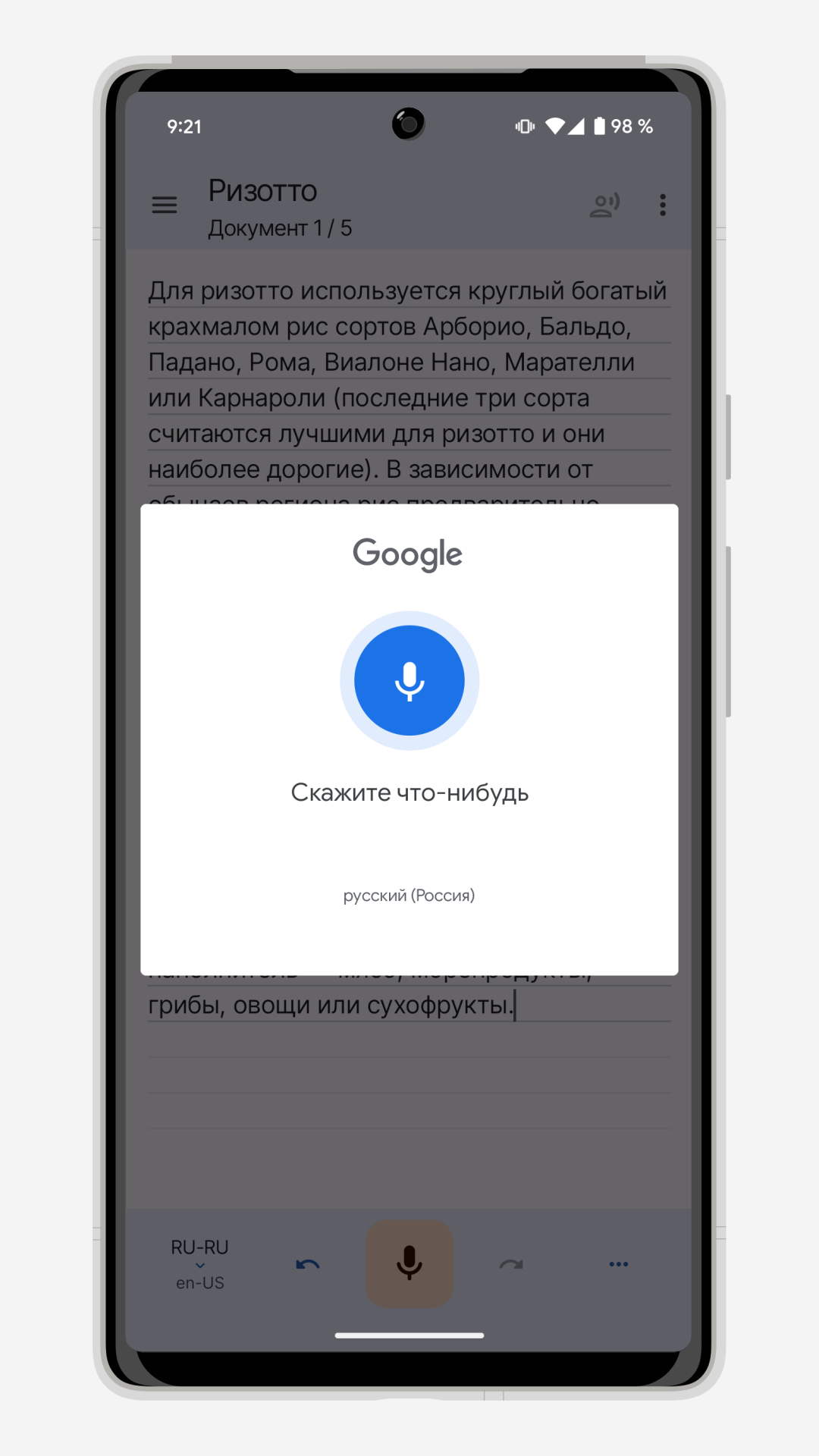
- Pengenalan ucapan yang akurat.
- Dapat digunakan secara offline.
Deskripsi
Aplikasi Write by Voice: Speech to Text diperiksa oleh antivirus VirusTotal. Sebagai hasil pemindaian, tidak ada infeksi file yang terdeteksi oleh semua tanda tangan terbaru.
Cara memasang Write by Voice: Speech to Text
- Unduh file APK aplikasi dari apkshki.com.
- Temukan file yang diunduh. Anda dapat menemukannya di baki sistem atau di folder 'Download' menggunakan manajer file apa pun.
- Jika file yang diunduh berekstensi .bin (bug WebView di Android 11), ubah namanya menjadi .apk menggunakan pengelola file apa pun atau coba unduh file dengan browser lain seperti Chrome.
- Mulai penginstalan. Klik pada file yang diunduh untuk memulai penginstalan
- Izinkan penginstalan dari sumber yang tidak dikenal. Jika Anda menginstal untuk pertama kalinya Write by Voice: Speech to Text bukan dari Google Play, buka pengaturan keamanan perangkat Anda dan izinkan penginstalan dari sumber yang tidak dikenal.
- Lewati perlindungan Google Play. Jika proteksi Google Play memblokir penginstalan file, ketuk 'Info Lebih Lanjut' → 'Tetap instal' → 'OK' untuk melanjutkan..
- Selesaikan penginstalan: Ikuti petunjuk penginstal untuk menyelesaikan proses penginstalan.
Cara memperbarui Write by Voice: Speech to Text
- Unduh versi baru aplikasi dari apkshki.com.
- Cari file yang diunduh dan klik file tersebut untuk memulai penginstalan.
- Instal di atas versi lama. Tidak perlu menghapus instalasi versi sebelumnya.
- Hindari konflik tanda tangan. Jika versi sebelumnya tidak diunduh dari apkshki.com, pesan 'Aplikasi tidak terinstal' mungkin muncul. Dalam kasus ini, hapus instalan versi lama dan instal versi baru.
- Mulai ulang lampiran Write by Voice: Speech to Text setelah pembaruan.








Meminta pembaruan aplikasi
Ditambahkan Denis Rubinov
Versi: 4.4.1
Ukuran: 5.3 MB
Diperbarui: 24.06.2025
Developer: UX Apps
Batasan Usia: Everyone
Otorisasi:
Diunduh di Google Play: 11109801
Kategori: Komunikasi















Ulasan untuk Write by Voice: Speech to Text
I love it.
App censors your swear words. Absolutely useless.
after storing 4 to 5 documents ... suddenly it stopped working...then I had to uninstall the app and reinstall again...with that all my files got deleted
so far, so very good. I'll be using this for a few weeks to get used to it and see if it works for me. But so far, yeah, it does the job for me . Thanks
very good, please, add a ''search funcion''
good 👍👍👍👍👍
it hears well.
perfect App
great app for deaf and hard of hearing. I love it
excellent
Pretty good so far (not yet bombarded in excessive video ads or anything) but it could do with a way to add punctuation and recognise "full stop" "Comma" etc. The beeps are incredibly annoying and I wish there was a way to turn them on/off/select different tones/control volume. I don't need them, others will.
Bought this by accident as I was using something else that worked really well and thought it was this app. As with other peoples reviews the app is all but useless as a voice or conversation recorder. A better title for it would be voice note recorder since it stops recording the instant you stop even to breathe. They have my money and it is now uninstalled. I only give it 2 stars due to lack of usefulness not because it doesn't work. There is no way you can "Write by Voice"
I'm a driving instructor and am using this app to help a deaf pupil. This is the only speech to text app I've found that works with Android Auto, so the text comes up on a large screen making it easier for the customer to see. It's not perfect, these things rarely are, but it's good enough to make me happy to purchase the premium version. Even without buying the premium version, the ads aren't intrusive, they're placed in an area where they're clearly visible, but it doesn't stop you.
The app seems to work pretty well in voice recognition. However the moment you stop speaking it automatically stops recording and you have to press the button again. This is okay if I have the phone in my hand, but if I'm driving I have to keep pressing the microphone and that becomes a little annoying and very distracting.
I am experimentings with apps using my voice. This app is very average. If you stop speaking in the middle of a sentence, and start speaking again, it will automatically capitalize the next word even though it should not be.The following sentence is a clear example of what I previously Mentioned here.You can see where it has Capitalized. Sometimes it does not clearly Understand what I am speaking. I don't see an option to Change the color of the keyboard.
Kirimkan komentar
Untuk memberikan komentar, masuklah dengan jejaring sosial Anda:
Atau tinggalkan komentar anonim. Komentar Anda akan dikirim untuk dimoderasi.
Kirimkan komentar
Untuk memberikan komentar, masuklah dengan jejaring sosial Anda:
Atau tinggalkan komentar anonim. Komentar Anda akan dikirim untuk dimoderasi.