



Don't Touch My Phone AntiTheft
11+
unduhan4.1+
versi Android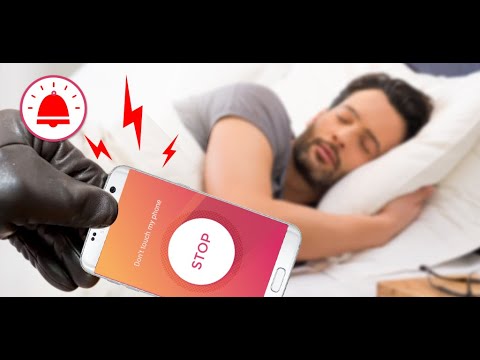
Ditambahkan: Denis Rubinov
Versi: 1.4.82
Ukuran: 44.3 MB
Diperbarui: 22.05.2025
Developer: tappaz.games
Batasan Usia: Everyone
Otorisasi: 10
Diunduh di Google Play: 26580305
Kategori: Alat
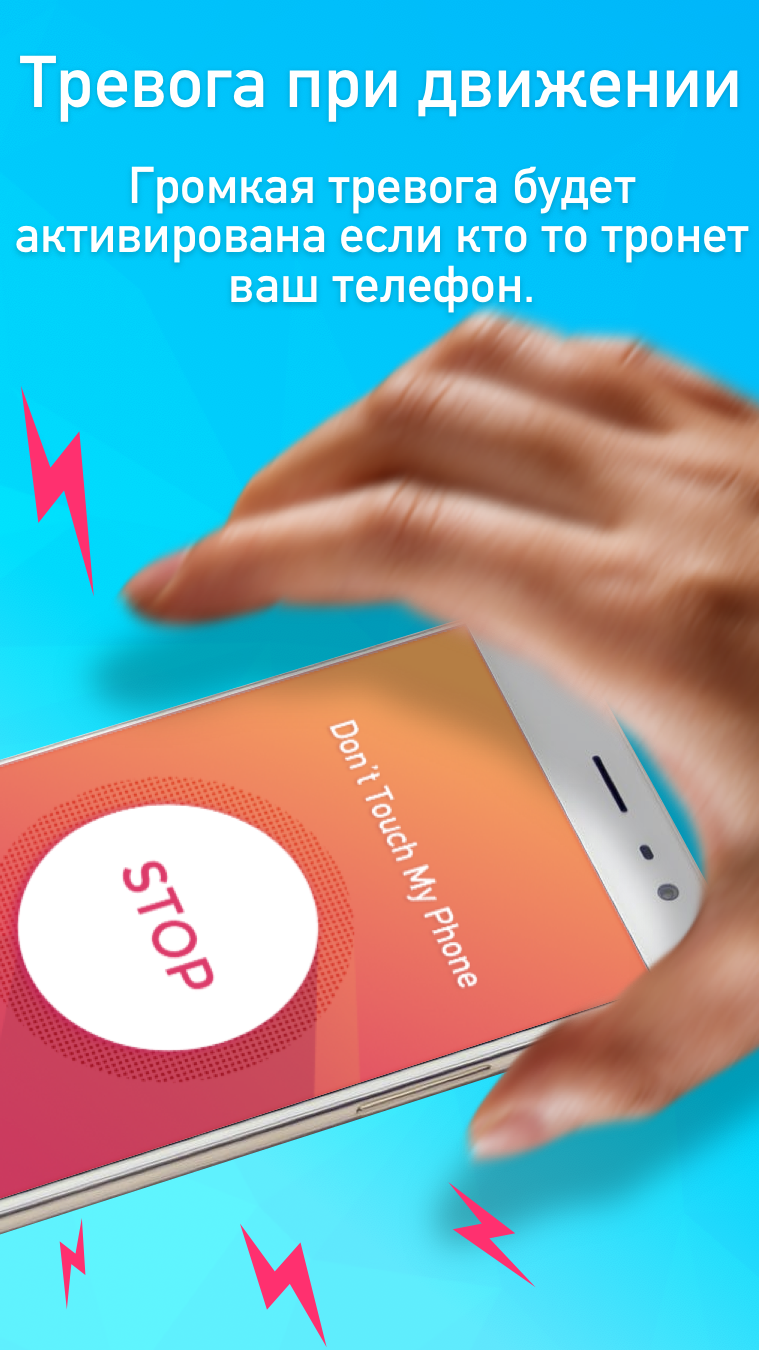
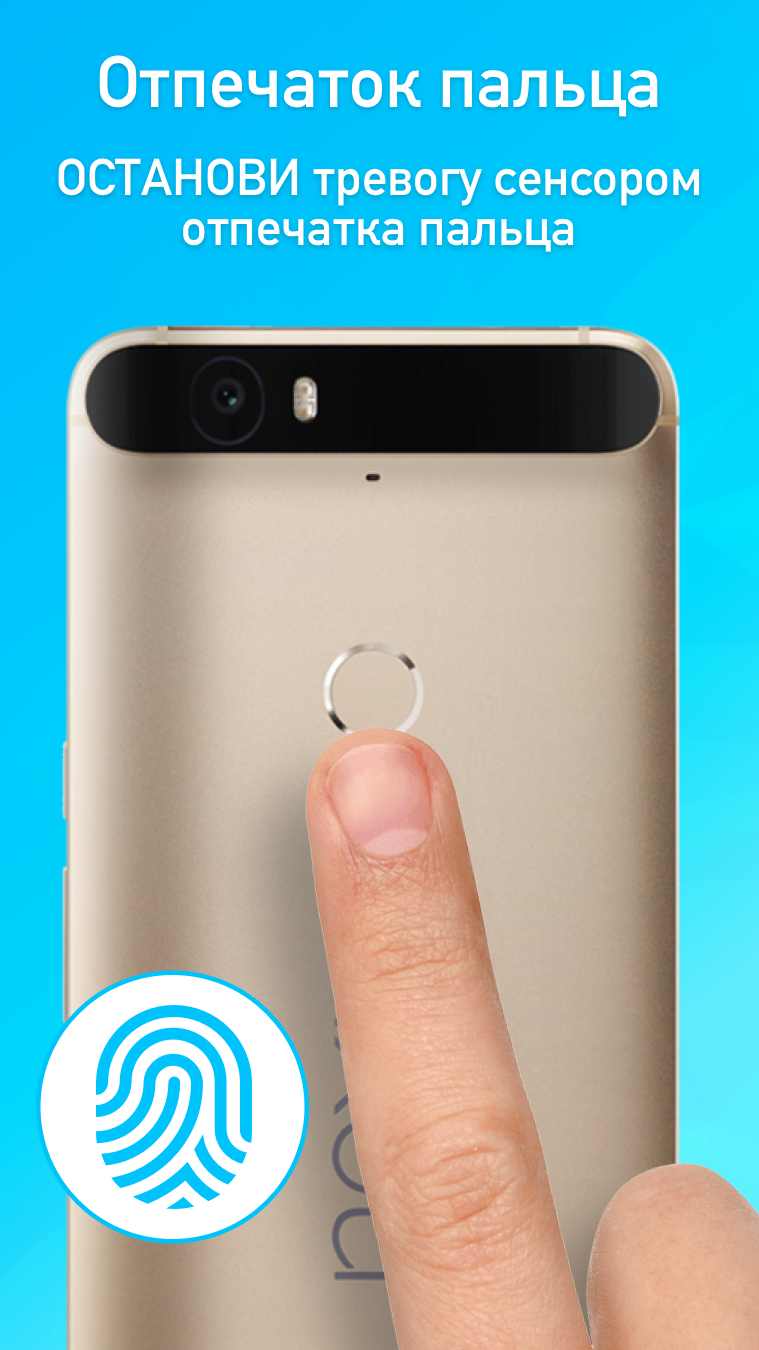
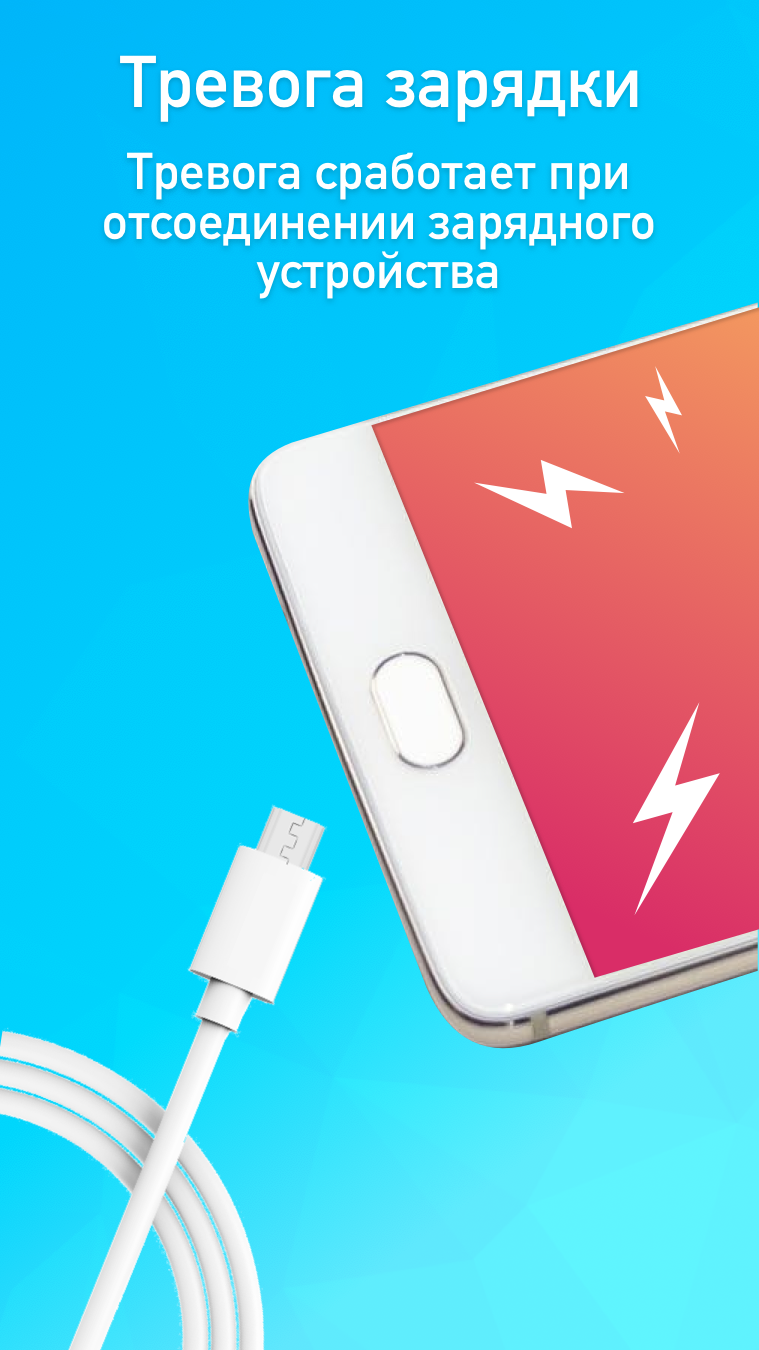
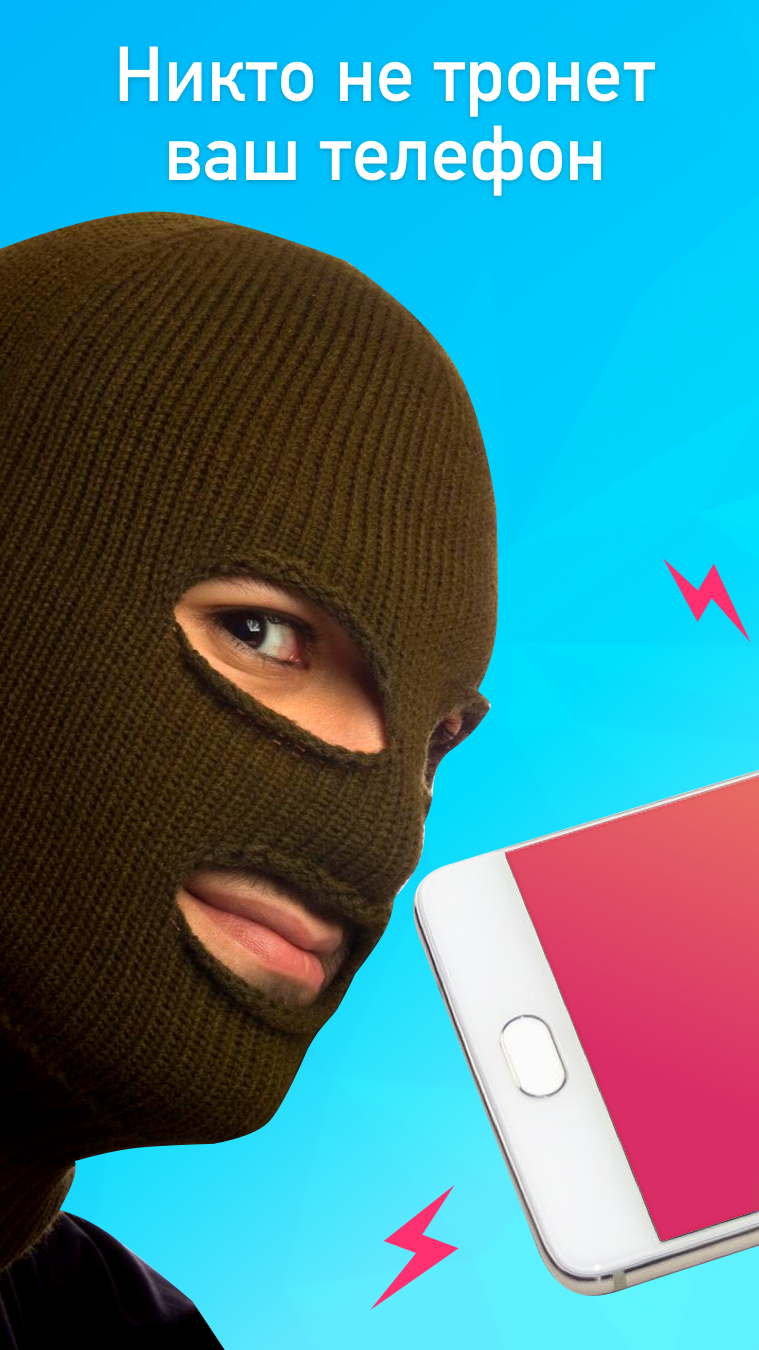
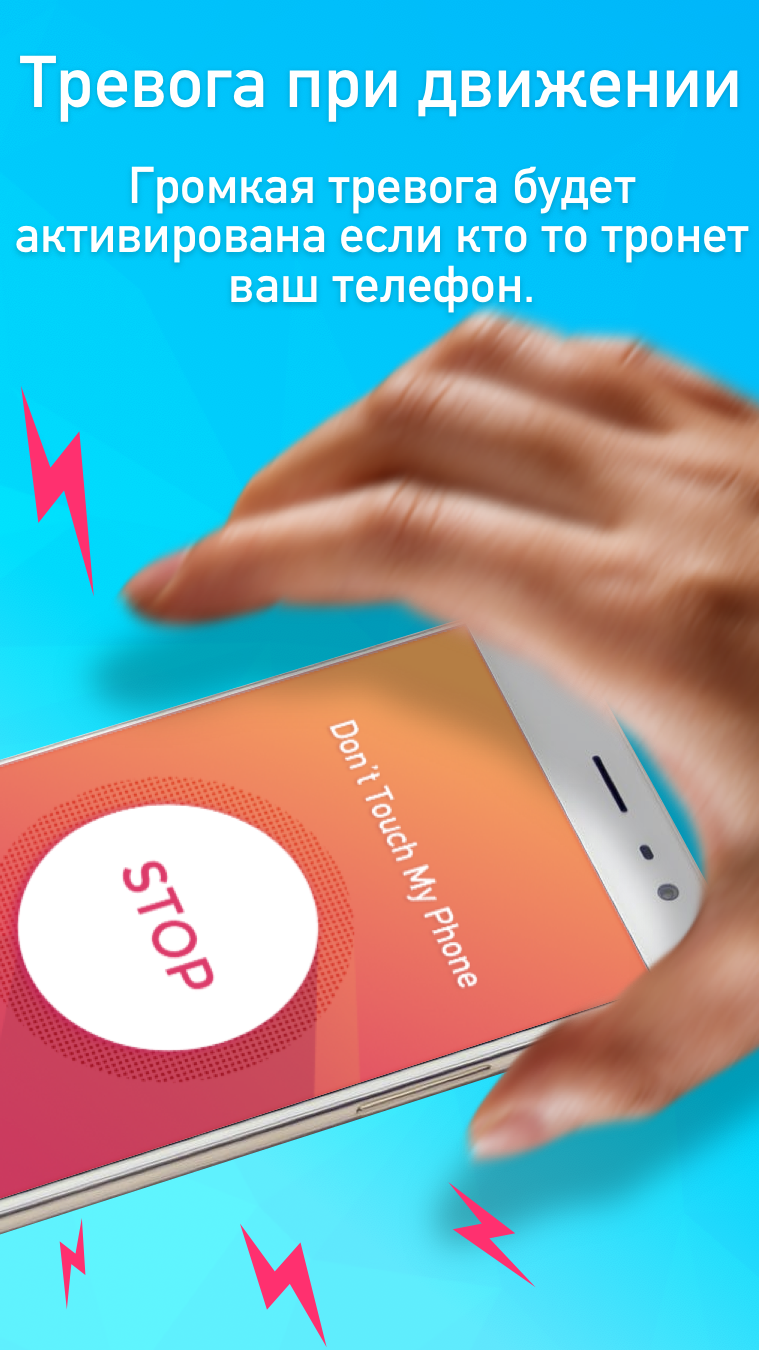
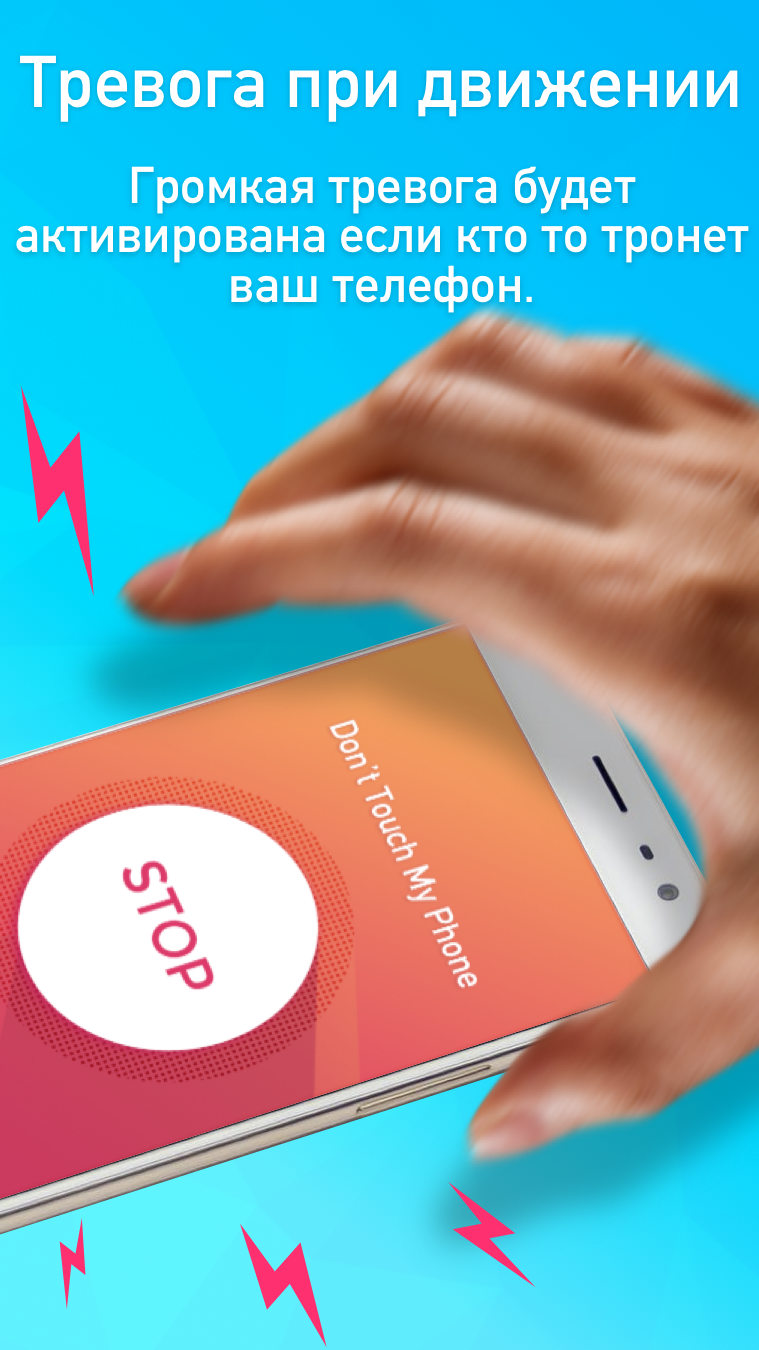
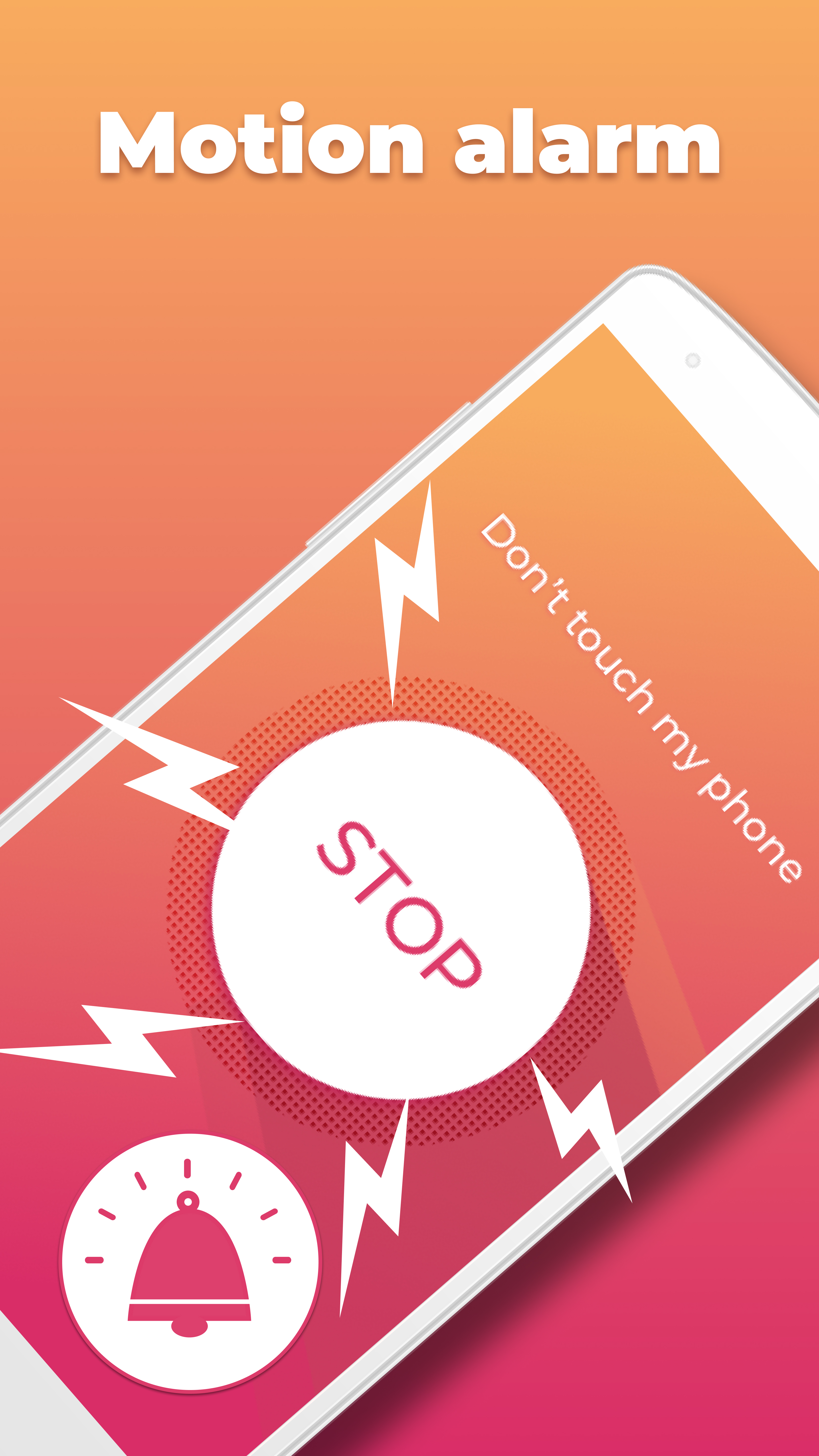
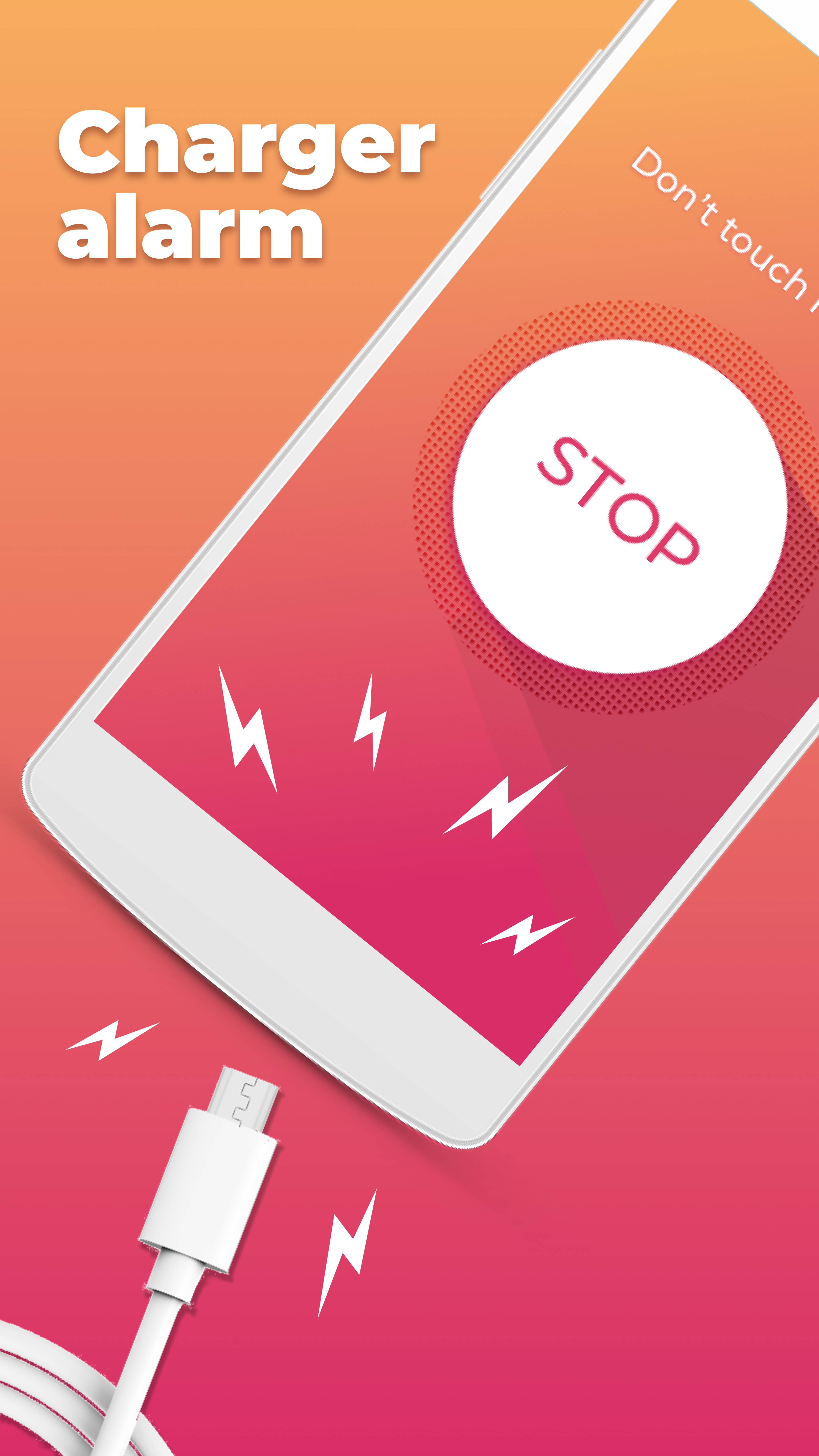
- Alarm keras saat mencoba mencuri telepon.
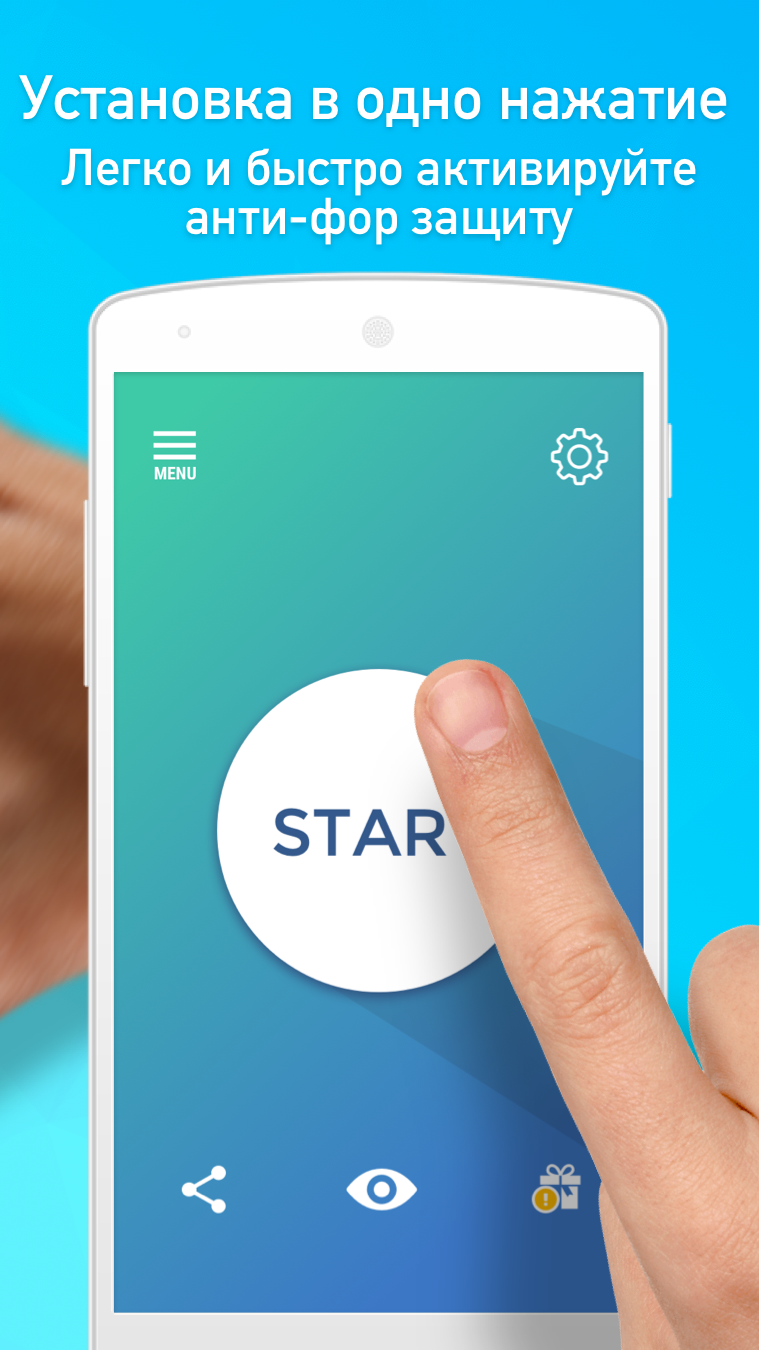
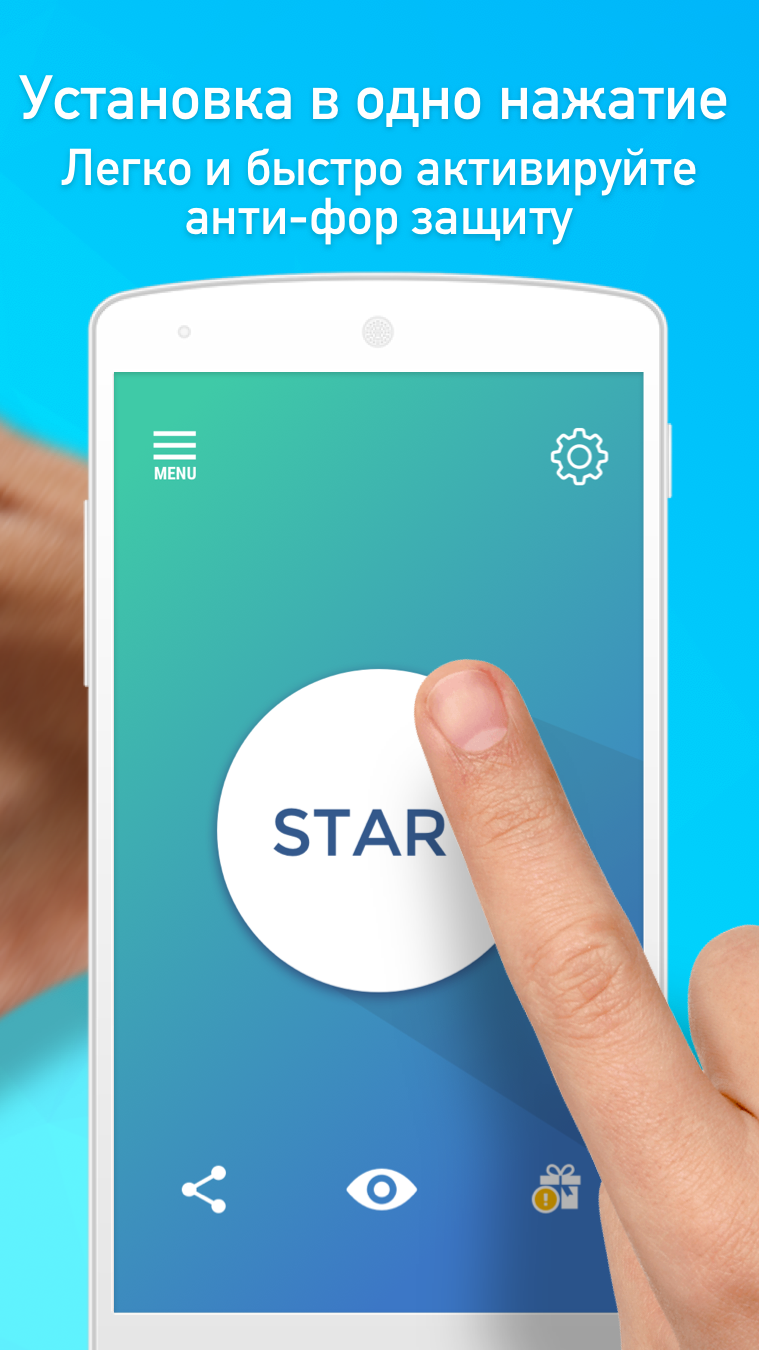
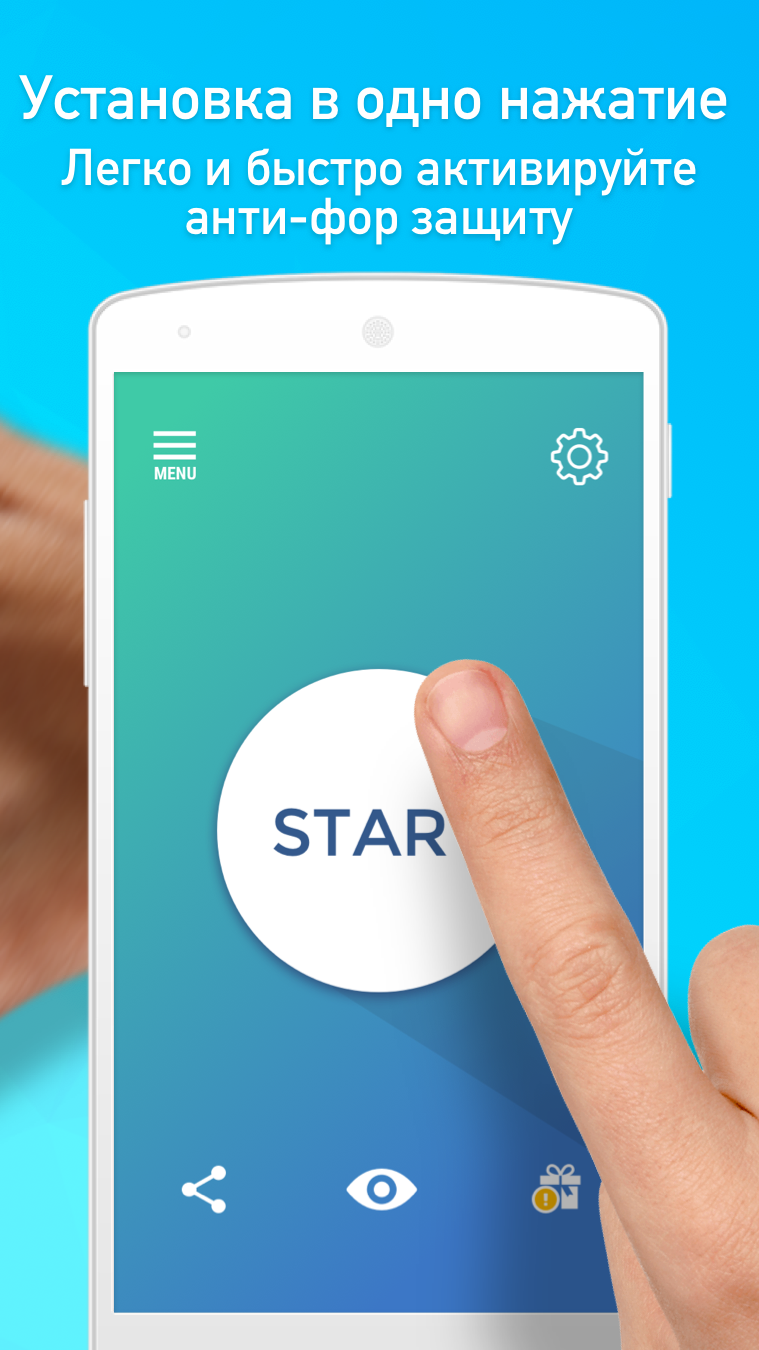
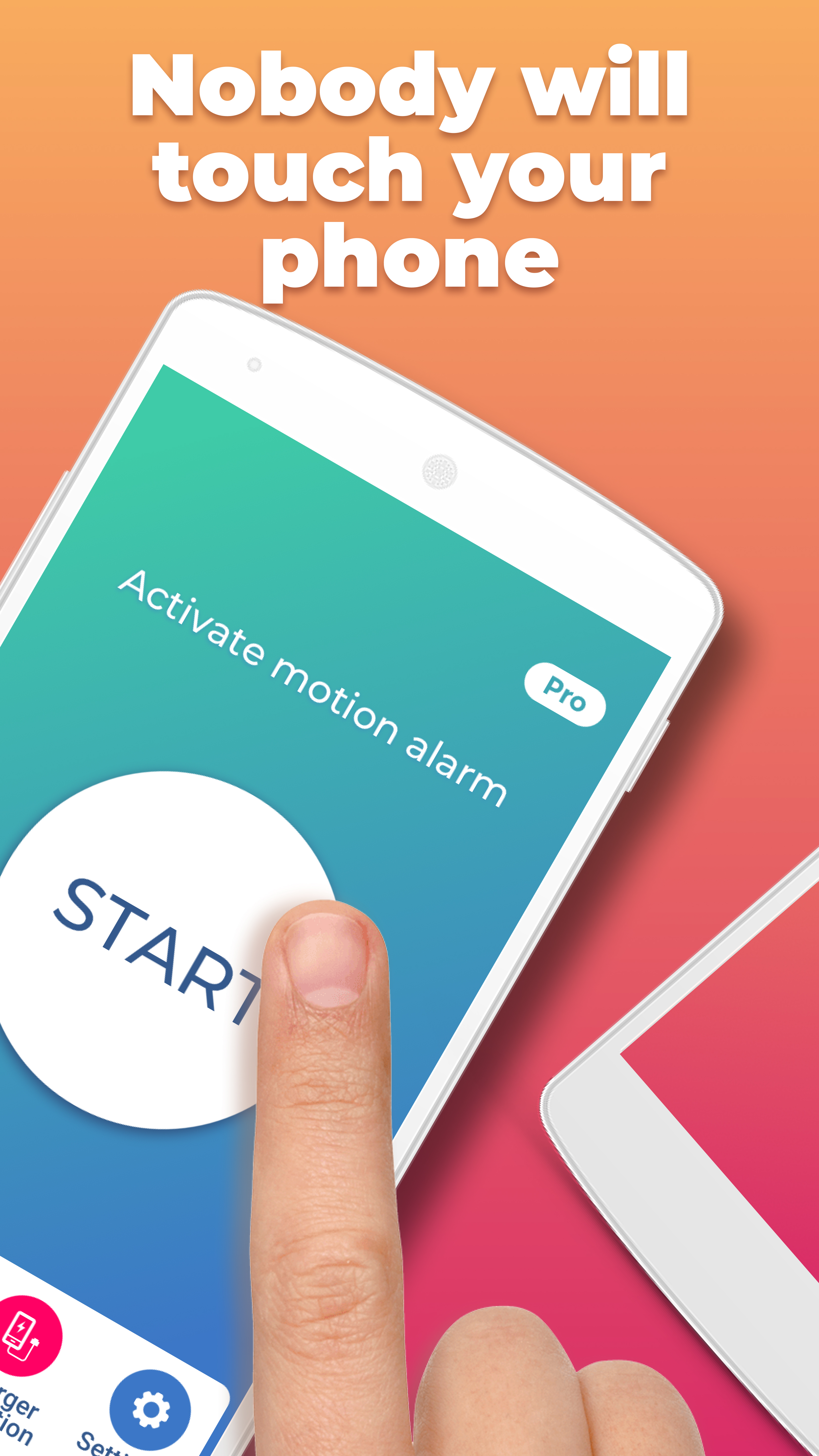
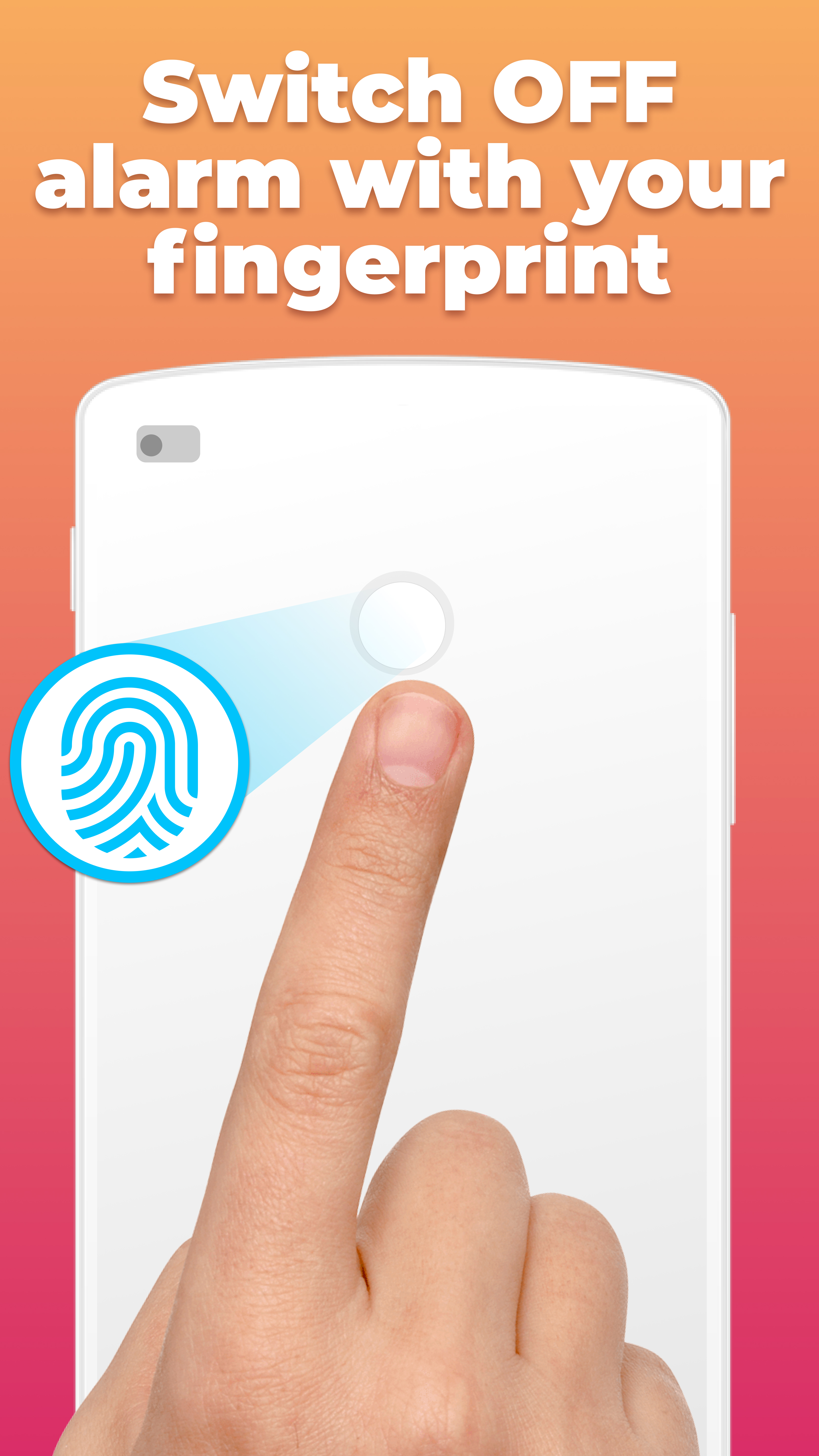
- Aktifkan perlindungan dengan satu ketukan.
- Perlindungan yang andal terhadap akses yang tidak sah.
Deskripsi
Aplikasi Don't Touch My Phone AntiTheft diperiksa oleh antivirus VirusTotal. Sebagai hasil pemindaian, tidak ada infeksi file yang terdeteksi oleh semua tanda tangan terbaru.
Cara memasang Don't Touch My Phone AntiTheft
- Unduh file APK aplikasi dari apkshki.com.
- Temukan file yang diunduh. Anda dapat menemukannya di baki sistem atau di folder 'Download' menggunakan manajer file apa pun.
- Jika file yang diunduh berekstensi .bin (bug WebView di Android 11), ubah namanya menjadi .apk menggunakan pengelola file apa pun atau coba unduh file dengan browser lain seperti Chrome.
- Mulai penginstalan. Klik pada file yang diunduh untuk memulai penginstalan
- Izinkan penginstalan dari sumber yang tidak dikenal. Jika Anda menginstal untuk pertama kalinya Don't Touch My Phone AntiTheft bukan dari Google Play, buka pengaturan keamanan perangkat Anda dan izinkan penginstalan dari sumber yang tidak dikenal.
- Lewati perlindungan Google Play. Jika proteksi Google Play memblokir penginstalan file, ketuk 'Info Lebih Lanjut' → 'Tetap instal' → 'OK' untuk melanjutkan..
- Selesaikan penginstalan: Ikuti petunjuk penginstal untuk menyelesaikan proses penginstalan.
Cara memperbarui Don't Touch My Phone AntiTheft
- Unduh versi baru aplikasi dari apkshki.com.
- Cari file yang diunduh dan klik file tersebut untuk memulai penginstalan.
- Instal di atas versi lama. Tidak perlu menghapus instalasi versi sebelumnya.
- Hindari konflik tanda tangan. Jika versi sebelumnya tidak diunduh dari apkshki.com, pesan 'Aplikasi tidak terinstal' mungkin muncul. Dalam kasus ini, hapus instalan versi lama dan instal versi baru.
- Mulai ulang lampiran Don't Touch My Phone AntiTheft setelah pembaruan.







Meminta pembaruan aplikasi
Ditambahkan Denis Rubinov
Versi: 1.4.82
Ukuran: 44.3 MB
Diperbarui: 22.05.2025
Developer: tappaz.games
Batasan Usia: Everyone
Otorisasi:
Diunduh di Google Play: 26580305
Kategori: Alat















Ulasan untuk Don't Touch My Phone AntiTheft
omg
good
Nice
It very good when someone stole your phone
advertisement, non stop advertisements
very nice
চুরা
👌 I love it
I don't like the app because it doesn't work
The alarm works, that's all I need. Buy the app, it's 3.99, jeeze. In app security isn't very good. They can always force close the app, leaving any security methods moot. I recommend simply locking your device, the app still appears to work when your phone is locked, though I need to test it to see if it functions when the phone enters doze mode.
I have so far tested the "snatch phone" capability @ phone locked. The alarm triggers quite reliably at the set phone volume. If there is a way to send the event to my home security audit trail (AT&T Digital Life in my case), then that would definitely be a "5 star" improvement.
This is a good app just don't like adds. This app does a great job making it known that my divice is bring touched or stolen if a situation requires this kind of app it helps to notify you that your devices are being touched or someone is trying to steal your devices. If I could suggest something I would add a option to locate/Track the exact location of my divices. My currant living situation unfortunately requires this app it makes a lot of noise and draws attention to the divice greatly👍..
It kind of works. But every time, when I first open it, it says, "Don't touch my phone", and I have to wait 10 seconds before I can start the alarm. It also interferes with my bluetooth connection. I can't activate the alarm and play music over the Bluetooth speaker at the same time. And in order to reconnect to Bluetooth, I have to restart my phone. I would not pay anything for this app. It's not worth it.
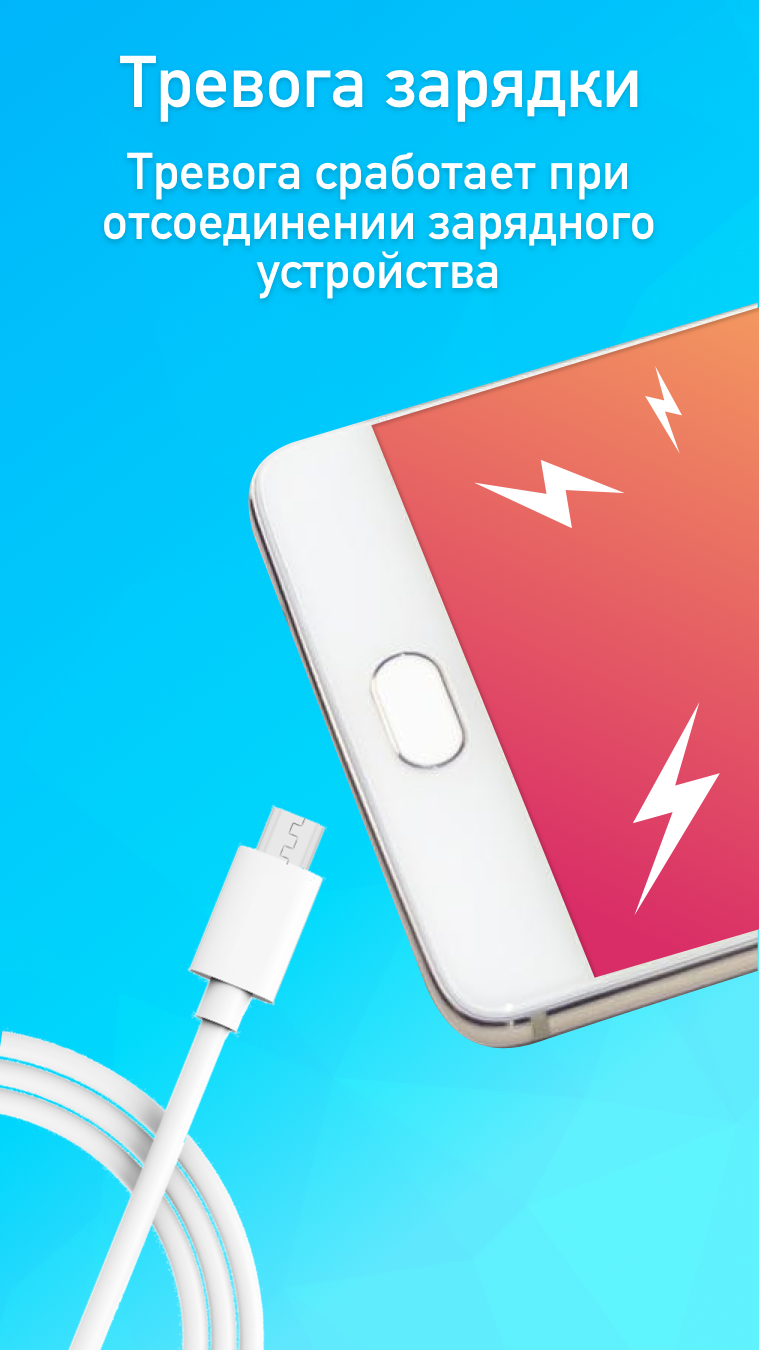
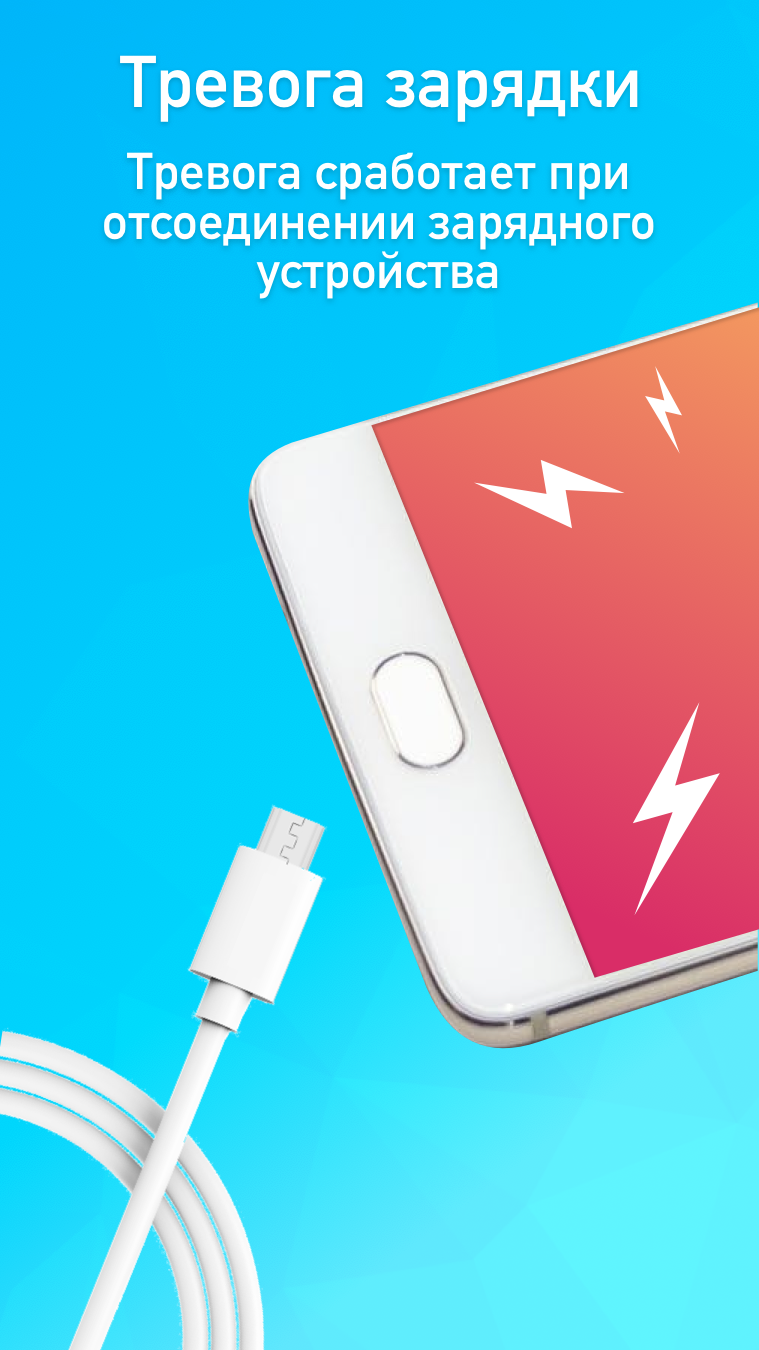
I was skeptical at first but went ahead and set the parameters up. Two days go by I forgot about the app until I see it again. Promised MYSELF to use it this go around and turned it on. I began watching the morning news like normal and again the alarm surprised me but this time it was going off "VERY LOUD ALARM" I had it set up to go off if it was removed from the charger. It works wonderfully for me. Keep up the fantastic work. I have come up with a new plan to incorporate DTMP. GREAT WORK🎗
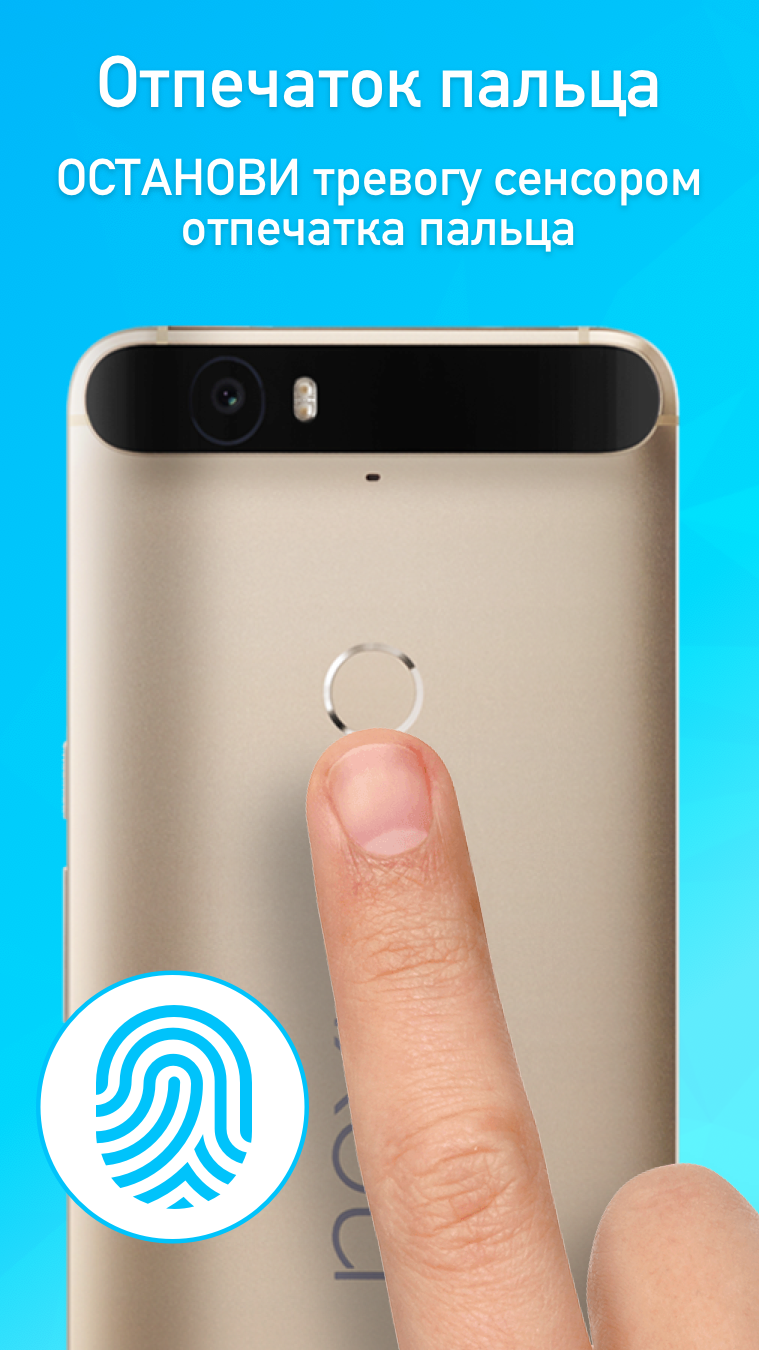
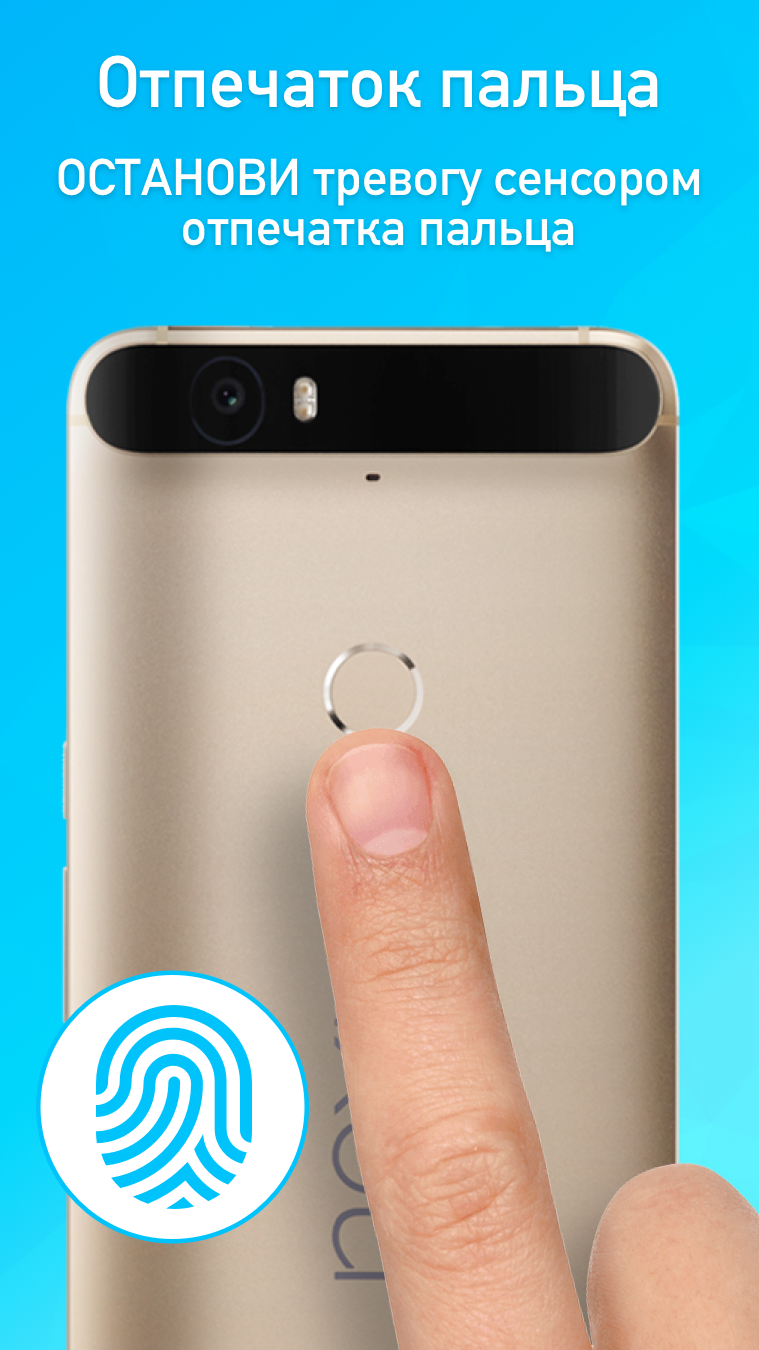
Not bad for a free additional security backup system...but in order to get the best out of this App, I would advise setting up the optional pin or do ur Bio-tech thingy because if u do not follow up with this process, activating this App would be counterproductive, meaning anyone can deactivate the alarm by merely hitting the stop button that's displayed on the screen!!! But overall, not bad at all!!! I would definitely recommend it!!!
Kirimkan komentar
Untuk memberikan komentar, masuklah dengan jejaring sosial Anda:
Atau tinggalkan komentar anonim. Komentar Anda akan dikirim untuk dimoderasi.
Kirimkan komentar
Untuk memberikan komentar, masuklah dengan jejaring sosial Anda:
Atau tinggalkan komentar anonim. Komentar Anda akan dikirim untuk dimoderasi.