


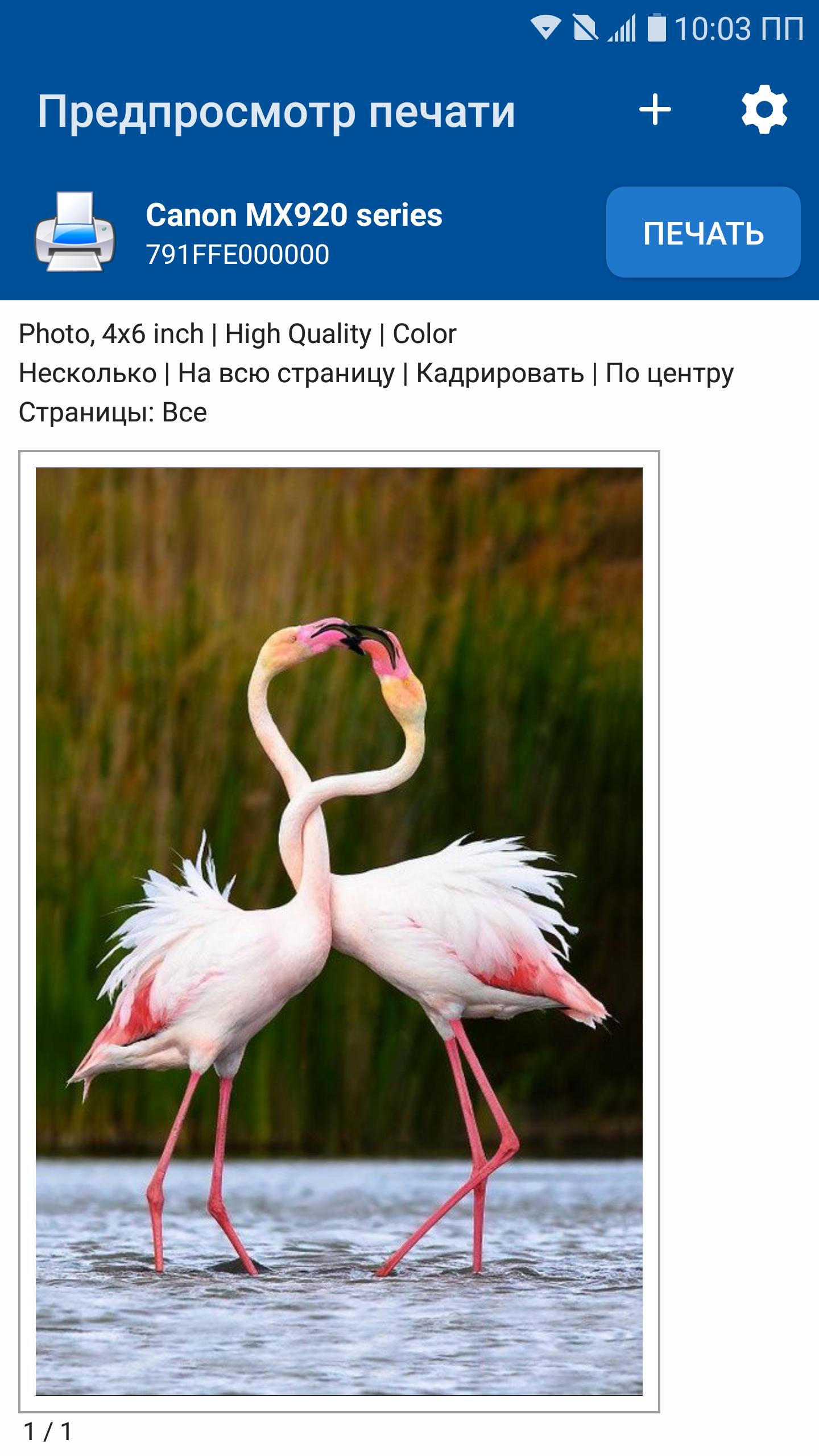
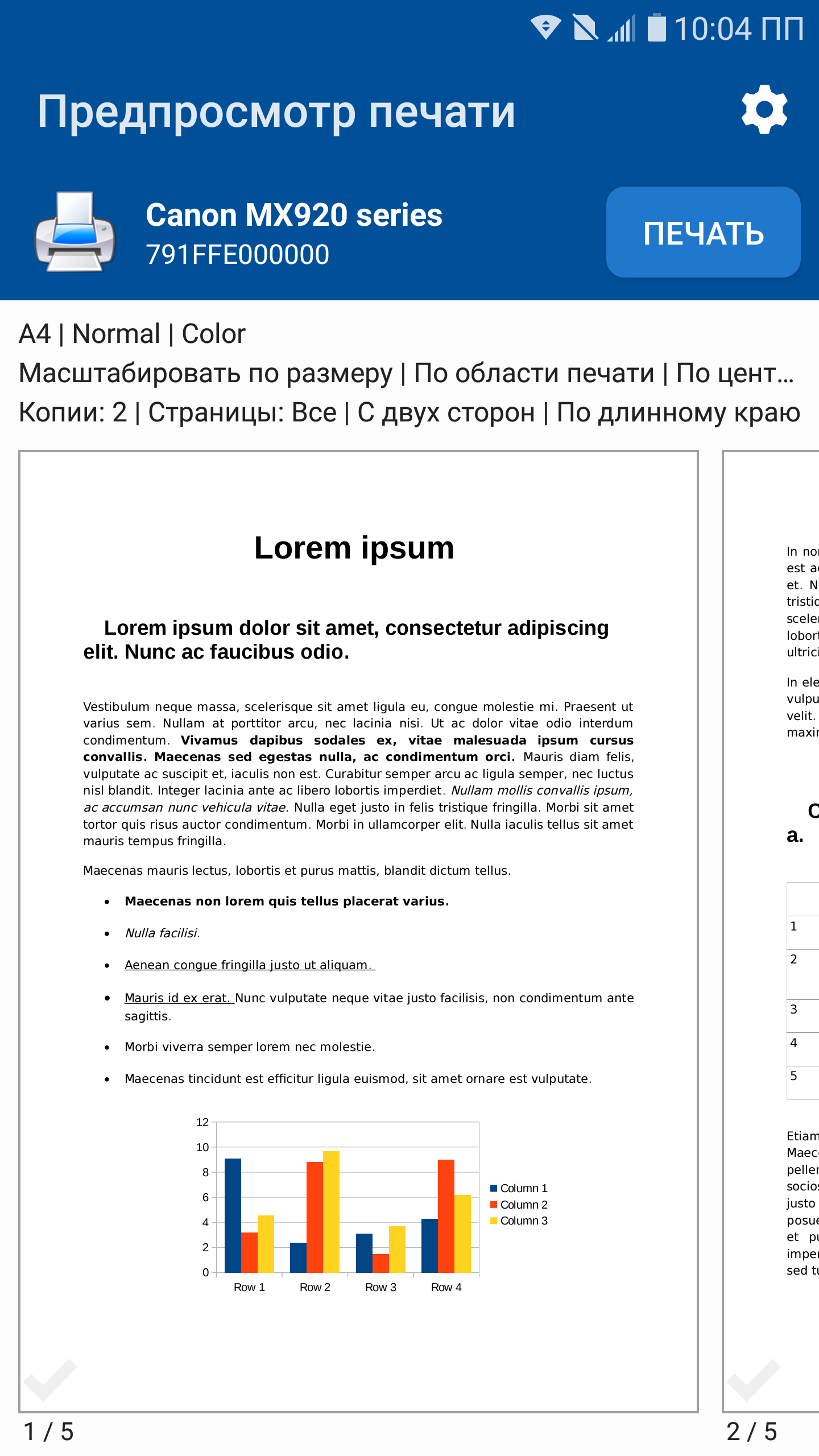
NokoPrint - Mobile Printing
19+
unduhan5.0+
versi Android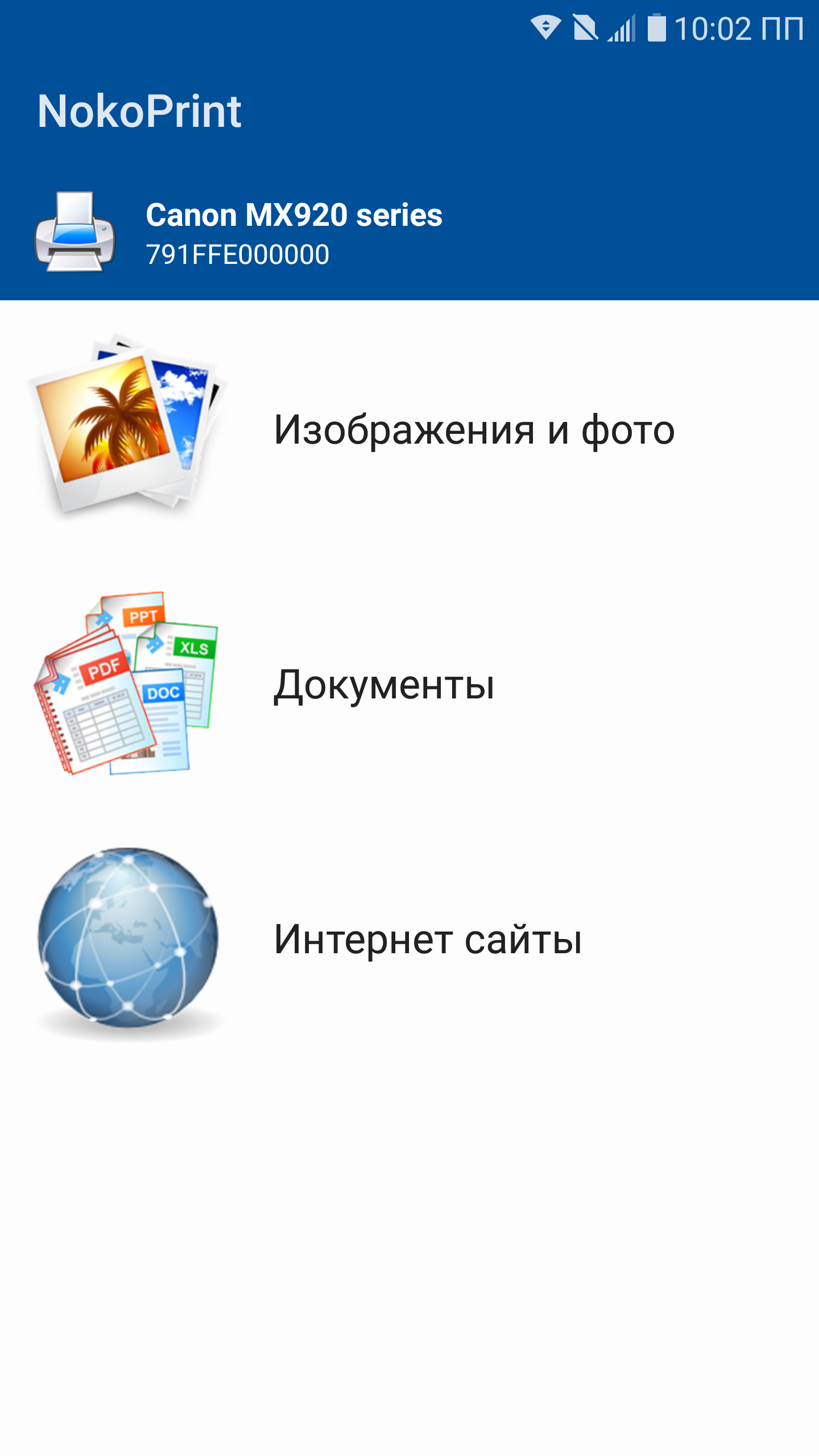
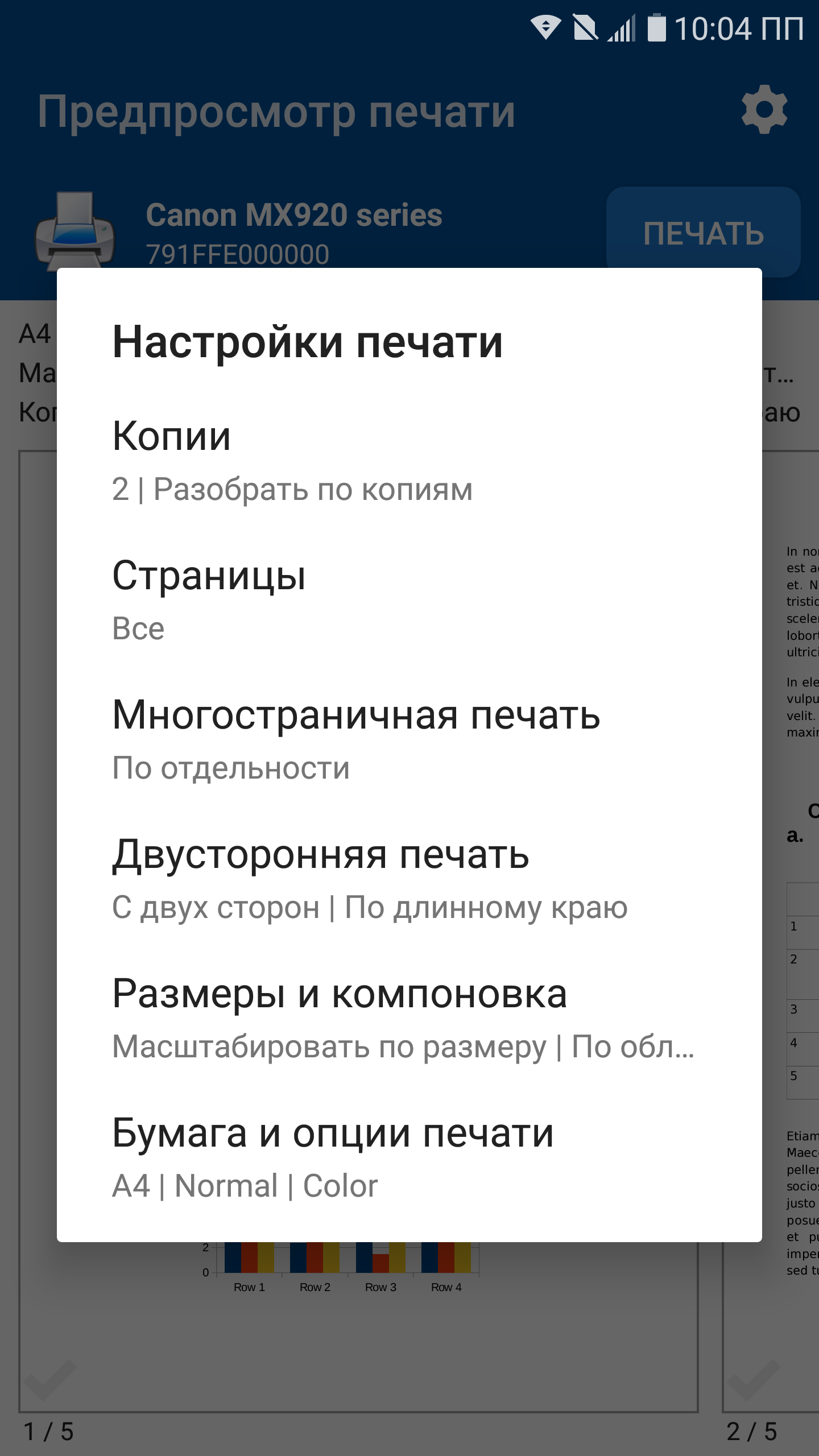
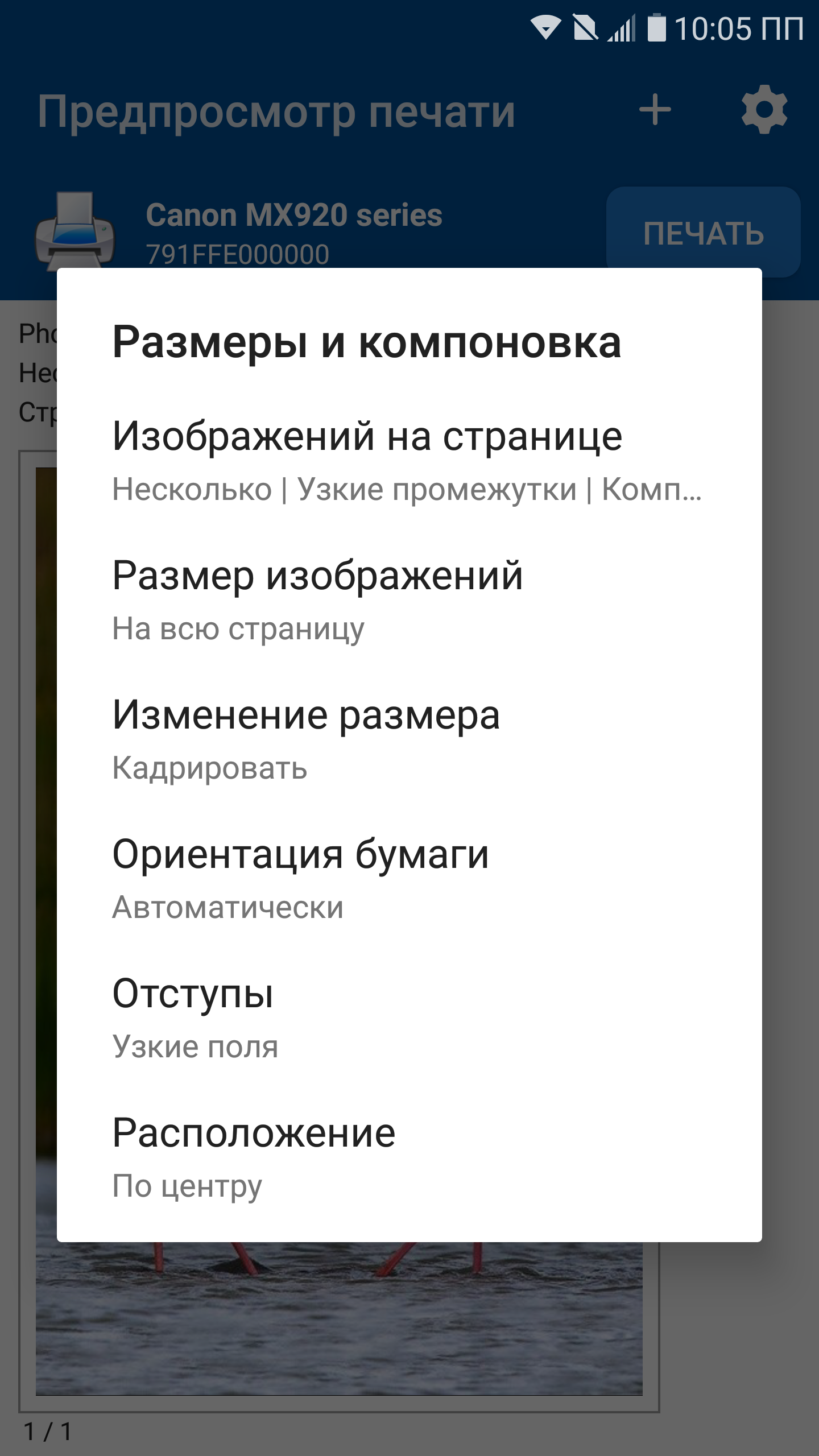
Ditambahkan: Denis Rubinov
Versi: 5.21.10
Ukuran: 47 MB
Diperbarui: 24.06.2025
Developer: Albafate
Batasan Usia: Everyone
Diunduh di Google Play: 11349130
Kategori: Bisnis
Deskripsi
Aplikasi NokoPrint - Mobile Printing diperiksa oleh antivirus VirusTotal. Sebagai hasil pemindaian, tidak ada infeksi file yang terdeteksi oleh semua tanda tangan terbaru.
Cara memasang NokoPrint - Mobile Printing
- Unduh file APK aplikasi dari apkshki.com.
- Temukan file yang diunduh. Anda dapat menemukannya di baki sistem atau di folder 'Download' menggunakan manajer file apa pun.
- Jika file yang diunduh berekstensi .bin (bug WebView di Android 11), ubah namanya menjadi .apk menggunakan pengelola file apa pun atau coba unduh file dengan browser lain seperti Chrome.
- Mulai penginstalan. Klik pada file yang diunduh untuk memulai penginstalan
- Izinkan penginstalan dari sumber yang tidak dikenal. Jika Anda menginstal untuk pertama kalinya NokoPrint - Mobile Printing bukan dari Google Play, buka pengaturan keamanan perangkat Anda dan izinkan penginstalan dari sumber yang tidak dikenal.
- Lewati perlindungan Google Play. Jika proteksi Google Play memblokir penginstalan file, ketuk 'Info Lebih Lanjut' → 'Tetap instal' → 'OK' untuk melanjutkan..
- Selesaikan penginstalan: Ikuti petunjuk penginstal untuk menyelesaikan proses penginstalan.
Cara memperbarui NokoPrint - Mobile Printing
- Unduh versi baru aplikasi dari apkshki.com.
- Cari file yang diunduh dan klik file tersebut untuk memulai penginstalan.
- Instal di atas versi lama. Tidak perlu menghapus instalasi versi sebelumnya.
- Hindari konflik tanda tangan. Jika versi sebelumnya tidak diunduh dari apkshki.com, pesan 'Aplikasi tidak terinstal' mungkin muncul. Dalam kasus ini, hapus instalan versi lama dan instal versi baru.
- Mulai ulang lampiran NokoPrint - Mobile Printing setelah pembaruan.





Meminta pembaruan aplikasi
Ditambahkan Denis Rubinov
Versi: 5.21.10
Ukuran: 47 MB
Diperbarui: 24.06.2025
Developer: Albafate
Batasan Usia: Everyone
Diunduh di Google Play: 11349130
Kategori: Bisnis















Ulasan untuk NokoPrint - Mobile Printing
very good
best application for offline mobile print connect with cable
best app
good app 👍👍👍
ok
very good but add are too much
poor quality printing
A solid, reliable printing app. Ads not too intrusive and works better than Epson's own app a lot of the time. Update: now have a Brother printer and this app still works better than the Brother one, even though Noko is using a generic driver.
goood
Excellent
I won't bother going into detail on the amount of ads, as many others already have. What does bother me is that occasionally this app will attempt to open webpages that I'm trying to view in my browser, assuming I'd like to print it. While this may be a desired feature to some, I have no use for this and would like to be able to disable it, especially given this happens even without a printer connected. I have been unable to find a settings page within this app
This is a great app for viewing and printing documents. I have tried other apps. They only let me view the documents. There was no "print" option. It was frustrating trying to figure out a way to print them. NokoPrint's free version has ads to contend with, however they are not too bothersome. In my opinion the benefits of the app outweigh the nuisance of the ads. I have recommended NokoPrint to others.
It works with my older printer (Epson Stylus NX110) that doesn't have Wi-Fi printing. I can use a usb cable connected to my phone and print. Occasionally I have to send the print job twice. Most times I have manually re-install the drivers which takes about a minute, but that could be my phone and not the app. Overall I've been happy with this app. I wish there were more options for printing such as printing in grayscale even if the original is in color.
It's free to use, but the free version does have ads, buuttt if you can handle the ad interruptions, there's no limit to your printing amount, that's at least as far as I can tell, I only need it for basic printing functions & it serves that purpose, so I'm good with it until it changes, if it changes, if not, then I'll be riding with it till the wheels fall off, LOL.
I only found one other app (Print Hand) that would connect to my old Canon MP490 and it required you to pay $18 for a premium subscription before printing anything. NokoPrint does not. It connected to my printer quickly and was easy to set up and start printing. Now that it's set up, I can even print directly to it from the Print menu in XodoPDF. To me that's worth paying for, now that I've seen what it can do. Thanks for a very handy USB printing app!
Kirimkan komentar
Untuk memberikan komentar, masuklah dengan jejaring sosial Anda:
Atau tinggalkan komentar anonim. Komentar Anda akan dikirim untuk dimoderasi.
Kirimkan komentar
Untuk memberikan komentar, masuklah dengan jejaring sosial Anda:
Atau tinggalkan komentar anonim. Komentar Anda akan dikirim untuk dimoderasi.