



OsmAnd — Maps & GPS Offline
15+
unduhan4.0+
versi Android
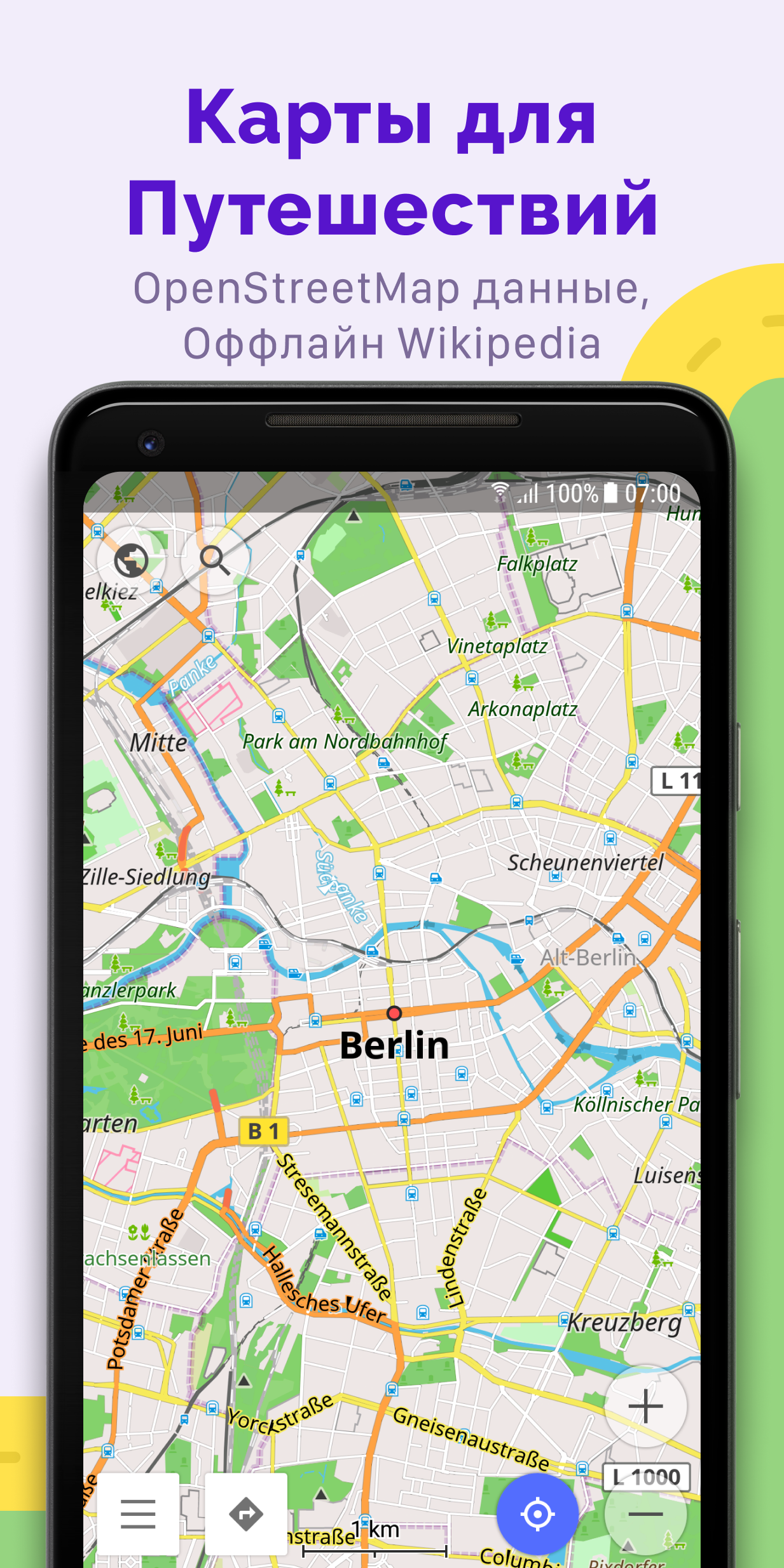
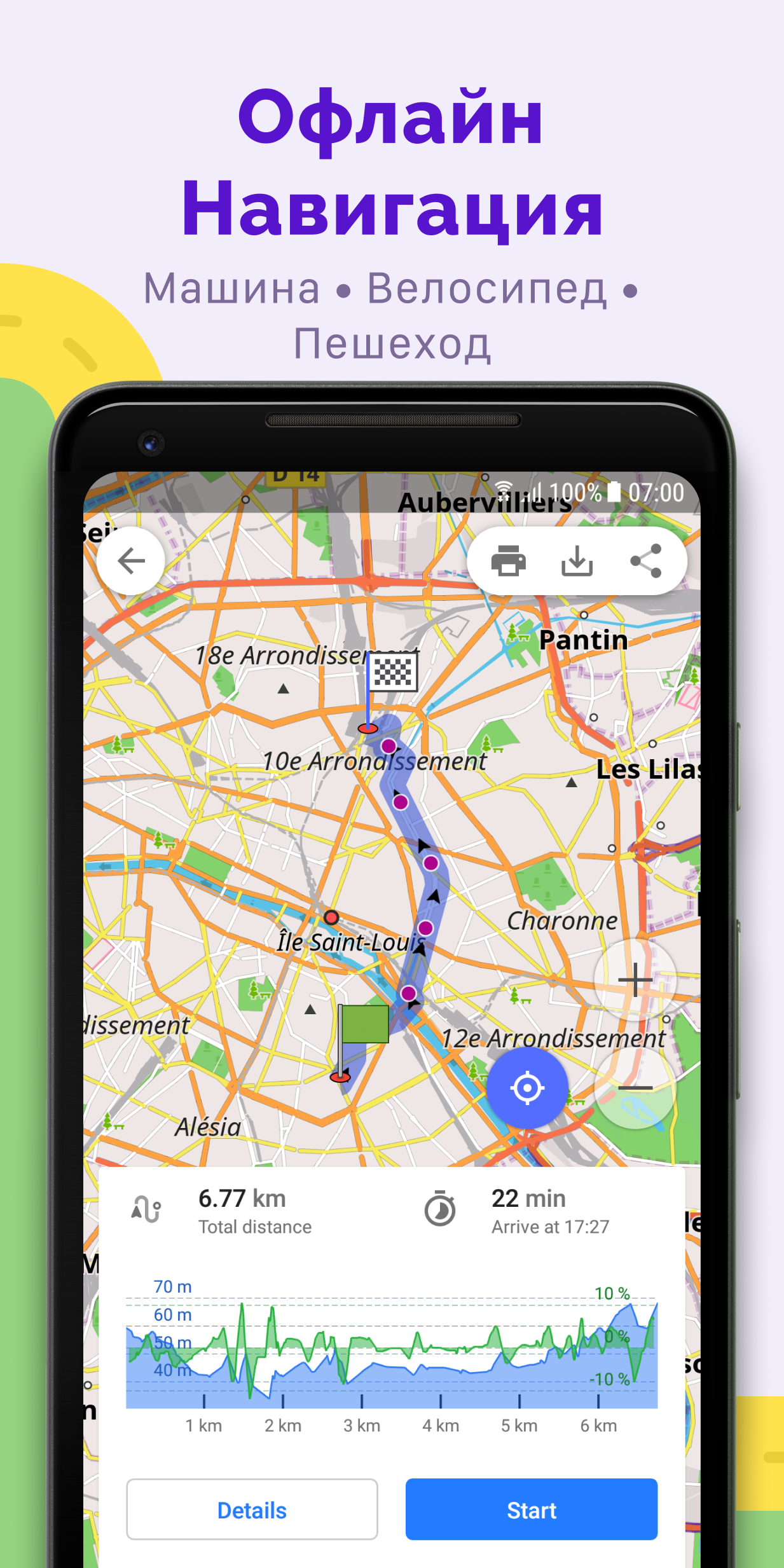
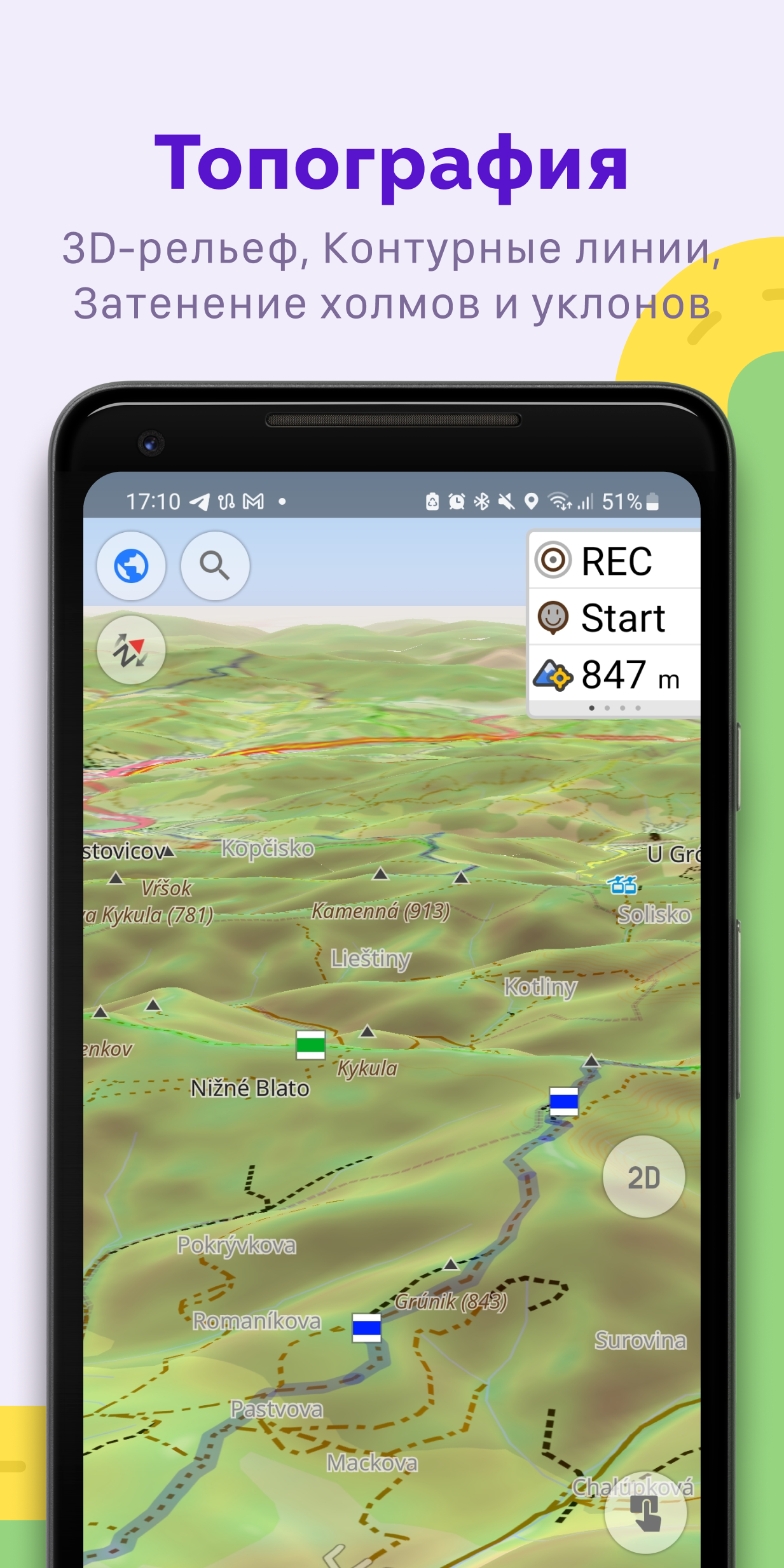
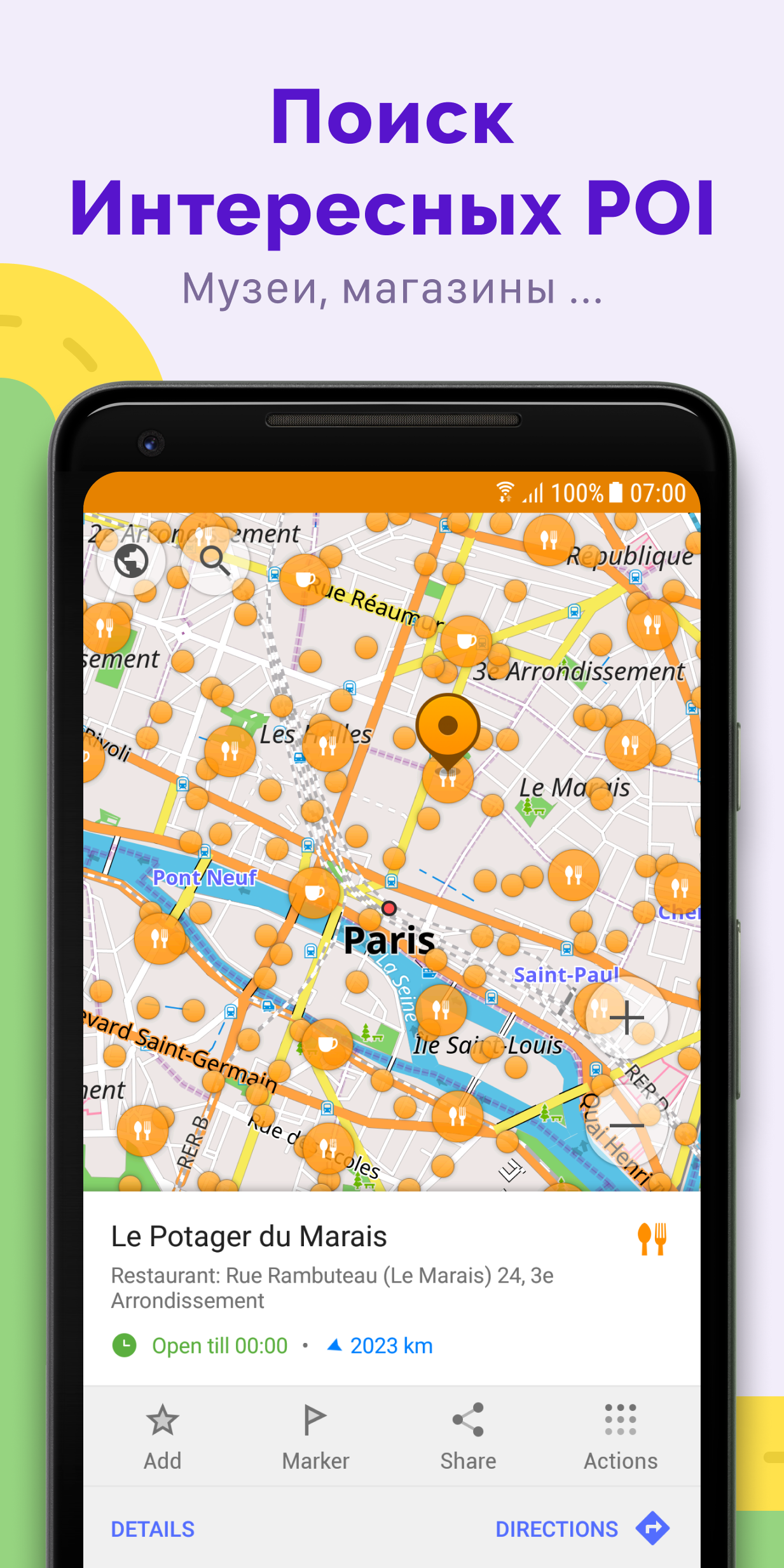
Ditambahkan: Denis Rubinov
Versi: 5.0.5
Ukuran: 167.8 MB
Diperbarui: 20.05.2025
Developer: OsmAnd
Batasan Usia: Everyone
Otorisasi: 15
Diunduh di Google Play: 11433477
Kategori: Bepergian
Deskripsi
Aplikasi OsmAnd — Maps & GPS Offline diperiksa oleh antivirus VirusTotal. Sebagai hasil pemindaian, tidak ada infeksi file yang terdeteksi oleh semua tanda tangan terbaru.
Cara memasang OsmAnd — Maps & GPS Offline
- Unduh file APK aplikasi dari apkshki.com.
- Temukan file yang diunduh. Anda dapat menemukannya di baki sistem atau di folder 'Download' menggunakan manajer file apa pun.
- Jika file yang diunduh berekstensi .bin (bug WebView di Android 11), ubah namanya menjadi .apk menggunakan pengelola file apa pun atau coba unduh file dengan browser lain seperti Chrome.
- Mulai penginstalan. Klik pada file yang diunduh untuk memulai penginstalan
- Izinkan penginstalan dari sumber yang tidak dikenal. Jika Anda menginstal untuk pertama kalinya OsmAnd — Maps & GPS Offline bukan dari Google Play, buka pengaturan keamanan perangkat Anda dan izinkan penginstalan dari sumber yang tidak dikenal.
- Lewati perlindungan Google Play. Jika proteksi Google Play memblokir penginstalan file, ketuk 'Info Lebih Lanjut' → 'Tetap instal' → 'OK' untuk melanjutkan..
- Selesaikan penginstalan: Ikuti petunjuk penginstal untuk menyelesaikan proses penginstalan.
Cara memperbarui OsmAnd — Maps & GPS Offline
- Unduh versi baru aplikasi dari apkshki.com.
- Cari file yang diunduh dan klik file tersebut untuk memulai penginstalan.
- Instal di atas versi lama. Tidak perlu menghapus instalasi versi sebelumnya.
- Hindari konflik tanda tangan. Jika versi sebelumnya tidak diunduh dari apkshki.com, pesan 'Aplikasi tidak terinstal' mungkin muncul. Dalam kasus ini, hapus instalan versi lama dan instal versi baru.
- Mulai ulang lampiran OsmAnd — Maps & GPS Offline setelah pembaruan.

Navitel Navigator GPS & Maps
Peta dan navigasi

onX Hunt: GPS Hunting Maps
Olahraga

Bikemap: Cycling Tracker & GPS
Peta dan navigasi

Street View: Live Map & GPS
Hiburan

Фура – cтоянки, рамки Платон,
Peta dan navigasi

Где Платон - для водителей грузовиков
Peta dan navigasi

ParKing: Where is my car? Find
Peta dan navigasi

7 Ways Navigator
Peta dan navigasi
Meminta pembaruan aplikasi
Ditambahkan Denis Rubinov
Versi: 5.0.5
Ukuran: 167.8 MB
Diperbarui: 20.05.2025
Developer: OsmAnd
Batasan Usia: Everyone
Otorisasi:
Diunduh di Google Play: 11433477
Kategori: Bepergian















Ulasan untuk OsmAnd — Maps & GPS Offline
One of the best offline map very useful and informative
think this app needs some more work. Couldn't look up my own house or anything on the street.
overall very good but the interface is sometimes a little clunky.
Perfekt
I really admire this app for the following reasons. 1. it enables compass direction, while Google maps doesn't do that for my phone . 2. it works off line and have the maps saved 3. verbal directions are very good 👍😊
Just six free downloads (not “maps,” just downloads) and you are served. From that point on, you have to pay. Frankly, this is unacceptable for an app that relies on maps created by users, for users. Uninstalled.
It's a good offline program
Another bad app courtesy of guess who. GOOGLE!!!
so I've tested this app several times over the years and I must admit the version that we have in 2025 has come a long way however it still has some issues. Its struggles with Balklans i.e Montenegro. if I say it or a native person says go to podgorica the capital of Montenegro it can't find it. it can't find the airport. it can't find the most common places so I don't understand what the issue is. if I am an English person and I ask a native person to speak to it fails drastically.
Very good useful app.
I really do love this app for off-grid navigation. It's really really really powerful and not at all intuitive. Many of the functions are buried in menus and submenus, so something as s simple as uploading and following a GPX file is really tedious. I also wish it could work off of routes developed on Basecamp or something. That said, it has all the features you could want, and is my main nav for more complex trips. For simple nav, I just use Google Maps and download the maps.
Gives directions very poorly, with very little notice. Doesn't say what street you're turning on most of the time, and is constantly "recalculating" even when you follow the directions. Worst navigation app I've tried yet. EDIT: I tried it on several routes in Albuquerque, NM, and it never gave more than 2/10 mile notice about a turn, except on the freeway, where it gave 4/10 mile. The only street names it gave for turns were the major intersections. Residential, business, or even minor through-streets were rarely, if ever, named. Thinking about it, I suppose it's possible that this was why the app kept saying "recalculating," since I had no way to verify if I was turning on the correct street, or a street too early, since the only notice I got was 2/10 mi or "turn right."
Kirimkan komentar
Untuk memberikan komentar, masuklah dengan jejaring sosial Anda:
Atau tinggalkan komentar anonim. Komentar Anda akan dikirim untuk dimoderasi.
Kirimkan komentar
Untuk memberikan komentar, masuklah dengan jejaring sosial Anda:
Atau tinggalkan komentar anonim. Komentar Anda akan dikirim untuk dimoderasi.