



Pacer Pedometer & Step Tracker
14+
unduhan5.0+
versi Android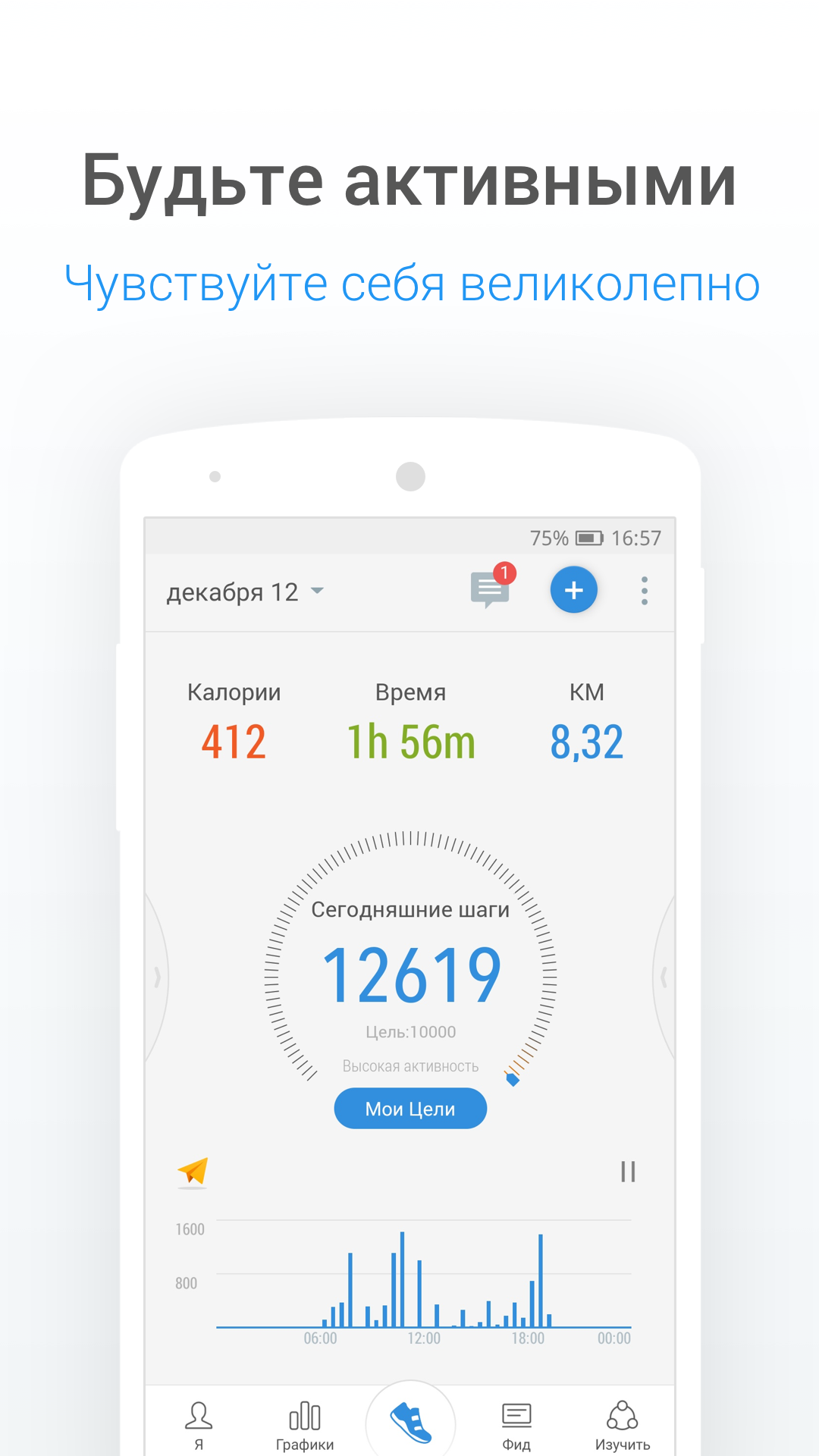
Ditambahkan: Denis Rubinov
Versi: p12.6.1
Ukuran: 52.1 MB
Diperbarui: 24.06.2025
Developer: Pacer Health
Batasan Usia: Everyone
Diunduh di Google Play: 35696212
Kategori: Kesehatan & Kebugaran
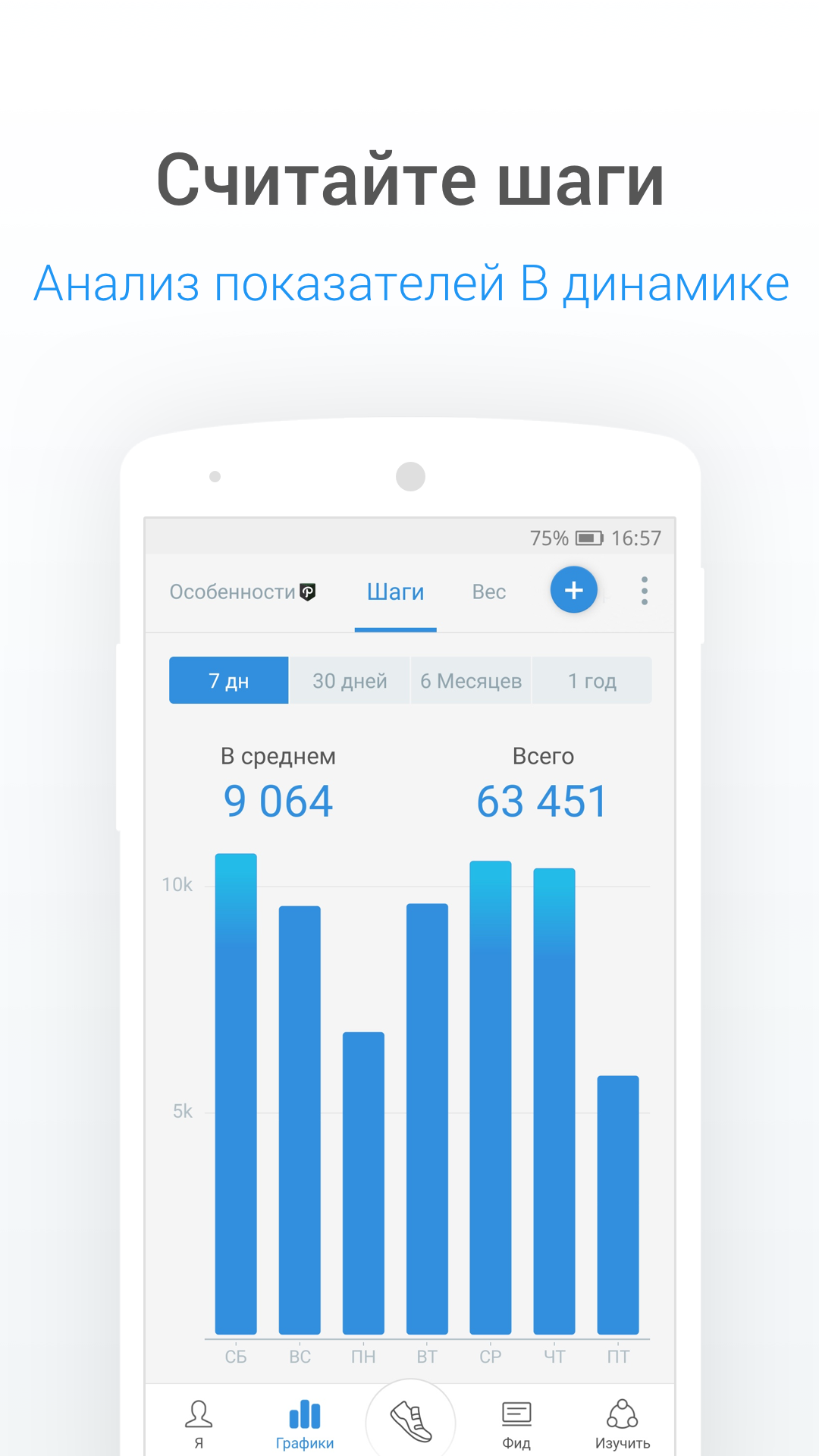
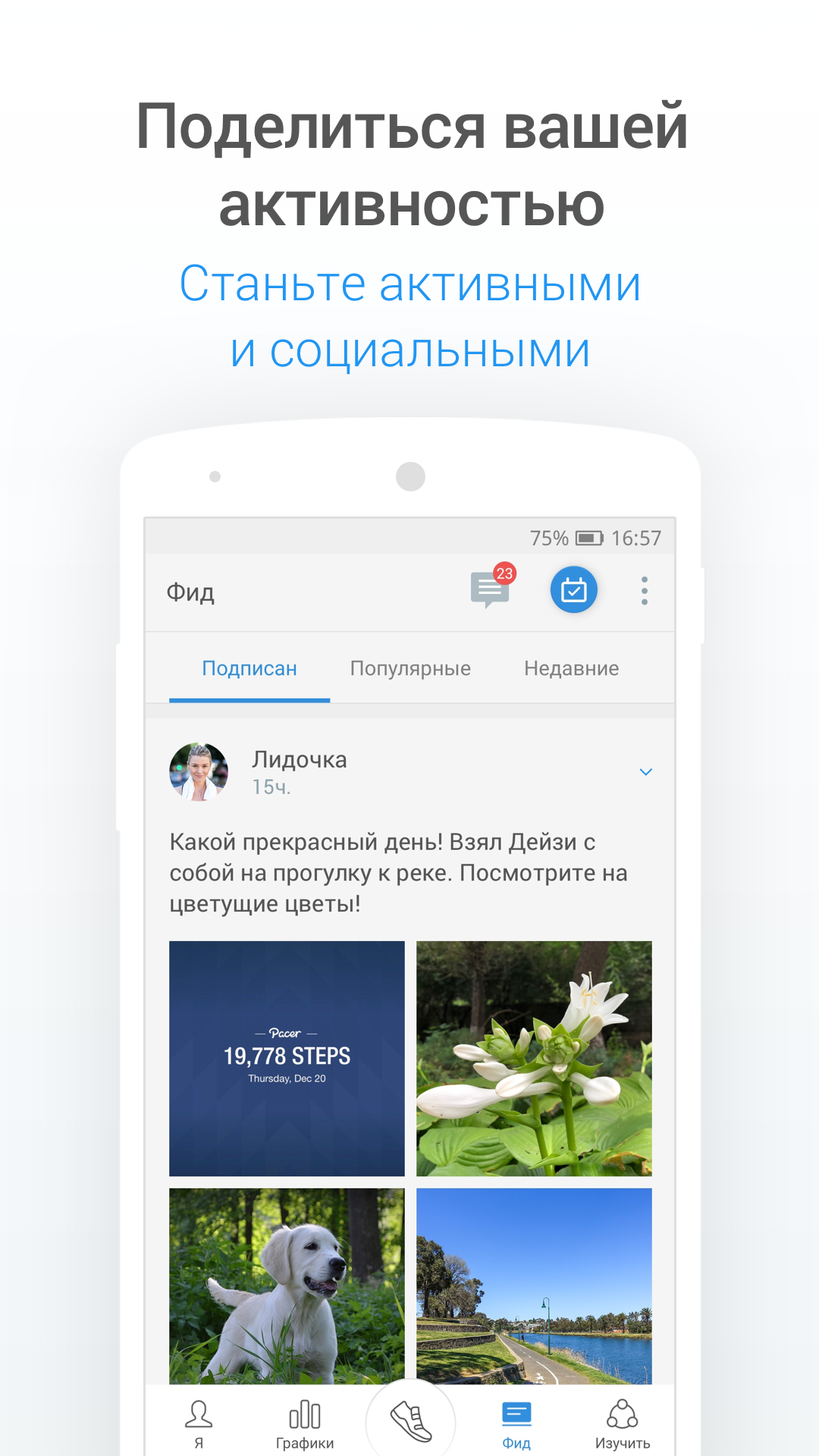
- Penghitungan langkah yang akurat.
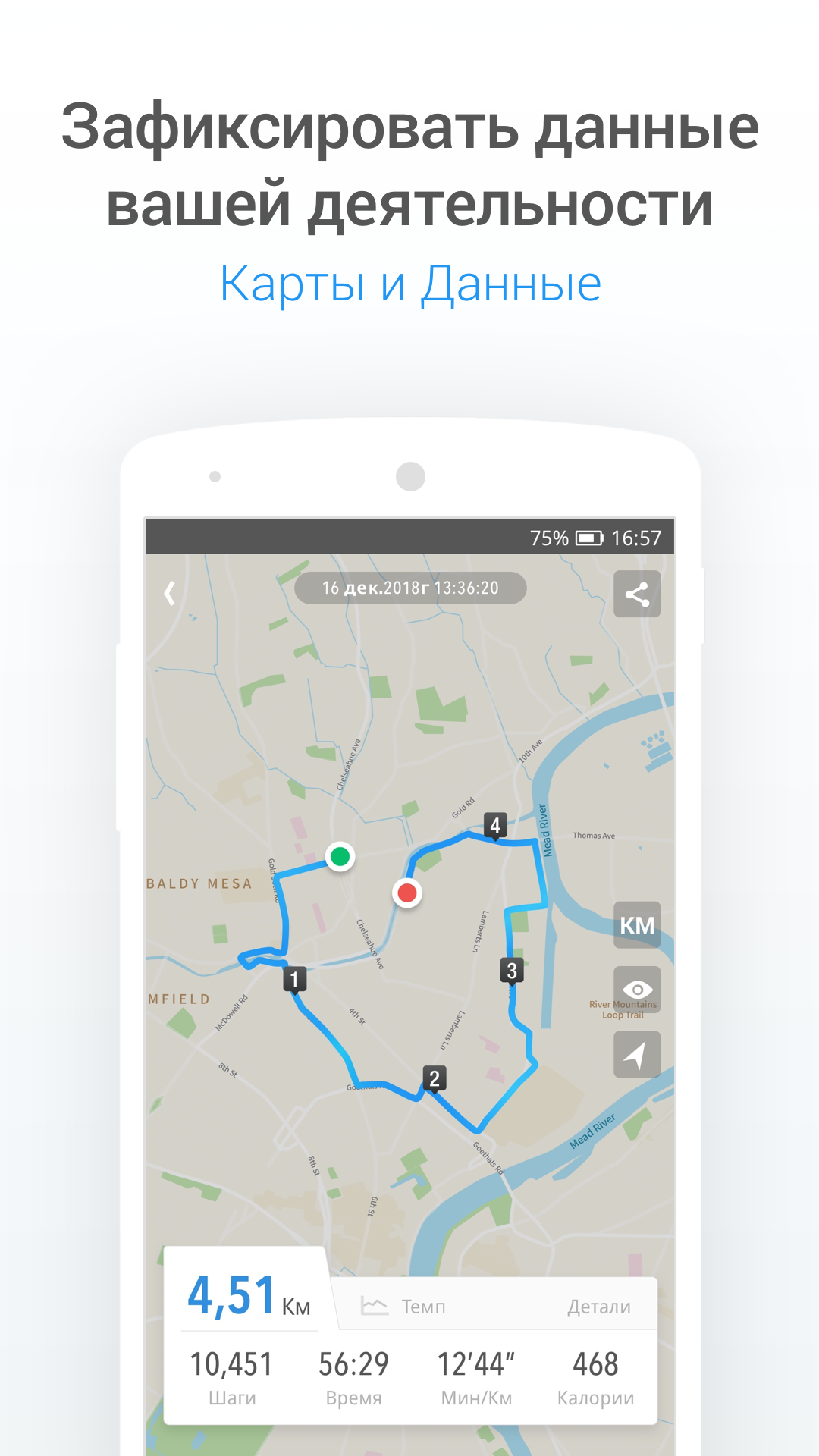
- Simpan jalan-jalan di peta.
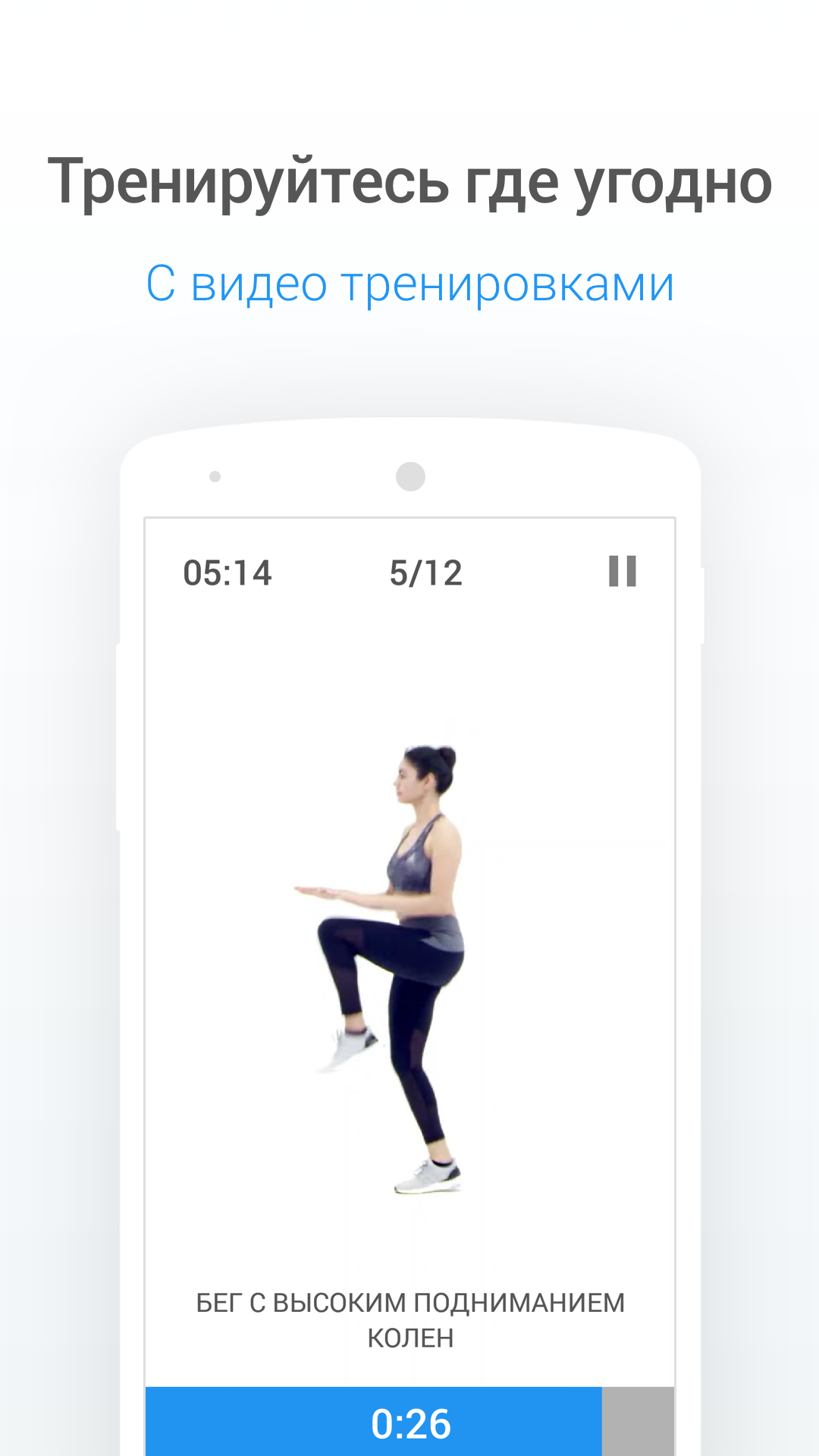
- Menawarkan video latihan yang efektif.
- Mendukung penetapan tujuan pribadi.
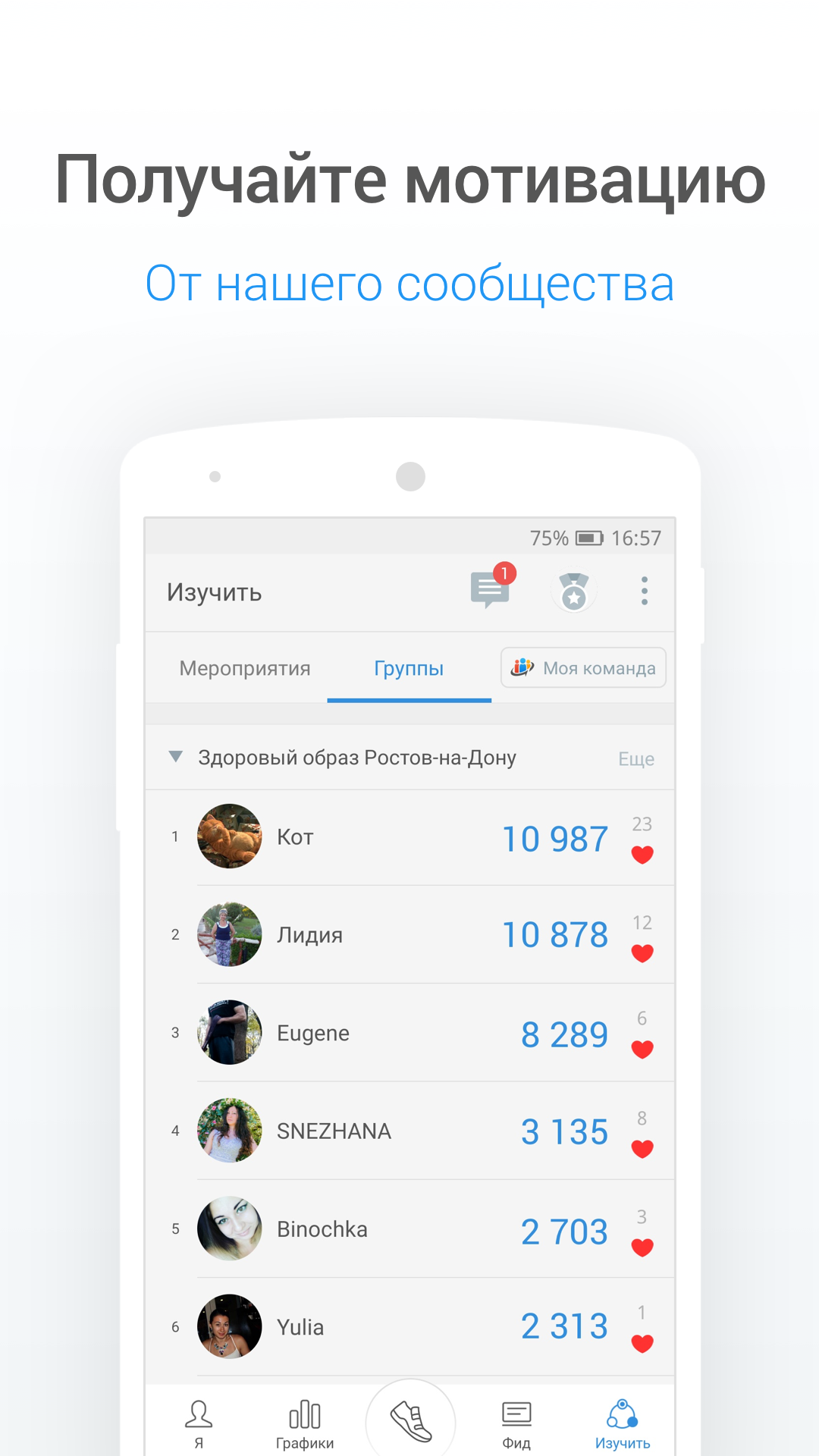
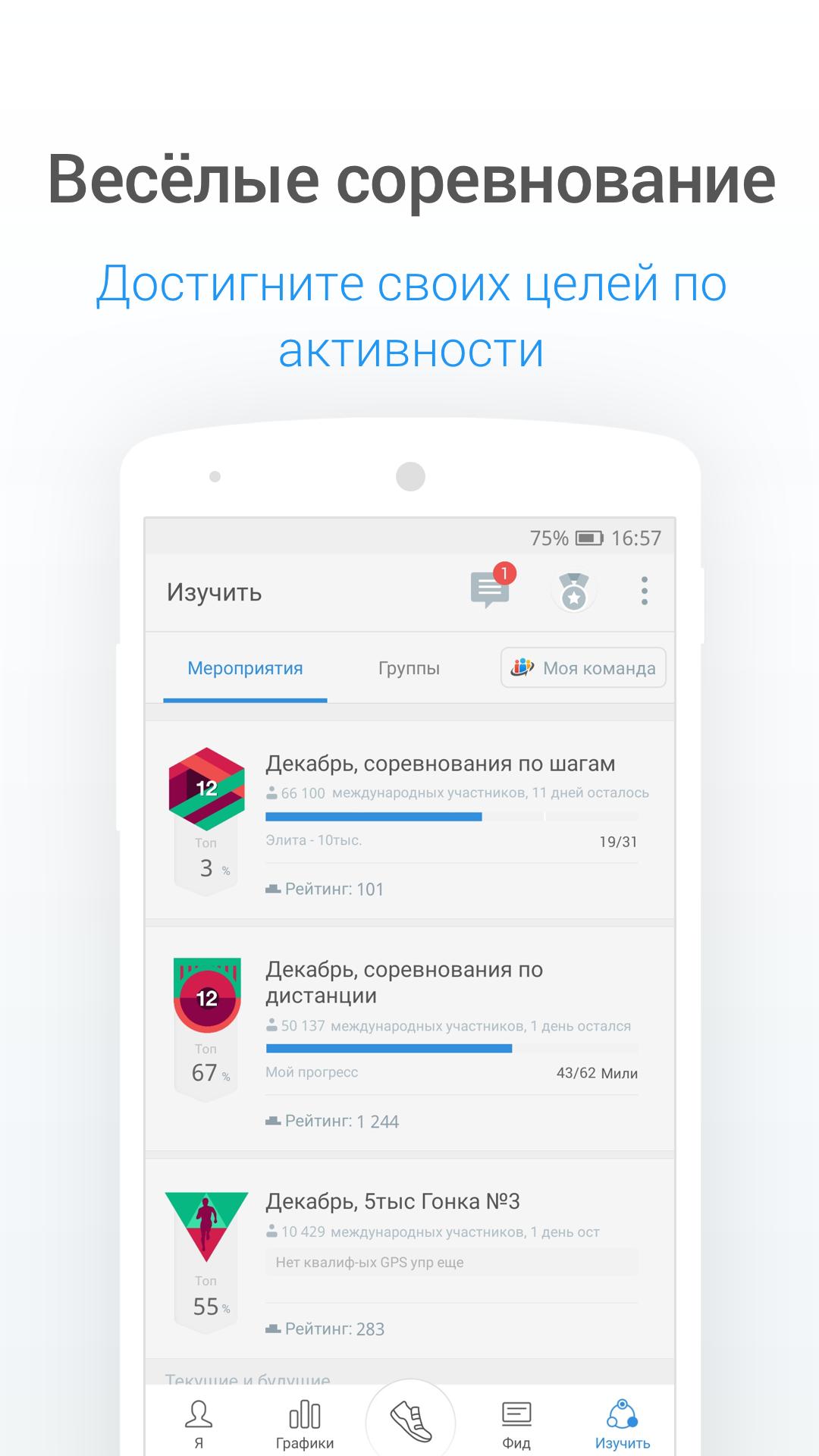
- Bersaing dengan pengguna lain.
Deskripsi
Aplikasi Pacer Pedometer & Step Tracker diperiksa oleh antivirus VirusTotal. Sebagai hasil pemindaian, tidak ada infeksi file yang terdeteksi oleh semua tanda tangan terbaru.
Cara memasang Pacer Pedometer & Step Tracker
- Unduh file APK aplikasi dari apkshki.com.
- Temukan file yang diunduh. Anda dapat menemukannya di baki sistem atau di folder 'Download' menggunakan manajer file apa pun.
- Jika file yang diunduh berekstensi .bin (bug WebView di Android 11), ubah namanya menjadi .apk menggunakan pengelola file apa pun atau coba unduh file dengan browser lain seperti Chrome.
- Mulai penginstalan. Klik pada file yang diunduh untuk memulai penginstalan
- Izinkan penginstalan dari sumber yang tidak dikenal. Jika Anda menginstal untuk pertama kalinya Pacer Pedometer & Step Tracker bukan dari Google Play, buka pengaturan keamanan perangkat Anda dan izinkan penginstalan dari sumber yang tidak dikenal.
- Lewati perlindungan Google Play. Jika proteksi Google Play memblokir penginstalan file, ketuk 'Info Lebih Lanjut' → 'Tetap instal' → 'OK' untuk melanjutkan..
- Selesaikan penginstalan: Ikuti petunjuk penginstal untuk menyelesaikan proses penginstalan.
Cara memperbarui Pacer Pedometer & Step Tracker
- Unduh versi baru aplikasi dari apkshki.com.
- Cari file yang diunduh dan klik file tersebut untuk memulai penginstalan.
- Instal di atas versi lama. Tidak perlu menghapus instalasi versi sebelumnya.
- Hindari konflik tanda tangan. Jika versi sebelumnya tidak diunduh dari apkshki.com, pesan 'Aplikasi tidak terinstal' mungkin muncul. Dalam kasus ini, hapus instalan versi lama dan instal versi baru.
- Mulai ulang lampiran Pacer Pedometer & Step Tracker setelah pembaruan.

Lefun Health
Kesehatan & Kebugaran

Pedometer app — Step Counter
Kesehatan & Kebugaran

StepsApp – Step Counter
Kesehatan & Kebugaran

Step counter and Pedometer
Kesehatan & Kebugaran

Step Counter - Pedometer & Map
Kesehatan & Kebugaran

Pedometer walking step Counter
Kesehatan & Kebugaran

Step Counter EasyFit Pedometer
Kesehatan & Kebugaran

Argus: Activity & Step Tracker
Kesehatan & Kebugaran
Meminta pembaruan aplikasi
Ditambahkan Denis Rubinov
Versi: p12.6.1
Ukuran: 52.1 MB
Diperbarui: 24.06.2025
Developer: Pacer Health
Batasan Usia: Everyone
Diunduh di Google Play: 35696212
Kategori: Kesehatan & Kebugaran















Ulasan untuk Pacer Pedometer & Step Tracker
no service areas. still works great
Great app. It's free to use and does everything I need.
Great app. Easy and fun to use. would highly recommend!
easy and efficient
just the Best..easy to understand and use
excellent
had it for years, very accurate
Nice sports app for walkers n runners. Best for keeping u motivated through various features e.g. league, virtual tours, etc. But beware abt choosing buddies in ur followers n following list. U will find a lot of friends here requesting to chat in WA or Telegram n 99% of those turn to be trying to trap u in some financial fraud e.g. donations or bitcoins. Unfortunately, this beautiful app has become nursery for those frauds too.
nice application
Easy to understand graphics and motivating, Love this app, so easy to read and keep track of my steps. I also like to keep track of my weight on the trends page. This is a great free version. This app continues to work really well. Love it still. Highly recommend. This is wonderfully motivating.
It seems to track just fine on a basic scale. It would be nice to have one or two more features with the free version, but it's understandable just keeping track of steps. It gives you a base line of how many. I'm sure I'm doing more because of not having a true marking test it's hard to say how accurate.
Edit: Took off a star because I can't figure out how to stop getting charged for the ad-free version. There was no way to cancel in the app, and under "Manage Subscriptions" all it says is that my free trial is over and how much I'll be charged each month, no "Cancel" option. I'm going to go into my Google Pay account to see if I can revoke permissions for it, but it shouldn't be that complicated.
I use this only for counting steps, and it does a reliable job of it. I have to set my step length for an average for hikes with highly varied terrain. The sensitivity is easy to change so rough car rides don't rack up false distances. I've measured distances by car so I know it is counting steps accurately. I have used the GPS feature but have trouble remembering to turn it off at the end of a hike or walk, thus tracking distances covered by car as well. There are many other features I have not tried to use.
Overall I like the app. It give me a generally accurate count of steps. What needs fixing is the pause button. It is in a very inconvenient place where it is easy to hit with finger tips and then you lose a lot of accuracy. They used to have a nifty plus button where you could add steps. I like that because if I didn't wear my phone for a workout at the gym on the treadmill or if I missed steps because of this pause button then I could add in a rough estimate and keep it relatively accurate. I believe they removed the plus button because the community has a lot of crazies that fake their steps and then stalk people from what I have seen in posts. That's pretty disturbing but I don't use that part of the app at all. I am set to private. What they really need to do is allow a disable pause for people like me. Or at least move it away from the edges because when you grab your phone your fingers can tough the edge of the screen. The way I hold mine when I look at it, I always tough the edges.
It started out as a great, pretty accurate tracker. Love the challenges. But over the last few weeks though I walk the same route and mileage twice per week, my step count has dropped by at least 2,500 steps. That's significant. I had been taking 11,000 steps for 3.5 miles walked, but now it says not even 10,000 for 3.69 miles walked. When I try to change sensitivity level, it's grayed out and stuck at low, which is not a very accurate measuring level. I wanted to see if mid range helped.
Kirimkan komentar
Untuk memberikan komentar, masuklah dengan jejaring sosial Anda:
Atau tinggalkan komentar anonim. Komentar Anda akan dikirim untuk dimoderasi.
Kirimkan komentar
Untuk memberikan komentar, masuklah dengan jejaring sosial Anda:
Atau tinggalkan komentar anonim. Komentar Anda akan dikirim untuk dimoderasi.