


PDF Editor- Edit &Sign Docs
13+
unduhan4.4+
versi Android
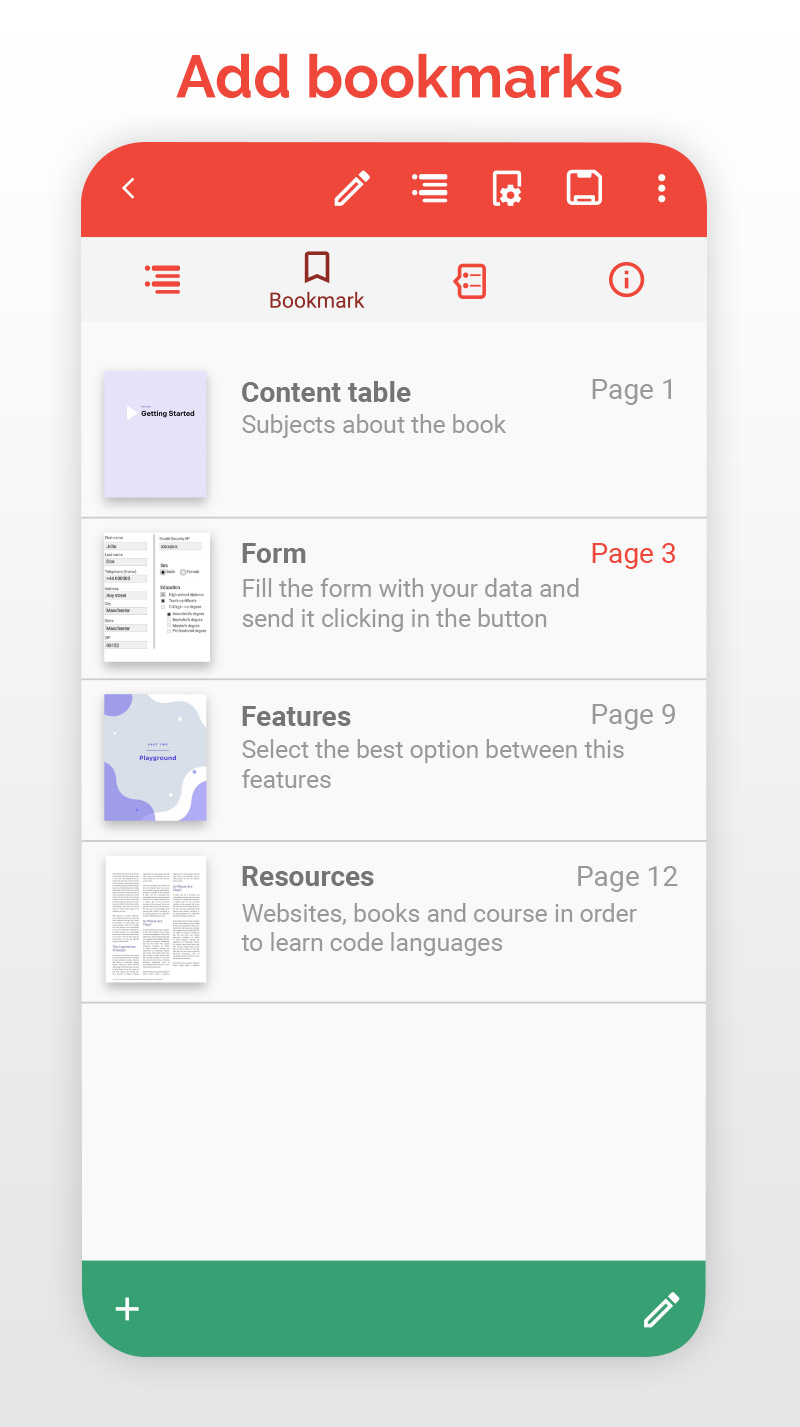
Ditambahkan: Denis Rubinov
Versi: 79.0
Ukuran: 104.7 MB
Diperbarui: 03.02.2024
Developer: Offiwiz
Batasan Usia: Everyone
Otorisasi: 11
Diunduh di Google Play: 3298755
Kategori: Kerja
Deskripsi
Aplikasi PDF Editor- Edit &Sign Docs diperiksa oleh antivirus VirusTotal. Sebagai hasil pemindaian, tidak ada infeksi file yang terdeteksi oleh semua tanda tangan terbaru.
Cara memasang PDF Editor- Edit &Sign Docs
- Unduh file APK aplikasi dari apkshki.com.
- Temukan file yang diunduh. Anda dapat menemukannya di baki sistem atau di folder 'Download' menggunakan manajer file apa pun.
- Jika file yang diunduh berekstensi .bin (bug WebView di Android 11), ubah namanya menjadi .apk menggunakan pengelola file apa pun atau coba unduh file dengan browser lain seperti Chrome.
- Mulai penginstalan. Klik pada file yang diunduh untuk memulai penginstalan
- Izinkan penginstalan dari sumber yang tidak dikenal. Jika Anda menginstal untuk pertama kalinya PDF Editor- Edit &Sign Docs bukan dari Google Play, buka pengaturan keamanan perangkat Anda dan izinkan penginstalan dari sumber yang tidak dikenal.
- Lewati perlindungan Google Play. Jika proteksi Google Play memblokir penginstalan file, ketuk 'Info Lebih Lanjut' → 'Tetap instal' → 'OK' untuk melanjutkan..
- Selesaikan penginstalan: Ikuti petunjuk penginstal untuk menyelesaikan proses penginstalan.
Cara memperbarui PDF Editor- Edit &Sign Docs
- Unduh versi baru aplikasi dari apkshki.com.
- Cari file yang diunduh dan klik file tersebut untuk memulai penginstalan.
- Instal di atas versi lama. Tidak perlu menghapus instalasi versi sebelumnya.
- Hindari konflik tanda tangan. Jika versi sebelumnya tidak diunduh dari apkshki.com, pesan 'Aplikasi tidak terinstal' mungkin muncul. Dalam kasus ini, hapus instalan versi lama dan instal versi baru.
- Mulai ulang lampiran PDF Editor- Edit &Sign Docs setelah pembaruan.






Meminta pembaruan aplikasi
Ditambahkan Denis Rubinov
Versi: 79.0
Ukuran: 104.7 MB
Diperbarui: 03.02.2024
Developer: Offiwiz
Batasan Usia: Everyone
Otorisasi:
Diunduh di Google Play: 3298755
Kategori: Kerja















Ulasan untuk PDF Editor- Edit &Sign Docs
Easiest pdf app I've used. No adds. 🤩
I couldn't figure out how to use it. It only allows you to make one edit per day with the free version. I accidentally saved the document (although I hadn't edited anything), and I couldn't continue trying to figure out what each button does.
Great PDF Editor app
Just wanted to add a few words. There is no simple button for it or a drag bar or square, nothing!! But there are ads to purchase other services!!
Thanks for
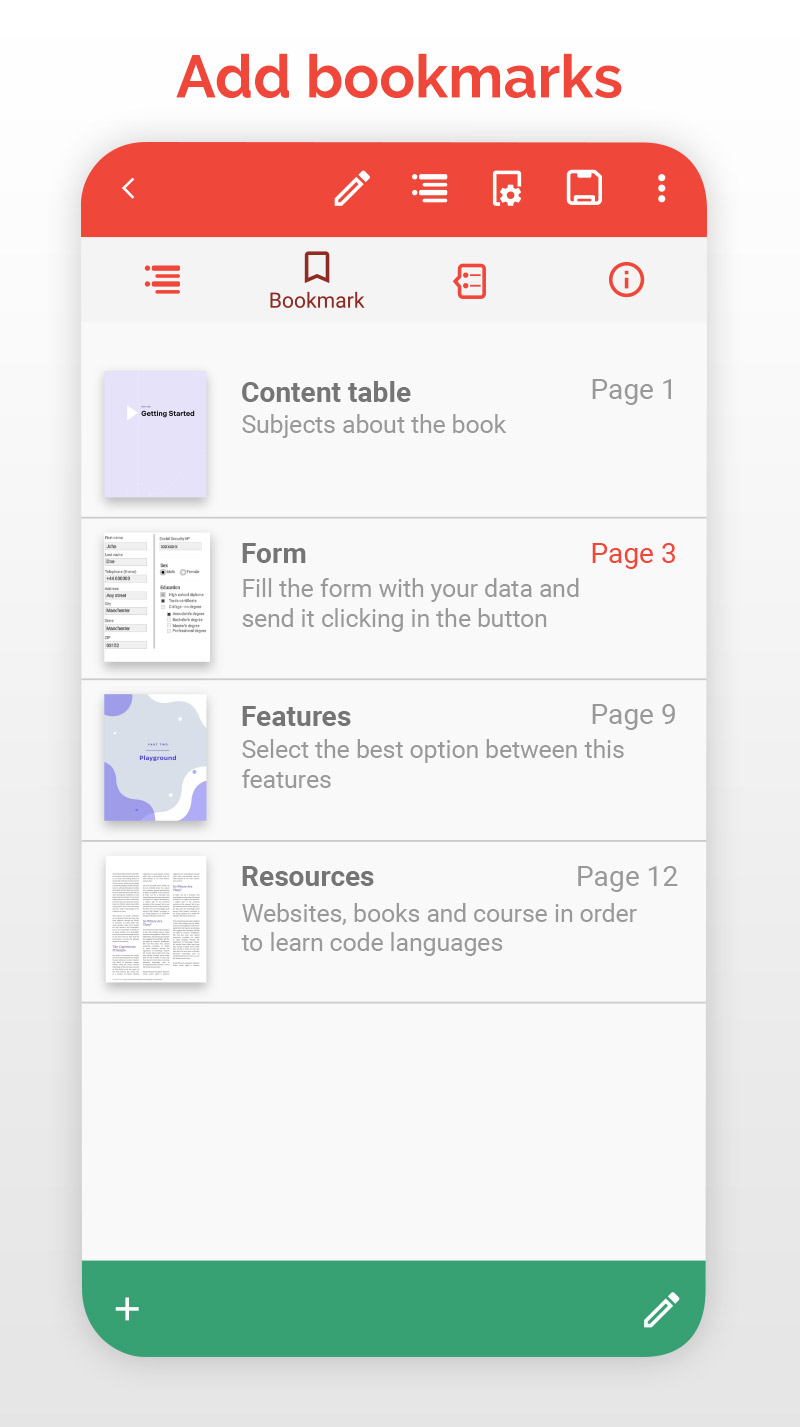
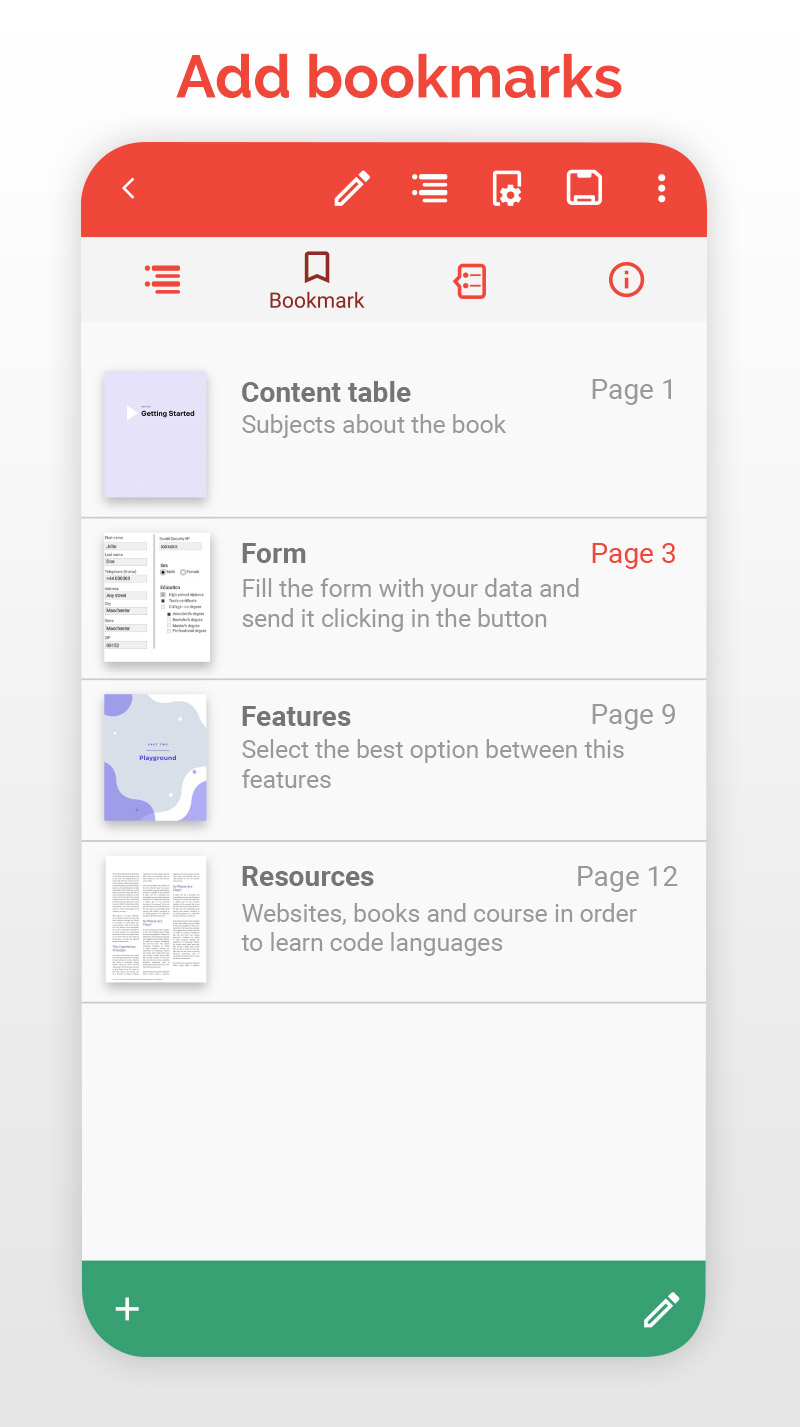
This could have been the perfect pdf viewer. It supports: two-page viewing, document index, in-document linking and more. However, it has severe UX bugs. The two-page view does not work with continuous scrolling (even though it should). It automatically scales the documents to fit the screen without menu bars, but the menu bars stay visible and thus obscure part of the content. Please fix, this tool is the only one I found that has all features I am looking for!
Great app
Useful
Nice app
Very well
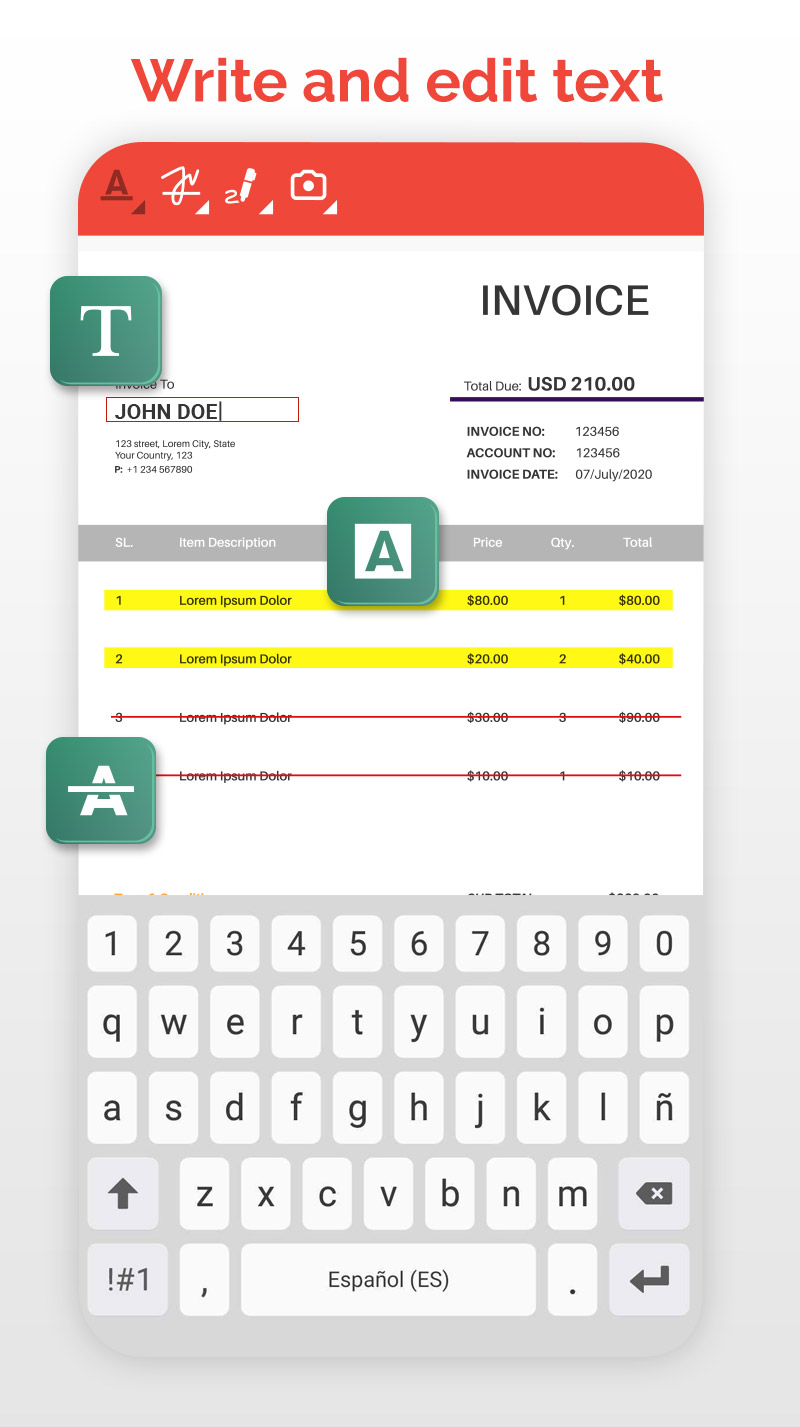
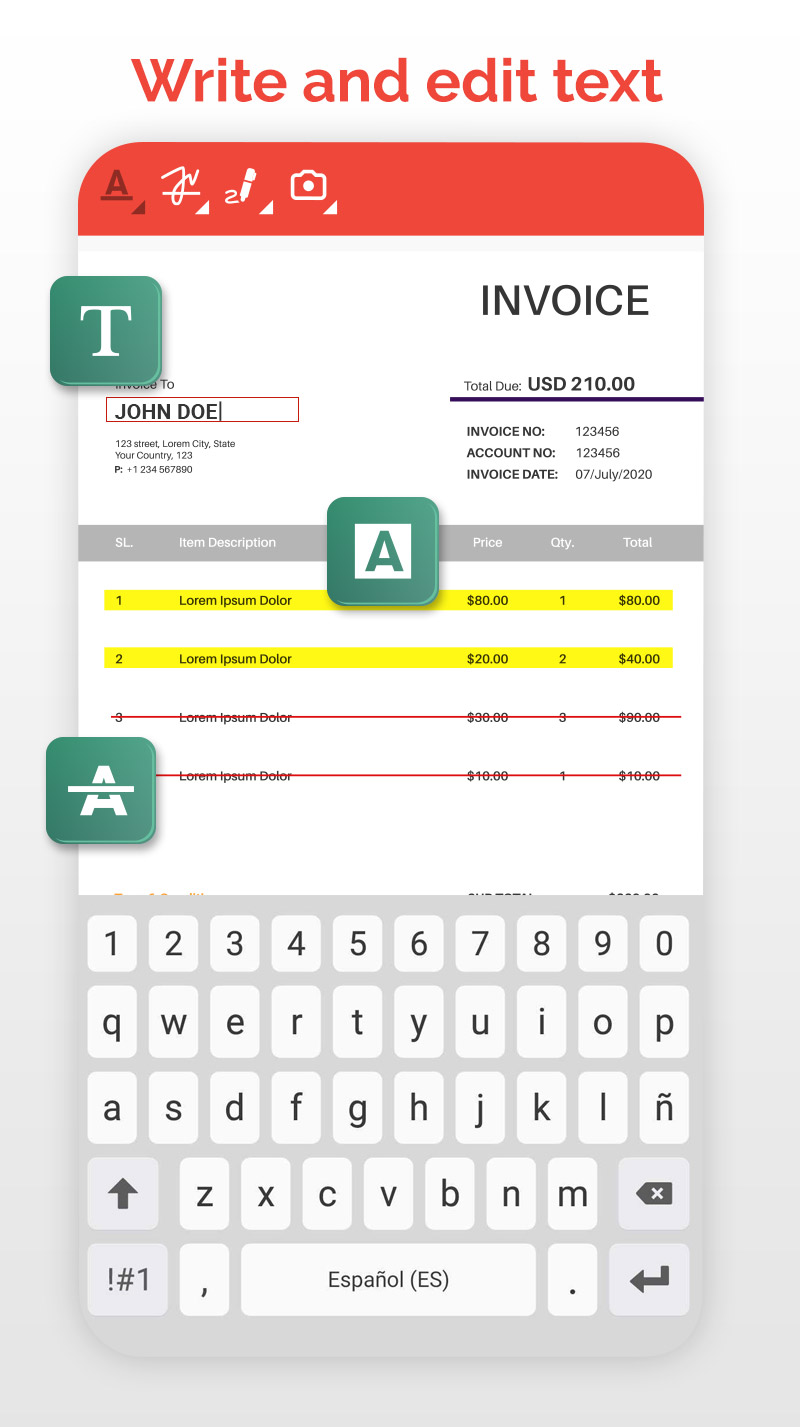
I have a love hate relationship with this app. I love the write on function and the ability to quickly jump to a page in a document. However, the zoom, two fingered scrolling, and the fact that once I zoom in so much of the screen is filled with app fields that not much of the document is visible is very frustrating. And the time it takes to open the app. That's also an issue. For me, fix these issues and this becomes a great app.
It's a suitable app to modify the pdf and also helps the environment because I would not use paper to answer a question or things like that, mostly these times when we are doing online classes. It would be amazing if they have a computer version
BAD APP! DO NOT DOWNLOAD! (5/9/2020) 2nd review after Premium - still not working, never heard back from developers in response to my email, no reply to my review. Will update. (5/2/2020) 1st review after Premium - I forgot to cancel after 3 day trial, so I paid the yearly subscription fee, still getting ads (both for premium app and other vendors), so I uninstalled, and reinstalled thinking it would update my subscription status. Nope. Sent email to developer... Will update with resolution.
Pretty great app so far with a good set of editing features. It's also fairly easy to use once you get the hang if it! However, it doesn't allow me to write on the pdf (like in a textbox) but other than that it's great
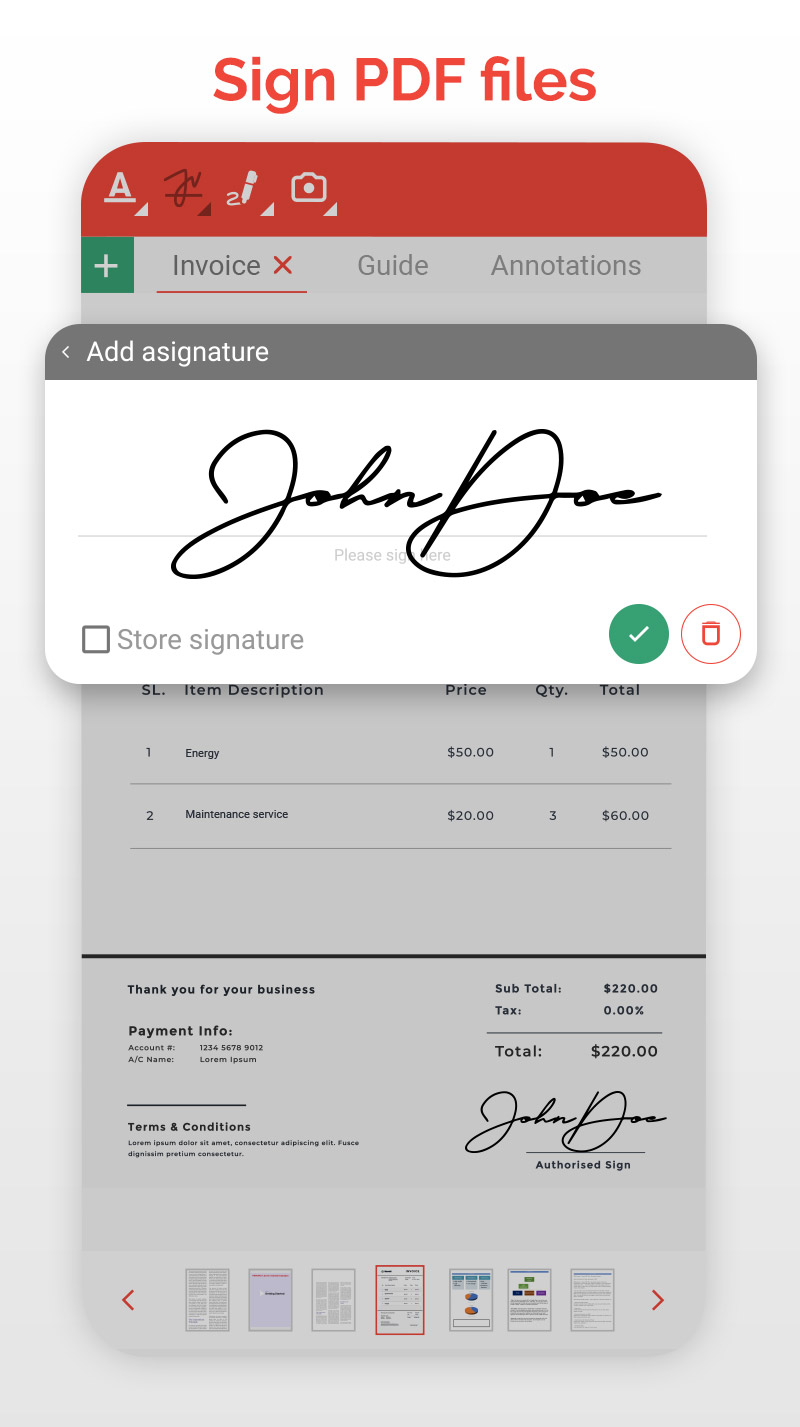
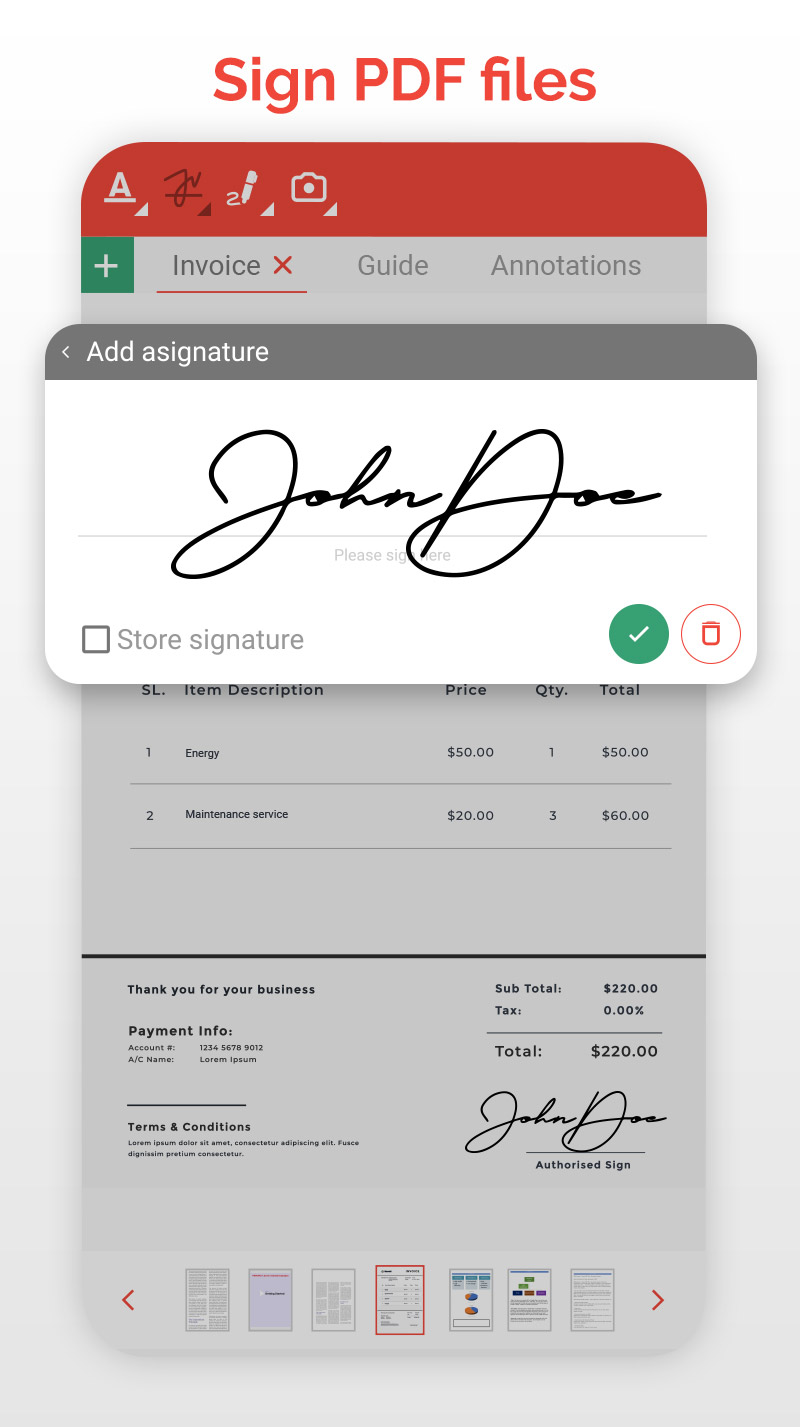
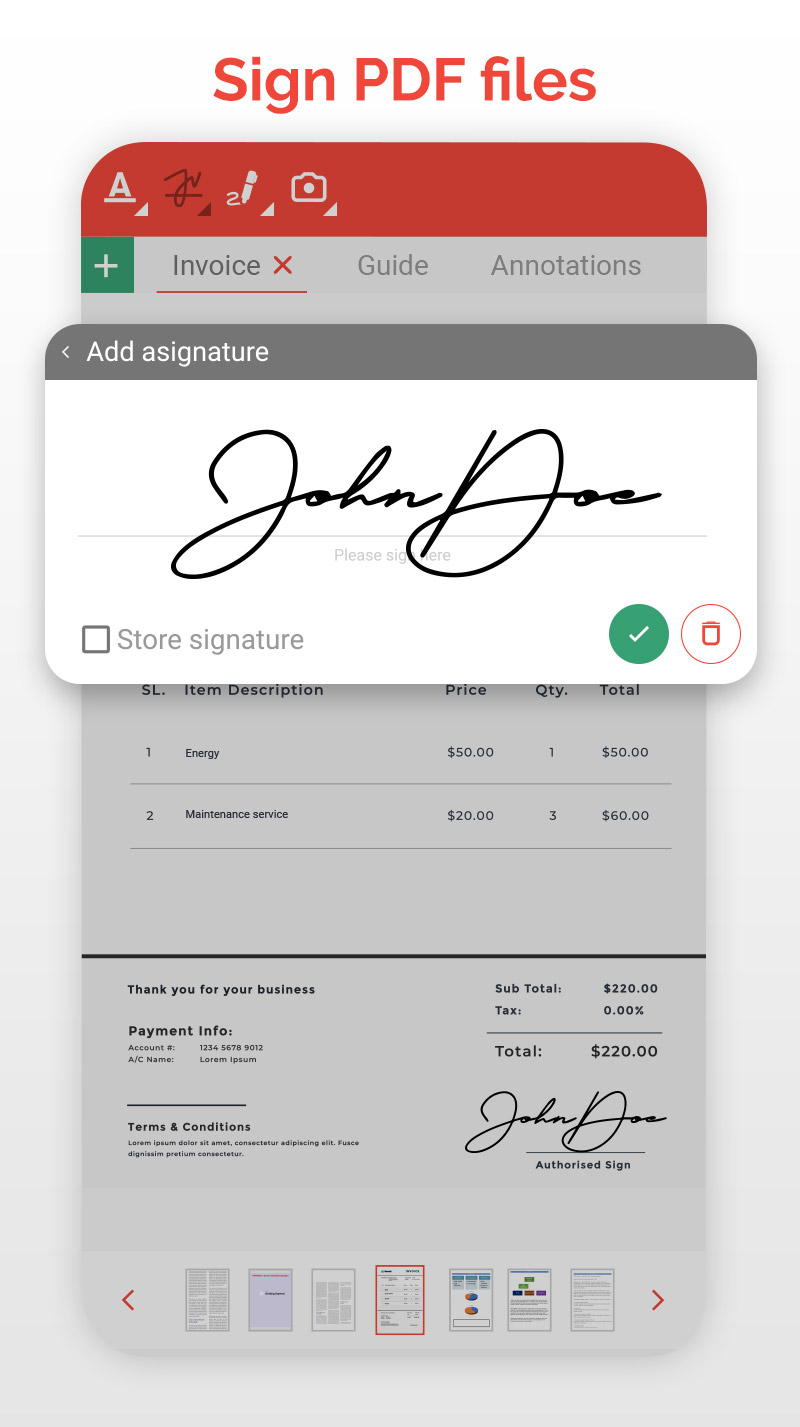
Absolutely garbage app won't even work, when trying to edit and want you to save all the progress I've done every time I've tried to save it won't it keeps on saying file does not exist. Thanks for wasting my time I'm trying to complete a job resume during these hard times and this garbage app won't even let me sign my signature on my resume PDF. If one simple job that can't be done by your app thanks Sincerely a very frustrated angry customer
Kirimkan komentar
Untuk memberikan komentar, masuklah dengan jejaring sosial Anda:
Atau tinggalkan komentar anonim. Komentar Anda akan dikirim untuk dimoderasi.
Kirimkan komentar
Untuk memberikan komentar, masuklah dengan jejaring sosial Anda:
Atau tinggalkan komentar anonim. Komentar Anda akan dikirim untuk dimoderasi.