


Buttons Remapper: Map & Combo
15+
unduhan4.3+
versi Android
Ditambahkan: Denis Rubinov
Versi: 1.24.2
Ukuran: 5.6 MB
Diperbarui: 12.11.2023
Developer: Irishin
Batasan Usia: Everyone
Otorisasi: 8
Diunduh di Google Play: 2081404
Kategori: Personalisasi
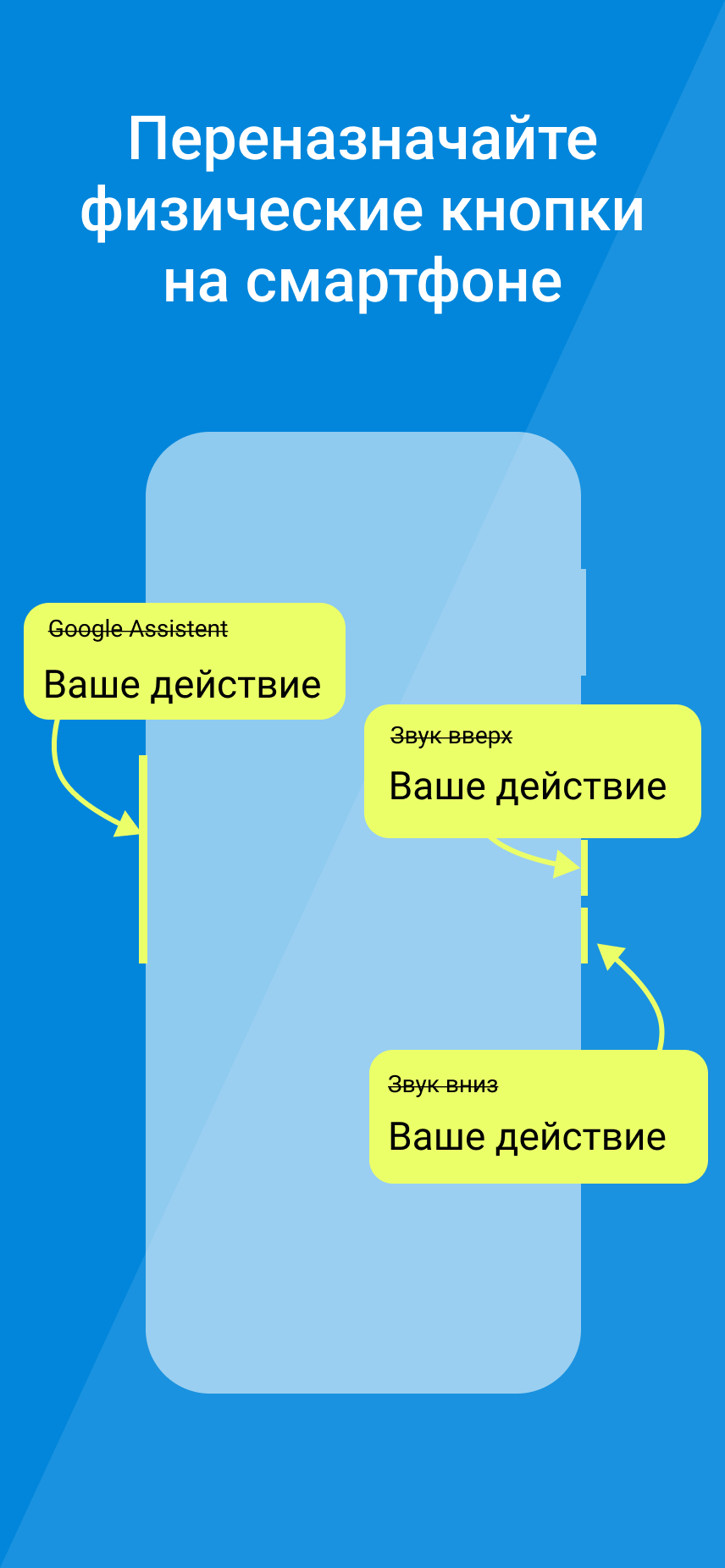
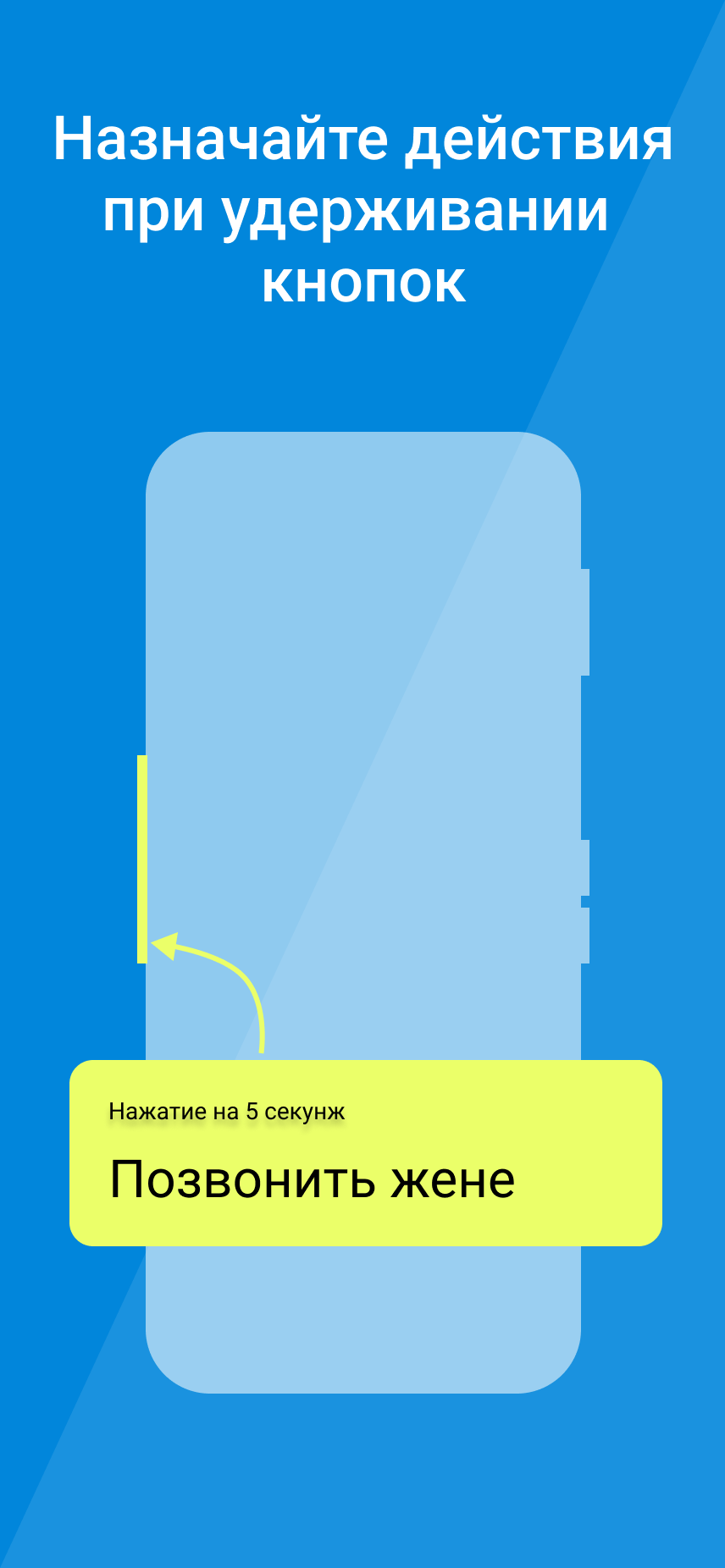
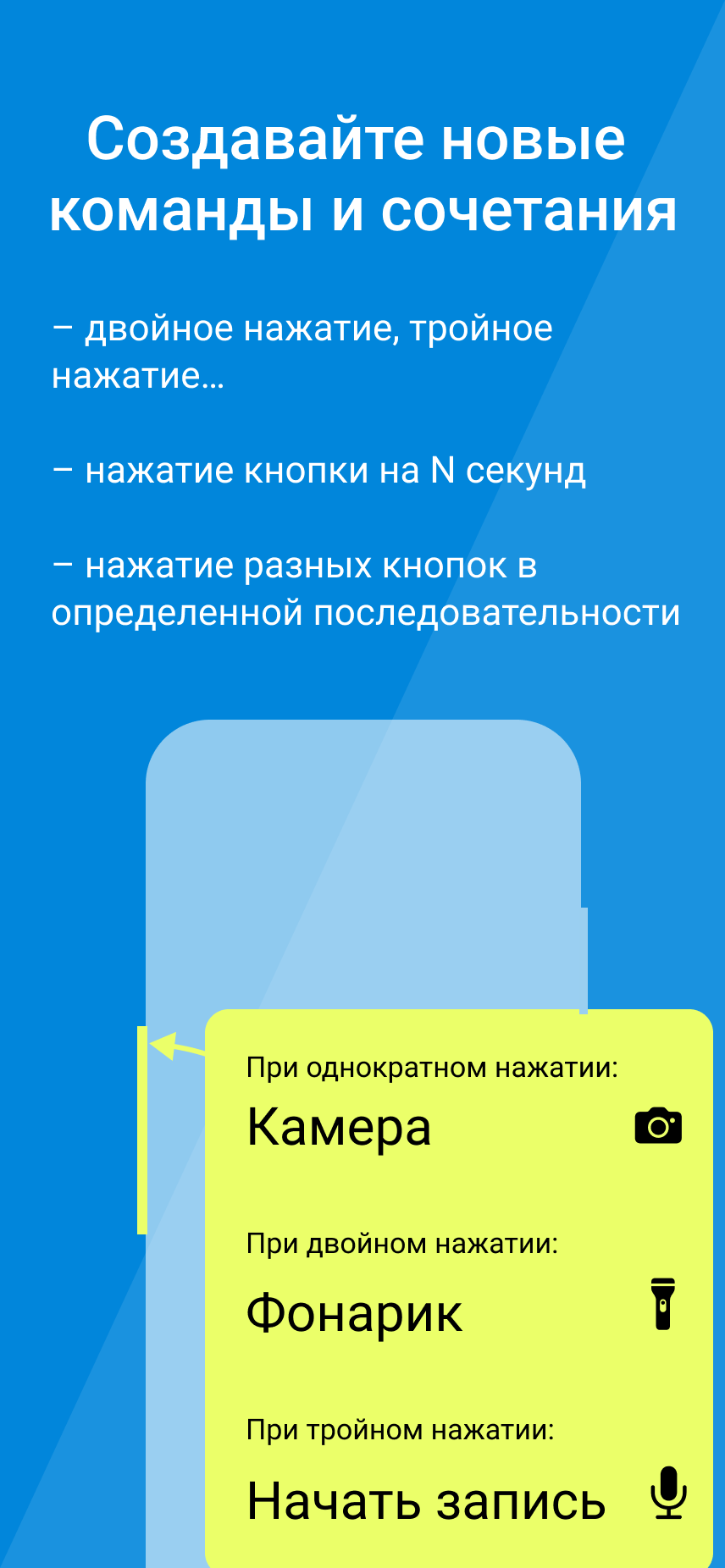
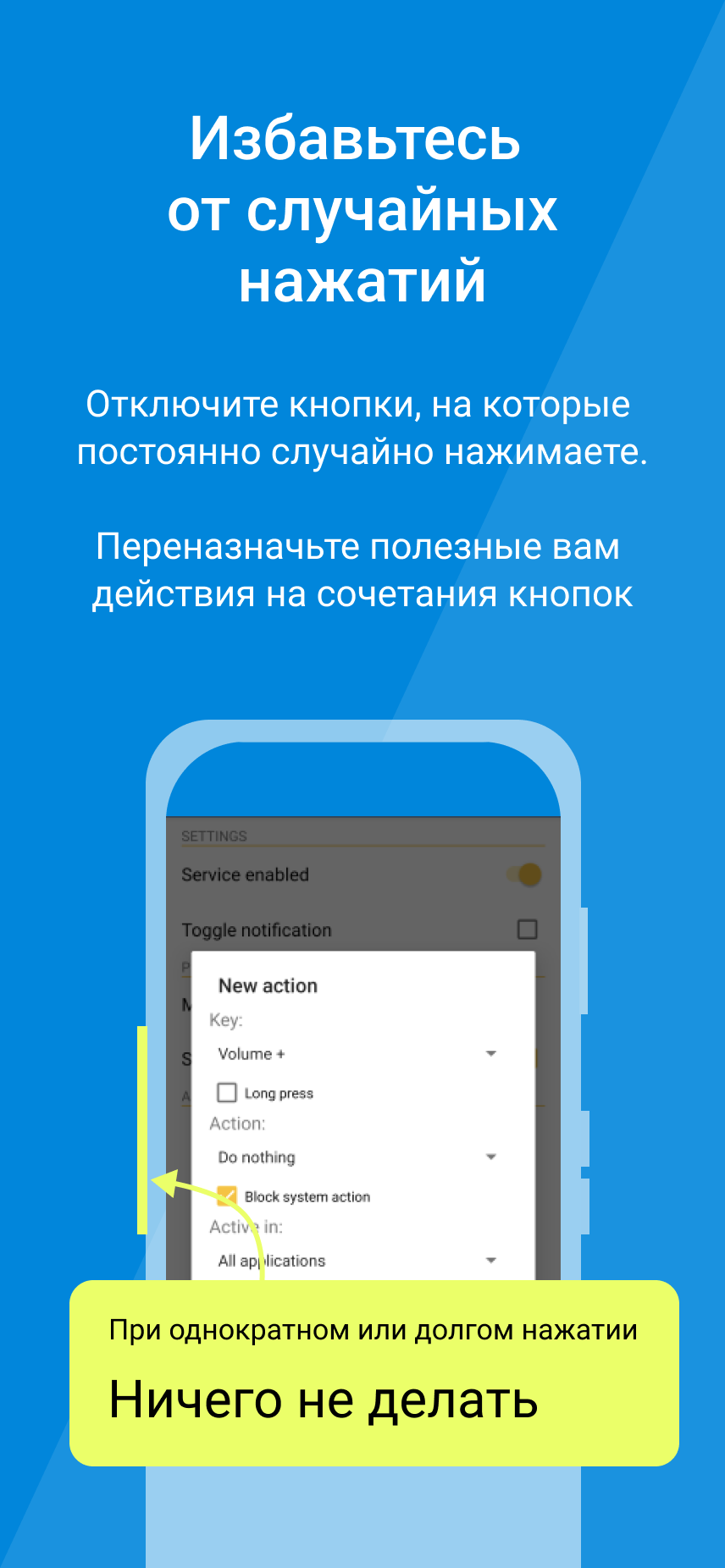
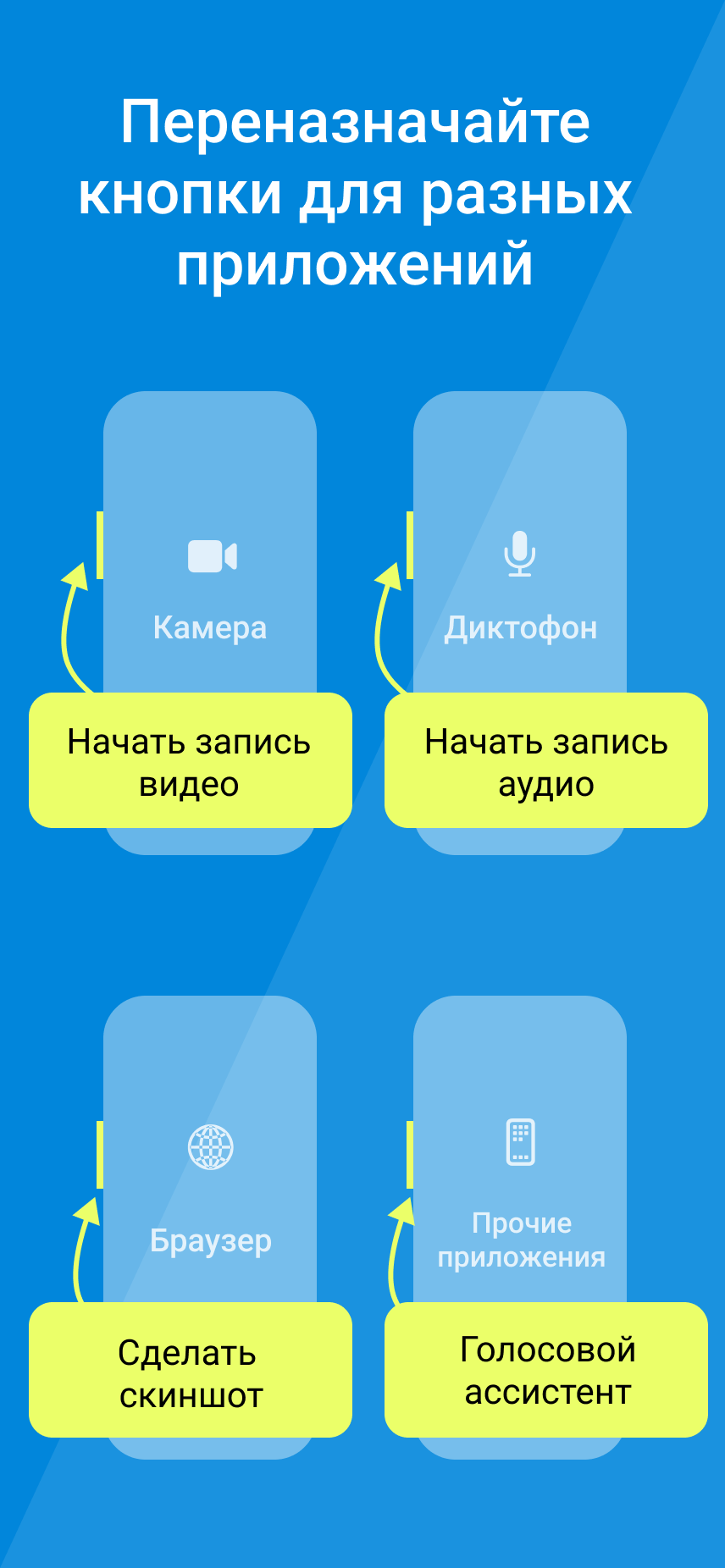
- Banyak opsi pemetaan ulang utama.
- Tidak ada iklan.
- Kemampuan untuk menetapkan lebih dari 50 fungsi ke tombol.
- Premi berbiaya rendah.
Deskripsi
Aplikasi Buttons Remapper: Map & Combo diperiksa oleh antivirus VirusTotal. Sebagai hasil pemindaian, tidak ada infeksi file yang terdeteksi oleh semua tanda tangan terbaru.
Cara memasang Buttons Remapper: Map & Combo
- Unduh file APK aplikasi dari apkshki.com.
- Temukan file yang diunduh. Anda dapat menemukannya di baki sistem atau di folder 'Download' menggunakan manajer file apa pun.
- Jika file yang diunduh berekstensi .bin (bug WebView di Android 11), ubah namanya menjadi .apk menggunakan pengelola file apa pun atau coba unduh file dengan browser lain seperti Chrome.
- Mulai penginstalan. Klik pada file yang diunduh untuk memulai penginstalan
- Izinkan penginstalan dari sumber yang tidak dikenal. Jika Anda menginstal untuk pertama kalinya Buttons Remapper: Map & Combo bukan dari Google Play, buka pengaturan keamanan perangkat Anda dan izinkan penginstalan dari sumber yang tidak dikenal.
- Lewati perlindungan Google Play. Jika proteksi Google Play memblokir penginstalan file, ketuk 'Info Lebih Lanjut' → 'Tetap instal' → 'OK' untuk melanjutkan..
- Selesaikan penginstalan: Ikuti petunjuk penginstal untuk menyelesaikan proses penginstalan.
Cara memperbarui Buttons Remapper: Map & Combo
- Unduh versi baru aplikasi dari apkshki.com.
- Cari file yang diunduh dan klik file tersebut untuk memulai penginstalan.
- Instal di atas versi lama. Tidak perlu menghapus instalasi versi sebelumnya.
- Hindari konflik tanda tangan. Jika versi sebelumnya tidak diunduh dari apkshki.com, pesan 'Aplikasi tidak terinstal' mungkin muncul. Dalam kasus ini, hapus instalan versi lama dan instal versi baru.
- Mulai ulang lampiran Buttons Remapper: Map & Combo setelah pembaruan.








Meminta pembaruan aplikasi
Ditambahkan Denis Rubinov
Versi: 1.24.2
Ukuran: 5.6 MB
Diperbarui: 12.11.2023
Developer: Irishin
Batasan Usia: Everyone
Otorisasi:
Diunduh di Google Play: 2081404
Kategori: Personalisasi















Ulasan untuk Buttons Remapper: Map & Combo
This app is not good. I mean it works, but as of right now (Feb 2025) it cannot access your Google Wallet in-app to actually pay for the premium version. Just keeps endlessly telling me to set up a payment method on Google Pay. I searched for a separate license in Play, and no such luck. Seems stupid to me to require payment for full functionality, and then not allow you to pay for it.
The one thing I needed this for, is locked behind a paywall. Idk if this will even help solve my issue but I'm not paying money to find out.
tells me all my payment options are unavailable. cannot purchase. have verified these options work on other apps and play store itself.
I set the Netflix button to one press nothing and long press home screen works perfectly 20-25
Bukwas
Does its job
I can not purchase premium for some reason
this garbage app only works for about a week before it starts spamming you with pop-ups asking you pay for some sort of Premium subscription service. the level of antagonism is just short of ransomware, this app honestly should be removed from the App Store
Good feature
The app worked great on the latest Google TV OS remapping Netflix/Prime buttons on my remote. I'd love the paid version but it doesn't accept Google Pay options. I tried on my phone and TV
Works great!! Tried & tested daily for over a month, found that it does exactly what it says it will do "on the box!" Wanted volume settings for phone alerts: Ringer, Media, Texts etc to remain constant and not changed whilst in pocket as happened so many times before & missed calls!! 🤬 But this works great 24/7!! I have a separate Widget to turn volume to:(1) just vibrate or (2) Silent and works with that too when required!! Upgraded £1.99 to Premium as happy with App!! 👍 👍
This app is amazing. I was having issues with my phone, I use an iem and when listening to music it will suddenly increase the volume and this app saves me from getting my ear drums destroyed. But there is one thing that annoys me every time I open the app and closed it, it will also disable the settings in the accessibility so I have to turn it on again. Hope this gets fixed.
Another button mapping app that does NOT work well with Google Android. It prevents the volume buttons from working properly. Yhe volume only goes up one click at a time, which is very time consuming. So any effort saved by the app is lost in the voleme control. I bought the upgraded version and could not find a work around. Also, setting up the buttons was a lot harder than other apps of this kind.
Probably a decent app, but didn't work for me. I paid for the premium version, but mapping a double-click on a Bluetooth headset to produce next-track action didn't work -- it still redials the last number as before. Uninstalled. The developer kindly reimbursed the purchase. Hopefully it works for everyone else.
I was able to remap my volume rocker. I tried the combination settings but it doesn't work. Was working fine this morning and then a few hours later it stopped working. Opening the app and force close and restart wouldn't fix it. I uninstalled and reinstalled and it's working again. Now when my volume displays on my screen it starts flashing on and off.
Kirimkan komentar
Untuk memberikan komentar, masuklah dengan jejaring sosial Anda:
Atau tinggalkan komentar anonim. Komentar Anda akan dikirim untuk dimoderasi.
Kirimkan komentar
Untuk memberikan komentar, masuklah dengan jejaring sosial Anda:
Atau tinggalkan komentar anonim. Komentar Anda akan dikirim untuk dimoderasi.