



PPSSPP - PSP emulator
213+
unduhan2.3+
versi Android
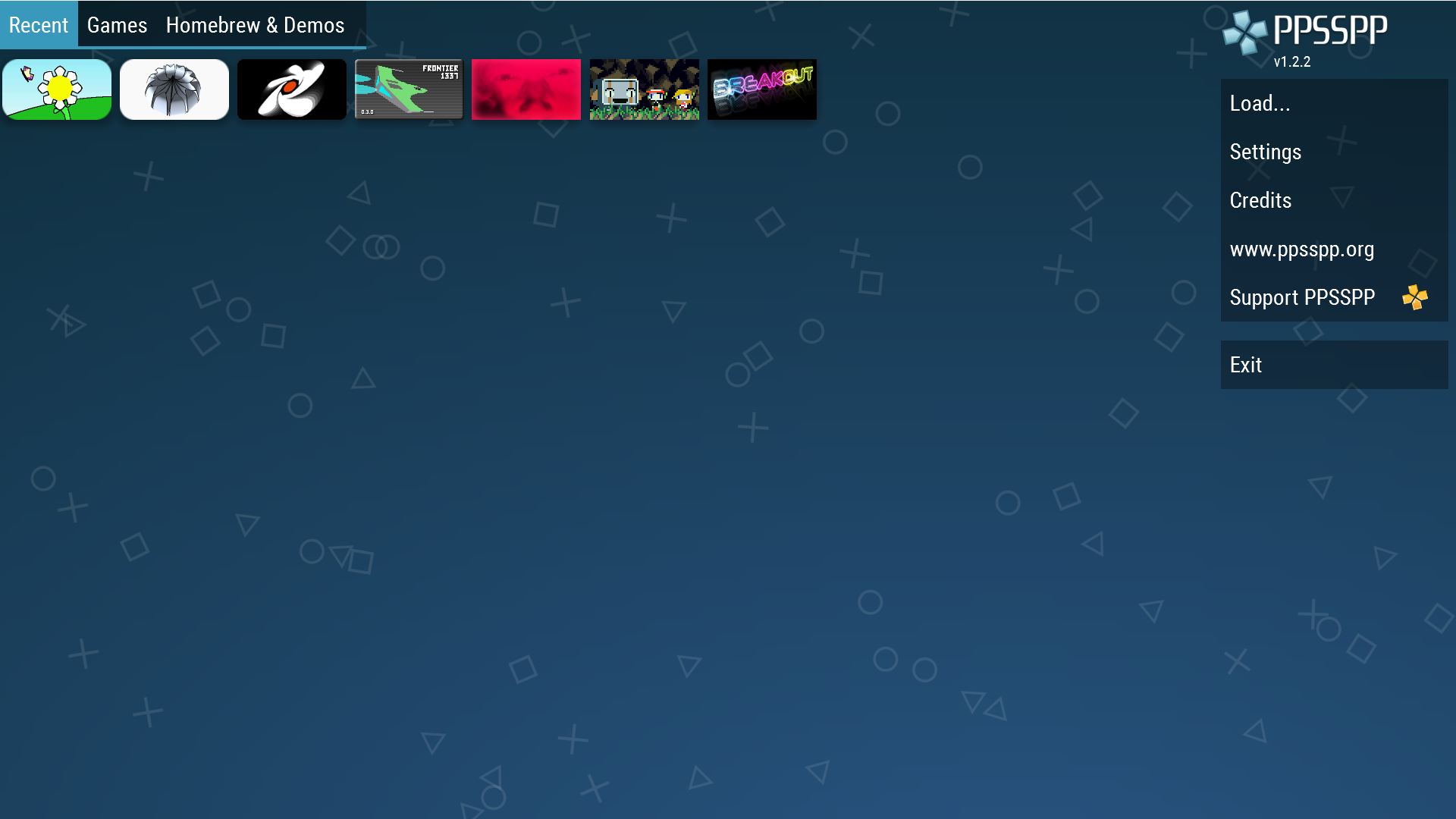
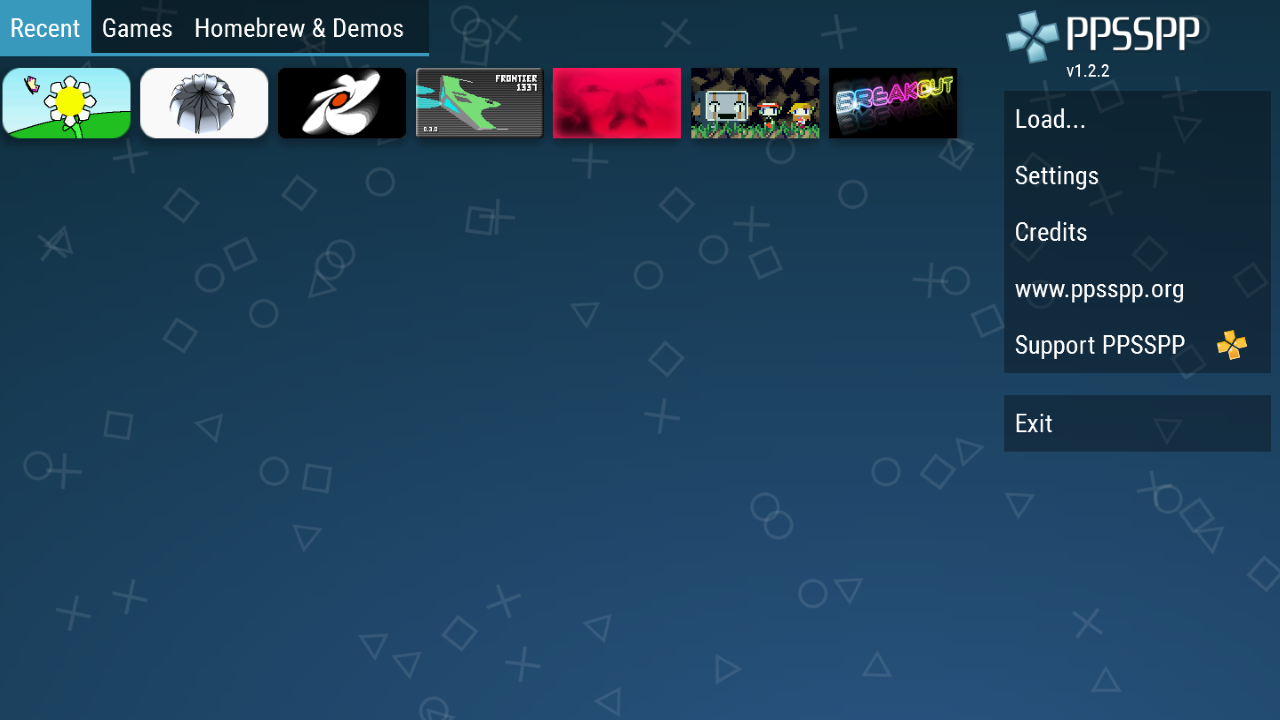
Ditambahkan: Denis Rubinov
Versi: 1.7.5
Ukuran: 13.1 MB
Diperbarui: 20.06.2020
Developer: Henrik Rydgård
Batasan Usia: Everyone
Otorisasi: 9
Diunduh di Google Play: 157043683
Kategori: Game aksi
- Mendukung sebagian besar game PSP.
- Gamepad virtual yang nyaman.
- Bekerja pada sebagian besar versi Android.
- Gratis untuk digunakan.
Deskripsi
Permainan PPSSPP - PSP emulator telah diperiksa oleh antivirus VirusTotal. Sebagai hasil pemindaian, tidak ada infeksi file yang terdeteksi oleh semua tanda tangan terbaru.
Cara memasang PPSSPP - PSP emulator
- Unduh file APK game dari apkshki.com.
- Temukan file yang diunduh. Anda dapat menemukannya di baki sistem atau di folder 'Download' menggunakan manajer file apa pun.
- Jika file yang diunduh berekstensi .bin (bug WebView di Android 11), ubah namanya menjadi .apk menggunakan pengelola file apa pun atau coba unduh file dengan browser lain seperti Chrome.
- Mulai penginstalan. Klik pada file yang diunduh untuk memulai penginstalan
- Izinkan penginstalan dari sumber yang tidak dikenal. Jika Anda menginstal untuk pertama kalinya PPSSPP - PSP emulator bukan dari Google Play, buka pengaturan keamanan perangkat Anda dan izinkan penginstalan dari sumber yang tidak dikenal.
- Lewati perlindungan Google Play. Jika proteksi Google Play memblokir penginstalan file, ketuk 'Info Lebih Lanjut' → 'Tetap instal' → 'OK' untuk melanjutkan..
- Selesaikan penginstalan: Ikuti petunjuk penginstal untuk menyelesaikan proses penginstalan.
Cara memperbarui PPSSPP - PSP emulator
- Unduh versi baru game dari apkshki.com.
- Cari file yang diunduh dan klik file tersebut untuk memulai penginstalan.
- Instal di atas versi lama. Tidak perlu menghapus instalasi versi sebelumnya.
- Hindari konflik tanda tangan. Jika versi sebelumnya tidak diunduh dari apkshki.com, pesan 'Aplikasi tidak terinstal' mungkin muncul. Dalam kasus ini, hapus instalan versi lama dan instal versi baru.
- Mulai ulang game PPSSPP - PSP emulator setelah pembaruan.





Meminta pembaruan aplikasi
Ditambahkan Denis Rubinov
Versi: 1.7.5
Ukuran: 13.1 MB
Diperbarui: 20.06.2020
Developer: Henrik Rydgård
Batasan Usia: Everyone
Otorisasi:
Diunduh di Google Play: 157043683
Kategori: Game aksi













Ulasan untuk PPSSPP - PSP emulator
good for gaming that was great
great
it's pretty good
My files are not playing
Nice console I ever played deserve a 5 star ratings
this is a good one,but I have one problem,I can't play my psp with god of war ghost of Sparta,when ever I start the game,then the app cuts or exit to the home screen,I thought it was my phone but I tried another good version phone but the same problem,please in the name of God fix it us, please
is the best
Cette app est super mais vous devriez améliorer certaines choses
best games for ppsspp
I can't download game files
works great. I played battlefront II, everything runs smooth, there's even a button that let's you speed up the processing which is great for when it's loading a battle. loads in less than a second on my galaxy s10. you can also plug a ps3 controller into the USB-c port, some of the buttons where mapped wrong, but it let's you re-map all the buttons in the settings.
Awesome Best emulator. Period. No need to hunt down the correct regional bios or anything else like that. My mind was blown away by the ease of use. It's been a work in progress for years, and now with the most recent build I can run everything I've tried out so far. I have an older phone (Note 5) but never see lagging anymore. When I did , though, it was never a problem because of the extensive amount of resources. This app is truly a thing of beauty. Pure genius.
It seems a decent app, overall, but I got it to play one particular game and it refuses to play that game. I have downloaded two different versions of the game, and I don't make it in 10 minutes before the app crashes. I have been through settings on the app too and turned down settings and whatever I need. When the game started I had a pop up about turning on frameskipper or whatever because the sound was choppy, but it hasn't helped. Very upsetting.
SWITCHED TO OPEN GL BACKEND- FIXED MY ISSUES. New Update introduced a problem with the Square, Triangle, Circle and X buttons. The touch input areas for the four buttons are misaligned to the left. The touch area worked perfectly in the center of each button before the update. I am not the only one to have this problem after reading comments. Seems like the screen isnt properly aligning. resolution stretches past edge on note 9. Thanks for a great app!
I used this emulator for months with no problem on my S7, but then never really picked it back up again on my S9 until a few weeks ago after I saw that the app had an update. Now the buttons on the right side of the screen do not respond about 80% of the time. If this get's fixed then this emulator deserves a 5 star review, as it is one of the best on the market.
Kirimkan komentar
Untuk memberikan komentar, masuklah dengan jejaring sosial Anda:
Atau tinggalkan komentar anonim. Komentar Anda akan dikirim untuk dimoderasi.
Kirimkan komentar
Untuk memberikan komentar, masuklah dengan jejaring sosial Anda:
Atau tinggalkan komentar anonim. Komentar Anda akan dikirim untuk dimoderasi.