


Simple Text Editor
3+
unduhan4.1+
versi Android
Ditambahkan: Denis Rubinov
Versi: 1.24.2
Ukuran: 1.5 MB
Diperbarui: 15.11.2023
Developer: MaxiStar
Batasan Usia: Everyone
Diunduh di Google Play: 996962
Kategori: Alat
Deskripsi
Aplikasi Simple Text Editor diperiksa oleh antivirus VirusTotal. Sebagai hasil pemindaian, tidak ada infeksi file yang terdeteksi oleh semua tanda tangan terbaru.
Cara memasang Simple Text Editor
- Unduh file APK aplikasi dari apkshki.com.
- Temukan file yang diunduh. Anda dapat menemukannya di baki sistem atau di folder 'Download' menggunakan manajer file apa pun.
- Jika file yang diunduh berekstensi .bin (bug WebView di Android 11), ubah namanya menjadi .apk menggunakan pengelola file apa pun atau coba unduh file dengan browser lain seperti Chrome.
- Mulai penginstalan. Klik pada file yang diunduh untuk memulai penginstalan
- Izinkan penginstalan dari sumber yang tidak dikenal. Jika Anda menginstal untuk pertama kalinya Simple Text Editor bukan dari Google Play, buka pengaturan keamanan perangkat Anda dan izinkan penginstalan dari sumber yang tidak dikenal.
- Lewati perlindungan Google Play. Jika proteksi Google Play memblokir penginstalan file, ketuk 'Info Lebih Lanjut' → 'Tetap instal' → 'OK' untuk melanjutkan..
- Selesaikan penginstalan: Ikuti petunjuk penginstal untuk menyelesaikan proses penginstalan.
Cara memperbarui Simple Text Editor
- Unduh versi baru aplikasi dari apkshki.com.
- Cari file yang diunduh dan klik file tersebut untuk memulai penginstalan.
- Instal di atas versi lama. Tidak perlu menghapus instalasi versi sebelumnya.
- Hindari konflik tanda tangan. Jika versi sebelumnya tidak diunduh dari apkshki.com, pesan 'Aplikasi tidak terinstal' mungkin muncul. Dalam kasus ini, hapus instalan versi lama dan instal versi baru.
- Mulai ulang lampiran Simple Text Editor setelah pembaruan.








Meminta pembaruan aplikasi
Ditambahkan Denis Rubinov
Versi: 1.24.2
Ukuran: 1.5 MB
Diperbarui: 15.11.2023
Developer: MaxiStar
Batasan Usia: Everyone
Diunduh di Google Play: 996962
Kategori: Alat















Ulasan untuk Simple Text Editor
stable+simple+fast+can save to SD card
I'm trying to edit a file and it keeps going to the bottom of it, so maybe handy if you got a file with 20 or so lines, not 900...
thank you Simple Text Editor very cool
Can't open files bigger than 2.5 MB
amazing app, devs, please add a search function!
Not a pure text editor.
Works well and does all that I require in a small, ad-free package. Well done.
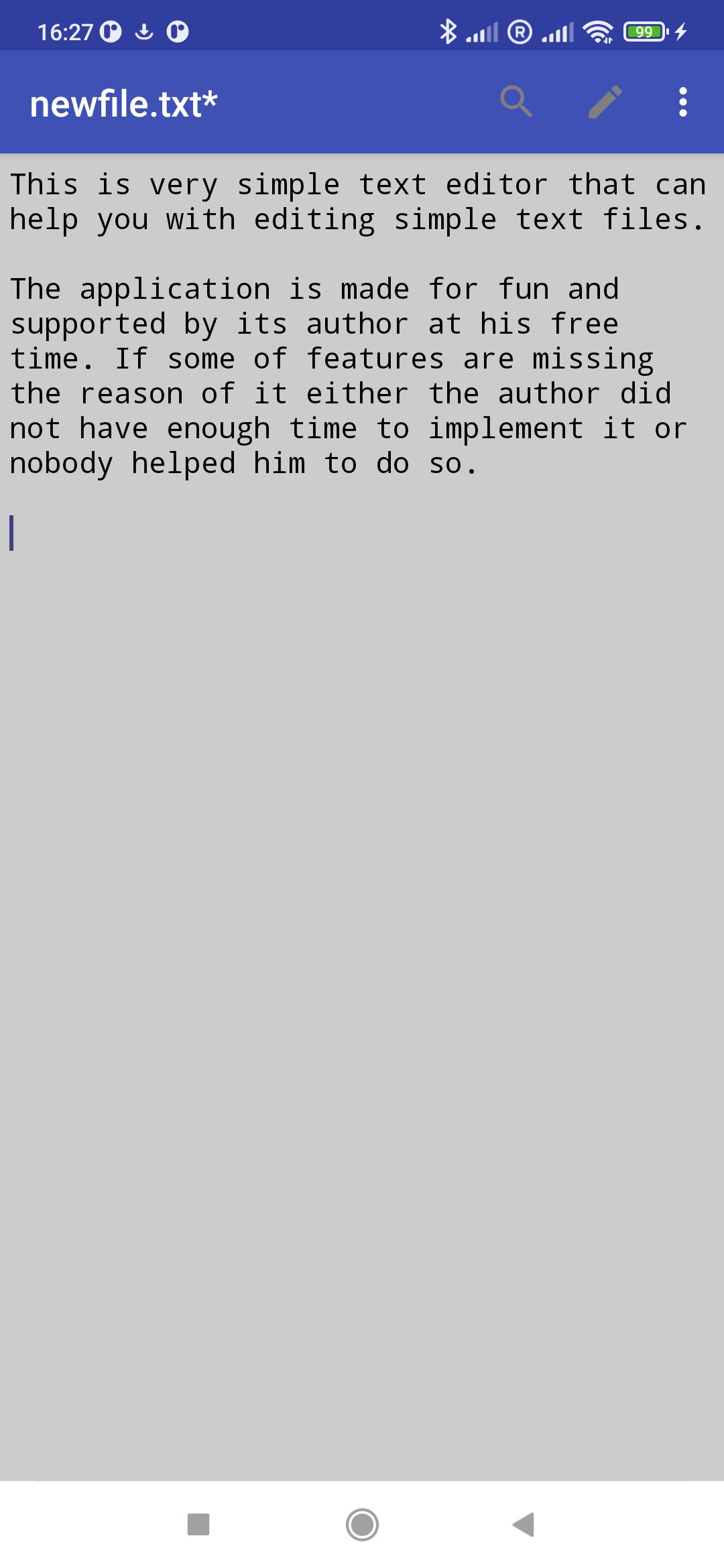
This is exactly what it says it is, a simple text Editor. It's surprisingly hard to find a simple text editor, I just want to be able to save ordinary txt files that I can open anywhere. I don't want proprietary formats and I don't want an editor that crashes trying to open ads, all I wanted is just something for a simple text file and this is seems to be the only thing that fits the bill. A big thank you to the developers who made this exist!
Love it except for one thing. The keyboard always opens when I view a file. I always have to close it to see more of the file. I looked and didn't see a setting to disable this. I only want the popup keyboard if I am editing the file.
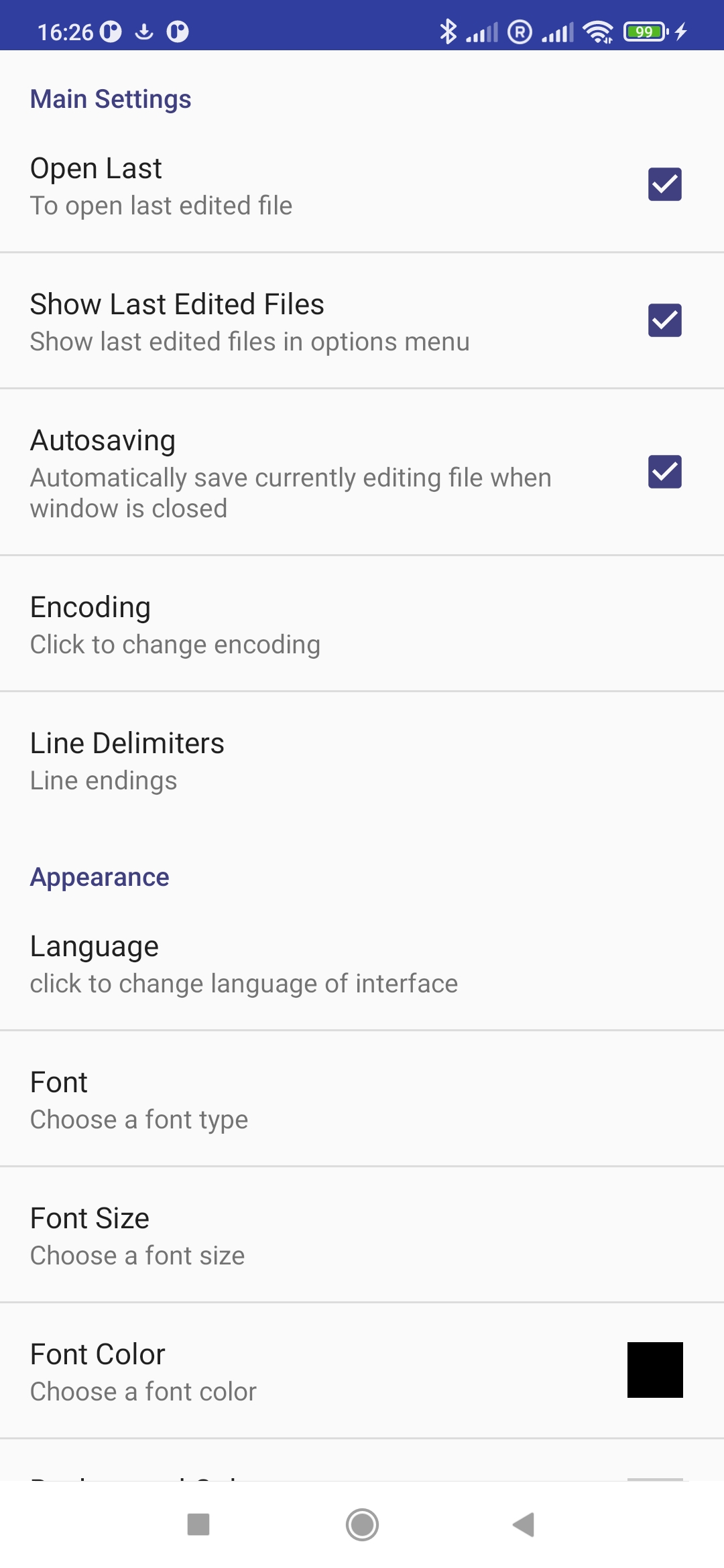
I needed it to edit files such as ini and json And it's very good . It's simple and useful just like the windows' notepad and it's even customizable
Nicely done.
Good
No Adds, very simple. Loved it.
This is exactly what I was looking for. A simple plain text editor that does all the basic stuff well. Thank you for a superb product.
I like the app ...
Kirimkan komentar
Untuk memberikan komentar, masuklah dengan jejaring sosial Anda:
Atau tinggalkan komentar anonim. Komentar Anda akan dikirim untuk dimoderasi.
Kirimkan komentar
Untuk memberikan komentar, masuklah dengan jejaring sosial Anda:
Atau tinggalkan komentar anonim. Komentar Anda akan dikirim untuk dimoderasi.