


Pydroid 3 - IDE for Python 3
22+
unduhan1.0+
versi Android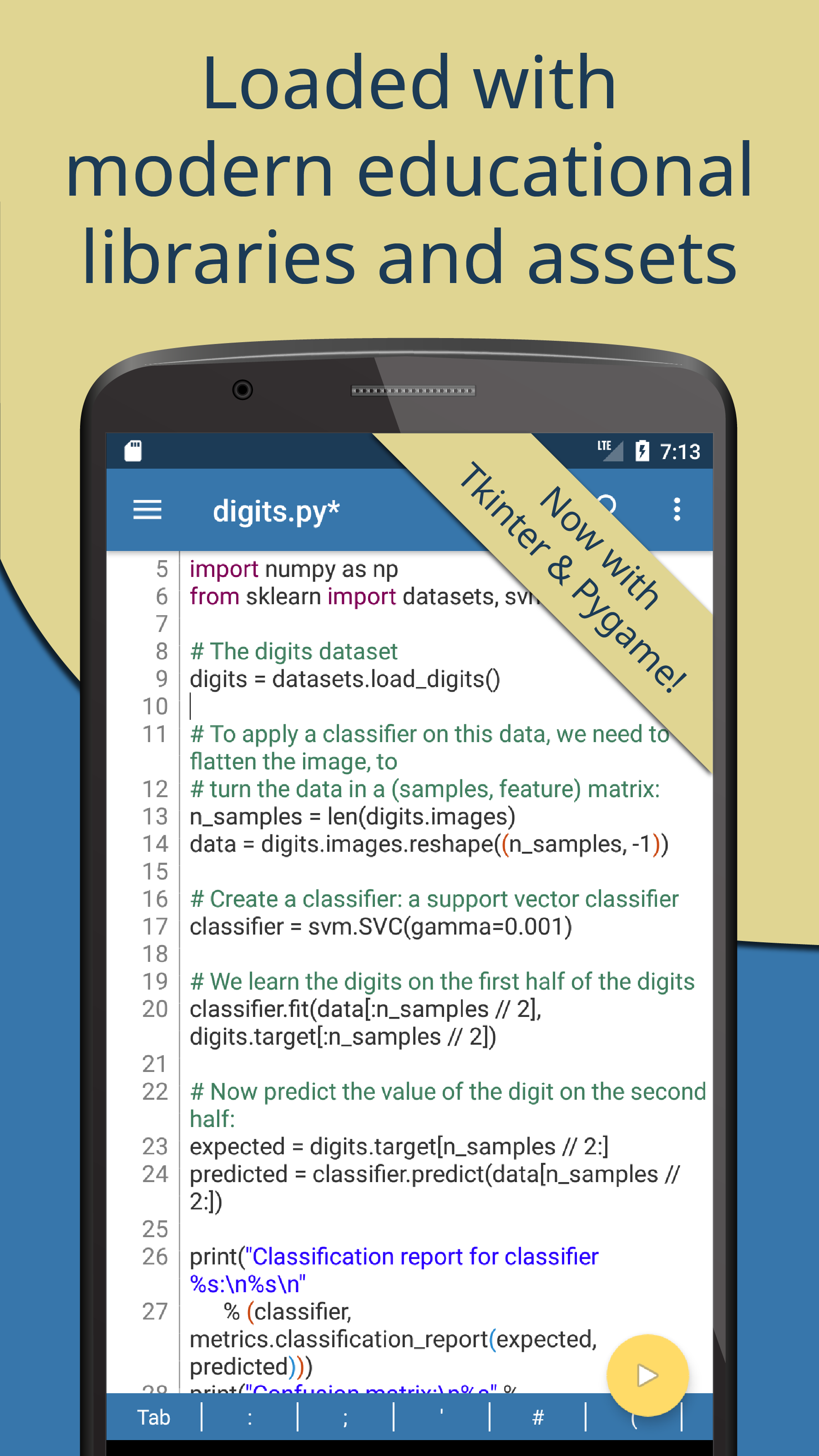
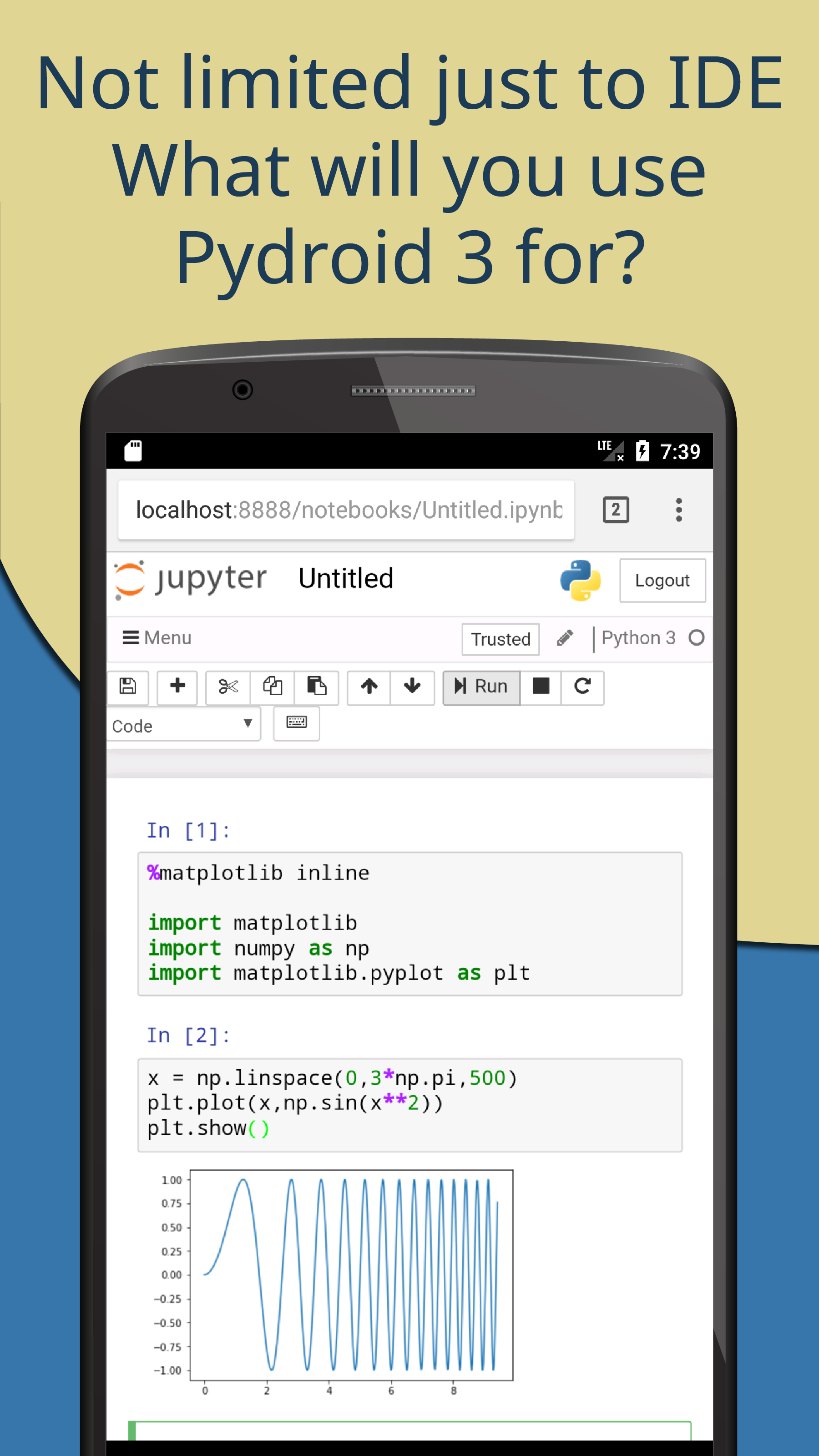
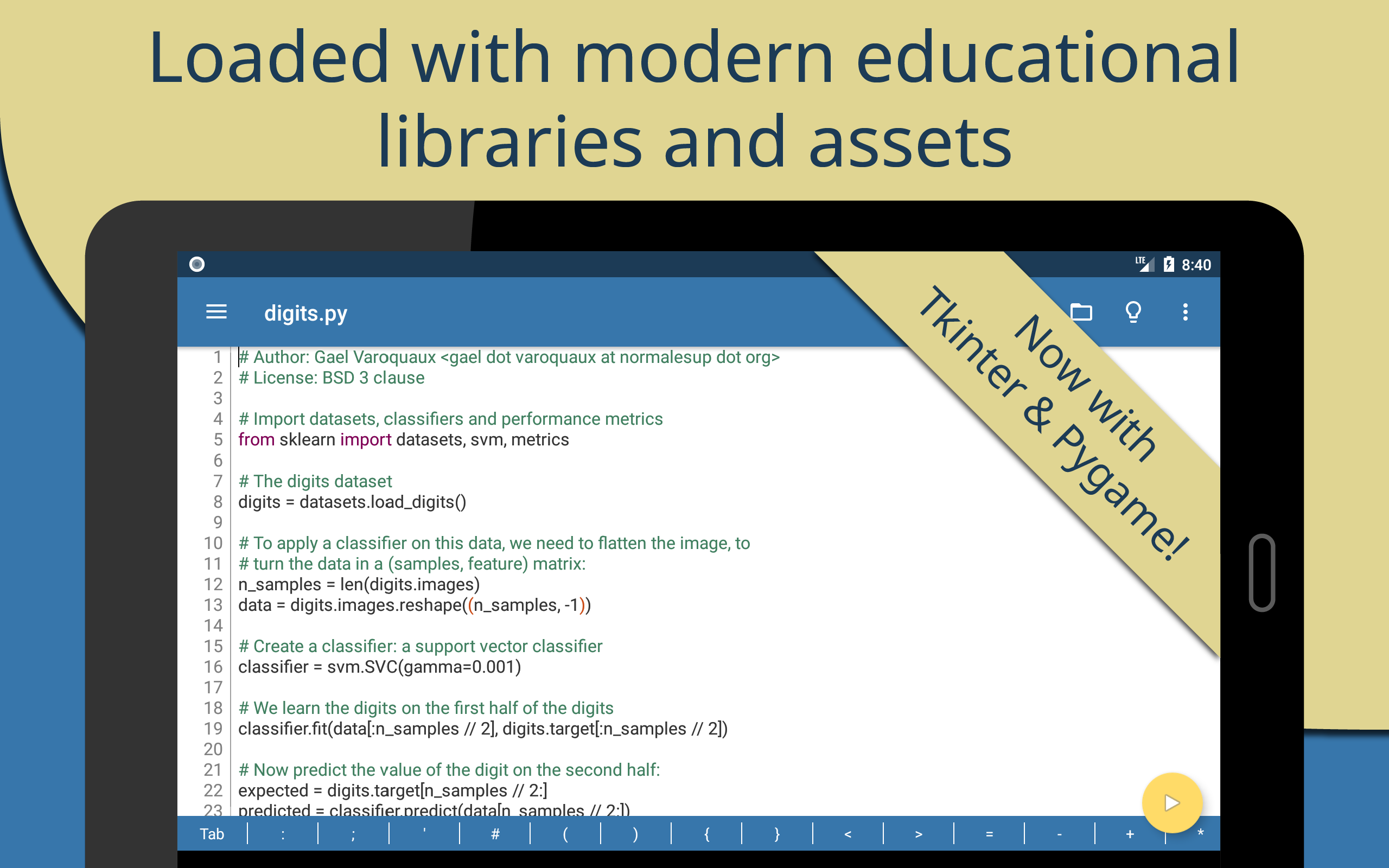
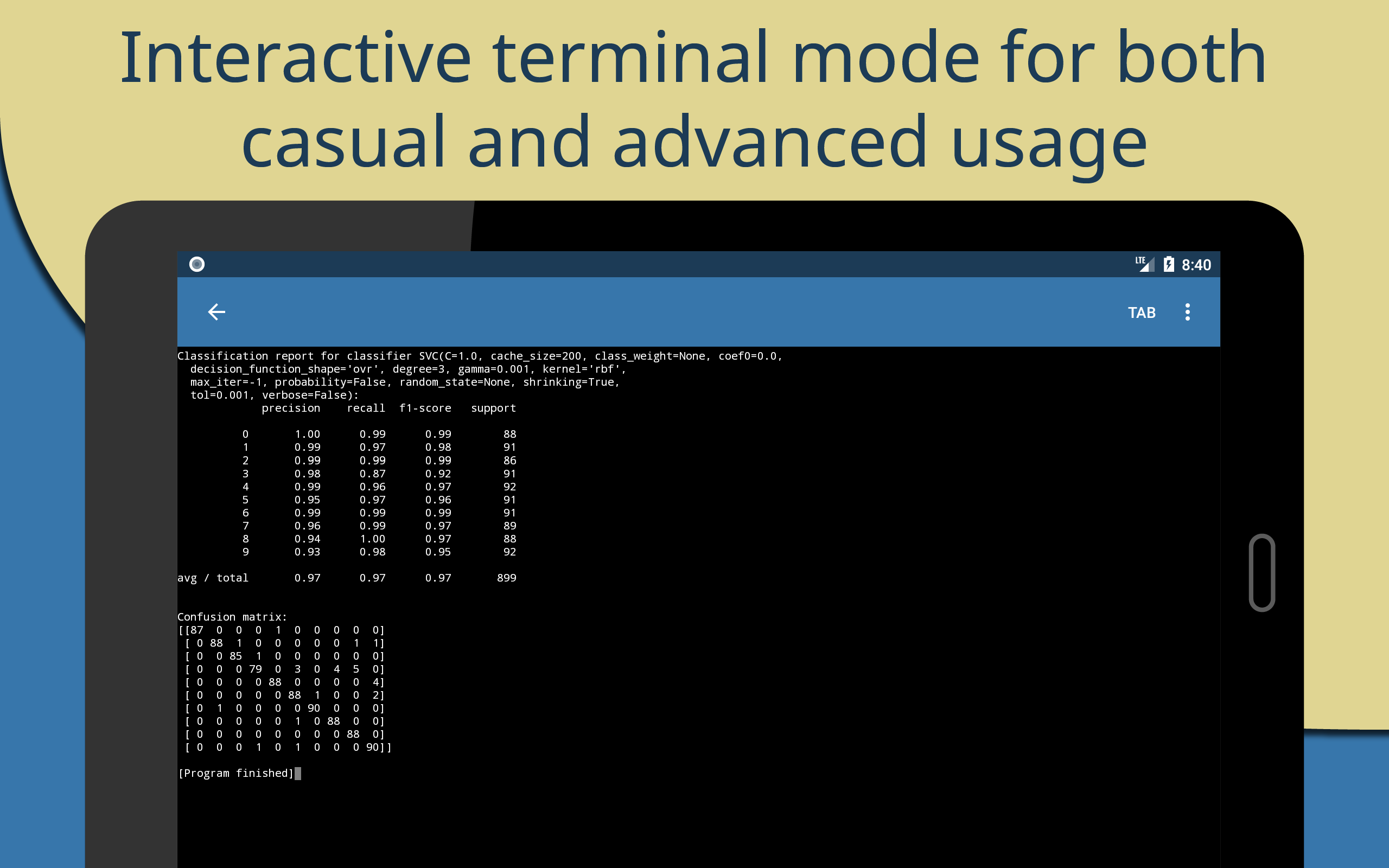
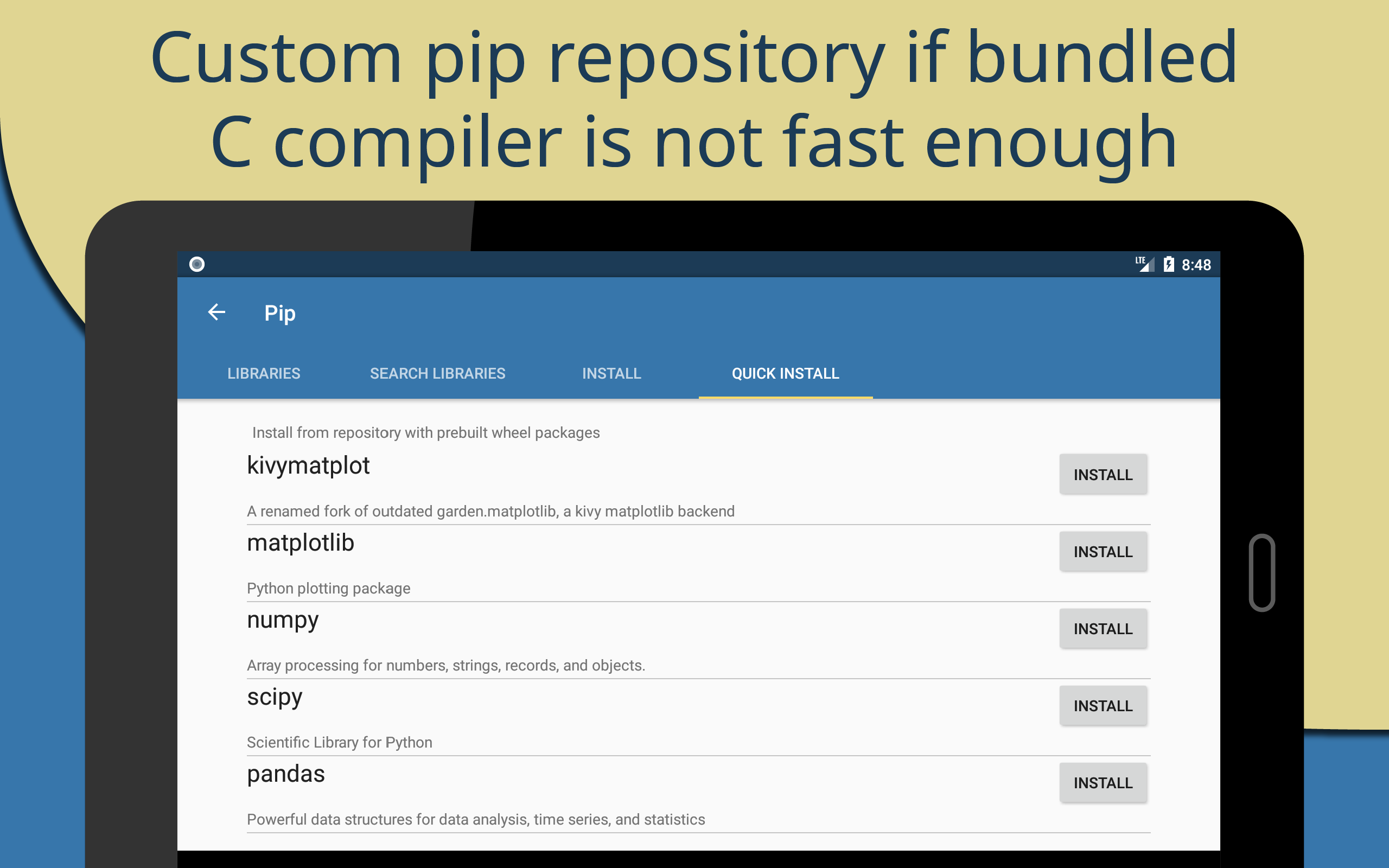
Ditambahkan: Denis Rubinov
Versi: 8.1_x86_64
Ukuran: 72.7 MB
Diperbarui: 24.06.2025
Developer: IIEC
Batasan Usia: Everyone
Otorisasi: 7
Diunduh di Google Play: 8100666
Kategori: Pendidikan
- Internet tidak diperlukan.
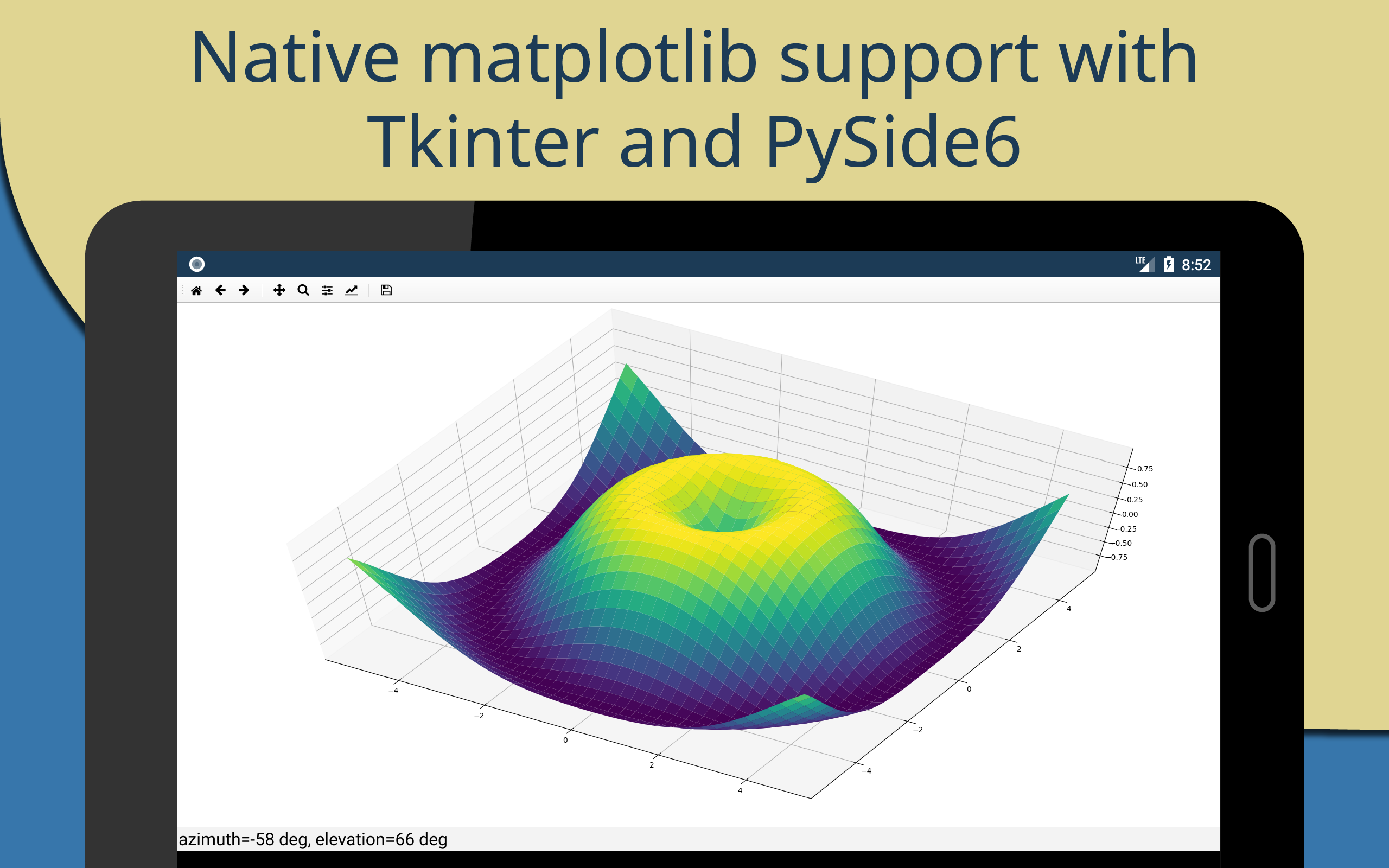
- Kompiler C, C ++ dan Fortran bawaan.
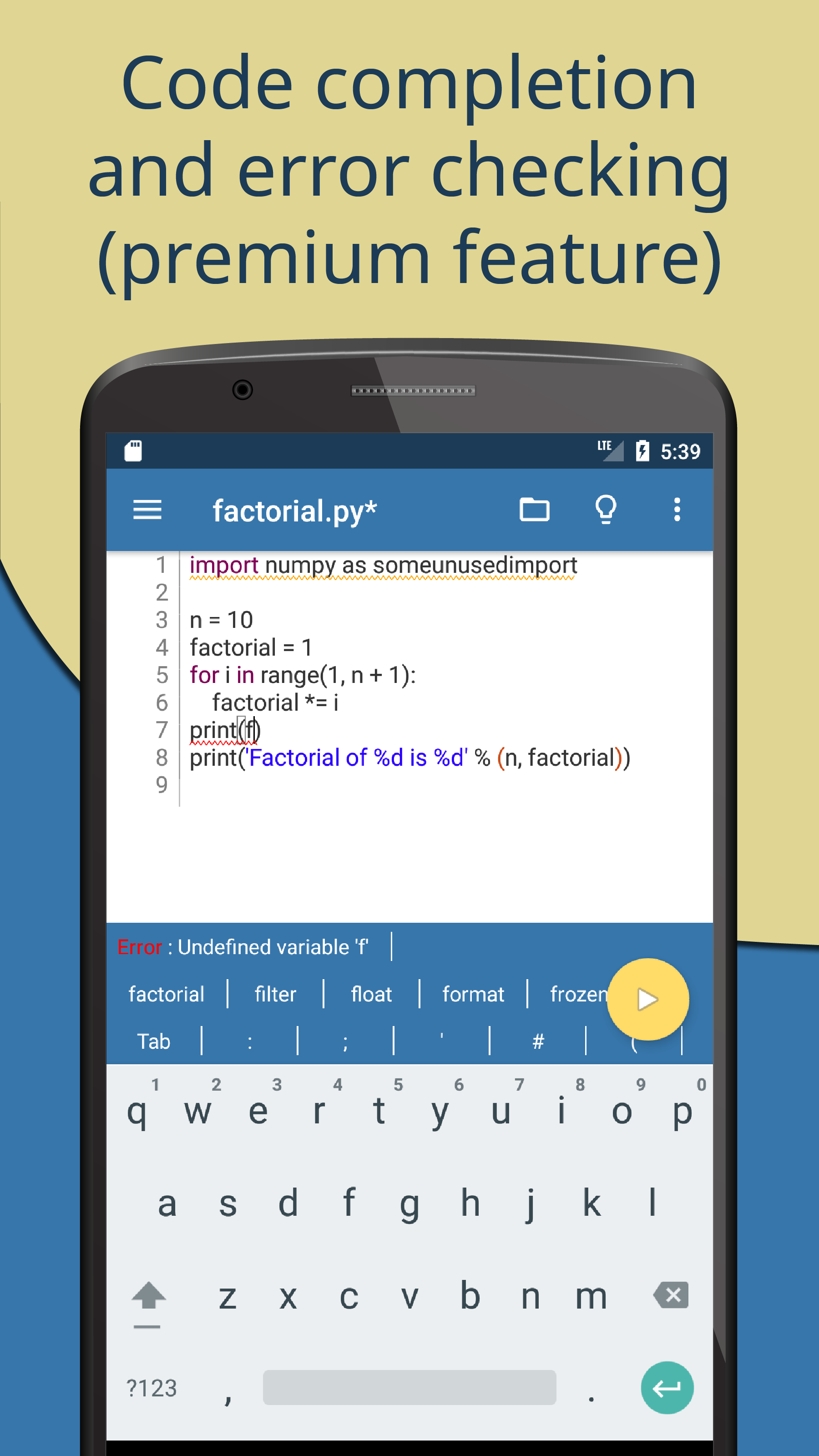
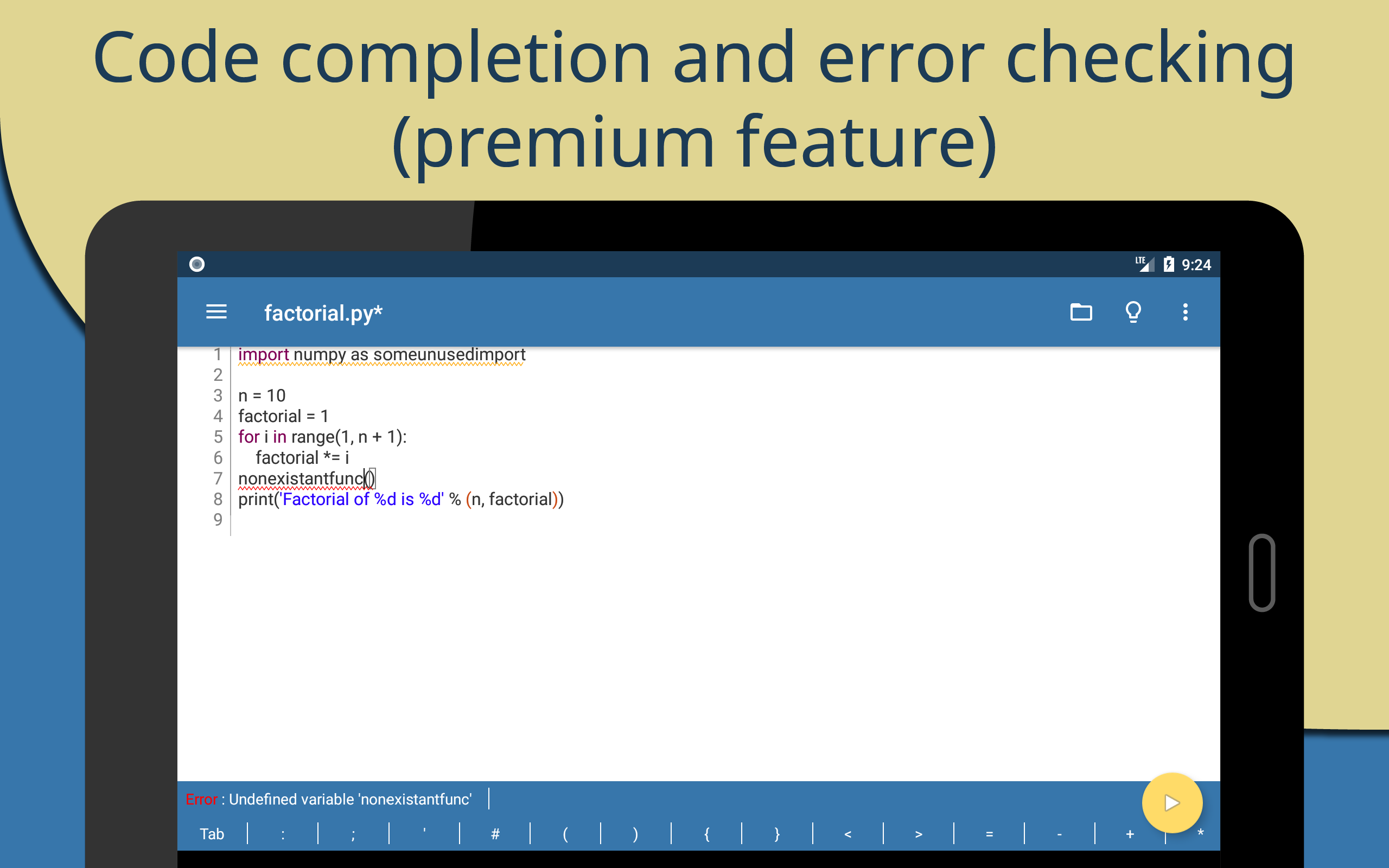
- Debugger PDB hadir.
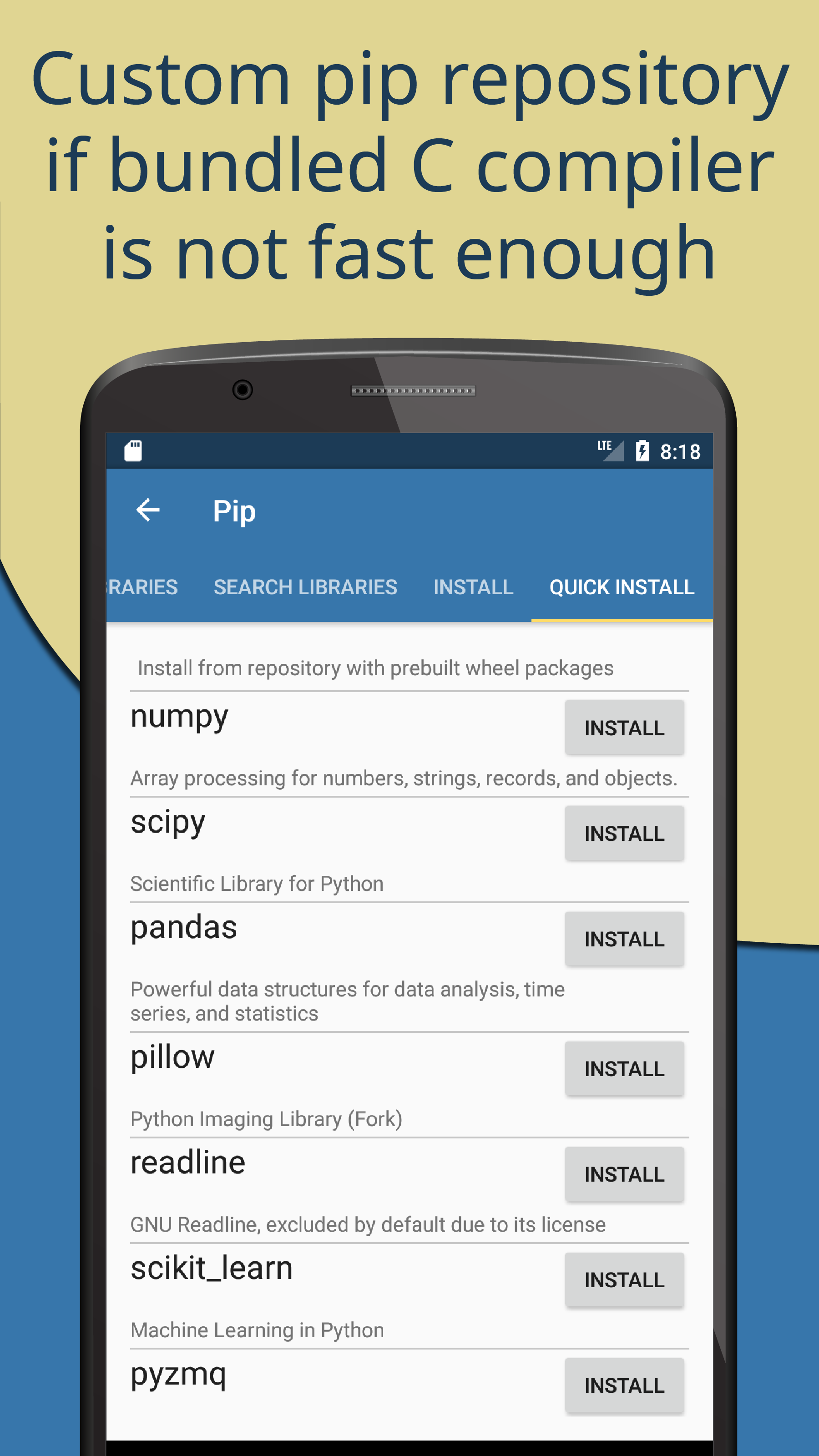
- Manajer Paket PIP.
- Pelajaran yang dipetik dan efektif.
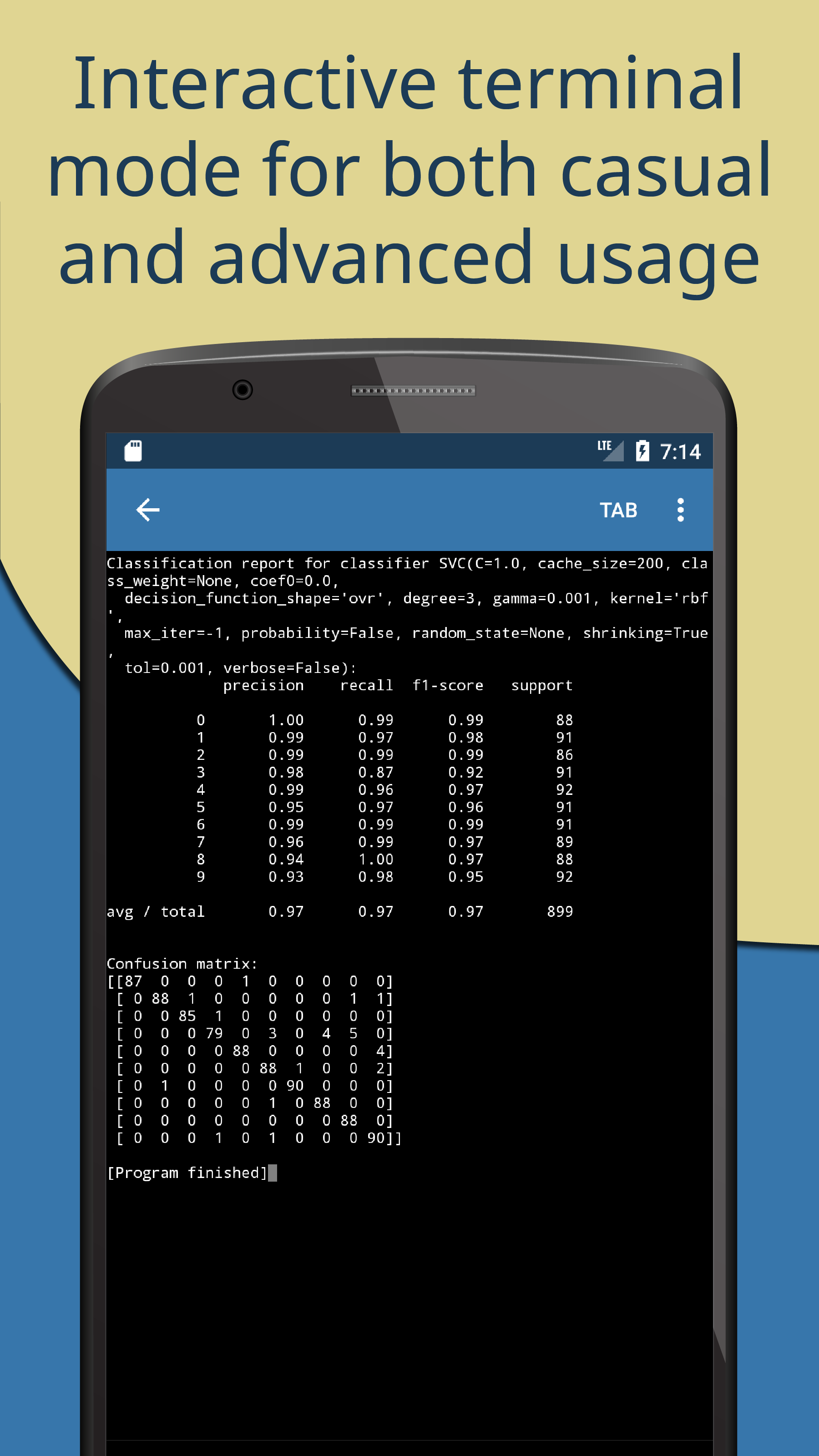
- Emulator terminal yang berfungsi penuh.
Deskripsi
Aplikasi Pydroid 3 - IDE for Python 3 diperiksa oleh antivirus VirusTotal. Sebagai hasil pemindaian, tidak ada infeksi file yang terdeteksi oleh semua tanda tangan terbaru.
Cara memasang Pydroid 3 - IDE for Python 3
- Unduh file APK aplikasi dari apkshki.com.
- Temukan file yang diunduh. Anda dapat menemukannya di baki sistem atau di folder 'Download' menggunakan manajer file apa pun.
- Jika file yang diunduh berekstensi .bin (bug WebView di Android 11), ubah namanya menjadi .apk menggunakan pengelola file apa pun atau coba unduh file dengan browser lain seperti Chrome.
- Mulai penginstalan. Klik pada file yang diunduh untuk memulai penginstalan
- Izinkan penginstalan dari sumber yang tidak dikenal. Jika Anda menginstal untuk pertama kalinya Pydroid 3 - IDE for Python 3 bukan dari Google Play, buka pengaturan keamanan perangkat Anda dan izinkan penginstalan dari sumber yang tidak dikenal.
- Lewati perlindungan Google Play. Jika proteksi Google Play memblokir penginstalan file, ketuk 'Info Lebih Lanjut' → 'Tetap instal' → 'OK' untuk melanjutkan..
- Selesaikan penginstalan: Ikuti petunjuk penginstal untuk menyelesaikan proses penginstalan.
Cara memperbarui Pydroid 3 - IDE for Python 3
- Unduh versi baru aplikasi dari apkshki.com.
- Cari file yang diunduh dan klik file tersebut untuk memulai penginstalan.
- Instal di atas versi lama. Tidak perlu menghapus instalasi versi sebelumnya.
- Hindari konflik tanda tangan. Jika versi sebelumnya tidak diunduh dari apkshki.com, pesan 'Aplikasi tidak terinstal' mungkin muncul. Dalam kasus ini, hapus instalan versi lama dan instal versi baru.
- Mulai ulang lampiran Pydroid 3 - IDE for Python 3 setelah pembaruan.







Meminta pembaruan aplikasi
Ditambahkan Denis Rubinov
Versi: 8.1_x86_64
Ukuran: 72.7 MB
Diperbarui: 24.06.2025
Developer: IIEC
Batasan Usia: Everyone
Otorisasi:
Diunduh di Google Play: 8100666
Kategori: Pendidikan















Ulasan untuk Pydroid 3 - IDE for Python 3
👉ise use krte smy data off kr do Add nhi aayega.
Excellent 👌
permissions suck on android 14 I used to do so much now I feel like I'm restricted from my own device, I can't even get into my own storage there is no option for permissions.
❤️❤️
The best!
Best app ever
your app is not accessible for blind people
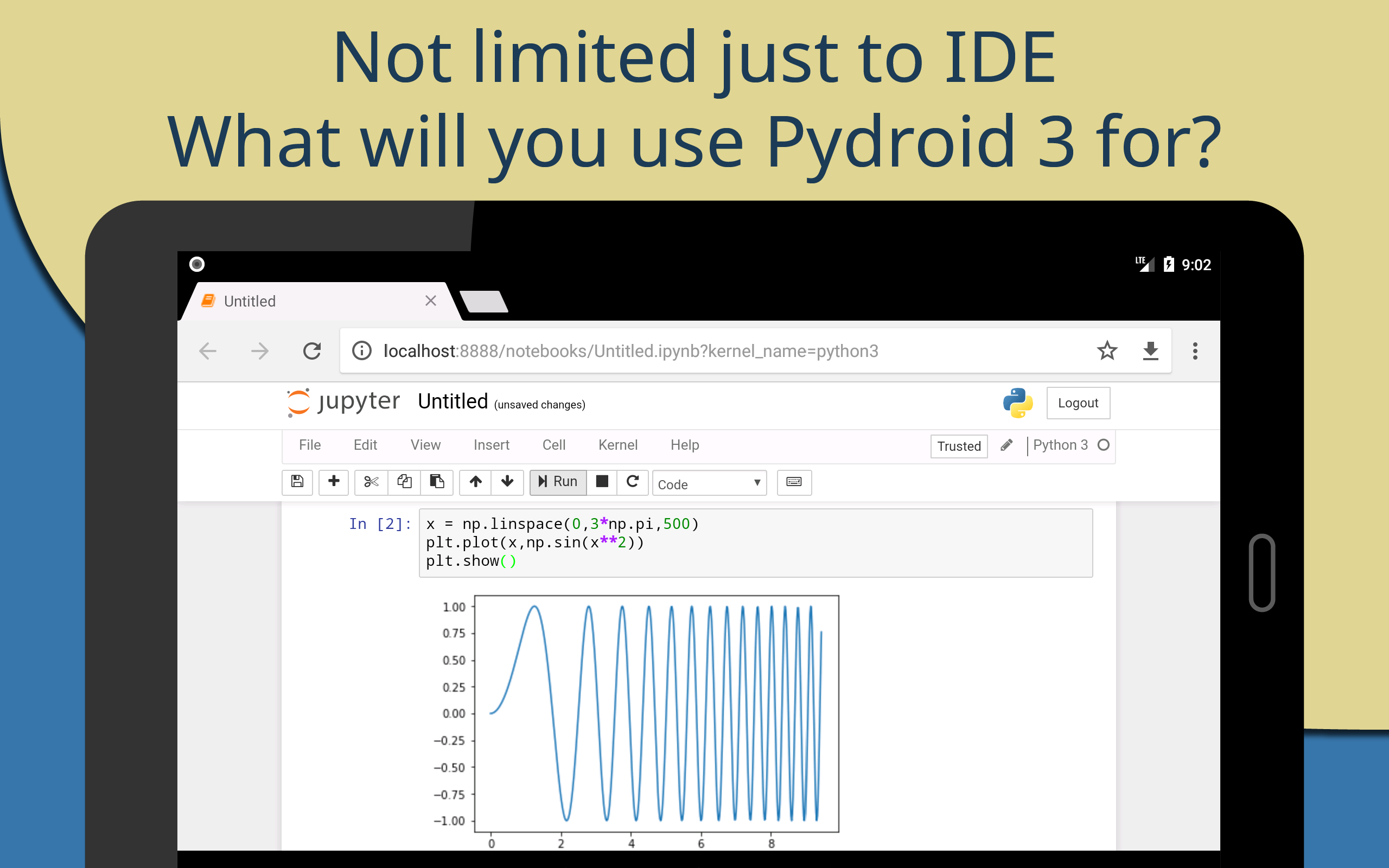
jupyter is not working otherwise everything is fine
Very straight forward
this app is very nice I like this app
There is a lot to like about this app. The interface to the file system, the availability of both a REPL and an interpreter, the UI layout, error messages that are actually helpful. Very helpful to be able to tinker with an idea when I'm not at the computer. There is also a great feature for exporting files to PasteBin. The only improvement I can imagine would be a way to import files other than copy/paste. Integration with a GitHub repository would be ideal, or even just import from PasteBin. Add that and I'll change this review to five stars, if Google Play allows that. All in all, great job on this app. Very useful.
This app is absolutely gorgeous and easy to use. It doesn't distract you when you're in the zone, the autocomplete and suggestions are very intelligent, and installing packages is absolutely painless. It doesn't hit you with any ads until your program exits, and it isn't obnoxious with them either. The premium is also worth every penny. One question; how do you use the debugger? I can't see any of the local variables while stepping. Is there any way I can?
Very easy to use little python playground. I'm very new to coding and made a little budgeting calculator. The amount of errors I made would make a grown man cry, but the error reports were very helpful and I eventually got it working. Ads are relatively unintrusive, and are only banners you have to close out of. No problems so far! Also it's only $10 to get no ads + a bunch of other helpful features and if I get more into coding I'll most likely buy premium.
I like this app a lot, since I like to code small projects on the go and no longer own a laptop. However I have some issues: - Even with "tabs insert spaces" turned on, I often get errors about mixed tabs and spaces and must manually fix them. - Related to the above, I can't find an option to switch all tabs in a file to spaces or vice versa. - Since I use a BlueTooth keyboard, the symbol row just gets in the way and I would like an option to hide it or turn it off. Otherwise, great app!
The documentation for using the app is limited. The ads are extremely distracting and annoying! The most annoying ads are the animated ads. It distracts me, making me lose concentration while using it. The timeout before I can close the unwanted ads, only enhances the annoyance. Apparently, the ads are there to convince me to pay for the premium version. If I choose to pay for the premium version, in the future, I might alter the rating then.
Kirimkan komentar
Untuk memberikan komentar, masuklah dengan jejaring sosial Anda:
Atau tinggalkan komentar anonim. Komentar Anda akan dikirim untuk dimoderasi.
Kirimkan komentar
Untuk memberikan komentar, masuklah dengan jejaring sosial Anda:
Atau tinggalkan komentar anonim. Komentar Anda akan dikirim untuk dimoderasi.