


Ditambahkan: Denis Rubinov
Versi: 7.11.build127
Ukuran: 7.4 MB
Diperbarui: 22.05.2025
Developer: RARLAB (published by win.rar GmbH)
Batasan Usia: Everyone
Otorisasi: 6
Diunduh di Google Play: 200414148
Kategori: Alat
Deskripsi
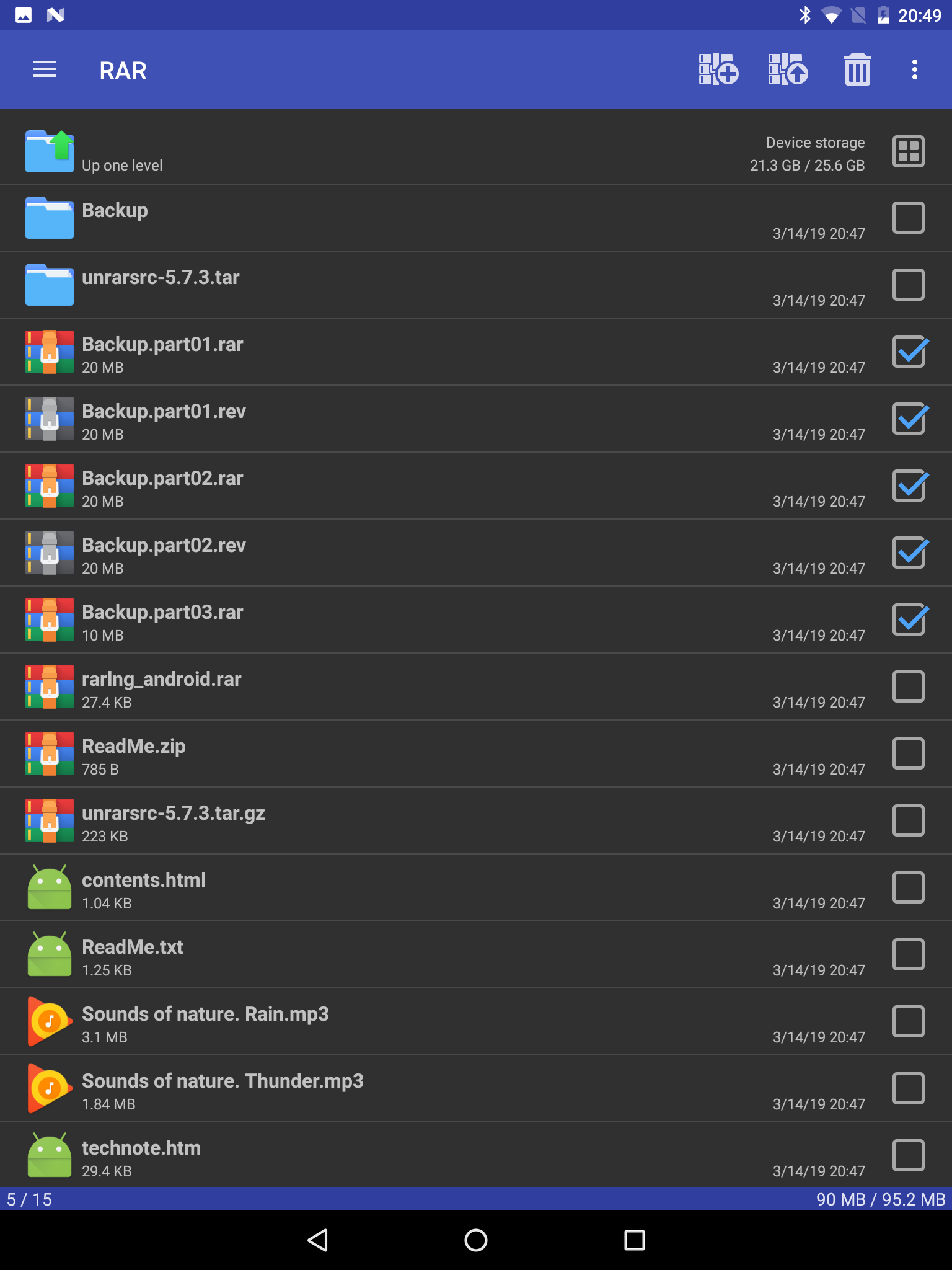
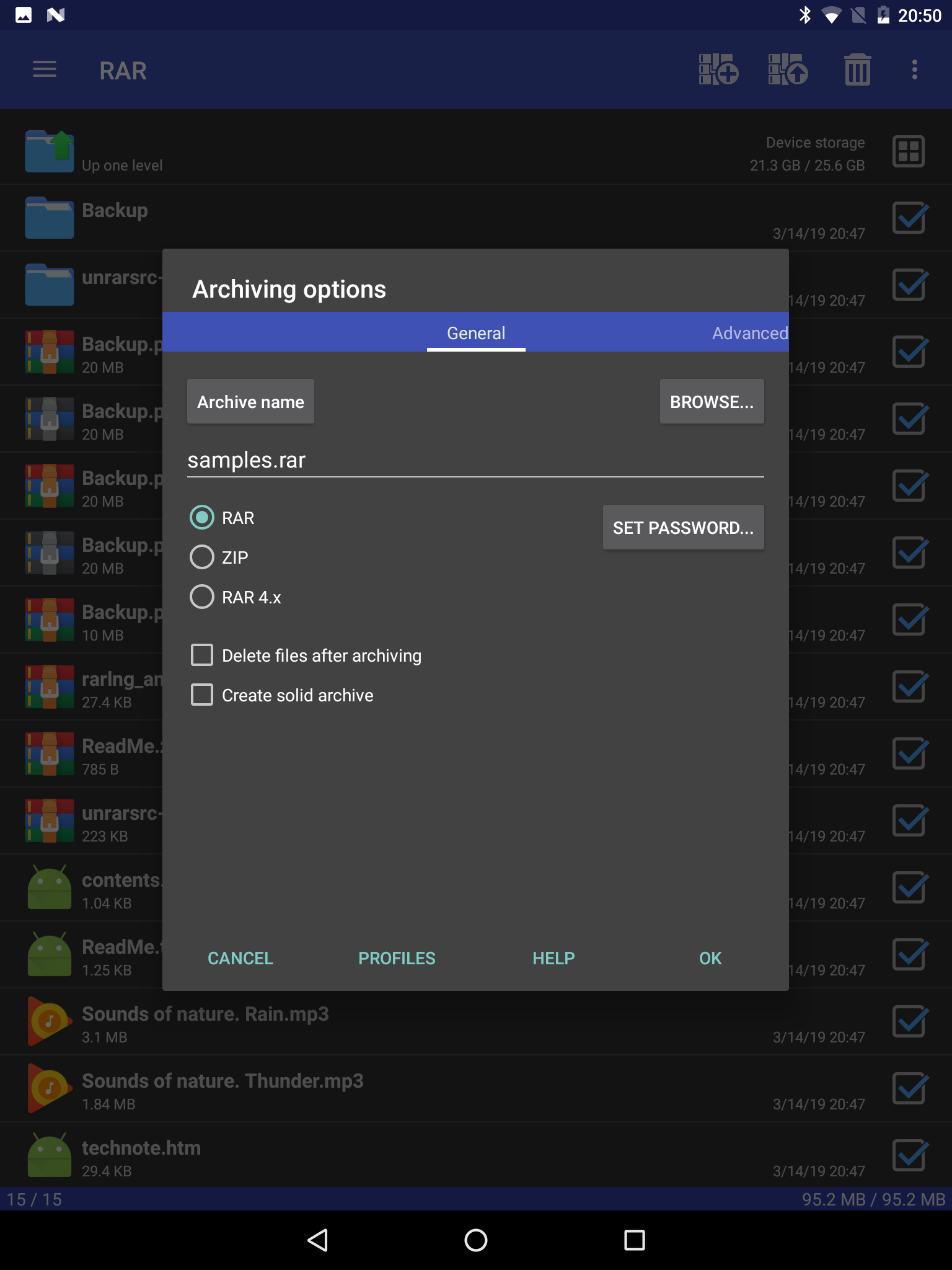
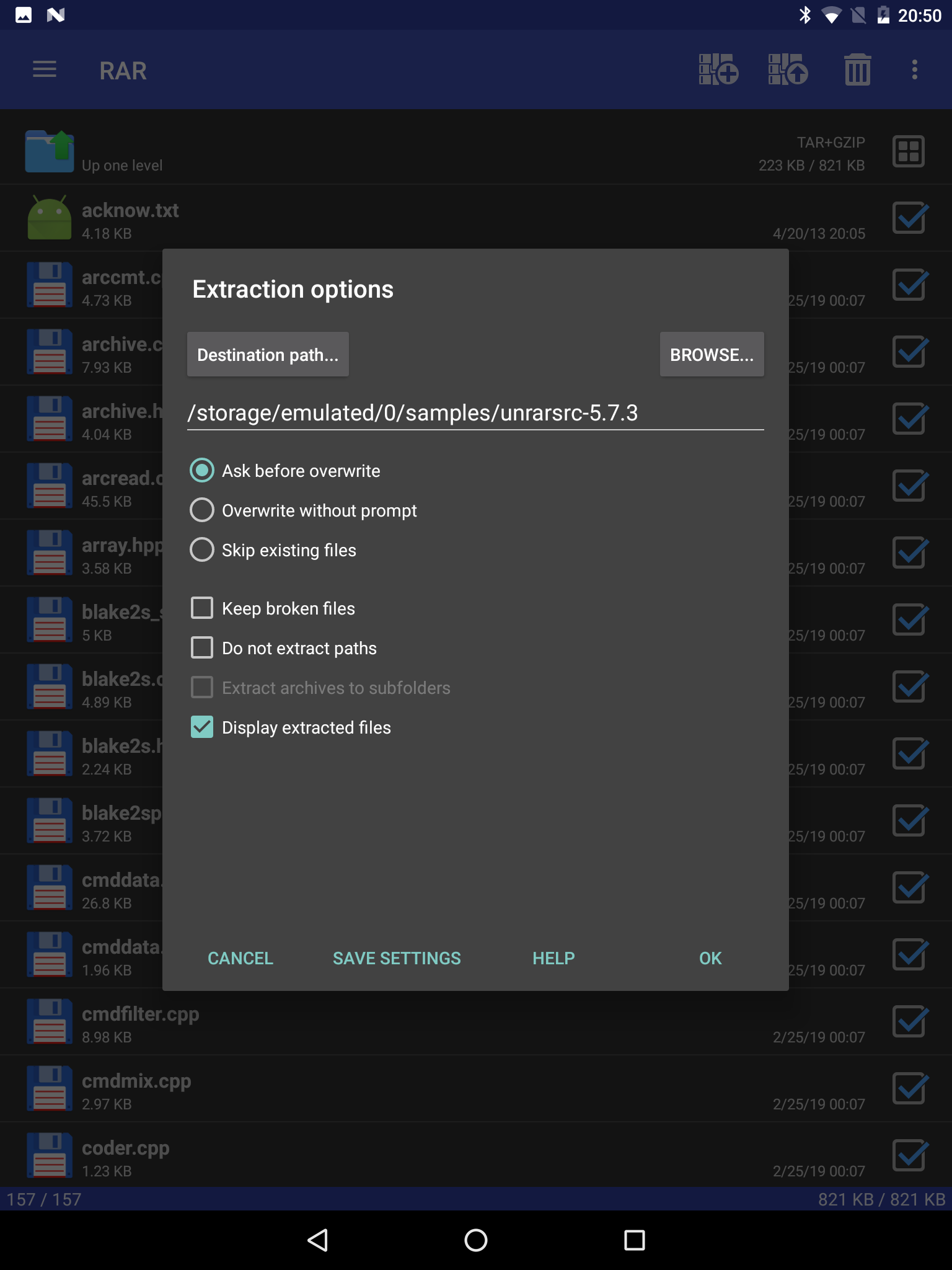
Aplikasi RAR diperiksa oleh antivirus VirusTotal. Sebagai hasil pemindaian, tidak ada infeksi file yang terdeteksi oleh semua tanda tangan terbaru.
Cara memasang RAR
- Unduh file APK aplikasi dari apkshki.com.
- Temukan file yang diunduh. Anda dapat menemukannya di baki sistem atau di folder 'Download' menggunakan manajer file apa pun.
- Jika file yang diunduh berekstensi .bin (bug WebView di Android 11), ubah namanya menjadi .apk menggunakan pengelola file apa pun atau coba unduh file dengan browser lain seperti Chrome.
- Mulai penginstalan. Klik pada file yang diunduh untuk memulai penginstalan
- Izinkan penginstalan dari sumber yang tidak dikenal. Jika Anda menginstal untuk pertama kalinya RAR bukan dari Google Play, buka pengaturan keamanan perangkat Anda dan izinkan penginstalan dari sumber yang tidak dikenal.
- Lewati perlindungan Google Play. Jika proteksi Google Play memblokir penginstalan file, ketuk 'Info Lebih Lanjut' → 'Tetap instal' → 'OK' untuk melanjutkan..
- Selesaikan penginstalan: Ikuti petunjuk penginstal untuk menyelesaikan proses penginstalan.
Cara memperbarui RAR
- Unduh versi baru aplikasi dari apkshki.com.
- Cari file yang diunduh dan klik file tersebut untuk memulai penginstalan.
- Instal di atas versi lama. Tidak perlu menghapus instalasi versi sebelumnya.
- Hindari konflik tanda tangan. Jika versi sebelumnya tidak diunduh dari apkshki.com, pesan 'Aplikasi tidak terinstal' mungkin muncul. Dalam kasus ini, hapus instalan versi lama dan instal versi baru.
- Mulai ulang lampiran RAR setelah pembaruan.








Meminta pembaruan aplikasi
Ditambahkan Denis Rubinov
Versi: 7.11.build127
Ukuran: 7.4 MB
Diperbarui: 22.05.2025
Developer: RARLAB (published by win.rar GmbH)
Batasan Usia: Everyone
Otorisasi:
Diunduh di Google Play: 200414148
Kategori: Alat















Ulasan untuk RAR
perfect
best
it is not free extractor now
Unusable garbage.
very poor, big problem POCO pad hayper os2 WildBoost Optimization 🚨(Super ultra fastest speed) 10000X 🚨 ((Boost 10000%, CPU 1000% and GPU 1000% and RAM 1000% and Wi-Fi network 1000% high-speed using Up to speedy 10000X WildBoost Optimization)) stable 1000%💪👌👍💪📶🛜 🚨Full App killer and deepsleep app? Bring incredible gaming to POCOpad (speedup 10000X) HyperOS 2 and #WildBoostOptimization enhances speedup10000%, performance, graphics, connectivity, and game audio, with a revamped Ul
This app has a virus. my antivirus warned me, and I took a screenshot.
Couldn't find the file after zipping
doesn't work be like 3 total errors it works before but now it doesn't
Makes ma life easier without pc💜
bestt
Confusing to use. Have only been able to open a few things over the time that I've had it (couple of years). Most of the time, it can't open anything. I can't figure out how to compress anything. UI should be more compartmentalized, to help infrequent users navigate the controls. Waste a lot of time trying to figure out what to do. Would make sense to offer a LITE version, which would be easier for other infrequent users, too. HELP menu seems too complicated to easily find a quick solution!!
This app has a serious bug. When moving files from internal memory to an SD card, the SD card is afterwards no longer readable by the Android operating system, as if it has been deleted. I was moving files from my download folder in internal memory to a folder with the same name on the SD card which was formatted for external file storage. The files are still there and I was able to retrieve them in a Windows op system via a memory card reader, but were no longer visible on my Android devices.
Does its job of handling archives and archiving, and is a better file manager than the one supplied with Android Lollipop. Strike that for 'damning with faint praise:' It is an excellent file manager. Not as good as compupic / cpic, but what is? Really, what is, please? PlayStore asked if it's good for 'collaboritive editing.' No, that isn't in its nature. It is an archive program like ;-p Winrar. It is very good for encrypted backups and updates to them but cannot version a draft email.
The app did exactly what I needed to do. Unzipped a fat file of Facebook history right on to the phone. Maybe because I have a pixel it is possible. Not sure why others are having issues. Everything is right in front of your face and easy to navigate. Got one ad and successfully got my files now I'm finished.
I've been trying it a few weeks, mainly just to check and extract RARs. A big problem is the full-screen pop-up ads are very intrusive, unidentified, and their close buttons often don't work well, or at all. One time, a quick tap on one (tiny 'x' in top left of full screen ad) opened a browser with two new tabs, both to the domain ads.doubleclick (large google-based ad system). Another time, although the button would highlight, I actually had to close the app to remove the ad. Annoying, no?
Kirimkan komentar
Untuk memberikan komentar, masuklah dengan jejaring sosial Anda:
Atau tinggalkan komentar anonim. Komentar Anda akan dikirim untuk dimoderasi.
Kirimkan komentar
Untuk memberikan komentar, masuklah dengan jejaring sosial Anda:
Atau tinggalkan komentar anonim. Komentar Anda akan dikirim untuk dimoderasi.