


Draw finger (painter)
3+
unduhan4.0+
versi Android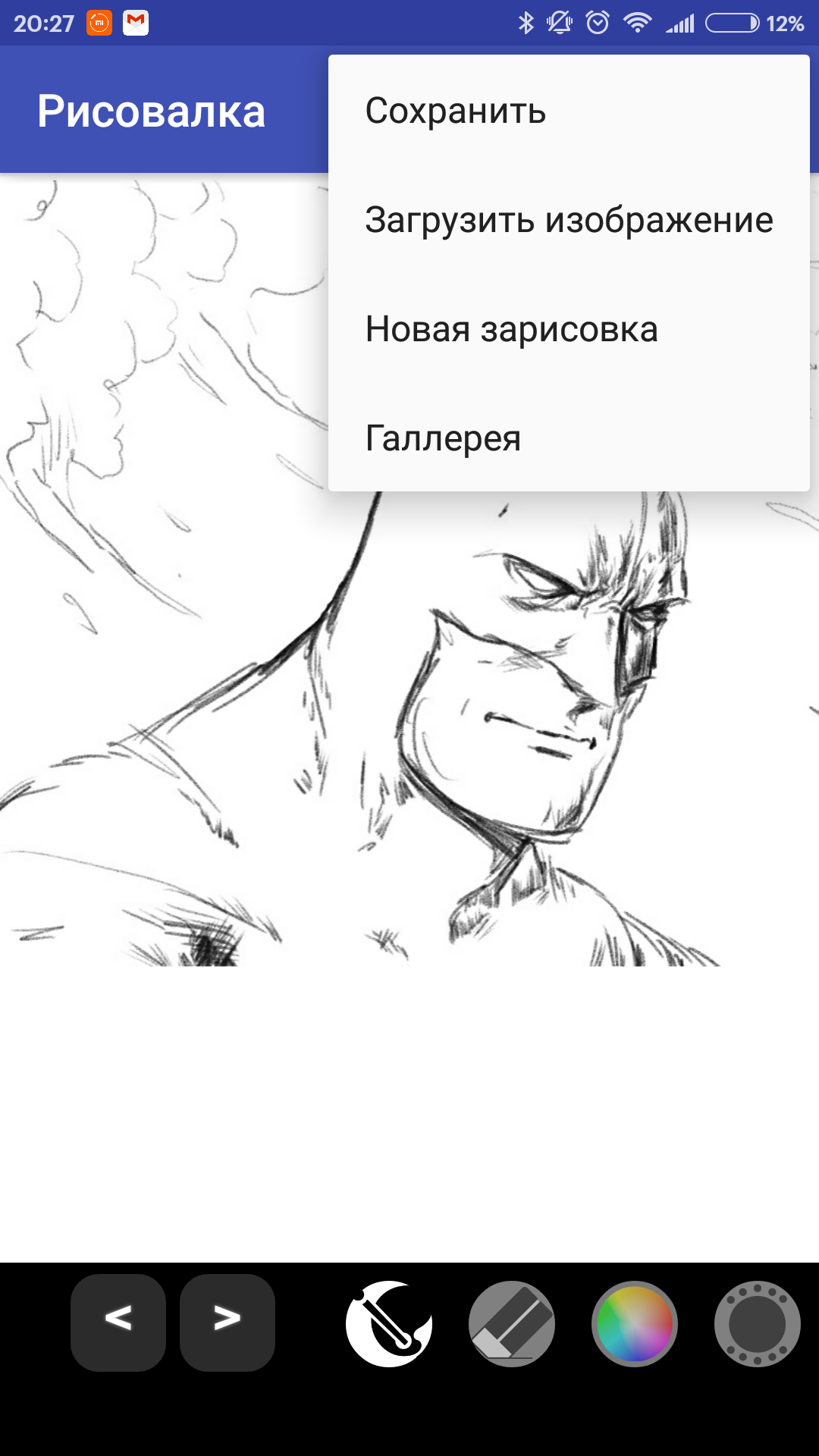
Ditambahkan: Denis Rubinov
Versi: 55.0
Ukuran: 8.5 MB
Diperbarui: 24.06.2025
Developer: ParaTarakana
Batasan Usia: Everyone
Otorisasi: 5
Diunduh di Google Play: 1991073
Kategori: Hiburan
- Desain sederhana.
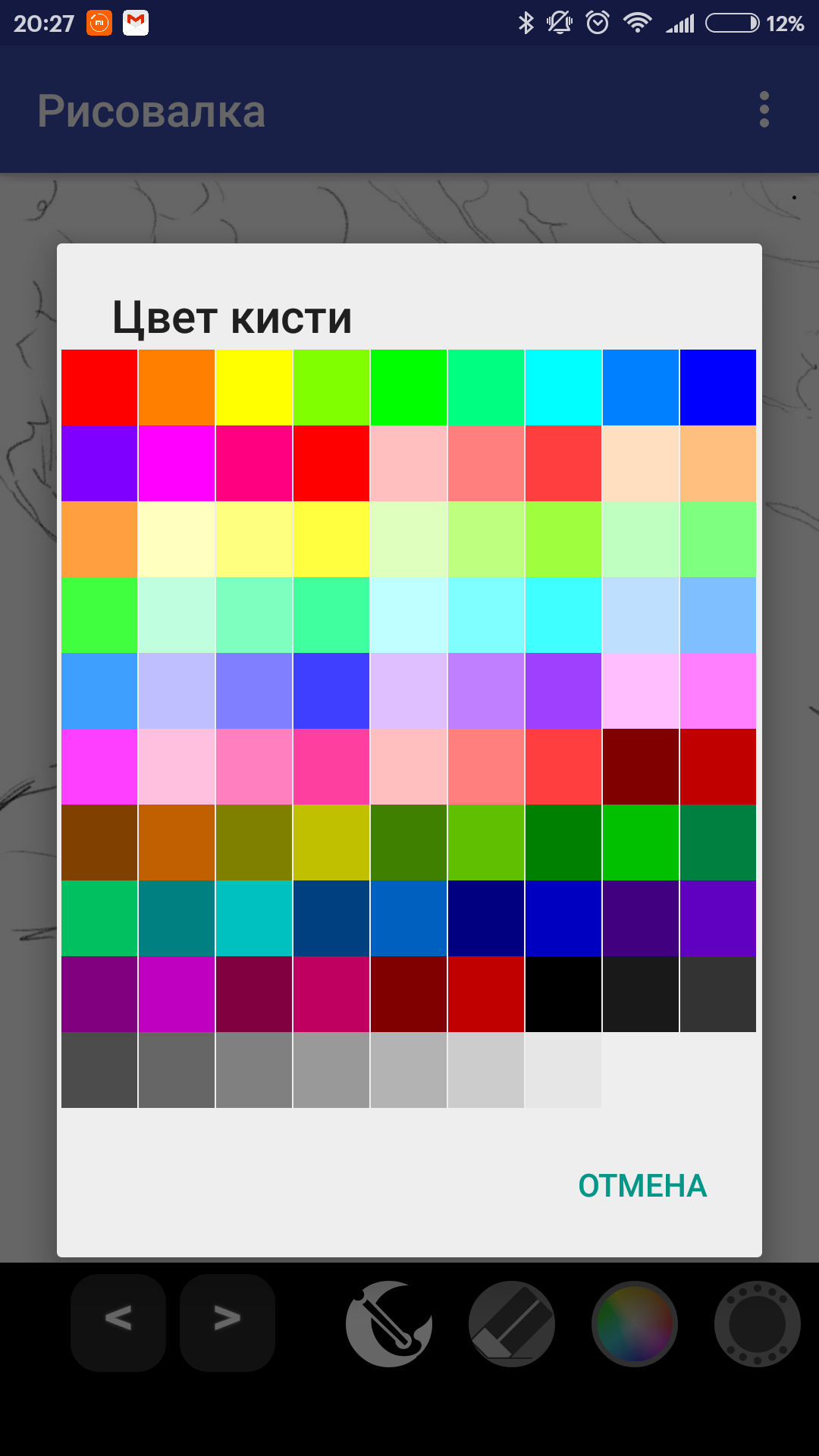
- Pilih warna kuas.
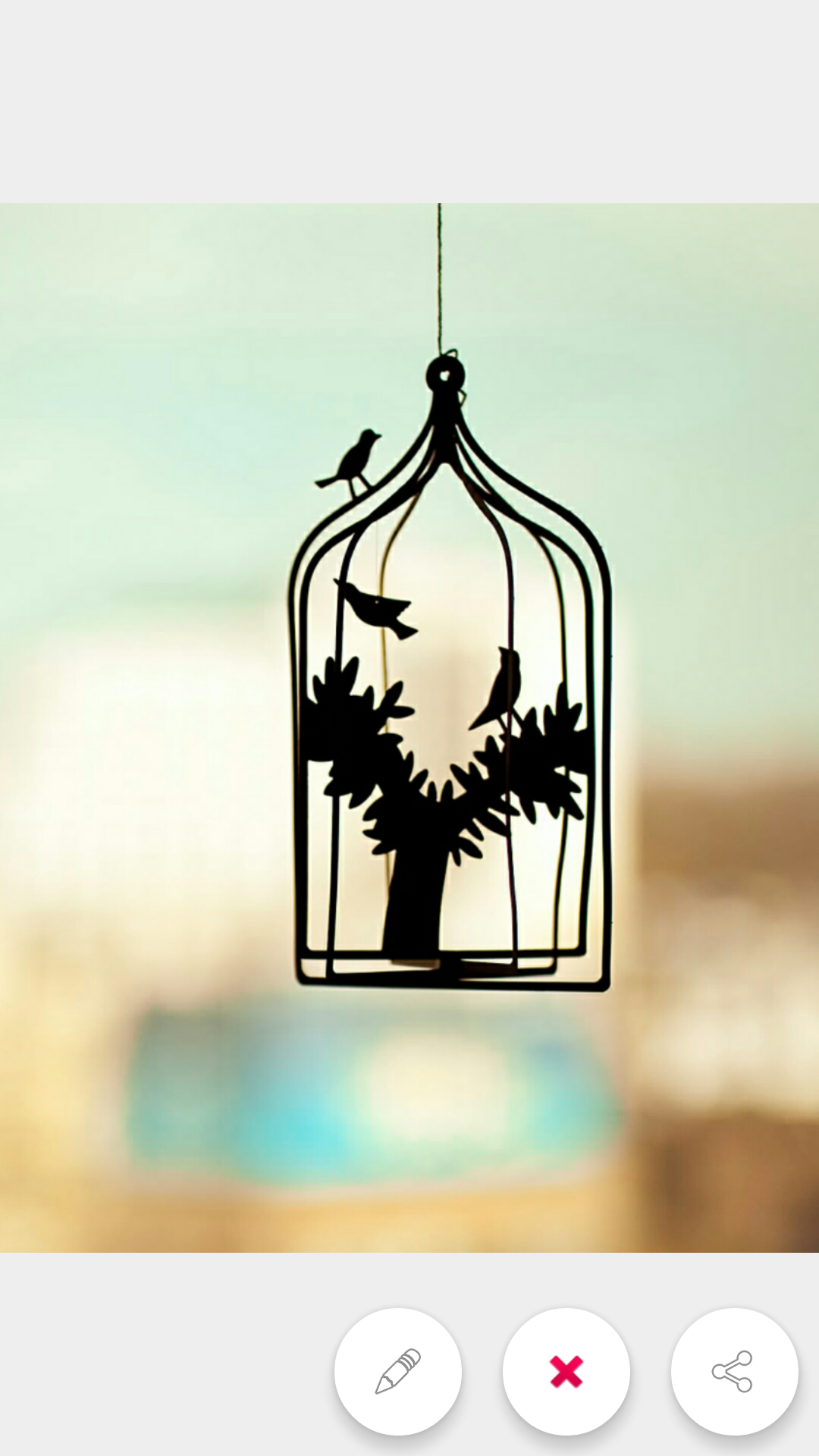
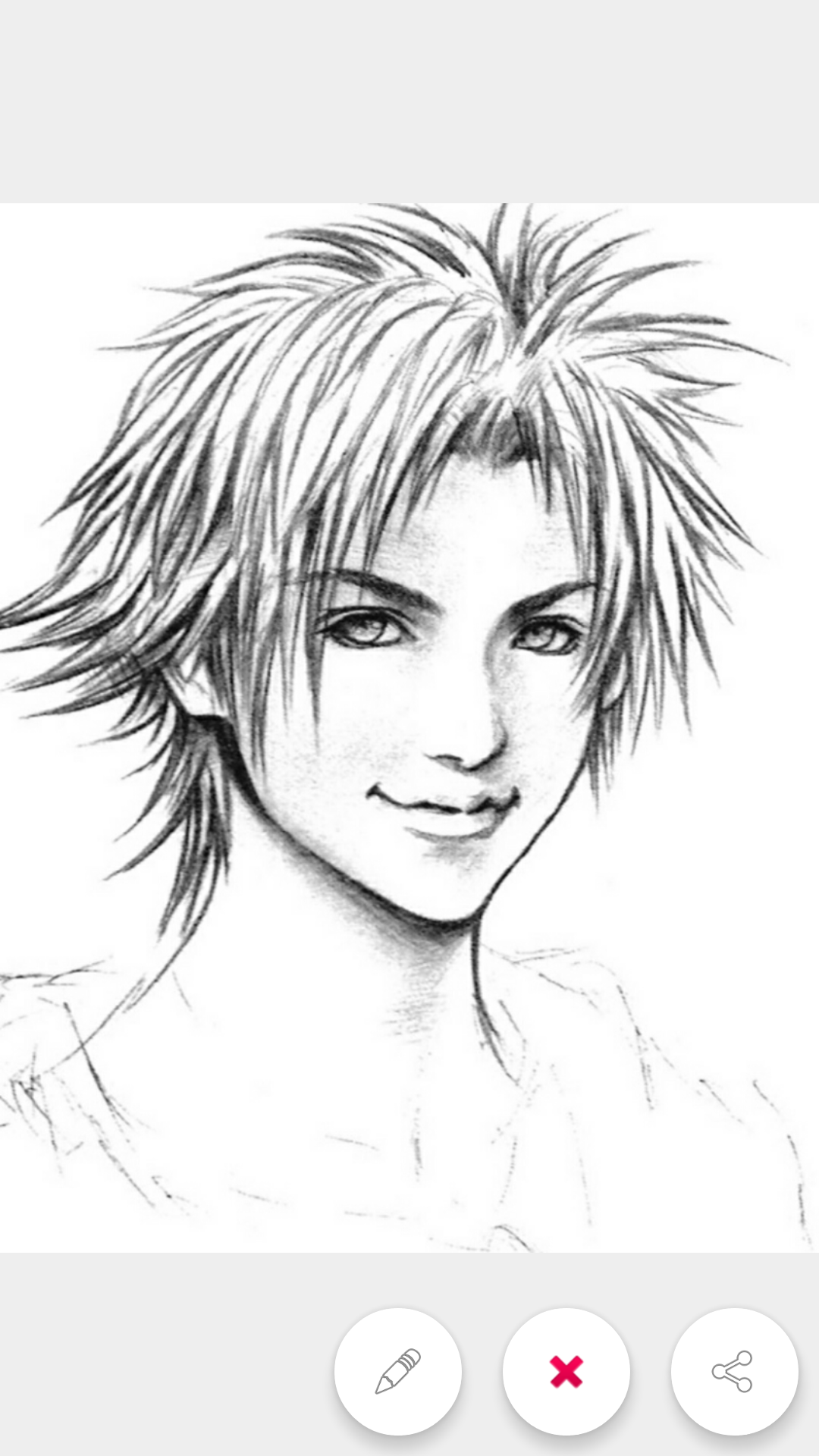
- Kemampuan untuk berbagi gambar.
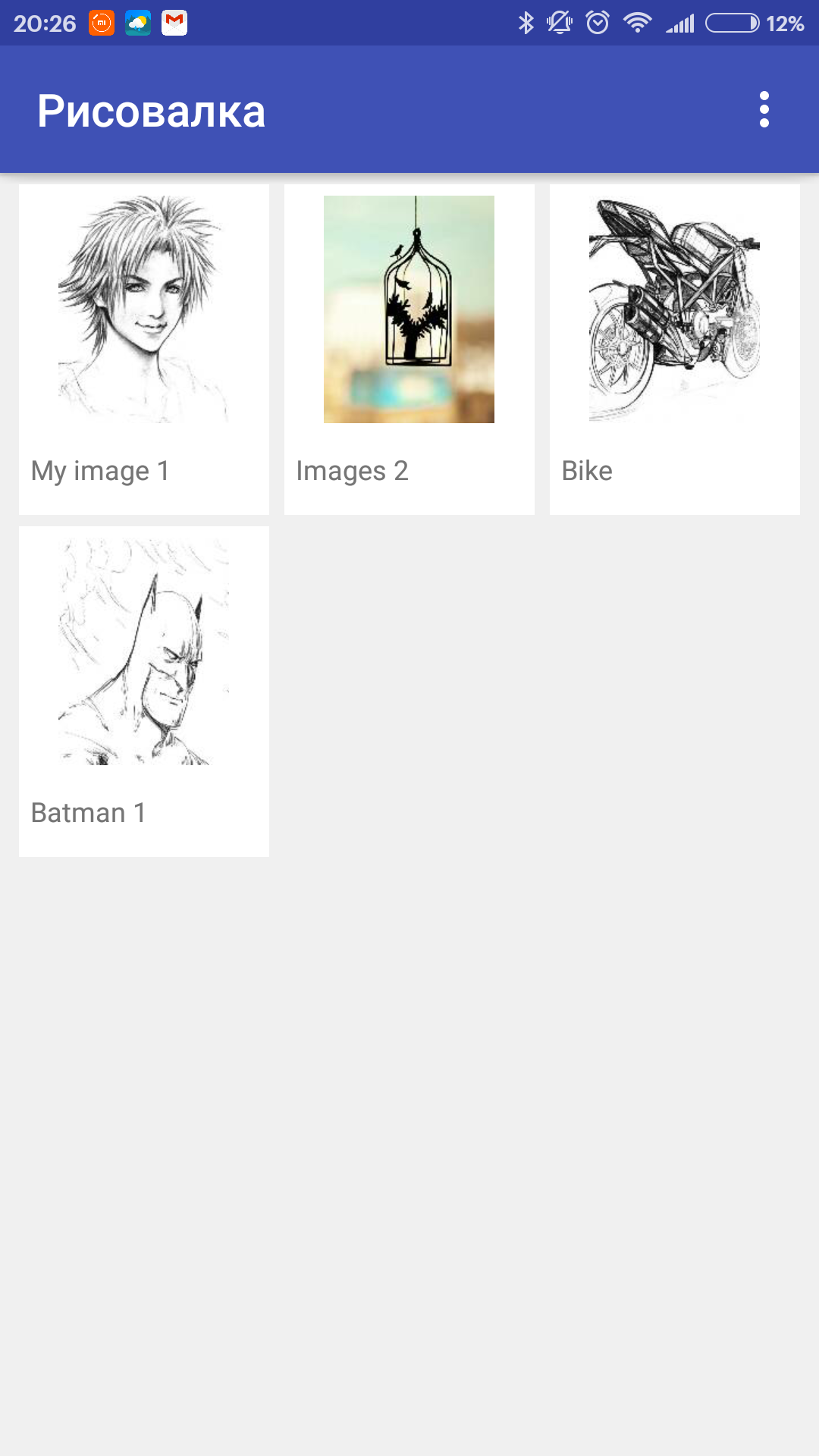
- Simpan ke galeri.
- Dukungan bahasa Rusia.
- Bekerja offline.
Deskripsi
Aplikasi Draw finger (painter) diperiksa oleh antivirus VirusTotal. Sebagai hasil pemindaian, tidak ada infeksi file yang terdeteksi oleh semua tanda tangan terbaru.
Cara memasang Draw finger (painter)
- Unduh file APK aplikasi dari apkshki.com.
- Temukan file yang diunduh. Anda dapat menemukannya di baki sistem atau di folder 'Download' menggunakan manajer file apa pun.
- Jika file yang diunduh berekstensi .bin (bug WebView di Android 11), ubah namanya menjadi .apk menggunakan pengelola file apa pun atau coba unduh file dengan browser lain seperti Chrome.
- Mulai penginstalan. Klik pada file yang diunduh untuk memulai penginstalan
- Izinkan penginstalan dari sumber yang tidak dikenal. Jika Anda menginstal untuk pertama kalinya Draw finger (painter) bukan dari Google Play, buka pengaturan keamanan perangkat Anda dan izinkan penginstalan dari sumber yang tidak dikenal.
- Lewati perlindungan Google Play. Jika proteksi Google Play memblokir penginstalan file, ketuk 'Info Lebih Lanjut' → 'Tetap instal' → 'OK' untuk melanjutkan..
- Selesaikan penginstalan: Ikuti petunjuk penginstal untuk menyelesaikan proses penginstalan.
Cara memperbarui Draw finger (painter)
- Unduh versi baru aplikasi dari apkshki.com.
- Cari file yang diunduh dan klik file tersebut untuk memulai penginstalan.
- Instal di atas versi lama. Tidak perlu menghapus instalasi versi sebelumnya.
- Hindari konflik tanda tangan. Jika versi sebelumnya tidak diunduh dari apkshki.com, pesan 'Aplikasi tidak terinstal' mungkin muncul. Dalam kasus ini, hapus instalan versi lama dan instal versi baru.
- Mulai ulang lampiran Draw finger (painter) setelah pembaruan.






Meminta pembaruan aplikasi
Ditambahkan Denis Rubinov
Versi: 55.0
Ukuran: 8.5 MB
Diperbarui: 24.06.2025
Developer: ParaTarakana
Batasan Usia: Everyone
Otorisasi:
Diunduh di Google Play: 1991073
Kategori: Hiburan















Ulasan untuk Draw finger (painter)
Good
Love 🥰🥰🥰🥰 it's
App works well with those who have difficulty holding writing utensils. Great option is ability to broaden stroke to a thicker/wider coverage. My daughter is mentally challenged and drawing/painting with her finger is easier than holding a paint brush or marker. Would be helpful to have color palate to one side of screen vs. pressing icon at bottom, in order to pull up color palate. This added step is difficult for mentally challenged.
Good and easy to use
Cool
Daughter loves it
still the best for clear thinking
So, this app, IS THE BEST, Sketchs, fabulous, colors, ALSO FABULOUS. It helps calm the mind so this is technically a stress relief app. Download and try now!💭✏✒📷
Hate it 😑
not as easy as draw island
Awesome app! Discovered it by chance. Love using it to create a shopping or a to-do list or taking notes. The color palette and the menu buttons are archaic, else I would have given 7 stars.
SO FUN AND USEFUL.....I LOVE, LOVE, AND LOVED THIS APP EVEN MORE WHEN I SAW HOW HELPFUL IT CAN BE TO PEOPLE OF ALL AGES (THOSE WHO CAN'T TYPE YET, NEVER LEARNED, OR EVEN SOME WHO HAVE SIGHT PROBLEMS)! SOOOO AWESOME! GREAT LOOKING OUT.😉
I like this app for quick sketching. It's limited but gets the job done.
Awesome app. I make so much drawing. And now I am a artist.This app is so good I daily do practice and practise and now I am a professional.
Terrible. All Drawing Apps Have a Fill Bucket So You Have To Have Whites In Your Drawings Unless You Spend HOURS On It. THIS IS SO Overrated. There ISN'T EVEN A ZOOM IN
Kirimkan komentar
Untuk memberikan komentar, masuklah dengan jejaring sosial Anda:
Atau tinggalkan komentar anonim. Komentar Anda akan dikirim untuk dimoderasi.
Kirimkan komentar
Untuk memberikan komentar, masuklah dengan jejaring sosial Anda:
Atau tinggalkan komentar anonim. Komentar Anda akan dikirim untuk dimoderasi.