



Ditambahkan: Denis Rubinov
Versi: 1.17.3
Ukuran: 0.5 MB
Diperbarui: 20.06.2020
Developer: Katecca
Batasan Usia: Everyone
Otorisasi: 5
Diunduh di Google Play: 39246746
Kategori: Alat
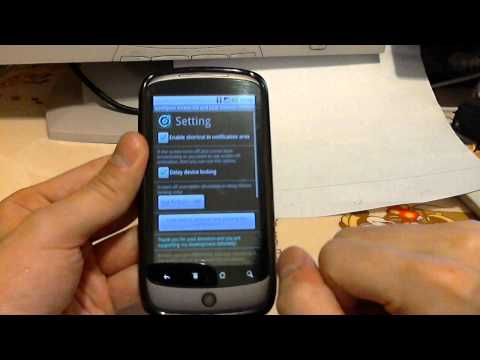
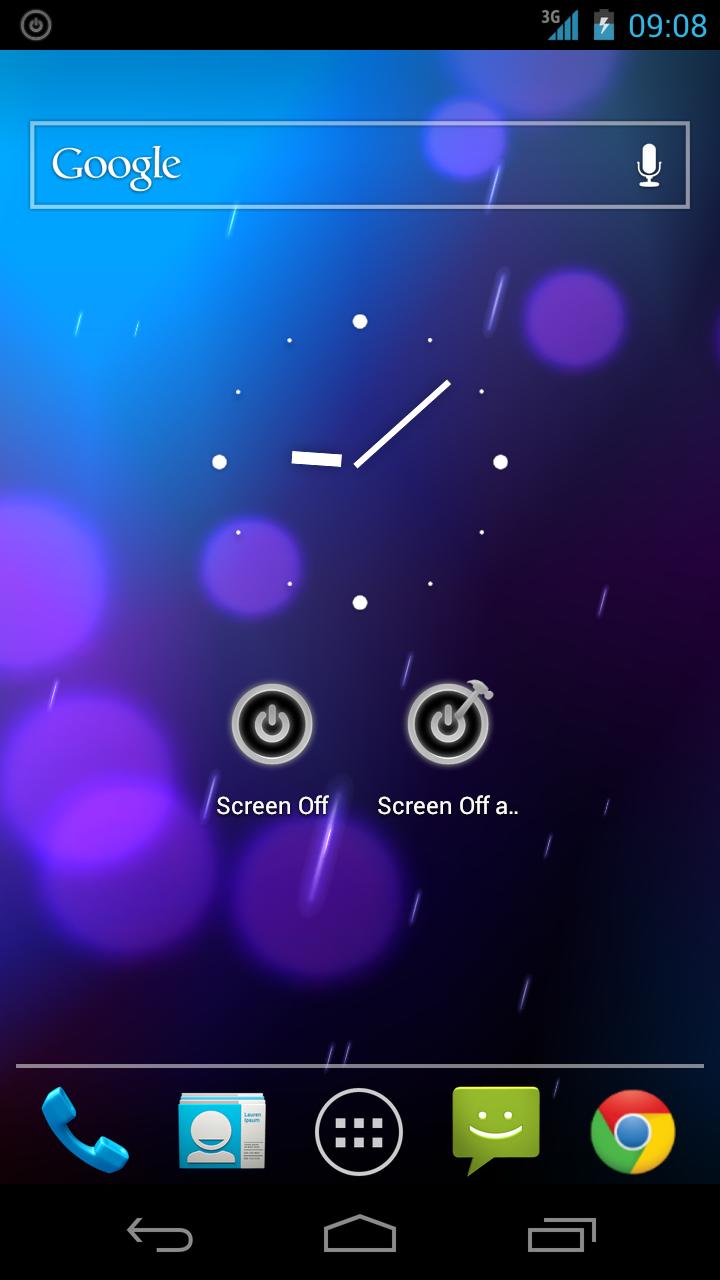
- Dukungan untuk widget.
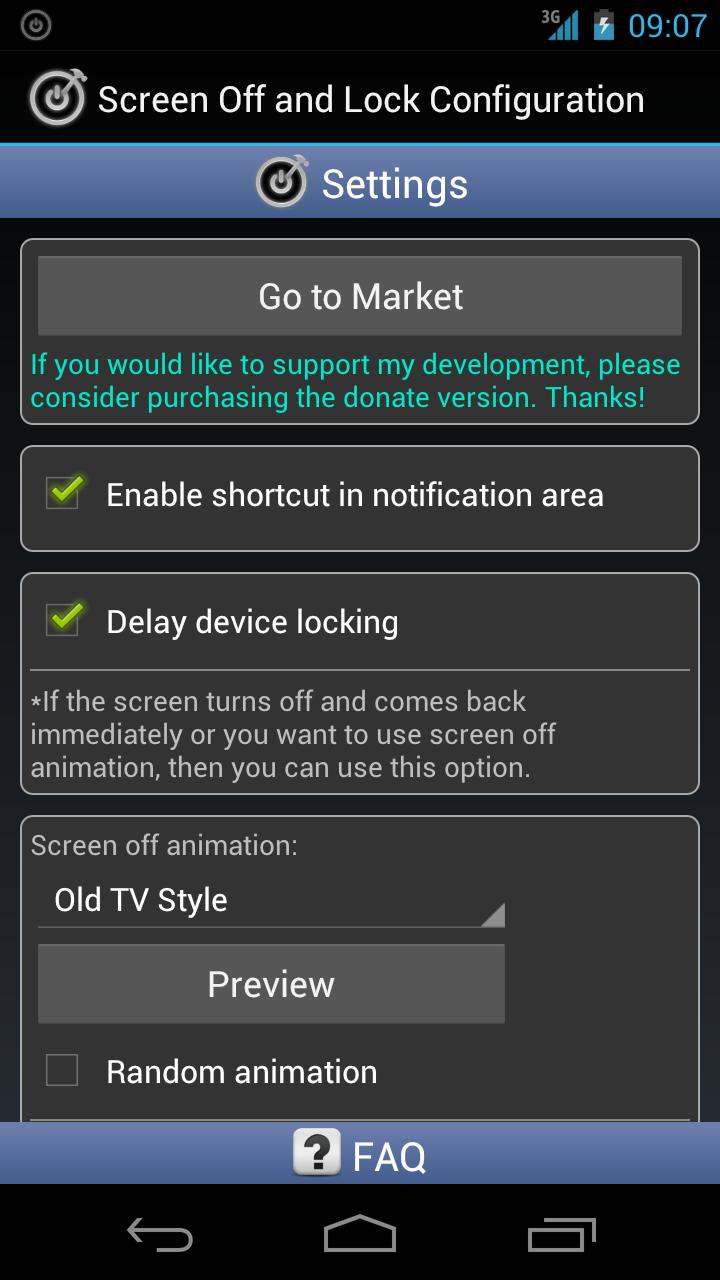
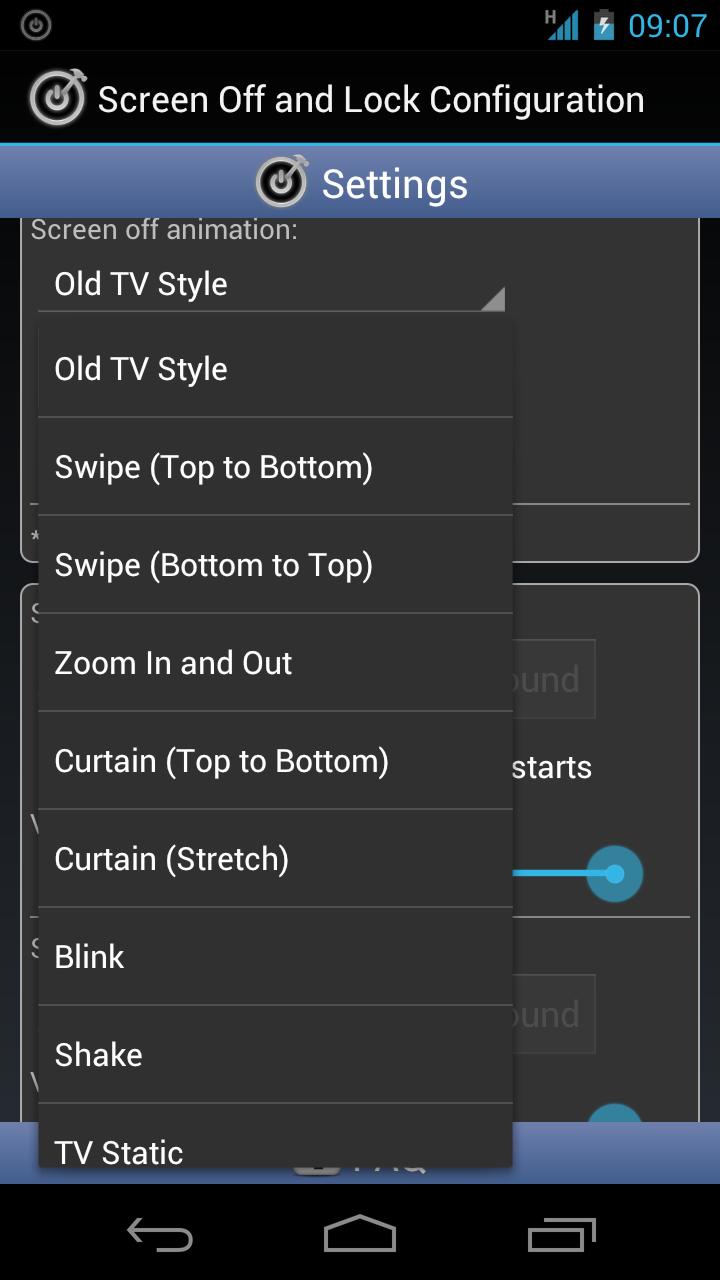
- Pilih dari beberapa opsi animasi.
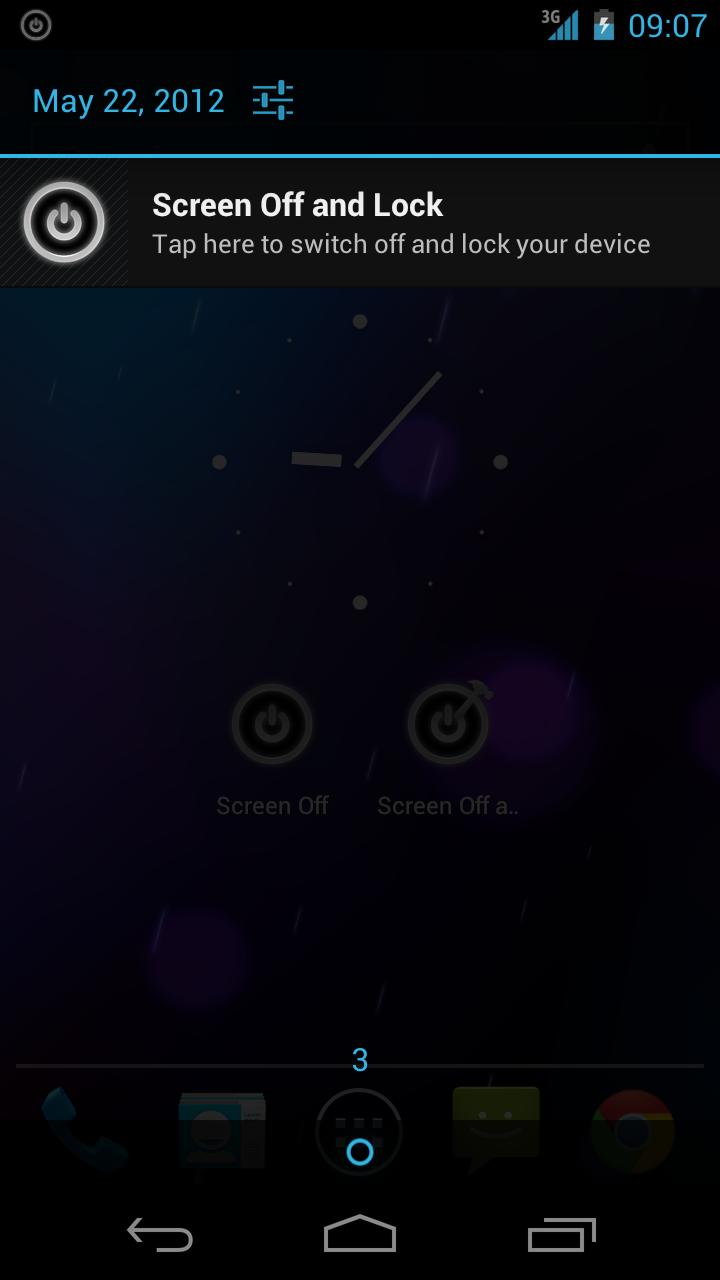
- Anda dapat mengaktifkan aplikasi melalui bilah notifikasi.
- Ukuran aplikasi kecil.
- Program ini sangat mudah digunakan.
Deskripsi
Aplikasi Screen Off and Lock diperiksa oleh antivirus VirusTotal. Sebagai hasil pemindaian, tidak ada infeksi file yang terdeteksi oleh semua tanda tangan terbaru.
Cara memasang Screen Off and Lock
- Unduh file APK aplikasi dari apkshki.com.
- Temukan file yang diunduh. Anda dapat menemukannya di baki sistem atau di folder 'Download' menggunakan manajer file apa pun.
- Jika file yang diunduh berekstensi .bin (bug WebView di Android 11), ubah namanya menjadi .apk menggunakan pengelola file apa pun atau coba unduh file dengan browser lain seperti Chrome.
- Mulai penginstalan. Klik pada file yang diunduh untuk memulai penginstalan
- Izinkan penginstalan dari sumber yang tidak dikenal. Jika Anda menginstal untuk pertama kalinya Screen Off and Lock bukan dari Google Play, buka pengaturan keamanan perangkat Anda dan izinkan penginstalan dari sumber yang tidak dikenal.
- Lewati perlindungan Google Play. Jika proteksi Google Play memblokir penginstalan file, ketuk 'Info Lebih Lanjut' → 'Tetap instal' → 'OK' untuk melanjutkan..
- Selesaikan penginstalan: Ikuti petunjuk penginstal untuk menyelesaikan proses penginstalan.
Cara memperbarui Screen Off and Lock
- Unduh versi baru aplikasi dari apkshki.com.
- Cari file yang diunduh dan klik file tersebut untuk memulai penginstalan.
- Instal di atas versi lama. Tidak perlu menghapus instalasi versi sebelumnya.
- Hindari konflik tanda tangan. Jika versi sebelumnya tidak diunduh dari apkshki.com, pesan 'Aplikasi tidak terinstal' mungkin muncul. Dalam kasus ini, hapus instalan versi lama dan instal versi baru.
- Mulai ulang lampiran Screen Off and Lock setelah pembaruan.








Meminta pembaruan aplikasi
Ditambahkan Denis Rubinov
Versi: 1.17.3
Ukuran: 0.5 MB
Diperbarui: 20.06.2020
Developer: Katecca
Batasan Usia: Everyone
Otorisasi:
Diunduh di Google Play: 39246746
Kategori: Alat















Ulasan untuk Screen Off and Lock
Works great on my Note 20 Ultra unfortunately it won't work on my new s25 ultra. The best app that turns on and off screen no pop up ads and no sharing my data with 3rd parties. Hoping for a s25 Ultra version.
Ok
Very nice.
Screen off no use . Uninstall please.
Good 👍🧡
excellence
have been using it for many years now ,it's really an awesome app for locking your screen
I love your this screen off and lock. But I just change to android 14 , it show that is not compatible to my photo. it's there anyway for me to use this app. tyvm
It's working correctly.
I am using since last 5 years best of all
Perfect one..! The app was working perfectly fine on my old phone. But now in my new Moto one Macro, once I lock the phone using the app widget, I doesn't unlock the phone with finger print scanner. I have to enter the pattern every time. BUT WHYYY...!?😞
Simple app. Does it's job right. Searched for the first app to somehow replace the power button after I dropped my phone 6 months ago and broke it. I'm using a galaxy s8, switching it on with the home button and off with either this app's widget or the notification. Didnt have any issues yet. The only thing that comes to mind is those 2-3 times when the notifications button dissapeared so I had to reselect it at the options (in a span of 6 months). Anyway thanks ✌
Can't unlock with fingerprint reader after I use this app to lock my screen. I can only use my fingerprint reader if I lock with the power key. I've used this app for about 10 years on several different phones. It doesn't look like it is being updated anymore and that makes me really sad.
The only thing up-to-date with this app is notification popping up saying check for latest version. I have installed it 20sec ago so it is the latest version. Still I checked it to be sure. Since 2018, this issue started... It can turn off the screen but it won't turn back on with fingerprint, requiring pin all the time. It is annoying that the developer totally discarded this wonderful app failing to incorporate current standard fingerprint feature into the app. 1 star, I won't be back.
Works well. Even in the notification shade. But after locking the office I can't unlock it with my fingerprints to have to type in my pin. Is there anything in the settings I need to activate to be able to use fingerprints unlock ?
Kirimkan komentar
Untuk memberikan komentar, masuklah dengan jejaring sosial Anda:
Atau tinggalkan komentar anonim. Komentar Anda akan dikirim untuk dimoderasi.
Kirimkan komentar
Untuk memberikan komentar, masuklah dengan jejaring sosial Anda:
Atau tinggalkan komentar anonim. Komentar Anda akan dikirim untuk dimoderasi.