


Ditambahkan: Denis Rubinov
Versi: 4.0.3
Ukuran: 4.5 MB
Diperbarui: 20.05.2025
Developer: Abc Apps
Batasan Usia: Everyone
Otorisasi: 4
Diunduh di Google Play: 20774710
Kategori: Alat
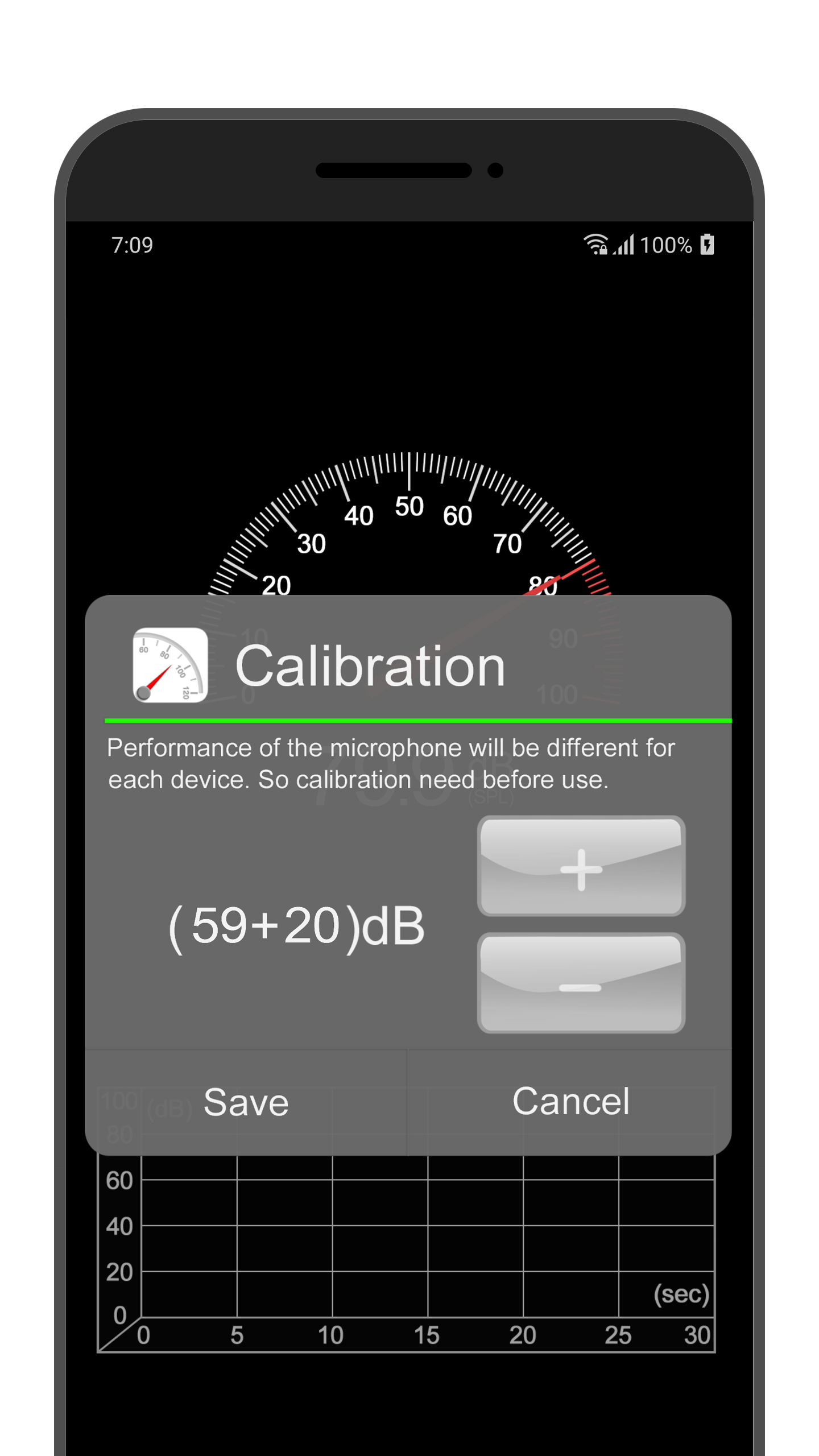
- Ketersediaan fungsi kalibrasi.
- Pengukuran yang akurat.
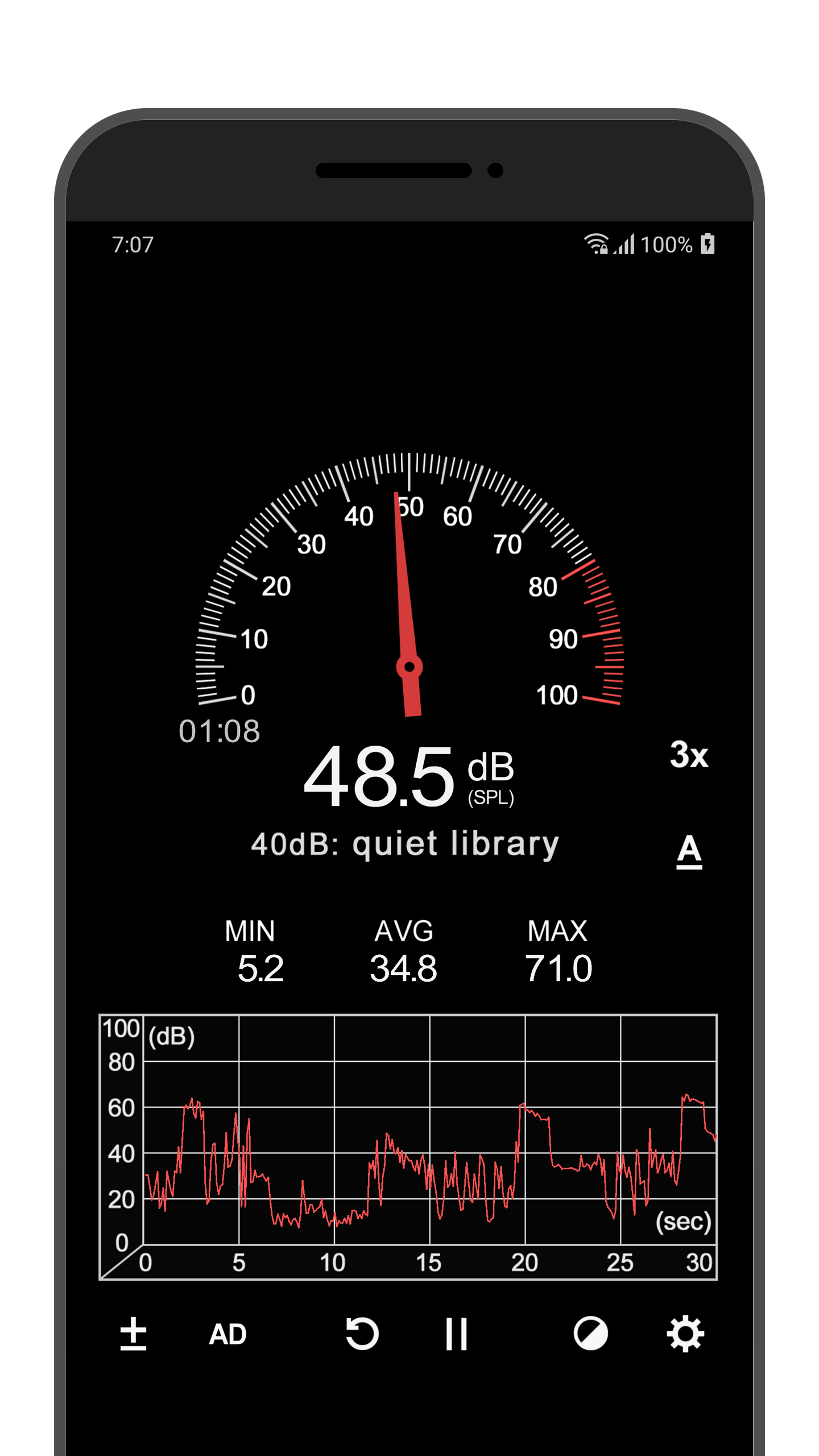
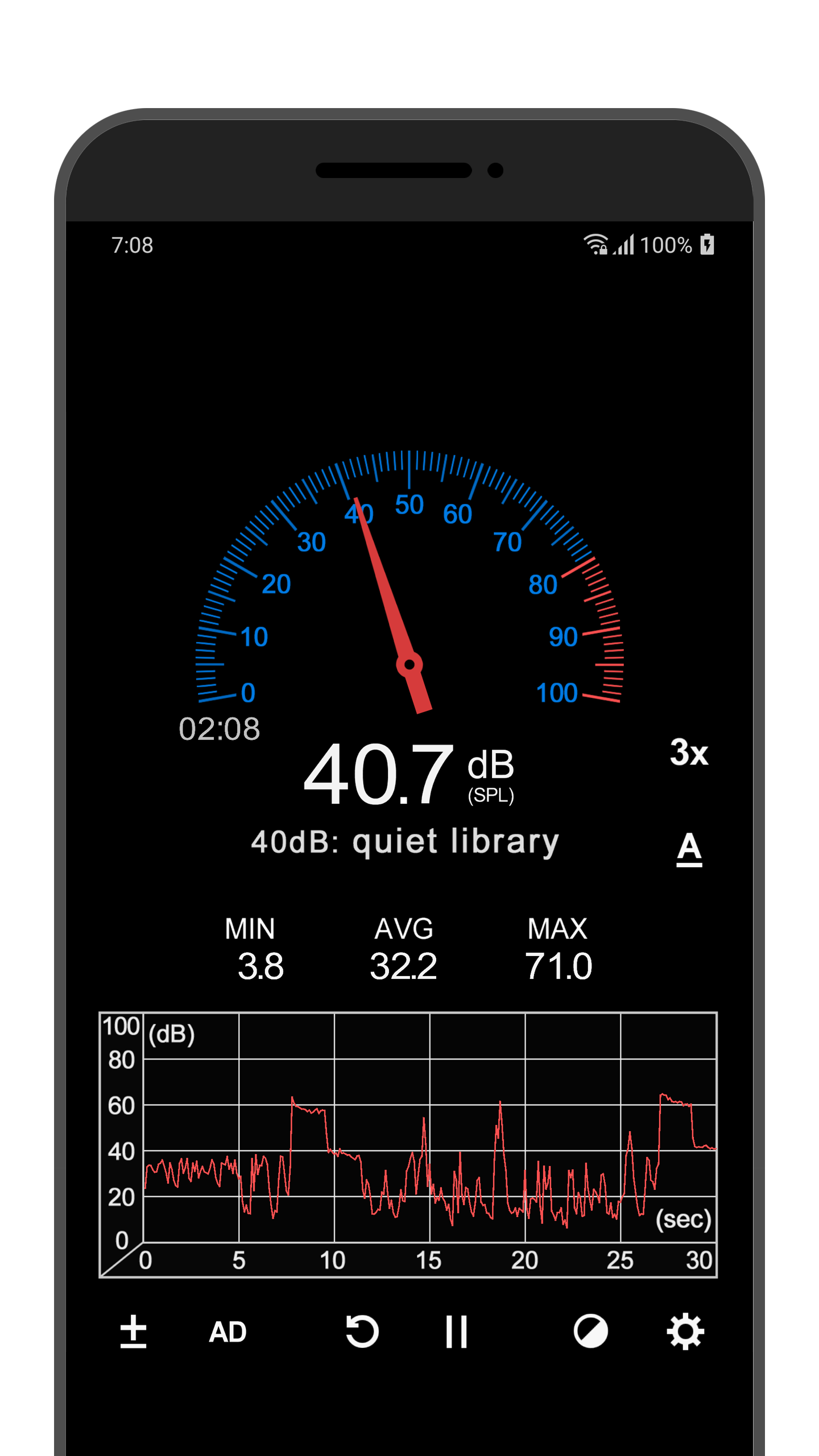
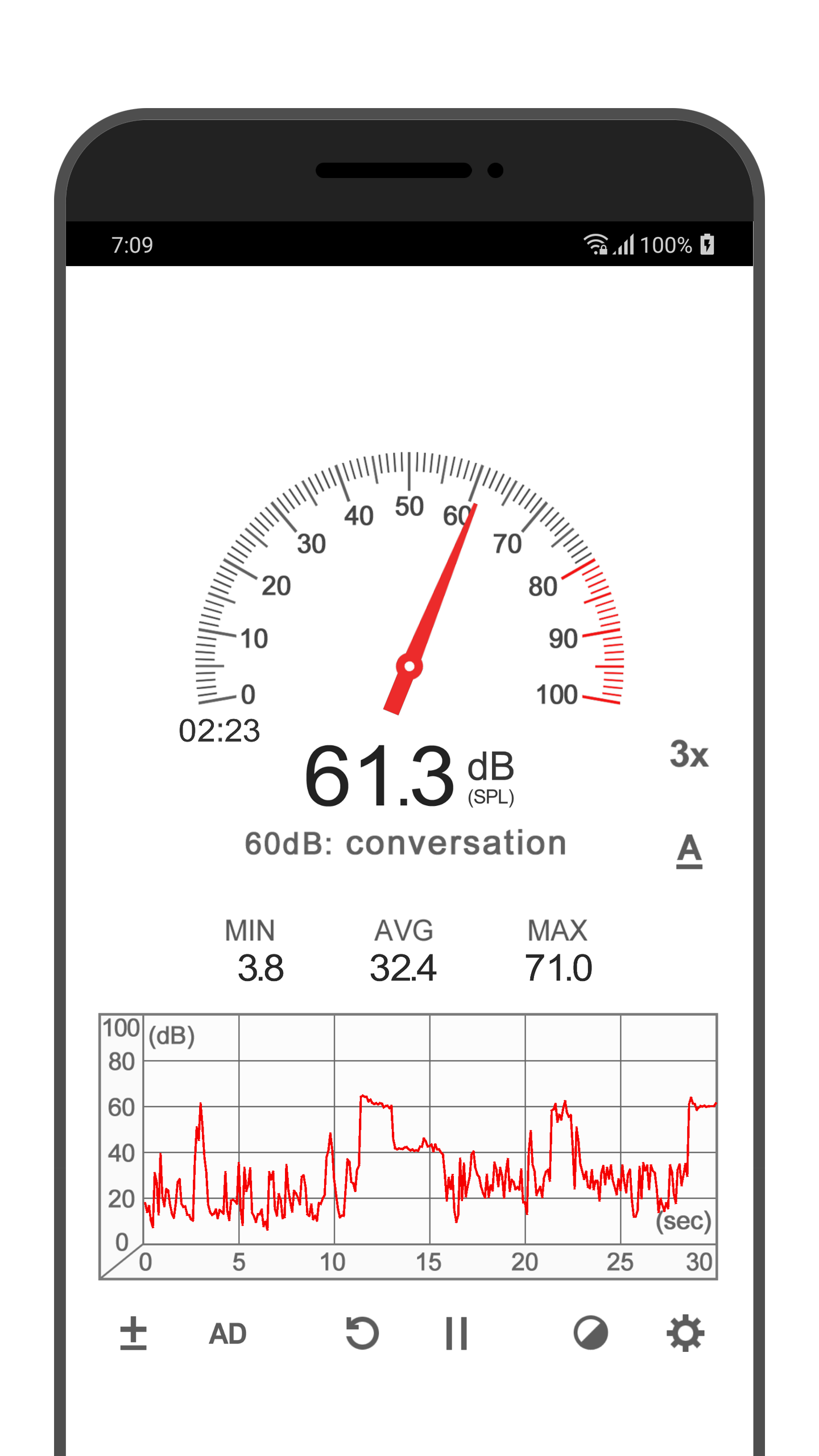
- Grafik visual.
- Menampilkan nilai noise minimum, rata-rata, dan maksimum.
- Bekerja secara gratis.
Deskripsi
Aplikasi Sound Meter diperiksa oleh antivirus VirusTotal. Sebagai hasil pemindaian, tidak ada infeksi file yang terdeteksi oleh semua tanda tangan terbaru.
Cara memasang Sound Meter
- Unduh file APK aplikasi dari apkshki.com.
- Temukan file yang diunduh. Anda dapat menemukannya di baki sistem atau di folder 'Download' menggunakan manajer file apa pun.
- Jika file yang diunduh berekstensi .bin (bug WebView di Android 11), ubah namanya menjadi .apk menggunakan pengelola file apa pun atau coba unduh file dengan browser lain seperti Chrome.
- Mulai penginstalan. Klik pada file yang diunduh untuk memulai penginstalan
- Izinkan penginstalan dari sumber yang tidak dikenal. Jika Anda menginstal untuk pertama kalinya Sound Meter bukan dari Google Play, buka pengaturan keamanan perangkat Anda dan izinkan penginstalan dari sumber yang tidak dikenal.
- Lewati perlindungan Google Play. Jika proteksi Google Play memblokir penginstalan file, ketuk 'Info Lebih Lanjut' → 'Tetap instal' → 'OK' untuk melanjutkan..
- Selesaikan penginstalan: Ikuti petunjuk penginstal untuk menyelesaikan proses penginstalan.
Cara memperbarui Sound Meter
- Unduh versi baru aplikasi dari apkshki.com.
- Cari file yang diunduh dan klik file tersebut untuk memulai penginstalan.
- Instal di atas versi lama. Tidak perlu menghapus instalasi versi sebelumnya.
- Hindari konflik tanda tangan. Jika versi sebelumnya tidak diunduh dari apkshki.com, pesan 'Aplikasi tidak terinstal' mungkin muncul. Dalam kasus ini, hapus instalan versi lama dan instal versi baru.
- Mulai ulang lampiran Sound Meter setelah pembaruan.








Meminta pembaruan aplikasi
Ditambahkan Denis Rubinov
Versi: 4.0.3
Ukuran: 4.5 MB
Diperbarui: 20.05.2025
Developer: Abc Apps
Batasan Usia: Everyone
Otorisasi:
Diunduh di Google Play: 20774710
Kategori: Alat















Ulasan untuk Sound Meter
Great
it's good
While its decibel measurements are quite accurate, I'm not happy with the fact that it turns the microphone on even when not in use. I have tried to change the settings but the problem persists. Something the developer should look at.
very good audio tool with very little advertising.
very useful
Does what it says, no obnoxious ads. perfect.
it's worthless because it doesn't work 78dc at an ac/DC concert
I have to check the accuracy
fake response
first opening cookie banner with pretty much everything on be default ( Yes, legitimate interest by vendor is considered malicious in my book) I just want a decibel meter. no phoning home
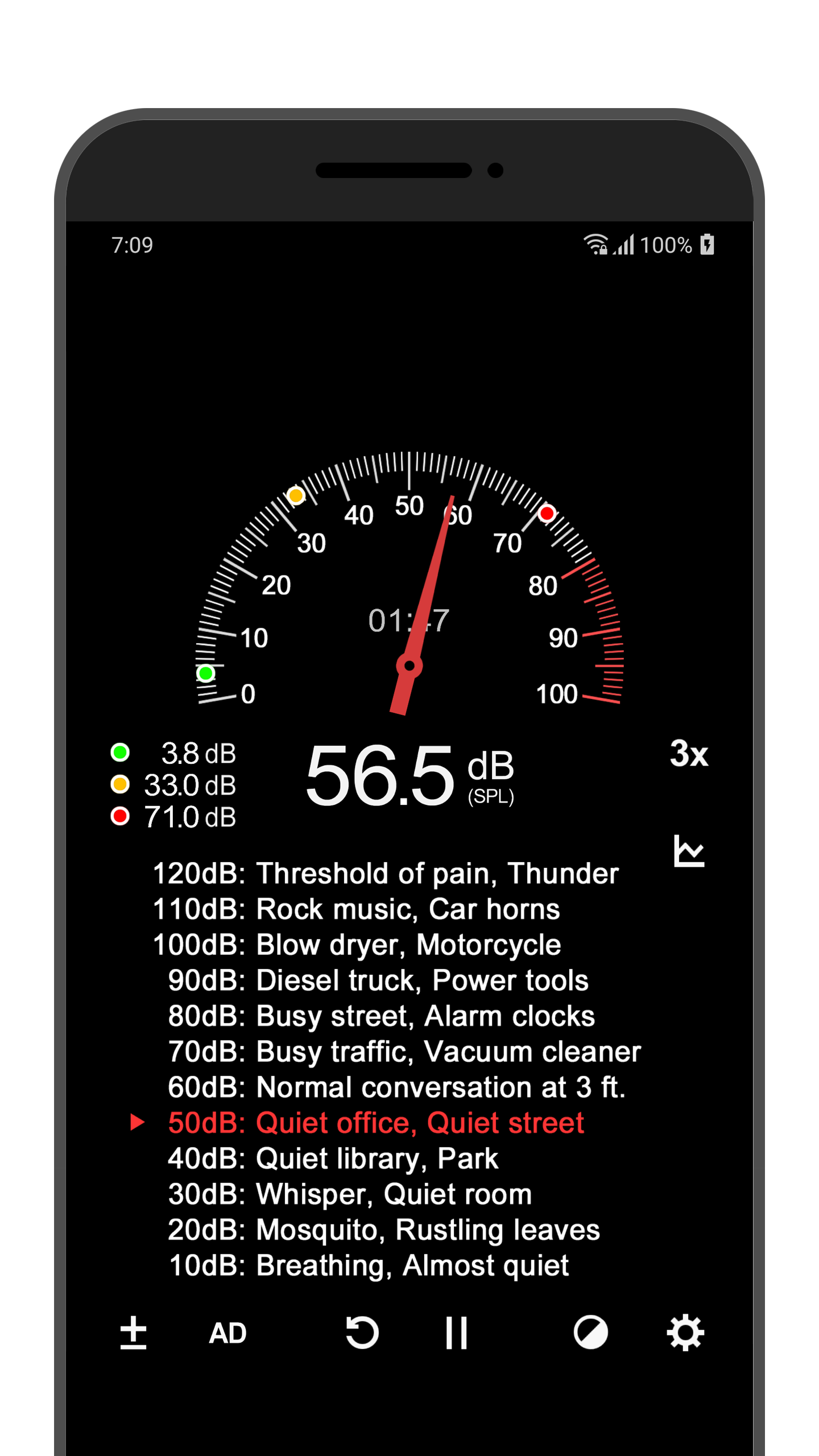
Very nice little sound meter. Once I calibrated it to read 0 in a totally noise free atmosphere, it seems to work fairly well. It's not a super high tech sound meter, but for a quick reference of sound levels, it does the job very nicely. I like that you can pull a list of noise levels up for reference and it has a dark theme / skin. keep up the good work.
I downloaded the app and immediately started using it to measure the spl in my home theater. I know I need to calibrate the app to my mic and there is functionality to accomplish that. So the accuracy is up to me....use the default values in a relative way or calibrate the app. The developers seem to adhere to the Keep It Simple Stupid and that's a great sign for the app's ease of use and reliability.
Perfect app for voice and guitar practice, and measuring my son's crying when he won't sleep. Interface is ugly but I dont care. Skins would be fun though. The best part is the real time line graph to monitor your progress (and improvement.) I do wish there was a notice on how decibels actually work, e.g sound intensity vs. sound pressure, limitations of the measurement. That educational component is fun and useful in contextualizing the data. Otherwise, A+ for this app!
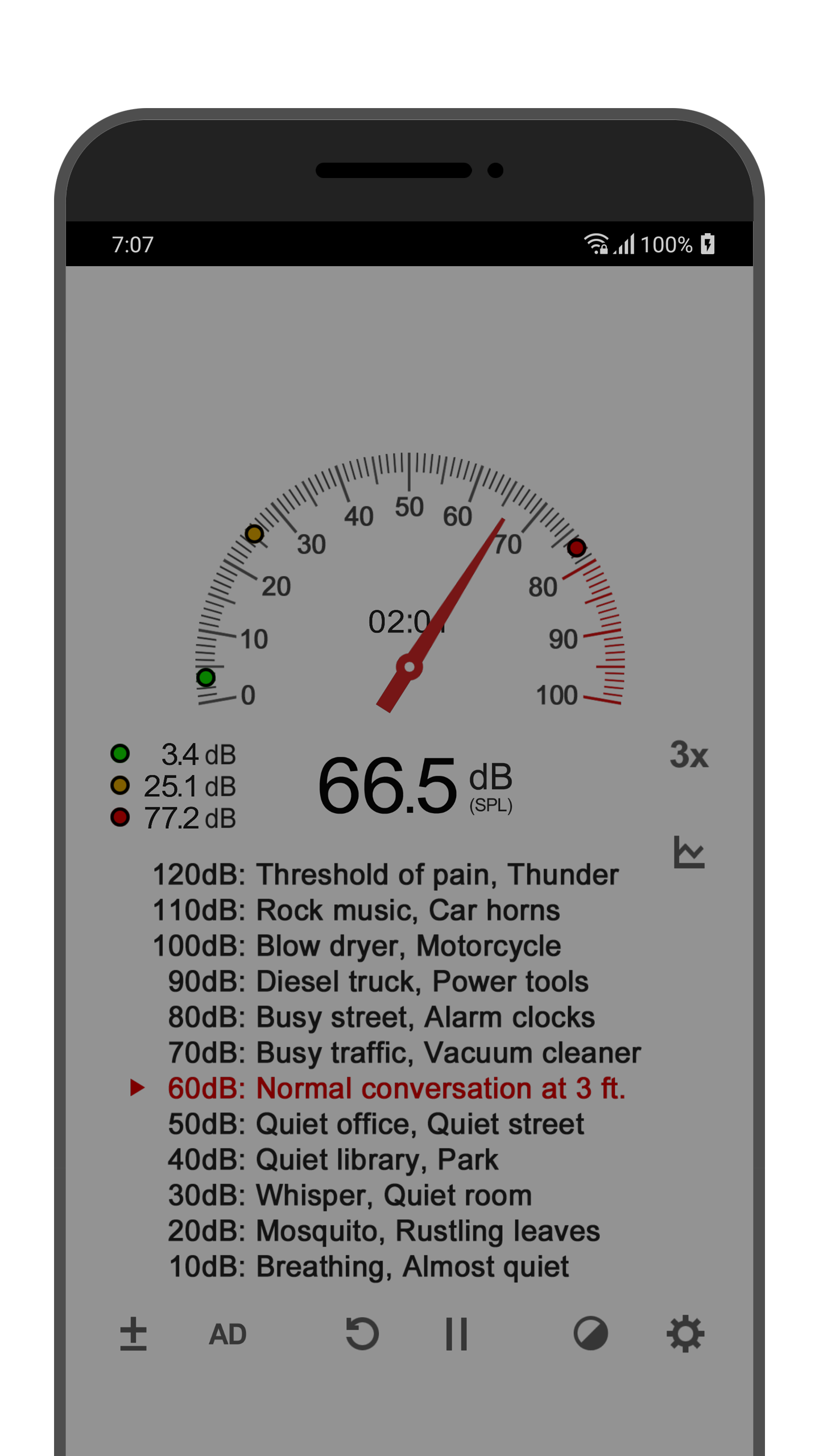
Seems fine. Has a graph and the actual number. Not sure how frequently it samples, seems 2 or 3 times a second. Nice description of the different sound levels. 60 decimal shows as normal conversation. I'm using it to check alarm clock volumes so far they're all 60-decibel; seems pretty low. Already returned two clocks as too quiet to disturb my slumber. Hope this one works better.
Very useful! Though I haven't checked the reading accuracy (though it states very clearly that it's not a perfect dB reader). I would like to measure sound levels with the screen off, and without it ruining the lowest recorded dB level. I would also love to be able to make and export basic logs of results. ...Thanks for a great app!
Kirimkan komentar
Untuk memberikan komentar, masuklah dengan jejaring sosial Anda:
Atau tinggalkan komentar anonim. Komentar Anda akan dikirim untuk dimoderasi.
Kirimkan komentar
Untuk memberikan komentar, masuklah dengan jejaring sosial Anda:
Atau tinggalkan komentar anonim. Komentar Anda akan dikirim untuk dimoderasi.